This blog started as a place to gather tabletop role-playing thoughts. Over time, it transformed into an outlet for professional musings. When my focus shifted professionally to systemic design, the blog shifted along.
I’m quite proud of this collection of tips, tricks, and practices. It’s come to the point where there’s a consistent monthly readership. But it’s also quite meandering and weird, not exactly accessible for a newcomer.
So here’s a brand spanking new Playtank Blog Guide to light your way, Monsieur Newcomer (or returning blog peruser)!
As always, you can contact me at annander@gmail.com or make a comment if you feel a sudden need to tell me something.
You are definitely allowed to see this postas an esoteric library for system designers!
Overview
Key posts for understanding what this blog is about.
There’s just one of them yet, but here’s a spot specifically for posts written by someone other than yours truly.
Game Economy Design: the fantastic system designer Keelan Bowker-O’Brien teaches you how to design economies, providing some reference spreadsheets for your practical use.
Opinion Pieces
As with all things game design, much is just opinion. These are mine.
It’s (Not) an Iterative Process: an attempt to conceptualise how “it’s an iterative process” is actually a problematic adage often used to hide bad processes.
Speak to Me!: some musings on why game dialogue hasn’t really improved in the past four decades.
Boom, Headshot!: an attempt at a constructive treatment of violence in video games.
Game Design
These posts are practical and game design-related, with a broad segment of topics.
Books for Game Designers: by far the most referenced post on the blog. Some recommendations for good game design books.
Game Balancing Guide: a guide for anyone about to go knee-deep into game balancing.
Eras of Game Design: a very broad walkthrough of different “eras” of game design and the many lessons that risk being lost to time if we’re not curious enough.
Designing Good Rules: dedicated to the designing of rules. The glue that make systems work.
State-Space Prototyping: a general discussion on prototyping, but also my favorite method for prototyping systemic games.
An Object-Rich World: pivotal for my own personal understanding of object-object relationships, and still mostly holds up.
A State-Rich Simulation: an expansion of the object-rich world with the meaning and implementation of states and contexts.
What Systems Do: a slightly too general treatment of what systems may do when objects interact.
Maximum Iteration: the five broad things you must facilitate if you want to maximise your iteration.
Games Industry
Ideas that aren’t really design- or systemic design-related but more about the games industry or game development practices in general.
The Systemic Pitch: how to pitch, and how to pitch a systemic game specifically, based on lessons learned.
Custom Tools and Work Debt: the cost of pushing work forward onto “someone” before there’s a definition of the work or the tools it may require.
The Content Treadmill: one of the biggest problems facing game development today and how you can look at the content you create from a different perspective.
Making Money Making Games: a post on budgeting and some of the many unintuitive ways that game developers make money.
Role-Playing Stuff
Where it all began. A mix of musings and one-shots played during the Covid pandemic.
Player vs. Player in TTRPGs: my other favorite way of playing tabletop role-playing games: having the players in the room play against each other.
Courtroom Intrigue: a mini-campaign where players play the leftover nobles who are forced to step up to a challenge bigger than they are.
Investigate Your Own Murder: scenario where you play a ghastly supernatural murder both as the people being murdered and as the agents investigating the crime scene.
The past few years prove that there is a market for premium systemic singleplayer games. Few have listened to us (developers) when we tried to pitch such games for the past decade. Or ever.
This isn’t because there is some kind of conspiracy against systemic games. Not at all. Systemic designs are very hard to sell. Not just to publishers or to customers; systemic designs are hard to sell even to your own team. We get caught by our own excitement, or we try to sell technology or tools as if they are designs when they are really not. The fleeting nature of systemic design feels like losing control, or like a potentially bloated mess of optional sandbox content that we have to make for the simulation to be complete but that will add little for the average player.
In this post, I try to address pitching systemic games, based on my own mistakes.
From the never realised modern day reboot for Thief 4: Dagger of Ways, as pitched by ION Storm.
Pitch Composition
There’s a wealth of literature on how to sell something. Including how to make a good sales pitch. For this post, we’ll stick to a very general high level idea of what pitching needs to achieve, and leave all of that expertise to the real experts. One great book you can take a look at is the book Pitch Anything, by Oren Klaff.
For this post, let’s assume a pitch needs to do three things:
Convince the party you are pitching to that a thing is worth making. A value proposition.
Also convince them that you are the ones who should make it. Establish your credibility.
Cater both messages specifically to the people you are pitching to. The packaging.
Value Proposition
The origins of AAA (or “triple-A”) is from credit ratings. It stands for a rating of low risk, high reward. Or, in the terms of investment banks, “exceptional creditworthiness with minimal risk of default.” It was used in early game development, including pitching, to signify projects that were safe bets with high financial potential. Today, AAA is used to describe anything from team size to budget size.
Like many of the terms we use in game development, it’s become almost meaningless, or at least the interpretations have become too varied for consistent use.
But these origins are relevant. When you pitch something, the value proposition still needs as small a risk as possible with as big of a potential reward as possible.
The Ask
Pitching is to ask for something. It may be funding to get your game across the finish line, developer buy-in to make the next feature, or something else. Be specific with what you are asking for and you will have a less frustrating conversation.
Financial security: If your project fails miserably, maybe doesn’t even get released, they will usually soak up the loss while you simply move on. This part is rarely said out loud, but it’s a key ask nonetheless.
Funding advances: The most obvious ask towards publishers and investors: getting a chunk of change that pays for development. Just make sure to make it realistic and not low- or high-balling your numbers. Say how much you need and why.
Commitment: Asking for your team to commit to your project or to key changes. This can sometimes be the hardest pitching you’ll do. Even more so if your team has low morale.
Marketing help: Getting help marketing your game. Be specific with this ask, since some partners may only do the minimum if you don’t have a concrete marketing spend that is contractually obligated. Be clear with your ask. It’s not uncommon to match marketing spend with development spend.
Technical support: Server architecture, cloud infrastructure, console porting, and other elements of development that are beyond your capabilities as a developer and therefore included in your ask.
The Gains
When you pitch, you must offer something to the people you are pitching to. Money, ownership, future commitments. It’s not enough to offer them a potentially great game, you need to show how it’s more than the sum of its parts.
Cash: Unless you are unable to afford asked rates or you are making a very big ask from a busy partner, you will rarely have to pitch as much if you have cash to spend. But it’s definitely a gain to be considered. If you pay for something upfront, you will rarely have to part with things you’d rather keep.
Revenue: There are more ways to share revenue than there are stars in the sky. It may be time-limited or permanent, the percentage may shrink or grow over time, and the share may or may not be taken from one party to compensate another (advance on royalties). If you want to offer revenue share, you should provide a revenue projection based on real data. One that shows how large the earning potential is in multiple scenarios, for example based on number of copies sold. Just be realistic.
Equity: Instead of potential future profits you can offer ownership. It can be ownership in your company, or a newly founded company that handles this specific project under mutual conditions with investors. Equity allows someone to have a bigger stake in what you are doing and will of course mean that they get a chunk of future profits also. Just be careful to part with too much equity.
Property: You can offer up the intellectual property (IP) you are creating. Your game, its characters and likenesses, assets, etc. Usually including everything related to it, such as potential sequels, merchandise, tie-ins, and more. I’ve been told you shouldn’t accept deals like this today, but it may be on the table and you may not have much authority to say no.
Exclusivity: Something that will often be heavily implied anyway, but not always formalised, is exclusivity: that you won’t be launching on more platforms or making more than one game at the same time. This is less relevant today, where platform holders seem less inclined to pay for exclusivity, but depending on who you are talking to, it’s still something worth considering. It can be forever, it can be time-limited, or have other restrictions. But offering exclusivity can be valuable.
The Risks
Game development comes with many risks that you must address with your pitch. You don’t have to call them out and tell people what your solution will be, but you should consider them and hold yourself accountable for them.
Delays: explain how you plan to deliver your project on schedule. Almost every game project suffers from some kind of delays (for no good reasons). Sometimes those could’ve been foreseen, planned for, or even mitigated. This is really where your credibility comes in. Convince people why you won’t suffer those delays.
Complexity: this is where many systemic designs fail stakeholder scrutiny. They will look or sound complex or complicated, and may imply scale that is not actually required.
Inexperience: if there are things in the project that you haven’t done before, or technologies you need to evaluate and research properly, you have to be very transparent about it. If your whole team hasn’t delivered a game before, this is a major risk that you must be able to address.
Time constraints: release windows, budget timeframes; there can be multiple reasons why your time is constrained. Perhaps you can’t start fulltime until you get the third programmer onboard, and that won’t happen until six months from now. Bring out a concrete timeline that you can safely commit to.
Non-Compliance: the game may become something else than what you agreed on, for creative or financial reasons. Smaller, larger, or styled differently than intended. This is where most creative differences will come from, since many signed deals will be commitments and you’ve just chosen to break them. This is the main reason you’re likely to have milestones and other deliverables along the way, so that any accident about to happen can be course corrected.
DOA: the game may be dead on arrival, missing its target audience or simply failing to gain traction against other launches in the same window. In the best of worlds, this doesn’t just kill your studio, but provides at least six months to a year of time where you can do your best to salvage or improve the situation.
The Value of Systems
The systemic value proposition is extremely tricky. For many external stakeholders it’s not the same as the creative argument or the design paradigms.
Many stakeholders want replayable content that’s cheap to make, and will read “systemic” as making content production easier or cheaper. Perhaps using procedural generation techniques to generate multiple levels from a small set of content, thereby not needing as many level designers or prop artists.
This is not the same as systemic design at all. Systemic design is about letting go of authorial control and allowing players to have the fun. This almost invariably makes a systemic design sound more expensive to make, since it implies a high degree of freedom and a sandbox nature.
If you detect excitement around systemic ideas, be really careful to note what is generating the excitement, or this could be the fundamental misunderstanding you’re experiencing.
Sporeand its many dynamic systems is basically indecipherable as a pitch.
Credibility
Anyone can have ideas but everyone can’t turn ideas into games. You must be able to prove why you should be the person making your thing. What to lead your credibility pitch with is tricky. For systemic games, it helps to demonstrate technical expertise immediately. To line up all the key roles that will address the risks you’ve already mentioned and explain how you’ve filled them.
Studios You Worked At
Studios may get a lot of attention after releasing games that sold many copies, attracted many concurrent players, or gained high scores in reviews and good media attention. Though this front row attention may be fleeting in the media, it will matter a lot for your credibility to be part of these journeys. People may even talk about the best place to be at a given time.
If you’ve mostly worked as a salaried employee, your studio pedigree will be the most important thing you can offer to state your credibility. It also tends to be the first thing many will ask to know.
If you worked at particularly big modern studios, you mention which roles you held and not just the name of the studio. This is because if your title was Junior Assistant to the Senior Assistant’s Assistant, your impact was probably quite small, and talking about this studio doesn’t actually provide much credibility.
Intro slide from one of my talks. I list some prominent studios I worked for under “Freelancer.”
Years of Relevant Experience
Simple maths. If you have fewer years of experience, you have probably learned less. But the keyword here is “relevant.” If you are pitching a big sprawling open world role-playing game after working on first-person shooters for 15 years, people may believe that you know how to make games, but may be weary that you haven’t made this type of game before. This will then become a risk that you must address.
Something that’s almost a joke at this point is to sum up the experience of your team and use that in your pitch. E.g., “250 years of combined gamedev experience.” You can of course do this anyway, but it doesn’t really mean anything.
The easiest and most quantifiable way to demonstrate that this isn’t your first rodeo (if it isn’t) is to list the box art for the games you shipped. If this is a very long list, you can stick to the ones that were important or are more likely to be known by the people you are pitching to.
Similarly to studio experience, you may want to specify what you did on each game too, but only if it becomes too anonymous otherwise. You shouldn’t turn the credibility element of your pitch into a reason to talk about yourself at length.
Choices of Technology
For an external stakeholder, technology that exists and has been proven through previous game releases is worth a lot more than experimental technology. For this reason, technology becomes part of your credibility.
If you come to a pitch and you say you are working on your own engine that will probably be finished a couple of months ahead of release, this will send off warning flags for everyone in the room. But if you say that your team is working with an established third-party engine and you have a working prototype already in place, this will give a much better first impression.
Nothing is wrong with Godot Engine, but it’s not as “proven” as other third-party engines. Not yet, anyway.
Team Shortlist
It helps to have a team already lined up and waiting for your go-signal. A team shortlist is a list of people who have agreed to let you put their name down for if you find the funds. It’s very rarely treated as a commitment, more a way to lend weight to a pitch. It’s better than saying you’ll start recruiting when you have your funding, but it’s not as good as having people already onboard.
Packaging
The packaging refers to how you communicate value and credibility. There’s no right or wrong way here, but it will matter a lot based on who you are talking to.
Preparation
According to the It Was a Sh!tshow podcast, Futurama spent two to three years in preparation before it was pitched to studios. During that time, they explored characters, key art, technology, and many other things.
In game development, we rarely have this room for pitch or concept development. But you do need to prepare as much as you possibly can. You need to figure out the risks, foresee what potential stakeholders will be worried about, and proactively respond allay their concerns.
Matt Groening involved in concept work.
Story
Stories resonate with people. Introductions, reversals, and climaxes. Presenting your pitch as a story doesn’t mean you should lead with your game’s story, it means that your whole pitch should be a story with a proper beginning and end. Start with a bang, end with a call to action.
There are some pitfalls you should avoid, however. Don’t ask open-ended rhetorical questions, e.g. “Have you ever thought about why dogs have two ears?!” Because chances are that they only confuse people and don’t actually make them think the way you want. Take charge of the story and walk through your pitch’s narrative beat by beat. Leave nothing to chance.
If you want to frame your pitch as a story, use video and visual aids as much as possible and let the story come from you rather than the pitch deck.
If you are as good a storyteller as John Hurt, tell a story through your pitch.
Metaphor
A strong metaphor can also carry a pitch. In an interview with Designer Notes, games venture capitalist Mitch Lasky talked about his EA pitch using a container to illustrate the benefits of standardisation.
Metaphors can of course be traps as well, if they in fact illustrate something you don’t intend, but you’ll figure that out as you work through it.
Use a strong metaphor if it fits your whole pitch and doesn’t leave strange questions.
A standardised shipping container.
Novelty
A sad fact is that no one wants novelty. Novelty almost always looks like a risk more than a gain. From Railroad Tycoon to The Sims, many of the most groundbreaking games through the years had few fans in management. Similarly, Markus Persson (“Notch”) said that no publisher would’ve cared about Minecraft if he had pitched it to them: it could only happen by selling it directly to players. You can absolutely lead with how your game is different and new, but be aware of this risk.
Only focus on novelty if you can incorporate a strong why into your pitch.
It’s hard to imagine a novelty so new that it doesn’t even exist yet.
Content
I have a whole post that laments the use of the word “content.” But it’s enough to say that it’s a word often equated with quantity and used by both developers and consumers. Developers will talk about how much content they offer, while consumers will usually ask for more of it no matter how much is on offer.
Most systemic games are not built to funnel “content” to users. Churning out downloadable content (DLC) fits really poorly, and most of the time replayability is a matter of smoke and mirrors. Choosing A instead of B, or approaching through the secret door instead of the main entrance. Functionally, the very same content, but a different experience.
Some systemic games manage to pull it off, like Prey and its excellent Mooncrash DLC, but at other times it ends up feeling artificial and a bit forced. Thief wouldn’t benefit from offering you a special gold-lined blackjack, for example. It would only risk diminishing the core experience.
Therefore, if you want to offer a systemic game, don’t pitch your game on its quantity of content.
There’s no doubt that one of the draws for Warframe fans is its quite insane amounts of content.
Good/Bad
People generally use harsher words than good or bad. What often gets lost is the reasons why we think something is good or bad. Particularly when good or bad is applied to specific parts of a game, such as its story or gameplay. If you didn’t like the gameplay, maybe this made you dislike the story. If you really loved the premise, then maybe you felt better about the gameplay than it actually deserved.
This means that good or bad is mostly a loud declaration of opinion that muddles any real qualities or faults of the thing being touted. If you disagree with the zeitgeist effectively countless “masterpieces,” the gamer population is quick to call you an idiot.
Publishers may not call you an idiot, but you should still avoid calling things good or bad. It may even be that the thing you’re trash-talking is something one of the people you’re pitching to happened to work on.
Therefore, avoid value terms and comparisons to other games.
Whatever you may think about Hollow Knight: Silksong, you shouldn’t bring it up when you pitch *your* game.
Buggy Janky Messy
There are many words for this. Janky, buggy, glitchy, broken, even unplayable. Some game companies have gained a reputation for their games feeling “janky,” while others may have segments that are more or less so. “Eurojank” is sometimes used as its own term.
The issue with this language is that it’s also often applied to complex games. Having to use multiple mapped controls, or using menus in certain ways, will become conversationally equivalent to jank.
No matter what you do, do not use these words to describe your own game unless it’s deeply intentional. If you are making the next Goat Simulator or Gang Beasts, then by all means call it janky. You can also acknowledge if your audience calls your concept janky, and run with it, but don’t introduce the term on your own.
Don’t talk about your own game as janky, buggy, or messy.
If you were Bethesda, you’d never pitch your Elder Scrolls games as “buggy,” regardless of how often the fans may say so.
Technology
In the marketing buildup to the release of No Man’s Sky, if you followed games media to any extent, you would’ve seen Hello Games’ Sean Murray. He was the face and voice for the project and his infectious enthusiasm built a gigaton of hype. But he was also first and foremost a developer. Someone who was enthusiastic not just about what the game actually was but what it could be. A mentality that everyone in game development understands.
If you talk about technology and its potential, be careful to not promise more than you can deliver.
Sean Murray, of No Man’s Sky, was excited about the potential of the game’s technology, leading to many misunderstandings on launch.
Don’t Use Examples
Maybe it’s because of the clickbait era and the tendency for a lot of people to only read the headlines and not the main points, using examples can actually be a problem. If you describe a general system you have and you then say that it’ll be used to generate something like a metal ball, it’ll then become the Metal Ball System and nothing else to some of the people listening to the pitch.
It’s better to provide a framework for your systems and let the audience’s imagination put things together, or you can easily fall into the trap that you need to start defending your example or expand on what makes the example interesting. You don’t want to be put in that spot. Even worse, if you use examples from other games, they may infer different things for the audience than what you had in mind.
Avoid using examples, or they may become people’s most concrete takeaways.
If you say, “the beginning is snowy, as in God of War: Ragnarök,” someone may very well ask you about the shield gameplay.
Building Excitement
Let’s get one thing perfectly clear: you can’t convert your own excitement into a signed contract. Excitement is important when you deliver your message, since we’re social beings, and it can definitely affect your believability and how compelling your message is. But in every other way, your excitement is strictly yours.
No one cares about your deep lore, the motivations of your characters, the 1,000 years of world history you wrote for your fantasyland, or anything else of that sort, until after they have crossed what I call the excitementthreshold. At that point, everyone won’t care, but a subset may suddenly care to the point of obsession.
For every player that praises all the well-written logbooks and audio journals, there are nine others who completely ignore them. For every publisher rep you talk to who loves the cool technical solutions you’re talking about, there are nine others who have never seen Visual Studio and will simply not get what you are trying to make.
For every complex systemic thing you added to your prototype, there will be someone at the other end of the table who asks why the shadows look wrong or why your prototype doesn’t look as visually polished as the one from some other pitch they just saw.
All this and more is bound to happen, and you must learn to really read the room when it comes to which parts of the message to focus on.
Raiders of the Lost Ark
As an example of the excitement threshold, take a look at the original trailer for the movie Raiders of the Lost Ark. Note how this trailer focuses, not on the Indiana Jones we know today, but on the mystery of the Ark of the Covenant and its terrifying implications in the 1930s. Lost artifacts, Egyptian ruins, and nazis: as pulp as it gets.
Compare this to a modern trailer for the same movie. A trailer that focuses clearly on all the character flaws and iconic shenanigans that many of us remember fondly from the original movie.
This illustrates the difference excitement makes. In the original trailer, no one cares about the character of Indiana Jones. We don’t know him yet, or why we should care about him. But once the second trailer hits, and the movie is now renamed Indiana Jones and the Raiders of the Lost Ark, it’s all about Dr Jones, his fear of snakes, and those cool scenes that we all remember.
This comparison is important, because most of us will be facing what Raiders of the Lost Ark faced: an audience that needs to have something else to latch on to than what you want them to be excited about. An audience that doesn’t know Dr Jones yet and will have to discover him on their own.
The same goes for our pitch — you need to treat your audience (the stakeholders) to something that excites them. If you can do that, you’ve won half the battle!
We do see Dr Jones in the trailer, but he’s not the focus.
This is the second part of two in a short series on how to design Your Next Systemic Game, and this time, we’ll dive into designing rules.
A few years ago, I was demonstrating a system to a friend. Look here, you can do this, and when you activate these things, see what happens! It got some excitement, with the synergies involved, and sparked a great comment:
“So it’s more like designing board game rules than a computer game?”
Yes! Yes it is! Just like board game rules, a systemic design needs to be clearer and more easily communicated than even the real world is. Self-consistent, as Tom Leonard once wrote.
But it’s also not. In a board game, players need to understand and internalise all of the rules before they can explore the game’s strategies, and the state-space is clearly restricted by the physical components of the game. In a digital game, much of the interaction can be left for the player to discover and can become obfuscated by complexity itself. Learning how to apply the rules is a process of discovery for the player.
You can’t design your rules too well: arguing rules wording is a time-honored tradition!
Content or Behavior
Before we can design rules, we need to know what they are applying to.
Modern games rely heavily on content. Objects built for specific purposes. A gun. An enemy. A level. You expand your game by adding more of them, or making new types of things that you can then add more of. How a certain piece of content behaves is usually very specific, and even if new content can add new behavior, there is rarely any interconnection.
Systems works differently. If you have the concept of something being flammable in your game, every piece of content in your simulation needs to be adapted to this rule in one way or another. Even objects that are not flammable will usually provide some kind of response, like having the flame fizzle out against it or begin to glow menacingly red and generate a heat haze.
What this means is that you can add more systems and all of the objects you already have will then “just work” based on how you tell them to interact with these systems. You can create a lot more variety this way, by relying on robust interconnected systems, and not having to produce things because the players get bored.
Look at the Building a Systemic Gun post (one of the most viewed on this blog) for a more practical example of the difference this makes.
Designing Rules
There are three key elements to designing rules for emergent effect:
Design simple systems.
Provide intuitive rules.
Apply these rules consistently.
Simplicity
“Combine simple behaviors to give the impression that the monsters are working together,” writes Derek Yu about his game Spelunky. ” This not only creates challenging situations, but it also makes the world feel more like a living, breathing ecosystem. Wherever possible, I tried to add monsters that attack you from new directions, so that when they were paired with existing monsters the attacks would feel coordinated.” (Emphasis mine.)
That’s it: have new enemies attack from different directions. A rule that is never communicated to the player, but serves to inform the game’s development and make them feel coordinated.
A simple rule that, when combined with more simple rules, generates an emergent experience.
Derek Yu’s Spelunky, filled with spiders and snakes (and more!).
Permissions, Restrictions, Conditions
This is the holy trinity of rules design. They get some more attention in a previous post on designing systemic games. At a high level: Permissions are what you can do. Restrictions are exceptions to permissions. Conditions provide the framework for the other two.
The following could be the rules set up for a simple fire propagation system. Each rule here is simple, but it doesn’t have the raw simplicity of “new enemies attack from new directions.”
Permissions: Wood burns. Books burn. Fire spreads.
Restrictions: Water douse flames. Storms douse flames. Magicwood won’t burn.
Conditions: Burning things break over time.
What if Yoshi’s Crafted World provided the permission to set fire to cardboard?
Gestalts
A gestalt is “an organised whole that is perceived as more than the sum of its parts.” Consider a character class in Dungeons & Dragons or the specific role you may have in a hero shooter such as Overwatch. You’re the healer, or the glass cannon, or the damage dealer. These are variations of gestalts.
You can rely on gestalts used in other games, or you can come up with your own. What you want is to provide rules for each gestalt that separates it from others and encourage players to actively switch between gestalts as they play in order to keep the game fresh.
The classes you play in Team Fortress 2 are composed of weapons, playstyles, and more.
Intuition
When we say that something can be internalised, it means that it can be made part of someone’s immediate understanding of the world. Gravity and darkness are two examples of things we have all internalised. You know that things fall if you drop them, and you know that you can’t see anything when it’s dark. If you drop something, you’ll instinctively react to try and catch it. If it gets dark, you squint. Something intuitive can then be defined as something quickly or easily internalised.
Game rules are harder to internalise, because we must first describe the game world. But there are some key terms you can consider. Borrowed from Michael Sellers’ excellent book Advanced Game Design A Systems Approach, and elsewhere.
For easier adaptation, focus on comprehension, elegance, and notion.
Before jumping on enemies to defeat them could be internalised, we needed to learn it. Through goomba stomping!
Comprehension
“[P]resenting the game in such a way that players can build a mental model of it.” Michael Sellers
This one is easy, because you’ve already prepared your Model in the previous post (right?!). Players must understand what they are interacting with. They must be introduced to the rules and be able to decipher the rules. A game with rules that are contradictory or generate too much information in a short time can end up frustrating instead.
We may insist on tutorials or intro sections. On illustrative feature videos. But when it comes down to it, the best way to make our players understand the game they’re playing is by letting them play it. Only when you’ve interacted using a rule a number of times will you understand the rule.
Most players won’t read text — something developers generally pretend isn’t true.
Elegance
“Creating a diverse space for players to explore based on only a few rules.” Michael Sellers
One reason platformers have such wide appeal is that they are extremely simple to internalise. You need to learn how to jump, and many of the other interactions will follow from there. You usually need very few rules and most of them will make sense simply because of that internalised concept of gravity that was mentioned before.
This is also why many shooters will have visible projectiles and simple rules tied to them, like touching a projectile killing you or dealing damage.
Similarly, the best way you can achieve elegance is by building your entire game around a single verb. Jump. Shoot. Drive. Then you can let the other elements click in place based on what comes out of that verb.
Platformers, like the totally not a clone game The Great Giana Sisters, are easy to understand.
Notion
“We have these broken notions of physics and when a video game takes those broken notions of physics and gives them life in a virtual world it doesn’t bother us.” Jamie Fristrom
Not only doesn’t it bother us when our childhood ideas of physics are proven right by a game, against realistic fact, it often entertains us and feels just as natural as reality. A notion is an idea or whim, something that just comes to us naturally. It’s taking the description of a phenomenon not from its published scientific lore but from a science book from the kids’ section in the library.
When we intuitively understand how our momentum is retained through Portal‘s portals, this is notion at its best. Because there are no such portals in the real world, and there’s really nothing to say that we’d retain our momentum through them if there were.
Notion means that things make more sense than they do in real life.
“Thinking with portals” is such a great slogan. Loved Portal!
Consistency
If the Spelunky snake attacks a certain way the first time you encounter it, then it has to work like that in the future as well. If not, the system becomes too unpredictable to internalise. Consistency is important, but it doesn’t mean that everything has to behave the same all the time. It’s the outcome of interactions that need to be consistent, not necessarily the full output of a scenario.
Predictability
“Game systems should have predictable outputs for given inputs.” Michael Sellers
In Thief, if I get spotted by a guard, they will first become suspicious before they are alerted. This gives me some time to react. How much time depends on lighting and circumstances, but you can quickly learn how this system behaves and play on its predictability. Staying behind guards is better than to risk it, for example.
One reason many games don’t involve physics simulations in direct interaction, unless it’s done for fun, is because of its inherent lack of predictability. You want your Rocket League ball to bounce the same, so you can improve your skill at taking shots. A stated rule should always behave the same. A system should always provide the same outputs from the same inputs.
You can master the grenade throw in Counter-Strike 2 because of its predictable trajectory.
Coherence
“[R]ules and content should function the same in all areas of your game.” Michael Sellers
Many games start from very clear rules but make seemingly arbitrary exceptions. You can shoot and kill characters, but if you shoot and kill this particular character it’s game over or checkpoint reload. Or they are immune to the damage. This is inconsistent and will make it harder to internalise the systems involved.
It’s also bad for the sense of immersion. If a player has internalised a tool they can use, it should always behave as expected. Perhaps they have a grappling hook that can let them climb to new vertical locations. But then in the new level, the hook bounces off an invisible wall as the player finds an interesting balcony to reach.
Maybe the level designer felt that it would make the level too easy, or there’s a story beat that introduces this balcony. But if you want to be serious with your rules, this lack of coherence is always a bad thing.
Many games with hub worlds, such as Diablo, will have different rules apply to hub worlds and other areas.
Variability
“Enabling the system to be used within multiple contexts or to have new parts added within it.” Michael Sellers
Once you have your consistent rules in place, you can start experimenting. A guard in Thief that is blind but reacts faster to sound would combine well with metallic floors causing lots of noise to make an interesting scenario.
The more you think of this variability early on, the better. Remember the five areas of maximising iteration: Authoring, Transitioning, Tweaking, Testing, and Updating.
The “Allomancy” magic of Brandon Sanderson’s Mistborn novels creates a lot of variability in interactions.
Extensibility
“[C]reate game systems such that content can be reused in new ways or created procedurally” Michael Sellers
Once you have your simple, intuitive, and coherent rules in place, you can extend them. You can use this to change or even to make make rules, both through your game itself and by providing tools for players to do so on their own.
Systems Changing the Rules
With your systems and rules in place, you can easily let other systems alter their outcomes. Have your spawning system spawn more enemies of a specific type or no enemies at all of another type. Or make it turn entire systems on or off to vary the gameplay.
Some of these things can be represented as systems in their own right, such as weather that decreases your sight or makes all rock surfaces slippery. Other things can be expressed through the game’s UI or story.
The much talked about “AI Director” of Left 4 Dead 2 is an example of a system changing the rules.
Systems Making the Rules
If you push this even further, and modularise your systems more, you can let your systems make the rules. This becomes possible for any system that has sufficient variation in its inputs and outputs. In the board game The Awful Green Things From outer Space, there are various weapons that you can use and various effects that those weapons can cause.
As you run around on the ship in the game, you can pick weapons up. But you don’t know what effect they’ll have. Only once you hit an awful green thing with it will you draw a chit that determines what the effect actually is. They may be very vulnerable against the weapon, or you may cause them to split into more awful green things.
In The Awful Green Things From Outer Space, you don’t know what a weapon will do until you use it.
Players Changing the Rules
Mutators, modifiers, custom game modes. Players have always been fond of mixing things up. What’s important about these changes is that they will always use the same pool of common content and then change the rules in one way or another. Like setting up a custom game in Civilization.
The menu used to personalize your Civilization VI experience.
Players Making the Rules
Back when Xbox Live launched with Halo 2, the community that formed invented many new ways to play. One of the ones I remember was the “zombie” game mode, where you’d arm one side (the humans) with shotguns and then have one player play a zombie using an energy sword.
If a human was killed by a zombie, they’d switch to the energy sword on respawn and now become part of the zombie team. The interesting part of this was that it was an entirely verbal agreement, but still worked. Later Halo games introduced the Forge, where these kinds of variations could be created as customisations and be shared across the community.
Of course, with PC gaming, there’s always been modding, and modding can push things much farther than what something like Forge can do. But modding is beyond the scope of this post.
Some of the Halo series’ Forge features allow players to create and share custom game mode variants.
Communicating Rules
Back in the Game Balancing Guide, you find Dax Gazaway’s classification for players’ openness to learning new rules. If your game is too different from other games, there will be a segment of gamers that won’t like it or may not even touch it.
The This War of Mine boardgame presents its rules in steps, by having the rulebook (Journal) move around the table.
Play, Don’t Show
Games are interactive. Players will understand something that they play much faster and much more intuitively than they will understand something they watch. The connection between button press and feedback will make more synapses fire than just watching through a video.
Because of this, it’s always better to let the player do what they are expected to do than it is to tell them how it’s done. On the very first screen of Super Mario Bros., you’re not told that you have to jump. Rather, if you don’t jump you die and have to start over.
Always aim to let the player play before you show them something.
The Chronicles of Riddick: Escape from Butcher Bay let’s you play using the game’s features in a very clever story-integrated tutorial.
Show, Don’t Tell
Sometimes you can’t rely on interactive gameplay for one reason or another, and you still have information you need to convey to the player. Mandatory information is generally the domain of linear games. Cutscenes and staged sequences are the tools used in those cases. Passive observation techniques.
If you can, avoid using dialogue or written text. This is where film and television are good inspirations, because they try to minimise how much characters talk and how much is shown. Use the minimum amount of exposition or narration, and have the player discover things in their own time. Avoid forcing their hand.
Always aim to show and not tell, and rely on words only if you really have to or don’t have time to find a better solution.
Showing the player something on the other side of a window is slightly better than telling them. This from Dead Space.
The Inverted Pyramid
As a way to parcel out information, you can refer to the inverted pyramid in journalism. Always get the most important element of a rule across first. Ideally, by letting the player experience it first-hand.
Boundaries
A rule is made simple by clear boundaries. “Move one square” may sound simple enough, but can you move diagonally? Can you move into a square where there’s already another object occupying the same space? Can you move into the blue square, or only the white one?
This is where your rules collide with reality and where you will need to really consider what you are making your rules for. Where effects originate from (their sources) and which things are affected by them.
There’s little doubt where the map edges are, or where you can move, in Into the Breach.
Perceived Affordances
What you will quickly notice is that rules can easily overlap multiple systems. If instead of saying “wood burns,” you’d say “flammable materials burn,” we can’t know what the rule means without first internalising which things are flammable. Saying “wood burns” means that the player can look into the environment of the game, identify something as wood, and then understand that it burns. Wood being flammable in this case, becomes a perceived affordance once internalised.
Some interactions can be observed fairly easily. Often because we’ve used them many times before.
Summary
The following is effectively a glossary of the terms used in this post. You can combine it with the previous post and you’ll have a sort of manual on how to go about making a systemic game.
This post lays out a process in three very broad steps for how to put the principles on this blog into practice. There are links to more detailed subject analyses made previously, and attempts have been made to minimise repetition.
Before you get started, you should be aware of how you place your intent on the Master Scale between authorship and emergence. This almost philosophical stance is important for informing you of what the rest of the process will look like.
It starts with The Model; figuring out what you want players to get excited about. Not you, the developer and not your publisher or investor.
It then goes into The Deconstruction, where we take the design and break it down into its constituent parts, taking extra care to find commonalities.
It then wraps up with The Reconstruction, where all those parts are put back together and let loose in simulation form.
The Model
“I do something in the game, I get feedback from the game, and that then changes my next intention and helps me build my mental model of the game. That’s gameplay. Until you have that, you don’t have a system, and you don’t really have a game.”
Michael Sellers
Game design is both overrated and underrated.
Overrated as a means to control players. Writing a book or making a movie is a better way to author something.
But as a means to generate excitement, game design is underrated. Translating our own excitement into player engagement is the hardest part. Even more so for systemic games.
Finding Your Model
This is the most important part of your entire design. Not the mechanics, not the theme: the player’s mental model. A clear understanding encompassing the player’s relationship with the game, that can serve as a link between creator and consumer.
Let’s look at some common ways to find your model.
Peter Molyneux is somewhat notorious for promising one thing and delivering another, but he builds excitement!
Activities
Since games are interactive, probably the most common thing to lead with is the activities you get to engage in. Driving fast cars, piloting space ships, training and riding horses, growing your gardens, play sports; there are many activities that are enjoyed by gamers whether as power fantasies or cozy pastimes.
Role
Some games let you play a character that you can emphatize with. This can be done in one of two ways. Either the game tells you about the character and you’re then expected to empathize with that character just like a movie would do things. The other way is to make the character and player occupy the same mental space anyway, as is the case in Thief: The Dark Project and its sequels.
Mystery
The quintessential mystery setup is the “whodunit,” where there’s been a crime and the protagonists need to figure out who did it and bring them to justice. The right mystery with the right setup can pull players in, as long as you don’t give too much of it away too easily.
Adversity
If your game is one of the many that focuses on combat, you can build your model around the enemy you will have to kill. Consider Halo, Gears of War, or any (reasonable) game with nazis in it. Coming up with this kind of external threat is comparatively easy, but can also make your game feel derivative. It can also be problematic. If it hits too close to real conflicts, your game may even end up banned in some countries.
Goals
Another way to use an external element as your model is to come up with a strong goal for the player or player’s avatar to aim for. Escape from prison. Find the missing thing/person. More abstractedly, it can be saving the world. This goal can inform everything about the game and at best will become something the player can intuit along the way.
Hook
As developers, we often find our inspirations in mechanics. This easily leads to the idea that a hook, as a twist on an existing formula, is something to lead with. Jonas Tyroller has argued against this, but it’s quite common to append a hook to something that is already well established. E.g., a platformer, but played in slow-motion.
Shared Fantasy
References to mainstream media is where movie and IP tie-ins come from. Since gaming got started in strong fandoms, many of the shared fantasies are referential. A colleague used to joke that game developers of a certain generation only ever saw three movies: The Lord of the Rings, Aliens, and Blade Runner. But this shared fantasy means that everyone in that audience can adopt the model of those three.
Market Analysis
Market analysis can help identify what players want. This is a dangerous way to begin a project. If you look at the most successful games, it’s easy to either cherry-pick games that fit your own ideas of success or to mistake the success of a game for the success of its genre. Remember that whole genres that are big today didn’t even exist in their most popular forms a decade ago. Choosing to build your model on a market analysis means that you start one step behind your competition.
What’s Fun
A common idea among game developers is to spend time “finding the fun.” To prototype from very high level ideas until your prototype feels fun to play. In a way, Nintendo’s approach seems close to this, where they can spend a year (or more!) refining a control scheme before they move a game into full production. The tricky part with this approach is that players won’t know how fun your game is until they play it, making it really hard to convince them of that first crucial purchase. Nintendo doesn’t have this problem, as their IPs are extremely strong.
Auteur Direction
The last approach I will mention is to draw your model from a single authoritative figure. A director. My experience is that this rarely works in video games except where games are made more similar to film. If you want to be an auteur you need to be a good leader and communicator first and foremost; it’s not enough to have passion or a “great idea for a story.”
Immersive Research
The most common way to conduct game design research is to play games similar to what you have in mind. By all means, play games. But there are more immersive types of research that won’t translate directly into implementable mechanics. In fact, to immersive yourself in the model rather than the mechanics, it’s a good idea to take a big step away from the gameplay at this point. Zoom out before you zoom in.
One of my immediate go-tos for research is tabletop role-playing games and boardgames. (Photo from my game room.)
History and Mythology
As the saying goes, reality is often stranger than fiction. Watching documentaries or reading books about a certain time period can be very powerful. Like the struggles of Houses Lannister and Stark in The Song of Ice and Fire was strongly influenced by the historical Wars of the Roses between the Plantagenet cadet branches of Lancaster and York, you can also find a strong referece by studying history or mythology.
Exploring Language
Words matter. By using different labels, you can quickly change the meaning of something. In Magic: The Gathering, you draw cards from your library and creatures that are killed are put in the graveyard. It’s not just your deck and discard pile. Finding the right words for your game makes a big difference and can also help differentiate your game from other games.
Mechanics Research
Sometimes you find a game that does a very specific thing a certain way and you seek it out to try it. It can be the camera technique that solves some third-person issue you want solved, the way the inventory worked, a clever control scheme, or really anything at all. There are so many great designs out there that trawling them for mechanics could itself be a fulltime job.
Gameplay Research
If you have more time on your hands than what’s needed to test individual mechanics, you can try gameplay instead. This requires more time investment, since a shallow test of a game is rarely enough to bring out all its nuances, but can also be worthwhile. Think of how Pillars of Eternity isn’t actually the same as old Infinity Engine games but how you remember them. This is the kind of thing you can achieve by doing deeper gameplay research.
Key Technologies
It’s impossible to divorce implementation from design when you are making a systemic game (I’d argue making any game, but that’s a different discussion). Because of this, another thing you need to consider for your design work is technologies that are central to your model. Don’t do this in a generic way. We all need rendering and input handling, for example. But focus on key technologies that this particular game can’t do without.
Player cities were possible in Star Wars: Galaxies because of how its planet terrains were generated.
Tech Ideation
With game development often a quite stressful environment, we don’t spend nearly enough time reevaluating our pipelines. Pure tech ideation can be to build isolated pipeline tests, set up new tools, or even just read related white papers.
Explorative Prototypes
If you come up with a clever solution to a technical problem, or an interesting mechanical concept, you can explore it in prototype form. Timebox this ruthlessly, setting aside a day or a week but no more.
Tech Defining Design
One of my game design pet peeves is our overreliance on cooldowns. Not that anyhting is wrong with cooldowns necessarily, but their origins are partly as tech defining design. A timed limitation to avoid servers getting choked by too much traffic. This is a good example of how you need to be aware of such limitations and keep them in mind. If you can only have a single texture atlas or the player needs to move slow enough so that other players can aim at them using analogue sticks, those things will affect your game and the resulting model.
Artifact: Commitment
Let’s take all this and turn it into artifacts that can be used to communicate the model to a team or to future players.
List shared references. References that everyone on the team needs to understand the model:
Key references: one or two references to rule them all.
Movies and shows to watch.
Gamedev videos to watch.
Games to play; any kind of game.
Books and articles (and blogs!) to read.
Activities to refer to. Fencing, knife throwing; whatever you find.
List narrative facts; story things that everyone has agreed on:
Non-negotiables. That big set piece ending scene, perhaps. Or that the protagonist is really a werewolf.
Characters and character relationships. Who the protagonist is, who the antagonist is.
Theme and setting. Where, why, when, etc.
Major plot beats, if relevant. Big reveals and crucial turning points.
List gameplay facts; mechanical things we have all agreed on:
Target platforms and control schemes.
Level and object metrics; measurements for doors, jumps, obstacles, etc.
High level goals, such as playtime, session length, etc.
Verbs and actions.
Optional but useful, game loops: the defining repeatable elements of your game. Micro loop (second to second), macro loop (minute to minute), and meta loop (hour to hour).
The Deconstruction
Now we have a model for our players and a vision that we can share across our team. Next up, we break this down into objects and high level states.
This breakdown needs to be somewhat ruthless and abstract. It’s less helpful to think in class terms, like Character or Sword, and more helpful to think of it one step deeper. Think about behavior more than visuals, and which parts of a thing that generate its behavior.
Application States
Start out by mapping your game at the application level. This may seem silly, when all you want to do is jump in at the deep end with your mechanics and storylines, but doing this will teach you a lot about your game. It’ll also help you emulate how a player experiences your game for the first time.
Put yourself in a player’s shoes and note down each screen and interaction as the player would approach them. Flesh it out at a high level, without going into the details of the gameplay, so that you can close the whole loop.
A miro board showing the high level application states for the yet unrealised mech/power armor project I’ve called Killshell.
Menu States
A splash screen shows contractually obligated logotypes, your studio name, and perhaps the engine you use. It may also hide any loading you need to do in the menus. After this, most games will display a loading screen and an initial settings screen followed by a menu screen. The menu is further divided into other screens; options, accessibility settings, starting new games, loading old games, and so on.
Game menus and the deeper subjects of User Interface and User Experiences are whole subjects in their own right. Play some games just to see how their menus operate, and remember to close the loop for your game early on. Throw in all the reward screens, info screens, tutorial windows, etc., that you want in your game. Make the menu state breakdown holistic, but stay at the level of which screens you will need. Dive into the Game UI Database for inspiration.
Setup States
Data is the bread and butter of digital games. The menus will be the first time a player encounters this data. A setup state is any state from which you want to retain data. Can be the video settings, the accessibility options, or the player’s finished character coming out of a character creation process.
This makes a setup state a system, effectively, where you need to track inputs and outputs and not just which choices a player can make.
Simulation States
In the example from Killshell, many of the states (The Carrier, Orbit, and Launch) are menu states. But the other states, namely Interface, Landing, Mission, and Retrieval are composed of gameplay. These are referred to as simulation states, since they will be running the game’s full realtime simulation. Whatever this means for your game.
Simulation States
Let’s dive a little deeper into simulation states. Most games will have several different types of simulation state where different parts of the simulation are turned on or off. A pause state, for example, may simply turn everything off except the music, while other elements remain functional. A dialogue state may turn movement off and force your camera to look at a certain target. A cutscene state probably turns off dynamic NPCs (though not always).
Games rely on many types of modal states, such as the lockpicking state in The Elder Scrolls IV: Oblivion.
Logical States
You can look at anything that loops over things as a logical state. Physics, animation, lighting, perhaps something like the modern Zelda games’ chemistry engine. You don’t need to get technical with your state breakdown, you only need to capture the different parts that will affect other states. The reason you want logical states included is that you will want to turn them on or off while other states are active.
Movement States
Running, jumping, flying. Many of these states will restrict controls one way or another and may even lead to other states, such as death if you fall into a chasm after a jump. Listing these and considering their circumstances is very valuable. It’ll help you identify two things: which movement actions are generic, potentially used by all objects, and which are specific, used only by certain objects. Just remember to list conditional states, such as sliding on slopes or failing to climb stairs.
Interaction States
When you lock onto an enemy in a Soulsborne game, this locks the camera and changes how you move. When you interact with something in a Frictional Games game, like Soma or Amnesia, your camera is locked in place and mouse movement translates into physical actions. Both are effectively lock-on states. Sometimes these are integrated into regular gameplay. Other versions take over entirely, such as the lockpicking from Oblivion in the image above. The game’s logical states may still run, so that the player can be spotted picking a lock, or everything pauses to let you fiddle around in your inventory.
Objects
Most games of the kinds I like have characters and props. Interactive objects in the game world. Listing all of these objects is important, and you want to capture as many nuances as possible.
Look at the sword below as an example. It’s a prop, it’s an equippable prop because characters can wield it, but its behavior is further broken down into its constituent parts. The behavior of a sword in a systemic simulation isn’t based on it being a sword, it’s based on it having sharp edges and a stabbing point.
Now is the time to figure out which granularity you want to achieve. If it’s at the depth of this sword, or if it is with “sword” as enough definition.
When you break objects down, break them into their constituent parts.
Locations
Breaking down your locations is also granular. Writing this, I’m sitting in the Milky Way galaxy, Sol system, planet Earth, European continent, country of Sweden, county of Uppland, outskirts of Uppsala city, in our small guest house/office combination. I’m seated at my desk, by my computer, next to a window, on the opposite side of the entrance.
This is a very detailed breakdown, and many of those steps would be unnecessary unless it’s important to know which planet you’re on. At the low end of this breakdown, you find points of interest, like the entrance; and you find props, like the desk and computer. Where you put this dividing line between location and object decides this for you.
Characters
Surprisingly, characters need less breakdown than most other kinds of objects, because they tend to be defined more by external elements (like props) than by themselves. Think of the classic object-oriented axioms of has a and is a. Most of a game character’s elements are has a relationships, where they have the ability to move, carry a sword, etc. What they are is rarely as relevant. The biggest difference between characters is whether they are player controlled or non-player controlled.
Props
A prop is an object that can be held or acticated by a character. Think of movie or theater props and you get it. The most important breakdown for props concern limitations. Where you can activate it from, how many you can carry, etc. You shouldn’t specify the details at this point, only set up which limitations you want to have in your game.
Devices
Some key elements of your game won’t fit into the other object categories. Particularly if your game is narrative in nature. These can be broken down into devices, including things like narrative state, factions and groups, and plot objectives.
Object States
This last type of state has been covered before, and it’s the many different ways we can describe objects in our simulation. We won’t go into details here, only set up some very broad categories.
You can name your entire game after an object state, as with The Rusty Sword!
Condition States
Broken, burning, destroyed, angry, green, starving; most games will have a whole vocabulary of object conditions. Sometimes they’re a fuzzified ladder, say from Hungry to Starving to Dying. At other times, they’re mutually exclusive, like Burning or Frozen.
Context States
All of the runtime states that may happen, whether local, relative, or something else. Behind, above, far, close, etc. I’ve covered these more closely in other posts.
Response States
An object’s ways of handling interactions with logical states, such as physics. Some objects may not interact. A steel door is probably not flammable, for example, but may still have a response state that makes it glow a menacing red if it’s affected by fire for an extended time, and may then burn the player if they attempt to open it. This is a response state unique to the steel door.
Awareness States
Things that are internal to an object can be thought of as awareness states. Reacting to its own health, how much ammo it carries, etc.
Perception States
Things external to an object must be triggered by external stimuli. Seen, heard, identified. Many games will trigger events directly based on perception states. Even more so if you want the player to interact with the game’s perception systems, as you do in a stealth game.
Scripted States
One of the constants in systemic design is the clash between designers that want to direct the player and designers who don’t. In Designer Notes’ interview with Clint Hocking, Hocking talks about this clash on the Splinter Cell team. How some of them wanted to make a more linear game, and others wanted to take inspiration from games like Thief: The Dark Project. Scripted states can be both. They can be exceptions to existing systems that allows designers to make a character impossible to kill or an area impossible to reach. Or it can be for more creative reasons, such as allowing the player to make Hammerite hammers deal holy damage because you submerged them in holy water.
Scripted state can be either specifically scripted and never available at any other times, like the mentioned exceptions, or they can be tools exposing other types of state to designer manipulation.
Artifact: One-Page Designs
With the deconstruction done, you’ll have a long list of single words and short sentences. Each and every one of these should be turned into a one-page design.
How you do your one-page designs will depend on project needs and personal preferences, but some or all of the following are recommended:
Title. Preferably a single word.
Image. A simple illustration
Category. Should refer back to the title of another one-pager, if you need categories.
Relationships. Connections to other one-pagers. Set these apart, for example using a different color, bold typeface, or capital letters.
Inputs, outputs, and feedback. More specific to systemic games. I like having them, particularly feedback, because it can serve as an overview of the player-facing work your systems will require.
Triggers. Any gameplay-related events the object will be firing off into the game.
One of around 150 one-page designs from a cancelled project.
The Reconstruction
An emergent effect is “something that is a nonobvious side effect of bringing together a new combination of capabilities.” This means that you can’t really design it directly. With this in mind, you should start to see what the breakdown has achieved.
We know all the parts of our game now and how they interact with each other. Not in detail, of course. We know all the inputs and outputs of our systems, and we can see the what kind of experience they imply, but we can’t really know the details.
Graph Reconstruction
The reconstruction itself is the act of taking everything from the deconstruction, grouping them together, and connecting them in ways that illustrate their relationships.
You can do this using a tool like Miro or XMind, or you can do it on a physical whiteboard or spare wall. Having this graph in a single place will serve multiple purposes. It allows you to have a single place where you can show anyone how the game is connected. It also moves the conversation from implementation to design: a tricky thing to achieve in game development.
In the Calm Island Sweden team, we did storyboarding as a team exercise using post-its: you could do the same with reconstruction!
Artifact: State-Space Map
At the end of this seemingly longwinded process, with the Model in mind and a long list of states and objects, you can finally put it all together. There can be 10s, even 100s, of individual parts to piece back together. But once it’s done, you’ve finished the design for your next systemic game.
What you will immediately see is that this doesn’t specify much. It’s mostly objects and relationships. But once you have this map in place, you can dive into the next evolution of your systemic design: writing the rules. More on this next month!
The small but extremely useful state-space map for an example project built early 2025.
Here’s a nuclear generalisation for you: the quality of your game is directly proportional to the number of iterations you have time to make.
The adage is that game development is an iterative process. We know we should be tweaking and tuning our game until it feels and runs great. To make it the best it can be; greater than the sum of its parts. Early on, to make sure that the features we work on are worth pursuing.
An iteration can be as small as an incremented variable or as big as a complete reset of your entire game project. What iterations have in common is that the only way to get more of them is to teach ourselves the right mindset and to continuously remove anything that costs time.
For the past few years, this has been at the top of my mind: how to maximise iteration. At the very highest level, you need to remove obstacles, clicks, and tools. The fewer things a developer needs to know or do per iteration, the better.
Remove obstacles. Make the process of iteration as fast as possible, by removing gatekeepers and bottlenecks. Maybe you shouldn’t go through the full approval process for a quality of life improvement, maybe your playtesters should get three separate sets of things to test instead of just one, and maybe a developer can prioritise their own tasks rather than sitting in hours-long meetings or being micromanaged.
Remove clicks. I once heard the suggestion that you lose 50% of viewers with every required interaction on a website. More clicks will invite more pain points, more potential human errors, and will also lead to fewer iterations. Just imagine (or remember) not having box selection in a node tool vs having it.
Remove tools. You need special skills, licenses, installation time, and more, the more tools you require. Everything in your pipeline that can be either bundled into something else or removed entirely via devops automation should be considered. Not least of all because tools development is itself a deep rabbit hole.
Those three are what this is all about. I’ve come up with five areas where you need to optimise iteration, that I’ve obsessively built into my own pipelines. These five are what the rest of this post elaborates on:
Authoring objects and data.
Transitioning objects between states.
Tweaking and rebalancing data.
Testing and comparing iterations.
Updating the game for testing and distribution.
Increased debt leads to decreased value. In game development, fewer iterations.
Authoring
Iterating on object and state authoring means creating new objects and states and connecting them to data. A character that can roam, shoot, and take cover, and has MoveSpeed, TurnSpeed, and Morale, perhaps.
This is one of those things where many developers will get used to how their first engine does things and forever see it as the norm. But most tools for object authoring are actually quite terrible (in my opinion), and are also highly unlikely to match your specific needs. They are far more likely to present you with hoops to jump through and prevent you from achieving fast iteration.
It’s not unusual for getting a new object into a game to take hours and involve multiple people. Particularly if the game’s pipeline has grown organically over several years of production. Where you only had to add a single collision capsule at first, maybe you must now add a full ragdoll, two different sets of hit capsules, IK targets, and a bunch of other things before the new asset works as intended. Some of which has to be created manually. Forget one step, and your game may crash or exhibit weird results.
This is a big threat to iteration. Maybe the biggest. So if you can, you should make your own tools for object authoring that are perfectly suited to your needs, require as few steps as possible, and waste as little time as possible. Or use a tool that’s specifically made for exactly the thing you need, if you can find it.
Unreal Engine has many things going for it, but I well and truly detest the Physics Asset Editor.
Objects
I tend to think of objects in systemic design as Characters, Props, and Devices. This is not in any way strict, it’s only what my favorite designs tend to need. If you are working on a grand strategy game, a puzzle game, or something else, the nature of your objects may vary.
The key to object authoring is variation. A lamp is not the same thing as a crate or a human, but they should be able to interact in interesting ways. To make them interact, you need to be able to vary them easily and then hand off responsibility to the game’s systems in a predictable way.
Something that can’t be stressed enough is to always set working defaults for all of your objects. Make sure that objects work out of the box so iteration can begin immediately. Few things waste more time than “oops, forgot the flag that did the thing.”
Object-oriented
The most intuitive way to represent objects is to use objects, unsurprisingly. A Character can be expected to do certain things and a Door will do other things. Enemy and Player can now inherit from Character and they may make use of a Gun or a Broom depending on the kind of game you’re making.
With this setup, authoring objects is no harder than inheriting from the right class and then tweaking the numbers. This is how Unreal Engine is used by many teams.
But this gets cumbersome if you want a character that can fly or to utilise the dialogue system in a character but for something that cannot move. Or maybe the spline following that characters have, but now for a train car.
Authoring with object-oriented systems seems intuitive but doesn’t handle exceptions well. Everything now needs to be a character if it wants to access certain things, and designers will have to learn the intricacies of all the objects in the game before they can truly begin iterating.
For object-oriented authoring: clearly visualise what an object can (and can’t) do based on its inheritance; don’t hide logic deep into a dropdown hierarchy.
Non-developers often make fun of Fallout 3 for its “train hat,” but this is a natural consequence of object-oriented authoring.
Component-based
If you want your object to collide with things in a physics simulation, you add a Collider. If you want it to move on a flow field, you add FlowFieldMove. The sum of an object’s components dictates its behavior.
This may use many different types of component setups, but the two most common are GameObject/Component (GO/C) and Entity Component System (ECS). Both Unreal and Unity uses the first, but in very different ways. Both Unreal and Unity also provide ways to use the second, but in ways that are mostly incompatible with the first.
Conceptually, component-based object authoring is great. In practice, it tends to be a deep rabbit hole of exceptions and flawed component combinations that have grown organically through an engine’s lifetime.
For component-based authoring: make non-destructive tools with opt-in as the default rather than opt-out. Provide good error messaging for when requirements are not met.
Most game engines today are data-driven at some level. You plug data in, it gets compiled into an engine-friendly format, and voila: the engine knows what to do. The data is picked up by a renderer, physics engine, or something else, and things simply happen just the way they are supposed to because the data is clear enough to just chug along. Like feeding coal into a steam engine.
With a data-driven approach, you will usually be collecting all that data and bundling it up using authoring tools. Bring in the mesh asset, animate it using animation assets, play some sound assets on cue, etc. The data itself will drive the process. For example in a “target-based” setup, where one piece of data activates another which activates a third, etc., until the game level or other logic has run its course.
For data-driven authoring: provide clear debug information and visual representations for where data is coming from, when, and what it allows.Make it clear what data is expected where, so no steps are missed.
Shot from CryEngine’s Sandbox editor; a level editor. Most level editors produce data-driven content.
Transitioning
You need ways to define how something goes from Alive to Dead, or when something should be Idle instead of Moving.
This layer of authoring and iteration is very rarely straightforward, and parts of it are almost always deep down in the code for your game. This is bad. So let’s discuss how to make it not bad, and how to open up your game for more direct rules authoring through state transitions.
Possibly the most clearly signposted state transition in all of gaming: when a player character goes from alive to dead.
The State in your State-Space
If my use of the word “state” in this post gets confusing, you can look into the state-space prototyping post to see what I mean. This is not standard jargon used by all game developers, but it is a key part in my own framework.
A good state authoring tool allows you to list which states an object can be in, where it can collect changes from, and how it behaves in relation to other objects and their state. Just to be clear: this doesn’t have to be complex at all. It can be enough to list the actions an entity can use and then leave it to other systems to actually select actions.
Make it easy to list states and transitions per object.
A soldier, an assassin, and a rat, as represented by which actions they have access to in F.E.A.R’s Goal-Oriented Action Planning.
Permissions and Restrictions
Take a look at the An Object-Rich World post if you are curious about other models for working with permissions and restrictions.
The most important element of permissions and restrictions is predictability. There are many cases where our games become interconnected in ways that are not immediately visible. For example, when you say that a character’s ability to Move has been restricted due to a state, you may have to manually add this to multiple places. Perhaps the sound, animation, and head-bobbing system also need to be paused separately. This is extremely bad, because it means both that you will get unpredictable results and that you will often have to revisit the same changes.
Provide state transition information with data reporting, so that you can keep track of all the whens and whys.
Make states have meaning; if a state says that an object cannot move, this should be definitive.
Object representation in System Shock 2‘s tools.
Specific or Generic
A specific state is only relevant for a particular object. A generic state can be used by any object sharing the same characteristics. Think of the idea of spotting something, for example. A sensor picking up that an object can be seen.
If a player is going to spot something, this needs to be specific, since the player’s avatar, unlike a NPC avatar, will generally have a camera attached to it. So to check if the player spots something, we can use the camera’s viewport to determine if the thing is on-screen or not.
A generic version of the same thing could instead use the avatar’s forward vector, an arbitrary angle, and perhaps a linecast, to determine if the object can be seen. This could be used by any avatar, player or otherwise, and would probably be accurate enough if your game doesn’t need more granularity.
Differentiate between Specific and Generic states, so that you will never accidentally add state to an object that won’t work.
It’d be tricky for the Fatal Frame games to use a generic solution: the camera is specific to the player.
Exclusive, Inclusive, or Parallell
An exclusive state is the only state that can be run at a given time, whereas an inclusive state also allows other state to run alongside it. Parallell states are made to run at the same time as each other and may therefore not poke at the same data, or you could get unpredictable results.
Set clear guardrails between Exclusive, Inclusive, and Parallell states. Plan what you need each state to be able to do and where to get its data.
A queue, or “first in, first out” data structure, executes the state that is currently at the front of the queue.A stack, or “last in, first out” data structure, executes the state that is on the top of the stack.A list or array loops through and executes all of the states that are currently in it.
Conditions
A state is conditional if it only activates based on preset conditions. It’s your if-then-else setup. Conditionals will often need considerable tweaking, and if you’re not careful in how you build such systems, they can turn into a tangled mess. Just like nested ifs.
Common ways to handle conditional states are predicate functions, tags, flags, and many of the other things brought up in the A State-Rich Simulation post. Preferably, setting or changing conditionals should be just a click or two, and it should respect the type of data separation mentioned earlier.
When a game has multiple dynamic sources for conditions, it quickly gets complicated. For this reason, your tools should provide debug settings for visualising where conditions are coming from, and you can also log everything that gets triggered by certain conditions during a session.
Visualise which conditions apply at a given moment and why.
Show when conditions are unavailable and why.
Log transition changes and which conditions made them change.
Conker’s Bad Fur Day has context-sensitive conditions for some actions.
Injected
A state is injected when it’s pushed into an object. This can follow any number of systemic effects, from straightup addition to slightly more granular propagation.
Common points in a game simulation for state to get injected are collision events, spawning or destruction, proximity, spotting, and various forms of scripted messaging. This means that having a solid system for defining such injections is a great starting point for how transitions will work in your game.
If you have the concept of a Room, for example, this Room may keep track of what’s inside of it and then propagate that knowledge to anyone visiting the room. Objects would then inject their presence into the room, while the room would inject relevant state into the objects in turn.
Show when, how, and from where a state injection occurs.
This NPC follows the rule to take the nearest gun in a room and attack the player with it; just happened to be my gun.
Explicit or Dynamic
An explicit conditional state is something like the Idle state pushing a Move state onto an internal stack because move vector magnitude is higher than zero. These are the only circumstances where Move will ever happen, making it an explicit transition.
A dynamic state would be something like a gunshot killing you by injecting the Dead state. This is a dynamic transition because it can happen at any time, and beyond any restrictions on the injection itself (ammo, aiming, etc.), you won’t be defining anything in advance, and you’re not really waiting for it to happen. It happens when it happens, or it may not happen at all.
Make it clear which explicit states are running at any given time.
When dynamic state is triggered, make all of its relevant overrides predictable and singular: it should always be enough to turn something on or off once.
As if the T-pose isn’t enough of a giveaway, this placeholder character is also telling us about its IdleAction state.
Timed
A state is timed if it remains active for a limited time. It can also loop over a given duration and either bounce back (i.e., from 0 to 1 back to 0) or it can reset and repeat. The current value of the timed state is often referred to simply as T and should be a normalized (0-1) floating point number.
This type of state is extremely handy, and you will want to tweak how the T value output gets handled in as many varied ways as possible. You want to be able to use curves, easing functions, and all thinkable different kinds of interpolation.
Timed state can be used to achieve anything from a Thief-style AI sense of “smell,” to a menu blend, to an animation system, to reward pizzazz. It’s the perfect type of state for an interstitial and is where you will be able to do much of your polish.
Activating Quake‘s classic Quad Damage makes you deal four times as much damage for a limited time: a timed state.
Provide visualisations of start and end positions for timed states.
Allow developers to scroll timed states manually to preview them.
Interstitial
A state is interstitial when it’s added between other states without affecting them beyond the delay this may cause. Screenfades, stop frames, and sound triggers, are some examples of this.
Allow states to resume after interruption, so that you can use interstitials in a non-destructive way.
Frame cancelling is a competitive technique making use of a bug in Super Smash Bros. interstitial stop frames.
Tweaking
Objects and states will be defining the game at its highest level. But you will also want to change the rat catcher’s catching range from 2.3 to 2.5 and maybe add an additional key to a curve to make a fade-in smoother.
It’s been mentioned before, but may be worth repeating: you should separate data from objects from the very beginning of your project. Every second you can avoid having to navigate the jungle of files in your project is a second gained towards additional iteration. Remember: remove clicks and remove tools.
Many games will expect either a database approach (“spreadsheet specific,” in Michael Sellers’ terms), or they will have a hard connection between an object and its data. But a good data authoring tool is either integrated with the game engine or is an established external tool, such as a spreadsheet or database, that has a single-click or dynamic export/import process into the game.
Like Spinal Tap, you may sometimes want your volume to go one step higher than anyone else’s!
Data in the Client
Many games still to this day keep data hard-coded into their compiled executables. This can be done for security or obfuscation reasons, out of habit, or because the engine used for a certain game is structured that way.
For a small game with simple data, this is rarely an issue. You can make your changes, recompile, and then test, within seconds. But for bigger or more complex projects, it can have a cascading effect on iteration complexity. It also forces you to rely on programmers even for changes that have nothing to do with game logic or code.
If you can avoid this, do so. It doesn’t matter if a compile takes five minutes, it’ll be stealing those five minutes over and over again. It will also decrease the number of iterations you can make.
If you moved an enemy spawn in The Chronicles of Riddick: Assault on Dark Athena, you had to recompile the game data.
Data in Scripts
Issues with compiled data are not new. One common way to avoid some of them is to use lightweight text files that can be loaded and interpreted at runtime. This can be done in one of two ways.
You can construct data this way. The below is a small example of this, where Lua was used to package information about different sectors in a space game. In this case, a sector has details about which other sectors the player can travel to, which pilots are present in the sector, and which stations and colonies can be visited.
This is information that could’ve been hardcoded into the client, but this way it’s made available at runtime and much easier to iterate on.
Sector201 = {
Name = "CETACEA",
X = 0.0,
Y = 0.0,
Objects = {},
Colonies = { 201 },
Stations = {},
Pilots = { 201 },
Sectors = { 202 , 203 , 207 , 103 , 1001 }
},
You can build logic this way. The next example is also Lua, but is a narrative sequence from the same space game. By exposing gameplay features to Lua, it becomes possible to script these sequences that can be loaded and parsed by the engine on demand. One benefit of this is that you can rewrite the script, make the engine reload the data, and then test within moments of making the change.
-- Intro: TURN ON THE LIGHTS!
Lights1 = "You flip the switch. A raspy mechanical sound spreads through the room before a row of floodlights illuminates the scene."
Lights2 = "The room is a small tubular compartment with a single bunk. Everything is made of shining black metal, lined with other metals and a dark faux-leather finish in some places."
function intro_5 ()
SendMessageS( "narr" , Lights1 )
SendMessage( "wait" )
SendMessageS( "narr" , Lights2 )
SendMessage( "wait" )
SendMessageS( "Examine this room" , "LifeSupport" )
end
Data in a Database
If there’s such a thing as a standard today, it’s to store your data in a database. This database may live on a proprietary server owned by the developer or publisher, or it can utilise something in the cloud, like Microsoft Azure or Amazon Web Services (AWS). It can also be an offline database that you store with your game client much like a script.
A database forces you to decouple data from objects and allows live editing of data (if in the cloud). Most modern live service games do this for some of its data, if not all, as it makes it a lot easier to respond to community feedback and fix data-related issues.
Good tools for data manipulation is a key element for every iteration process. This shot is from Hercules.
Baseline-Attribute-Modifier
Planning how you structure your data before a project begins can save you many headaches. If you want to do MoveSpeed, you could have a MoveSpeed baseline multiplier at 1.0, each object could have a MoveSpeed attribute of maybe 10-20, and gear or other props could then add their own MoveSpeed modifiers on top as additions, multipliers, cumulative multipliers, or some other thing. You’d get something like MoveSpeed = Baseline * (Attribute + Modifier(s)).
If you manage to separate these from their objects you can mix things up for any reason you want without ever touching or even looking for the objects ever again. The amount of time this saves for more iteration can’t be overstated. (Again: remove clicks, remove tools.)
Maybe you want to modify Baseline based on difficulty, so that MoveSpeed is 1.5x on Easy, but only 0.75 on Hard. Or go in there and double the MoveSpeed attribute for all enemies that have the Small trait. With this type of separation, all of those things can suddenly be done in seconds.
This makes everything from bulk operations to conditional exceptions a lot easier to make and therefore to iterate on.
Separate your data into logical containers, such as Baseline, Attribute, and Modifier.
If you find yourself needing to change the “Enter Ragdoll Sound” field for 100 characters … have fun with that!
Change Sets
A change set is a collection of changes made to your existing data. You can look at it as a changelist or commit in version control. Bundling variables into change sets is a handy way to keep track of what you are doing and makes it easier to compare one change to another.
Change sets really come into their own if you can combine them, turn them on/off, and provide more than one at a time. Over time, these sets can become like a log for your earlier tweaks, creating a kind of tweak history for your game’s design.
Bundle collections of changes into change sets. E.g., “double move speed.”
Identify change sets modularly, so you can test more than one thing at a time.
Think of change sets as similar to changelists/commits/submissions in version control.
Testing
To know how any iteration works out you need to play it. But it’s not enough to merely play as you usually do. You need to compare changes and report when something doesn’t work out. Even as a solo developer, a solid reporting tool can be the difference between fixing problems and shipping with them.
This is where your change sets from before will work their magic. Let’s say you made a “goblin damage debuff” change set where you decreased how much damage the goblin dealt by half, and you now go into your change set tool to activate that change set. Or you tell external playtesters to play once with and once without the change set.
You can suddenly talk about balancing the same way you’d talk about feature implementations.
In-game bug tickets, from a talk on The Legend of Zelda: Breath of the Wild.
Versioned
I encounted Semantic Versioning during my first mobile game studio experience, at Stardoll Mobile Games. I’ve stuck to it ever since. The summary for Semantic Versioning is so simple, yet so powerful:
“Given a version number MAJOR.MINOR.PATCH, increment the:
MAJOR version when you make incompatible API changes
MINOR version when you add functionality in a backward compatible manner
PATCH version when you make backward compatible bug fixes”
This is a convenient way to plan your assets. The Patch version can be automatically incremented whenever you build your game to identify each change and you can regulate when the Minor and Major version must be incremented.
For example, you can plan that you only release a new Major when you are releasing new content and a Minor when features are added or changed.
Maintain clear versioning, even if just for yourself.
Always Playable
At Calm Island, we used to maintain one Dev and one Stable branch. The latter meant we could always show the game to any external stakeholders, even if it may have been an older build. The stable version was also the one deployed to stores after final validation.
The idea to always keep your game playable may sound self-explanatory, but good processes for this are uncommon. Many studios still use a single main branch for everything and when a deadline looms the only way to safeguard its health is to enact some kind of commit/submit stop where no one is allowed to push anything that risks the playability of the build.
This often results in a rush of new code and content right after the stop is lifted, that almost always breaks something and may take days or weeks to resolve.
Make sure that you can always play a recent version of your game.
Making many small games in a short time puts high pressure on playability. Zoo Party being one of the games made at Calm Island.
Targeted
A common issue with playtesting is that you need to jump through hoops before you can test the thing you’re actually working on. This can be because you need to launch the game, go through the splash screen, load the right level, noclip or teleport to the right place, etc., before you actually play. If your game is unstable (see Always Playable above), this can be further exacerbated by crashes or bugs that are not yours to fix.
To avoid this it’s important to be able to do targeted testing. Using isolated environments, such as a “gym” level for movement testing, and testing exactly the thing you just tweaked or implemented without any distractions.
Provide shortcuts and settings that let you avoid time sinks.
Make it easy to choose what to test.
Make it clear what is being tested.
Image from a development test level in the indie game Paperklay.
Modular
You need to be able to mix and match both systems and change sets in your game, to iterate as much as possible. Play without the enemy AI running, no props spawning, or with that goblin damage debuff or double move speed turned on or off.
You can look at this like the layers in Photoshop, where you can turn things on or off so they don’t impact your testing when you need to test something specific.
Make your systems modular.
Make modules easy to toggle.
Think of your game systems and change sets as the layers in Photoshop.
Interchangeable
Once you have a modular setup, make sure that you can switch quickly and easily between different modules as well. Make them incerchangeable. If you need to test playing against only a single goblin, but that goblin can’t move, and you have only torches and stale bread; then it should be as few clicks and tools involved as possible to do so.
Allow testers to easily switch out and modify what they are testing: anything with the same output should be able to tie into the correct input.
Allowing units, systems, change sets, props, etc., to be swapped out, leads to UEBS2-level opportunities!
Simulated
Once the data is separated, you can take it one step further: you can remove entire segments of your game and isolate iteration and testing to retention loops or other longterm systems.
Think of a standard game loop. You have some inputs into each session, such as matchmaking settings or difficulty selection. This input affects how the session plays. Once the session completes, you get outputs, such as XP or treasure, that you can then reinvest into progression. This is the template for many standard game loops.
Simulated state allows you to pretend that one of these steps happened without actually having to take the time to play them. You can randomise the inputs and then play, or skip the session entirely to only work on the output and investment cycle. Once you reach the modular and interchangeable iteration dream, this is quite possible.
The value of this type of testing is high, since longterm systems often don’t get the testing they need simply because you must finish a real session of gameplay to get the “proper” outputs.
Make it possible to simulate the systems without running them.
Lt. Gorman (from Aliens), with his 38 simulated drops, would make an excellent iterator.
Comparable
Being able to compare different iterations to each other and choose which comparisons to make is more of a meta tool than it’s directly testing related. It’s more about comparing the results you gain from testing than the testing itself.
Look at the Game Balancing Guide for some inspiration on what kinds of things you could potentially compare.
Show the data; show comparisons.
Once you can “equip” change sets and compare them, like items in Diablo IV, you have built a powerful testing platform.
Reportable
If you find something that’s not great or that you want to revisit, make it easy to take notes or report to a central system; you may even go so far as to generate planning tickets from an in-engine event. Have your testers press some easy to access key combination (on controllers, maybe to hold both triggers and both stick buttons down for one second).
Make it easy to file bug reports and provide feedback without leaving your game.
Integrate screenshot tools and video recording.
The replay mechanisms in StarCraft II are not just excellent for competitive gaming, they’re also fantastic debug tools.
Updating
Sometimes in a big team, the more technical tasks involved with the build and distribution process are invisible to you. You may hear about porting or signing or compliance, but you never have to deal with any of it. You happily playtest on whatever is easy and available, usually your development computer. Sometimes even inside of your development environment.
The reason this happens is because your updating process is not built with iteration in mind. Builds take too long, frequently don’t work, and distributing to local devices is a hassle. Many teams “forget,” or rather downprioritise, testing on their proper target devices.
Test on Target
One of the stranger things I’ve run into is developers who not only dislike testing on their current target platform but basically refuse. It’s so much easier to stay in your comfortable development environment indefinitely. Some studios may even resent some of their own target platforms, for example mobile platforms or consoles, because they are allowing personal opinion to affect their professionalism.
But there’s really no excuse: you should always test on your target devices.
Test on target devices.
Test your lowest spec targets.
Some games take more space to test than others. In this case, Steel Battalion: Line of Contact and its custom controller.
Visible Versioning
Something that’s easy to overlook is to keep visible and easily copy/pasteable version information on-screen in your game. This is good for a product after launch too, so that players can provide you with more detailed information if they experience bugs or crashes.
Make version numbers visible in all game builds, including release.
Bethesda’s Starfield displays its version number in the bottom left corner of the Settings screen.
Test Automation
One of the first things I did in gamedev was to drive cars along a race track’s edges to make sure that the collisions worked like they should. A kind of testing that you can automate relatively easily. In test-driven development, testing and automation is already part of the thinking, and there’s really no need for game development to be different.
Automate the right things, however. An automated test can’t tell you about quality. It can’t suggest design changes or warn that a player may not understand the phrasing of a dialogue line. Automate regression testing, compliance testing, integration testing, and the driving along the tracks to test collision. But don’t automate quality testing.
Automate functionality testing, but not quality testing.
Croteam’s excellent talk on tools used in The Talos Principle was the first time I heard someone talk of using test automation.
Build Automation
Building for all of your platforms without having to do so manually is an essential element of game development. No amount of testing in a development environment compares to testing real builds.
Automated builds are often triggered by new commits or version increments. It’s also common to have nightly builds, hourly builds, and build cadences based on testing needs and build duration. What’s important for such a pipeline is that it can clearly say what’s going wrong by posting logs and details to the relevant people. A Slack channel, for example.
What you absolutely don’t want is to put developers on fulltime duty to get builds out.
Building the game automatically and get new builds continuously without requiring manual intervention.
This friendly guy, Jenkins, drives many devops pipelines.
Distribution Automation
Once you have a build, you need to get that build onto the right device for testing. Most devkits and software platforms allow remote connection. You can usually set up jobs to trigger automatically when a build completes and publish your game to your testing platform (or even live) without requiring any work at all.
Remove all obstacles for build distribution: make it a single click (or less) to get a functional build to play on the right device.
A Nintendo Switch E-DEV devkit, as photographed by a user in the r/gamecollecting subreddit.
Endnotes
Hopefully, this post provides some food for thought on iteration and what it really means. If not, tell me every way I’m wrong in an e-mail to annander@gmail.com or in a comment.
Here’s the list:
For object-oriented authoring: clearly visualise what an object can (and can’t) do based on its inheritance; don’t hide logic deep into a dropdown hierarchy.
For component-based authoring: make non-destructive tools with opt-in as the default rather than opt-out. Provide good error messaging for when requirements are not met.
For data-driven authoring: provide clear debug information and visual representations for where data is coming from, when, and what it allows.Make it clear what data is expected where, so no steps are missed.
Make it easy to list states and transitions per object.
Provide state transition information with data reporting, so that you can keep track of all the whens and whys.
Make states have meaning; if a state says that an object cannot move, this should be definitive.
Differentiate between Specific and Generic states, so that you will never accidentally add state to an object that won’t work.
Set clear guardrails between Exclusive, Inclusive, and Parallell states. Plan what you need each state to be able to do and where to get its data.
Visualise which conditions apply at a given moment and why.
Show when conditions are unavailable and why.
Log transition changes and which conditions made them change.
Show when, how, and from where a state injection occurs.
Make it clear which explicit states are running at any given time.
When dynamic state is triggered, make all of its relevant overrides predictable and singular: it should always be enough to turn something on or off once.
Provide visualisations of start and end positions for timed states.
Allow developers to scroll timed states manually to preview them.
Allow states to resume after interruption, so that you can use interstitials in a non-destructive way.
Separate your data into logical containers, such as Baseline, Attribute, and Modifier.
Bundle collections of changes into change sets. E.g., “double move speed.”
Identify change sets modularly, so you can test more than one thing at a time.
Maintain clear versioning, even if just for yourself.
Make sure that you can always play a recent version of your game.
Provide shortcuts and settings that let you avoid time sinks.
Make it easy to choose what to test.
Make it clear what is being tested.
Make your systems modular.
Make modules easy to toggle.
Allow testers to easily switch out and modify what they are testing: anything with the same output should be able to tie into the correct input.
Make it possible to simulate systems without running them.
Show the data; show comparisons.
Make it easy to file bug reports and provide feedback without leaving your game.
Integrate screenshot tools and video recording.
Always test on target devices: no amount of emulation will ever compensate for real qualitative testing.
Have as many diverse target devices available as financially and physically possible.
Test on target devices.
Test your lowest spec targets.
Make version numbers visible in all game builds, including release.
Automate functionality testing, but not quality testing.
Building the game automatically and get new builds continuously without requiring manual intervention.
Remove all obstacles for build distribution: make it a single click (or less) to get a functional build to play on the right device.
This post is all about what game balancing is and how to do it. Just remember that every game has its own unique needs and challenges, so cherry-pick whatever sounds reasonable for your game. This post will become a “living” post of sorts, added to over time.
Tell me about your own balancing tools and tricks at annander@gmail.com or in a comment.
Sections in this post:
Targeting: who you are balancing for.
Points of Reference: what you are balancing against.
Points of Differentiation: the exceptions you are making to your points of reference.
Tools: various methods and techniques that you can use when balancing your game.
Tightrope walking is certainly more dangerous than game balancing, but I’m not sure it’s harder.
Targeting
Before we get into the balancing itself, we need to know who we are balancing for. Paradoxically, this doesn’t have to be your target audience per se. A player who bought your game but never installed it is still part of your target audience; but they are not part of your balance targeting.
From a cursory image search, it seems that you measure how “hardcore” a gamer in numbers of screens.
Player Attrition
Some players simply don’t care for your game at all for one reason or another, or lose interest after a while. These matter to game balancing because they are inevitable. One element of your balancing is who you are not balancing for.
There are two very broad types of player attrition: the burn and the churn.
Burn
Players who touch your game and get burned, like on a hot stove, never to touch it again. Knowing who you are willing to burn means that you can plan for it and exclude any balancing fixes that cater to that group. Pleasing the burned only wastes time.
Burned players will never come back. It can be because the genre or gameplay doesn’t appeal to them, because it didn’t match expectations, or for many other reasons. What’s important to understand is that this is fine. You’re not making a game for everyone. Your multiplayer action game is not going to appeal to a fan of turnbased singleplayer games and no amount of balancing will change this.
Hunt: Showdown was a game that burned me personally with its PvP elements; something that is key to the PvPvE design.
Churn
Churn rate is the rate at which players stop playing your game. In the best of worlds, you are able to collect data that tracks when players are churned. In a puzzle game with linear progress, for example, if many players stop playing halfway through the fifth puzzle, that could be an indication that they don’t understand how to proceed. Or if many players stop playing after dying four times against the second boss, it may mean that it’s not clear enough or too hard.
Players churn after giving your game a chance. You can win churned players back or delay the churn by understanding your audience. One goal of good balancing is to keep these players playing.
I churned out of Destiny 2 once the grind became too jarring for my gameplay experience.
Profile
In his book, Introduction to Game System Design, Dax Gazaway employs measurements that are very practical and useful for when you want to figure out your design target. The book has more measurements. For this post, I’ve stuck to those that can be quantified.
Tolerance for Learning Rules
Understanding how a new game works is an acquired taste. Many a gaming console has been purchased to play Grand Theft Auto and EA Sports FC exclusively. A gamer today can be someone whose hobby is to play Fortnite or League of Legends, and who hasn’t spent more than a handful of hours in total even trying other games.
Refusing: players that don’t want to learn anything new at all, regardless of how you package it. They want things to behave a certain way. Gazaway’s example is how Wii Bowling managed to attract people who didn’t really play games, because it was close enough to real bowling for the rules to transfer readily between the different media. They don’t want new rules, but they can transfer what they already know.
Resistant: players that are willing to learn some new things to be able to engage with games in a genre they like or a series they follow, but tend to not leave their comfort zone. The aforementioned Grand Theft Auto and EA Sports FC players.
Neutral: where you’d categorise most “casual” players. Willing to learn new rules to play a specific game, but more as something that goes with the territory than something to be actively sought.
Accepting: players that don’t just reluctantly embrace new rules but dig deeper and even learn more than they may need to. This is the space for many “hardcore” players, that stick to a genre and explore it deeply with character builds and clever solutions. More likely to try something new that they still recognise.
Enthusiast: people that read game rulebooks for fun. They will probably move on to the next game once they have understood this one.
Tolerance for Failure
Gazaway expresses interest in challenge as a ratio of failures against successes. A game that can be measured as 20 failures against 1 success (20/1) is clearly a lot harder than one that is measured as 1 failure against 100 successes (1/100).
A player that starts getting frustrated after failing twice against each success will be burned by the 20/1 game. But so would a player that thrives at 10/1 while playing a 1/100 game. Not to mention that a game that suddenly goes from 5/1 to 20/1 is likely to churn some of its players.
Desired Time Investment
Free-to-play advocate Nicholas Lovell talks about the Starbucks Test, which he paraphrases from then Natural Motion CEO Torsten Reil as, “Can you play your game and have a meaningful experience in the time it takes for a barista to make your macchiato?”
This is the very bottom of the time investment rung, where you can fit a play session within your other daily phone activities. On the opposite end, you have games that take many hours, even several days, to finish.
According to Midia Research, “[c]onsole gamers spend – on average – 10 hours gaming per week, while PC players spend a little less (9.7 hours).”
Gazaway talks about session time vs total time. A single-player roleplaying game may take 80 hours to complete, but you can play sessions of variable length. It may even pass the Starbucks test, letting you jump in and defeat a monster before they call out your name.
Payment Ceiling
If you are making your game for middle-aged gamers in the west with stable income, you can expect them to pay more than a kid with no personal bank account, or to a young student in a third-world country. Income inequality is sadly universal.
Deciding to charge €69.99 for your game will exclude everyone whose ceiling is €5, for example. Simple mathematics. They’re burned before they even start the game. They don’t get to the stove. Even if they’d give the demo a chance, they could still never afford your game.
This needs to be mentioned here, because we tend to forget that the money and the balancing are actually strictly related, even if all it affects is the point of entry.
Points of Reference
The first step to balancing is setting points of reference. This is the foundation for everything you will do, and can live in a bullet point list, a spreadsheet, a design spec, or some other form.
Most of today’s “roguelikes” have very little to do with the original Rogue, but the term is often used as a reference point.
The Three Dials
In the excellent book Game Balance, by Ian Schreiber and Brenda Romero, game balancing is divided into three “metaphorical dials that are coming together” to create the sense that a game is balanced.
Difficulty
Think of difficulty as how much pushback the game has against your success. This can be expressed as a ratio of success. For example, if you want the average player to win 75% (or 1/3 in Gazaway’s failure to success ratio) of the fights they start on the first try, but only 25% of bossfights (3/1), you can see if those numbers check out by collecting data from play tests.
Quantity
The number of things in your game. Enemies, ammo, loot, levels, coins, dialogue lines, health points, and so on. Quantities are often adjusted for practical reasons more than balancing and must then be balanced accordingly, for example how many enemies that can be rendered at any given time, or how many weapons you have budgeted time for delivering.
Timing
When to press the key. How fast you need to move and when you should stop moving. For how long an interstitial “hurt” animation plays before returning controls to the player. The duration of the progress bar on that new building you are constructing. Timing is about duration as much as the moment.
Ian Schreiber and Brenda Romero’s book Game Balance is excellent, as is this talk by the first.
Using References
As has been discussed before, the lack of common language around game design means that we often resort to references to other games. This makes it really hard to talk about balancing with any consensus.
Therefore, the first thing we need is everyone’s buy-in. Everyone working on the game, that is.
Balance References
We may want our game to be as difficult as Dark Souls, feel as good to play as Super Mario Odyssey, and take about as long per match as PUBG. These are fairly concrete and measurable comparisons where we can apply a more scientific approach. If it takes us about 10 attempts to kill a boss in Dark Souls, that gives us a number to balance against.
Just don’t make the mistake of copying. If you have those 10 attempts against a boss with you, take that number and consider it. Test lower, test higher. Look at it from quantity and timing angles as well. These are inspirational and communicative references, not your rulebook. They say something about how the referenced game works, not how your game should work.
The game Another Crab’s Treasure has been called an “underwater indie soulslike.”
Antithetical References
It’s also common to set up antithetical references. We don’t want a match to take as long as a full Battlefield 3 Conquest match, or we don’t want timing to feel as punishing as in Ninja Gaiden, or the UI to be as confusing as in Crusader Kings II. Whatever it is, it needs to tap into this same common pool of references.
References shouldn’t be limited to games. It’s common to refer to movies, comics, TV shows, books, documentaries, historical events — anything that can act as an antithetical to what you have in mind. Same goes for balance references, of course. The key to references is that everyone on the team can understand them.
Maybe you don’t want your game to be as quirky and playful as Peak, because you are making something grimdark.
Designed References
A designed reference is something you come up with in the team that becomes true for you. It can be a pillar, such as “Character-based play,” that lets you tap into your own project to figure things out. Someone changes something, and you can then go back to check if the thing actually is character-based play. If it’s not, it’s failing, and you may have to rebalance or redesign it.
The team working on the Rockband games asked a question to vet suggestions: “Does it rock?”
Setting Limitations
Just like the spend ceiling mentioned before, there are limitations you must contend with. When you print a deck, it has a certain number of cards. A Switch console can only push a certain number of textures per frame at 60 frames per second.
The worst part with limitations is that they are extremely inflexible. If you break the card count on a print plate you need a whole second plate, even if all you are after is a single card. Similarly, rendering just a few more textures per frame will make your game run slower. Technical, practical, and financial limitations are important to know before you set your other references.
One Magic: The Gathering print sheet.
Experiential Goals
Measurable goals for what you want the experience of play to be. This can be session lengths, more or less pushback, or specialised metrics like how many seconds should be the maximum allowed to pass between game launch and the first kill (“seconds to kill”).
Set these goals very broadly. This will make it easier to make exceptions to them the same way a bossfight against an enemy that has a lot of hit points immediately changes the “seconds to kill” dynamic.
Arcade games always have a very short “time to fun”/”seconds to kill” metric.
Content Goals
Many action games have an average lifetime for enemies around five seconds. Maybe you want your enemies to be tougher or smarter, so you state that you want average enemy lifetime to be 15 seconds. This is a type of content goal, where you state how much screen or even CPU time something is intended to get.
On Syndicate, from 2012 (which I worked on as senior gameplay designer), standard enemies had an average lifetime of 3-5 seconds.
Balancing Anchors
It’s helpful to use an object or variable as an anchor for the central mathematics of your game.
Health points is an effective anchor. If you set a player character’s health to 10 and you let this serve as your anchor, you set the damage weapons deal and armor prevents, what ratios you want between gold and health, and how effective the conversion of mana to health points should be. This would turn health points into the main dial for almost all balancing in your game. You can also speak of multiples of health points as measures of difficulty. An easy enemy may have half of the player character’s health, while a tough enemy has ten times the same.
When you do this for an object, it can be the game’s default pistol and the experience of playing with it. Which is how John Romero writes about testing new Doom levels: all of them needed to be playable from a pistol start. The pistol is then the anchor for Doom‘s balancing and all the various numbers that affect the pistol, such as ammo pickups placed in the level, damage, fire rate, etc., will affect the play experience of every single level in the game.
As with so many other things, Dungeons & Dragons is probably to blame for the prevalence of gold coins in video games.
Numeric Ranges
A range is a floor and a ceiling and all the numbers between. If you have a numeric anchor, like 10 health points, it should probably represent the bottom of the range in a progression-driven game. However, an object anchor like the pistol could represent an average for multiple ranges.
You may have ranges representing distance, damage, armor, gold value, durability, ammo, and so forth. Ranges are a good way to incorporate limitations. If you know that your frame rate will limit the rate of fire for your firearms, for example, you can set the ranges accordingly.
A handy thing with ranges is that you can use them in random generation. For example, if you determine the extremes (see Set Extremes, later) you can test with random values within that range when you run your tests.
The exact correct range between spoon and nuclear bomb.
Semantic Ranges
One way to set references that I’m personally very fond of is to use words instead of numbers. To fuzzify the numbers. If you have the concept of range in your game, you can talk about it as Close, Far, Long, and Distant, for example. When something needs to be changed, you bump it on this ladder rather than changing the numbers directly.
This makes it easier to talk about the balancing in relative terms. It also lets you determine which ranges you want to have without having to get stuck discussing the numbers. If you need more nuance, you can add more rungs on the ladder.
“Near Death” is clearly much healthier than “Dead,” in Baldur’s Gate II: Shadows of Amn.
MI/MO
Game economy design is basically a science in itself. But a good way to start building a virtual economy is to tally all of your sinks first. These will show you how much virtual currency even has the potential to flow through your system. If this number is capped or particularly low, you should limit how many sources you have based on player time investment, difficulty, and other targeting goals from the previous stage.
Make sure that the player can always afford something, but also make sure that they can never afford everything until your reference goals are reached.
1-3-5-10
When you set out to create a system of balancing that has numbers at its foundation, you always need to start from somewhere. One way to start is to simplify everything down to one of four value systems: 1s, 3s, 5s, or 10s.
Start from just 1s or 10s, then introduce some 5s, and finally some 3s. This way, you will quickly have the gut-level foundation for your balancing. To refer back to health, one mana could be worth five health points, while one gold is worth three in the form of a health potion that heals three points.
Fibonacci sequence
Another way to create base numbers is to use a Fibonacci sequence. A Fibonacci sequence is “a sequence in which each element is the sum of the two elements that precede it.” If you start from 1, this gives you 1, 1, 2, 3, 5, 8, 13, 21, 34, 55, 89, 144, etc.
This sequence can often come in handy, and you can play with the principle of the sequence as much as the sequence itself, for example to set item prices with a good initial spread. Perhaps if your health potion costs 25, then you could price the following item tiers 50, 75, 125, 200, etc., using the same rule of summing up the two preceding numbers to get the next price.
Points of Differentiation
If points of reference are there to give us something to anchor our balancing to, points of differentiation are where we design the game. A focus on diversity. Ways to mess with your points of reference and give players something to strategise around.
Greg Costikyan wrote about this on Linkedin, in the context of combat systems, saying that “The key is multiple points of differentiation, to create interesting strategic choices for players. If it’s all about DPS, it’s boring.” His examples include things like reload times, costs, damage, damage type, combined effects, and more.
Ways to add more ranges and more points of differentiation between one gun and the next.
Gjallarhorn, in Destiny, differed from other rocket launchers by splitting its rocket into submunitions, among other things.
Removal
Destroy them, disable them, put them on timers, require resources for their use. Take things away. Once the player is used to something, try removing it and seeing what happens. It can be the worst thing you did, or it can give room for you to create a needed change of pace. Like when the enemies in Batman: Arkham Asylum start mining the gargoyles Batman is using to hide.
Dominance
In game theory, a dominant strategy is one that always trumps other strategies, while a dominated strategy is one that is always trumped by everything else. Players will naturally gravitate towards dominant strategies as their understanding of a game evolves (at least if they are accepting of learning new rules), and will bounce away from dominated strategies.
This is not necessarily a bad thing. You may want the starting pistol to be a dominated strategy, same as the BFG 9,000 is a dominant one, but other restrictions of usage means that you will never stop using the first and can’t rely entirely on the latter throughout the game.
Evolution of the BFG 9000, from the DOOM series of games. A dominant choice, since it kills almost anything instantly.
Transference Systems
Many games restrict features by requiring transference. You are highly unlikely to find the best mod in Warframe, if it’s even possible, so instead you engage in the act of combining mods to convert them into better ones in multiple tiers. A process that costs resources at every step along the way.
Going back to the Game Balance book and its three dials, most of these systems use time as the essential anchor. You need to play to collect more of the resources you need for the crafting, and there are rarely any guarantees, which means you need to put even more time into it.
Many crafting systems, like making mods in Warframe, are systems of transference with time as their anchor.
Discovery
Controlling when a difference is introduced is a key element of time balancing. If you find the best weapon in the game right out the gate, players are unlikely to ever switch, and if you provide access to it too late, many players will never see it at all and many who do see it may be less inclined to change their winning strategy.
You can also control how easily a difference is accessed. Players may have to complete a special quest or spend an expensive amount of resources or time.
Content Modifiers
Perhaps most commonly for Massively Multiplayer Online Role-Playing Games (MMORPGs) and similar genres, where you will have the squeeze the best possible mileage out of every piece of content, changing a color and making something deal a different type of damage (red for fire, blue for lightning) modifies things enough to keep the player playing.
Scourge Beasts in Bloodborne were enemies I learned to play. Until the blue-eyed ones appeared, and it was back to “git gud.”
Diminishing Returns
Patterns you don’t want the player to fall too deeply into can be altered by diminishing returns. Enemies may start wearing more body armor if you kill many of them, forcing you to switch things up.
In Call of Cthulhu: Dark Corners of the Earth, a shot of morphine helps you with your sanity, but the effects wear off faster with each use.
Tools
The following list will serve as a living document, with tools added over time. (Sporadically, I must add.)
One Change at a Time
Make sure to only change one thing at a time, and to document what you changed. This makes it easier both to know what you did, what made the ultimate difference, and to write changelists once you publish it to your players.
Do it Again
Sometimes, you have a solution or feature that just works. In a first-person shooters, you’re shooting, aiming, and reloading and shooting again, constantly. Same with card games; you’re drawing and playing and drawing. If a segment of your game isn’t working as well as another, repeat a solution that worked before. Keep a record of go-to solutions for future use.
Do the Opposite
If you get stuck on something you decided on, try doing the exact opposite in your design and see if that takes you anywhere. Maybe you added more health to the enemies because the combat was too short, and it made them feel like bullet sponges. Trying to decrease their health instead and then increase the spawn rate could be the solution you seek.
Offer a Bite
Touch, but don’t taste, is when you have a really cool feature that’s so restricted that players never use it, or they save it for a “later” that never happens before the end of the game. If you see this pattern in your game, you can give the players a bite instead. Let them play with the feature without any risk of losing anything, to teach them that the feature is worth using. First one’s free.
Rock, Paper, and Scissors
If you feel that something lacks depth or isn’t interesting enough, you can try to add an additional dimension. Maybe your dialogue system with the Yes and No response options is making for bland conversations. Add a third option that plays against both Yes and No. Rock, paper, and scissors, is a metaphor for the related variation.
Say It
Sometimes when an action feels like it doesn’t have enough “oomph,” you can add more feedback to it. Tell the player that the thing is in fact happening. Particle effects, cheer sounds, camera shake, stop frames, easing functions leading into or out of the action. Think of the sounds the Halo energy shield makes as it starts and finishes recharging.
Divide It
If your game has many moving parts that are active at the same time, it can be helpful to divide them into separate stages of interaction. Games that are maths-heavy, such as some styles of role-playing games, will often divide their “buffs” into stages. Something that lasts for 30 minutes is a “prebuff” that you can activate when you are expecting something to turn tough, while the one that lasts for just 30 seconds is something you use in the midst of combat. This division serves as a subtle way to structure the player’s buff cycle.
Make it Viable
If you see players doing something over and over again, even though it’s the wrong thing to do, you can try to make it viable to play the way they are playing. This is the territory of Coyote time, auto-aim, and other mechanics that try to predict game effects from player intent.
Double or Halve
This balancing tool is almost cliché at this point. Double or halve. You want the thing you are doing to make a tangible difference, so you double it or you halve it depending on whether it needs an increase or a decrease.
By Ten
When you feel that something needs a bigger impact than doubling or halving it yields, you can try multiplying or dividing it by ten instead. This is a much more drastic move and will rarely be used except as a method to find your extremes.
During the making of StarCraft, they made a sweeping addition of more Interceptors to make the Protoss Carrier feel impactful.
Put the Door Before the Key
If players are unaware of interesting features in your game, you can make them excited for it before they get to play with it by putting the door before the key. Dangle the treasure, the lever, or the new enemy in front of them, so that they will actively seek out how to get to it. Whether by finding an actual key or by understanding that they need to go up to get inside the locked room somehow. Metroidvanias are fantastic at this.
You find the chamber with the Shield-Weaver outfit before you find the means to unlock it, in Horizon: Zero Dawn.
Set Extremes
An exercise you can use when numbers feel off is to decrease or increase by a lot (doubling/halving or by ten) until you find the lowest low and highest high. Then you construct a range out of those two values, and you start testing with different values within that range to try and find a sweetspot. It’s a good way to get away from pure feel and narrow it down.
Lift it Up
Probably the most common trap in balancing is to create a cool new thing and immediately feel a need to make it worse. To “nerf” it. This is a reminder to not do that, but to try to capture why the thing feels cool and to extend the same coolness to as much of the game as possible.
“We’re making an ARPG with survival and roguelike elements,” begins the pitch. “It also has some light platforming, is made with Godot, and intented for release on Steam in Early Access.”
For the business-minded person in the crowd who just played Path of Exile 2, they may focus on the ARPG bits or conjure up mental images of lucrative microtransactions.
One who recently finished Subnautica may catch on to the survival bits, for good or bad.
One who bounced off Hades 2 for some reason could be negative about the roguelike element.
Another may latch on to the idea of platforming and think that there’s no point to go up against some other popular platforming game that’s about to hit stores around the same time.
Someone may dismiss it simply because they said “early access,” or because they have opinions on the choice of engine.
This pitch has managed to confuse everyone in the room, using seemingly standard terms. The genres and abbreviations we take for granted seem just as watertight and solid as any formal academic definition, but they really are not.
In fact, I want to argue that attempts at general definition harms game design. Definitions can and should change from one game to the next. Asking someone to define something in general terms derails the creative conversation we could be having instead.
Let’s look at definitions of game design, to hash out what I’m trying to say. And as usual, if you disagree, please do so in comments or to annander@gmail.com.
Just like Vaas in FarCry 3, game designers are somewhat obsessed with definitions.
We Have No Words
Why is there no definition of game design? In fact, the definitions are legion. We simply can’t agree which one to use. Not even at the university level. Faculties across the world use different ways to talk about game design. One university may talk about game design as level design, while another involves scripting, and a third uses boardgame design as the springboard.
So let’s look at some ways that great game designers have tried to concretise the language around our work.
In a very real sense, the work that kindergarten teachers do when they invent imaginative ways to play is game design.
The Art of Computer Game Design
“Creativity is concerned with the invention of something new and different,” said Chris Crawford in 1989, in his famous ‘whip speech’ at the Computer Game Developers Conference. I was seven years old at the time, so can’t say that the prospect of developing games had had a chance to form yet at the time, but it’s an incredibly inspiring talk to watch today.
But before wielding a bullwhip on stage, Crawford also wrote one of the earliest and most lucid textbooks on game design, The Art of Computer Game Design, published in 1984. A book that thinks a game needs three things: representation, interaction, and conflict.
Representation
“[A] game is a closed, formal system that subjectively represents a subset of reality,” writes Crawford.
Closed: “By closed I mean that the game is complete and self-sufficient in its structure. The model world created by the game is internally complete; no reference need to be made to agents outside the game.”
Formal: “By formal I mean only that the game has explicit rules. There are informal games in which the rules are loosely stated or deliberately left vague, but such games are not typical.”
System: “The term system is often misused, but in this case its application is quite appropriate: a game is a collection of parts that interact with each other, often in complex ways. It is a system.”
Subjectively represented: “Representation is a coin with two faces: an objective face and a subjective face. […] The distinction between objective representation and subjective representation is made clear by considering the differences between simulations and games. A simulation is a serious attempt to represent accurately a real phenomenon in another, more malleable form. A game is an artistically simplified representation of a phenomenon. The simulations designer simplifies reluctantly and only as a concession to material and intellectual limitations. The game designer simplifies deliberately in order to focus the player’s attention on those factors the designer considers important.”
Subset of reality: “[N]o game could include all of reality without being reality itself; a game must be, at most, a subset of reality. The choice of concerns within the subset provides focus to the game.”
Interaction
Game design concerns itself with all of these elements. But Chris Crawford also define games by what they’re not. “Games provide [an] interactive experience, and it is a crucial factor of their appeal.”
Games Versus Puzzles: “Games can include puzzles as subsets and many do. Most of the time such puzzles are a minor component of the overall game, because a game that emphasizes puzzles will rapidly lose its challenge once the puzzles have been solved.”
Games Versus Stories: “A story represents a series of events in a time-sequence that suggests cause-and-effect relationships. […] One important difference between games and stories is that a story presents its facts in an immutable sequence, while a game offers a branching tree of possible sequences and allows the player to make choices at each branch point and thus to create his own narrative.”
Games Versus Toys: “Games lie between stories and toys in manipulability. Stories do not permit the audience to control the sequence of fictional events. Games allow the player to manipulate some of the facts of the fantasy, but the rules governing the fantasy remain fixed. A toy is much less constrained; the toy-user is free to manipulate it in any manner that strikes his fancy.”
Conflict
“Conflict arises naturally from the interaction in a game. […] If the obstacles are passive or static, the challenge is a puzzle or an athletic challenge. If the obstacles are active or dynamic, if they purposefully respond to the player, the challenge is a game.”
If an “intelligent agent” is trying its best to stop you from succeeding, reacting to your interactions, it’s a game. “A game, then, is an artifice for providing experiences of conflict and danger while excluding their physical realizations. In short, a game is a safe way to experience reality.”
Crawford’s book is well worth reading still to this day. Though its examples may feel dated, what was true for Star Raiders is still true today. Unfortunately, like an example of how much game design knowledge has been lost through the years, few game designers use these terms today.
Chris Crawford, in his “sword speech.” Swords, bullwhips; is there such a thing as ‘prop lecturing?’
Formal Abstract Design Tools
One game designer who discussed the lack of a shared game design vocabulary early on is venerable Looking Glass alum Doug Church in his essay, Formal Abstract Design Tools, from 1999. This essay takes an example game — Super Mario 64 — and extracts “tools” from its design that can then be used more generally.
The first tool is Intention: “Making an implementable plan of one’s own creation in response to the current situation in the game world and one’s understanding of the game play options.” This is a seemingly clear device that defines how Super Mario 64 plays.
The second is Perceivable Consequences: “a clear reaction from the game world to the action of the player.” Another strong staple of Nintendo games in general.
What’s important to note here is that these tools are examples of what you can take with you from another game. In the essay, they are then applied to other games theoretically. You can certainly use them if you want to share some of the design sensibilities from Super Mario 64 with other games, but the point is to show you how Formal Abstract Design Tools can be devised and used across game design to generalise concepts that games can share.
This is further illustrated by the tool Story: “The narrative thread, whether designer-driven or player-driven, that binds events together and drives the player forward toward completion of the game.” A tool that can easily be generalised, and also serves as a reminder that stories drive the player’s motivation.
What’s fascinating with this essay is that it’s a framework and conceptual starting point. It even states directly that “this article was not intended to be exhaustive or complete,” and that “[i]t’s a justification for us to begin to put together a vocabulary.”
Still an insightful essay, and could’ve been a starting point for real work in this area, but now instead serves as a reminder that we’re several decades further along and still haven’t figured out how to talk about game design. The quest for abstraction was never completed.
The example used in Doug Church’s essay is Super Mario 64.
MDA Framework
The next design treatise is often referenced by game educations, and it’s the MDA Framework, where MDA stands for Mechanics, Dynamics, and Aesthetics. The paper itself was written by three game design heavyweights, in Robin Hunicke, Marc LeBlanc, and Robert Zubek, and was developed between 2001 and 2004.
It begins with a lofty ambition:
“We believe this methodology will clarify and strengthen the iterative processes of developers, scholars and researchers alike, making it easier for all parties to decompose, study and design a broad class of game designs and game artifacts.”
There are a few key concepts in the MDA framework that are not too dissimilar to Doug Church’s sample tools. One is that “the content of a game is its behavior — not the media that streams out of it towards the player.” In other words, games are “systems that build behavior via interaction.”
This is a foundational assumption. Many types of games are bought, played, and then shelved as completed (or not) by their players. Those types of experiences are not what the MDA framework is primarily addressing.
With this grounding in mind, mechanics “describes the particular components of the game, at the level of data representation and algorithms.” It’s the conclusion of the paper that “all desired user experience must bottom out, somewhere, in code.”
Dynamics “describes the run-time behavior of the mechanics acting on player inputs and each others’ outputs over time.” A layer that is greatly affected by the sum of both mechanics and aesthetics. “Seemingly inconsequential decisions about data, representation, algorithms, tools, vocabulary and methodology will trickle upward, shaping the final gameplay.”
Aesthetics “describes the desirable emotional responses evoked in the player, when she interacts with the game system.” The sum total of everything, in a way, but also how we choose to represent it.
These three components can be considered “separate, but casually linked,” and should be used as lenses through which you can look at your game design. An important aspect of this is that players will generally see the aesthetics first, while developers often obsess over the mechanics. This difference in view is important, and the framework urges you to bridge it by switching your game design perspective to one focused more on aesthetics.
One way to do this is by employing Marc LeBlanc’s “8 kinds of fun,” sometimes referred to as LeBlanc’s Taxonomy. A setup that looks at what combination of eight key emotions you are trying to emphasise.
The conceptual separation between a game’s designers and players is a key takeaway from the MDA framework.
Critical Vocabulary for Games
Greg Costikyan, another veteran game designer, suggested in 2002 that “[t]o understand games, to talk about them intelligently, and to design better ones, we need to understand what a game is, and to break ‘gameplay’ down into identifiable chunks. We need […] a critical vocabulary for games.”
This piece hits off with “if it isn’t interactive, it’s a puzzle, not a game,” based on Chris Crawford’s musings in his early book on game design, The Art of Computer Game Design, from 1980. So interaction is what separates a game from a puzzle. But interaction in itself isn’t good enough. There also needs to be decision making; “interaction with a purpose.”
To make decisions relevant, you need goals. Ways to succeed or fail and choices to make along the way. But those goals cannot be trivial to achieve, or you may get bored instead. To make the goals non-trivial, we need struggle.
“We want games to challenge us,” writes Costikyan. “We want to work at them. They aren’t any fun if they’re too simple, too easy, if we zip through them and get to the endscreen without being challenged. […] That isn’t to say that we want them too tough, either. We feel frusrated if, despite our best efforts, we wind up being slogged again and again.”
The last concept Costikyan identifies is endogenous meaning. To describe what it is, he uses Monopoly money as an example. “Suppose you’re walking down the street, and someone gives you $100 in Monopoly money. This means nothing to you; Monopoly money has no meaning in the real world. […] Yet when you’re playing Monopoly, Monopoly money has value; Monopoly is played until all players are bankrupt but one, who is the winner. […] Monopoly money has meaning endogenous to the game of Monopoly.”
To summarise Costikyan’s essay, a game is “[a]n interactive structure of endogenous meaning that requires players to struggle toward a goal.” The game designer’s job is then to complete that whole.
Monopoly money has endogenous meaning to the game Monopoly.
“Games are structured activities that create enjoyable experiences,” starts the paper. “They are easy-to-start mechanisms for fun. People play games not so much for the game itself as for the experience that game creates: an exciting adrenaline rush, a vicarious adventure, a mental challenge; and the structure games provide for time, such as a moment of solitude or the company of friends.”
To write Lazzaro’s paper, her game design consultancy XEODesign “went off in search of emotion and found Four Keys to releasing emotions during play.” Each such key is “a mechanism for emotion in a different aspect of the Player Experience.”
The first key is The Player: The Internal Experience Key. “Generate Emotion with Perception, Thought, Behavior, and Other People.” In the text, it’s also called “games as therapy.” A player that plays because of this key is playing to clear their mind, feel better, avoid boredom, or being better. “Games with this Key stimulate the player’s senses and smarts with compelling interaction.”
The second key is Hard Fun: The Challenge and Strategy Key. “Emotions from Meaningful Challenges, Strategies, and Puzzles.” It achieves this through emotions such as Frustration and Fiero (“an Italian word for personal triumph”). “Games with this Key offer compelling challenges with a choice of strategies.”
The third key is Easy Fun: The Immersion Key. “Grab Attention with Ambiguity, Incompleteness, and Detail.” Also referred to as “sheer enjoyment of experiencing the game,” dipping into senses of wonder, awe, mystery, and so on. “Games with this Key entice the player to linger, not necessarily in a 3D world but to become immersed in the experience.”
The fourth and final key is Other Players: The Social Experience Key. “Create Opportunities for Player Competition, Cooperation, Performance, and Spectacle.” Crucially, both inside and outside the game itself — community can meet the emotional goals of this key just as much as in-game features. Teamwork and camaraderie. Rivalry and competition. Schadenfreude and amusement. “Multiplayer games are the best at using this Key, although many games support some social interactions through chat and online boards.”
The paper provides a more clear description of each key, but what’s incredibly useful with these keys overall is that many games can benefit from supplementing a focus on one of them with additions of another. For example, if your game is highly competitive (“Other Players”, “Hard Fun”), it can still be nice to have a change of pace organising inventory or fiddling with other menu bits between sessions (“Easy Fun”).
Nicole Lazzaro and the diagram version of Four Keys to Fun.
The Art of Game Design
Jesse Schell’s The Art of Game Design: A Book of Lenses is one of the most commonly mentioned books on game design. If there was any such thing as a standard volume on game design, this would probably be it. It’s an excellent book and has two major elements that makes it useful (in my opinion).
First of all, the chapters themselves frame many key elements of game design. First comes the chapter The Designer Creates an Experience, which clearly emphasizes that the game “enables the experience, but it is not the experience.” This is an important thing to understand if you want to grasph Schell’s perspective on game design.
From there, the book goes both broad and deep. The Venue where you play the game plays a role. The Game itself, the Elements, Theme, and Idea it’s composed of. That it’s improved through Iteration and made for a Player and made to create an experience in the Player’s Mind based on the Player’s Motivation. To achieve this, there are Mechanics that must be in Balance. There can be Puzzles, Interface, Interest Curves, you can tell a Story, allow Indirect Control, and build a World.
As you can tell, it’s a very complete view. This also doesn’t list the many more practical pieces of advice that the book goes into, such as how to make a Profit, the value of Technology and Playtesting, and what Documents you may need to write and how.
The second thing the book provides is just over a hundred “lenses.” Each lens is something you can look through when you analyse your game. They’re available in a deck of cards that you can get fairly cheaply and that has great utility whenever you need inspiration in your game design work. An example lens is the Lens of Balance, which tells you to ask the questions “Does my game feel right? Why or why not?”
“The game enables the experience, but it is not the experience.”
A Game Design Vocabulary
The struggle to find a good game design language is the subject of Anna Anthropy and Naomi Clark’s book A Game Design Vocabulary as well. It takes a more high level approach than Schell’s book, perhaps most similar to Greg Costikyan’s article mentioned earlier.
“You’d think 50 years would give game creators a solid foundation to draw from,” writes Anna Anthropy in the introduction to the first chapter. “You’d think in 50 years there’d be a significant body of writing on not just games, but the craft of design. You’d think so, but you’d be disappointed. […] I see evidence that what both creators and critics desperately need is a basic vocabulary of game design.”
First are Verbs and Objects, and the relationship between them. Such relationships determine the Rules of the game you are making. Verbs are actions. Objects are things that can perform or be affected by actions. Perhaps a Hero, controlled by the player, can Shoot and an Enemy can Die. Suddenly, you have also added choices. If there are two enemies on your screen and you must pick which one to shoot.
Given that the game is made up of Rules divided into Verbs and Objects, then Scenes are the “units of gameplay experience that unfold during and create the pacing of a game as it’s played.” Many tabletop role-playing enthusiasts swear by scenes in this way, where scenes have beginnings, things at stake, and ends. Both like and unlike directing a movie. More specifically in Anthropy’s vocabulary, “[t]he purpose of scenes is to introduce or develop rules, to give a chance for the game’s cast — its verbs and objects — to shine, and a chance for the player to understand something new about them.”
Finally, Context “is what helps a player to internalize those otherwise-abstract rules that make up our game.” Spiky things are dangerous, red barrels explode, and nazis are (in fact) the baddies. Context affects many things, and is where much of a game’s content comes in. But it’s also what determines how we compose the scenes for our game.
However. This is only half of the book. The second half, written by Naomi Clark, looks at a game as a conversation between the game and the player. It dives more into the difference between authored and emergent stories, and how games can both be a vehicle for the former and provide unique room for the latter.
Another way to look at and talk about games is by breaking them down into their mechanical components. In the book Building Blocks of Tabletop Game Design, Geoffrey Engelstein and Isaac Shalev have compiled a selection of tabletop game mechanics in encyclopedic form.
This book starts from Game Structure, calling out games that are cooperative, competitive, team-based, solo, and more. It goes from there into Turn Order and Structure, talking about claim turns, roles, random turn order and many more. Then Actions (meaning player actions), in some of its many forms. Resolution, for handling contested outcomes. Game End and Victory collects some favorites (and criticised but common ones, like Player Elimination). Uncertainty then deals with topics like short-term memory limits and push-your-luck mechanics.
In its broader sections, the book then compiles details on Economics, Auctions, Worker Placement, Movement, Area Control, Set Collection, and general Card Mechanics.
Many tabletop designers swear by these terms. They may say they’re designing a “worker placement set collection game,” for example. Most of the time, these mechanics are known quantities and designers can talk about them in terms of how well they fit with a game’s themes or other mechanics. It’s also a handy way to make experiments. For example, “worker placement with a common pool of workers” makes sense as a mechanical idea, and gives you something to build on top of.
These are not quite definitions per se but descriptions of game elements that are common enough to be generalised.
Eclipse: Second Dawn for the Galaxy can be called a “map-building area control game,” but that doesn’t really tell you much.
Find Your Own Words
You should read and explore the craft of game design as much as you can. But you shouldn’t strive to define it in general terms. As you can see in the previous examples, even when there is overlap, there is never any real consensus. Games and game design are nebulous things and we all find different things important.
Once you design your own games you should make up your own terms too. Don’t put effort into complying with definitions you didn’t make and don’t discuss what definitions mean or which definition is right. All of that time will be wasted compared to the time you put into figuring out what your game is about.
Make up your own words that can inform how you want to design games. But by all means, do so by taking inspiration from the wealth that is out there, and use the work of great designers to inform your own designs.
For the better part of my career in the games industry I’ve worked as what’s known as a Game Economy Designer. Game Economy Design predominantly concerns itself with the relationship that the resources within your game have with the mechanics of your game. If this sounds like a very nebulous definition, it’s because game economy design (and really, economics) is perhaps better thought of as a lens through which to understand your game than anything else.
Still, I want to do more than wax philosophical about the nature of high-minded economic principles like utility and feedback loops. Yes, there will be some of that in this blog post, if only because I think it’s important to understand the abstract concepts before getting our hands dirty, but rest assured that I’ll be demonstrating some of the tools and methods I use to perform Game Economy Design. These tools and methods help us to measure and balance the distribution of resources within our game by taking a number of key economic concepts into account:
Transference of Resources – The function of one or more units becoming another. Quantifying Damage per Second and other factors helps us understand Time-to-Kill which alongside XP-per-Kill and XP-per-Level tells us Time-to-Level.
Utility – Involves attempting to find a universal measurement of value within our game that we can attribute to all resources. Perhaps, like me, you’re a fan of League of Legends (a fascinating game for studying feedback loops, an awful game for hair retention). If so, you may have come across the term “gold efficiency” when observing high level players comparing one item to another. In essence, these players are normalizing the stat-per-gold across each item in the game to determine which items give them the most stats for the gold invested; which items provide the best utility.
Relative Strength of Feedback Loops – Involves understanding how and why transference may change over time. For instance, different aspects of our design may decrease Time-to-Kill during our mid-game. Perhaps Enemy health and player stats increase linearly within our game, but we introduce combat synergies over time that increase the influence of player stats on damage output. How might this impact Time-to-Level? What about the transference of other resources within our game, such as the gold income per hour?
If it’s true what Frank Lantz, Director of NYU Game Center wrote, that “Games are basically operas made out of bridges”, then Game Economy Design concerns itself with the tempo of the music and the points of slack and tension among the bridges.
So, what do Game Economy Designers measure and how do they measure it? Let’s discuss.
The What
System Flows and Points of Interaction
Systems flows describe the directionality of resource exchange such as from gold to weapons when you buy an item in a merchant system, whereas points of interactions describe the act of buying and selling.
System flows and points of interaction can range from simple to complex depending on the scale of the system (consider that a collection of systems is also a system) and on the kind of player experience we want to create.
On the one hand, we may want to tie player progress to a number of interdependent systems with varying complexity such as items, upgrades, player stats, level ups and skill trees. On the other hand, we may prefer taking a more straightforward approach to system interactivity in a purchase flow – a player doesn’t want to jump through hoops to enjoy something they’ve spent money on (or do they? See: Battle Passes).
Common components of system flows in games include the following*:
Conditional Constraints – requirements that gate access to systems or content until specific conditions are met such as player levels, crafting requirements, or story milestones.
Variance (RNG) – ways in which we generate different outcomes from the same input– think randomly rolled loot tables in treasure chests, random encounters, or randomly assigned modifiers on a crafted item.
Efficiency Modifiers – Things that impact the strength of the system flow, on which the system is dependent. The impact of player level, inventory, and skill tree allocation on damage output, for instance.
*but are limited by my desire to voluntarily express them in a spreadsheet.
Progression Curves
Progression curves are the mathematical models governing how our gameplay experience changes over time. How many experience points should a player need for each level up? How much damage should a player do over time? How should enemy HP grow over time?
This is where some level of algebra is helpful as we’ll be defining these curves as pen-meets-paper (or data-meets-spreadsheet). Some of my favorites include:
Linear Progression – Perhaps the most trustworthy of all progression curves. The same input always yields the same output. This is useful for systems that you want to build your experience around– perhaps you want players to start your game struggling to defeat a single enemy and but eventually be mowing down hordes of enemies- assign a linear progression curve to enemy HP and then get wild with the progression curves on your various damage-generating systems.
Exponential and Logarithmic Progression – USE THESE WITH CAUTION. Exponential Progression Curves have a tendency to invalidate designs and wreck ecosystems over time. Exponential Curves do this by rapidly increasing the output for each unit of input and Logarithmic Curves do this by rapidly reducing the output for each unit of input. These become a lot easier to manage when we apply fractional modifiers to the curve or when our systems have definitive endpoints, such as a maximum Player Level.
Sigmoid Curve – Also known as the “S-curve”. I’ve got to be honest, I haven’t found a great application for a Sigmoid Curve in a single system, but I think it’s a great curve for demonstrating a player journey. For instance, a player’s power progression journey in an ARPG might look like several Sigmoid Curves in a trench coat.
Utility Functions
Utility describes how much we value something, ideally in a way that we can compare against other things. While the economic concept of utility is fascinating to discuss in the abstract (consider the myriad of factors that determines how much value we place on a bottle of water – time, place, and presentation to name a few), mathematically representing utility in economics is quite the headache. Luckily for us, we’re measuring the economy of a game and not that of say… the consumer car market.
When it comes to measuring utility within our game, we might be happy enough to look at transference rate within a system. From a game balance perspective, we may look at the amount of stats provided relative to the gold cost of our weapons. However, in the interest of better understanding the player perspective we might alternatively be interested in knowing the number of enemies a player must defeat to afford the weapon.
Even better, we could try to understand the time-investment (“farm”) required for the player to defeat those enemies and acquire that weapon. Once we’ve arrived at a metric of time, we’re truly thinking about our game from a game economy perspective because ‘time’ is a universal resource that governs much of the player experience.
Another common ‘universal resource’ that governs the player experience is money. While it doesn’t necessarily explain why one store bundle performs better than another, it does at least partially explain why more players buy Battle Passes than store bundles. Battle Passes typically contain the equivalent of multiple store bundles in terms of content for a fraction of the price.
Feedback Loops
This is where things get fun. By manipulating the way our various progression curves interact with one another, we can change the nature of feedback loops in our game. We can speed up the income rate of one or more resources or slow them down. This allows us to manage the frequency and intensity of challenge, reward and relief within our game over time.
Feedback Loops are most easily identified in Player Data when we can observe cause and effect in a (hopefully) large sample size. However, the job of identifying them in Player Data is made substantially easier when we’ve first set about attempting to identify them in simulations and before that, in models. By dictating our expectations about the nature of the interconnections between our systems in models, and attempting to observe them in our simulations, we build the muscle memory necessary to observe them in player data.
The How
TL;DR: Spreadsheets containing system inputs, models that represent the behavior of those systems over time, and simulations that inform the behavior of the system.
Diagrams (or visual models)
Diagrams are important not only for refining our own understanding of a system, but also for communicating that understanding to others. The most common uses for diagrams in Game Economy Design are economic flow diagrams, where we map out system flow and points of interaction.
Here’s what that might look like in a simple merchant system:
But you could describe a more complex system as well:
Mathematical Models
Models are our way of representing how we intend for our gameplay experience to change over time. These are foundational to Game Economy Design. Not only are they used to concretely balance progression curves within systems, but they are also used to balance larger abstract design intents within the player experience.
For instance, we may use a model to define specifically how many experience points are required at each player level but we may also use a model to define our design intent for the transference of time-to-levels, or how much time our player should spend accruing those experience points in order to reach some level. The latter example is abstract because every player will play our game differently, but we can temper our game balance using simulations that dictate the conditions under which we achieve our design intent.
Simulations
Simulations are where we make assumptions about how our players will behave within our game and then use those assumptions along with our defined system parameters to determine whether or not the balance of our systems, when experienced by our assumed player behaviors, achieve the intent of our systems.
We may have a model that indicates a time-to-level based on enemy health data and player damage estimates. However, for the sake of testing our system, we might assume that we have a ‘more skilled player’ which achieves player damage 20% higher than our estimates and a ‘less skilled player’ which achieves player damage 20% lower than our estimates. We could then “simulate”* the difference in the time it takes for these two player types to complete our game or other relevant aspects of our design goals.
Additionally, as more players play our game, we’re able to get a better understanding of how different players will experience our game and use that knowledge to refine our assumptions. We may discover that players can be significantly more skilled than simply achieving 20% higher damage, or significantly less skilled than simply 20% less. These observations will yield more accurate simulations, which in turn will result in a more informed game balance. This is where player data comes in.
*Note: I’m using simulate in quotations here because this example is a fairly obscene over-simplification. If there’s enough interest, I’ll write up something more in-depth about this fairly under-utilized design practice.
Player Data
Player Data allows us to observe how our game is experienced in the wild, as opposed to how we believe the game will be experienced in our models and simulations or how we experience it as the developers. This is where we can finally see how close our design intent is to the real player experience.
Using this information, we can rebalance our systems to better achieve their intent – both individual systems and the game as a whole. Our more abstract models, those that combine multiple systems, are especially likely to benefit from Player Data as the interconnections between the systems will become more apparent.
For example, we may discover that our model for time-to-level presumed that a player would have acquired a weapon at level 2 only to realize that a poorly balanced gold economy prevented players from acquiring one until much later than we intended, significantly impacting early progression within our game.
Concluding Remarks
So there you have it, Game Economy Design in a nutshell. I genuinely hope that if you’re reading this, you’ve found it more than informative; I hope you’ve found it useful. If not, please reach out and voice your (hopefully well-worded) criticism. After all, much like Game Economy Design – really much like everything – this only gets better through critique and iteration. The diagrams, models, and simulations we make are always only our current best understanding of our designs, and we designers are typically in a constant struggle of improving our understanding of our designs as they change and evolve (roadmap and documentation be damned). These might represent the toolbox for game economy design, but the real “How” is communication and iteration.
Do the work, show it to your team, be open to criticism, then do it again and again until it’s polished – that’s the real how.
The goal is to allow the player and their avatar to occupy the same emotional space.
Harrison Pink, Snap to Character: Building Strong Player Attachment Through Narrative
At Graewolv, while exploring the concept of the demon-powered first-person shooter, one question that kept nagging at my brain was who I was actually playing and why it led me to shooting people and interacting with demons in the first place. It bothered me that this didn’t have a straightup answer, or at least an answer that could make it comfortable to “occupy the same emotional space” as the character I played.
Shooting people can be fine in a military shooter. “You’re a soldier following orders” usually works, even if it carries significant historical baggage. But when put in another pair of boots it feels weird. Shooting people becomes murder.
Joel in The Last of Us murders some of the few remaining medical experts in the world in cold blood. He is written well enough — and we get enough time to sympathise with him — that we can still see Joel as the good guy. In any attempt at an objective analysis, he’s a selfish psychopath, but we can understand his motivation and pick his side over that of the nameless doctors in the game. In fact, I’m somewhat bothered by how easily some players can say “I would’ve done the same.” But in the end, we feel like we know Joel, which makes us side with Joel.
I wanted this to be resolved for VEIL too. You commit despicable acts of violence and this needs to be motivated so that the player doesn’t get uncomfortable occupying this emotional space and so that the violence doesn’t become too gratuituous.
These lines of thought made me look at role-playing as a design tool for exploring game concepts further. In this post, I’ll cover how I worked with it. Hopefully it can be interesting to other game designers out there. It’s a tool I still use whenever there’s a chance to do so.
If you’ve done similar experiments, I’d love to hear about it. Write a comment or e-mail me at annander@gmail.com.
Note that some of the stuff I’m about to share in this post is the property of Graewolv and is shared with their kind permission. Special shoutout to the incredible David Brochard, who drew all the concept art.
I started playing roleplaying games around the age of 10. It’s been my favorite hobby ever since, with a few breaks at times when life got in the way.
My approach has always been somewhat experimental, trying to find new ways of playing or just variations on existing ways, and rarely playing the same thing through more than one campaign. Experiments like building a scenario where all of the information is within the group, putting all conflicts between players, playing with multiple game masters, no game master at all, or playing court intrigues based on the assassination of Gustav III.
This has led me to focus on a number of things that I think make role-playing games unique and that makes them excellent as game design tools beyond being games in their own right.
Roleplay can be empathetic, where you try to imagine how another person thinks or feels and you act it out. You can roleplay an asshole, like playing Cyberpunk 2077 as a Corpo, because there’s a detachment between you personally and the avatar you are playing. It’s engaging to make decisions based not on your own morality, but on your interpretation of this other person’s morality. Real or imagined. This is equally true whether you are a player or a games master. Every participant can engage in empathetic role-play. It also stays true with one character on several players, one character per player, or multiple characters per player — we can still engage in empathetic role-play.
It can be exploratory, where you act out different things and find out what happens. Basically the FAFO (F*ck Around and Find Out) of role-play. Insult your friends. Kill the princess and rescue the dragon. Sail off on a ship instead of going down into the dungeon. Since the only limitation you have in role-playing is your own imagination, this element is one of the most unique that the hobby has to offer. It can also be used for more than just entertainment, such as exploring what may happen in a second Trump presidency. Exploration is related to empathy, but doesn’t have to be. It can also be purely for fun or as a method for pseudoformalised conjecture.
It can be mechanical, where you play through situations using a platform of rules to see where the rules lead. Maybe you want to have rules for detailed mech customization, for realistic firefights or fencing, for exploring the unknown, or for leveling up and unlocking new tools to play with. This is very similar to hex-and-counter wargaming, which incidentally is also where the roots of role-playing games are firmly planted. It’s an effective way to see where the game may need more or fewer choices, or if you may have forgotten something that needs to be designed in more detail.
It can also be narrative, testing or fleshing out the story or world-building. Role-playing games are extremely dynamic and pretty much all of the previously mentioned reasons to role-play clash fundamentally with the idea of a prewritten plot, but as a tool, narrative role-play is great. You can try out different villains to see how they work and see what kinds of interactions players expect, and you can work with language in interesting ways. In one test session a few years ago, the first question that came up in play was, “how do people in this world communicate?” Something the world-builder at the time (me…) had completely overlooked that became obvious through play when the characters needed to talk to each other.
Note that these four forms of role-play are not an attempt to classify or define anything, and they definitely don’t cover the full breadth of the role-playing game hobby. They are often mixed together in different ways and sometimes hard to separate from each other.
These four ways of approaching role-playing are consciously structured to answer relevant questions, and you should hopefully see the interesting space that starts to emerge between them.
Fall of Magic is a very imaginative experience, working with physical props and choice of words to transport you to another world.
Role-Play as a Tool
What the four forms help you do is push the game experience around the table towards empty spaces in your design. It helps you ask interesting questions and provide compelling answers. All of those answers won’t be what you actually use, but as a design process, role-play can be one of the fastest ways to explore your designs. All you really need is imagination.
You will be playing the characters and having the experiences you want your game to offer, without having to finish your game.
We can use empathetic role-play to sample our characters, factions, and conflicts. To figure out ways to make the world we are building or the villains we are introducing more compelling. It can also show us where our world-building may be missing something. If the hero may need a foil, for example, or if the conflicts sound a bit undercooked when put in motion, or become repetitive faster than we had anticipated.
Exploratory role-play allows us to push the boundaries and see what happens. It’s a great opportunity to let developers improvise solutions to the problems or missing designs that may come up, and essentially design the game through participation. When someone decides to kill the main quest giver, for example, that may be something the game needs to solve for. Or when a certain spell or weapon is used in an unconventional way. What’s important here is that you never say no. See where the exploration leads and make decisions after you have talked it through. Take notes, but avoid turning the play session into a meeting. The beauty of the process is that you can just throw stuff out that doesn’t work.
Mechanical role-play is a bit more tricky to make use of as a design tool, since it easily becomes a deep rabbit hole of mechanics design that are then only written for the tool and will never translate into its digital incarnation. Some of this can be worth a lot, since it can explain your intentions at a high level. But avoiding time waste is often a careful balancing act. If you focus on outcomes more than specifics, for example how many options you may choose from in customization, how much gold you make, or how much damage is dealt and taken, it’s still a valuable tool since it can hide large complex systems behind the improvised decisions of your players. You want the mechanics to be similar enough to your intended game to feel like it hits the same structural beats as your digital game would without only becoming a clunky version of it.
Finally, narrative role-play is quite useful as a tool, since it allows you to take a trip through your broad story beats and see how they connect. If something needs a higher pace, clearer clues, or other changes. In some ways, it’s like a script reading session with some additional improv. It can also make use of random generators like tables and cards to help you create a fitting story for your game or even to decide where you want the narrative to connect to procedural elements. It’s particularly useful for filling in gaps between the story beats you already have in mind. Together with empathetic role-play, you may even get to see how the factions and characters in the game interact over time, and you can surmise empathetically how the story should play out in ways that are hard to do with just a word processor.
The Ghost Recon team has shared role-playing versions of both Wildlands and Breakpoint. The latter you can find here.
ROLE-play
Let’s look at how to do this, in practice, by first looking at the roles involved. The avatars whose emotional space we are about to share. The role part.
If you’ve ever studied journalism, interrogation, questioning, or something along those lines, you should be familiar with the 5Ws (or 5W+H). They’re intended as a shorthand for getting to the meat of a story: Who, What, Where, Why, When, and How?
These one-word questions are extremely useful for any form of characterization, regardless of context, since they help you tell a whole story. You don’t need to answer all five at the character level. Some can be answered by the setting or through collaborative improvisation.
You can also consciously leave some of the answers blank in order to figure them out through play.
Some commercial role-playing games, like Fate Core, have rules for collaborative world creation.
Who, of course, asks who was involved. Who did the thing, who was affected by it, and what a third party thinks about it. In journalism, three sources is a kind of golden rule: two people representing the opposite sides, and a third neutral party. Even better if you can have more than just one neutral party. This is a great way to think of scenarios for games too, since the player is often a third party engaging with an external conflict.
This was the trickiest one for VEIL, but the decision was to look at you as an occultist for hire. Someone who solves other people’s demonic woes in exchange for money and power. These “someone” were set as four specific factions in the game world, representing tradition, law, crime, and change. With those pieces in place, there was enough friction to create interesting missions.
What tells you about the thing that happened. Murder? Injury? Theft? Job opportunity? There’s another journalistic axiom that says, “does it bleed?” Because suffering and bleeding traditionally sells stories, so the more violence or trauma — or risk of violence or trauma — you can push into this, the better. Games rarely shy away from violence in the first place so simply making someone bleed won’t catch anyone’s attention. Instead, this goes into the high level activities that you’re going to engage in. Not the verbs of the moment, but the motivations behind them.
You exorcize demons and you take missions connected to that, but you also work for the power players of The City, running their (usually violent) errands. To explore this, a system for generating objectives was created. More on this later.
Where lays out the geography of the matter, so you know if you need to care or not. Closer to home tends to mean higher relevance, which is why local news papers fill a role in journalism: you care because you live there. But fantastic cities and other pure escapism works too, just not on the same instinctual level. Even with fantastical environments, it’s usually good to anchor the where in something recognisable.
The game takes place in The City. It has districts, it has class struggles, it has all the things you’d expect from a modern city but with a slightly gothic overtone. It’s Gotham City, in a way, but if Gotham City had demons from Hell instead of tragic villains with mental issues.
Why is trickier, since motives are not always clear and because opinions may differ. This kid did the crime because they play Dungeons & Dragons says one side, while the other says they were bullied in school. A consulted psychologist chimes in with something about sexual frustration. (Three sources, remember?) What we like the least is when there’s no explanation whatsoever, even if it can also make us run wild with speculation. Cliffhangers exist, after all. But we tend to more easily reach for the obvious explanation. Figuring out why is trickier in real life than for game design, because in game design we already tend to obsess over motivation. The trick is to connect this motivation to the motivation of the characters in the game world.
You’re a selfish sort of person that happens to do good by coincidence. An antihero. The reasoning behind this is that a player in an action video game of the VEIL kind, is inherently selfish. They want to get the next reward, collect the loot, finish the level, etc., and going back to Harrison Pink’s point on the avatar and player occupying the same emotional space this fits well with the goal. You pick your employers. You solve your problems. You get your rewards. The rest are a means to an end.
When isn’t fifth in relevance, it’s just how I’ve taught myself to remember these words (Who, What, Where, Why, When). It’s the time and the place, in history or the present. When can be very broad, such as “19th century Paris” or “Middle-earth in the Second Age.” It can be extremely specific; “At 03:45 last night.” If a major plot beat in your game is the assassination of a king, then when can also inform you whether something is happening before, during, or after this assassination. You can also leave when blank and figure it out through play, in case it’s one of the issues you want to resolve.
It’s not a flashback. It’s not the future. It’s the fictional world’s present, in a noirish gloomy perpetual fall season where it seems to never stop raining. (Because modern game engines obsess over real-time ray tracing, which makes reflections a thing.)
How will be the verbs. Your players’ inputs and intentions as supplied to the systems of the game, and what kinds of outputs they generate. What’s important if you want to make something interesting is to examine this at multiple levels. Your video game will more effectively demonstrate the second-to-second or micro loop of your game; shooting, jumping, taking cover, etc. But what the role-play tool can do is explore the minute-to-minute or macro loop, and potentially even the hour-to-hour or meta loop.
Shooting, summoning demons, completing objectives, failing objectives, working for the factions, introducing factions, revealing secrets, collecting ritual materials, getting tricked, etc.
Now that we know the roles we will take on, we need to know how to play the actual game intended to explore them. At their core, role-playing games are formalized conversations. You talk, respond to what others are saying, and you may use some rules to generate outcomes that steer the conversation in unexpected directions.
The key differences between role-playing systems isn’t which polyhedral dice you roll or whether they take place in Narnia or Night City. It’s how truth is established and which parts of the conversation that we influence with mechanics.
Truth
Some variants of role-play use a referee, often called a game or dungeon master, that acts as a rules moderator and comes up with parts of or even the entire plot or story of the game you are playing. Others eschew this in favor of collaborative storytelling.
The key difference this makes is how truth is established.
Authoritative truth. The game’s referee has the final say on what is true. Usually combined with one or more of the other forms of truth. In some games, the authoritative role can rotate between players or players can have authority over specific parts of the truth. Truth is established by the person(s) with authority.
Pre-established truth. Lore. Whole geographies, histories, anthropologies, astrologies, and otheries. Can be your favorite IP, something you’ve written yourself, or what your favorite author came up with and published. Truth is established by what is written before play.
Procedural truth. Often in the form of tables, charts, or dice rolls used to generate random outcomes, but it can also be the direct consequence of other forms of mechanics. Any entry or combination of entries could become true by rolling them at the point of generation, but you can’t know what the truth is until it’s put into motion. Truth is established by combining components in a given moment.
Relational truth. Using relationships between people, places, or events, to establish what’s true. A hates B loves C trades with D; there’s the basis for our truth. The mechanics will typically push things, challenge things, and cause or handle conflicts of interest, but the relationships are still what are most important. If the king has an agenda, this agenda will affect what the king decides to do, for example. The agenda is true, but what the agenda makes the king do can only be decided in the moment. This is the primary vehicle for empathetic role-play. Truth is established in the moment, based on how things are related to each other.
Situational truth. Where we don’t know what’s true in a certain situation until the situation plays out. A combat system won’t tell you who was injured until the dust (and dice) settle, just like we won’t know how casting a certain spell plays out until we’ve cast it and described its effects. We go through the motions, then we know what actually happened. Truth is established after the fact.
Unreliable truth. Any variant of truth where the outcome can change after the fact. Maybe you roll to change it, or you collaborate, or you spend some kind of currency, or you rewind time because nah, that’s not what happened. Truth is established only after all unreliable steps have played out.
Matt Mercer’s DM style is like a combination of authoritative and situational truth, geared towards entertaining an audience.
Mechanics
As mentioned previously, mechanical role-play is always at risk of wasting time if you write complex throwaway rules. Writing a deep combat system for a game that’ll ultimately be a first-person shooter is probably a waste, for example, because you are not actually solving any problems by doing so that you are not already tackling in your game engine.
For most role-playing games as tools, you need to touch on some or all of the following elements in your mechanics:
Situations means rules for the kinds of scenarios you expect (or want) to happen in play. This can be very broad and may include genre expectations for your game, such as survival, firefights, construction projects, and so on. What’s important is to leave the potential outcomes open. A situation is the cause, it’s not the effect. It can represent the food shortage, but it won’t present for where to find food.
Abilities describe characters. What they can or can’t do, but also as description. This doesn’t have to be detailed, but it can be. One project may need detailed lists or decks of cards that describe different capabilities, while others can use abstractions. This is the toolbox you are providing your characters with.
Conflict doesn’t have to be armed and dangerous. It can be anything where there is a clear stake involved. Conversation, bartering, seeking aid, etc. One side wants to gain something and the other side stands in their way or needs convincing, cajoling, seducing, or other methods for changing their outlook. Role-playing games benefit from clear statements or triggers to tell you when a conflict has occured. When the first shot is fired, when the intent is stated; something to tell everyone playing that this is in fact a conflict. The clearer you can make this trigger, the better. But you can also skip this entirely, the way some screenwrights will just say “fight happens,” and then it’s up to the choreographers on the film to make it compelling.
Scene is the moment of play, and may change key dynamics. This is where you can apply permissions, restrictions, and conditions in systemic terms. If the situation is a firefight, this is where you can add pouring rain, a particularly tough enemy, or other changes. If the situation presents the shortage, this is where you can collect the resources to solve it and where some other party may stand in your way. The scene is where it all comes together.
There are some practical ways you can approach making your test rules faster:
Generic Mechanics. You can always start from a set of generic rules, such as Chaosium’s percentage-based Basic Role-Playing, Steve Jackson Games’ Generic Universal Role-Playing System (GURPS), Evil Hat’s Fate Core system, or Fantasy Flight Games’ Genesys. The simpler and more accessible the choice of rule system is, the better. Just like you don’t want to waste time building complex systems, you don’t want to waste time teaching them either.
Proxy Mechanics. A lightweight version of using a generic system is to use proxy mechanics. This is when you take something like the combat system from Risk to represent battles, and perhaps use the cards from the board game Root to add some flavor. Using a proxy mechanic works best if it’s one that all participants already know.
Focused Mechanics. You can also make extremely specific rules intended to model things that are unique about your game. Perhaps character customization is important to your game, and you decide to represent all the different parts with cards that let players have fun with the main ideas of this concept. Or you want to have a suppression system that allows you to force enemy AI to keep their heads down, so you model a simple rule system for only that rather than combat as a full simulation. Picking one or two things to turn into mechanics can be very effective, and lets you zoom in on exactly the things you want to explore while skipping everything else.
Generators. Whether using decks of cards, random tables, or online generators, making use of random generators is a very powerful tool since you can construct them in such a way that they leave interesting blanks for you to fill during play.
Fantasy Flight Games’ Genesys role-playing system provides a framework for generic mechanics.
Oathbreaker
The following example of a role-playing game as a design tool is from work I did for Graewolv on the upcoming first-person shooter VEIL. I served as Design Director for the project for about a year, in 2020-’21, and during that time it fell on me to explore the design in whatever ways I could while working on the early prototypes for the game.
It was an incredibly useful tool for me, that helped flesh out the different factions and missions in the game, and it was the key inspiration for this post even if it’s a tool I’ve used several times since.
The cover image for Oathbreaker.
Goals
Oathbreaker was written specifically to figure a few things out. As a foray into systemic design (of course), many of its more interactive elements worked better in digital form and were never included. But the playful ideas around changing reality and affecting things through the use of demonic powers were definitely included.
My design goals were:
Figuring out who the player’s avatar is, what motivates them, and how they are connected to the world they live in. Empathetic role-play, considering what motivations the world provides based on the key “demon-powered” elements of the setting and making it plausible enough not to cause dissonance.
What kinds of factions and different interests could exist in this world based on the player and how to generate conflict from the player’s goals. More narrative than empathetic, but one of the most effective parts of the tests when I look back at it today.
Experimenting with missions, objectives, success, and failure. Mechanical role-play, as a way to figure out which kinds of missions felt more compelling than others, but also narrative role-play since it implied what kinds of story beats we’d be interested in pursuing if we took a more narrative direction with the game.
Some things were also actively avoided, since they didn’t really help the game’s design:
Combat was largely ignored, because it would be designed in the first-person shooter in some detail and Oathbreaker couldn’t really solve any issues.
Enemy design was also ignored, except as exploratory role-play to find inspiration on what kinds of opposition could be encountered in The City based on the factions involved.
From the mini-comic “Promotion” that explained how you became an Oathbreaker.
Truth
Most of Oathbreaker is a conversation engine. We can set up some scenes and talk through how they play out. Because of this, it doesn’t use any authoritative truth but relies instead on procedural truth via random tables combined with situational truth and table consensus.
Cooperative Play
The digital game itself is cooperative, so it made sense to make Oathbreaker mostly cooperative too. We randomise things together, we create and discuss our characters together, and we generate and complete missions together. Each player does play a single selfish character, so sometimes they may not have enough reasons to cooperate, but then we can explain it using the goals and objectives. Discover more reasons for them to cooperate.
Sketch Maps
With an objectives-based game, it can help to think of a map as the sketch for a movie set. We don’t care so much about how it’s related to other sets, as long as it’s believable enough to work and has some measure of internal consistency. We should also have a good concept of how it looks like, as descriptive adjectives.
Role-playing games may refer to the areas on maps like this as “zones,” and the trick to making it interesting is to have enough of them.
In the below example, there’s just Mansion, Parking Lot, and Guard House. The mansion itself could just as easily have been subdivided into Kitchen, Atrium, Gym, Entrance Hall, and so on. How detailed we make it is up to us.
My gaming group often jokes about my mapping prowess (or lack thereof).
Mission Generator
The beating heart of Oathbreaker is a set of random tables that creates missions. It generates this in a number of steps.
First, a Goal is set, which gives you the reward you will be given if you complete the mission. You also figure out which Faction you are working for, and which faction you are working against.
Second, a very broad Location is determined. A Faction Claim, since it has to have ties to one of the power groups of the setting. It’s one of six districts of The City and provides some ideas on what you could find there.
Third, and illustrated in the screen grab below, you find out what the Mission Structure is, and then generate the objectives this requires.
Once all three steps have been completed, you have a mission to play.
Part of the Oathbreaker mission generator.
Mechanics
For Oathbreaker, the focused mechanics approach fit quite well. It has mechanics for creating characters, playing objectives, changing reality, and making demonic pacts. No other mechanics are necessary.
Character Creation
Each character is a selfish individual that managed to gain access to the Veiled Path but chose to break their oath and leave as an oathbreaker. When characters are created, each player rolls to find out first who recruited them, what they did for the Veiled Path, who made them leave, and who they tried to find after leaving.
Each of these tables only has six entries, so that it’s fairly likely that some characters will share one or more of these. The idea is then that they also know each other and that these connections can be good or bad. This is good grounding for empathetic role-play. Maybe the recruiter was my brother, but also your lover. Or we had the same employer inside the Veiled Path, but left for different reasons. This creates situations where we may not trust each other and where we will automatically start to dig deeper into the game’s world.
It’s also great grounds for quickly generating a number of faces that can represent characters we’d encounter in our world. If we missed something at this stage, it will usually be obvious.
A character sheet from Oathbreaker.
Soul
Soul is measured in dice placed on your character sheet or on the notes representing specific threats at a location. There was never a hard rule for how many of these dice you would start with, or if you should start with any at all. If someone opposed you when you tried to use magick, you’d roll dice from your Soul.
Sometimes, only creatures or characters with ties to demons have Soul. At other times, everyone has Soul. It’s a simple dial to turn..
Path
There are two paths in magical tradition. The right- and left-hand paths. Simplified, the saying is that “the right hand giveth, and the left hand taketh away.” What you would see as black magic follows the left-hand path.
For this system, which was just a paragraph or two long, the taketh and giveth was used literally. With the right-hand path, you could give someone dice from your Soul; with the left-hand path you could take dice from someone else’s Soul.
This way, dice can also be rolled to oppose such an attempt, or to transform into resources, damage, or something else, either for yourself or someone else. It’s an extremely high level abstraction since it made it possible to not commit to anything in particular.
Pact
Pacts are measured in debts that must be paid off with Soul. If you look at the character sheet above, each of Annie’s two pacts (the one with Tchort and the one with Naamah) has three diamond boxes where none are checked. Each time the demon’s quite considerable power is activated, the player needs to either spend one Soul by discarding a die or check a single box that must then be paid off with Soul later. (The observant reader will also see that you can use the left-hand path to take Soul from someone else to pay this cost.)
There was never a hard rule for when a demon’s drawback would trigger, since that was part of what was being explored.
Making a pact with Naamah sounds great, until you can’t hear sound anymore at all.
Using This Tool
As a final note, let’s go over how you can use this tool yourself. This is by no means a checklist of things you must do. In fact, you should only do exactly what’s needed for your specific project and nothing more.
Goals
If your game has empathetic, mechanical, situational, or narrative components, you may benefit from playing a role-playing game that explores it. But before you do, consider what you want to get out of it. Set up some concrete goals, like what was done for Oathbreaker.
Characters
Use the 5W+H questions, as many of them as needed, and look at them through the lens of the following.
Theme. Start with a central theme stated as cleanly as possible. There are demons beyond the veil that are powerful enough to control reality.
Agendas. Move on to the different agendas that the theme provides. Wanting to control the demons. Wanting to serve the demons. Wanting to hide the demons.
Groups. Connect groups to the agendas, whether they are for, against, or neutral towards them. Law enforcement; those who want to hide the demons and maintain the status quo.
Individuals. Populate the groups with individual characters. Emmet the Corrupt Cop, working for those who want to keep everyone in the dark.
The Badges are the law enforcement faction of Oathbreaker.
Rules
You can skip this step entirely, or you can put extra effort into it at any level of detail that you want. One of my current spare time projects uses a fairly in-depth board game element to test full-scale combat, even though it won’t translate into its digital form. This has been written because I enjoyed it, an element that is certainly more important for hobby projects.
Authority. Decide what kind of authority you want. The default tends to be a referee, but it’s not necessary, and for a more collaborative team of designers you shouldn’t have authority that is too centralised or bottlenecked to a single person.
Mechanics. Use proxies, think about situations and abilities, and dig into what characters can and can’t do, as well as the role of luck in the mechanics. Randomisation can be important to a game in order to generate tension through uncertainty, but in role-play as a tool, it can actually distract you from the conversation. Only add randomisation, success, failure, and so on, if it’s important as a representation of what your game is about.
Modularity. Since systemic design is my jam, and in many cases this benefits from a modular approach. If you can take any system and decide whether it’s active or not in a playthrough, this can help you zoom in or out as you need to. Oathbreaker does this in several ways, not least of all by making some of the concept’s core elements entirely narrative, such as the magick.
With great power comes great blood loss from all the cutting.
Play!
With just a page or two, maybe some dice, bring your team together and get to it. There’s no point to any of this if you don’t make use of it. Building a role-playing tool like this can definitely be an interesting intellectual exercise in itself, but the real magic won’t happen until you gather some other people around a table, friends or coworkers, and start exploring your game.
Contents of my convention box printout of Bargains & Bloodshed. Originally written to explore sword & sorcery world-building.
Systemic design comes down to making objects and rules and inviting the player to interact with them. This sometimes clashes with game design at large or the expectations of external stakeholders. This post is dedicated to some challenges that are facing systemic game design right now.
It won’t go into broader problems like financing or marketing — not in this post. This one is focused on design.
I would also love to hear about the challenges you are facing, as a comment or to annander@gmail.com.
Overcoming Recency Bias
Indie game developer Mike Bithell once tweeted that game design tends to favor the past five years’ most prominent hits. I’ve tried to put this in context in the past, writing about different broad “eras” of game design, but this is a considerable challenge for game design overall. Maybe the biggest one. Recency bias is one of the root causes for many of the other challenges described in this post.
The only way to overcome recency bias and broaden your personal references for games is to play games from different eras. To push yourself out of the five-year recency bias. Playing games from genres you don’t normally play and engaging with games and gaming positively rather than through hearsay or preferences.
Play lots of games and you will find both gems and turds along the way. Over time, this will make you a better game designer. Allegedly, Quentin Tarantino used to watch around 200 movies per year. Maybe as a designer you should take 30 minutes every morning to just try a game you wouldn’t normally play. Like a concept artist doing warmup sketches. Eventually, you’ll at least try as many games as Tarantino watched movies, and this will broaden your frame of reference.
Call of Duty, which is a first-person shooter, has a sprint button that boosts your movement speed; therefore a game cannot be a first-person shooter without a sprint button.
This line of reasoning is design reductionism. Portraying a thing as represented by a specific part, thereby reducing the thing to this part. You can extend the same kind of argument to almost any genre or game, and sadly this is very common.
Many discussions on definitions in game design become reductionism. Not always intentionally, but whenever we say “X is not a Y because it doesn’t Z,” we’re falling into this particular trap.
Two ways where reductionism become game design obstacles are as denial and as obligation. X doesn’t have the feature, so we shouldn’t have it either; or, X has the feature, so we must have it too.
One way to avoid reductionism is to remember the Mechanics, Dynamics, Aesthetics (MDA) framework and its conceptual division and to categorize what you may be reducing accordingly.
If you look at sprint in Call of Duty (CoD) as a mechanic, for example, the running for cover to regenerate your health is the dynamic it leads to in combination with other mechanics. This means that a game that doesn’t have the regenerating health or even any cover to run for doesn’t benefit as much from a CoD-style sprint mechanic. If you borrowed only the mechanic, expecting the dynamic, you’d be disappointed.
The brilliant DOOM (2016) stood out on release because it didn’t follow the first-person shooter trends of its time.
Playing Less Reference Tennis
Since we don’t really have an established language around game design, and genre definitions lack unanimity, references to other games easily becomes the only common ground we have. But this easily leads to “reference tennis,” where you are bouncing different game references back and forth until someone mentions a game the other party isn’t familiar with, thereby dropping the ball and either ending the conversation or conceding it in some direction. This is not conducive of constructive design work. It’s often the worst possible kind of reductionism, or it’s simply a game developer form of might makes right.
Avoiding reference tennis and designing by reference requires that you move the conversation to your own game. This is where game design pillars, established facts, and a playable game with clear problems that require solving come in.
Actively avoiding references to other games during a game’s earliest design stages is the best way to try to build confidence in your design. Describe the experience, the emotions, the themes and mechanics; just don’t use other games to describe them.
There’s little use in trying to boil something as complex as a video game down into a single hook or elevator pitch line, because this often forces you to say something like “the mechanics of X plus the art style of Y,” and that will have as many interpretations as it will have listeners.
“GTA in Space” has been a way to mock derivative or unfeasible game ideas for as long as I’ve been a game developer.
Disbanding the Design Committee
Designing by committee is where no one dares to have a vision and everyone defers to everyone else. It either leads to no decision-making at all or to decisions that are as vanilla as they can be so that no one in the committee risks feeling sidelined.
As a colleague liked saying, it’s the heat and the pressure that makes the diamonds. Creative discussions, constructive disagreements, making things someone feels strongly about, and scrapping things that didn’t work out even when someone did feel strongly about it. Game development can’t afford fragile egos and also requires a diversity of skills that makes it a poor fit for auteur directors. Put a bunch of experts in a room and let them be experts.
In reality, the only way to disband the design committee is to find people you can talk to and work with in an open and constructive manner. People you trust and who trust you. It also helps to have a clear vision, with the already mentioned pillars, facts, etc.
This isn’t a comedy sketch, this is real life.
Stop Chasing Trends
Making a game that is in one way or another extremely close to something already on the market can be an efficient way to make a buck or two. Not always, of course, but the number of games that carry a World of Warcraft painted aesthetic, make use of extraction shooter mechanics, or strives to be another roguelike, Minecraft, or deckbuilder speaks for itself.
Like reductionism, this often comes from risk aversion. If you see someone else demonstrating the success of a thing, you imagine that you can skip directly to the profits by making a similar thing. This is sometimes called the packaged goods model, where marketing is functionally more important than the product being marketed. Coca Cola vs Pepsi marketing often tries to sell an identity more than a beverage, for example.
But games are not packaged goods. Games are creative products where gamers can express themselves through play or experience something outside of themselves. Gamers are also highly likely to vote with their wallets if you only give them something that is a repackaged version of something else. Some trends die faster than they appear, and it’s hard to know this before you get started.
Considering how much business in game development that is handled by people from packaged goods industries, this issue is probably not going anywhere anytime soon. But please, as a designer, try not to chase trends. You don’t have to make the next extraction shooter survival game.
I didn’t play Concord, but it tried to capitalize on the success of the hero shooters popular when the project began.
Don’t be an IP Tourist
When Kane returned in a coma with that thing clinging to his face, you had no clue what it was. It frightened you nonetheless. Its strangeness, its alienness, frightened you.
But that terror can’t be replicated anymore. We’ve labeled the creature a “facehugger” and made it available as plushies, on mugs, and adorning the jewel cases of the special collector’s edition DVDs we hold on to but haven’t watched for fifteen years.
Yet, more Alien-branded games are made. More scenes with facehuggers are featured, often predictably. It’s no longer a creative choice, it’s a must-have. Something to check off a list when we’re on Alien safari. Android, check. Distress call, check. Facehugger, check. It’s the same when characters in The Mandalorian keep joking about how bad Storm Troopers are at shooting. That was never a joke: it’s something the fans made fun of. To the Storm Troopers, what they are doing is real and most definitely not a joke.
All of this is IP tourism. It adds nothing new, it doesn’t contribute anything. It only repeats the key selling points of a franchise either as fan service or as a lazy attempt to retain an existing audience by using self-referential in-jokes that only the “real fans” will get.
In my opinion, the best games in the Halo franchise were Halo: Reach and Halo 3: O.D.S.T, simply because they did things that weren’t just IP tourism but took the IP to new places and painted the war against the Covenant in a different light. We didn’t need more Master Chief, even if the original games set the stage, and we got the Fall of Reach story and a noirish detective story with Halo framing instead.
If you ever have a chance to work on a cool IP, don’t be an IP tourist. Build a real experience that explores that IP in some way.
“Get away from her you …” predictable IP tourist self-reference.
Make Decisions Matter
The key to Sid Meier’s classic statement on decisions is the word interesting. A game is a series of interesting decisions. If you remove the emphasised word and the player is making decisions that were all created equal or from only partial information, then the player no longer has any meaningful decisions to make, they are just along for a ride.
I always felt that the style of choices you made in series like Mass Effect were this type of choice. You could choose to be altruistic or evil and you’d get an immediate often spectacular response, but the longterm effects were usually not that relevant. From your own intentions, you could end up making a right or wrong choice, but it would often be either completely obvious or entirely opaque and you’d be picking mostly as a gut reaction. Someone dying in a cutscene at the end of the game isn’t the consequence of an interesting decision, it’s just a shallow reminder that a decision was made.
If you are interested in a deeper take on choices and consequences, you can watch Bob Case’s excellent video on the subject. To me, this is where systemic design truly shines, as interacting systems will be restricted more by which inputs and outputs you allow than by content.
Many of the choices in games like Mass Effect 2 are immediate and extreme, and written for effect.
Focus on Art Direction over Fidelity
Remakes have always been a thing in video gaming, ever since the early days. But a trend that may have started with the Halo: Combat Evolved Anniversary Edition remake and that deeply affects game design is to take a game and increase its visual fidelity to a modern standard without considering the core art direction of the original game.
To contextualize this a bit, production pipelines for video game graphics were revolutionized in the early 2000s with the gradual but widespread introduction of Physically-Based Rendering (PBR). The techniques were described in the 1980s, but what set this off for games was partly a book by Matt Pharr, Wenzel Jakob, and Greg Humphreys (link is to the table of contents for the 2023 edition).
Before PBR, much work with textures had to be manually tweaked until it looked right. With PBR, artists could start relying on real world measurements and assign material properties that always provide realistic results.
What many 3D remakes then do is that they take a pre-PBR 3D video game and they remake the visuals for PBR. A realistic look from a purely practical perspective, but also one that doesn’t respect the original often carefully crafted art direction.
In a pre-PBR game, the environment and interactive objects could be designed to read more easily. In remakes with full PBR and high resolution textures, everything looks the same. More often than not, you need to compensate for the loss of art direction, for example by using dabs of contrasting paint to highlight what the player can interact with.
Two things to note is that this in no way means PBR is bad or that it shouldn’t be used, or that this is limited to remakes. All it does is that it shows you how tricky it is to match game design and art direction when all you are doing is making something look “more realistic” by increasing fidelity. Movies, which are filmed in the actual real world, very rarely focus on looking realistic, but will instead use lighting, composition, and other techniques to make sure that the right information comes across.
Allow art direction and game design to inform each other, and please stop letting whoever paints all the yellow paint have all the fun before the hero even gets there.
Because the high resolution version of Resident Evil 4 is much harder to read, yellow paint needs to compensate.
Stop Commodifying Player Imagination
We can look at old school gaming — as far back as hex and counter wargames — as fantasy systems. Our imagination takes the output of dice rolls and table results and conjures up fantastic chains of events. Like how you can imagine the anti-tank crew in a game of Advanced Squad Leader sit there and whisper hoooold to each other in Mel Gibson fashion while you, the player, are hoping that the tank will move one more hex so your chances of hitting are increased before you tell your opponent “I shoot!” All of that tension is a natural and emergent effect of the game’s systems. The actual physical experience of playing the game is just a bunch of cardboard counters and dice.
Player imagination is the most powerful tool in a game designer’s toolbox. Yet, in many types of games, the design doesn’t really allow it. Instead, we sell you the permission to imagine things and actively restrict you to only imagine things we can charge money for. The official experience.
You won’t find freeform customization as often as for-purchase skins of popular characters. The workings of our fantasy systems are paywalled, and there will always be a next purchase for you to make if you want to satisfy that fantasy you had in mind. Be it the all-black gothic armor set or the bladed boomerang or something else that you didn’t actually want or need.
Players are creative anyway, of course. They will always draw penises if you give them half a chance, and some can spend hours in your character creator to imitate their favorite celebrity. But the reason this is a challenge for systemic design is that the official allowed content that we sell is never going to be half as cool as what players can discover on their own if you let them.
Facilitate player imagination, don’t commodify it.
You buy the skin and the voice pack: you are a consumer and not a player.
Use Technology to Solve Problems
Generative AI has been saved for last, because I’m not personally that worried. If people can find inspiration from a ChatGPT chatbot or get past programming obstacles that are hindering them in their work in some way thanks to some flavor of Copilot, then that’s great. Use the tools that make you more effective.
But one thing is problematic: people’s faith in Large Language Models (LLMs) and other black box technologies. How people from outside the industry can come in and tell us that hey, you can use AI to make your enemies smarter or to write dialogue for you. Because yes we can, and we’ve been able to for decades, but we shouldn’t and we won’t. The amount of text that we put into our games has never been the problem, and having to expensively teach our enemies how to do actions we could much more easily build systems for is a bottleneck more than a solution.
To make more dynamic and responsive games, we don’t need a new black box, we need to develop the paradigms around how we think and design. We need to design games in more systemic ways. Complex systems start from simple systems that work — they are not made out of black boxes. LLM technology, Machine Learning, Reinforcement Learning, and much more, are useful algorithms that we should put to good use when they solve problems for us. But only then.
The best stuff we can get out of the LLMs probably hasn’t appeared yet, and it won’t do so until we get past the stage of overhyped excitement that seems to dominate the tech space today.


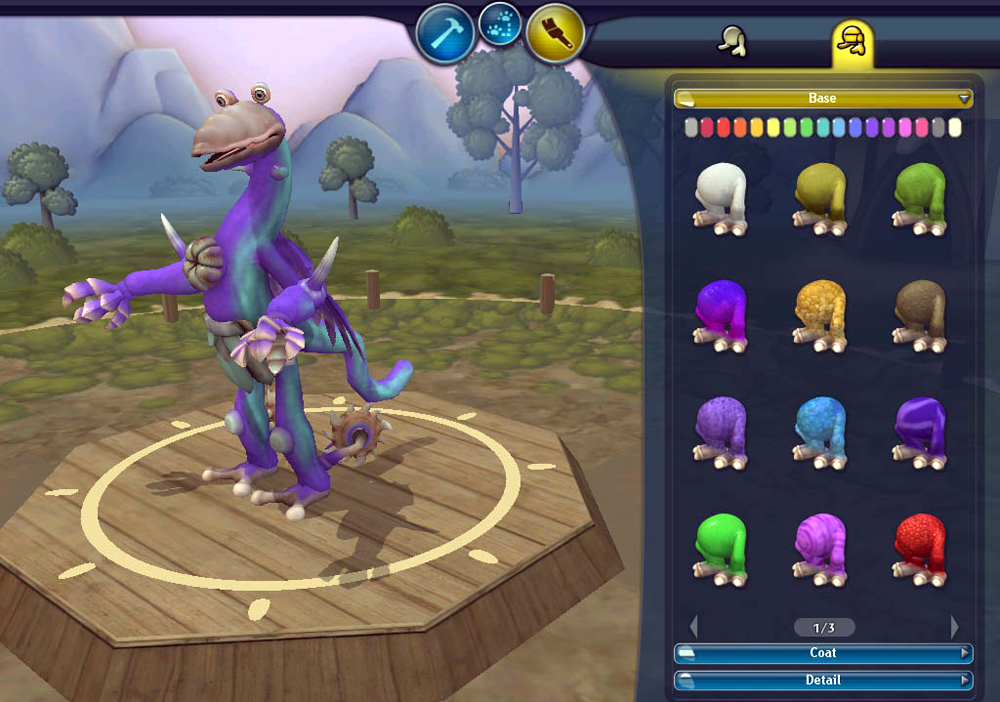
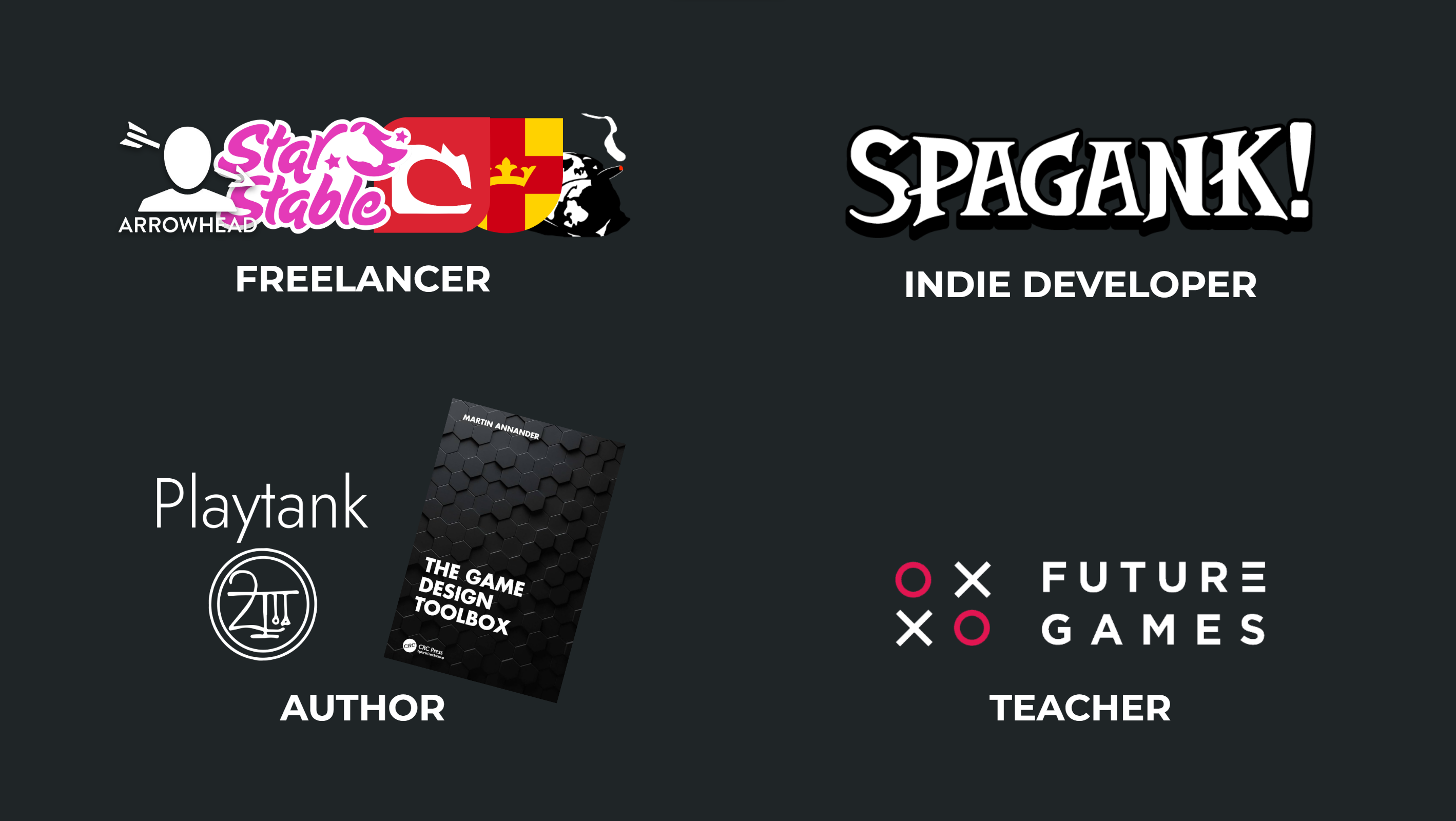

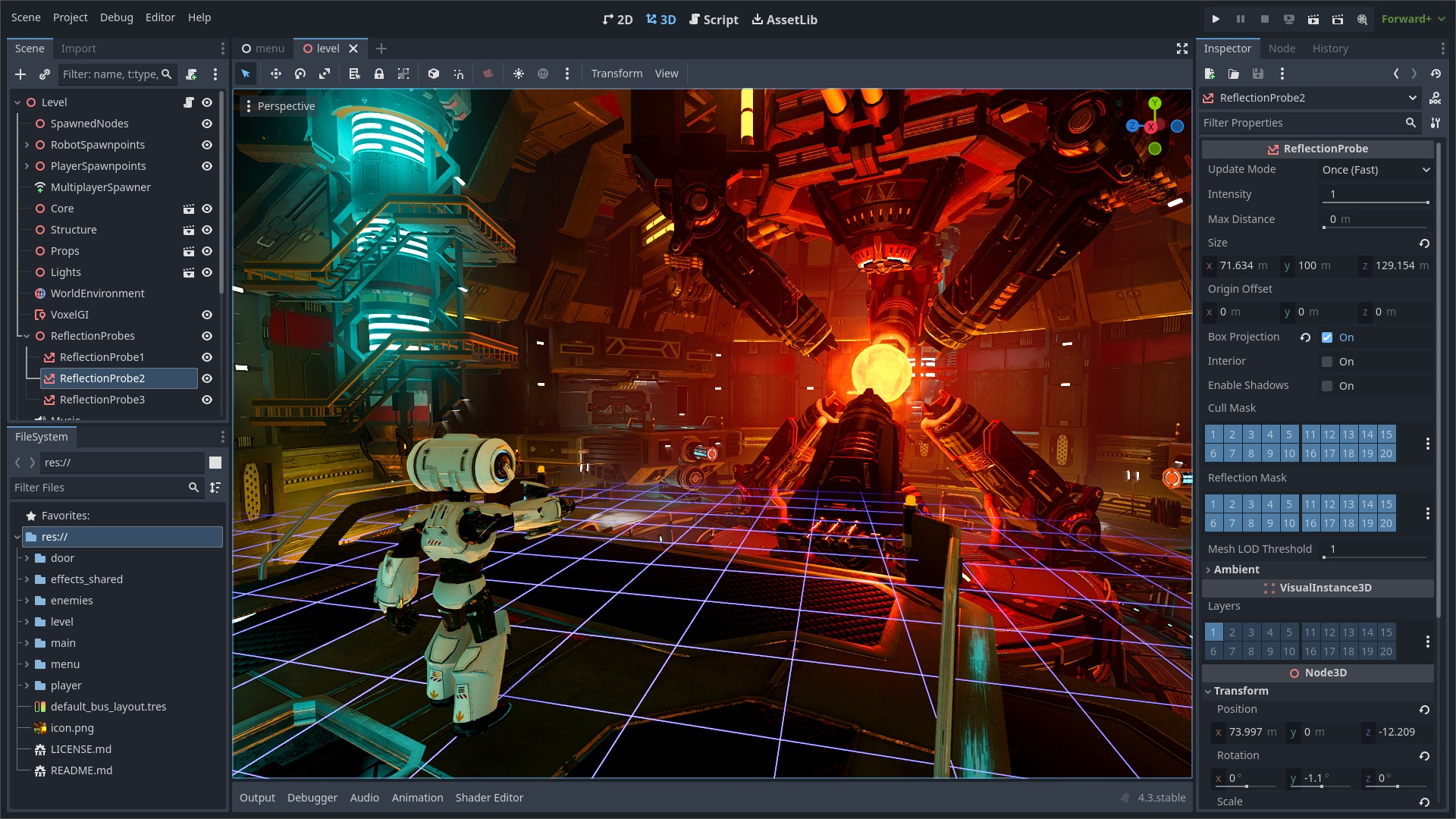
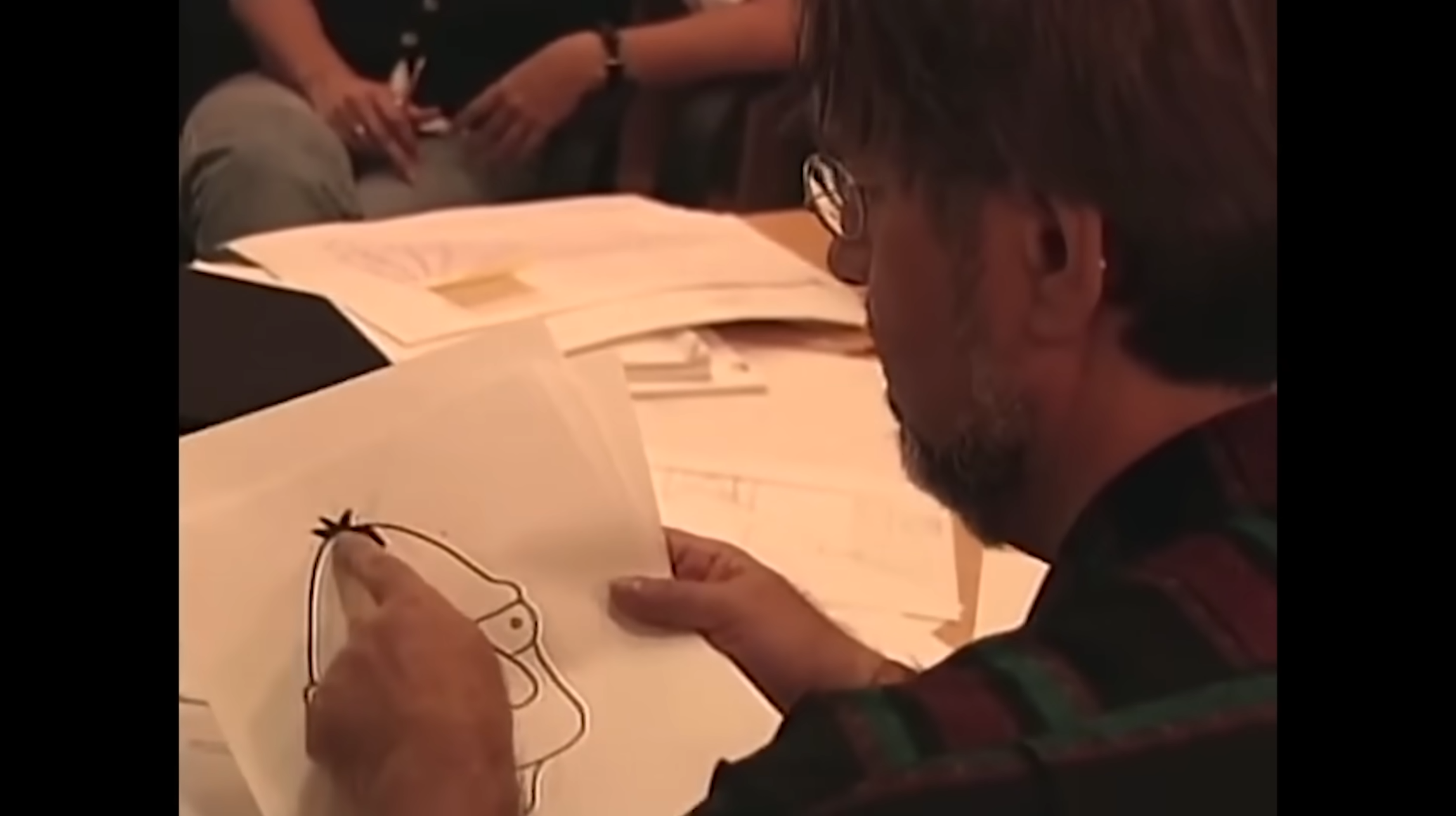
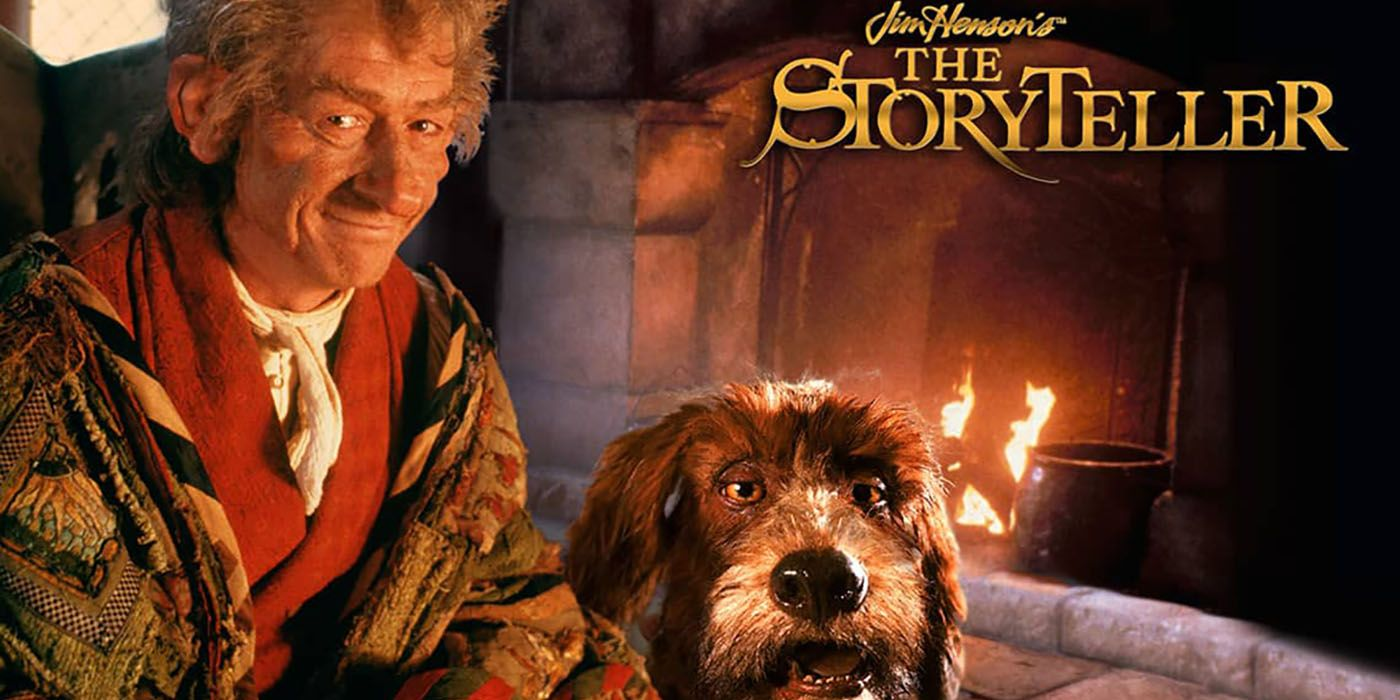
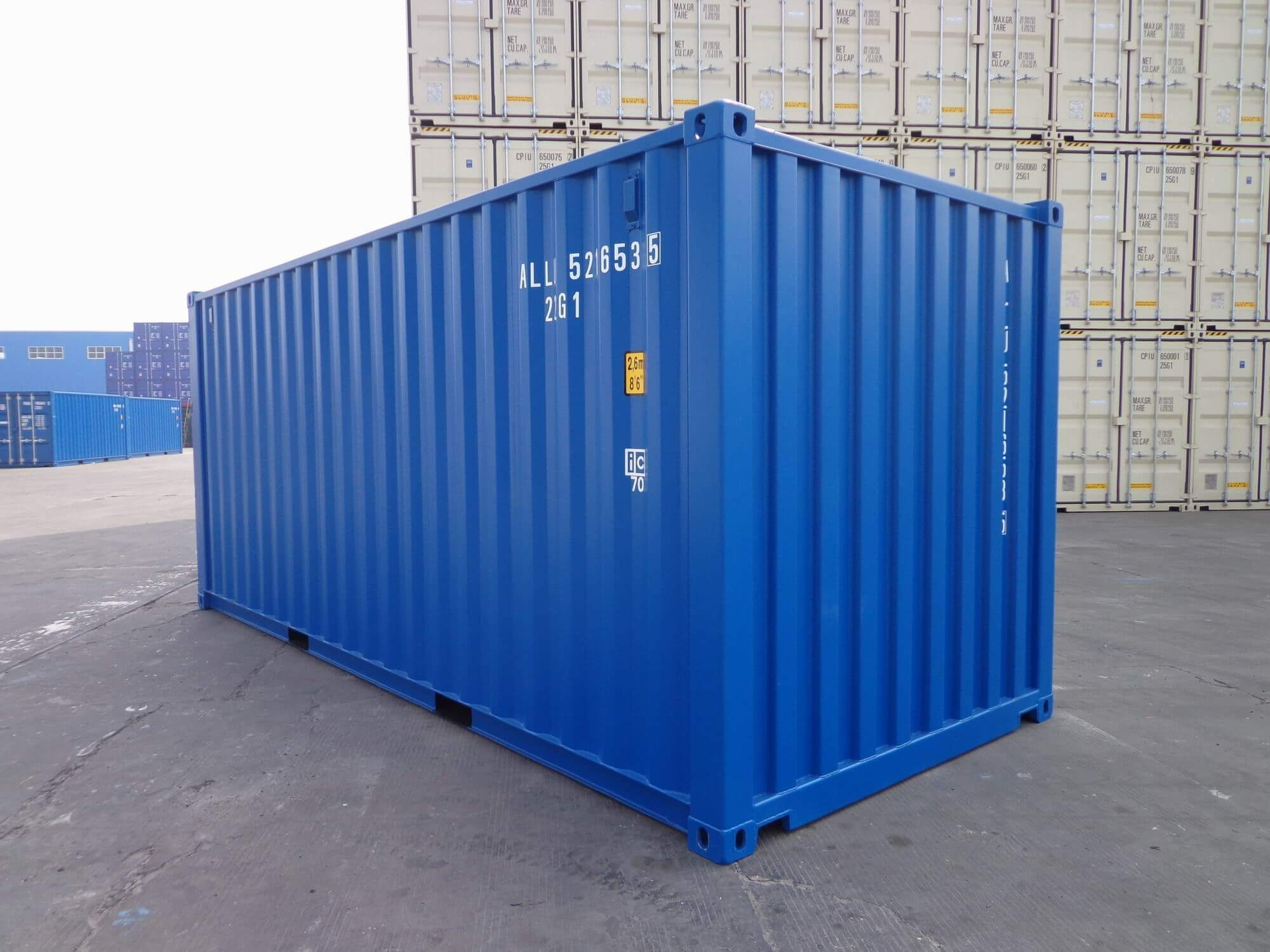

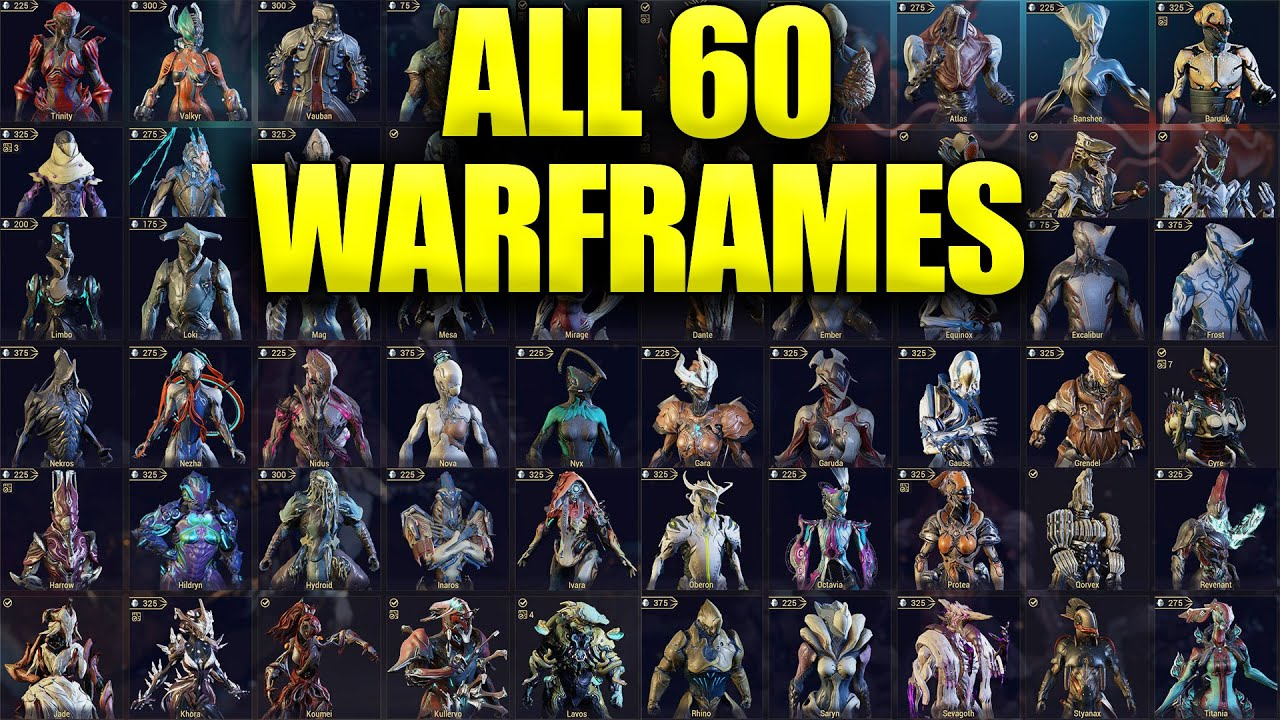
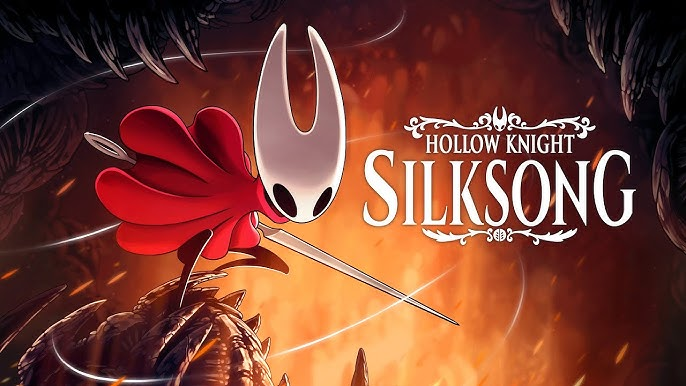
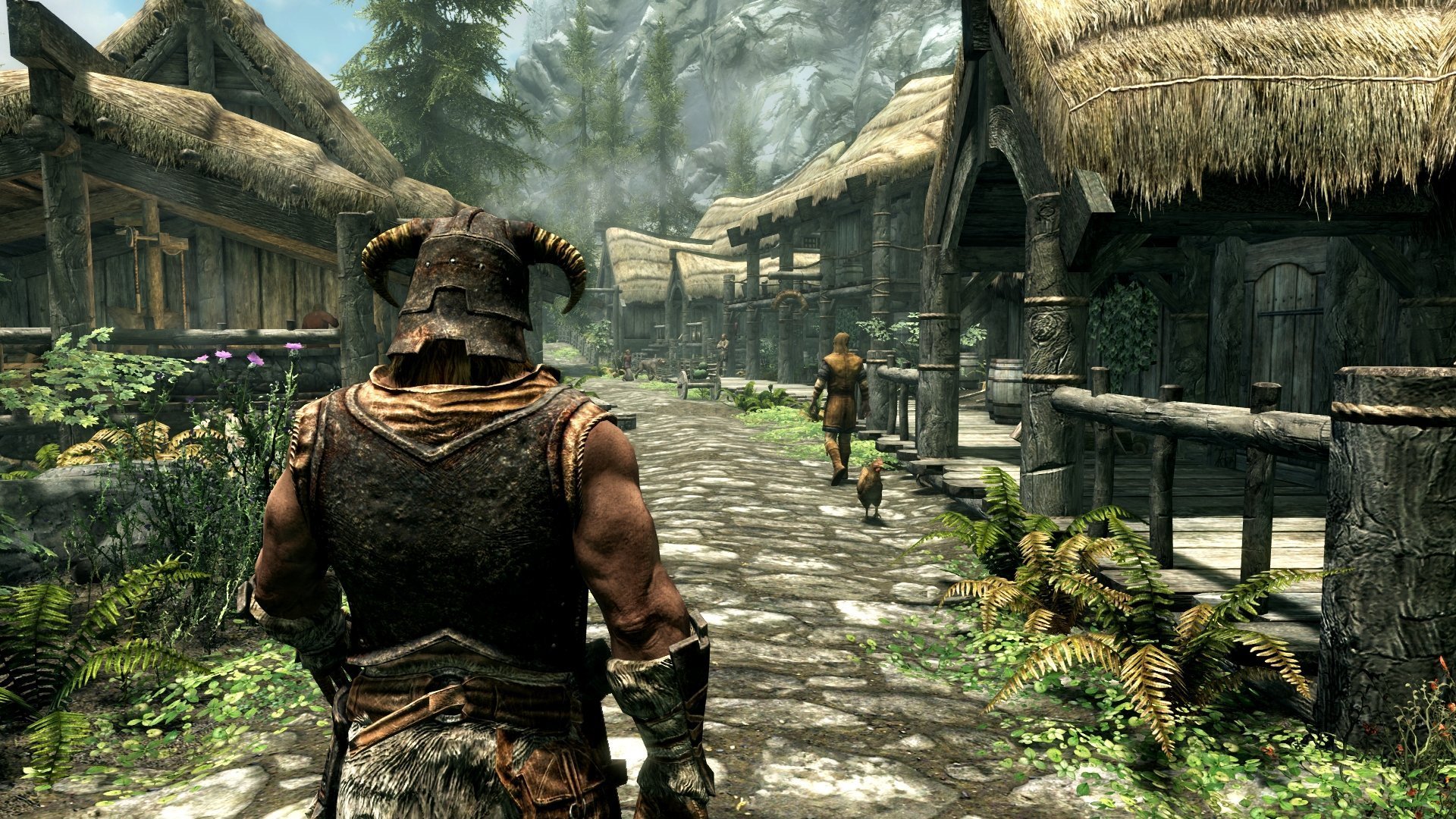

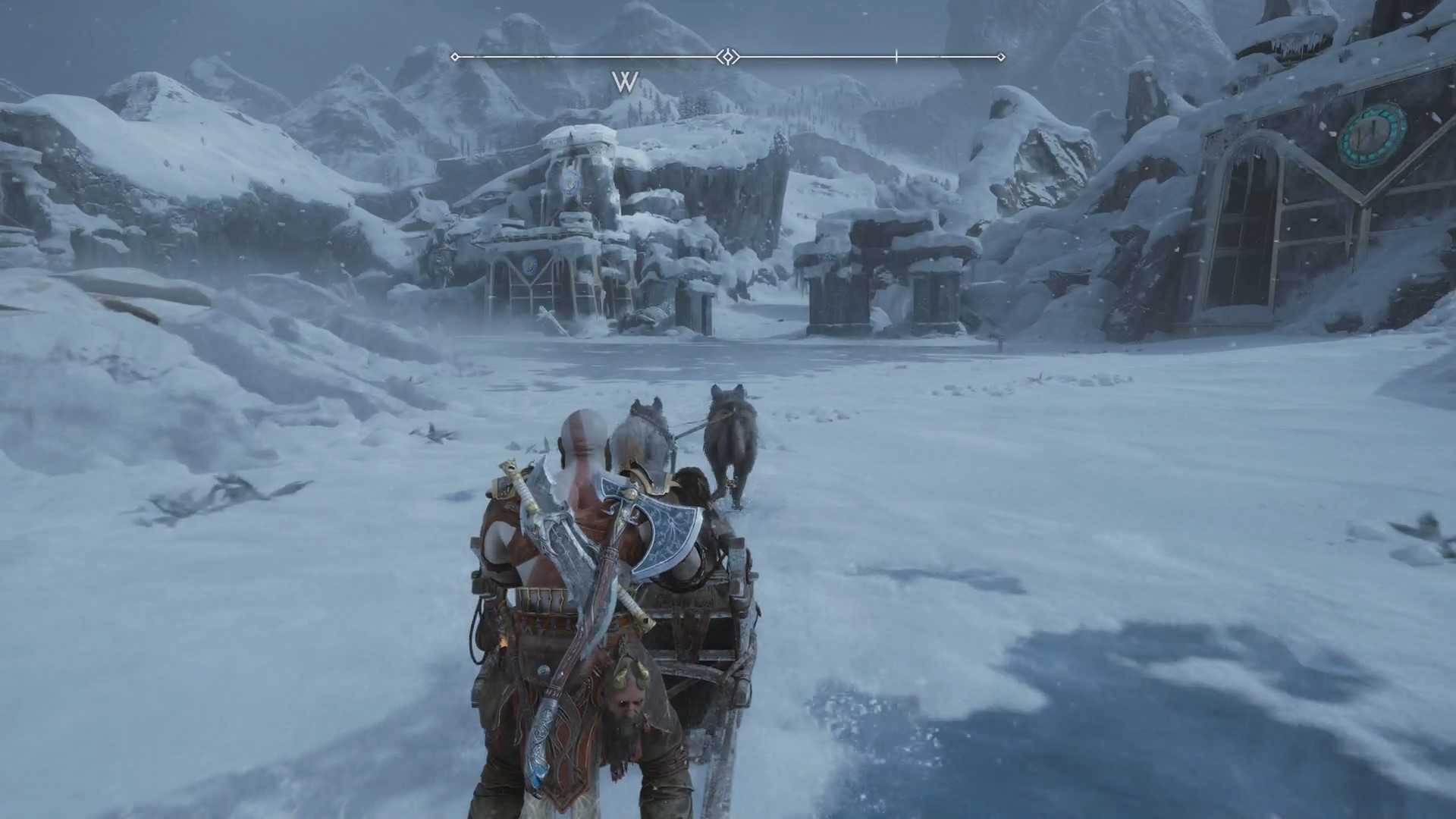


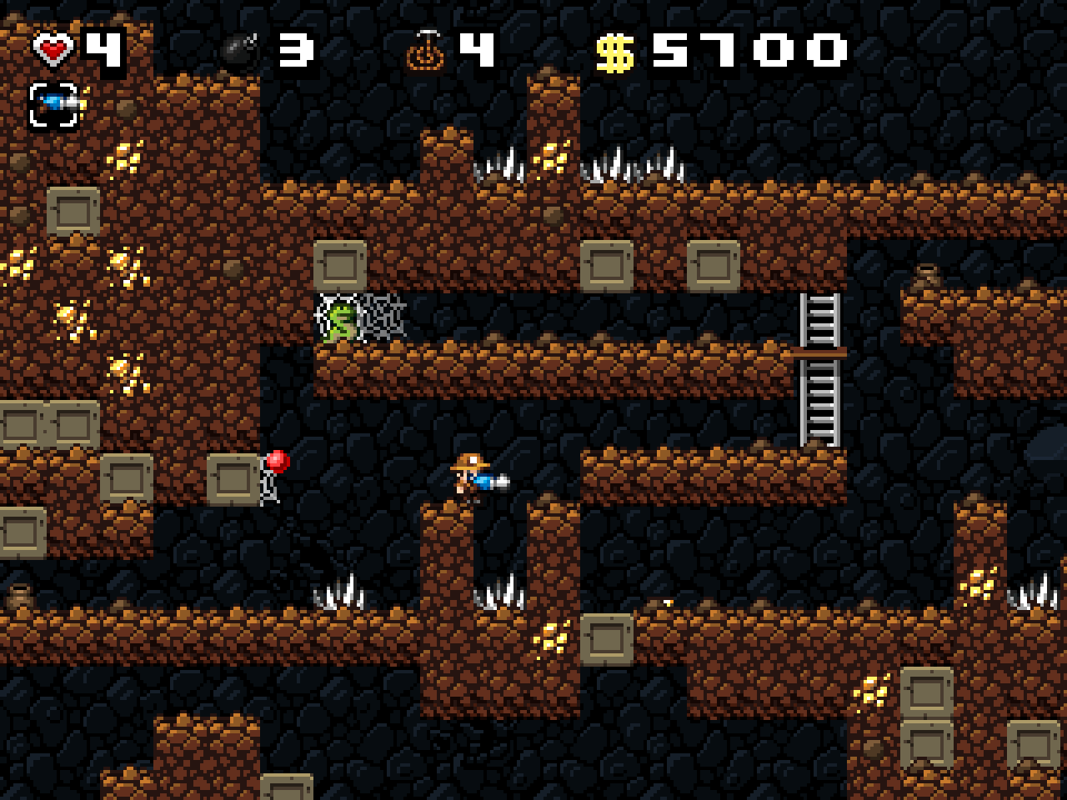
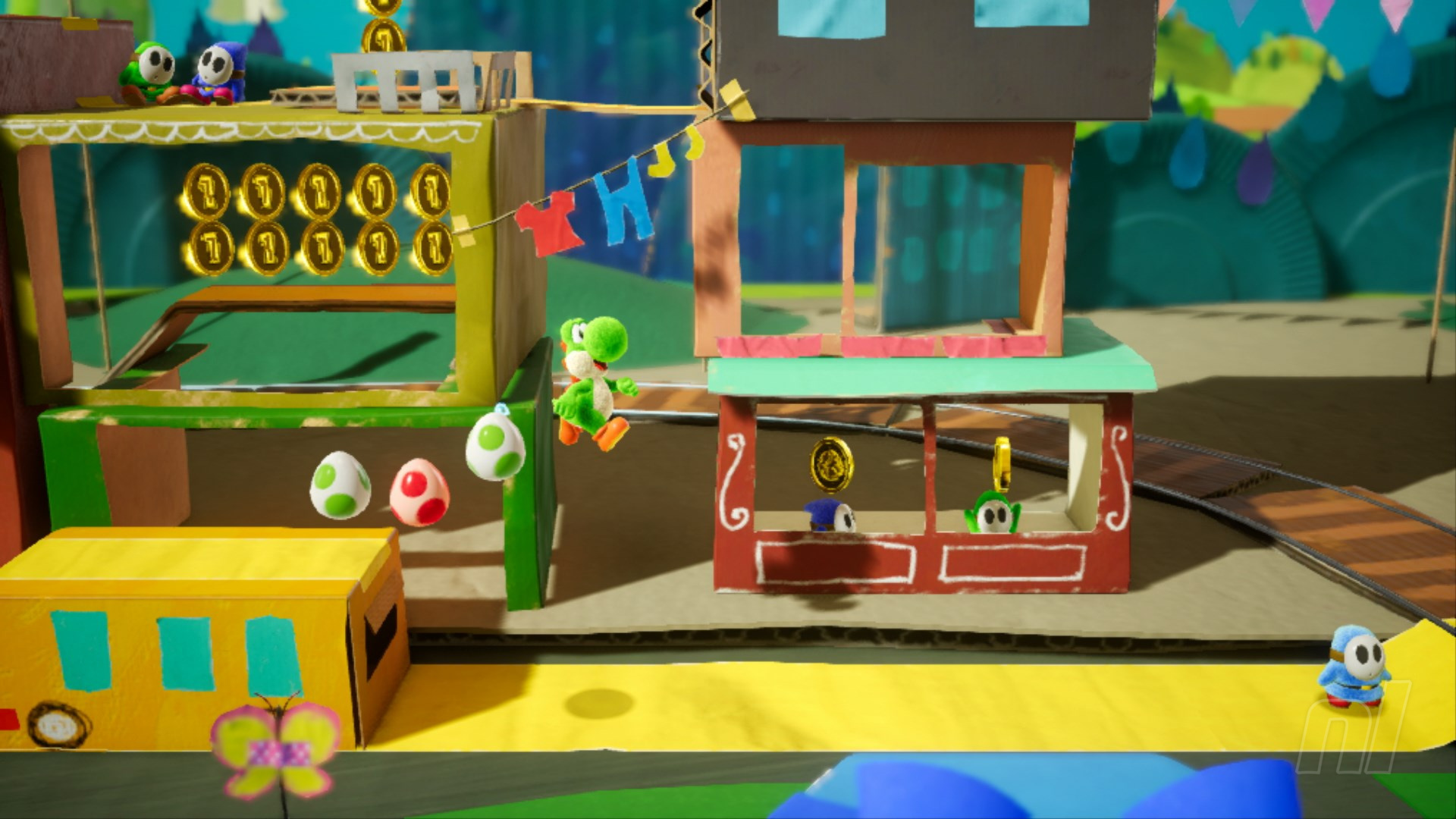
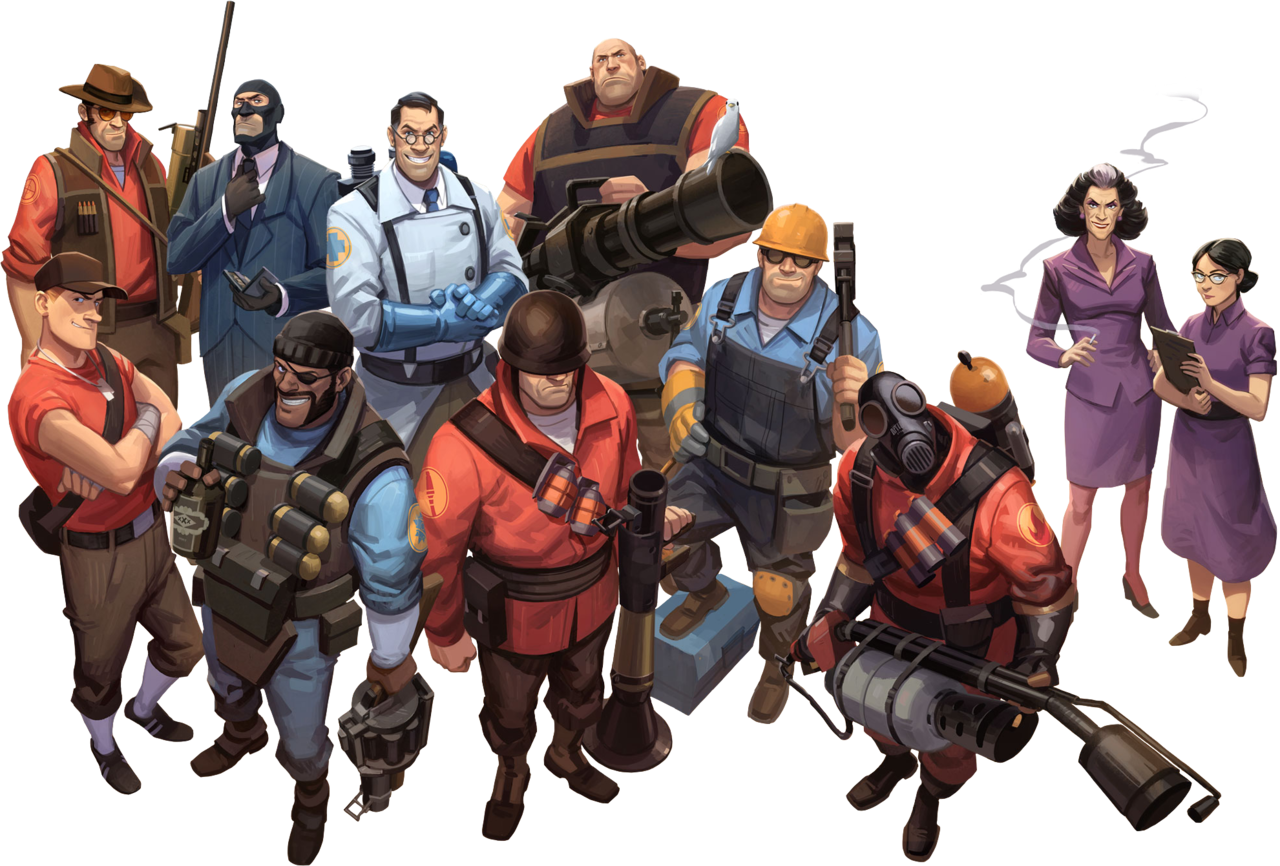

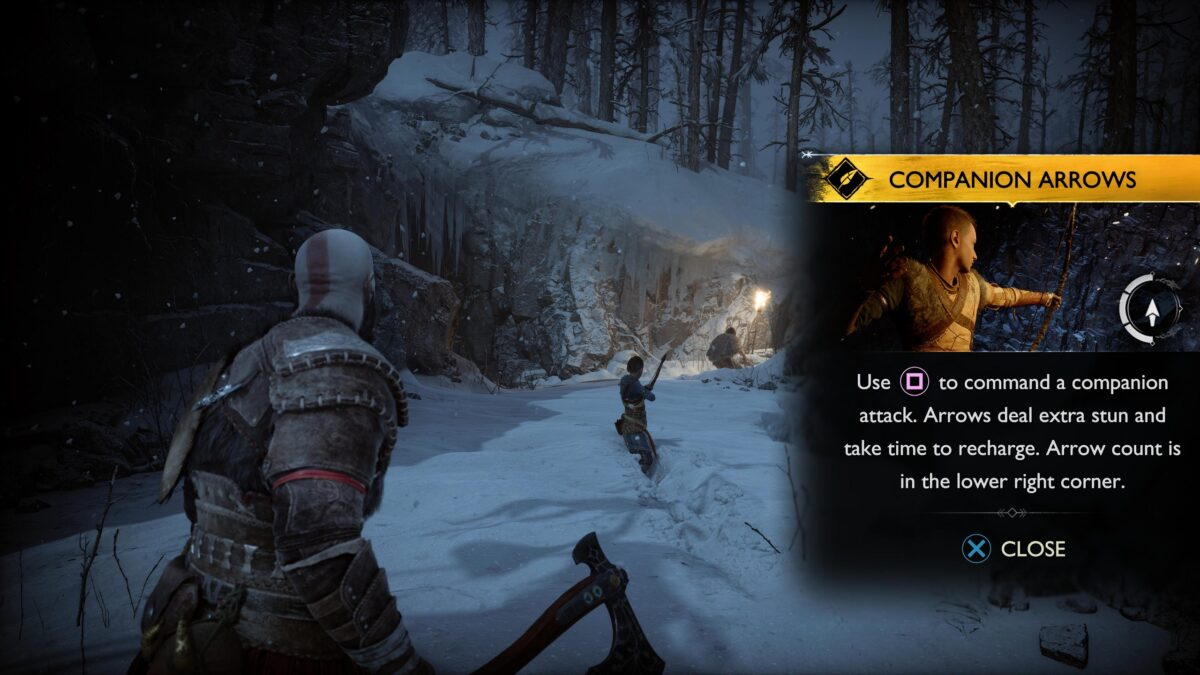
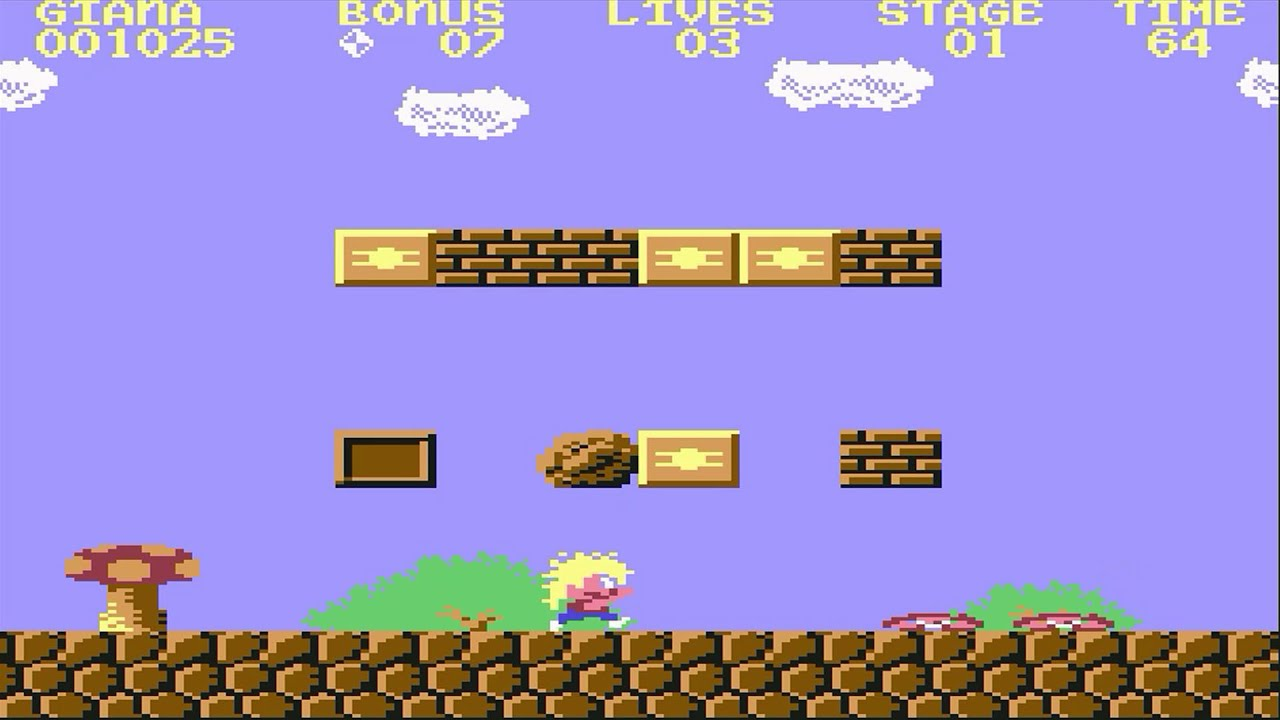
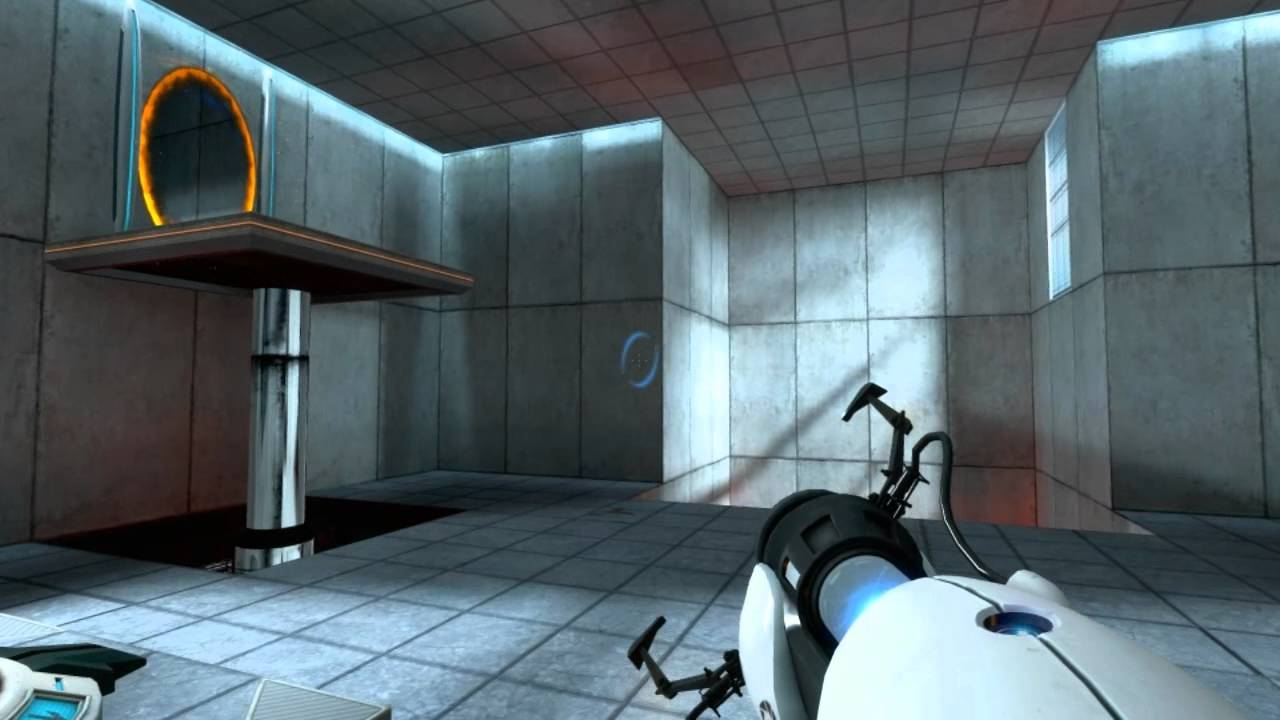
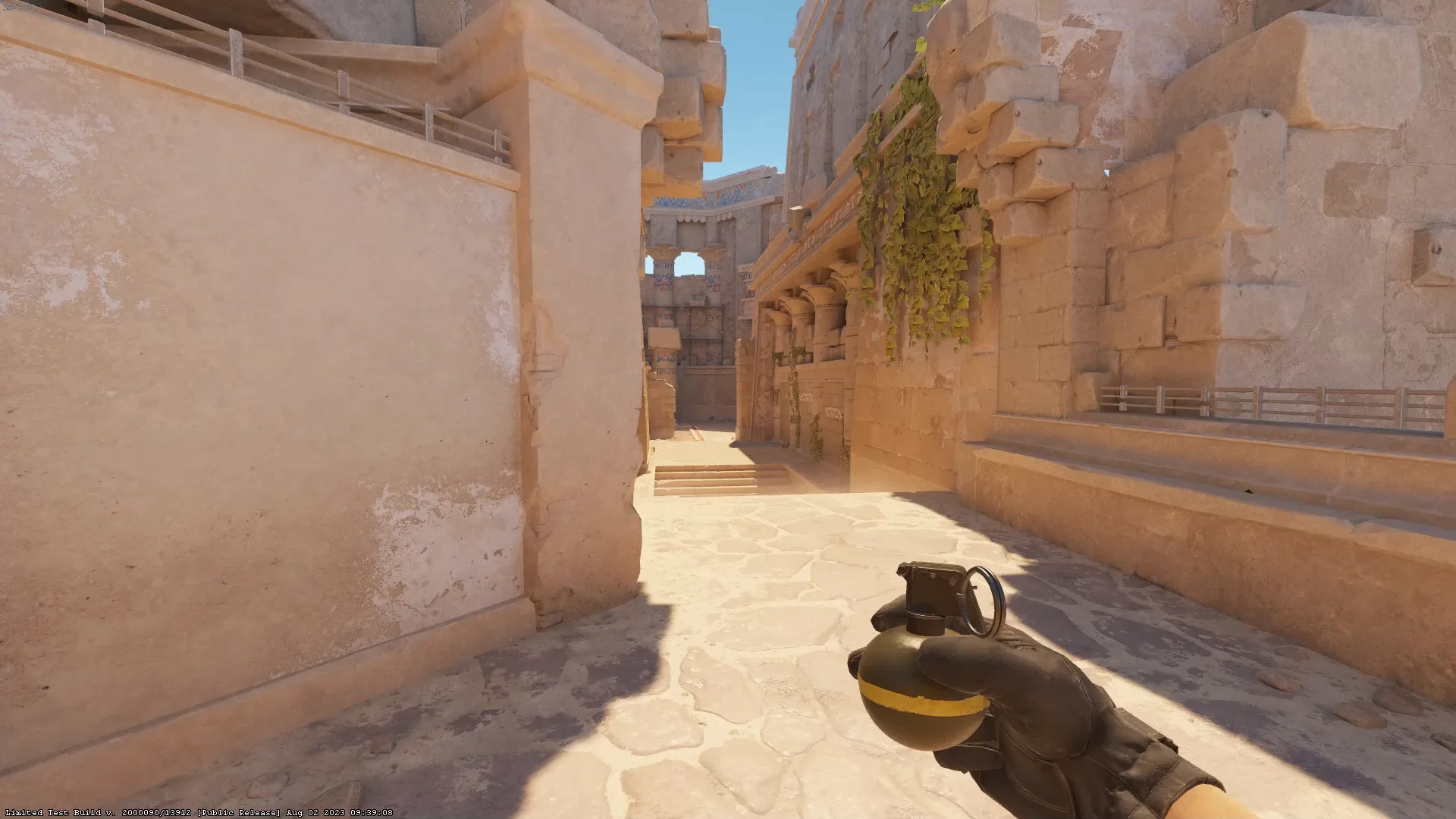
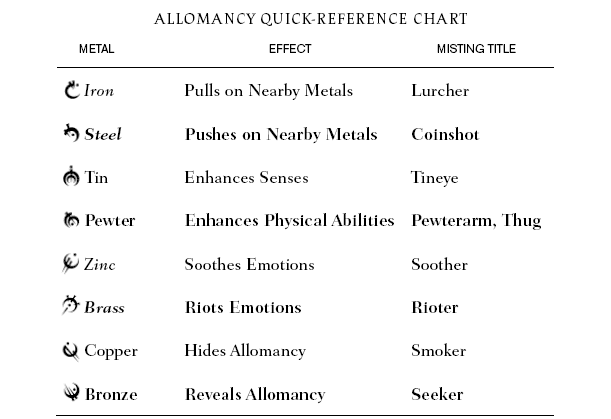
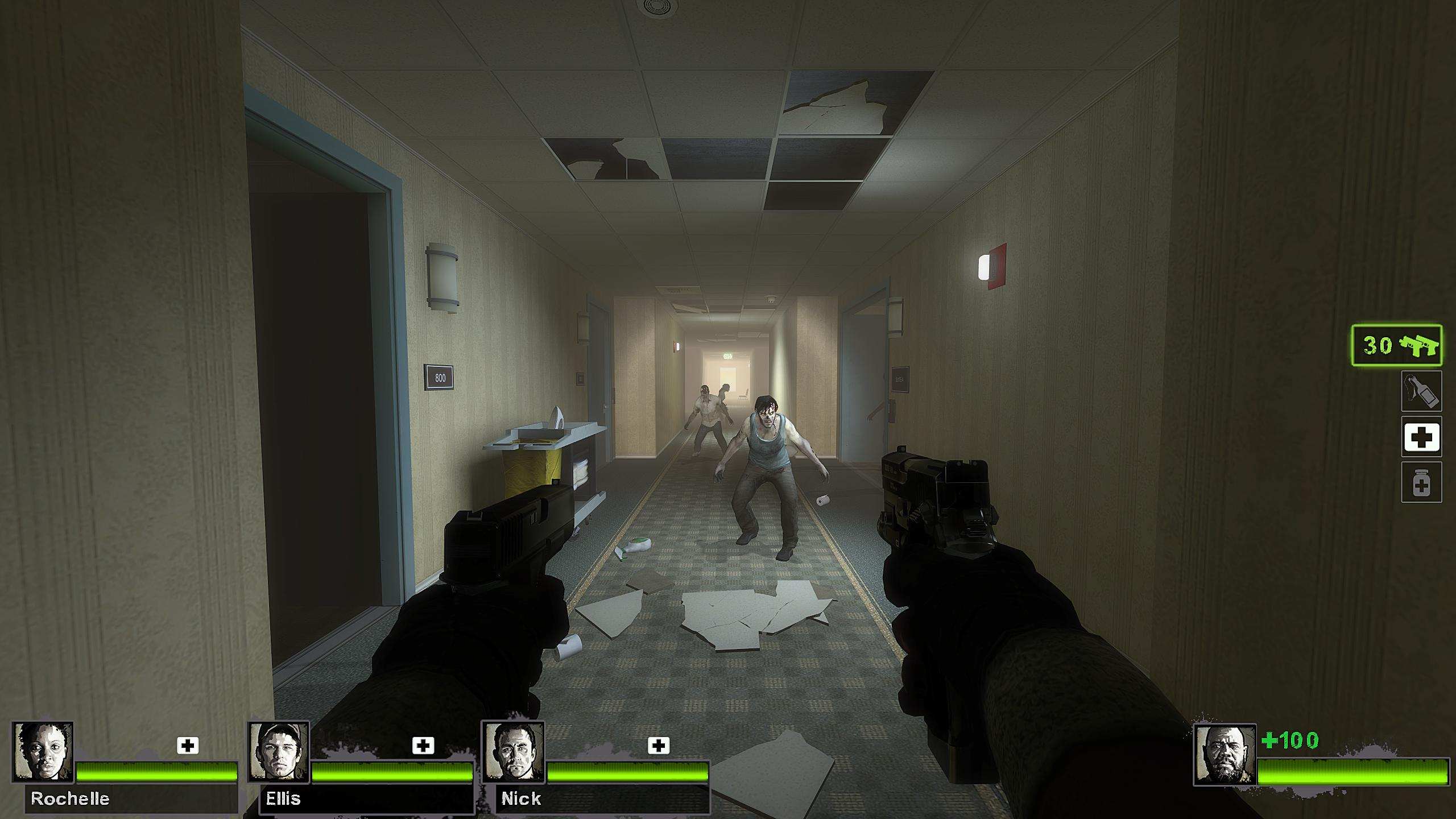
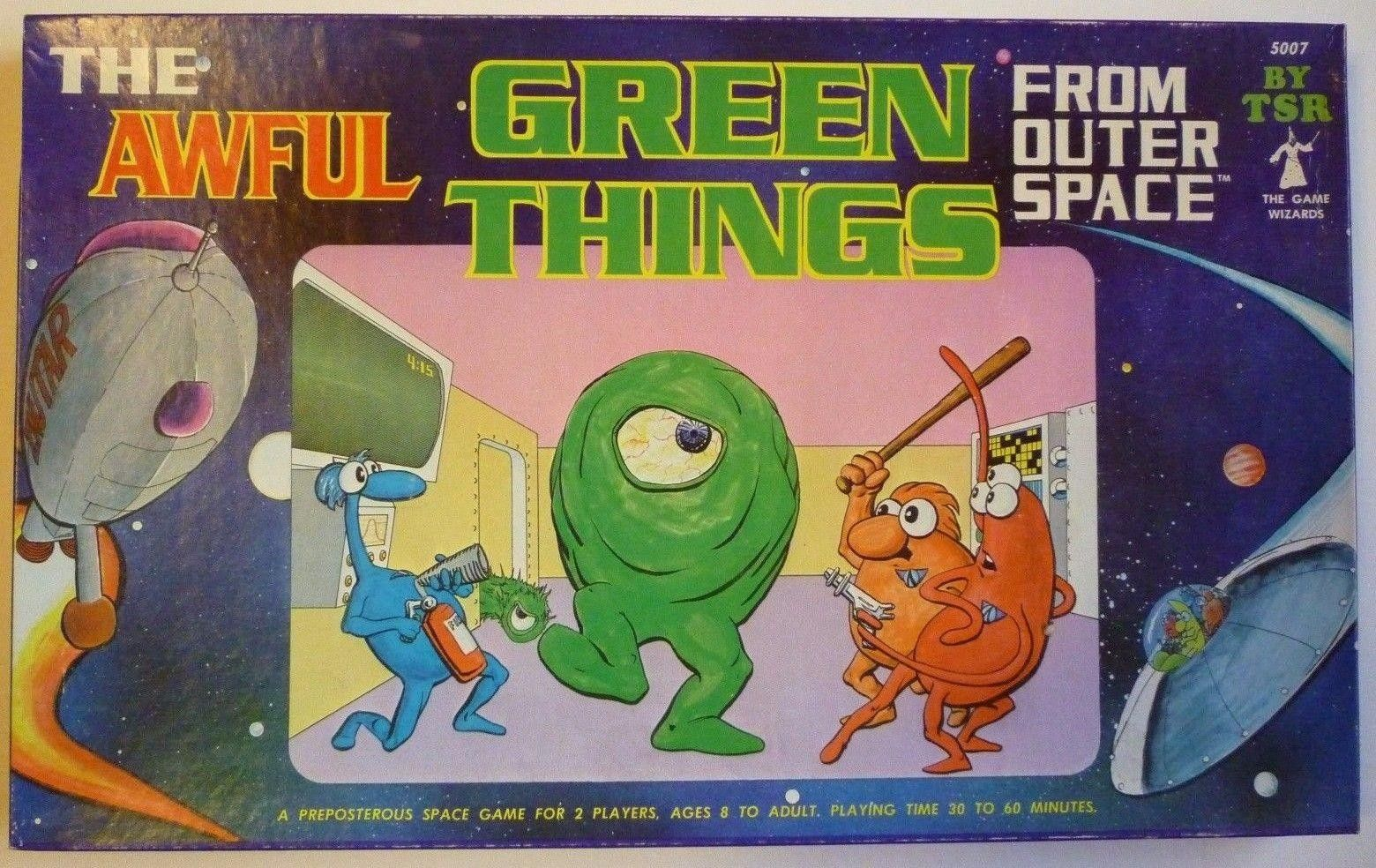
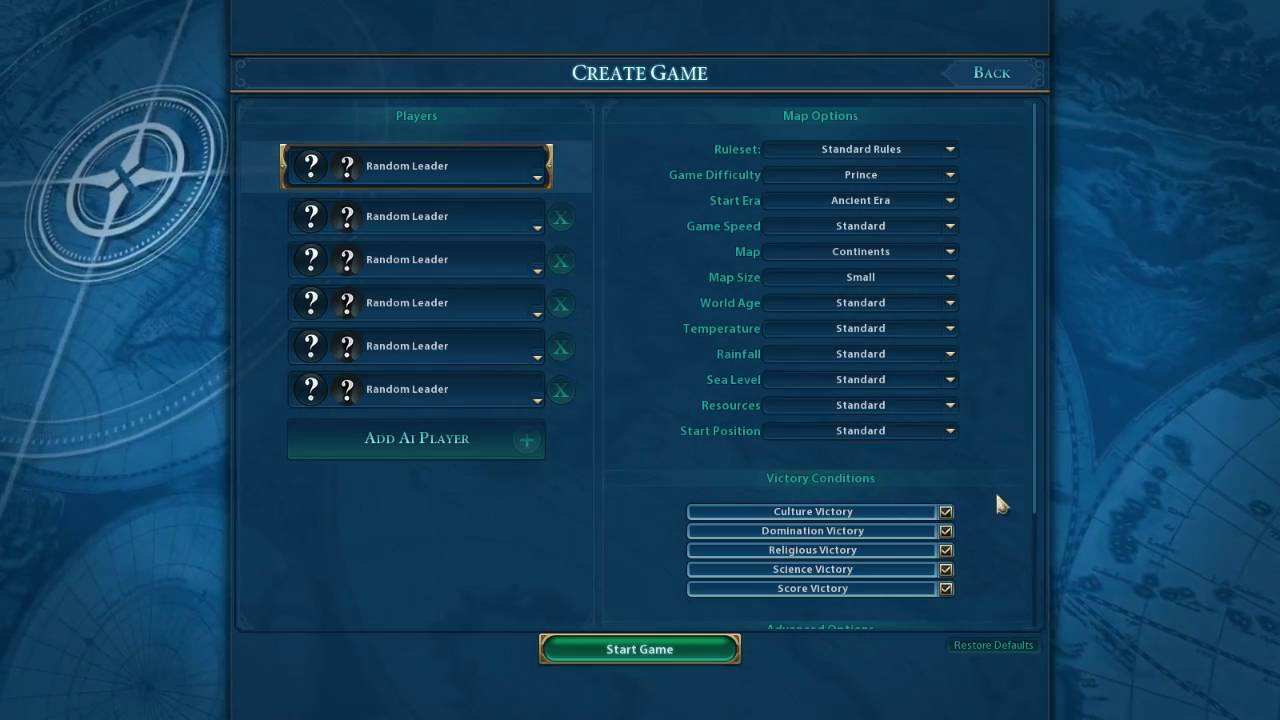
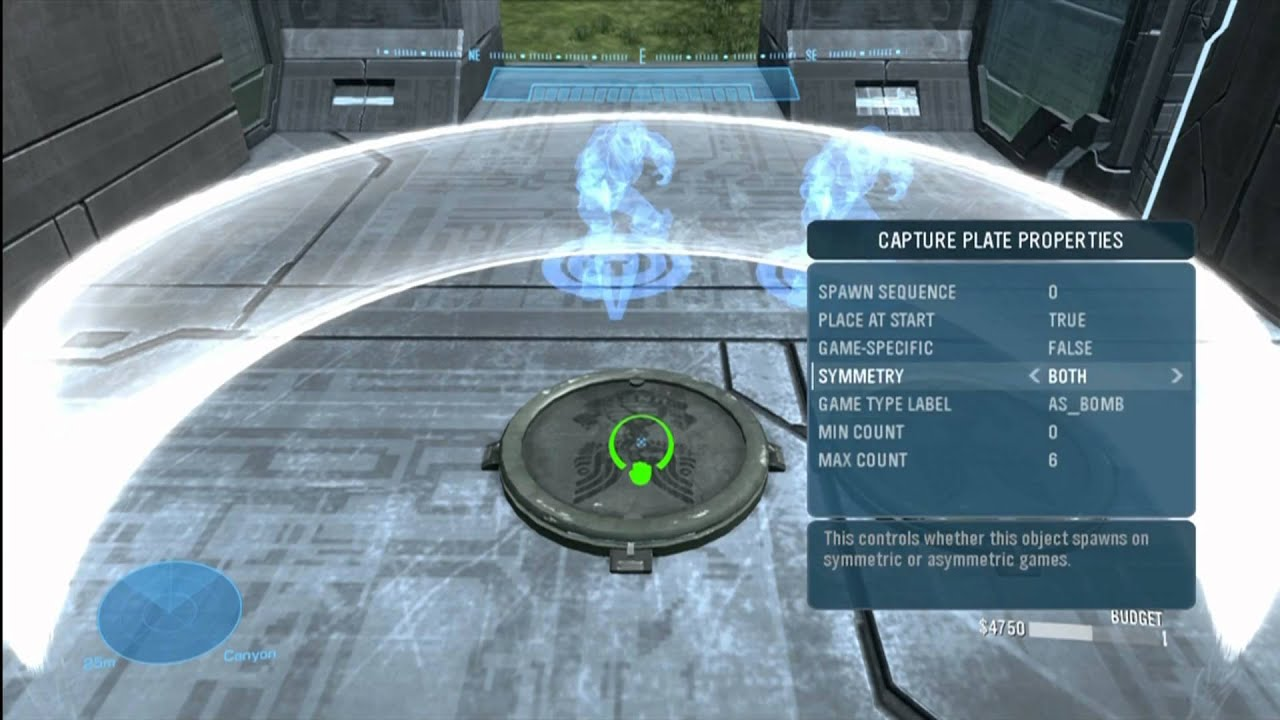
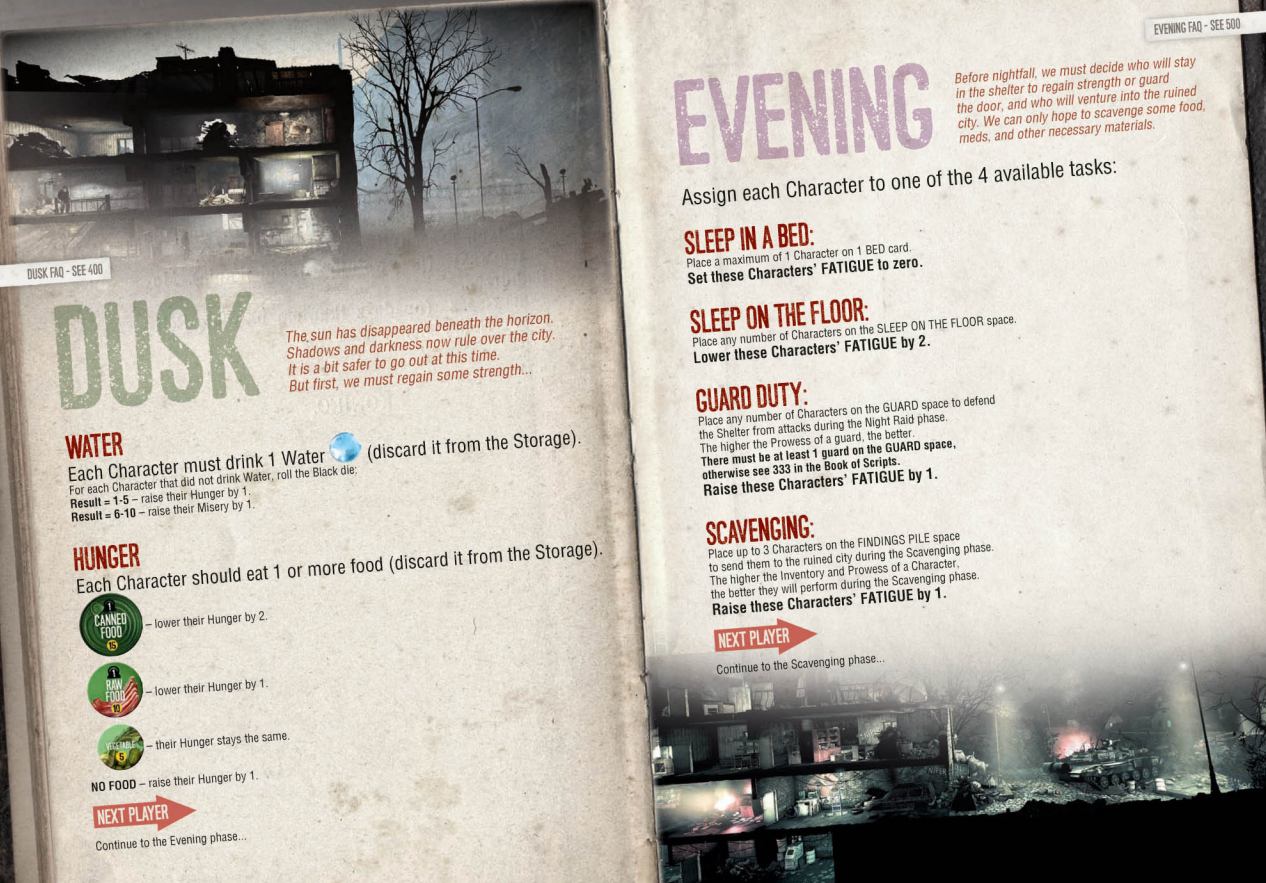
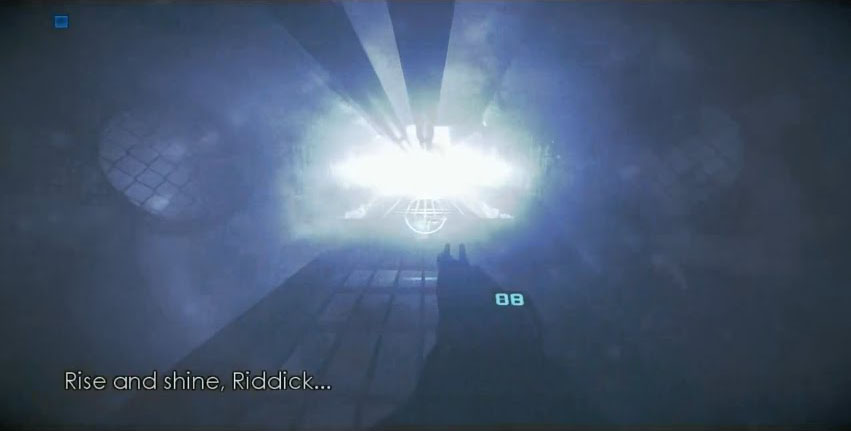
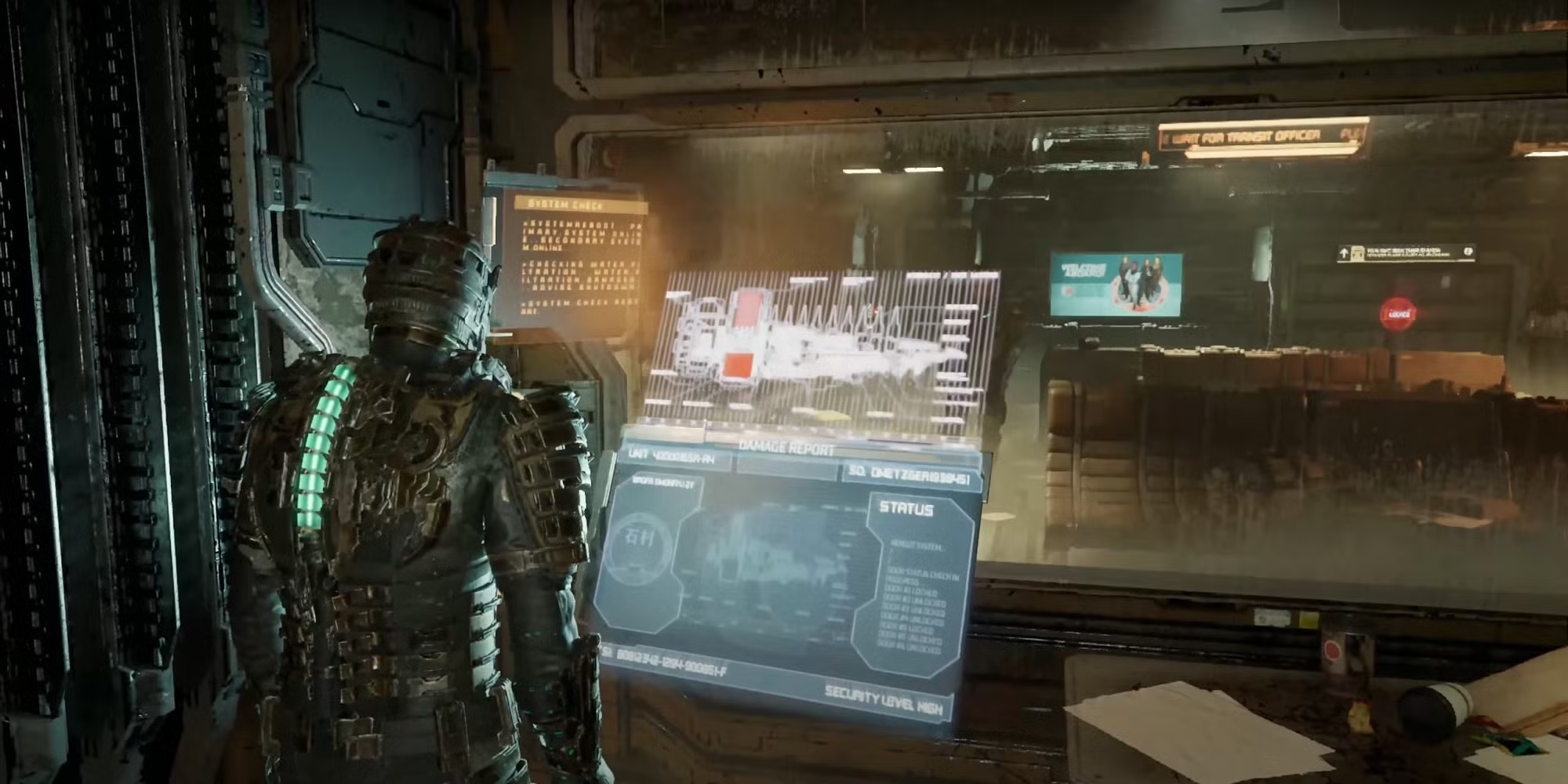
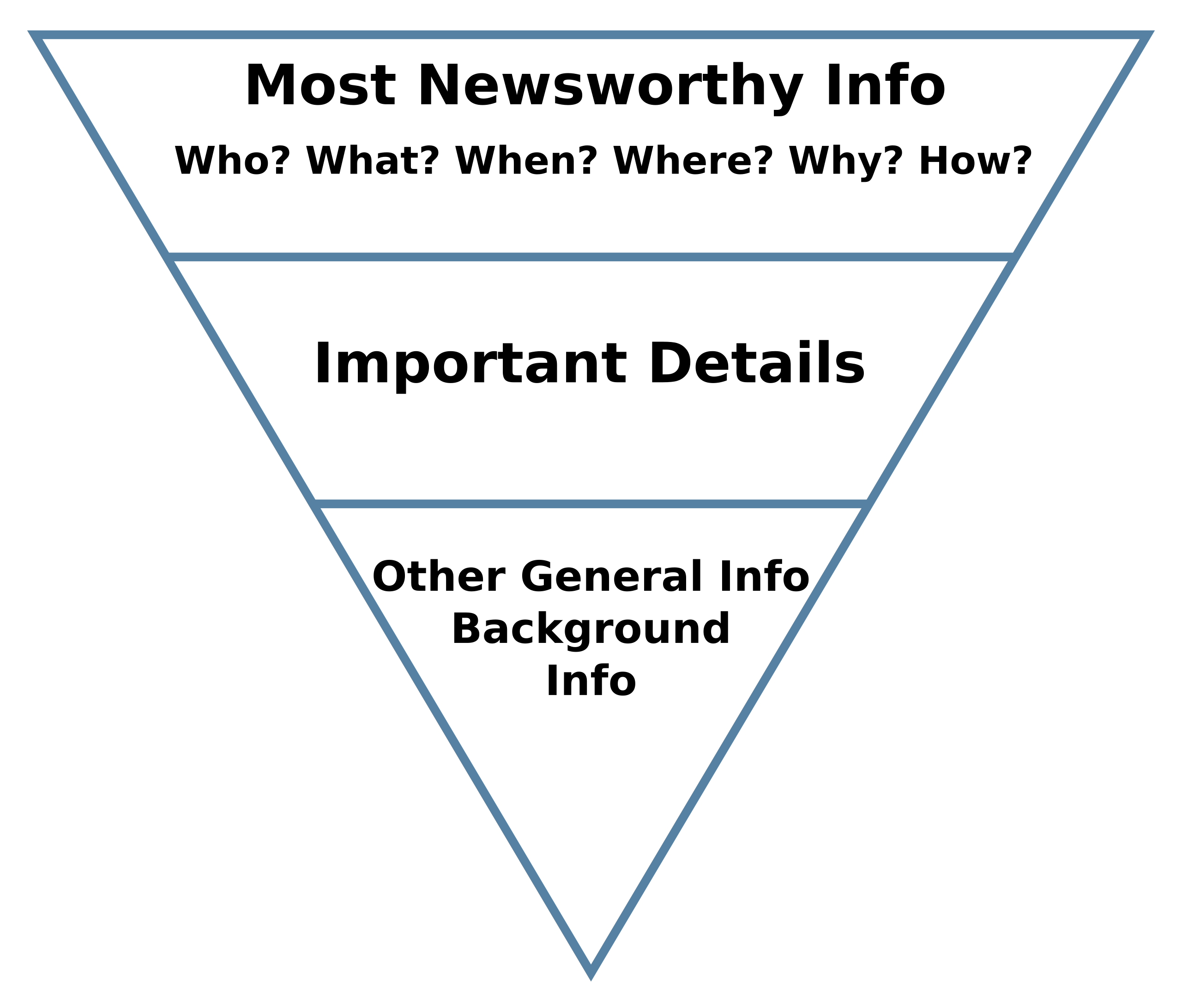
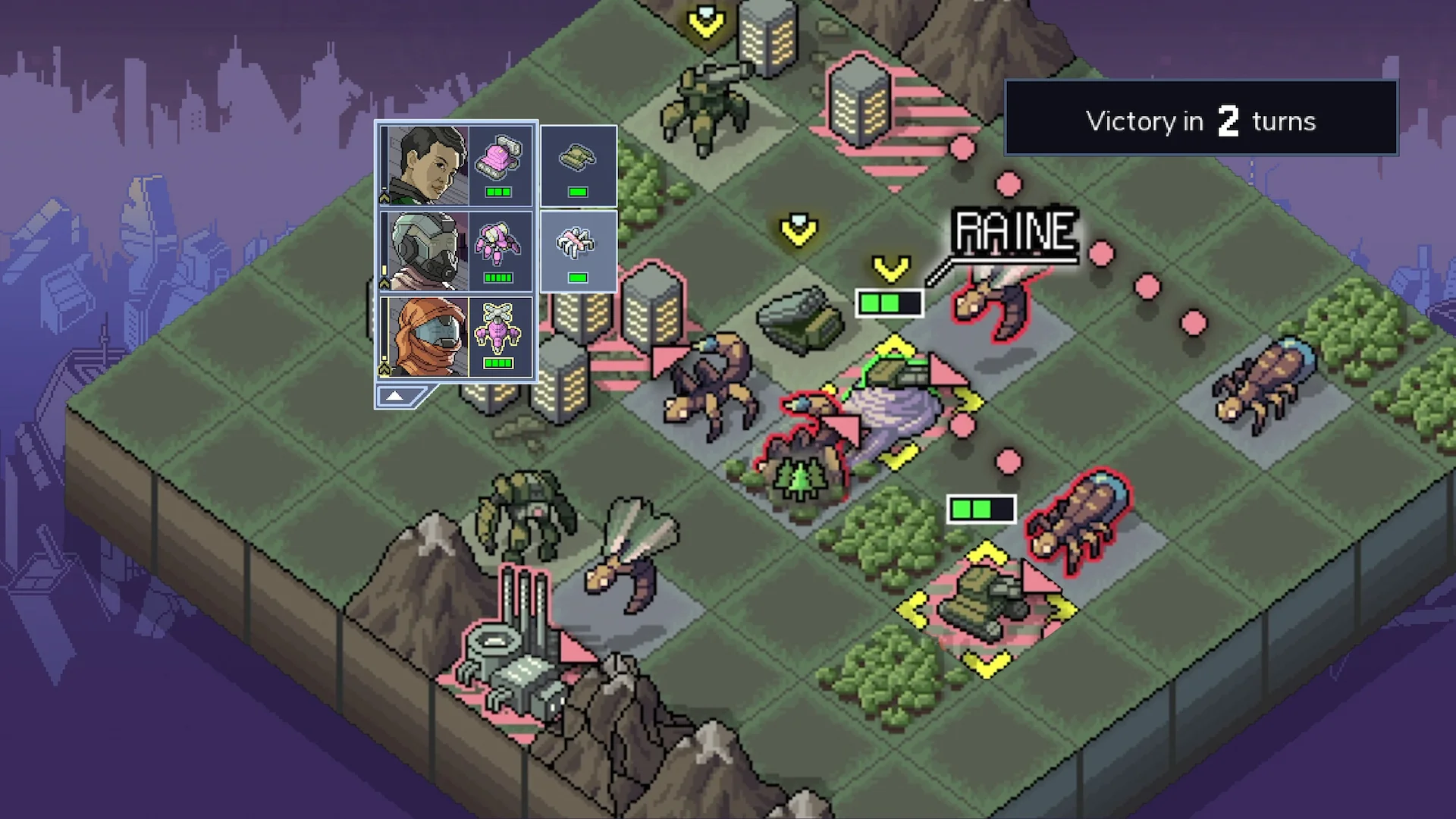

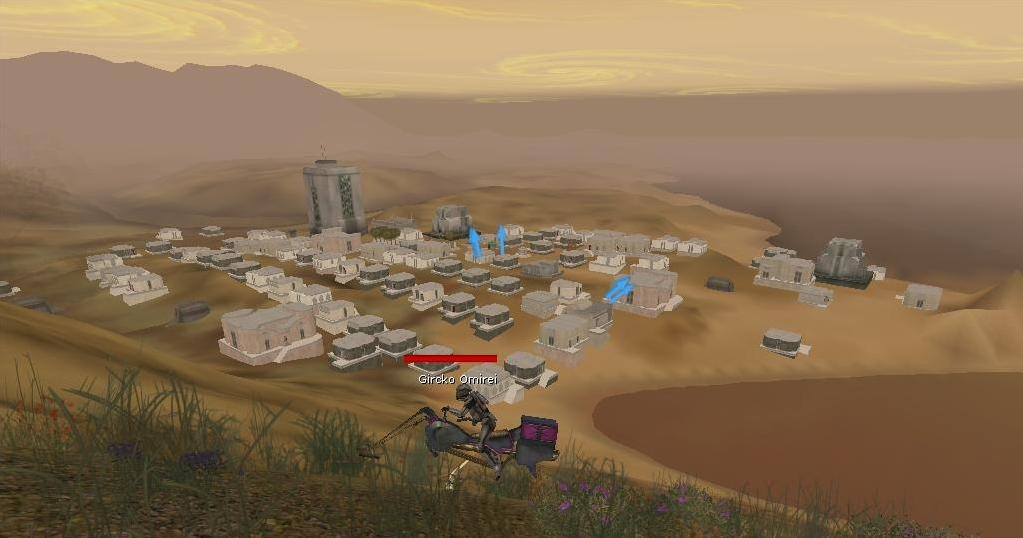
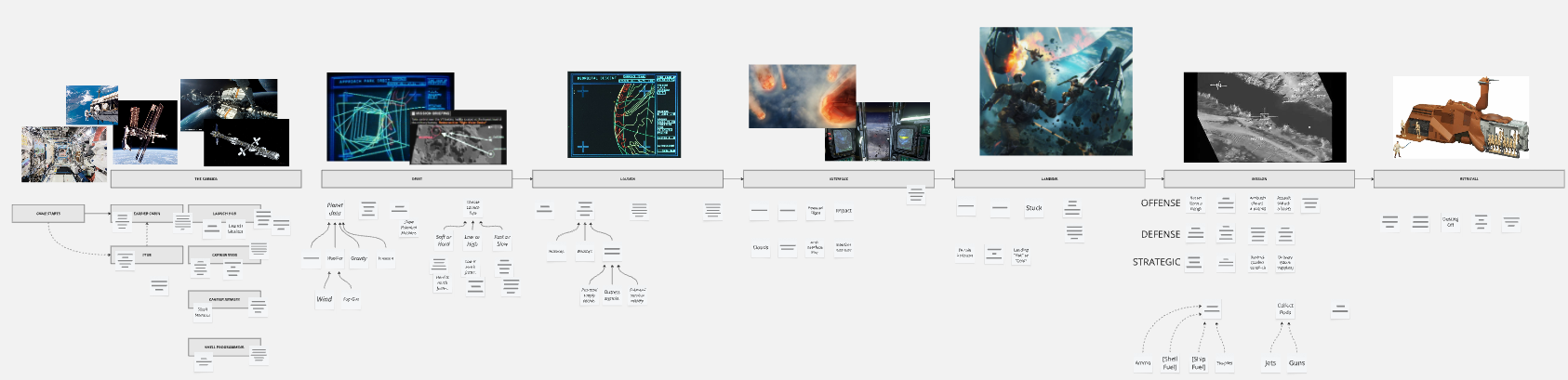
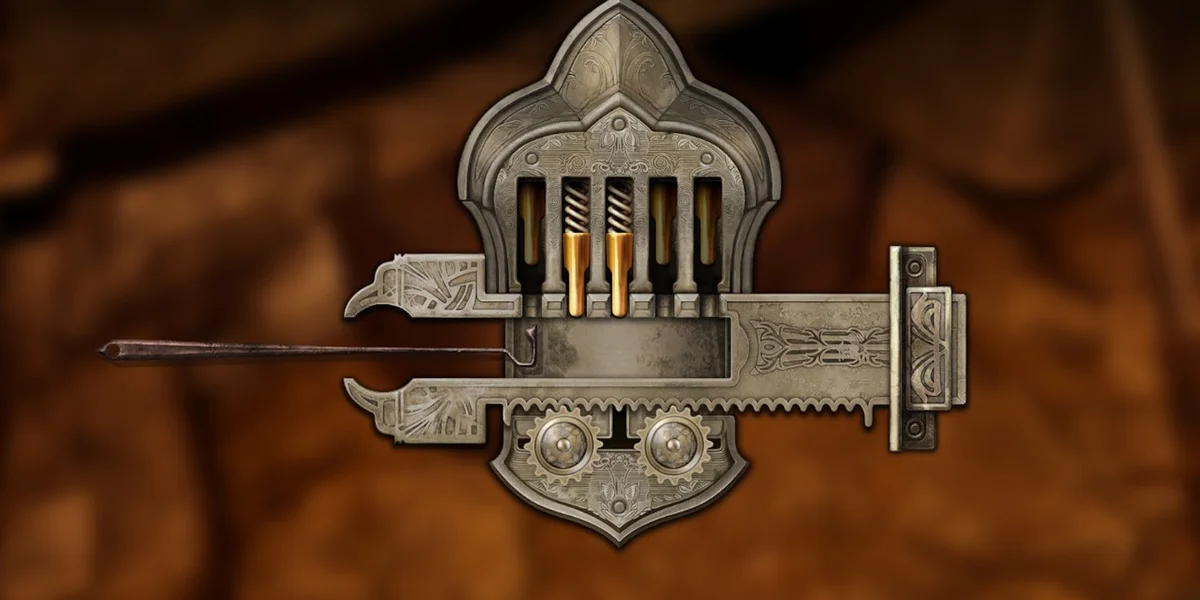
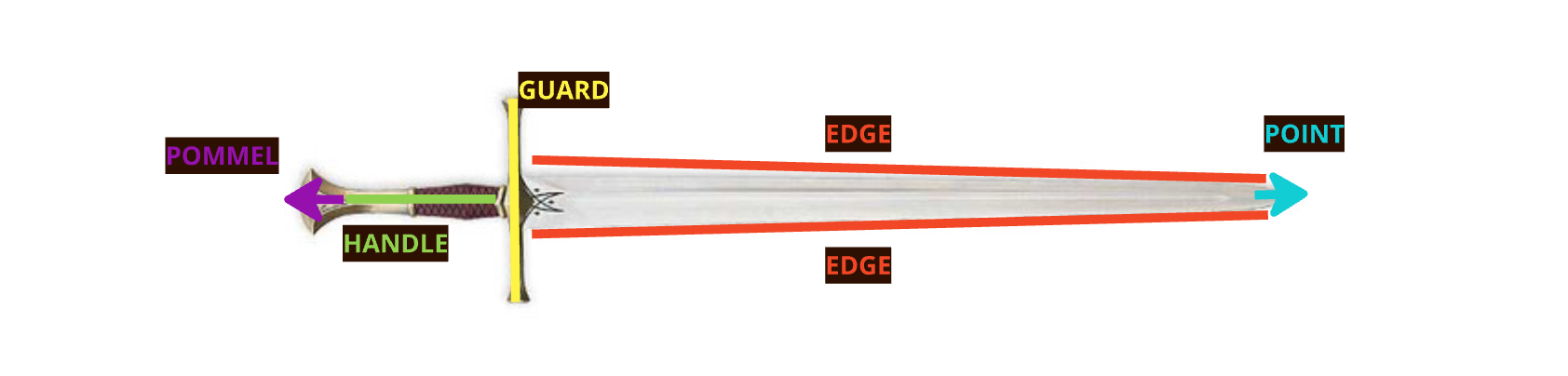
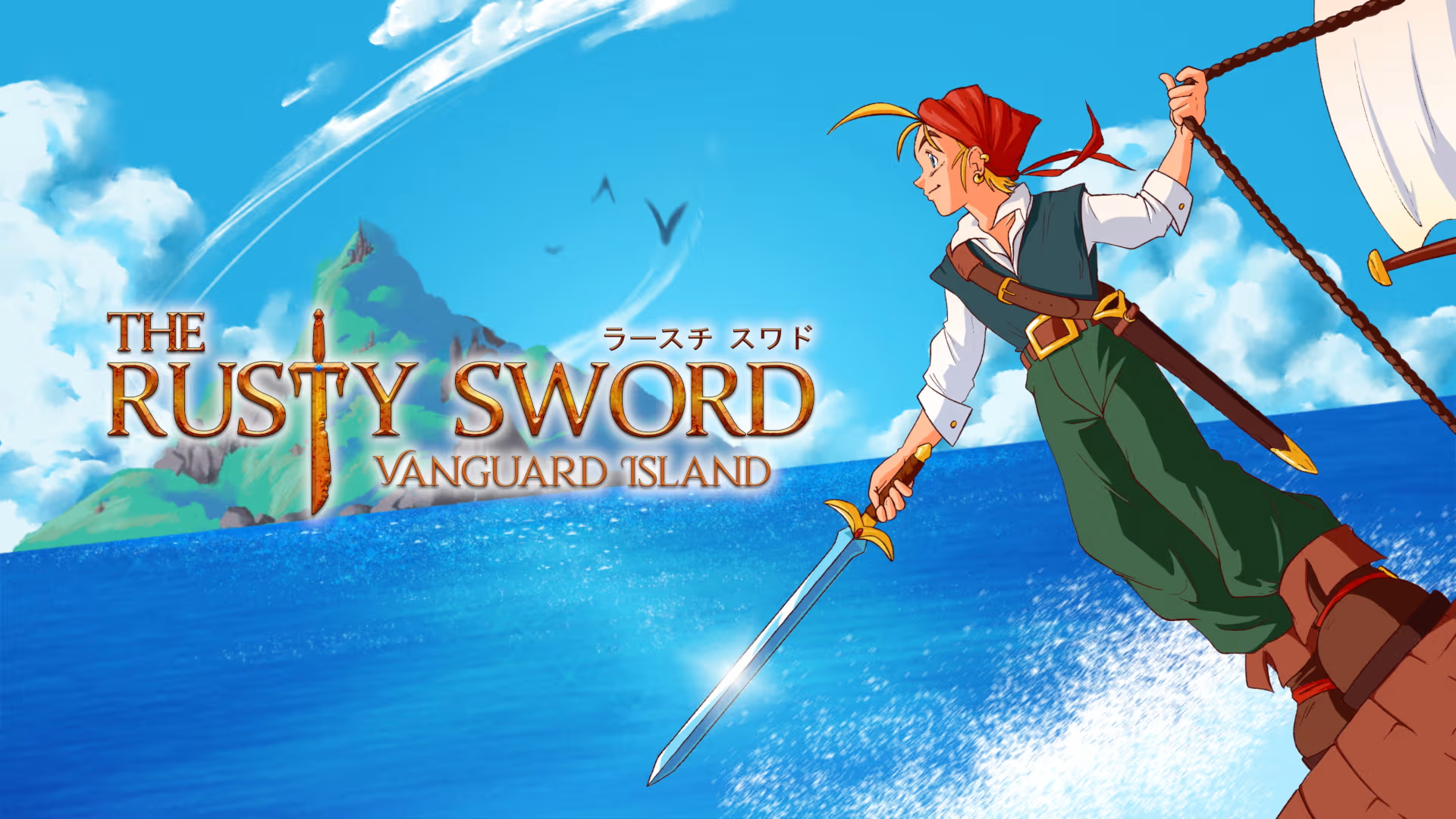
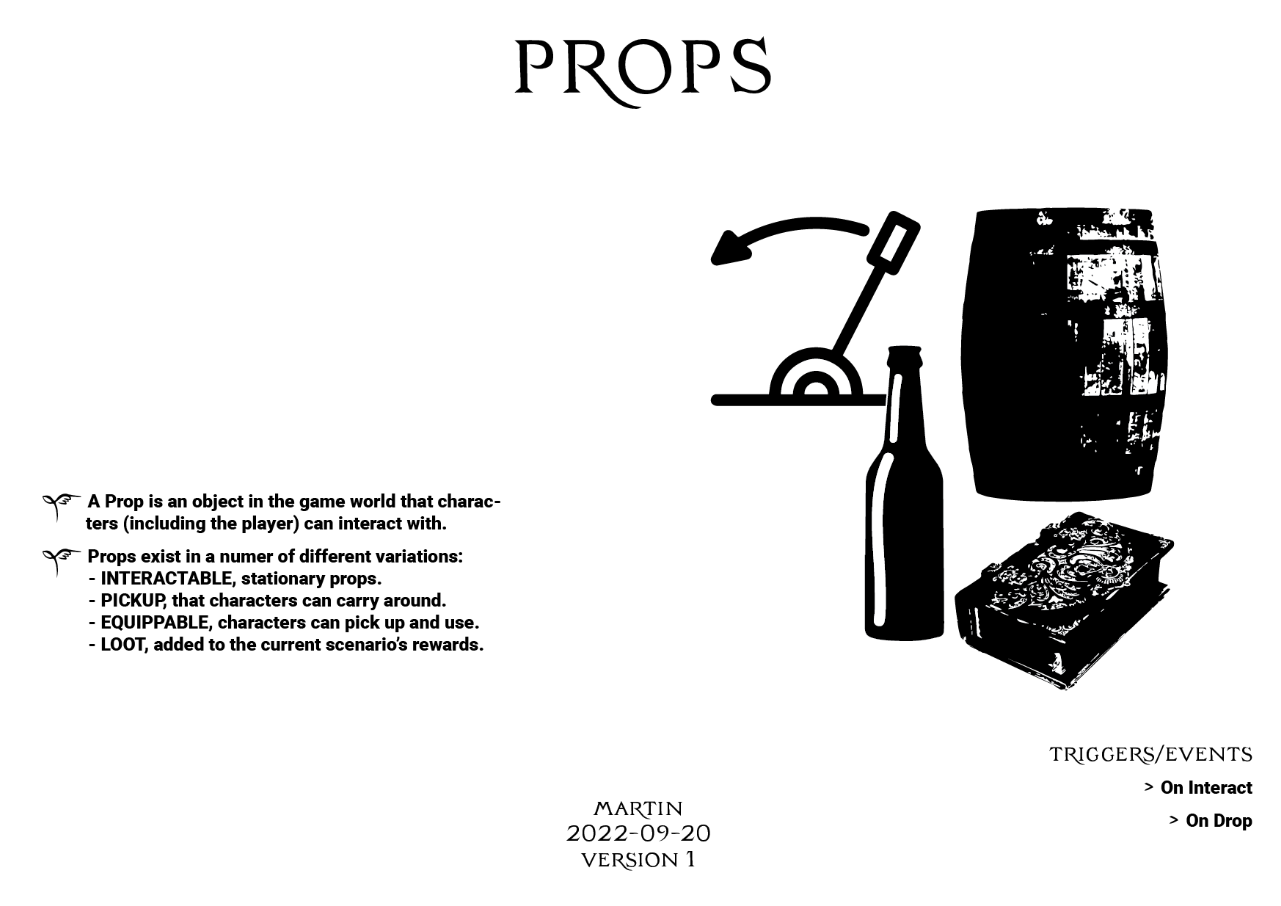
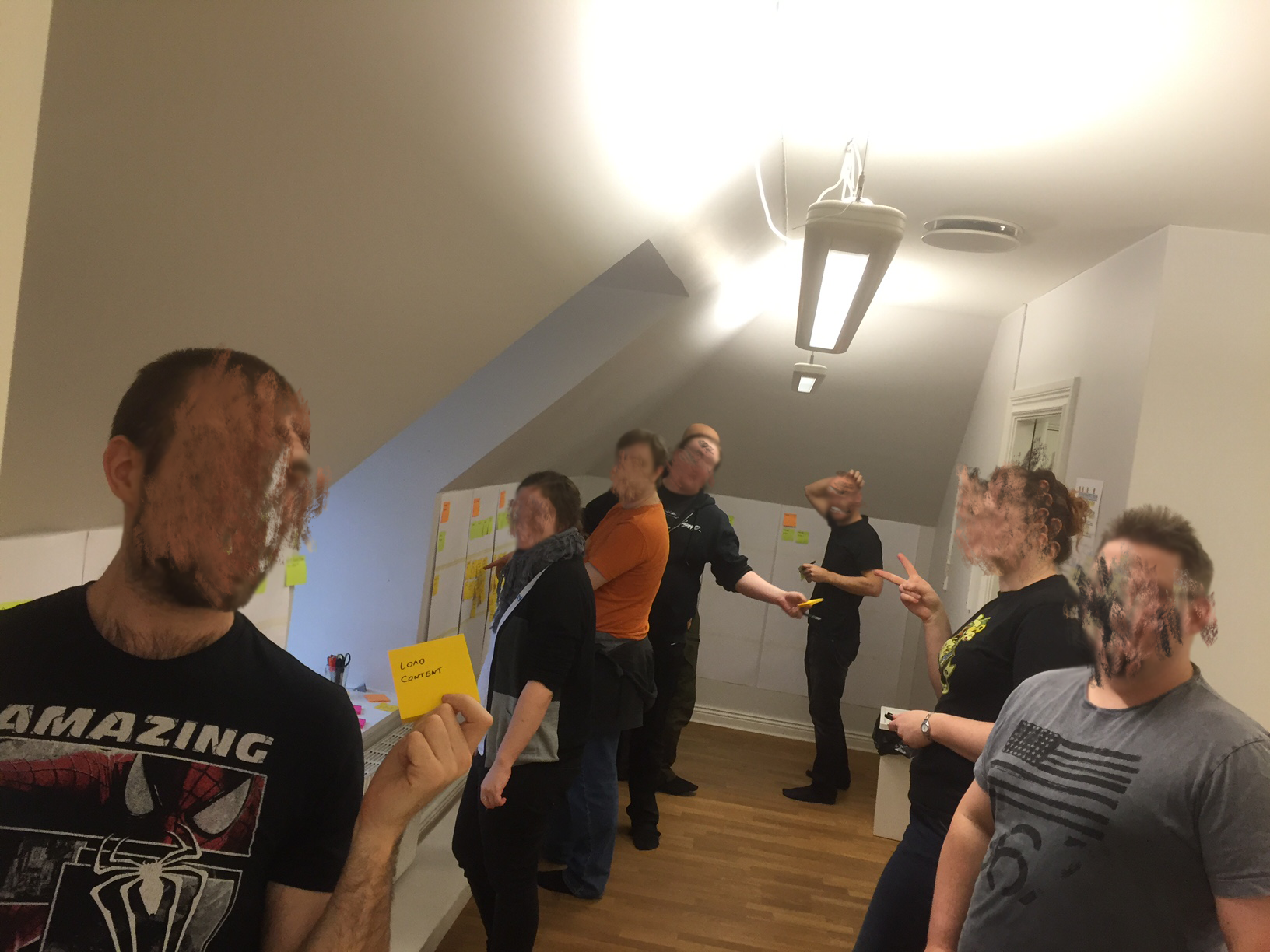
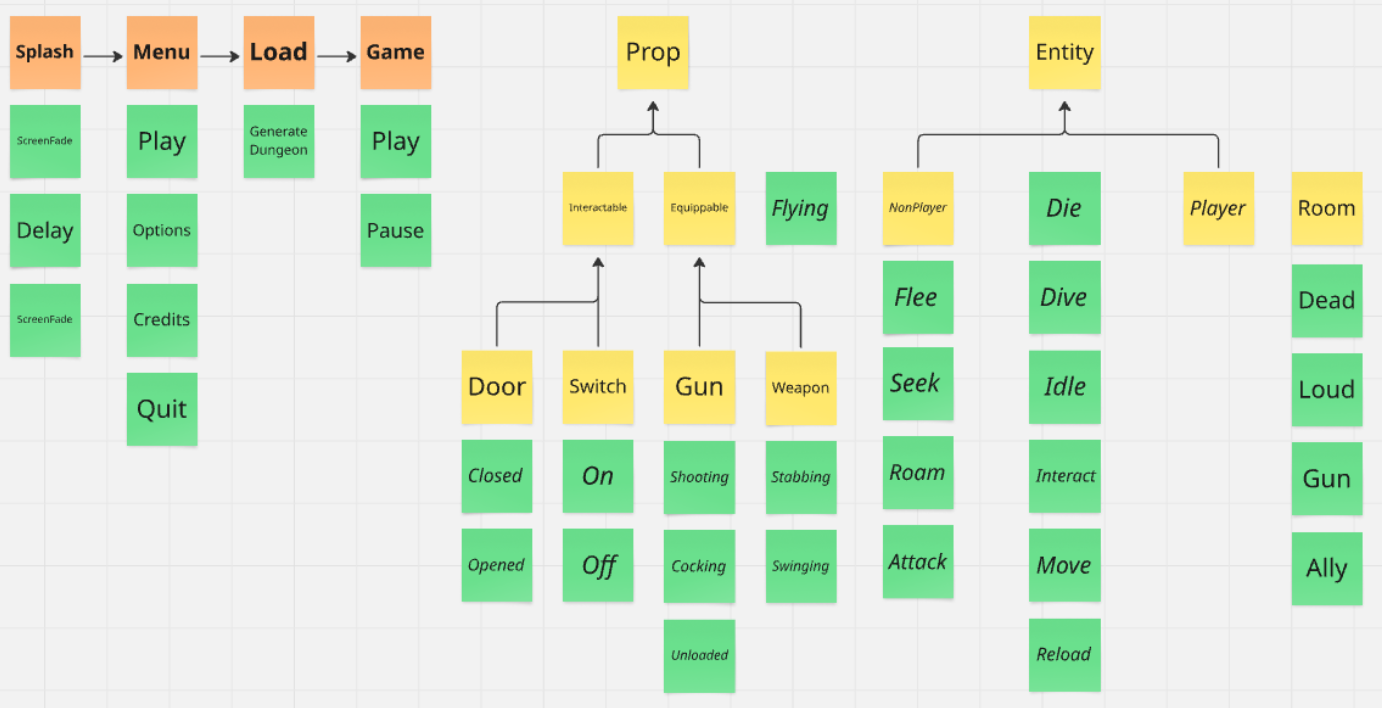
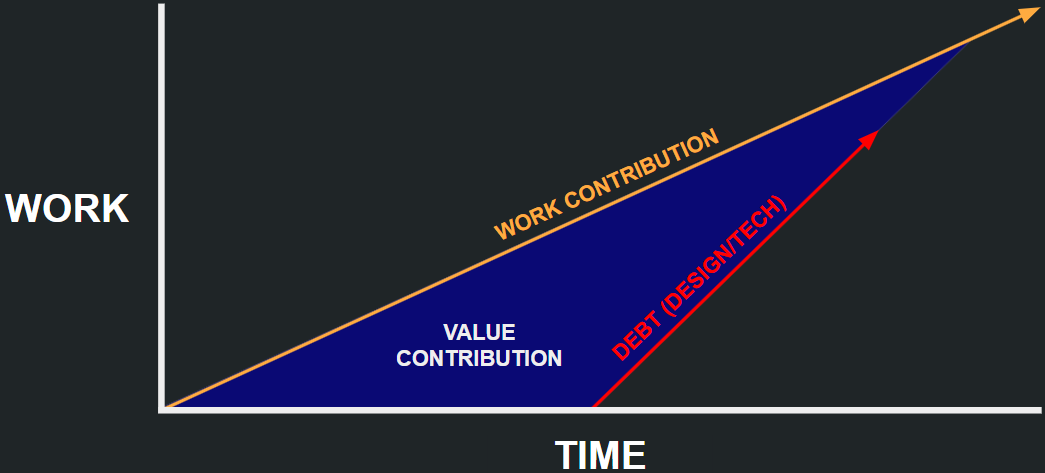
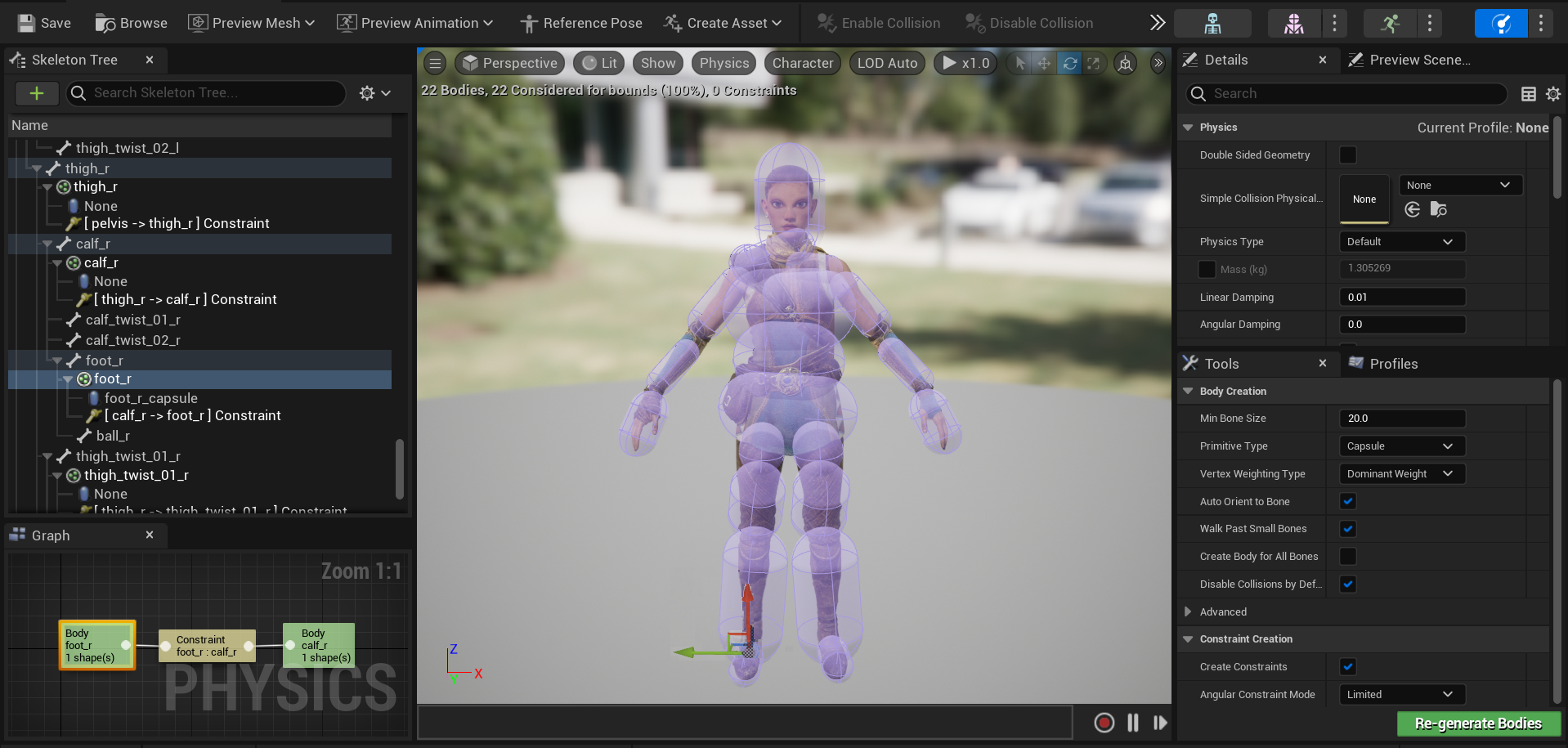
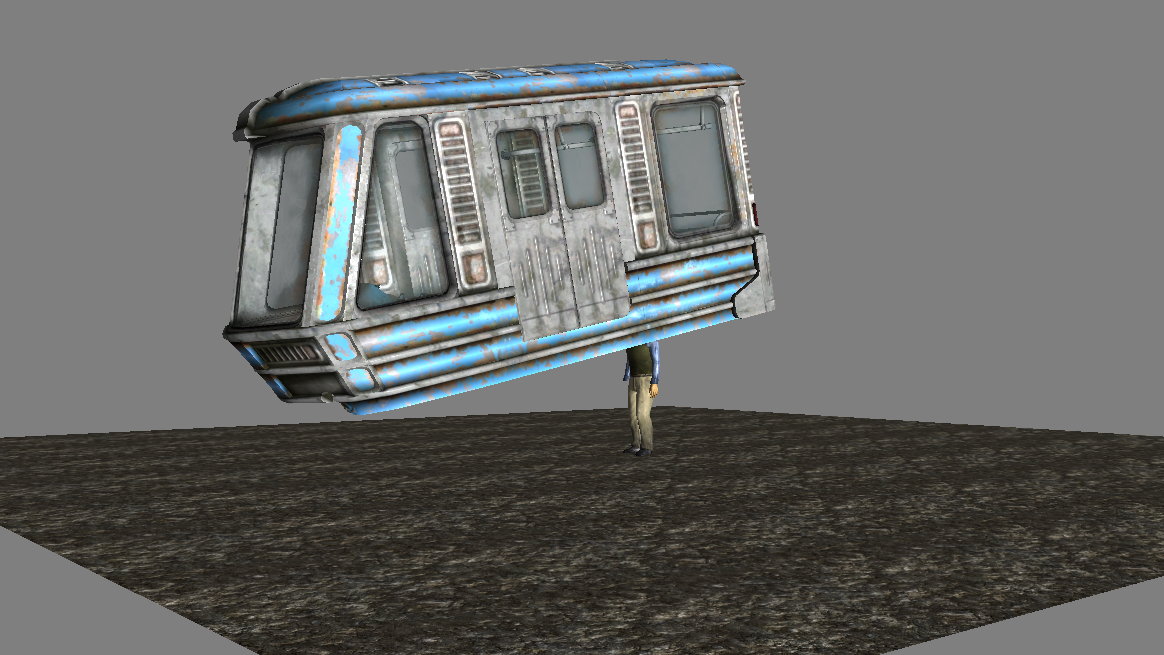
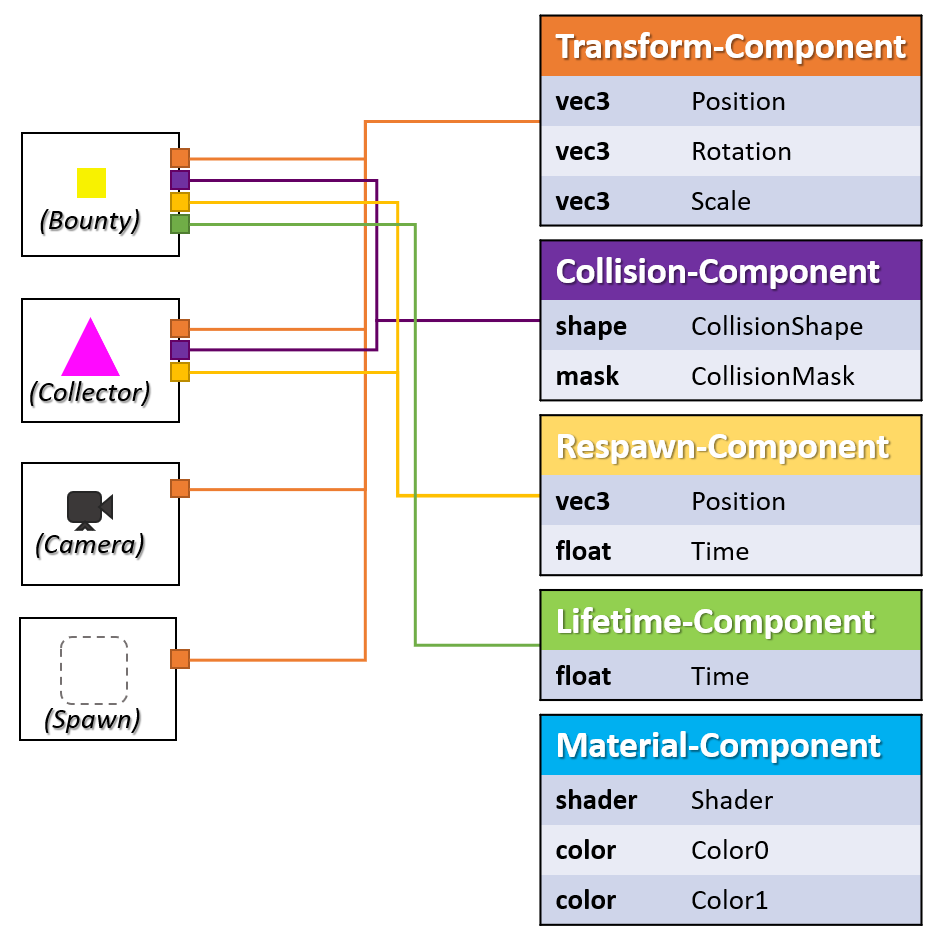
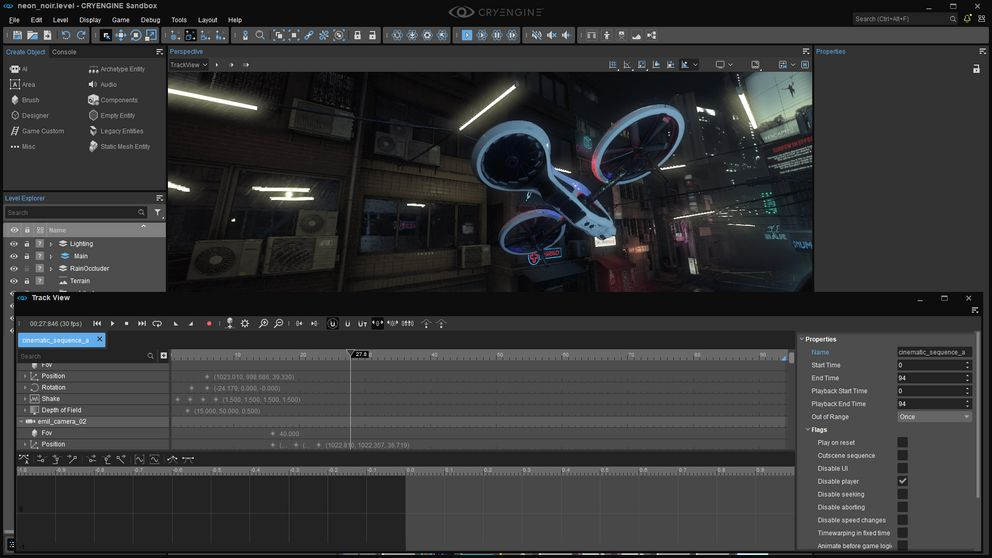

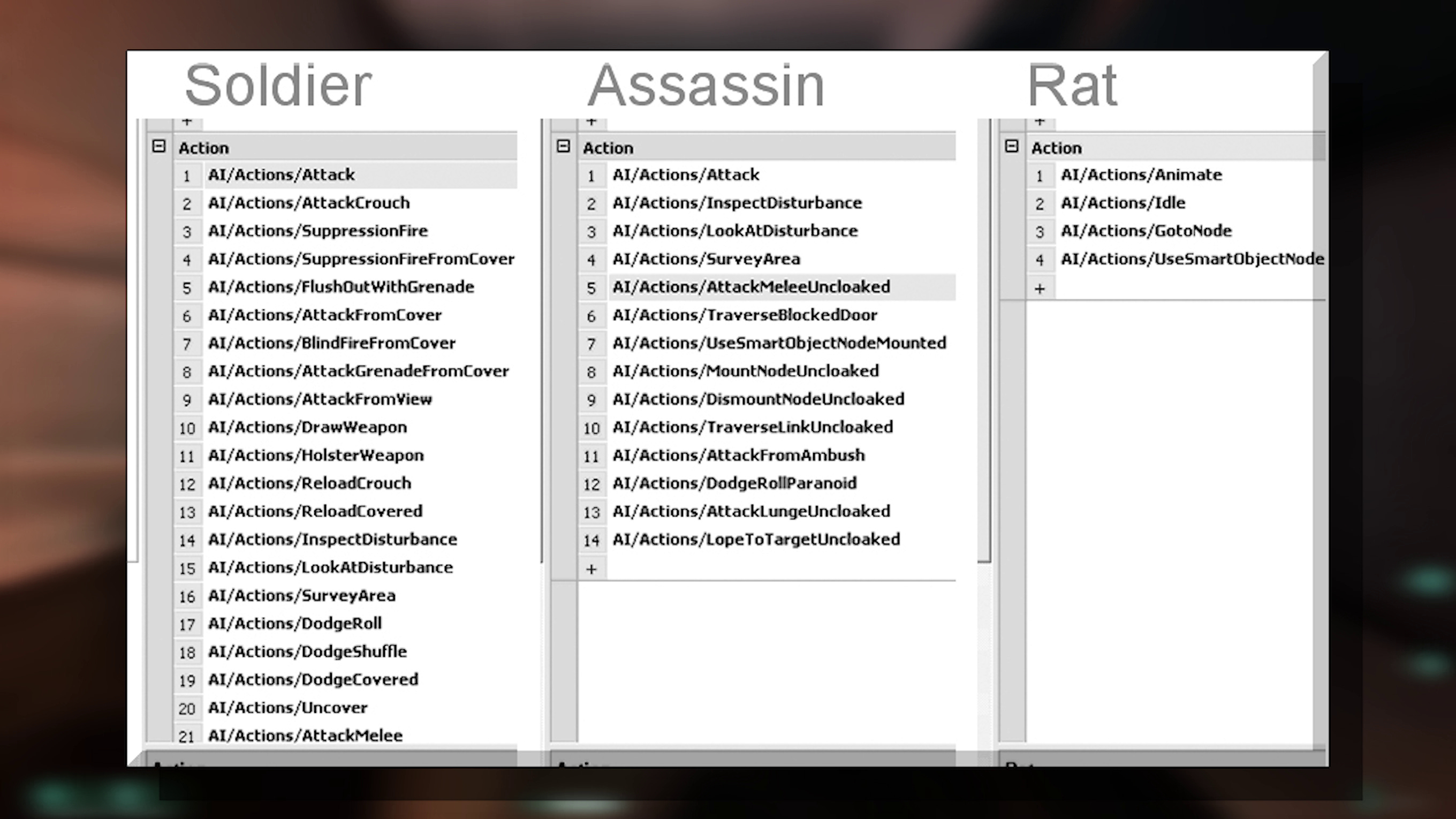
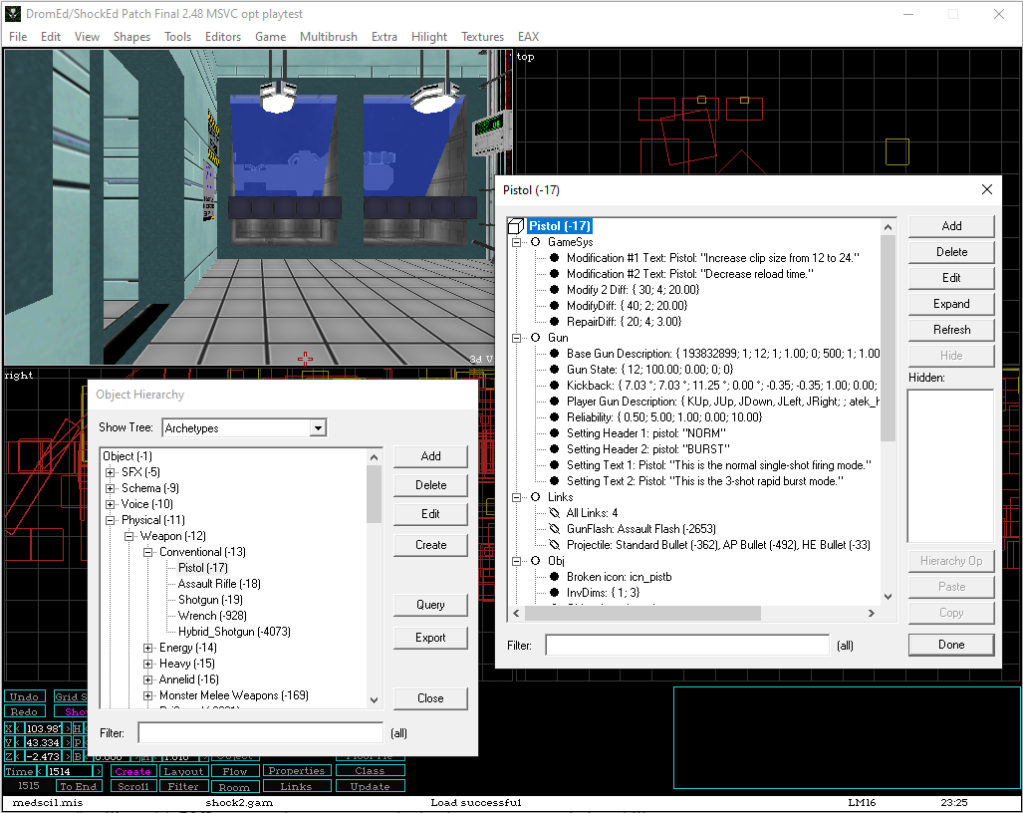
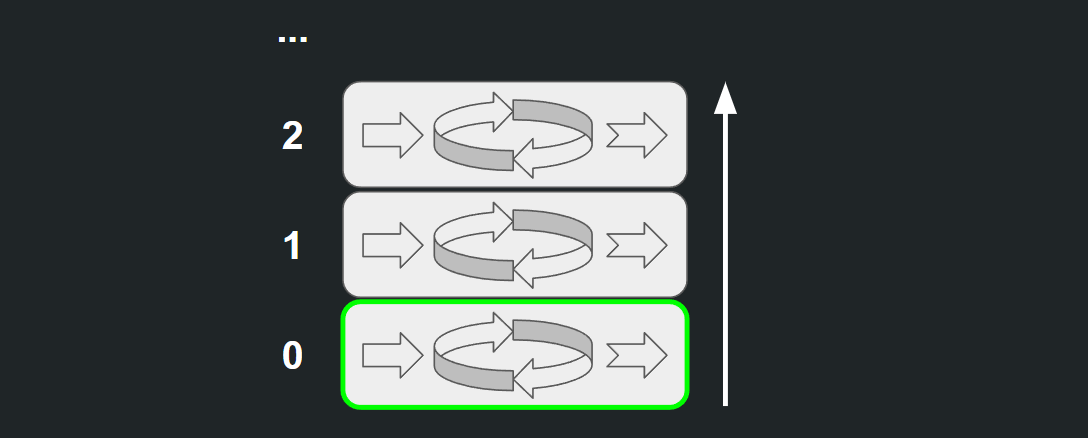
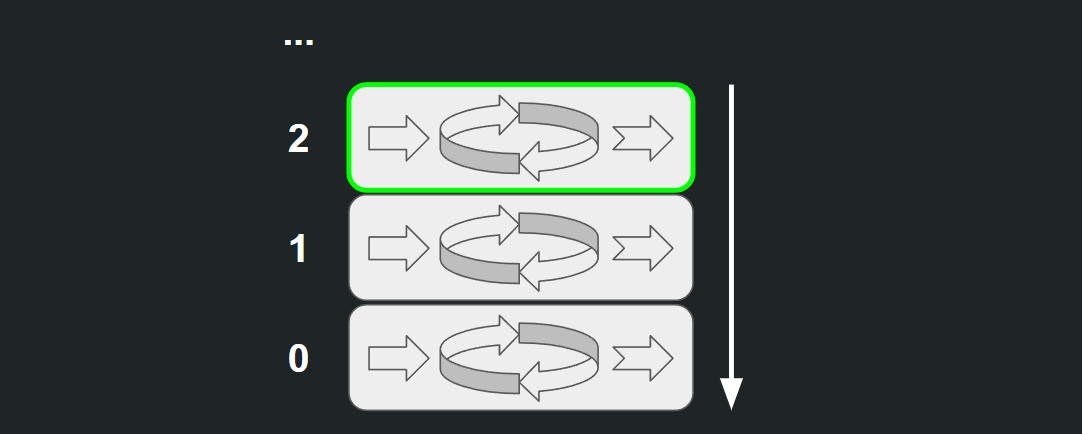
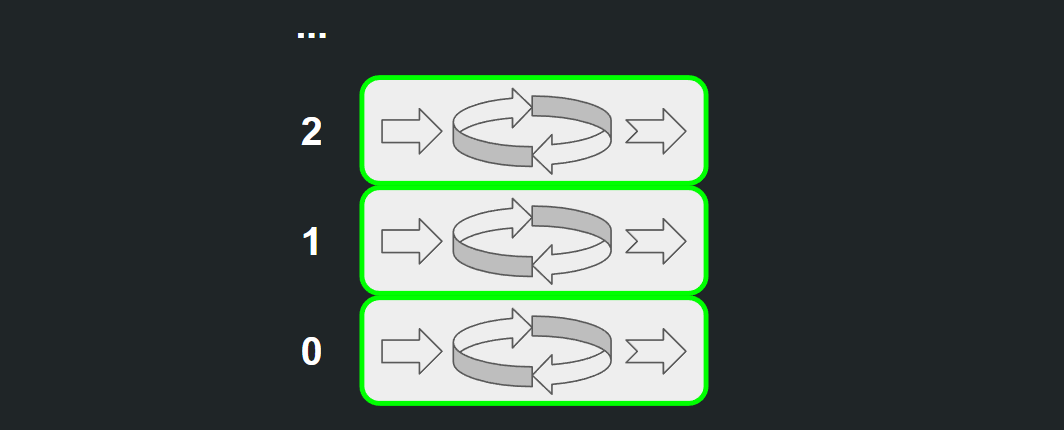
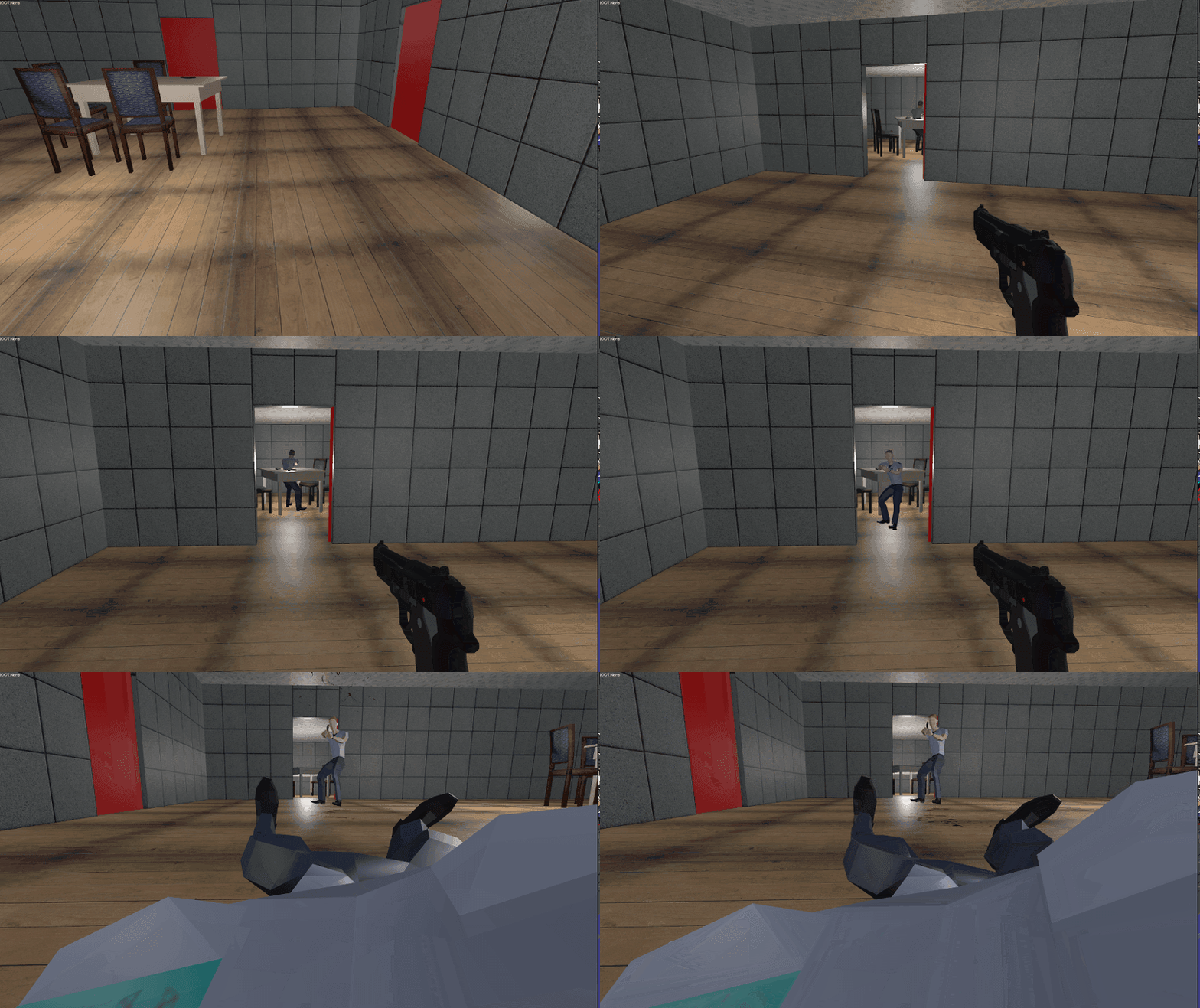
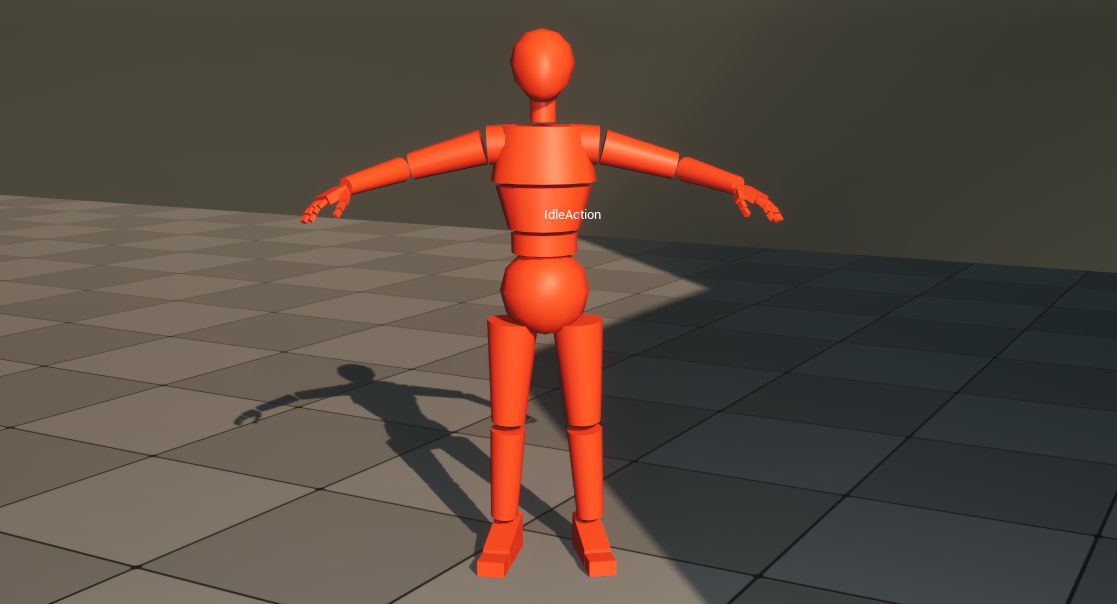
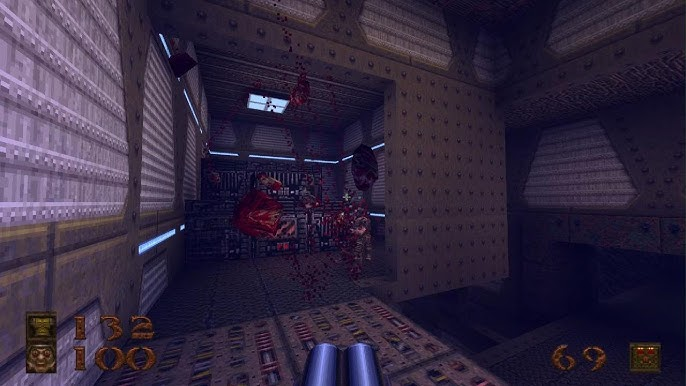
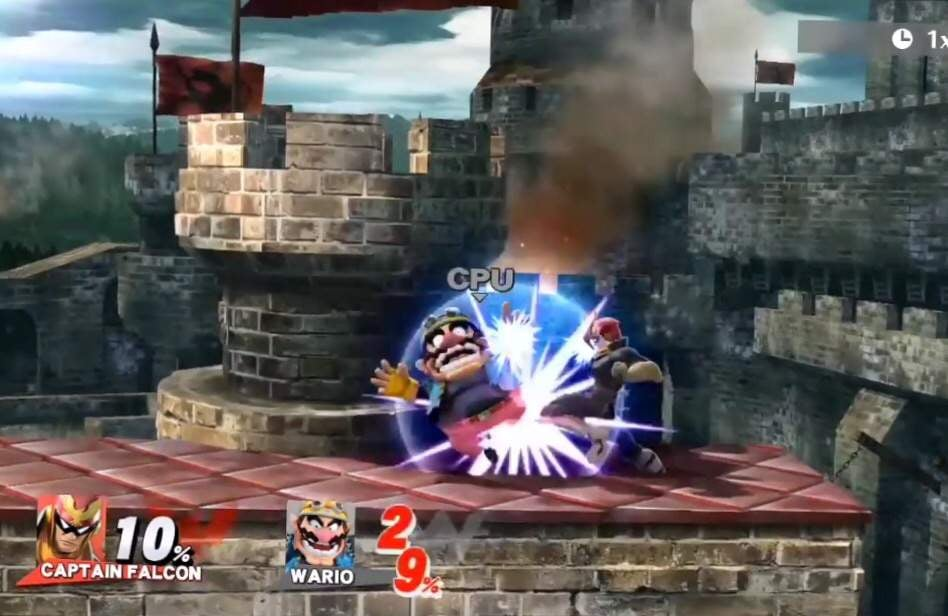
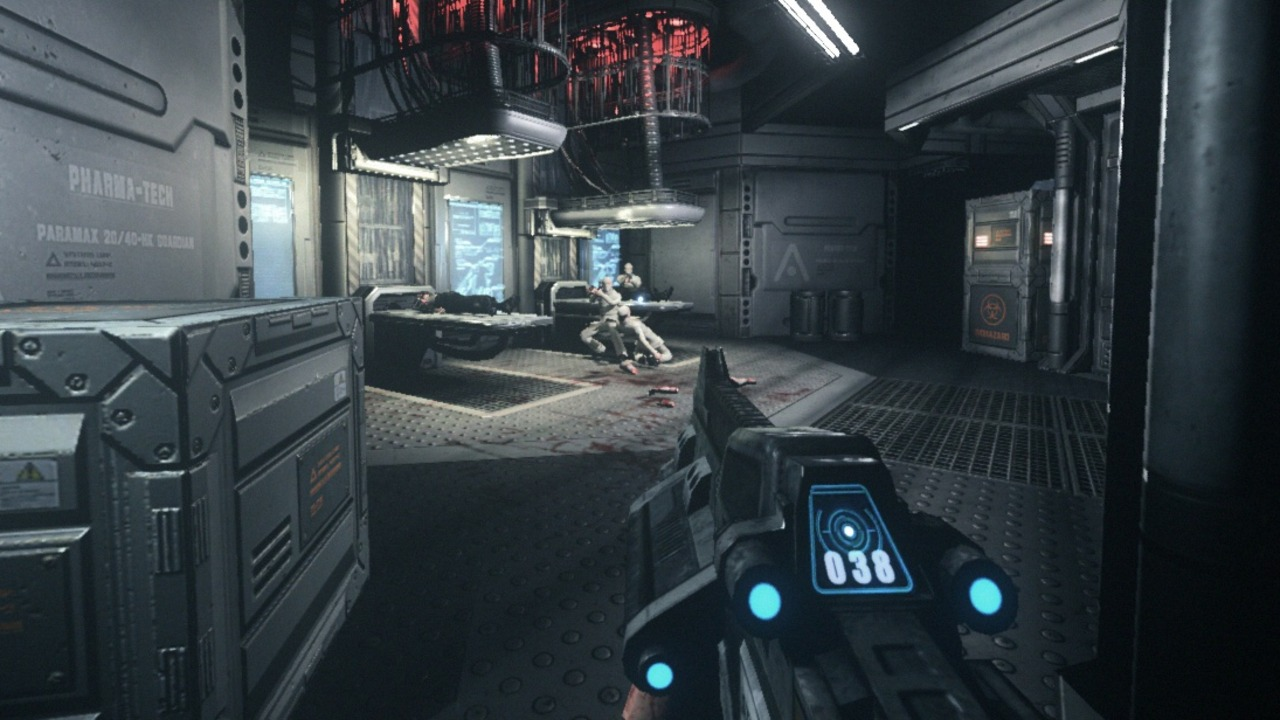
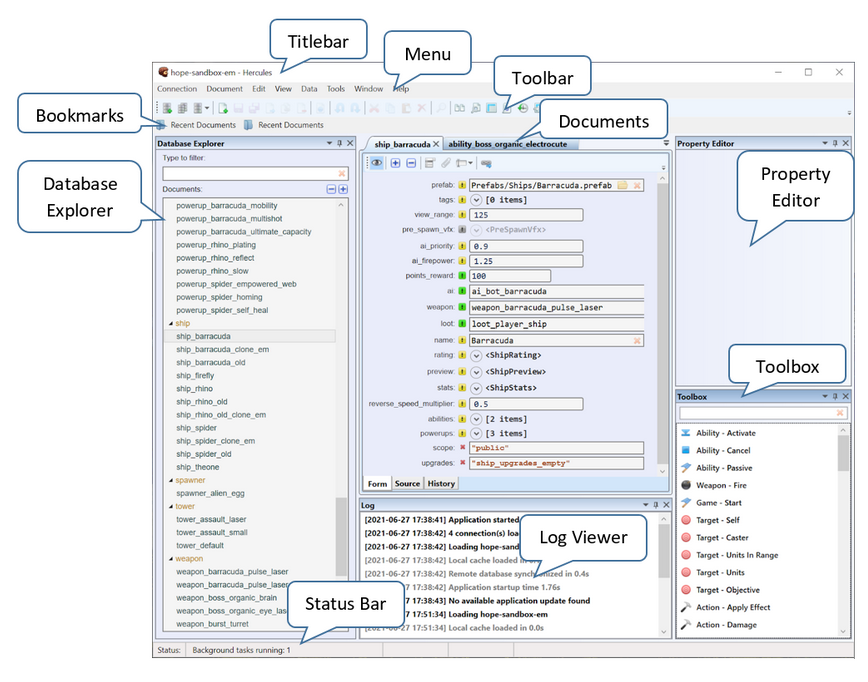
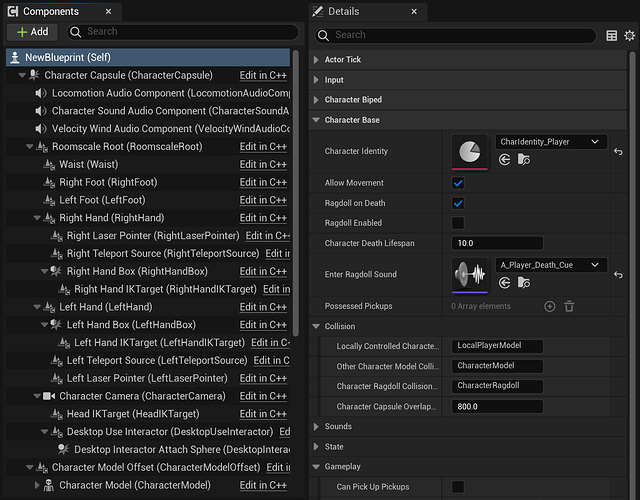
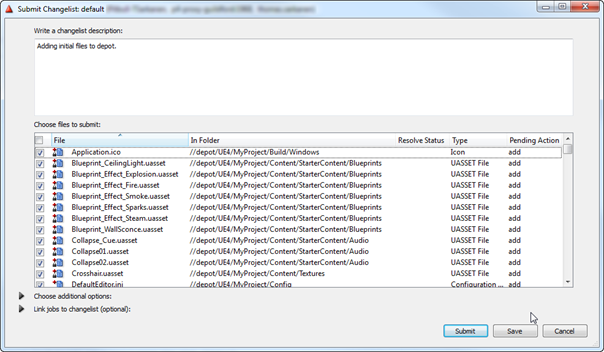


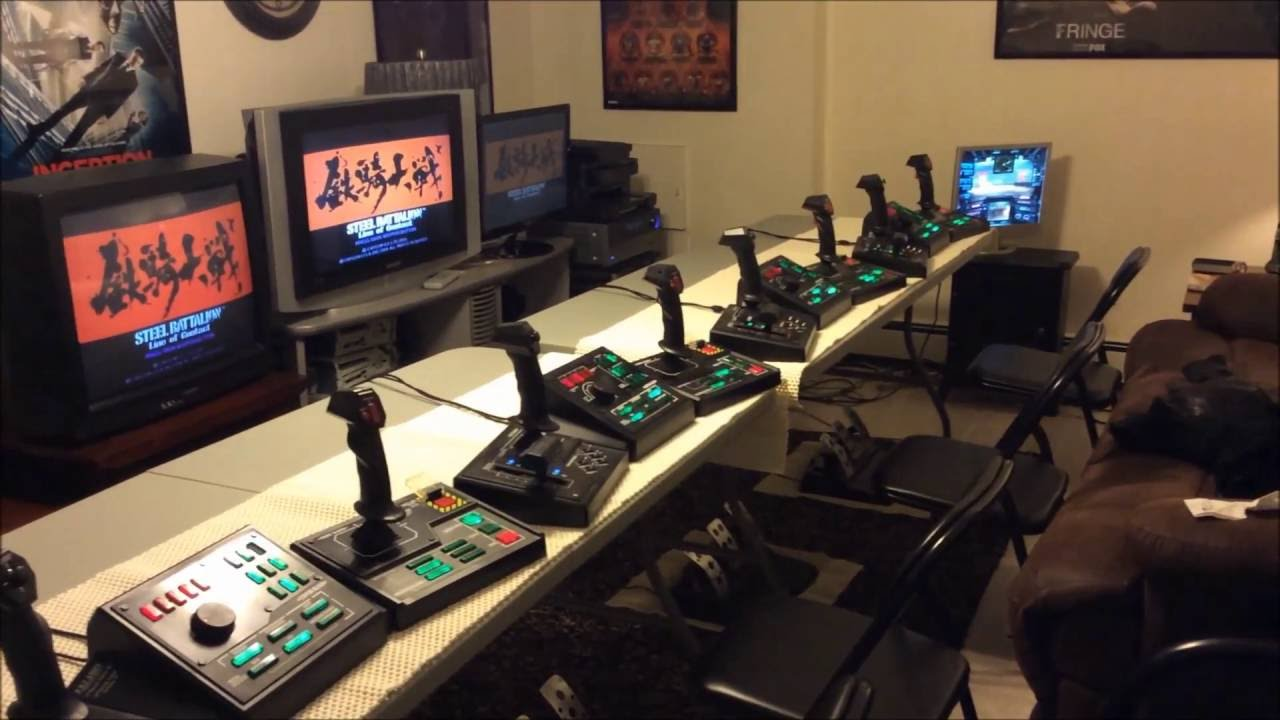




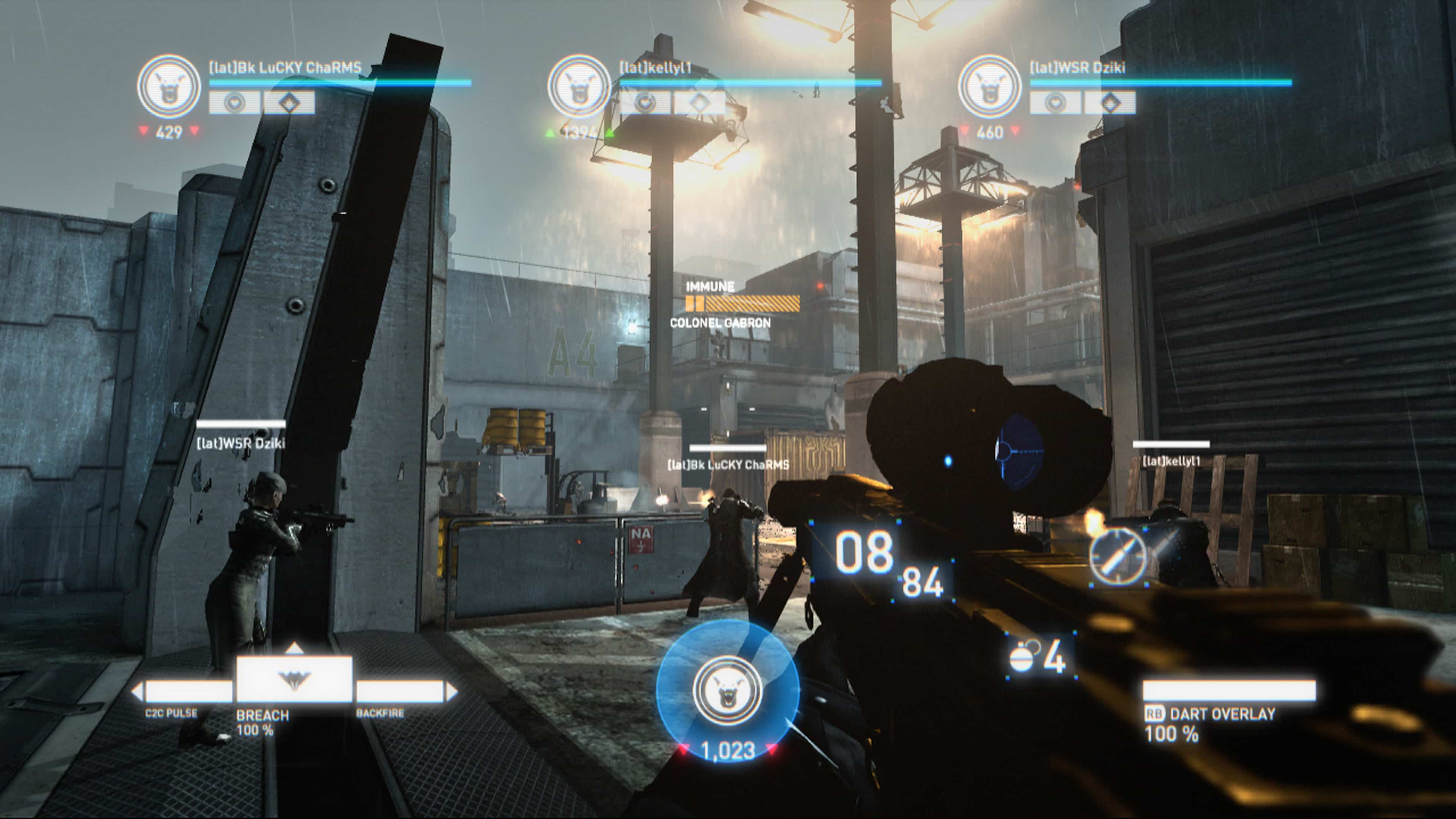









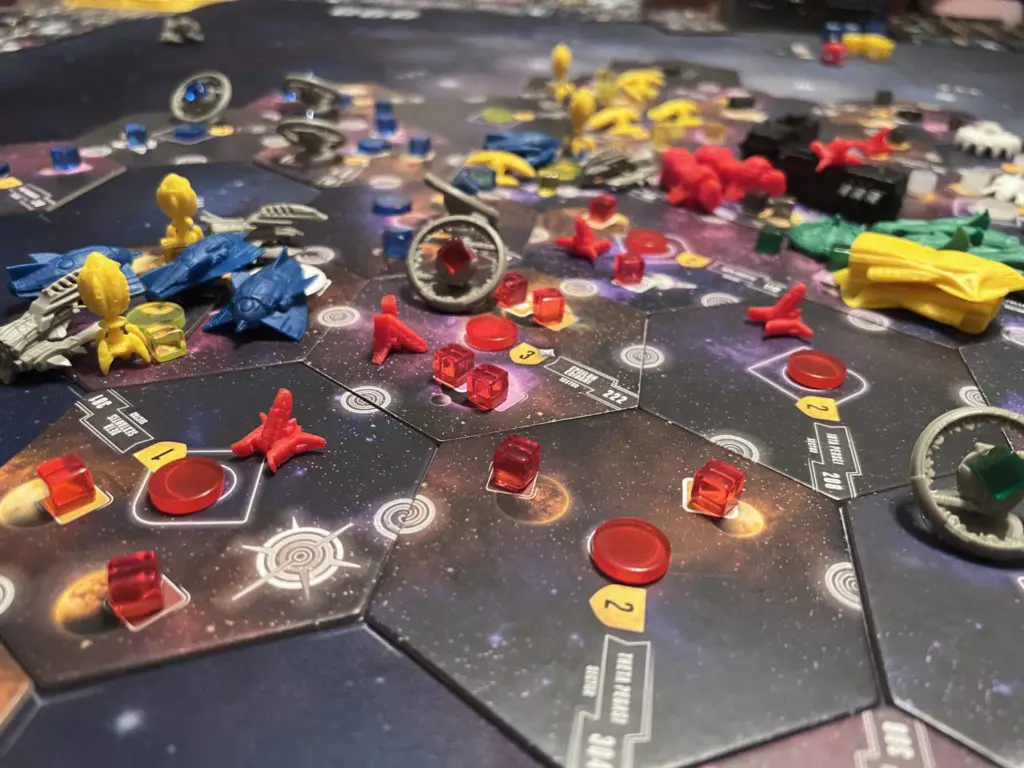
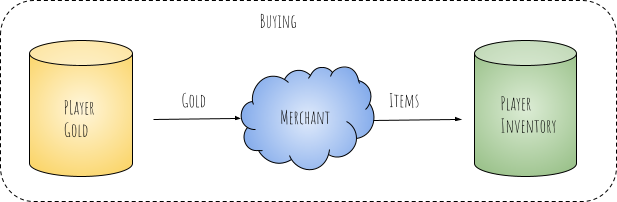
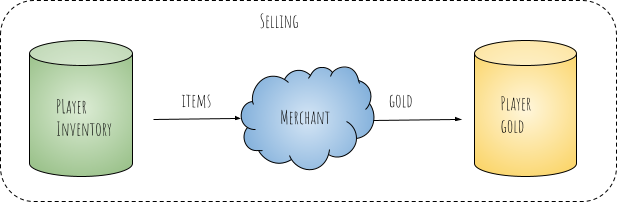
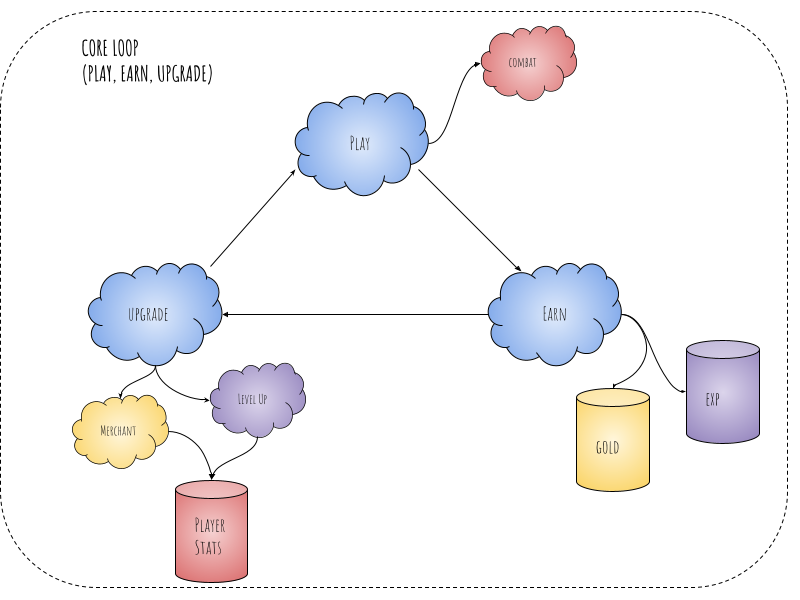
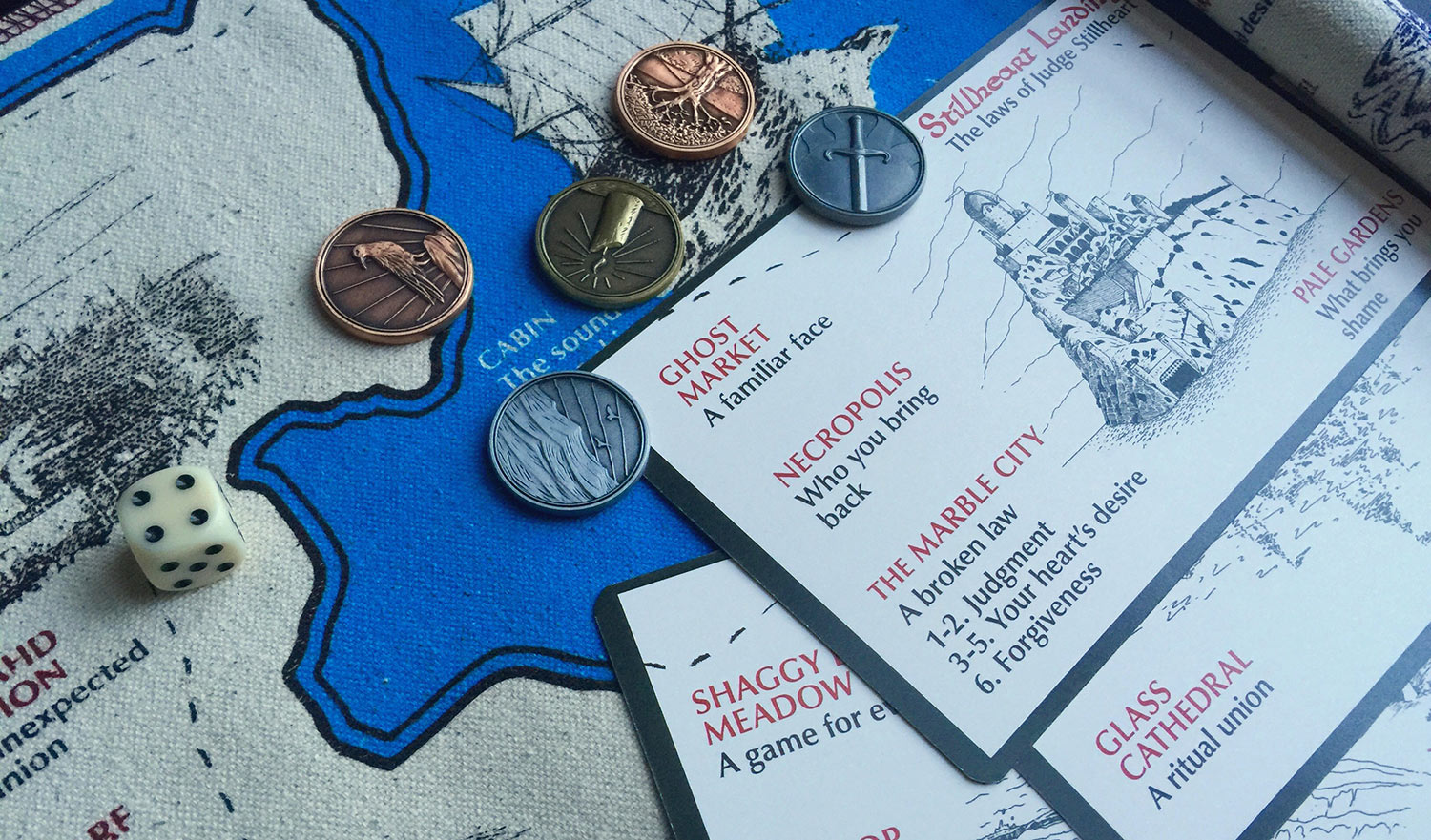






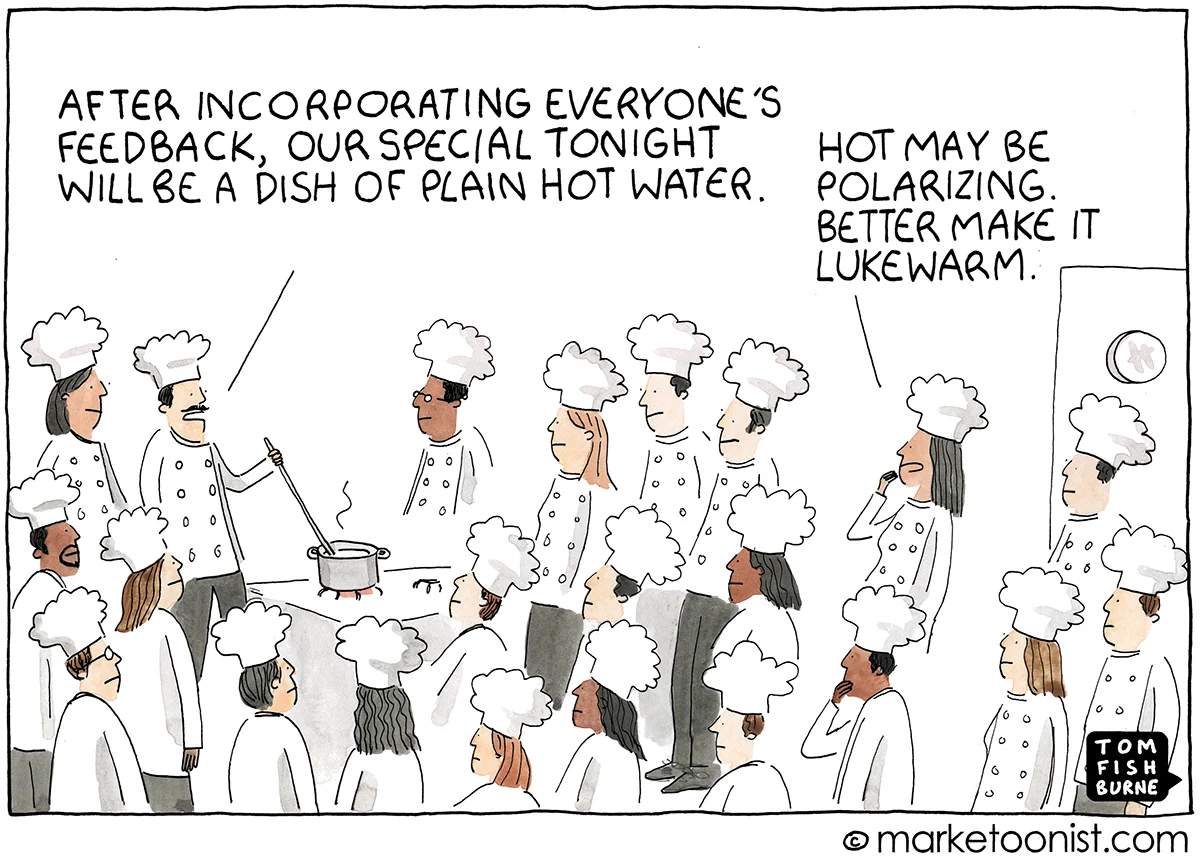


 Playtank