Part 2 of 6 on the six stages of game design.
Back in 2021, I tried to formulate the six stages of game design as I’d observed them. Aspirational more than definitive: I was hoping to solve observable problems through structure.
The stages are:
- Ideation: coming up with ideas and vetting them.
- Exploration: trying things out as cheaply as possible.
- Commitment: deciding what to commit to.
- Problem solving: solving problems in the real game.
- Balancing: broad strokes for the core audience.
- Tuning: fine-tuning the marketed product.
Let’s explore the ideas we had back in the first stage.
Exploration
“The activity of searching and finding out about something.”
Cambridge Dictionary
Two things that can easily become problematic in game development are the extremely loose concepts of “finding the fun” and “prototyping.” Both are easily used to motivate throwaway work and to hinge decisions either on arbitrary leadership or the money running out.
Treating it as exploration instead allows you to consider why you are doing it and what you need to get out of it. The following tools are intended to help with just that.
Apply Richard’s Rule
In iconic game developer Richard Garriott’s autobiography, Explore/Create, he refers to something he calls Richard’s Rule. A principle that grew out of extensive Dungeons & Dragons play, where the framework and rules were loose enough to allow players considerable room for interpretation.
The shortest way to explain the rule, from the book, seems to be: “if something should do something, it has to do it.” If you put a candle in your game, it should be possible to light and douse, and to pick up. It should also spread light when it’s dark. A bucket can hold water, flour can be mixed with said water to create dough; I’ve covered this before.
When used as an exploration tool, this will put a hard practical constraint on everything you put into the world, especially on its content. During exploration, it’s quite common to just grab whatever ready-made cheap Asset Store or Fab content you can find and flesh out your levels without thinking about what you are actually adding. Richard’s Rule means you must sanitize any and all content you add, and may even have to cut things out because making them “do it” is too expensive.
Apply Richard’s Rule to:
- Data. If you put a wall terminal on your space ship: what data are the gauges showing? If a light is on, why is it on?
- Affordances. If there are knobs and levers in your level, what do they do? You can’t just put them there and have them be static and non-interactive.
- Solvability. There should always be more than one solution to a problem, so that players don’t have to second-guess a game’s designers but can rely instead on their own intuition.
- Story. What happens if you kill a pivotal character? Not necessarily something Richard Garriott allowed in his own games, but what if you did?

Just Make the Game
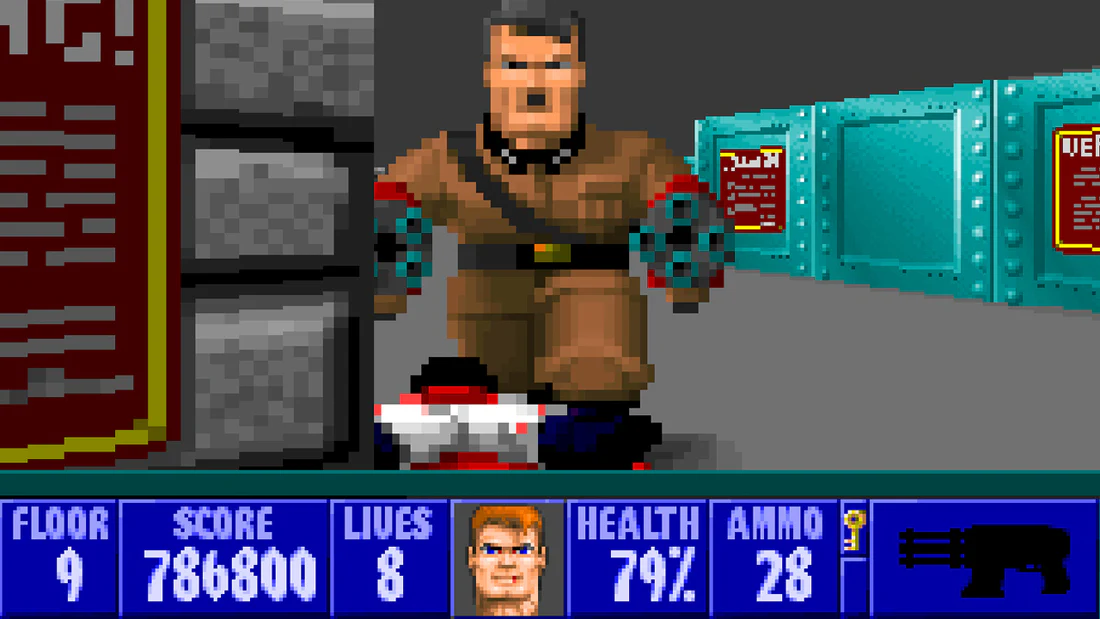
Another icon of game development is John Romero, who talked about how id Software didn’t make prototypes at all, but simply made the game they set out to make. “There was no figuring it out, we’re just making it. So there weren’t prototypes. It was just, ‘we’re making the game’.”
With this mentality, exploration isn’t as exploratory anymore. It’s development. You’re fast forwarding the whole process because of an external constraint like limited time or budget and if you learn any negative lessons they’re pushed forward to the next project. The whole staged process blends together.
This only works if everyone on the team knows their strengths (and weaknesses) and are able to push forward without supervision and without communication. You need to understand what the early agreements mean before you can just set off to make it.
In a way, this is the complete opposite of “finding the fun.”
When you just make the game, you can’t:
- Begin without a clear design.
- Build throwaway prototypes.
- Make placeholder content (except as a first pass for final content).
- Add new features along the way.
- Step back to Ideation mid-production.
Design From Technology
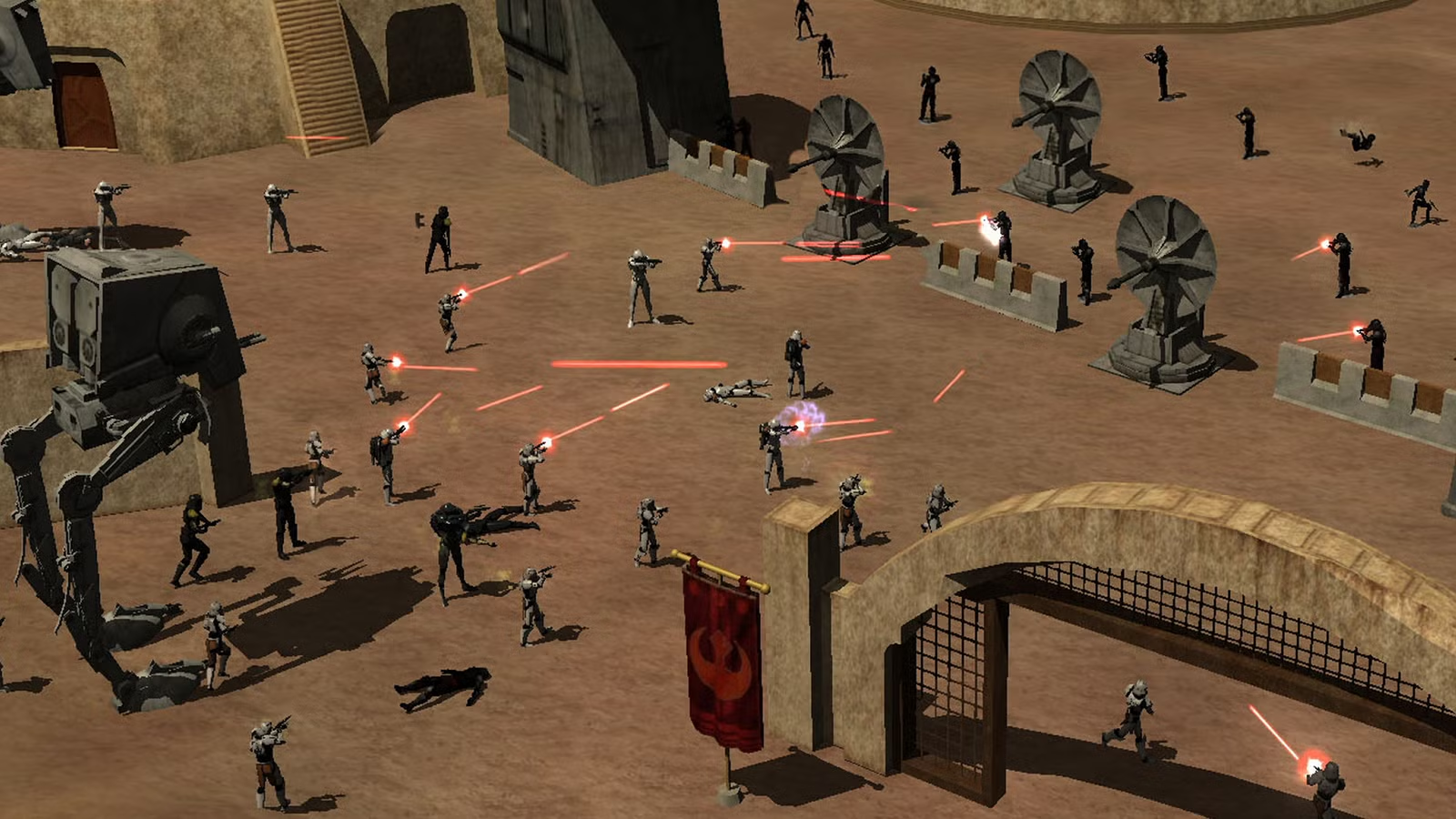
“Star Wars Galaxies […] was built entirely around real-time procedural terrain that was generated around you as you walked,” said game designer Raph Koster in a GDC panel. “That sounds like it was a content tool. But it actually opened up all this emergent and narrative gameplay because of the tools that it provided us.”
Like Raph Koster’s heightmap features, or how No Man’s Sky uses procedural generation for all its pieces, or how a boardgame like Return to the Dark Tower is based on the combination of a striking physical tower and an app: these are all games enabled by key technologies.
If you have such a technology in mind, you must build it first. It doesn’t have to be finished, but you need to know what it can and can’t do, and then start exploring what this means. The Star Wars Galaxies heightmap example is interesting, as it provides excellent room for everything from craters to player-built cities. You need to figure out what your specific technology makes possible.
Design From Technology
Technology evaluation can happen on three axes: Appeal, Fun, and Substance. Appeal means something attracts attention or interest. Fun means something is enjoyable to engage with. Substance means depth, utility, or lasting value.
Whether you want all three, two, or just one to qualify is of course dependent on what kind of project you are making, but if you don’t hit even one you have a problem.
- Build a representation of the technology, as cheaply and quickly as possible.
- Set up use cases for the technology where you can push its boundaries. From those use cases, derive more use cases if possible.
- Evaluate whether this technology actually reaches the potential you had in mind. Check each of the three that you think applies:
- Appeal
- Fun
- Substance
- Check the result:
- Appeal+Fun+Substance: Success. This technology provides on all fronts.
- Appeal+Fun: Toy. Immediately engaging, but lacks depth.
- Appeal+Substance: Grind. Attactive because of extrinsic stimuli, but not inherently fun.
- Fun+Substance: System. Valuable and enjoyable, but niche in isolation.
- Appeal: Effect. Flashy or eye-catching, but shallow.
- Substance: Tool. Useful but not entertaining or appealing.
- Fun: Novelty. Enjoyable in isolation, but doesn’t attract or endure.
- None: Failure. Not fun, not appealing, and no substance.
Stick to a Fantasy
Arrowhead Game Studios, the makers of Helldivers II, have a “fantasy-first” design approach that emphasizes each game’s emotional core and a sense of acting out a role. In Helldivers II, this is the idea of the “grunt fantasy:” a squishy soldier thawed up just to be armed and then shot through a chute onto some planet that needs more space democracy. Stew in 80s and 90s media literacy for a few days and serve to order.
As an exploration tool, define your intended fantasy clearly and then lean into it at every decision point. If it fits the fantasy, it fits the game. If it doesn’t, it has to go.
Define the Fantasy
- Shared: everyone on the team and the player base must understand the fantasy. A shortcut to use is mainstream culture; e.g. movies and TV shows.
- Succinct: the fantasy must be easy to describe and reinforce. Anyone who watched the Starship Troopers movie can understand the grunt fantasy of Helldivers II.
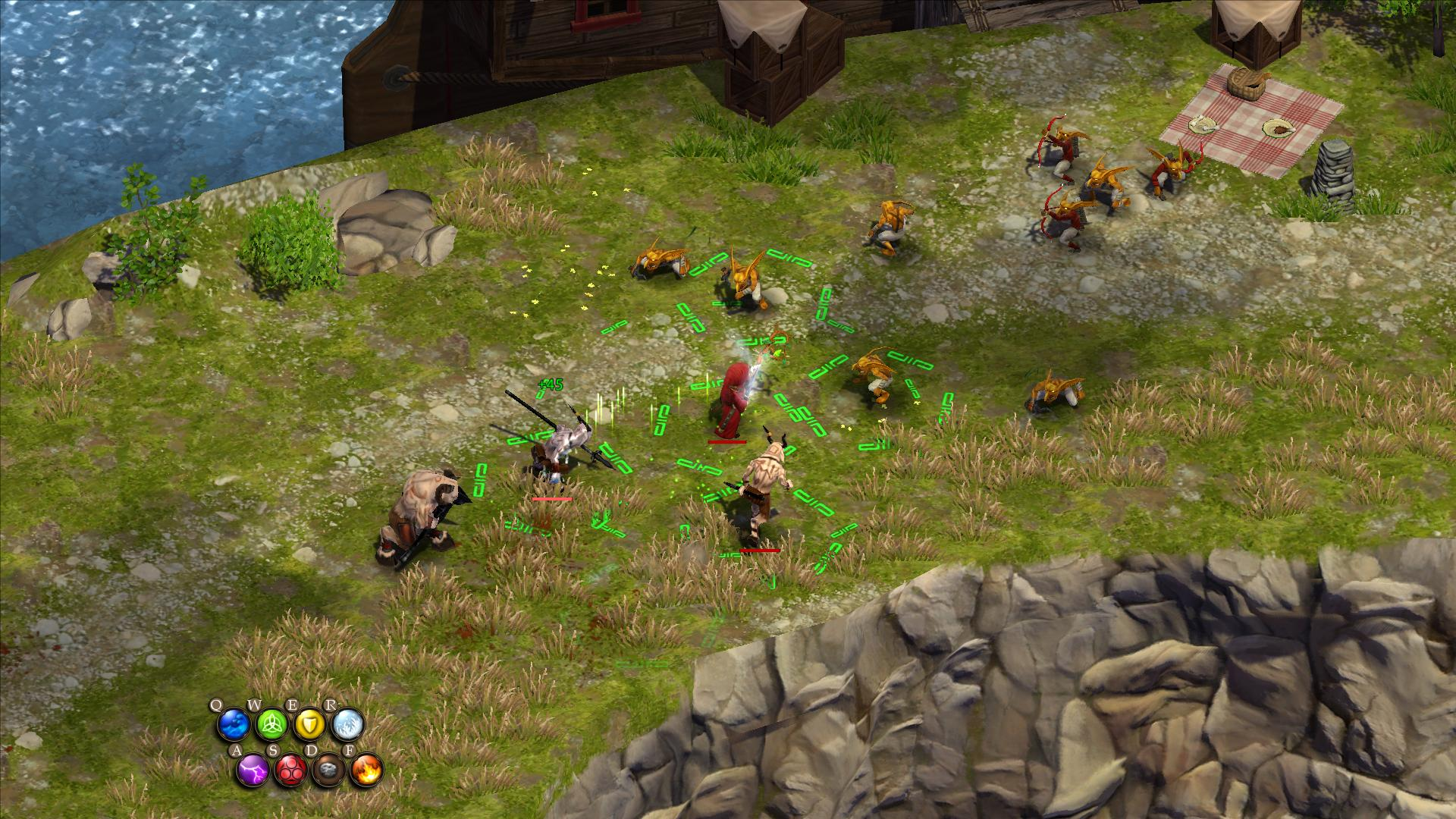
- Memeable: whether the qualities of Liber-Tea or the hilarious cooperative deaths in Magicka, fantasy-first games thrive from “memeability.” Having fun and making fun.
- Honest: no matter how memeable it gets, the fantasy still needs to stay honest. It’s not a comedy for its participants. The helldivers and wizards all take their world and their lives very seriously.
- Playable: where rubber meets the road is in the player’s involvement with the fantasy. As a player, you’re combining the magic elements and pulling the trigger. A fantasy-first game is a player experience, not something you get told.
Stick to the Fantasy
- Does the thing that happened or that you wanted to add fit the fantasy?
- Yes: keep or reinforce it.
- No: remove or change it.
Only Explore the New
All too often, we think that what makes an interesting game must be the whole and not just a part of it. We come to exploration, and we start implementing the inventory, writing all the cards, and building something that quickly grows so big that we can no longer remember what we were even supposed to explore. We wrestle our engine’s animation system to get the default animations to look right, forgetting our game’s design in the process.
A better approach is to skip the things we know how to do and more deeply explore one very specific thing to see where that leads us. The idea here is to take one thing only — preferably as specific a feature as possible — and make it the sole focus of our exploration. See how far we can take it and what additions we can make.
Avoid building things you already know how they work and instead do this one thing that’s different from all the other things. The thing you haven’t seen before. But you must also be careful with your time. This one thing you’re doing may actually be bad, and you must be willing to admit it if this is the case.
Examples
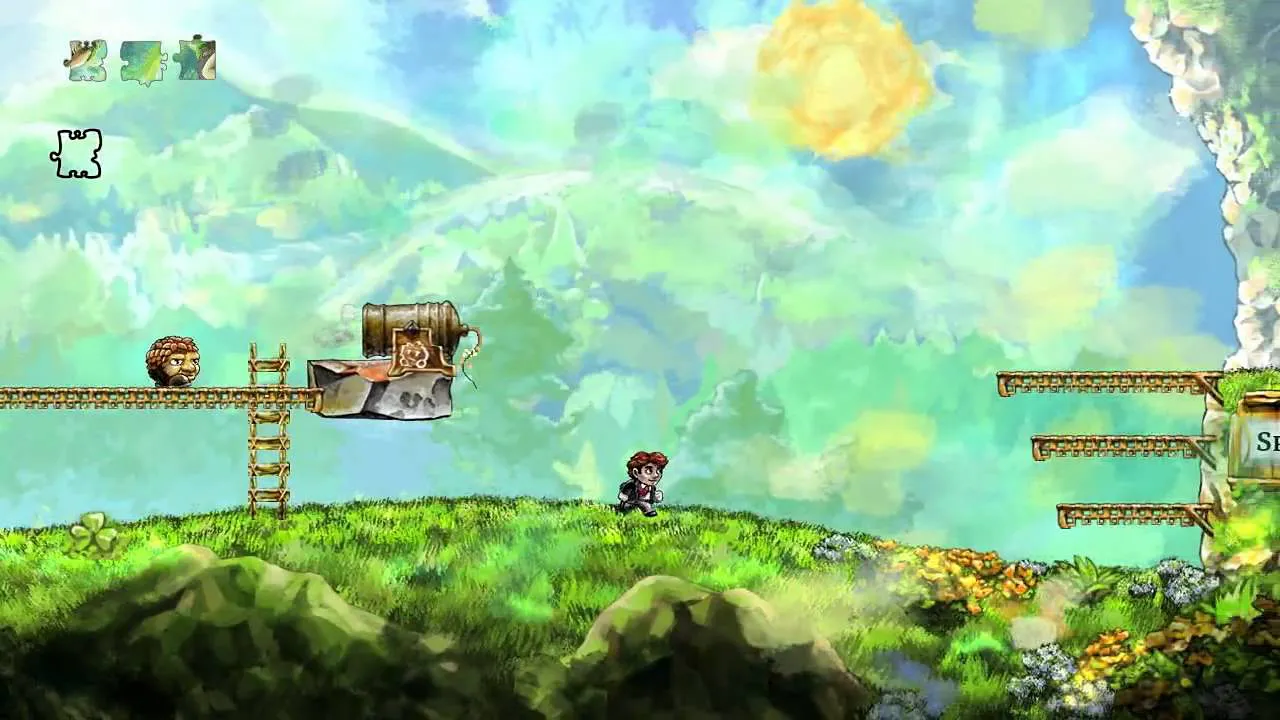
- A Movement Mechanic. Think of how you move and what stops you from just going from A to B. Rope swinging. Zero gravity. Extreme gravity. Burrowing. Similar to how jumping defines platformers, and avoiding detection defines stealth games.
- An Interaction Mechanic. Characters interacting, like dialogue or wrestling or something else. Components interacting, like stacking, shuffling, flipping, etc. Games like Stratego hide their information and stealth kills tend to require that you stand behind an unaware opponent—secrecy and relative placement.
- A Component Mechanic. Holding cards upside down. Using the back of the cards to determine whose turn comes next in a common deck. Dual-stick shooting. Gyro-sensor melee attacks.
Design From Affordance
An affordance, in design, is “a relationship between the properties of an object and the capabilities of the agent that determine just how the object could possibly be used,” says Don Norman. “When affordances are taken advantage of, the user knows what to do just by looking: no picture, label, or instruction needed.”
When we speak of our user experience as intuitive, it’s often about affordance rather than intuition. People know that they can drag a slider, turn a knob, and push a handle. Unsurprisingly, the same things apply to a virtual world.
Players can understand the fundamentals of a digital card game because they already know the types of interactions you can do with cards. Shuffle them. Keep them on hand. Play them on the table. Discard them. Draw them. Etc.
Another side of it is that you need to be conscious of your player’s mental model. If you make a house with a front door, players will expect to be able to open that door, and if they can’t you need to provide an explanation. (Note how cleanly this slots into Richard’s Rule, from before.)
In a game, you need to consider both the affordances of the player, which is what Don Norman talks about, and the affordances as experienced by the player’s avatar. The ideal case is that players will play your game and understand it without having you explain anything at all.
Some games create artificial affordances that the player must learn. For example, a dab of yellow paint may mean “you can climb here,” and a card-shaped slot on the board tells you where to put the events deck. Many such things will become obvious once the player understands them, but may be tricky to explain.
Example Affordances on a Gamepad
- Buttons:
- Press: activate an action, hit a window of opportunity.
- Release: let go of the ledge, drop the bomb.
- Hold: hold on to the ledge, aim, carry something heavy.
- Combine: holding a ledge and also aiming.
- Triggers
- Pull: fire a gun, or a boltgun or other power tool.
- Squeeze: the throttle of a vehicle.
Player Mental Model
- Doors: open, close, lock, break down, kick open.
- Paths and Roads: they lead somewhere, and their state (paved, broken, overgrown) tells you something about where.
- Glowing Lights: green is good, red is bad, amber is something in-between.
- Fire: hurts you if you go too close, but may also provides warmth or cook your food.
- Metal: impervious to damage, but leads electricity.
- Yellow or White Paint: dabs of these paints indicate that you can climb somewhere. The worst off-screen job in any game world must be to actually go before the protagonist and apply this paint.

Design Towards Goals
A goal can be many different things, and you’ll see the word used in several tools. In this case, it’s about figuring out what different parties in the game may want and using that to explore the game further.
It helps to remember that the player and their avatar may not always want the same thing. The player of a horror game wants to experience the horror, but the avatar may think it’s a genuinely bad idea to stay in the haunted mansion overnight.
This means we need to bridge what the player and avatar wants, for example by having the car break down and a lightning storm suddenly erupt and force the avatar to stay at that haunted mansion against their will so the player gets their scare.
Agendas
- Player Agenda: what experience the player wants or expects to have. One reason games can are refunded is that a game doesn’t meet the player’s expectations.
- Avatar Agenda: the player’s alter ego in the game, and what they want. Games that have stories attached to them will dive deeper into this agenda and sometimes contrast it against the player’s agenda.
- Opposition: what the player’s opposition (if any) wants to achieve.
- Supporting Cast: any other characters and what they want. Remember that “character” can be anything. Not just a person. It can be a spaceship, a tree, a dog, a planet, a storm; almost anything can have a goal that collides with that of someone else. This is exploration, after all. One result may be that you find you have too many or too few goals that your game are combining together.
Goal Questionnaire
- What happens if the goal is achieved?
- What happens if the goal isn’t achieved?
- What would make the goal impossible or moot?
- Who else cares about this particular goal?
- How do we represent the goal in the game?
Prototype for Discovery
Sometimes, you have a technical idea or something you think will be great, but you can’t be certain until you try it. Maybe you want to build a new kind of animation system, make a camera that behaves differently from what you are used to, or you want to try printing cards using a special material. These are perfect opportunities to prototype for discovery.
What’s important when you do this is that it’s not part of your current project. You must make it perfectly clear from the start that, even if the result is successful, you won’t be using the prototype. Instead, you take what you learned and make a proper implementation in the real project after you have done what you came for.
This means you can make the simplest possible implementation with complete focus on just the one thing and gloss over everything else. It also means you don’t have to use the same format as your project or even the same technology and content.
Paper prototypes and role-playing games are excellent ways to prototype for discovery.
Build an Exploratory Prototype
- Subsystems: if you have a part of your game that is in extra need of exploration, you can build only that part. Maybe the horse customization system, the army building in your strategy game, or the treasure generator.
- Experiments: things that are entirely “out there” and could potentially derail the project can be built in complete isolation so it doesn’t jeapordize the main project. The top-down battle system you wanted to add to your puzzle game, or the puzzles you wanted in the strategy game. The rest of the people working on the game can keep going, while you figure things out.
- Comfort: it may also be that you’re more comfortable experimenting in a different game engine, using dice instead of cards, or by pushing numbers through a spreadsheet. Just make sure to return to the project once you have the results you need.
Maximise Iteration
Exploration is iteration, and coming up with the fastest possible ways to get as many iterations as possible of the idea you need to evaluate is the best way to explore. Each iteration will teach you something about the game, even if it’s that your idea isn’t good enough or doesn’t achieve what you set out to do.
Note that there’s a whole post dedicated to maximising iteration in systemic games.
Maximizing Iteration
- Don’t polish anything — write lists of improvements you can make in the future, but make things good enough and move on when they prove or disprove their point.
- Stay on track and focus on the thing you’re testing. Avoid the lure of doing other things in parallel. Write the other things down, so you don’t forget them, but keep iterating on the thing you started iterating on.
- Avoid the traps of cheap iteration. Theoretical design, writing, and sketch art are three particularly cheap ways to iterate that may come with extreme consequences. Coming up with something in one of these forms takes five minutes, but may add six months to the schedule. Generative AI lives in the same domain: when iteration is fast, you can get stuck iterating and never move forward.
- Be mindful of engine iteration, for example when you find fancy new features in the third-party engine you’re using, but they’re not at all related to what you’re iterating on.
- Stay away from making content beyond what’s needed for the iteration, or to experiment with content-driven features. Imagine a rarity system of some kind. It’s enough to have one thing represent each level of rarity, to see that it works as intended. You don’t need more — you know what adding more things will do.
- Consider the future. How you will facilitate future iteration, even after the thing has been properly implemented. Iteration tools can sometimes become the basis for great production tools — keep this in mind as you plug away through exploration.