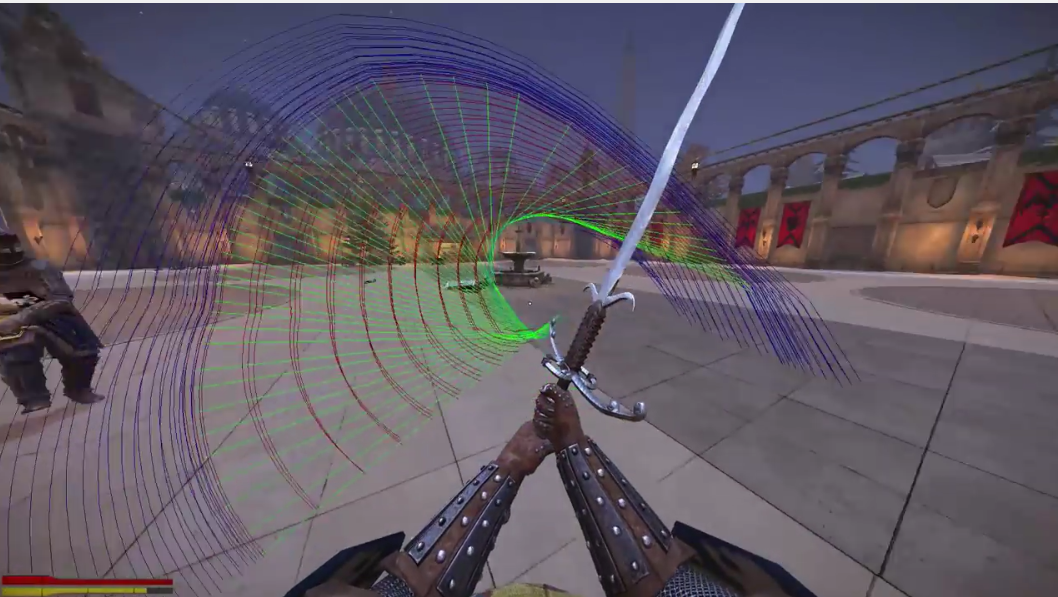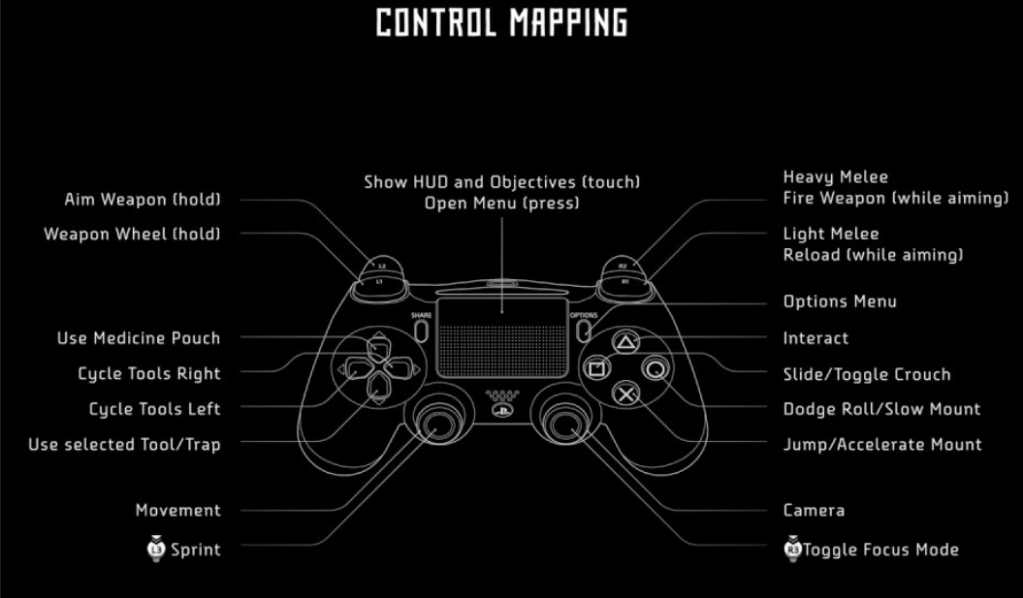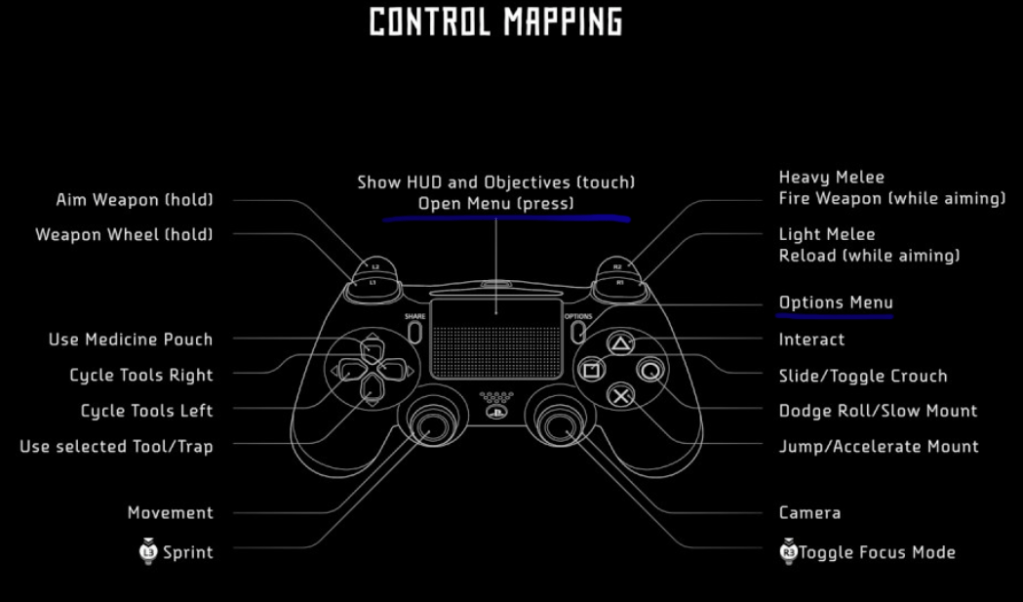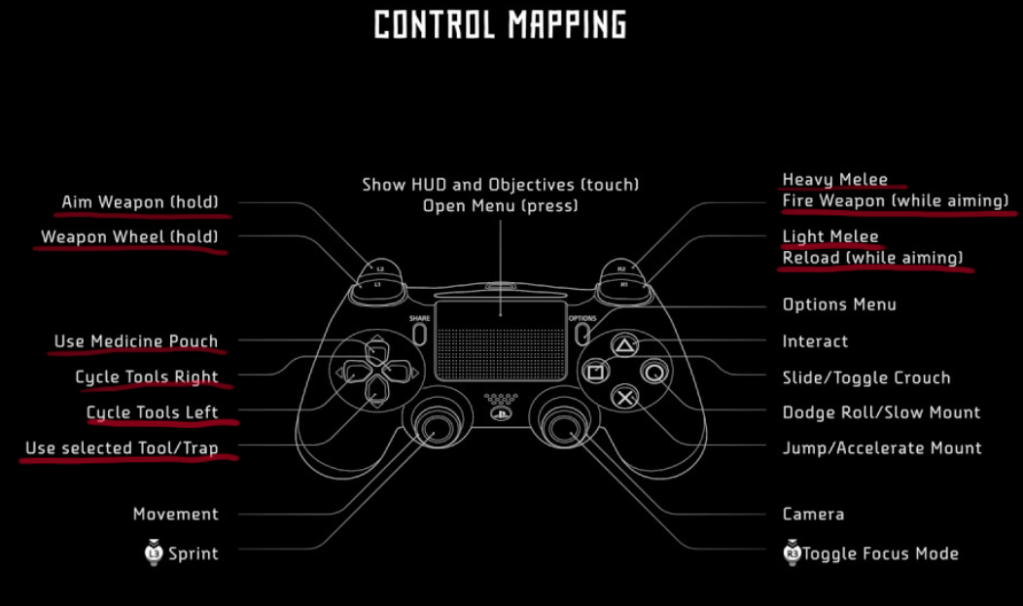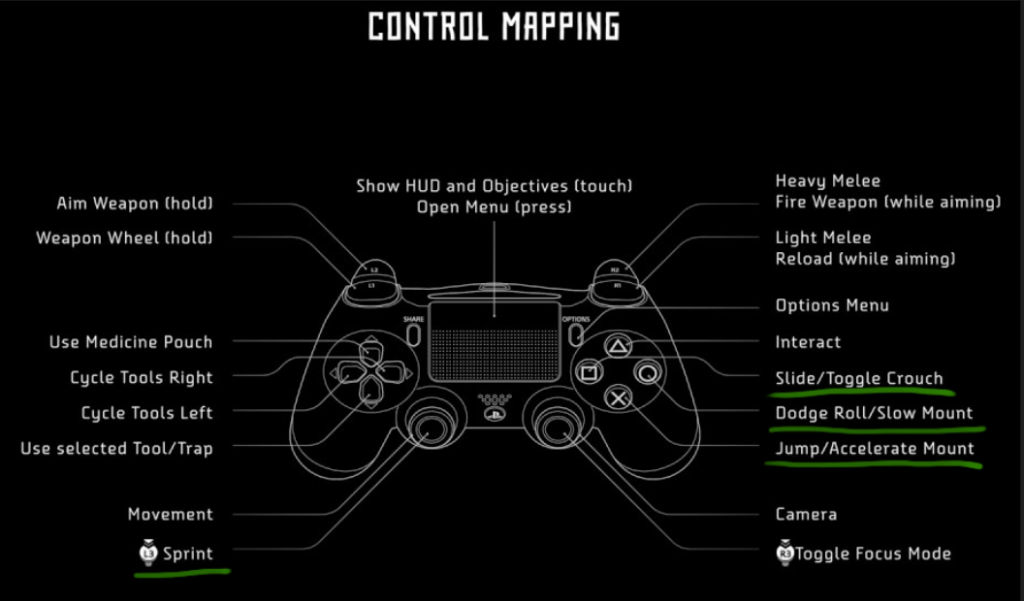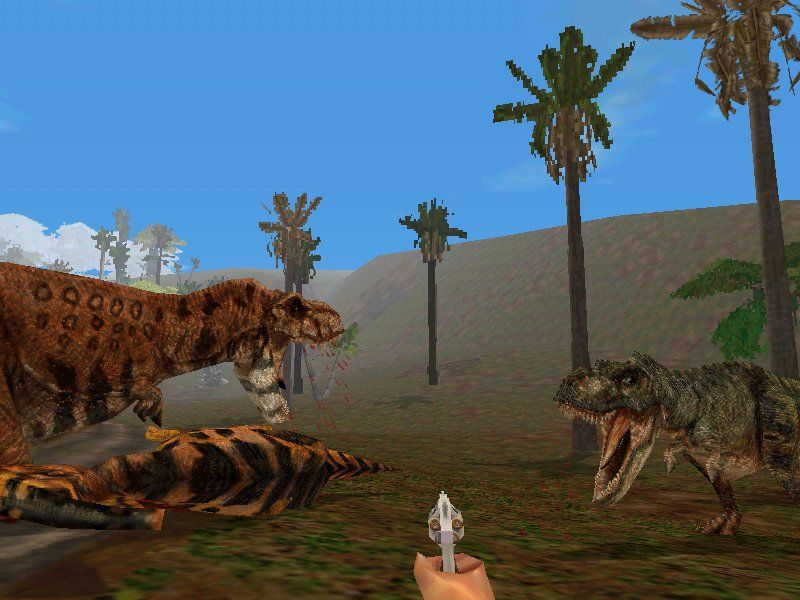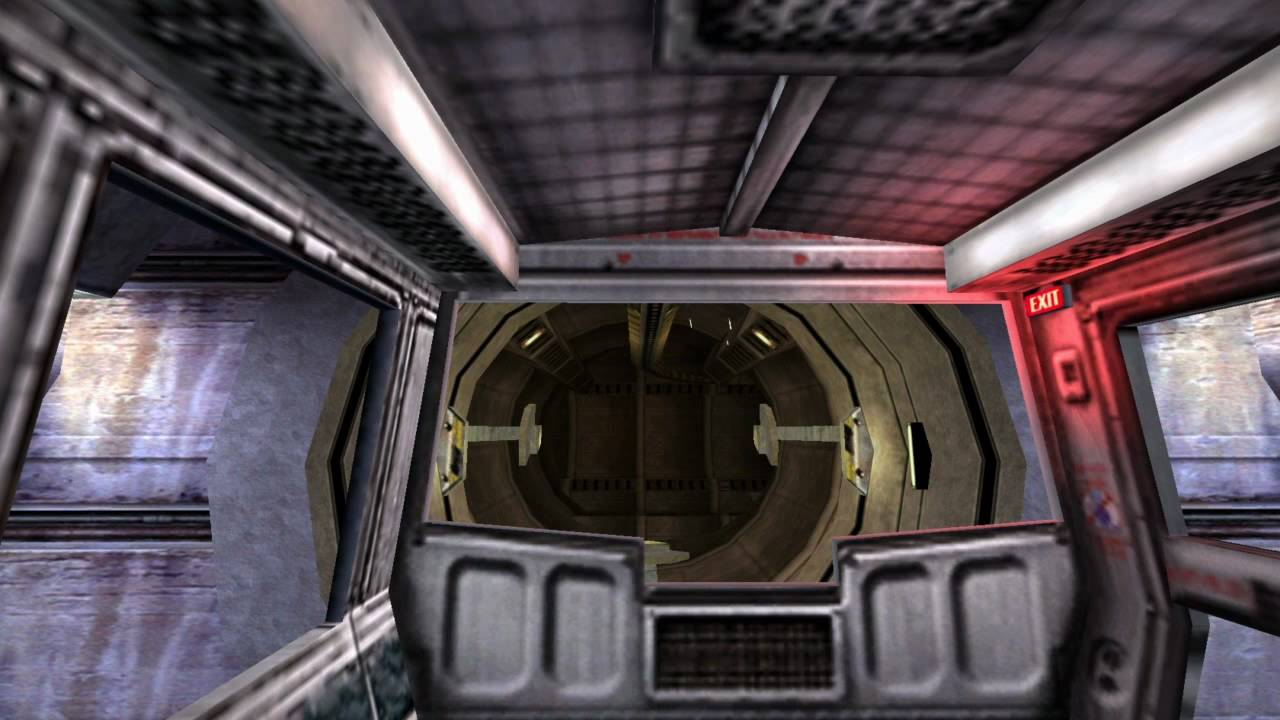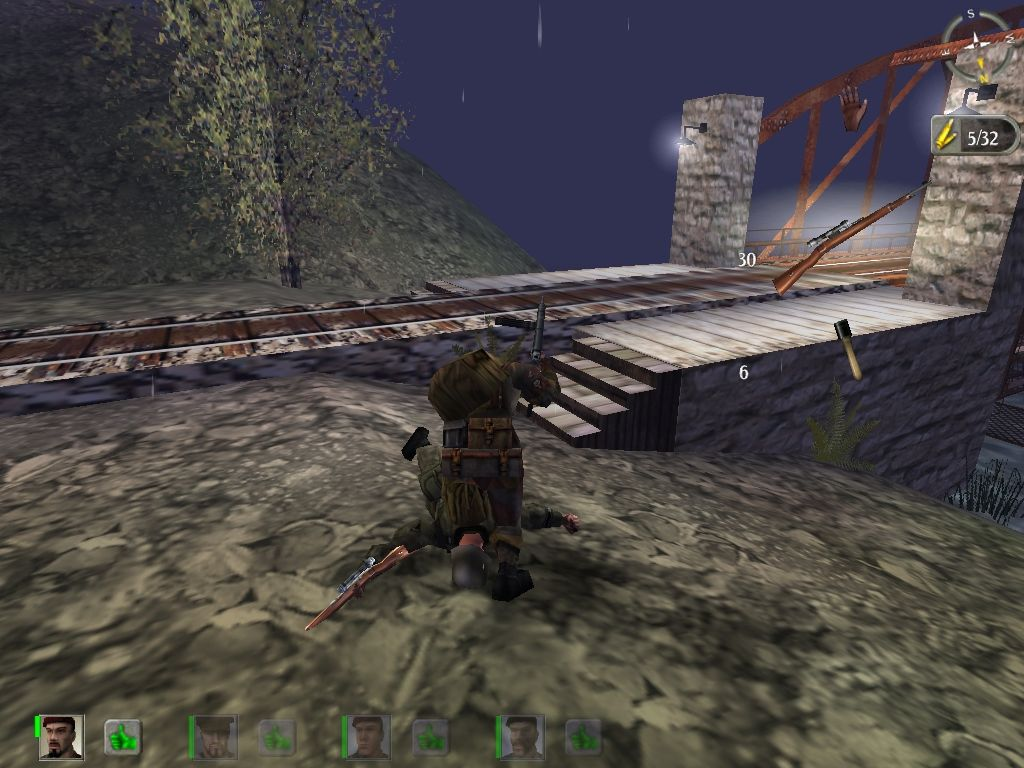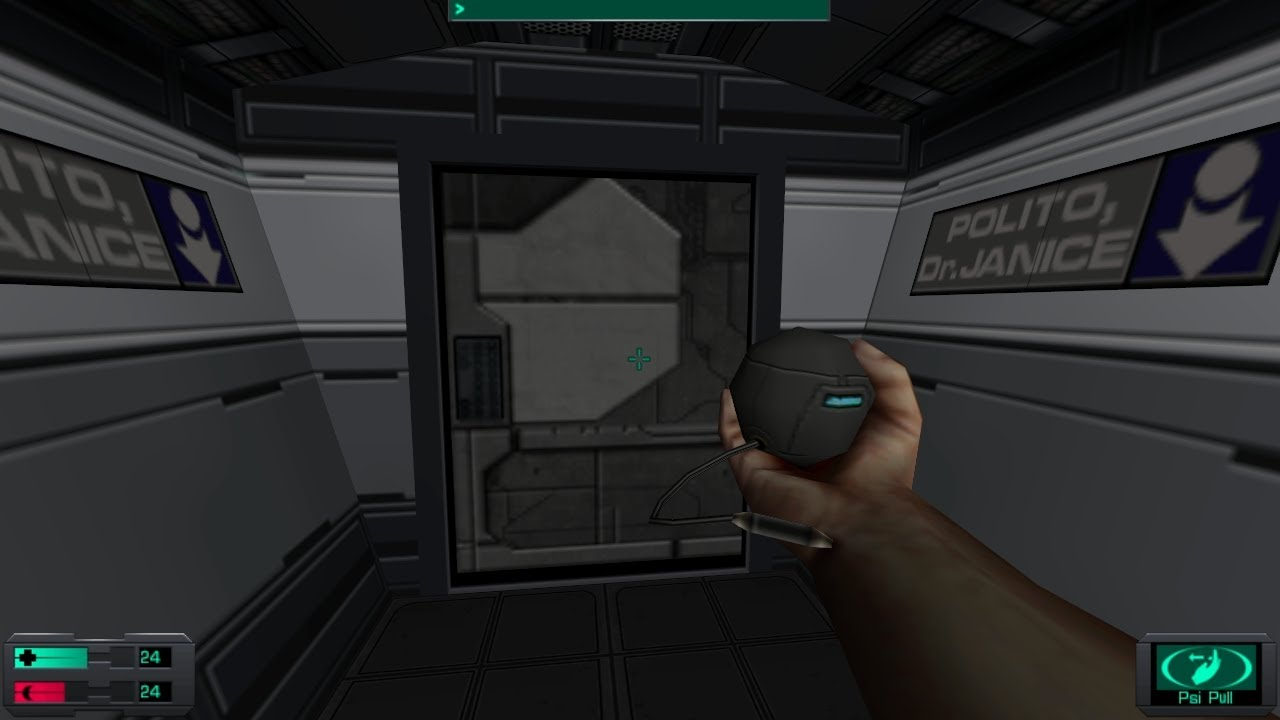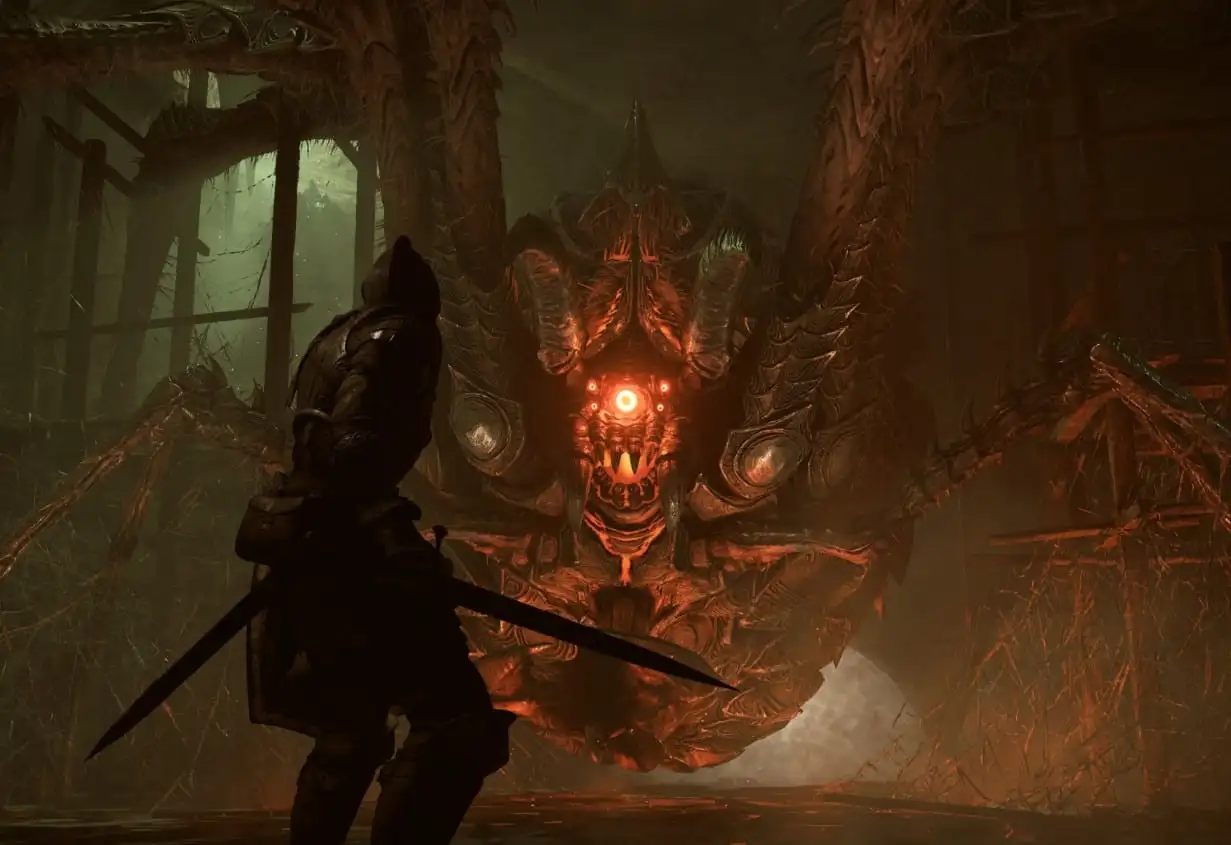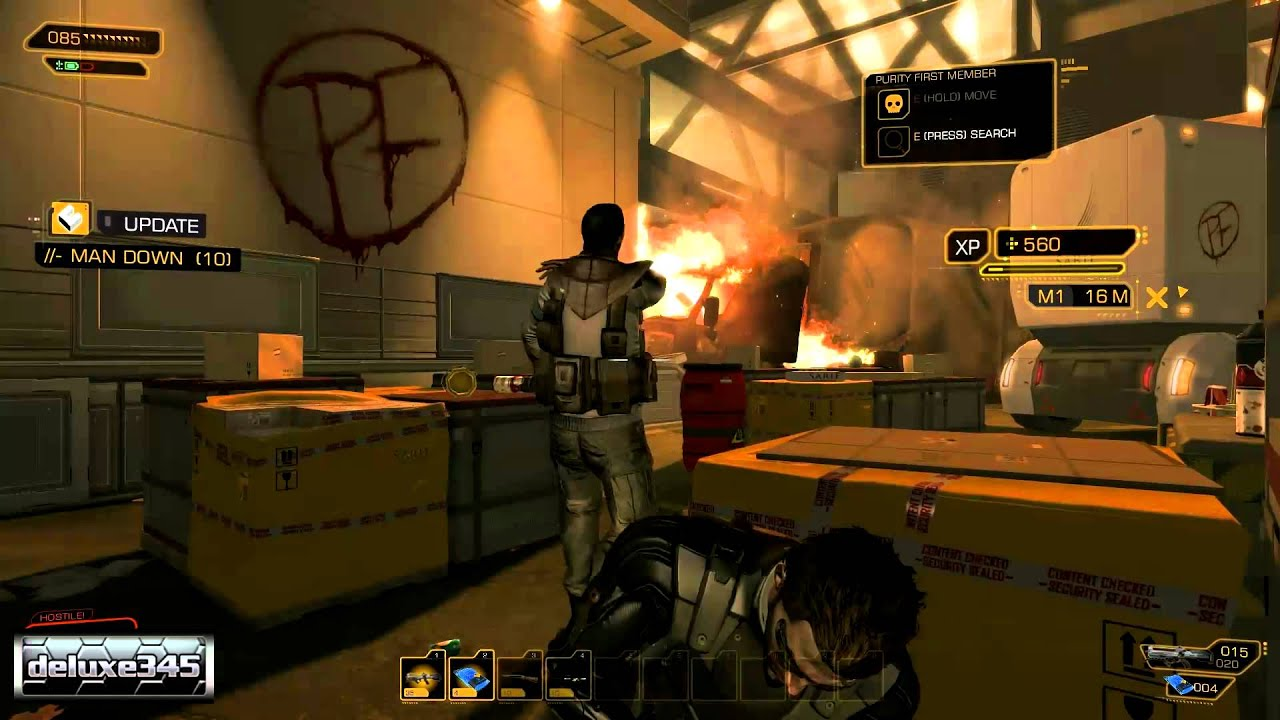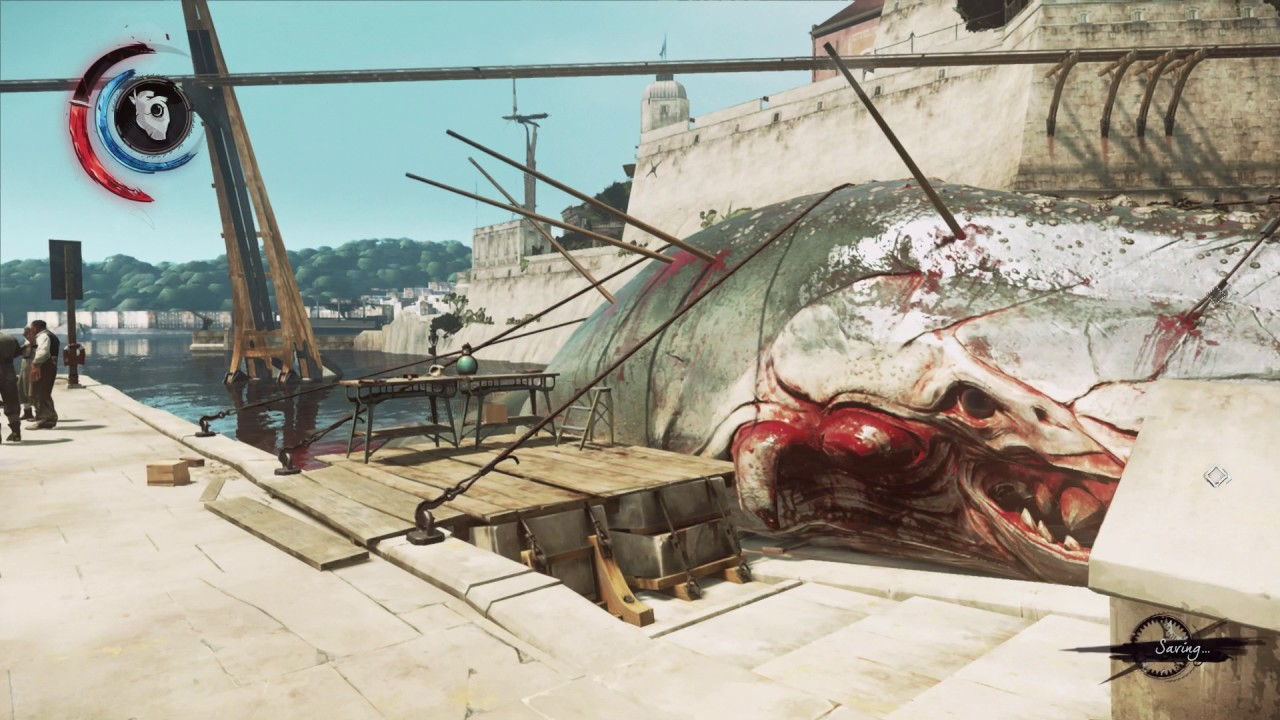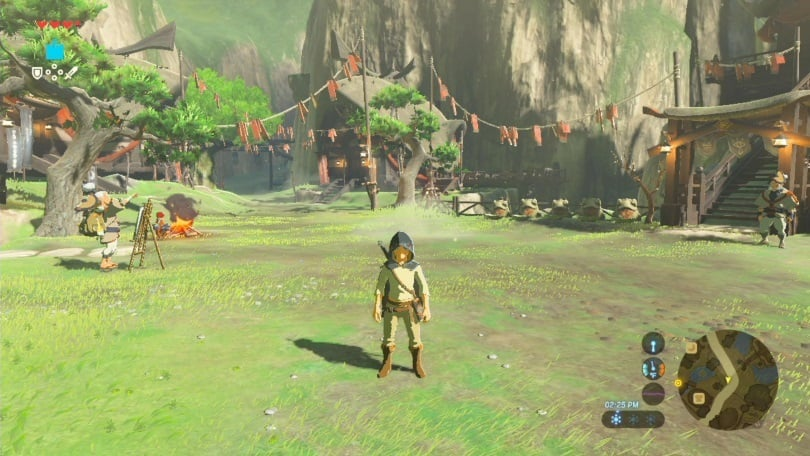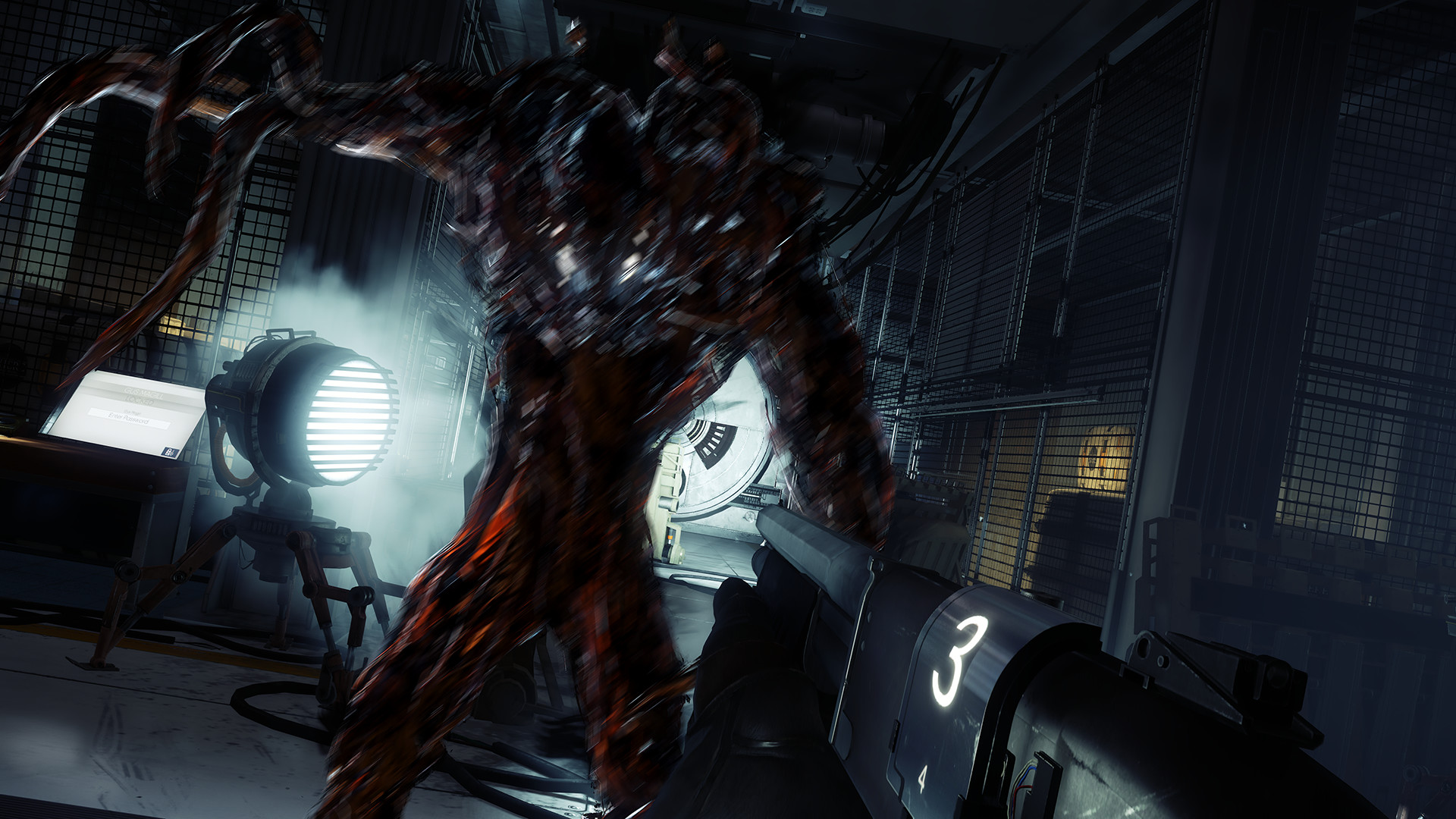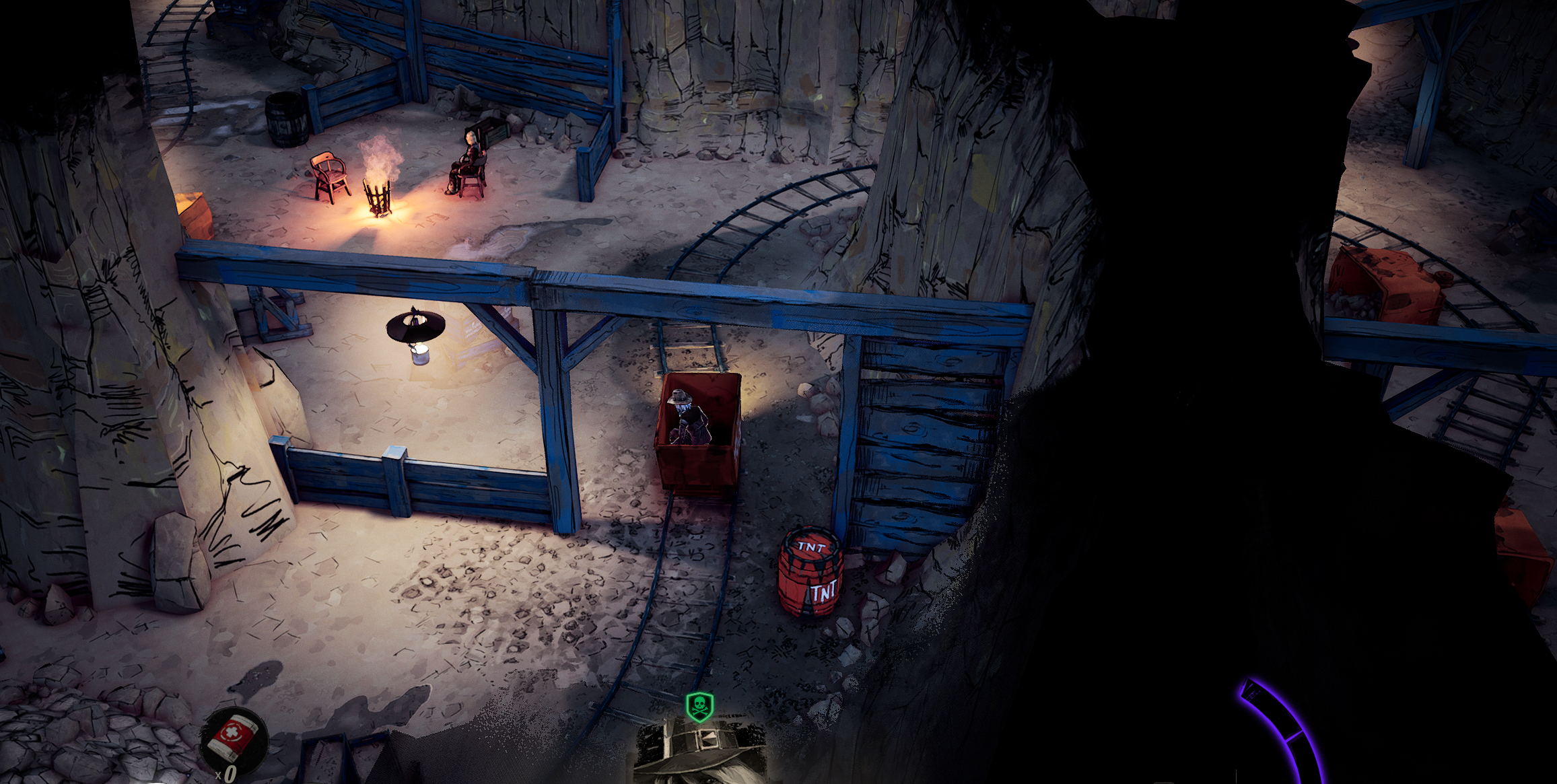
First-Person 3Cs: Controls

3Cs stands for Controls, Camera, and Character: the holy trinity that largely determines how it feels to play your game. I already covered first-person cameras and I will cover characters in the future. This post is about controls.

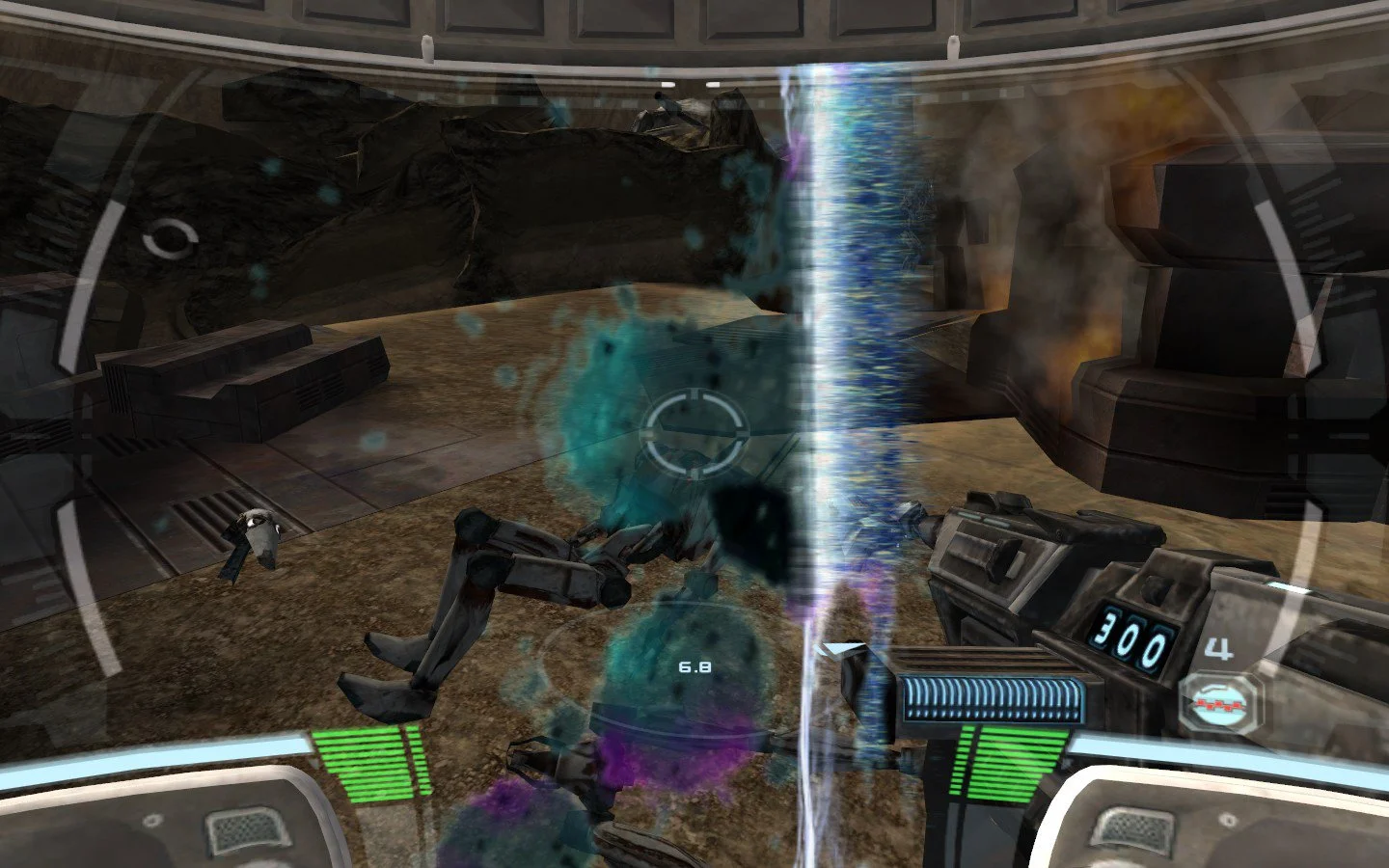
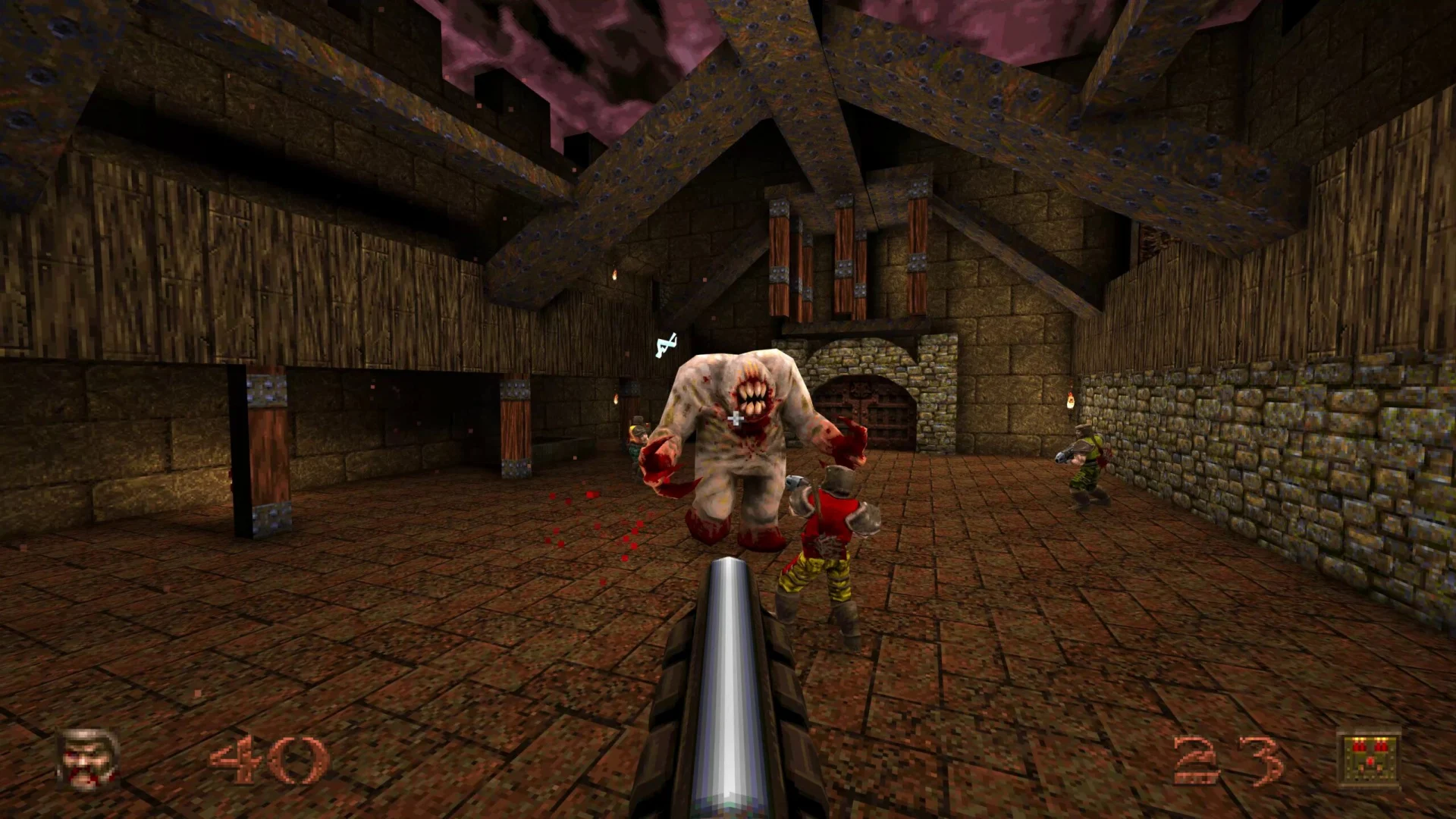
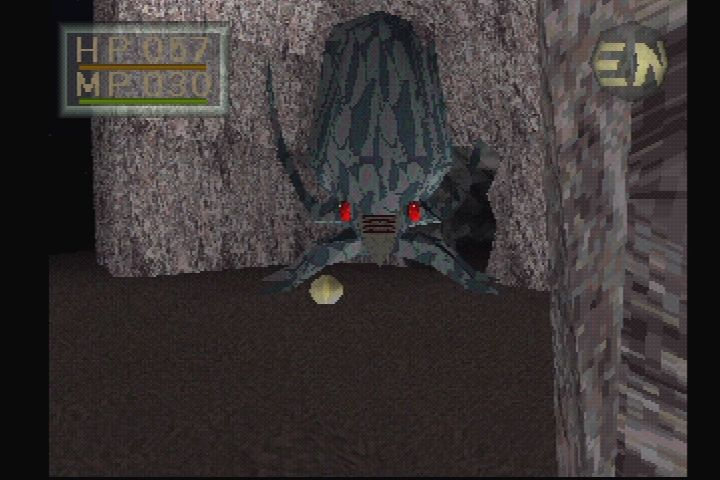
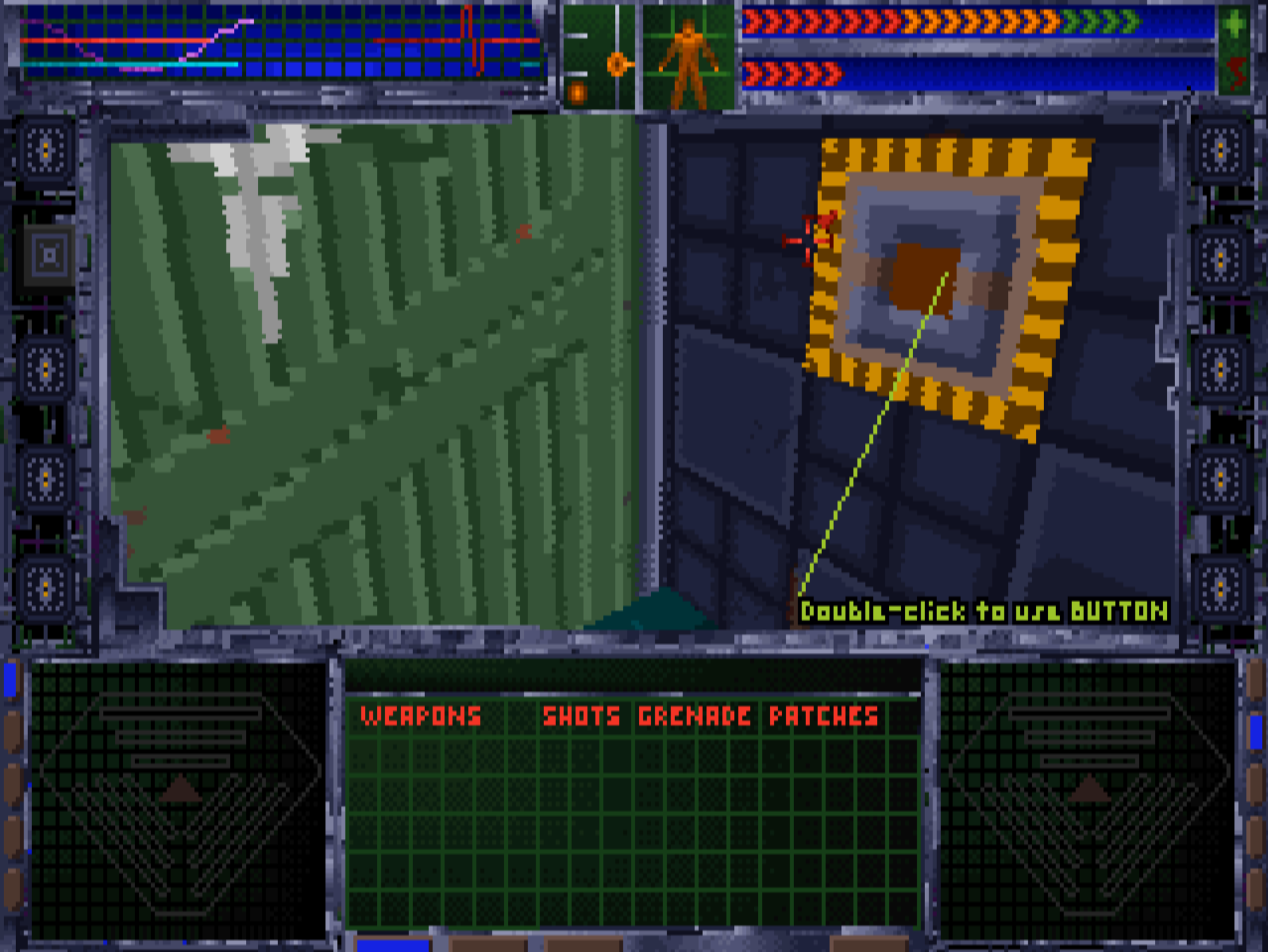
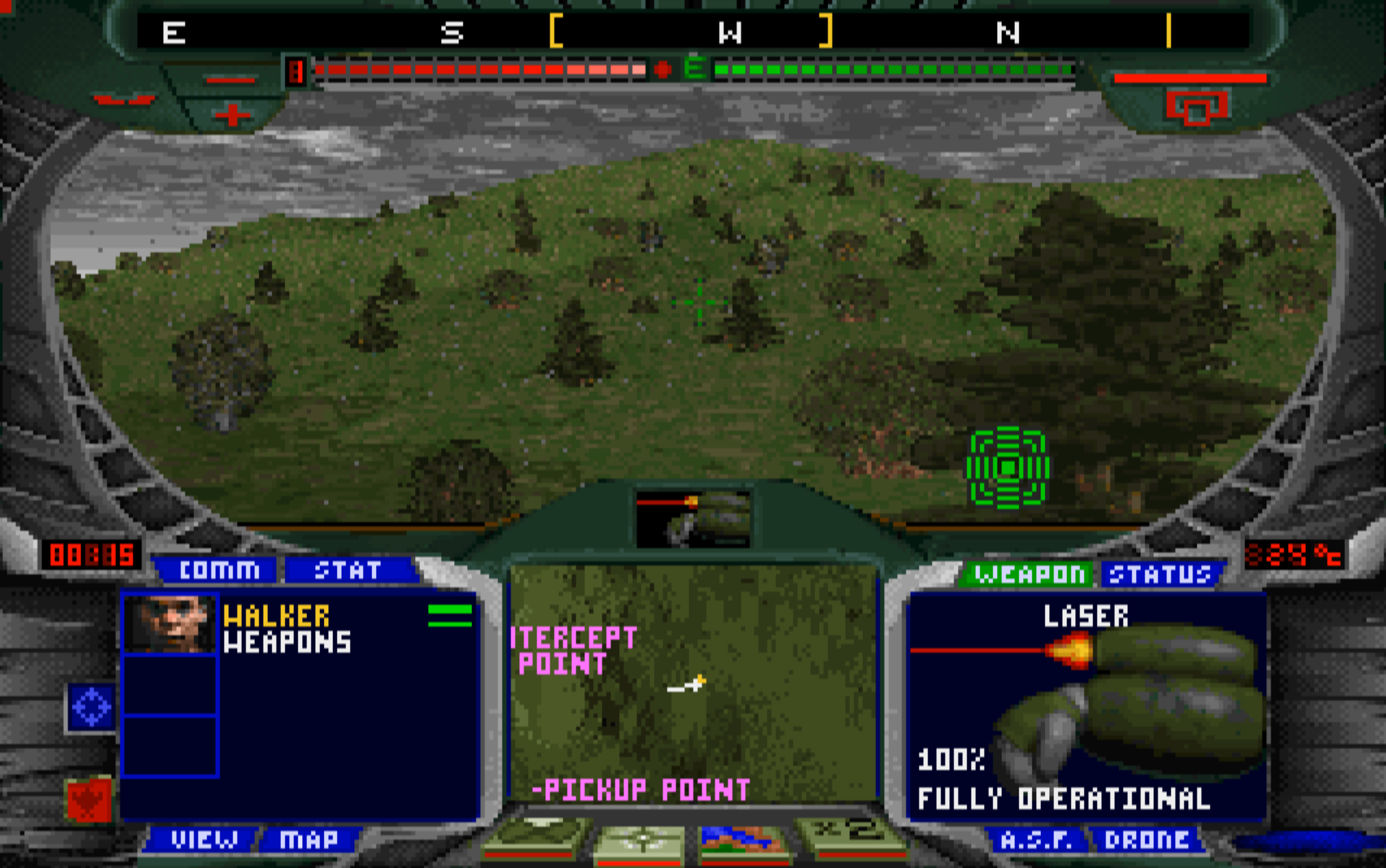
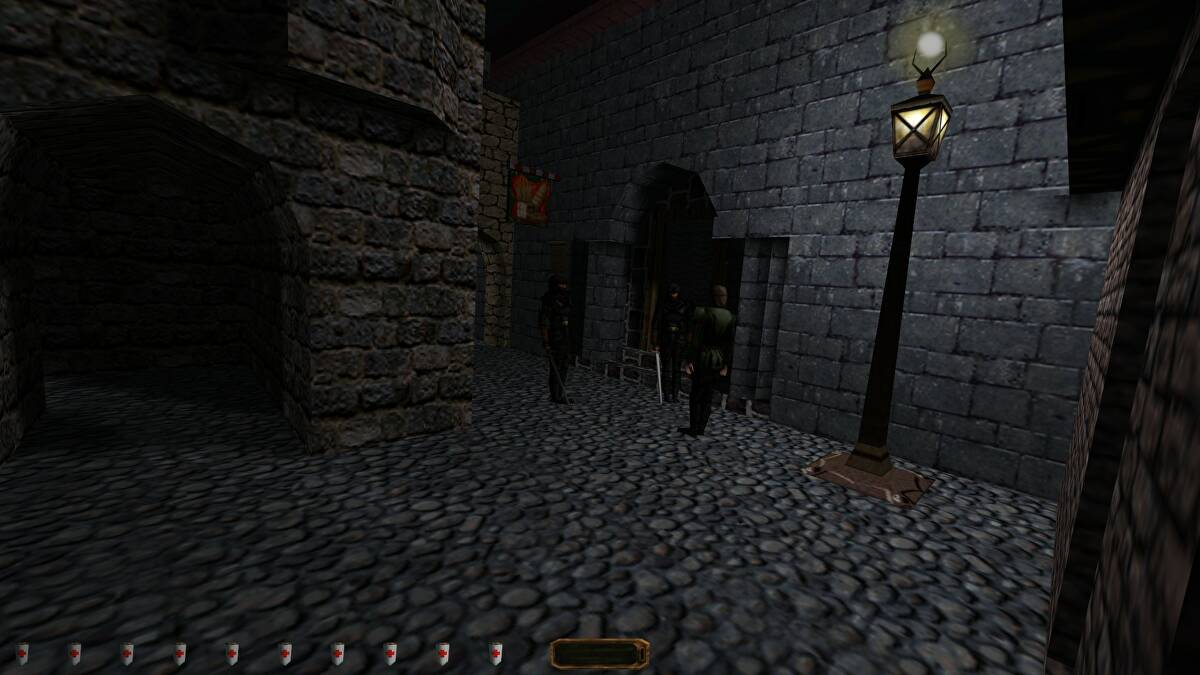
id Software set a fast-paced direct action standard for first-person shooter controls, with Quake.

But before we dig into controls, let’s think back to how the MDA framework speaks of the difference between developer and player perspectives.

It goes something like this:

A developer often starts from mechanics and implementation, and then explores aesthetics through the course of the project. Sometimes as a consequence of the resulting dynamics; sometimes as the product of focused work, like art direction or narrative design.

The way I like to look at this is in 3C terms is based on a similar reasoning.

  • As a developer, you need to build the mechanics of player interaction first; the Controls.
  • As a player, you’ll see the aesthetics of the 3Cs first; the Character.
  • The Camera gets caught in the middle, as an expression of dynamics.

In other words, I look at controls something like this:

This may seem a bit unintuitive, since controls are definitely what the player will encounter first. But the reason for this is that the controls shouldn’t be something the player pays attention to. Like a movie soundtrack, they should make everything feel just right by never getting in the way.

Unfortunately, as with everything in game development, there’s no consensus on how to achieve this. But I’ll show you some pseudocode to at least point you in a direction, including some best practice tips and lessons learned from having done this a number of times through the years.

Using Established Standards

One way we can make the control process smoother is by using the tried and true. Left stick or WASD to move; right stick or mouse to look around. Using the Escape key to get to the main menu.

This is all well and good, but it sometimes leads to design decisions that may not be beneficial for your game, since paradigms in controls sometimes imply features and your choice of paradigm will suddenly dictate your game design.

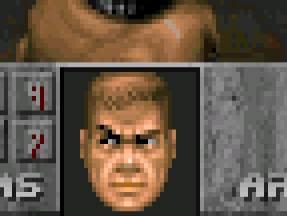
Before Halo came along and restricted you to just two weapons, pretty much all first-person shooters used the numeric keys–ever since Doom–to let you pick your gun. This was one of those “established standards” that has since been disrupted simply because there are no numeric keys on a gamepad. This change has also led to other ways of playing first-person shooters with more limited inventories.

If you decide to rely too heavily on established standards you may inadvertently add features and dynamics from other games into your own game, risking that your game loses its identity. But as you also know about gamers, there will be opponents against every single change to said standard as well. So this really is one of those things you can’t win.

Using a Tutorial

Another common way to try to smooth a player into a game experience is to tutorialise its key features. I’m not personally a fan of tutorials, but mostly because we tend to tutorialise the most trivial of our features and sometimes fall into the trap of thinking that everything must be tutorialised.

Think back to Super Mario Bros‘ iconic first level. You’re sitting on the floor in front of your TV and you have two buttons, one of which will make Mario jump. No tutorial. No obtuse full-screen modal “Press A to jump and avoid the goomba” message. If you don’t jump, the goomba kills you. The game trusts you to figure this out on your own–and all players did. It’s strange to me that we don’t trust our players to figure things out for themselves.

One of the first instances of “learning by dying.” I dare you not to jump, in Super Mario Bros.

Using a tutorial to introduce key features that are unique to a game can sometimes be relevant, or to make sure that a particularly important synergy doesn’t get lost. In some cases, as with Portal, you can argue that the whole game is a tutorial. But I’m personally hoping that I never have to play another tutorial where I need to learn things that I could learn on my own given enough time. It’s simply not a good use of my game time.

Input

Controls can be roughly divided into two things: input and action. If input is the activity of the player as conveyed by the hardware, action can be seen as the game simulation’s understanding of said input. Activity conveyed by the player’s in-game avatar.

Note that none of this is all that specific to first-person games, making the headline a bit misleading. But first-person is still the common thread that runs through these posts.

About Platform

A game designer I once worked with always kept a controller on their desk. This designer would pick up the controller whenever confronted with a design problem and imagine playing the game with some version of whatever solution was being discussed. The stated idea was to “think with a controller.” Surprisingly often, this would provide some kind of hint about the validity of the solution.

From an input standpoint, input and platform is basically the same. PlayStation or Xbox matters little, for example–they are both gamepad platforms–while a touch interface and a gamepad will differ greatly both in execution and game feel. Whichever target platform you have, make sure to use it and to think with it all the time: never make decisions based only on how things feel in your development environment.

Command Pattern

It’s handy to make you aware of the Command pattern at this point, if you weren’t already. It’s a way to decouple commands from actions that demonstrates a few neat features we can make use of with input.

Basically, pressing a button executes a command, and the command in turn is what manipulates the game state. For example, a MoveCommand would move you in some direction and a JumpCommand would make you jump.

  • Queuing: one thing we can do is send all commands that come in to a queue and then execute actions from the commands in that queue. This can be really handy for things like networked input traffic, or to make sure that input isn’t dropped because of lag spikes or other reasons. But it can also make whole genres, like turn-based strategy games.
  • Undoing/Redoing: if you can queue commands, you can also step back and forth through the queue. The laziest way to make undo/redo functionality is to store executed commands from the queue in a stack and then pop things back into the queue from that stack. It’s an undo/redo that practically writes itself, if you have a stack and a queue you can use (like C# has through .NET, or Unreal Engine’s TArray).
  • Recording: if you want to get really fancy, you can serialize your commands, store them in some way, and use the stored input to replay the game wholesale. Not only is this put to good use in many deterministic games, like the Halo games, it’s also the neat thing that gives you killcams in Call of Duty, for example. It requires that you make your system flexible enough to execute commands no matter where they come from.

Where you put this pattern will depend on your game’s architecture, but having a single place in your code that’s responsible for input reception is a good practice. You’ll hopefully see why in a bit.

Binary

Computer hardware speaks in bits. Zeroes and ones. For input, this means a button is either pressed or it’s not. Some game engines will send you the raw input as a 1 or 0. Other game engines will pass this along as a boolean true or false.

Using this kind of input as-is often leads to nested if-statements inside game loops. This is known as polling, where you are effectively asking a button if it’s pressed every frame, and doing things if it is; doing nothing if it’s not. Polling is generally bad. If nothing else then for the fact that you’re executing code merely to have it return early when the button isn’t pressed. Kind of like a kid constantly asking, “are we there yet?”

If you do this enough, it’ll cost more battery on your device than need be. Not a problem for beefy gaming PCs plugged into a nuclear-powered wall outlet, but quite relevant for mobile games and handhelds. But more than that, polling makes for messy code.

With binary information we can keep track of two things: when the button is pressed and when it is released. This requires that we know if it was pressed last frame so that we can check if there’s a difference in this frame. If last frame was 1, and it’s now 0, the player has let go of the input.

Se we need some way to keep track of the button’s current state, for example using an enum.

“Idle” is any polled frame where the button’s state didn’t change.

enum EInputState
{
    Idle,
    Pressed,
    Released
}

Duration

Sometimes it’s relevant to know for how long a button has been pressed. Either continuously, or on release. This is usually stored as seconds, where you accumulate delta time and add it to the button’s hold duration each frame.

This can be used for many different purposes, and may be relevant to differentiate from press and release. (Though frankly, you rarely need to know anything beyond fHoldDuration if you want to make use of it.)

enum EInputState : public byte
{
    Idle,
    Pressed,
    Released,
    Held
}
struct FInputData
{
    EInputState State;
    float fHoldDuration;
}

Threshold

Probably the most common use of fHoldDuration. Set some kind of threshold value that allows the input to trigger–the effect is that you need to hold the key down for the set duration. This can either trigger regardless of the key’s state, or it can trigger on release.

This threshold can also be used to have the input taper off, like a Super Mario 64 jump. In such a case, once fHoldDuration reaches fHoldThreshold, the input is flipped to Idle and you must release the button (and maybe land on the ground) before the input can be used again.

struct FThresholdInputData : public FInputData
{
    bool bTriggerOnRelease;
    float fHoldThreshold;

    bool Evaluate(FInputData Input)
    {
        if(Input.fHoldDuration >= fHoldThreshold)
        {
            if(bTriggerOnRelease && Input.State != EInputState::Released)
            {
                return false;
            }

            return true;
        }

        return false;
    }
}

Repetition

Another way to use fHoldThreshold is to allow multiple inputs. We’ll get back to this again when we talk about actions, because sometimes you may want to use multiple actions as well. Just remember that these aren’t necessarily the same thing.

How you do this is that you provide a value for how many times the input is allowed, and then you provide ways to reset this check.

struct FRepetitionInputData : public FThresholdInputData 
{
    int iRepetitionsAllowed;

    bool Evaluate(FInputData Input)
    {
        if(iCurrentRepetitions < iRepetitionsAllowed && Input.fHoldDuration < fHoldThreshold)
        {
            return Super::Evaluate(Input);
        }
        
        return false;
    }

    void Execute()
    {
        iCurrentRepetitions++;
    }

    void Reset()
    {
        iCurrentRepetitions = 0;
    }

private:
    int iCurrentRepetitions;
}

Toggle

It’s probably safe to say that the default style of interaction in games is to press a button and have something happen. A toggle is another way of doing things. Press a button to trigger an action that remains active, then press the same button again to disable it.

This will often be for specific types of input, like a crouching toggle or turning your night vision goggles on and off, but another reason to have good support for toggling is with customisation in mind. Some players prefer to use toggles instead of held input. Allowing players to remap hold interactions to toggle interactions is therefore a great thing.

struct FToggleInputData : public FInputData
{
private:
    bool bIsActive;

public:
    bool Evaluate(FInputData Input)
    {
        if(Input.State != EInputState::Started)
            return bIsActive;

        bIsActive = !bIsActive;
        return bIsActive;
    }

    void Execute()
    {
        if(bIsActive)
            // Do stuff
    }
}

Axis

An input axis is two inputs that together equate to a value between -1 and 1. If you are making a leanout feature, for example, lean left could be -1, generated by holding the Q key, and lean right could be 1 and the E key.

It’s usually as simple as evaluating one input as negative and another as positive and using the result of both of them added together to determine the axis. This is why you will stand still in many games when you hold both forward and backward at the same time. (If you have tried this, I can assure you that yes, you are still a normal person.)

Dual-Axis

Combining two axes gives you a 2D vector. Up and to the right (1,1), down to the right (-1,1), etc. This is how you often map moving and looking in a first-person game and really is just as straightforward as it sounds: combine two axes together.

One important thing to note is that dual-axis input needs to be normalized, since the length of your vector will otherwise make you move faster diagonally. This is for simple mathematical reasons: (1,0) + (0,1) has a higher magnitude than (1,0). Most engines will do this for you, but you shouldn’t take it for granted–make sure to test so that you don’t move faster diagonally.

Some devices may actually return values higher than their analogue thresholds due to this dual-axis addition, which you may have to take into account.

Analogue

Whether a single axis, like a gamepad trigger, or a dual axis, like a gamepad stick, an analogue input returns a value between 0 and 1, or between -1 and 1 if it’s an axis. So if you move a stick to the half-point between its neutral center and the rightmost point, it will return (0.5 , 0), for example.

The number used “behind the scenes” is normally something else, based on the hardware. An analogue trigger on the Xbox 360 uses an unsigned byte, for example, giving you a number between 0 and 255. An analogue stick, on the other hand, uses two short, returning a number between -32768 and 32767 for each axis, where (0,0) is the neutral idle position of the stick. But what you normally do is simply divide the returned number by the maximum number on that axis to get a normalized floating point number to work with. (You should see this pattern by now: 0s, 1s, and 0 to 1s.)

Absolute and Delta

Another thing that makes a difference is whether you are using the absolute value of the input or the change between two frames–the delta–of the input.

Compare the interaction you have with a selection wheel to how you look around in first-person. The interaction wheel will respond to where you are pointing your stick, using the absolute direction of your input, while looking around will rotate your view based on how much input you apply in the moment. The first is absolute, the second uses delta.

Pointer

With some devices, you want to track the screen space location of a pointer and use that as input. It can be the mouse pointer, a finger’s location on a touch screen, or something like it. This is different in that it’s not delta but neither is it just a 1 or 0. It may also be resolution-dependent.

Drift Deadzones

Most analogue inputs will suffer a bit of drift. Both over time, with increased wear, but it’s also common for gamepads to suffer some drift straight from the factory.

This drift will take the form of the input never resetting completely, but “drifting” slightly near zero. Usually by a small fraction. To handle this, you will usually filter your analogue inputs to ignore the lowest 5-15% of input so that this drift is never picked up as input. You can test this in some games by doing just a tiny tiny stick move, and observing how your game doesn’t react at all until it hits the right amount of input.

You may also have noticed the effect of this drift, if you have left an old controller on the floor and observed that your first-person game keeps looking right slowly. Then the drift is higher than the deadzone threshold, and you may have to tweak the deadzone (or get a new, less rebellious, controller).

Bias Zones

Some inputs are more important or statistically more common than other inputs. These you can provide with some more bias, weighting them so that input near the biased directions is treated the exact same. If your bias is 10 degrees for example, anything within 10 degrees of said direction is handled as that exact direction. This can be a good way to avoid tiny offsets with things like cardinal directions. I.e., to move north you shouldn’t have to find the exactly right analogue angle on the stick–it should be enough to move roughly north.

Acceleration

Analogue thumbsticks don’t have quite the range of motion as optical computer mice, and if you ask anyone from the PC Master Race, they also lack precision. One way games sometimes try to mitigate this is by using discrete aim acceleration. It’s an increase in the analogue input over time or distance to let you turn faster and provide you with an approximation of the movement spectrum of a mouse. I.e., it lets you turn on a dime similarly to how you do with a mouse.

You can apply this for either axis, or both axes, but the most common way to use it is to use it for horizontal aiming (planar alignment and so on). A quick way to try this is to add an easing function, like EaseInExponential, to the input, based on the stick’s range of motion. You can also apply a multiplier using your game engine’s curve variable of choice.

Gestures

With touch interfaces, and some other types of interfaces, you may want to translate certain combinations of input into different inputs. Think of the pinch gesture, for example, which is often used to zoom out. It’s technically just two “drag” inputs with separate fingers, but the right relative velocities turns it into a different input.

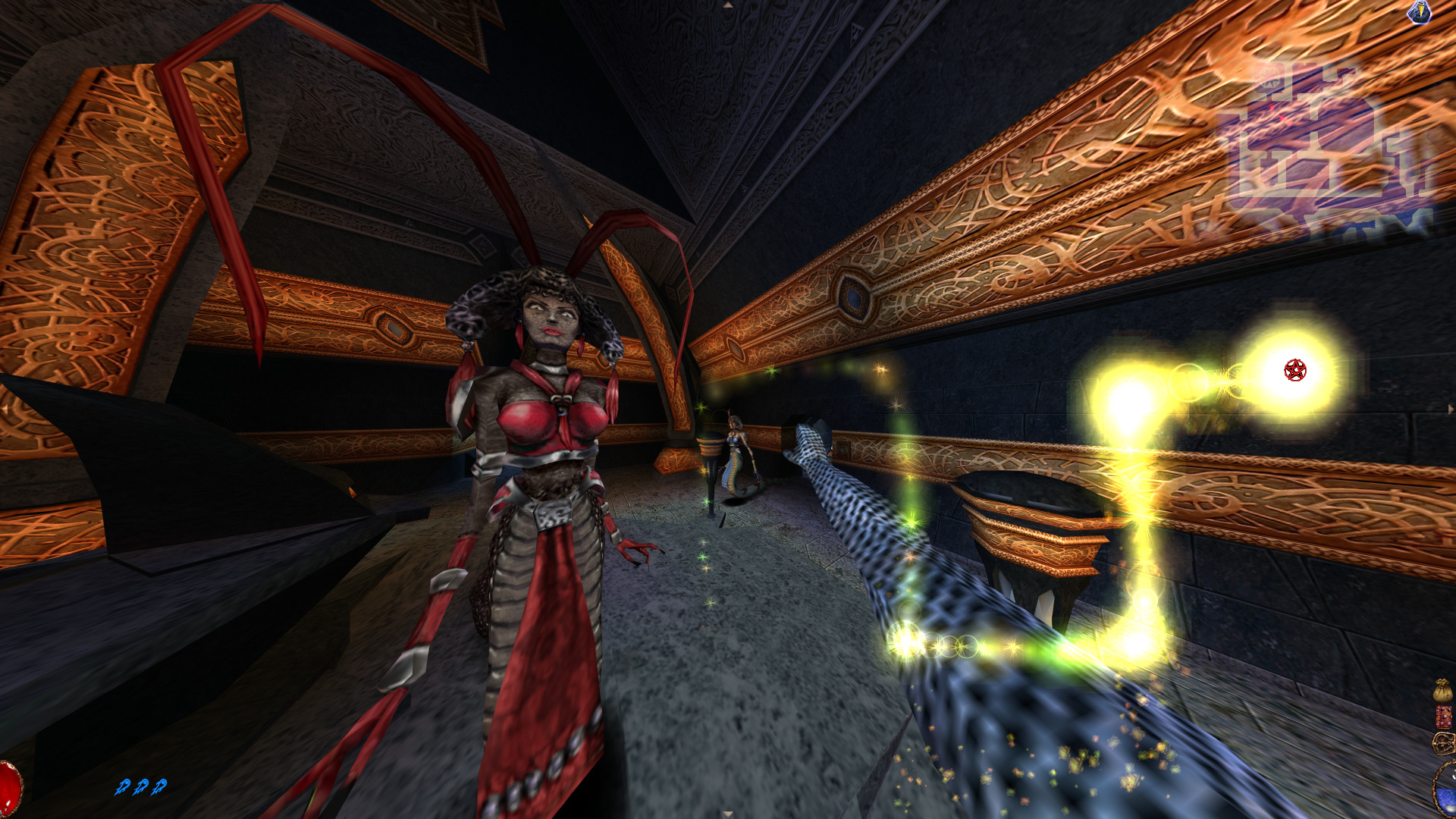
There are also multi-stage gesture recognition alternatives, like point-cloud recognizers, which allow you to recognize predefined shapes like letters or maybe magical patterns while drawing freeform shapes.

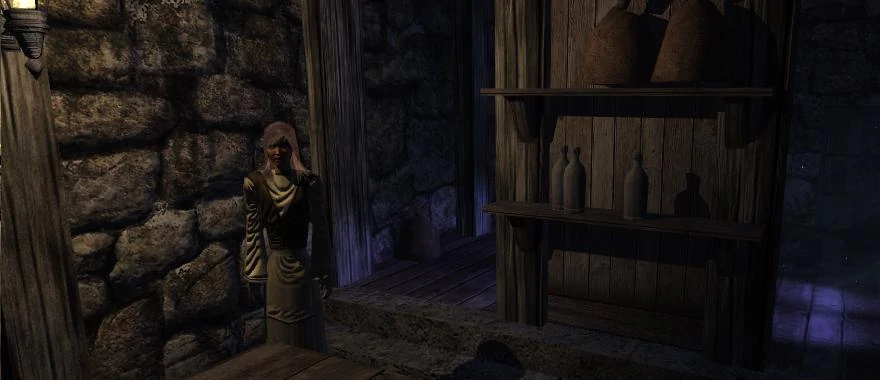
Learn the symbols and draw the gestures yourself, in Arx Fatalis‘ spell casting.

Customization

On the input level, customization is a big deal. Many gamers remap controls to fit their preferred play style. Some games allow the running of automated macros to perform specialized actions, or to automate tedious ones.

But you can also provide other types of customization. Game speed. How much damage enemies deal, or how much they can take. Ways to display or hide specific elements from the in-game HUD or map.

Basically, anything that goes into the processing end of input can usually be customized without it making any difference for the resulting actions.

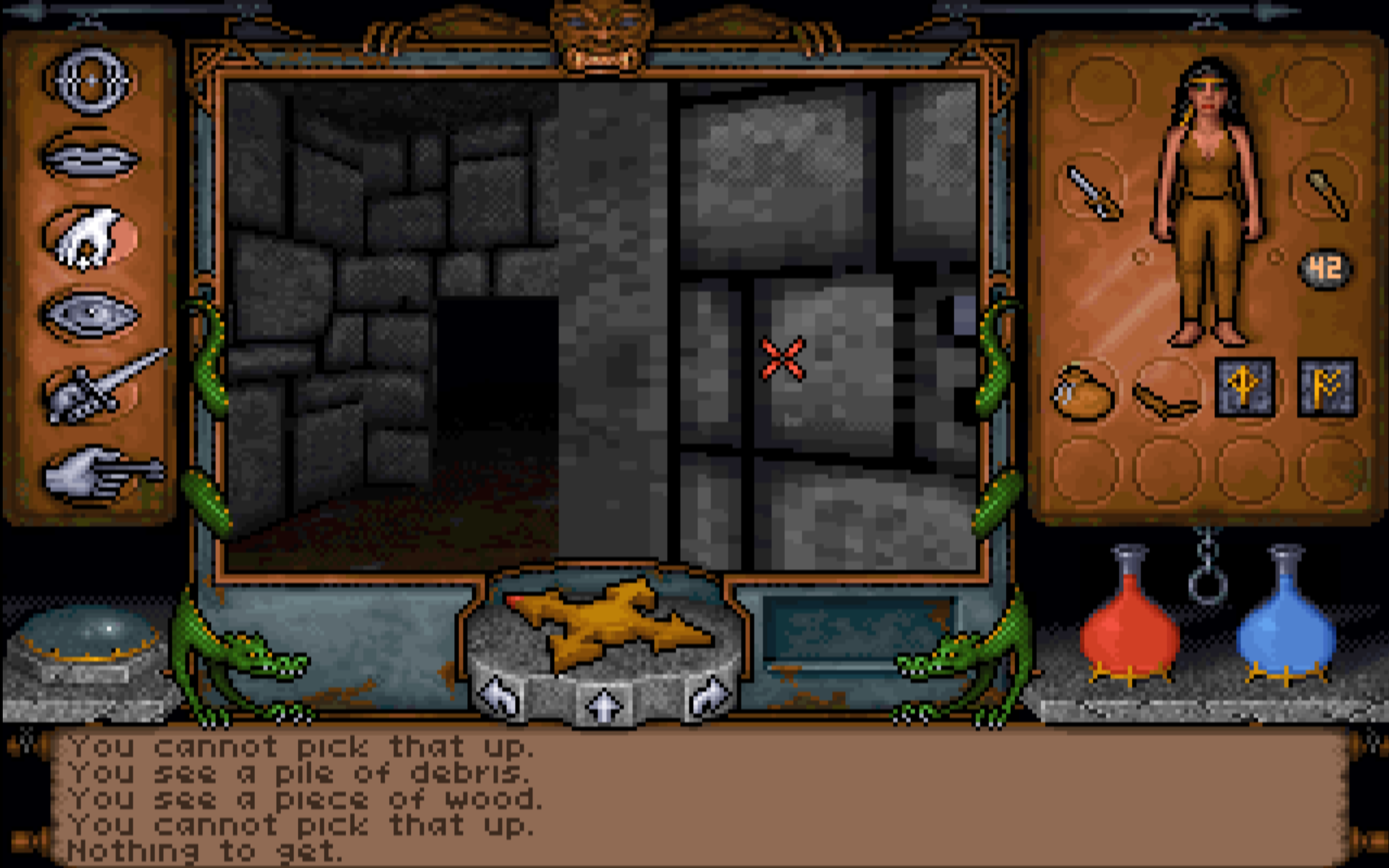
The Elder Scrolls 2: Daggerfall and its reflex setting.

Input

That’s it! Your platform’s physical interface tells you what state an input is in, you process it, and there’s your input. There are, as usual, many more ways to proces input than the ones listed here, but these are the most common.

Actions

The input has happened and we can now plug something into it. Most actions will trigger and then do their thing without any requirements, but some actions will require input data (like delta mouse movement or a pointer screen position), so we sometimes need one-way communication from input to action.

This gives us two types of actions: with or without parameters.

class Action
{
public:
    virtual void Execute() = 0;
};
class ParameterAction
{
public:
    virtual void Execute(void* pData) = 0;
};

But before we think this is it and start running, there’s something we must consider: will your action be generic or specific?

Generic actions can be performed by any avatar in the game world that happens to fit some description. A MoveAction will likely work the same for player characters and enemy characters, for example, by applying a directional vector.

Specific actions can only be performed by something that fits exactly, and would require you to make EnemyMoveAction and PlayerMoveAction separately. This is quite common, since the player character will often be governed by different rules than the enemies. In a game like Dark Souls, even though the systems for playing animations and attacking may be the same, enemies have no standard way to dodge roll or circle the player. Those behaviors are more player-specific.

Picture a simple implementation for a pickup system, as an illustration. You shoot a ray from the player’s camera, filtered to a specific physics channel, and collect objects that are hit in the current frame. This would be a specific action, since enemies don’t have cameras.

If you’d instead use an overlap sphere to collect objects and filter them using an angular check, it’s suddenly a generic action that could work the same for both players and enemies. For systemic games, it’s often desireable to make actions as generic as possible. Why? Well, firstly, it means you waste less time. But secondly, and more importantly, it also means you leave room for all characters in the simulation to behave like the player does, reinforcing the rules of the game world.

What this also means is that you shouldn’t tie input directly to actions. There should be something routing your inputs to where it needs to go, since you’ve otherwise limited your actions to only be useful for the player. But fortunately, as you’ve already seen under the hood of all that processing and other stuff going on, input is pretty straightforward.

Data

One thing we need to consider when we transform input into action is how to manage our data. Move speed, jump height, blend curves; lots of numbers go into actions, and we don’t want to have to chase them across objects in our project. We also want to be able to do both sweeping changes, like “double all damage,” and minute tweaks, like “increase player jump height by 5%.”

By separating data from logic, you make it a lot easier to tweak and rebalance your game in the future, and you can also decouple the data to the extent that you can work with just the data without having to compile or rewrite code. This is a paradigm in software development that may be known as data-driven or even data-oriented, but it’s out of scope for this article.

  • Baseline numbers are the foundation. Like the concept of Damage. You can go back and tweak the baseline when you want to make broad changes that affect the whole game, for difficulty modes for example.
  • Attributes are entity-specific local tweaks. Like a character’s Strength attribute, that is added to Damage. You tweak attributes to make a specific entity behave differently.
  • Modifiers inlude everything that would change the data in any way. When you hit something in the head to deal extra damage, for example. You add, remove, and change modifiers to differentiate game events and/or entities even further.
  • Functions bring all of it together, but are also data in themselves, and should usually be the only part of the data chain that the game simulation cares about. In the simplest possible form, Baseline + Attributes + Modifiers = Value would be a function, and Value would then be used by the relevant action.

Metrics

When you have all the data, you also get metrics. Metrics are numbers or ranges of allowed numbers that provide the game with context. How far you can jump, how low you crouch, how fast you run in a certain amount of time, etc.

One thing you need to do is to not get too hung up at this point on what is realistic, because this has very little bearing on what feels nice to play.

As quoted from Leveldesignbook.com, “In Doom, the player (‘Doomguy’) is 32 pixels wide, which translates to 1 meter wide. The shotgun is 63 pixels long, which is almost 2 meters (6 ft. 5 in.) long. Oh, and Doomguy runs at 30 units per frame, which is 40-50 MPH depending on which hotly debated scaling system you use. Either way, Doom scale doesn’t make any sense, but it feels nice to play anyway.”

This information is used to define your level design and art production, meaning that once you have settled on something it will be extremely expensive to change. No matter if that expense is in developer time for a solo developer, or a treasure chest of content production dollars.

Triggering

With data and metrics in mind, not to mention the game simulation itself (including the camera), you can now finally verify that the right action is triggered under the right circumstances.

A melee attack action could trigger differently if you are standing behind your enemy or in front of them. A single-hit assassination perhaps, or a pat on the shoulder followed by a “boo.”

Collecting context about the game world’s state is a whole other system’s responsibility, but this is the point where your controls care about it. If ledge-grabbing can only trigger near a ledge, now is the time to check if there’s a ledge nearby.

There are also some other considerations you can make.

Cooldown

So, I don’t like cooldowns. But there’s nothing stopping you from using them and this would be where you check them. Input received correctly, now check if the action’s cooldown has run its course. If it has, trigger the action.

But before you do, consider the alternatives.

Close Enough

Sometimes pixel precision or simulation realism is not what we want. We may even want to cheat a little for the player’s benefit. In platformers, this is often referred to as Coyote Time, “after the animation style of Wile E. Coyote who would frequently float in air for a few seconds after running off of a cliff.” It’s when you have actually overstepped the edge of a platform, but the jump action is still allowed to trigger a few frames after the fact. We understand that the player wanted to jump, and we let them.

This can apply the same to first-person shooters, allowing a miss that was only off by a small margin to connect anyway. Many oldschool first-person shooters, before mouse look, would completely disregard the vertical distance and allow shots to hit regardless.

But a bigger deal in first-person is that it’s hard (actually impossible, if it’s not in VR) to accurately judge distance. You also don’t have any body awareness, unlike in real life, which means that you may definitely press jump a few frames after overstepping a platform, because you never felt how your feet started running midair.

The two standard close enough features you should consider having, if you have jumping, is the Coyote Time, and also ledge-grabbing if you are close to an edge.

Aim Assist

Soft aim assist is quite common, and if you want to read more about one way to do it you should read The Astronauts’ blog post on aim assist. It’s an excellent read. It’s really just the aiming equivalent to Coyote Time, alowing a shot to hit even if it was actually slightly off.

Sometimes, this is also a contextual thing. If you use an arc to identify targets hit by your shotgun, for example, and you center that arc at the player’s feet, anything right in front of the player will have a big chance of simply not being inside that arc. In such cases, you can let the shot hit anyway, simply because that’s what you want to happen as a player when you strafe around a corner and your shotgun feeels like it’s basically shoved down your enemy’s throat.

Auto-Aim

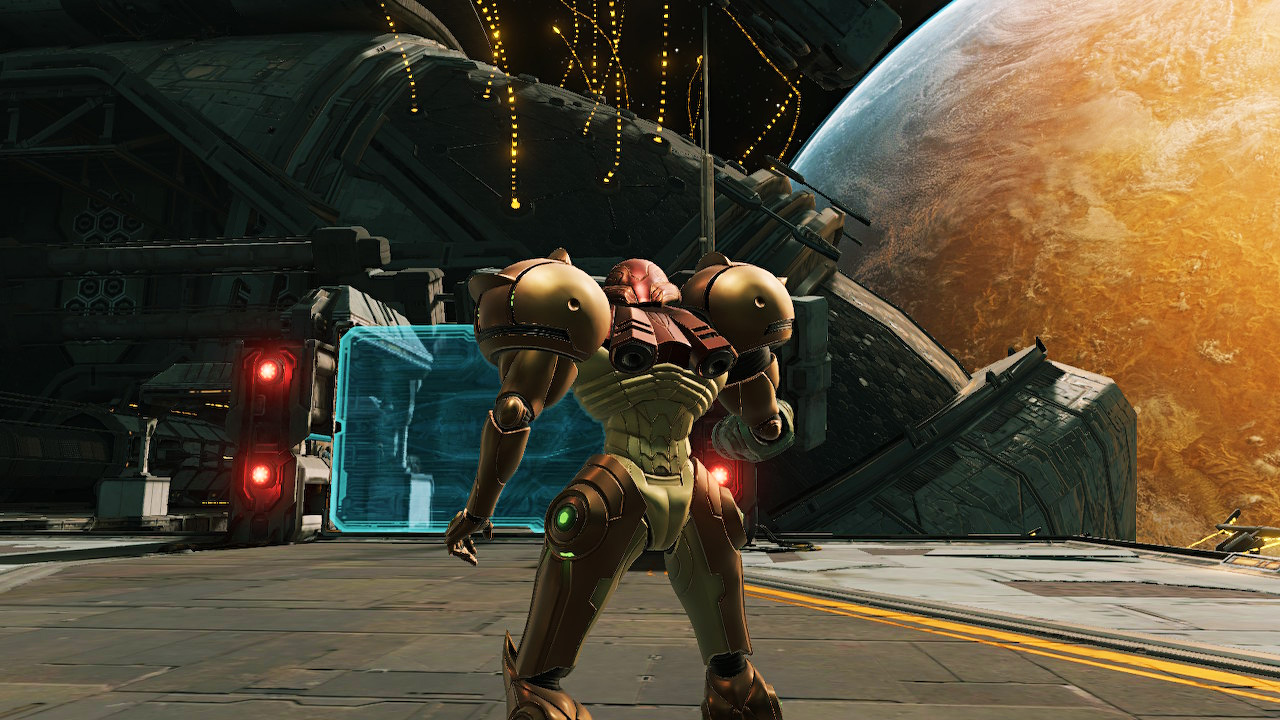
For some games, it may feel like soft aim assist is not enough. You want the aim to snap right to where the target deseves to get lead poisoning. This may be a lock-on, like how Metroid Prime did things on the GameCube (and presumably in the Switch remake I haven’t played), so you have to hold a key to activate it. Or it can be the left-right trigger combo of Call of Duty 4: Modern Warfare, where your downsight aiming snaps to the target and you can then press the right trigger to blow them away.

Auto-aim is controversial, but only really among PC gamers. For some games, it can be the feature that lets players focus on something other than pixel precision aiming. Like how Metroid Prime provides an impression of the projectile dodging you did in its side-scrolling precursors.

Direct Action

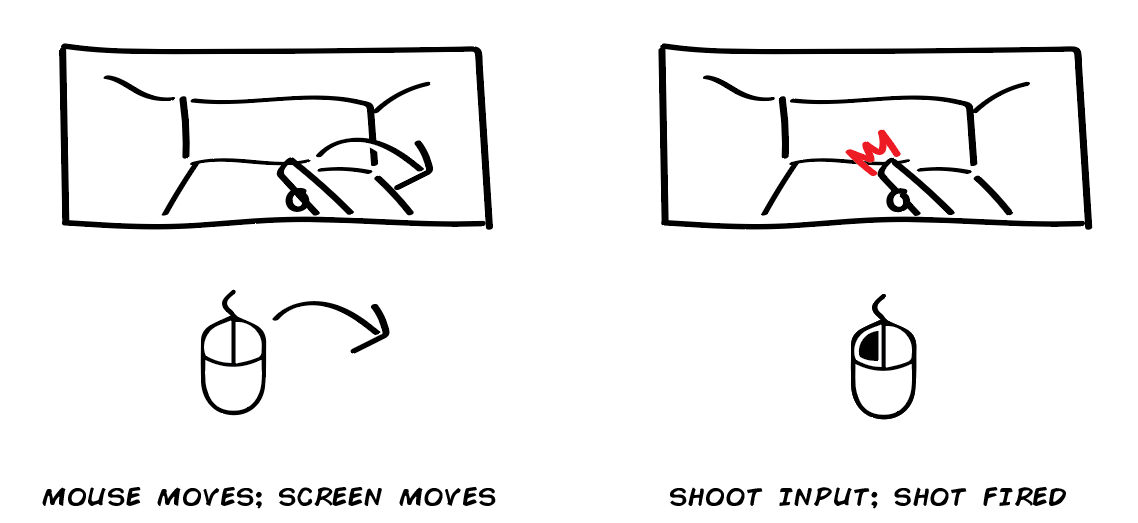
A direct action is when input directly executes an action. The most typical example is shooting in a first-person shooter, but you’ll find that many features in first-person shooters are built on similar grounds.

When you throw a punch in melee-oriented first-person shooters, it’s not uncommon for the thrown punch to begin with the fist at the point of impact and then play an animation as the hand goes back to the original stance. In other words, no telegraphing or even throwing the punch occurs at all, that’s implied. Just like you don’t have to see the finger press the gun’s trigger before the shot is discharged.

The reason for this is that you don’t want the game to feel less responsive. You don’t want the animation content to take over from other actions that are direct.

Intent-Based Action

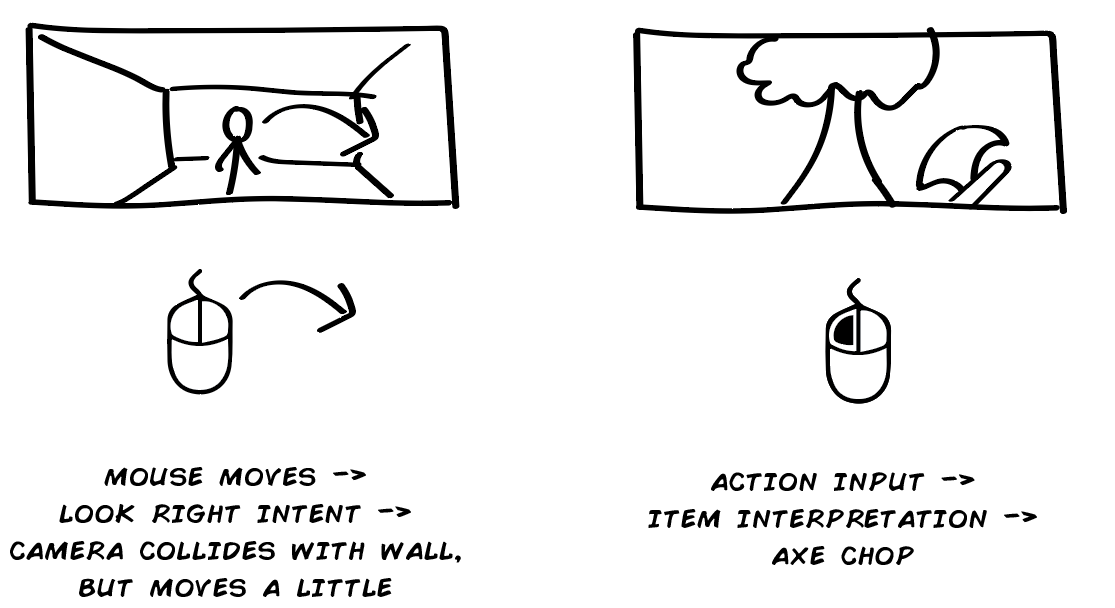
Sometimes a game doesn’t tell you exactly what will happen when you try to perform a certain action, but will instead tell you roughly what will happen.

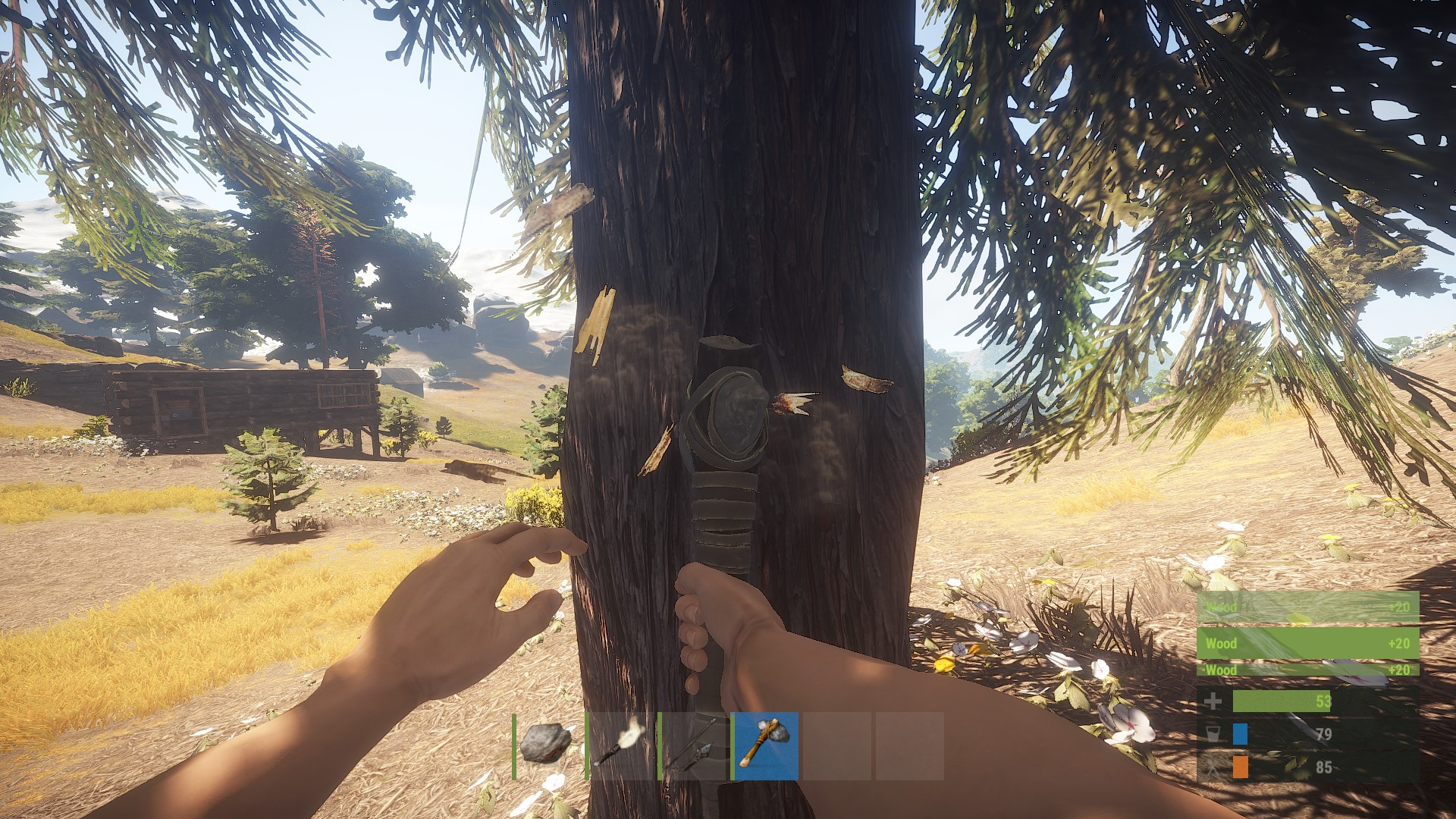
Think of all the survival action games and how your intent is to use the thing in your hands, but what actually happens depends on if that thing is an axe for wood-cutting, a shovel for digging, or a rifle for shooting. Or dialogue screens where you pick the type of answer you want and then the game serves you some dialogue.

You have your intent, provide input, then the game translates that into an action by filtering it through current circumstances.

Contextual Action

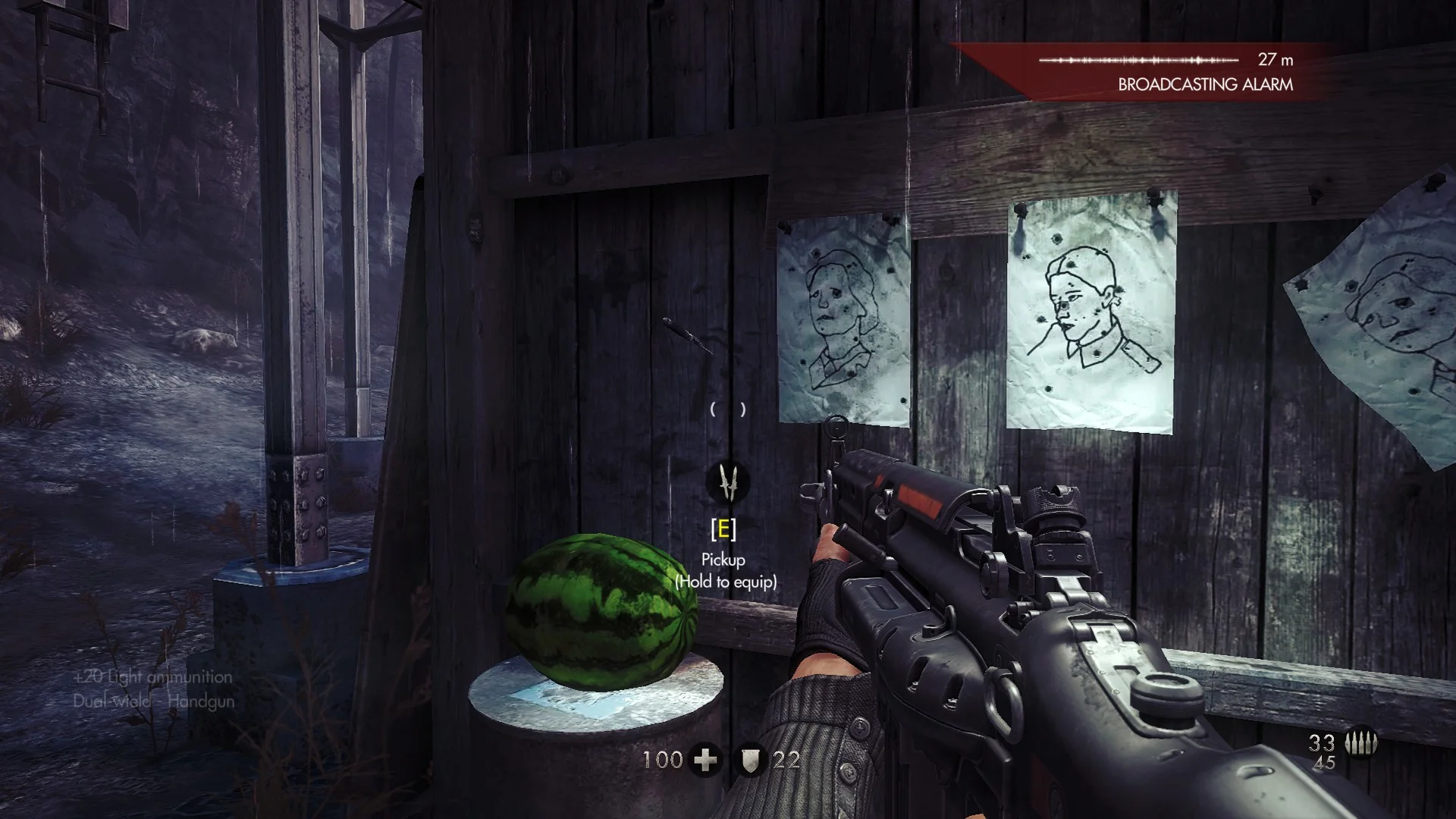
Another variant is context-sensitive action. This is an action that’s contextually restricted when to trigger and therefore requires feedback to signal its availability. Walking up to a ladder and having an icon appear that says “Press X to Climb” is an example of this. The context-sensitive action itself can be direct or intent-based, depending on the game.

The key difference from other actions is that you must provide feedback to tell the player when or where the action can be performed, even if this may be signalled using graphics instead of user interface. Like my hated enemy, the dabs of paint that tell you where to climb. They are showing the player where they can use the contextual action “climb,” and they do so in the most obtuse and immersive-breaking way possible. I mean, who has to paint all those guides to begin with? That person is apparently a more competent hero than you!

Content-Based Action

The final type of action is the content-based action. An action where you press the button, the action starts a piece of content and that content dictates the result. Usually by having the content start, provide some kind of callback, and then end, with feedback provided at each step along the way or the content as a kind of progress indicator. Think of the typical first-person reload animation–that’s what we’re talking about.

Standard content is animation. Whether this is an elaborate animation on your gun, or a first-person animation of your character doing something, the biggest issue with content-based actions is that they are arbitrary in length. One way to hinder this is to predefine a set length for such actions. This can be a length in frames that the animators are allowed to add, or it can be a length in seconds. With time, the player will learn this length and can adapt their play style accordingly.

I’m not a fan of content-based actions and would therefore avoid using them, or at least allow players to abort them naturally.

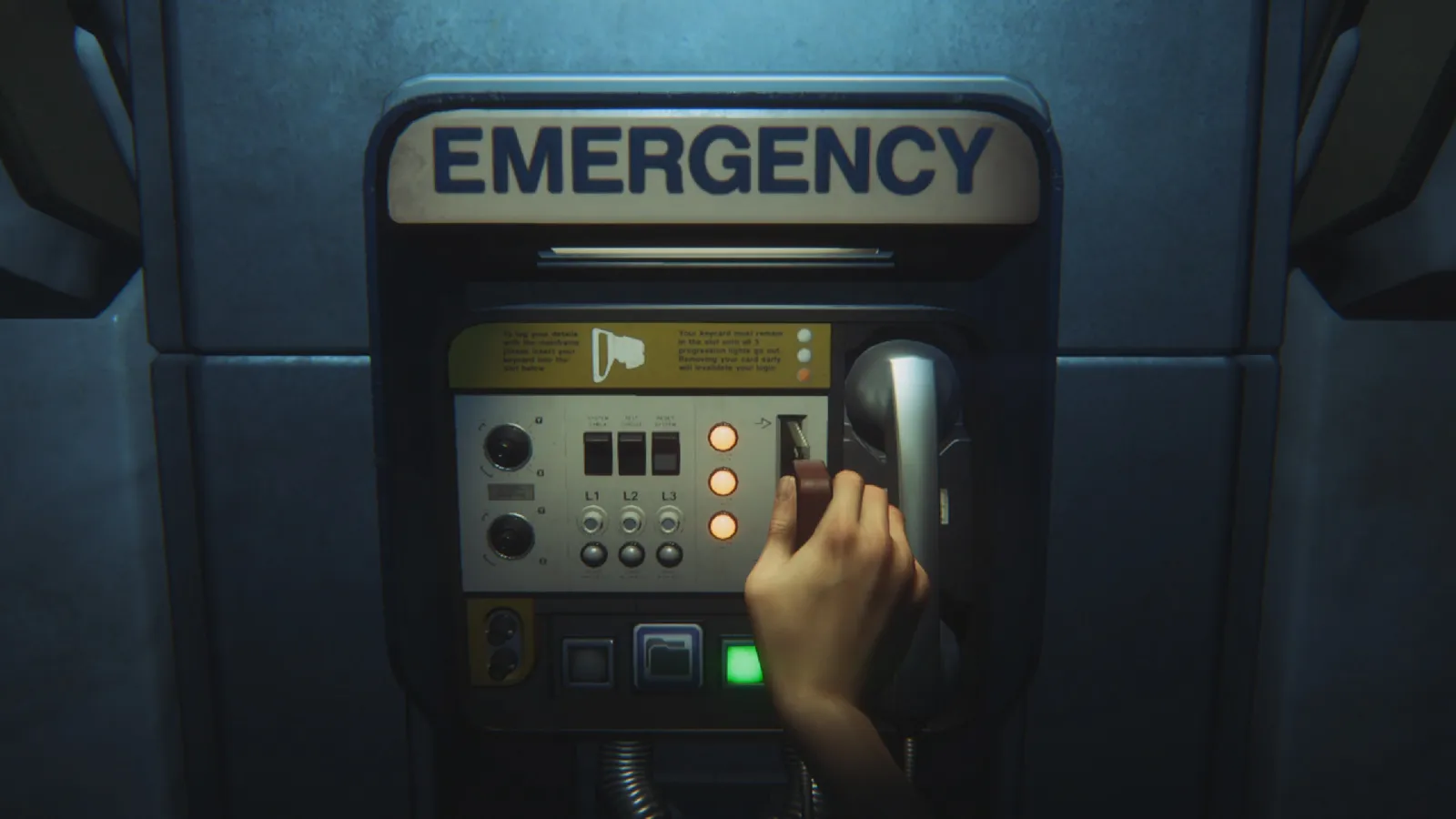
Alien: Isolation locks you in place while you use its save points. Saving is a content-based action.

Conclusions

There are some things you can take with you about controls. Let’s just list them in bullet point form.

  • You should decouple input from actions. This makes it easier to customize, and also makes it possible to use Command pattern or other patterns.
  • Input can be divided into interface, state, and processing–in that order. This allows you to construct your input information in a modular fashion.
  • Actions can be either generic, meaning they work with any entity in the game, or specific, meaning that they need data or functionality that ties it directly to only a certain type of entity.
  • Actions can apply further restrictions based on game context, which is something actions are aware of in the game simulation that input will never be aware of. This includes things like aim assist and the concept of Coyote Time.
  • Actions make use of data. You should consider how you structure this data for easy tweaking in the future. One suggested approach is to handle Baseline, Attributes, Modifiers, and Functions as separate pieces of data and construct a way to decoulple them from the entities they are owned by.
  • Actions and their data lead to metrics, which is central information for content production and will have to be set in stone before you ramp up your content production.

There you go. Now go out there and tweak things. Or continue reading about 3Cs: Character. The last part in this series.

First-Person 3Cs: Camera

On this next step in my sporadic systemic design journey, I will try to explore the intricacies of how to build a good first-person camera. Maybe even a great one. I will touch on the basics of making it, too, but there are many things that aren’t related to the camera directly but to everything else in your game, and it gets hard to get into details on implementation without having a specific game in mind.

As part of the 3Cs (Controls, Camera, Character), the camera is fundamental to the game feel of your first-person game. I will cover the other two parts of that holy trinity in future posts, if/when there is time. I started with the camera.

Intro to First-Person Cameras

First-person games have been around since the early days of game graphics. It wasn’t until the 90s that the perspective became synonymous to aiming, shooting, bombastic setpieces, and chained explosions. Before then, we sat in the cockpits of lineart space ships and explored scary dungeons in many different kinds of games. Along the way, the first-person camera has been given a ton of attention. Both of the technically complex sort and the visual sort.

There are also some artifacts we are carrying with us that are worth mentioning.

Planar Alignment

Grid-based dungeon crawlers used a different kind of rendering than what we are used to today, where they rendered bordering tiles based on your placement in a grid. This meant you couldn’t look up or down, because functionally there was no up or down. You had the screen you were looking at, and you could move between screens.

Extrapolate this onto some better hardware and you get the raycasting renderer, projecting a three-dimensional image into two dimensions. But it’s still not “real” 3D, and most levels are defined as two-dimensional line maps. There can still be multiple levels, and some games, like Shadow Warrior, used portal techniques to fake things like multiple overlapping floors. Because full vertical 3D was the goal, even if the horizon was still our main frame of reference.

Walls (i.e. lines) in the Build editor for Duke Nukem 3D can’t overlap each other,
meaning that it’s not trivial to make lower/higher levels.

Extrapolate even further, through binary space partitioning and onwards, and you finally arrive at the fancy polygonal rendering techniques of today that allow full 3D.

But we’re still mostly stuck to horizontal alignment. Not for technical reasons, but for human ones. Our planet-locked existence is always stuck to the horizon, leading to glances up or down feeling less natural to us than looking across the horizontal plane. It’s the same in first-person shooters.

Level designers may sometimes trick players by putting things farther above or below the horizontal plane, forcing players to look up or down after stumbling around for a while in bewildered confusion. More often, we simply don’t do all that much verticality, because most of the ways we can remind the player to look up or down feel somewhat contrived and there’s no way to “win” over lizard brain intuition.

Planar alignment is as good a place as any to start this first-person camera journey. Your camera will benefit from honoring horizontal planar alignment, almost no matter what you are working on. It affects everything from where you should put your highest quality art assets to the way you handle gameplay interactions.

Does it mean you shouldn’t break this alignment? Of course not! You just have to know why and how it matters, and what may happen if you do. This notion that you need to know the rules before you break them will stay with you throughout this piece–it applies to more areas than planar alignment.

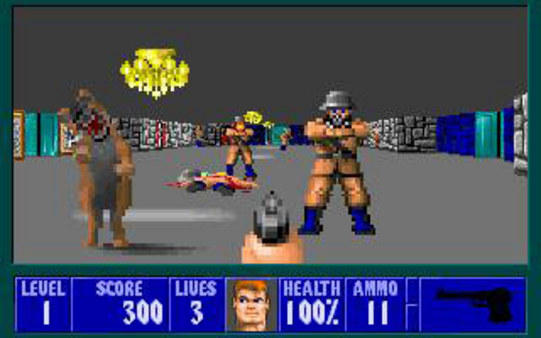
Wolfenstein 3D inherited almost all the trappings of the first-person dungeon crawlers that came before it,
and undeniably demonstrates horizontal alignment.

Axis Alignment

Some of the decisions that were made for performance reasons have also created game feel that we have gotten so used to that we are mimicking them to this day. One such thing is the Axis-Aligned Bounding Box. A cheap and effective way to model the collisions of a player character with an axis-locked box that never rotates. In first-person shooters, the locking axis is the world space “up” vector pointing towards the sky.

This means that the camera will remain horizontally locked and that the player’s character can’t fall, stumble, lean, or be affected by the game world in any way that would break this axis alignment. Even if first-person games have used everything from sphere collections (like a snowman shape) to capsules and onwards, they have still kept this axis-alignment. You don’t fall in first-person games, unless it’s very carefully directed.

This isn’t entirely for performance or tradition reasons either. If you break this axis alignment and rotate the camera on its forward axis, it’s one of the many ways first-person cameras can cause nausea for some people. The gyro in our brain wants the horizon to stay right where it is when our body isn’t moving, and for some players, breaking this relationship between horizon and brain makes for a bad–potentially vomit-inducing–experience.

So once more, this is a bit of performance optimization that led to game feel that has stayed with us for more reasons than performance.

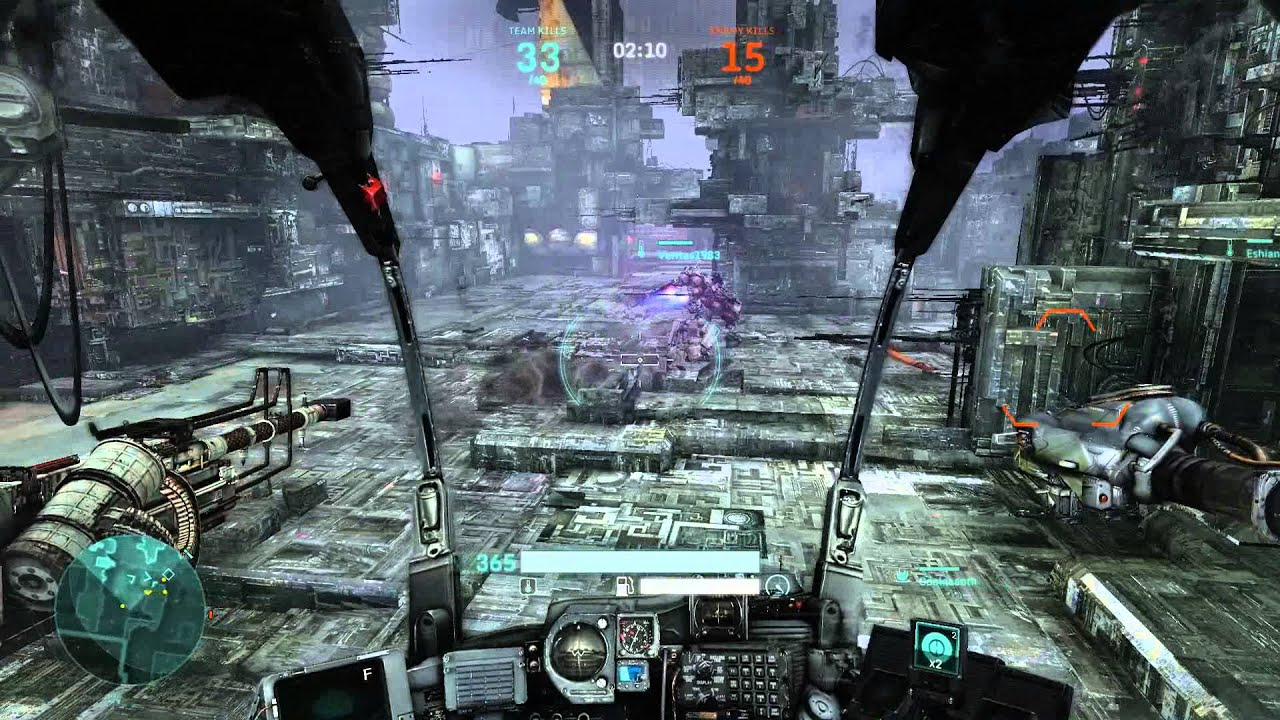
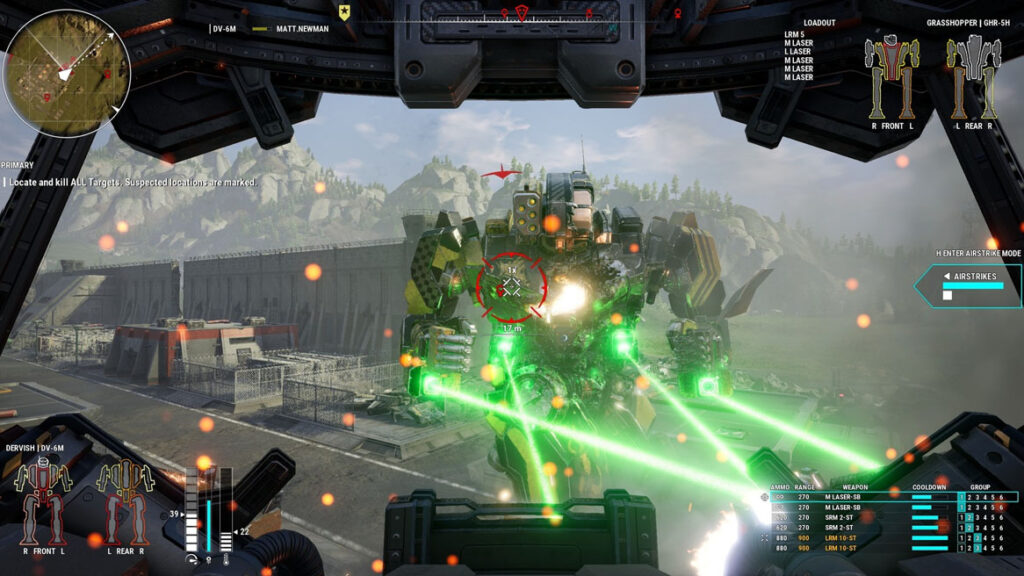
The giant mechs in MechWarrior 5: Mercenaries control more like tanks, with camera and body movement mostly disconnected.
But it still acts like an axis-aligned first-person shooter.

Lens Simulation

One of the more frustrating trends for game cameras (in my opinion) is the drive to have them emulate physical camera lenses. This sometimes causes considerable issues. Not least of all for accessibility reasons, with seemingly arbitrary blur and glare that affects the readability of the final image.

Motion blur and eye adaptation are two of the most common ones, but any post effect that’s there to behave like an expensive movie camera and not to make the game experience better or the information in the game clearer is a good example. Bokeh. Bloom. Depth of Field. Chromatic aberration. You know all of them already, if you’ve played a modern first-person shooter, and chances are you never actually thought about them.

The idea seems to be making a more realistic camera rather than to make a more playable one. But your first-person game camera is not a real physical camera, and almost all the ways you make it seem like one will make your game harder to play.

Where planar and axial alignment is here to stay, let’s hope that lens simulation eventually stops.

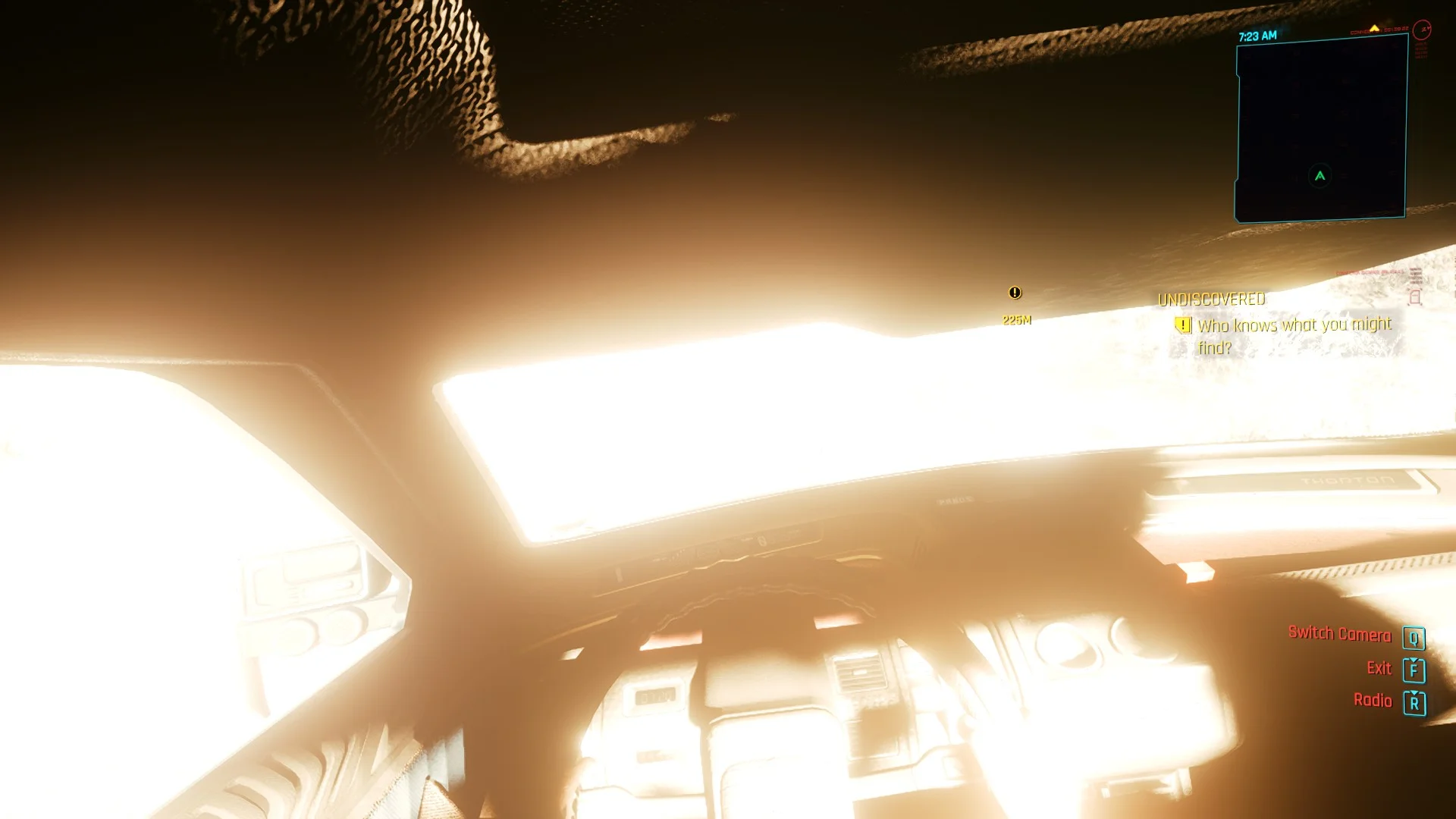
Because I will repeatedly say how clever Cyberpunk 2077 is with its camera,
let’s balance out the praise with this eye-watering eye adaptation effect.

Motion Sickness

Some people are affected by motion sickness when they play first-person games. This effect is something that can typically be mitigated at the design stage. Some people will experience it no matter what you do because they are particularly sensitive to the strange motion of the screen, but there are at least some solutions you can try.

There are primarily three reasons that players experience motion sickness: motion that is felt but not seen, motion that is seen but not felt, and also discordance between seen/felt. The first would be something like sea sickness, while the second is what can be caused by some camera solutions. The third can kick in with something like VR gaming, when your virtual rollercoaster ride spins through its narrow turns but your body doesn’t actually feel any motion. Doesn’t prevent you from falling over anyway.

It’s generally when you fight against your brain’s intuition that you experience nausea.

Common Sources of Motion Sickness

  • Tilt on the forward-axis. Probably the most common source is when you tilt the camera on the forward axis. A sideways tilt. This will cause nausea for some because your body isn’t actually moving sideways even though the camera is.
  • Head bobbing.” This is implemented differently in different games, but causes nausea because your body isn’t experiencing the motion even if your eyes are registering it.
  • Shake and other noise. Why you always want camera shake and its like to be optional: to some players, it causes nausea because your body isn’t affected by the same tilt.
  • Animated camera control. If the game takes arbitrary control of a first-person camera, it can also cause nausea. Again, because the body is not experiencing the motion. This can be mitigated somewhat by adding “cinemascope”-style black bars, because then the player can intuitively understand that it’s currently an animated sequence and they are no longer in control.
  • Motion delays. Finally, lag or delay in the motion of the camera can cause nausea. This gets amplified considerably in VR, to the point where some players can feel physically sick. But drawn-out motion can cause motion sickness even in standard first-person games.

Cinematography and Cyberpunk

My general stance is that games gain nothing from striving to be cinematic. It’s like movies trying to be more theatrical. Theater will forever do theater better than movies do. Games are better at being games than they are at being movies. And yes, movies are better movies than games can ever be.

But cinematography, on the other hand, is a craft that has been perfected by the Hollywoods of the world through over a century. It’d be madness to ignore the lessons learned. So let’s take a fleeting look at cinematography and some of its interesting takeaways. Just note that it’s a layman’s look–I’ve never worked in film and likely never will. My interest is how we can take lessons from here and bring them into gameplay in a systemic way.

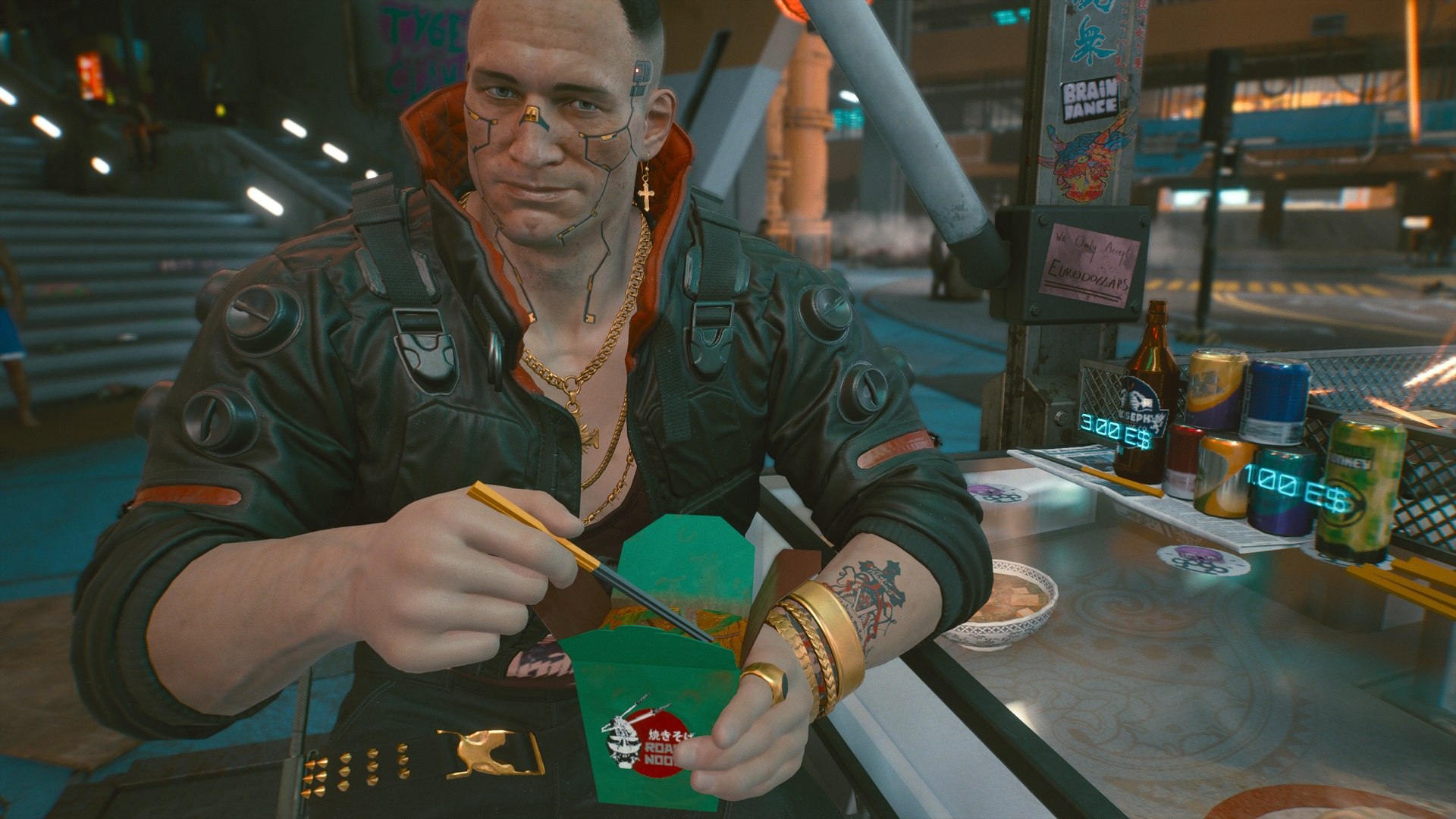
Since the player controls the camera in Cyberpunk 2077, you get things like Jackie’s “haircut,”
where the camera is cropping the top of his head. A general no-no in cinematography.

Framing

The frame is your whole product in a film. Each of the thousands of frames in a feature film is a consciously designed work of art directing the audience’s attention to where it needs to be. In games, framing is more about predicting where the player will look or guiding where they should look than it is about directing the player. But the same thinking still applies.

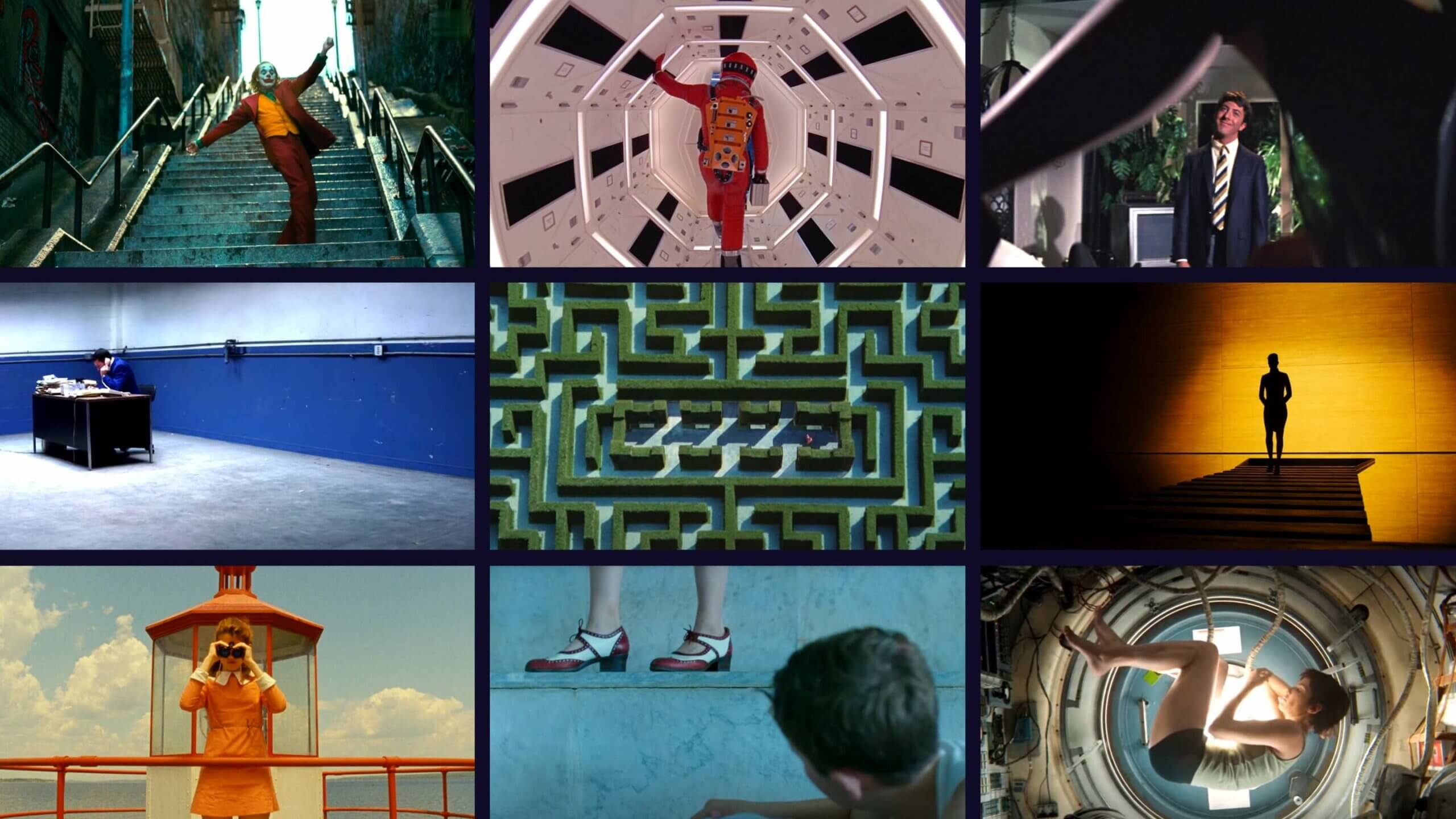
Illustrations of some of the rules in shot composition.

There’s plenty of material on the Internet, and there’s also Blain Brown’s excellent book you can pick up if you want to learn more. But as a short glimpse into what cinematography means, you have the rule of thirds, which divides the screen into thirds along both axes. This gives you nine rectangles of focus, and the lines between them, where to direct viewer attention. It’s a great guideline for framing.

The 180-degree rule tells you to respect the direct line between two objects interactig on the screen, for example characters who are talking to each other. Once you pick a side on this line, you shouldn’t rotate the camera to face from the opposite side of the same line, since this risks confusing the viewer.

The use of leading lines and frames within the frame to direct attention are also a form of rules. If you are looking at a painting on a wall in the frame, your eyes will go to the painting. If there’s a horizon or a stone wall leading towards a tower, this will also direct your attention.

You also usually want to achieve symmetry, with an equal balance in composition between the two sides of the frame. Meanwhile, you want to fill the frame to avoid too much dead space, unless you want to actively achieve emotional isolation. This “except” and “unless” stuff is important: as with any rules, you need to learn them before you can break them.

There are rules for depth and scale. Some leaves in the foreground to show you that your perspective is from the point of view of someone hiding in the undergrowth, for example. But also continuity and establishing. For example, if a character looks down at something, and then you cut to a letter on a table, the viewer understands that this letter was what the character was looking at.

All of this requires camera control, however, and camera control is no-no for first-person games if you want to avoid nausea. In fact, full first-person control can be inspired by virtual reality design and some of the lessons learned from there.

But I’ll focus on something else, even if VR design is interesting in this context, even for non-VR games. I’ll focus on the work of CD Projekt RED’s cinematic team on Cyberpunk 2077. Something Story Mode got to talk to them about, and something that’s extremely inspiring if you want to make first-person cameras.

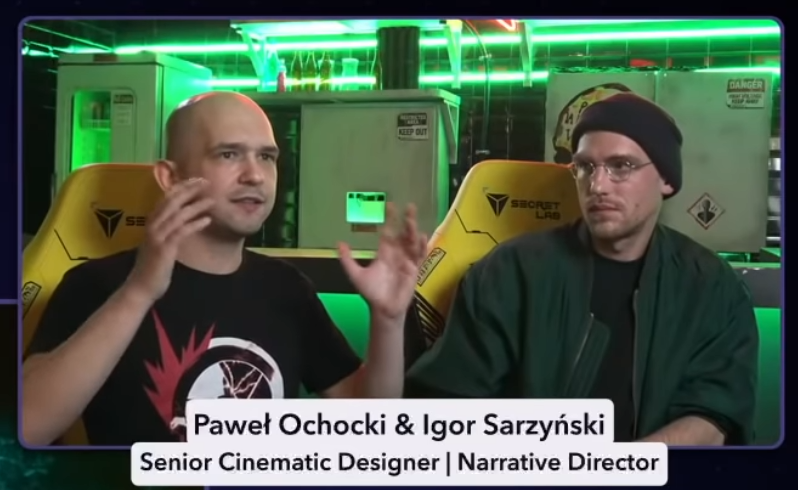
Parts of the CDPR cinematic team, on Story Mode.

The interview, and the game of Cyberpunk 2077, touches on exactly the things we need to make our systemic camera. From my perspective, being primarily interested in gameplay, it emphasizes three things:

  • Differentiating between noise and signal (Pawel Ochocki.)
  • Players subconsciously go where the best content is. (Igor Sarzyński.)
  • We want characters to engage with.

Noise and Signal

Fundamentally, the frame’s purpose is to inform. Igor Sarzyński asks the question, “are you distracted, or are you perceiving what you should be perceiving?”

With the cinematographic rules I mentioned previously, this is presumed to be up to the camera crew and director to decide. In a dynamic first-person game, you can’t control anything. You shouldn’t control anything. This means that the methods used must be much more subtle.

Noise is all the things that you shouldn’t be paying attention to. Extra empty chairs that distract you from the person seated at the table. Animated screens. Traffic passing by. Pedestrians walking past. Horses neighing. Whatever your game has that’s currently not important.

The signal, on the other hand, is the focus content. The thing you want the player to look at or to experience right at this moment. This signal can change through the course of a set, and the game (and camera!) need to communicate what’s important at any given moment.

“For almost each scene we tried to create something we called the ‘sweet spot,'” says Igor Sarzyński. “[W]hich is this kind of staging of characters and elements and lighting in the frame that subconsciously makes you stand in a specific point.”

So rather than controlling the camera, nudging the player to stand in the right spot through careful stage construction leads to better framing. To a clearer signal.

“If [Jackie] leans towards us, we have close-up suddenly. If he gets up and walks away, we have something more. So we can play a lot with the content that we have, even though the player might not understand what happened,” says Pawel Ochocki. “[The player] wanted to sit down, because the game presented the option to sit down as the most attractive part of the conversation.”

Lighting, leading, and focus, but as guidance rather than direction. Signal vs noise: there’s no doubt that Barry is your focus.

What’s noise and what’s signal may seem clearer in a narrative game than in a more gameplay-focused one. But even in competitive games, separating noise from signal is crucial. A camera’s job in cinematography is to convey information–to tell a story. Too often in game development, we confuse story for words, but the whole idea of cinematography is to show, don’t tell.

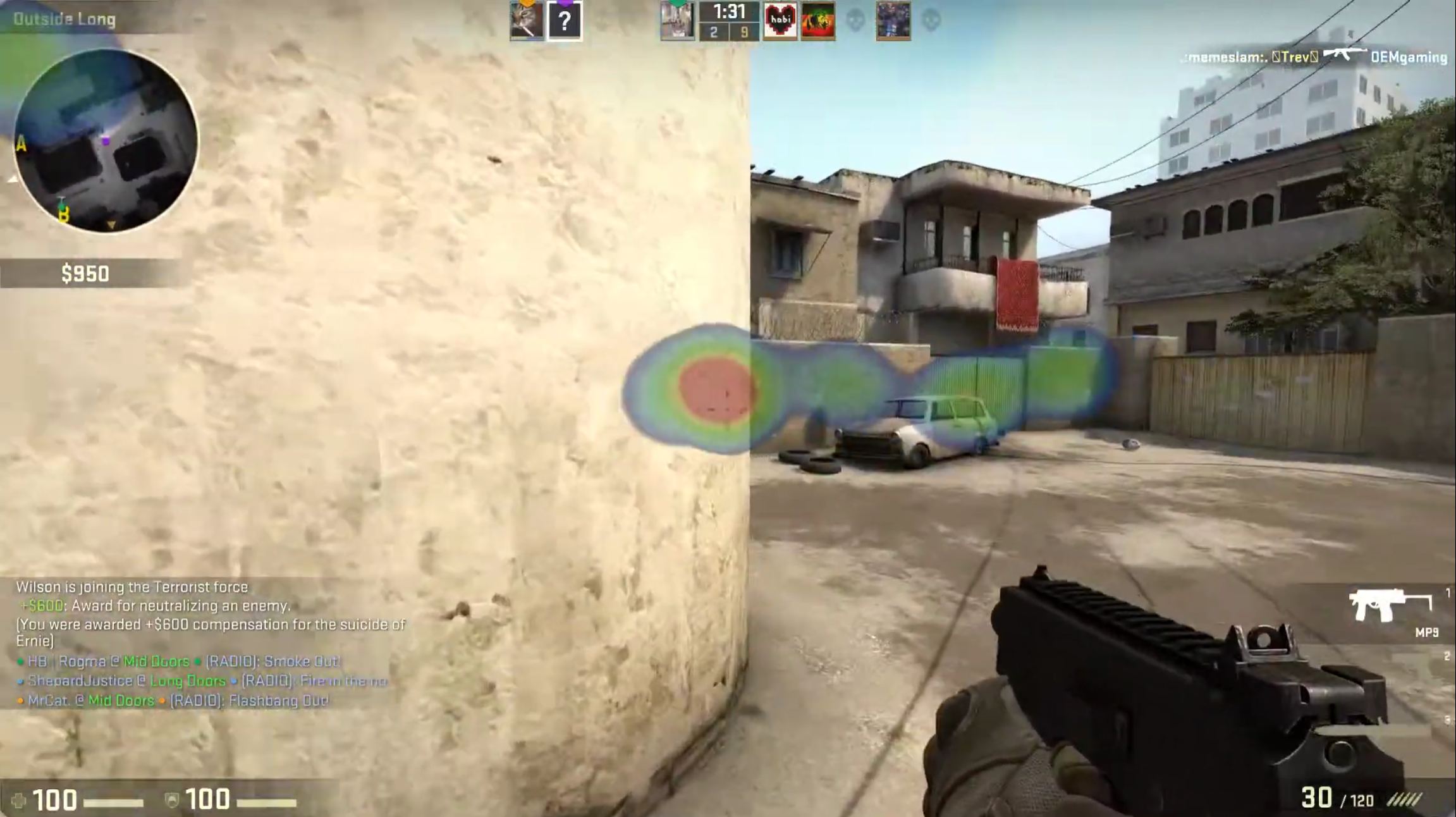
Using technologies like the Tobii eye-tracker to check screen coverage or even generate gaze plots, you can find out where players tend to look. One thing you’ll quickly see is that they “lead” with their eyes, looking slightly forward of the center of the screen when they are moving the character.

Something that’s also curious, and I’d personally flag as “noise” if it wasn’t such a ubiquitous first-person shooter staple, is the flicking of the gaze towards the corners of the screen to fetch important information like ammunition and health. This feels like a pre-widescreen artifact, where today it would make much more sense to simply put key information near the center of the screen.

Tobii eye-tracking, from a YouTube clip, demonstrating the prevalence of the center of the screen.

Experiential Awareness

Pawel and Igor talk about where players naturally place their attention. How players want to go where the best content is. Where things are happening. This is something we often make use of in game design in the form of breadcrumbing, whether using enemies for the player to kill to lead you where to go next, or dabs of yellow paint, or treasures, or something else.

When characters in the game’s virtual world sit down, walk away, or enter closed spaces in Cyberpunk 2077, this is a carefully directed staging that’s merging narration with gameplay. It’s suggesting where the player should put their attention rather than controlling it. Most of the time, the player follows along.

“Players usually want the most attractive content you can provide them with,” Igor Sarzyński explains. “You could just turn around, go away, and come back in two months, but it turns out no one does this ever.”

I just have to point out that, yes, some players do this sometimes, and I’m one of them. But that’s beside the point, since having more freedom will always be one of my desires in games and I like testing how a game handles it when I make weird choices. The interesting takeaway here is to adapt things subtly to guide the player, and not to take control, because most players are predisposed to doing what they should do.

The range and angle of interactive elements means that the player will be looking where they “should” look.
(Though in this specific case, you’re locked in place.)

What the first-person interactive cinematography means in this context is that you can move the content around the player in order to get the desired composition, and use interaction angles and distances to make sure that the player is in the right spot.

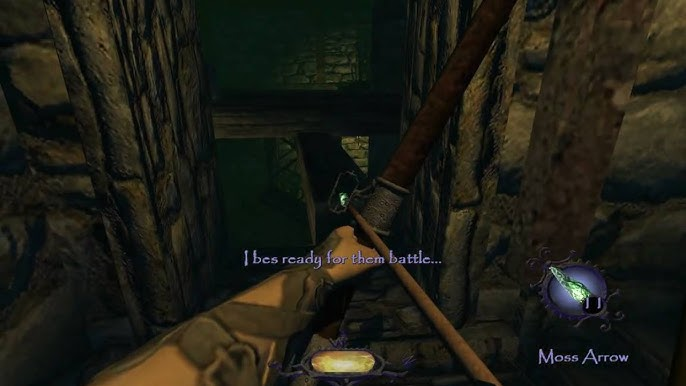
This is where we reach a point where camera work also intersects game development in more traditional forms. Diablo III‘s art direction layers separate the player from UI, enemies, and effects in an effective way using color saturation and mesh shapes. Thief: The Dark Project has desireable loot blink tantalizingly when they’re on your screen to guide your thieving eyes.

Characters

In an interview with George Lucas right after his life’s work was purchased by Disney, he commented on the many copycats that followed the success of the first Star Wars film. Where they failed, he said, was by simply copying the trappings of the film but forgetting to add characters that were interesting. They had spaceships and hyperdrives, but no Han Solos or Princess Leias.

“We are hardwired towards empathy,” is how Pawel Ochocki phrases the same thing. “We want the connection between people.” Because of this, “A lot of our work is about characters. About those tiny reactions and interactions that go into conversations between people.”

It’s about characters behaving believably, with branching activities and reasonable reactions to the player’s actions, without the game feeling like a cinematic. “You never see the branching,” says Igor Sarzyński about the heist scene in Cyberpunk 2077. “People go into the restaurant, Jackie goes upstairs. People who go directly to the elevator, Jackie goes with them.”

It’s reacting to player actions. It’s responsive empathy, not passive empathy. It also consciously reminds you who you are, by providing enough freedom for the camera to move that you can always see your body. To remind you that you have a body, that you’re part of the world.

Whether the characters on your screen are talking, flinching under fire, proposing toasts to Night City, or they’re just bugs crawling across the level in Killbug, they need to behave in ways that helps convey information and compose the frame. To separate signal from noise.

Cheers Jackie. To Night City! Empathy is about characters, what they do, the obstacles they face, and what they desire.

Final Notes on Cinematography

What Cyberpunk 2077 pulls off is incredible. It has some serious issues–not least of all the work intensity required to make it happen–but it does demonstrate that there’s a lot left to explore with first-person cameras. Turning lights on or off dynamically. Having characters wave to you or comment on what you do to ask for your attention. Leaning in. Taking a step away to light a cigarette, while someone else gets the spotlight. Making sure that the colors of the background and the colors of the characters don’t aim for realism but for clarity in framing and composition. Doing away with the idea of simulating a realistic camera, and instead pushing for clarity through gameplay.

You should walk away from cinematography with a whole host of good information, on noise vs signal, on focusing on who is in your frame, but also an important distinction. With a first-person camera, the player is always in charge, and the camera’s job is to give them the right information at the right time.

Screen tints, red highlights, screen edge effects; there are many ways to separate signal from noise, and they’re
just as relevant for a game like Killbug, as for Cyberpunk 2077.

What a Game Camera Is

Next up is what a camera actually is, from a game engine’s perspective. This is important for many reasons, not least of all to make sure that we don’t do confusing things.

Transform Matrices

The camera exists somewhere in the simulated world and the world transform of the camera stores the matrix of location, rotation, and scale that lets you do all the three-dimensional mathematics that makes your game happen. This transform is also used whenever you need something to follow the camera for any reason. Maybe a world space HUD that acknowledges the camera’s facing, or your airplane cockpit model.

Game engines also provide ways for parenting transforms to create more or less complex hierarchies, where changes will propagate from parents to children. Because a camera requires fine-grained control in multiple layers, this is extremely relevant. It’s not unusual to use one transform to provide the location and another to provide rotation, for example. But we’ll make more mixed use of it, as you’ll see in the pseudocode later.

FOV, Clipping Planes, Frustum, and Viewport

A camera in a 3D game has a number of properties that determine how it renders a frame. We’ll only look at the basics, since this segue is already long enough.

First of all, you have the Field of View, or FOV. This is the angle between the center forward axis (the line of sight) and the edges of a theoretical view cone. A “realistic” FOV is somewhere around 200-220 degrees, taking the full range of human eyesight into account; including peripheral vision. But games played on flat screens look weird when rendered at this FOV. For games you can calculate the mathematically correct FOV based on the placement of your eyes in relation to the screen (refer to the illustration below). Taking this into account, a FOV around 85-110 for PC games where you usually sit closer to the screen, and 55-75 when playing on consoles, accurately represents what your screen as a window into the 3D world should show you. This says nothing about personal preferences, of course. You do you. But choice of FOV affects a lot more than how much you see. It also affects your sense of scale in the 3D environment.

Next, we use two clipping planes: the near clipping plane and the far clipping plane. In a 3D engine, this is the start and end point where any rendering happens. Beyond the far clipping plane, and in front of the near clipping plane, nothing gets rendered. In some first-person games, if certain objects come close enough to the camera you will start seeing “through” them. This is because the geometry intersects the near clipping plane and stops being rendered, making it look cut up. For this reason, you usually make the collision handling for your first-person character wide enough so that nothing will ever intersect the camera’s near clipping plane.

The volume between the two clipping planes (or, technically, the six clipping planes; top, left, right, and bottom are also “clipping planes”) is the view frustum. Most 3D rendering will use this frustum to determine what should be made visible on-screen. If everything was rendered all the time, something like a large open world or really detailed level would become too computationally expensive. What happens instead is that anything that’s not intersecting the view frustum gets “culled,” which is programmer speak for not being rendered.

With all that in mind, the final screen render happens in your viewport, which is your visual interface into the 3D world. The viewport can tell you whether something is on-screen as opposed to being rendered. The viewport’s coordinates are handled in screen space (X,Y), rather than world space (X,Y,Z). A conversion that may sometimes be relevant to make in gameplay, as well. For example, when using your mouse to make a box selection in a strategy game, you do this in screen space, but the units are selected in world space.

Image from PCGamingWiki.

Finally: A Systemic Camera

It’s time to make the camera! We’ll take all of the aforementioned things into account and start simple. Whether you call it a manager, controller, handler, director, or something else, you will need some generic way to handle the whole camera hierarchy and all its pieces. There will only be one camera, so the singleton pattern is a good match.

Transform Hierarchy

First thing’s first. Putting the camera into the virtual world. To be able to filter the different parts of the camera’s behaviors, both for gameplay design reasons and for accessibility reasons, we need a certain hierarchy in place.

Transforms update from parent to child, meaning that a higher transform in a hierarchy has a higher authority; but also that children can override the shenanigans of their parent. (Which sounds an awful lot like real-life parenting.)

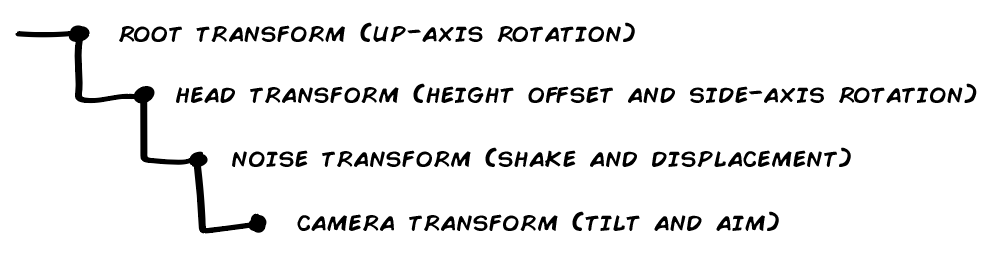
This is the hierarchy we will use:

First, we have the root transform. This is the world space transform of the player’s avatar. Character, mecha, floating camera; whatever you’re playing. The root transform’s only job from the camera’s perspective is to move and to turn on the up-axis (looking left/right). Whenever the root transform does this, all of the children will follow along. Do note that it only turns on the up-axis–it respects axis alignment. If this transform would rotate, the whole hierarchy would rotate with it. You may want this if you have a game where you can walk on walls for example, but it’s generally quite disorienting.

Second, we have the head transform. This follows the root transform with an offset, to get the right head height, and then adds side-axis rotation (looking up/down). It does this respecting whatever constraints your game has. Some games clamp rotation to the full 180-degree spectrum (-90 or +90 from forward); other games use narrower clamping; and others yet again allow full six-degree freedom. In the last case, think of classics like Descent. Anything that needs to follow a stable direction or the camera’s unmodified location can safely follow this transform. A draw view model, for example. You can also move this transform’s height offset to represent crouching, crawling, and so on.

Third, the noise transform has a very specific job to do: adding noise. This noise is only applied to the location, however. Things like displacement and camera shake are applied here. We won’t rotate this transform. This transform is separated from its parent because of instances where you don’t want some elements to be affected by noise at all (like the previously mentioned draw view model). But for anything you want to be affected by noise, this is the transform to use. Naturally, if you don’t want any noise in your game, this transform can be removed.

Fourth and final, the camera transform. The camera object’s transform. This handles tilt on its own forward axis, and it can also provide features like aim retention and other potential overrides or tweaks to the movement and rotation of its parent hierarchy. The main reason to keep the camera’s own transform at the bottom of the hierarchy is to be able to affect viewport changes directly without having to go through the whole hierarchy, and to make those have the final say. By turning tilt off, you will enforce planar alignment–tilting is the only exception to horizontal alignment in this setup.

public class CameraController
{
private:
    Transform tRoot;
    Transform tHead;
    Transform tNoise;
    Transform tCamera;
    Transform tTarget;

    Camera camera;

    Vector2 vLookLimits = Vector2(-90.f, 90.f);

    float fLookSpeed;
    float fTurnSpeed;

    Quaternion qOrigin;

    float fOriginalFOV;
    float fCurrentFOV;

    float fLook;

public:
    bool bAimRetention;
    bool bAllowTilt;
    bool bAllowShake;
    bool bAllowDisplacement;

    // Hooked up to your mouse move delta
    void OnLook(Vector2 a)
    {
        // Apply up-axis rotation directly
        // Apply side-axis rotation clamped by look limits
    }
}

Move

Movement only affects the root transform’s planar axes. In Unity, this would be your Z and X axes. In Unreal, it’d be X and Y. Not much to it. This isn’t technically camera-related either–it’s movement.

Rotate

Rotation is split into two separate parts. The character’s up-axis (side) rotation and the camera’s side-axis (vertical) rotation. For the first, it’s handled by the root transform, since it will affect the whole hierarchy, including the facing of the camera. The second is handled by the head transform.

Horizontal rotation, on the root transform:

// Apply up-axis rotation directly
auto rotation = (a.x * fTurnSpeed) * deltaTime;
tRoot.Rotate(Vector3::Up, rotation);

Vertical rotation, on the head transform:

// Apply side-axis rotation clamped by look limits
fLook += (a.y * fLookSpeed) * deltaTime;
fLook = Clamp(look, vLookLimits.x, vLookLimits.y);

tHead.localRotation = Quat::OnAxis(Vector3::Right, fLook) * qOrigin;

Camera Behaviors

Since you’ll want the camera’s various things to be additive in nature, we can refer to a tried and true technique for adding combined influences: behaviors. Just like Reynolds’ eminent steering behaviors, we want to be able to stack a bunch of things together that will then affect the camera cumulatively over time.

If a huge explosion causes camera shake, for example, and you then take a punch to the face, you’d want the punch to add a little bit more shake (and insult) to that explosion.

Note that there are some flag checks here causing early returns if you don’t want some effects. This is probably not the right way to do it–just an illustration. You’re better off stripping out options entirely, so that Tilt, for a player who doesn’t want it, never gets added in the first place. The only drawback to that is if you can change those options at runtime, which would mean only future tilt behaviors would happen, since there’s then no behavior to do an early return from.

As always with implementation details, you do you.

public class BaseCameraBehavior
{
protected:
    float fDuration;
    float fTime;
    Vector2 vForce;

public:
    BaseCameraBehavior(Vector2 force, float time)
    { 
        fTime = fDuration = time;
        vForce = force;
    }

    void Calculate(Vector2 translation, Quat rotation, float fov)
    {
        // Do stuff with things. Also make sure to time -= deltaTime.
    }

    float RemainingTime()
    {
        return time / duration;
    }
}

Also note that the CameraController will need ways to work with these behaviors:

auto totalForce = Vector2::ZeroVector;
auto totalRotation = Quat::Identity;
auto totalFOV = 0.f;
auto trashList = Array<BaseCameraBehavior>();

// Check all the behaviors
foreach(behavior in cameraBehaviors) 
{
    if(behavior.RemainingTime > 0)
    {
        Vector2 translation;
        Quat rotation;
        float fov;

        behavior.Calculate(&translation, &rotation, &fov);

        totalForce += translation;
        totalRotation *= rotation;
        totalFOV = fov;
    }
    else
    {
        trashList.Add(behavior);
    }
}

// Retire completed behaviors
if(trashList.Num() > 0)
{
    foreach(behavior in trashList)
        cameraBehaviors.Remove(behavior);
}

// Apply shake and displacement effects
tNoise.localPosition = Vector3(totalForce.x, totalForce.y, 0);

// Apply tilt
tCamera.localRotation = totalRotation * origin;

// Apply zoom
if (totalFOV != 0f)
{
    currentFOV = totalFOV;
    camera.SetFOV(currentFOV);
}

Shake

You’ve seen camera shake of all its kinds, of course. They are designed to rock your world. Simply using remaining time as a multiplier will make the shaking stop at fDuration. If you want the shake to reflect external forces, you can instead use a direction vector that you combine with random noise and weight based on the amount of force.

public class CameraShake : public BaseCameraBehavior
{
private: 
    Vector2 vShake;

public:
    void Calculate(Vector2 translation, Quat rotation, float fov) override
    {
        if (fTime > 0)
        {
            fTime -= deltaTime;
 
            if(!CameraController.Instance.bAllowShake)
                return;

            vShake= Random::UnitVector * RemainingTime();
        }

        translation = vShake;
    }
}

Displacement

When you land on the ground from a high drop or you take a solid hit from an enemy attack, it can give a nice effect to displace the camera from its origin and blend it back into position. No rotation happens–we only manipulate the noise transform’s local position.

This pseudoimplementation is primitive. Simply divide the duration into an outward blend and a back blend and do them one at a time. When both have run their course, you’ve reached the original full duration.

public class CameraDisplacement : public BaseCameraBehavior
{
private: 
    float fOutTime;

public:
    CameraDisplacement(Vector2 force, float time)
    {
        fTime /= 2f;
        fOutTime = fTime;
        fDuration /= 2f;
    }

    void Calculate(Vector2 translation, Quat rotation, float fov) override
    {
        if(outTime > 0)
        {
            fOutTime -= deltaTime;

            if(!CameraController.Instance.bAllowDisplacement)
                return;

            auto value = fOutTime / duration;
            translation = Vector::Lerp(force, Vector2::Zero, value);
            return;
        }

        if (time > 0)
        {
            time -= Time.deltaTime;

            if(!CameraController.Instance.bAllowDisplacement)
                return;

            auto value = RemainingTime();
            translation = Vector::Lerp(Vector2::Zero, force, value);
       }
    }
}

Tilt

This is the only feature in this whole mess that disrespects planar alignment. If you have tilt in your game, you should make sure to provide accessibility features for turning it off.

public class CameraTilt : public BaseCameraBehavior
{
private: 
    float fOutTime;

public:
    CameraTilt(Vector2 force, float time)
    {
        fTime /= 2f;
        fOutTime = fTime;
        fDuration /= 2f;
    }

    void Calculate(Vector2 translation, Quat rotation, float fov) override
    {
        auto b = Quat::OnAxis(-force.x * 45f, Vector3::Forward);

        if (fOutTime> 0)
        {
            fOutTime-= Time.deltaTime;

            if(!CameraController.Instance.bAllowTilt)
                return;

            rotation = Quat::Lerp(b, Quat::Identity, fOutTime/ duration);
            return;
        }

        if (time > 0)
        {
            fTime -= Time.deltaTime;

            if(!CameraController.Instance.bAllowTilt)
                return;

            rotation = Quat::Lerp(Quat::Identity, b, RemainingTime());
        }
   }
}

Zoom

An interesting thing with how FOV works is that you can narrow the FOV angle of the camera and you’re effectively zooming in. This is the only operation we’re talking about here that is a setting on the game engine’s camera and not manipulating the transform hierarchy in some way.

public class CameraZoom : public BaseCameraBehavior
{
private: 
    float fFrom;
    float fTo;

public:
    CameraZoom(Vector2 force, float time)
    {
        to = CameraController.Instance.CurrentFOV;
        from = CameraController.Instance.OriginalFOV + force.x;
    }

    void Calculate(Vector2 translation, Quaternion rotation, float fov) override
    {
        if(fTime > 0) 
        {
            fTime -= Time.deltaTime;
            auto lerp = float::Lerp(from, to, RemainingTime());
            fov = lerp;
        }
    }
}

Aim Retention

One thing that can be both nauseating for some and simply frustrating for others is when noise or animation affects your aim. Aim retention makes sure that the center of the screen stays locked even when displacement, shake, and other noise is affecting the camera.

Just make sure to point the camera at its target after everything else has had a chance to happen.

if (bAimRetention)
{
    auto direction = tTarget.position - tCamera.position;
    tCamera.forward = direction.Normalize();
}

Data-Driven Camera Events

Behaviors are nice and all, but it gets tedious to have to send a whole bunch of them every time we want some kind of compound camera effect. Enter the CameraEvent.

CameraEvent incorporates a simplified timeline, allowing us to schedule camera behaviors. We can then construct these events beforehand and send a whole bundle of behaviors to the camera instead of having to send individual pieces. This makes it more data-driven, as opposed to hard-coded, which is a fundamental principle in systemic design. It means we can author as many camera events as we want using our editor of choice, without writing code, and then get the right ones to the camera once push comes to shove.

In other words, it means designers can make camera events for us.

public struct BehaviorTick
{
    BaseCameraBehavior Behavior;
    Vector2 vInput;
    float fDuration;
    float fTime;
}
public struct CameraEvent
{
    Array<BehaviorTick> TimeLine;

    AddTick(BehaviorTick newTick)
    {
        // 1. Add the new behavior tick to TimeLine
        // 2. Sort the timeline in ascending order by fTime
    }
}

This is actually all we need to make the magic happen.

Each behavior we want to insert into the camera event needs its data, duration, and at which time in the timeline it should start. There are also some other, optional, mechanics, like having a camera event loop or hand over control to another event. It’s also handy to be able to loop events, for example the head bobbing event below, externally from the simple array of behaviors.

What you can do is that you can keep a stack of camera events that will take priority, for any events that are persistent, and then run and complete camera events as they come in for events that are strictly for effect. But let’s skip that “fancy” stuff for now–extensibility is one of the main points of designs like this. Your game will dictate what you actually need, when, and how.

Hit to the Head

This event could happen when someone hits you in the head, Condemned: Criminal Origins-style.

  • CameraDisplacement: start at 0, duration of 1 second, use direction of incoming hit as input.
  • CameraShake: start at 0, duration of .75 of a second, also use direction of incoming hit. This means the shake fades out by the time the return from the full displacement is half-done.

Leanout

A classic staple of many immersive sims and adjacent games: leaning around corners to get a glimpse of your dark future.

  • CameraDisplacement: start at 0, lasts for 1.5 seconds (roundtrip), but pauses at .75 until player stops pressing button, uses direction of button press to determine direction.
  • CameraZoom: starts at .25, lasts for 1 second. Pauses at .5 until player stops pressing button. Just a slight “zoom” when at full extension around the corner. Could be tied to what you have in your hands as well. Maybe you zoom with a bow or gun, but don’t zoom by default.

Force Landing

After dropping down from something high and landing hard, this is a classic.

  • CameraDisplacement: start at 0, lasts for 1 second, uses world space down direction with the velocity from the landing used as a force multiplier.
  • CameraShake: starts at 0, lasts for .5 of a second, and uses a fraction of the velocity from the landing as shake force.

Head Bobbing

This can be done in some different ways, but an easy way is to simply use tilt and to alternate it back and forth between the two sides. Note that this means a player who doesn’t want tilt won’t get any head bobbing either.

  • CameraTilt: starts to one direction at 0, lasting for .5 of a second.
  • CameraTilt: starts in the other direction at .5, lasting for .5 of a second. Then loops back.

Acceleration Tilt

Slightly tilting the camera based on movement acceleration is a common effect you can use in this way, but would be a constant effect that’s not pushed and popped continuously.

  • CameraTilt: starts at 0, lasts for .25 of a second, and uses the player’s movement input relative to the camera to determine tilt amount.

Conclusions

Not sure there should be any broad-scope conclusions to draw from this. First-person cameras are really cool, and we’ve still only scratched the surface. This was the first of three articles over the span of the coming months, until I’ve managed to cover all of the systemic 3Cs for first-person games.

Brace yourself, for there will be plenty more to disagree with!

Continue in the post on Controls.

Building a Systemic Gun

Games are somewhat obsessed with guns. Everything from nukes to squirt guns have been modelled and simulated in extraordinary detail. Since one reason that every widely copied design paradigm keeps getting copied is the volume of references, the fact that there are countless games to play for anyone who wants to research gun gameplay invariably leads to more games with gun gameplay. It’s an exponential curve, probably.

Another–better–reason is that shooting is fun. One of those mechanics that people will just “get” with very little explanation or tutorialization. Not least of all because you usually control shooting directly with no content go-between as is often the case with other types of combat. (A “content go-between,” such as a heavy attack animation that needs to play to completion.)

So let’s make some guns and use them to illustrate the difference between a feature and a system.

Peter van Uhm chose the gun.

A Gun Feature

We’ll first look at the kind of solution you’ll often reach for intuitively. The examples are from pseudofied code based on stuff I wrote for a freelance project in 2017.

This code did its job, by the way. It’s not great, but for a rapid prototype intended to demonstrate basic shooting mechanics it was good enough. So just because I bring this up as the opposite of what comes next doesn’t mean you should instantly rewrite your code if you have something that solves things in a similar way. (If you look at something like the FPS template in the Unreal Engine, it does things in a similar way, for example.)

In any case, the idea was that guns are defined by how they spawn projectiles. You had a fire selection choice per gun–Single, Semi, Auto–and that was represented as an enum that would switch how input was handled by the gun.

When the shotgun was added later, the concept of submunitions was also added. This allowed the gun to fire more than one projectile with a single call to the Fire method. Ammo was handled explicitly and fire rate was regulated directly in the code. Nested branching, nested loops, and some early returns. Beautiful!

This is a gun feature, because it’s really just taking the concepts that the player will consider defining for a “gun” and turning them into code procedurally. When a non-technical game designer asks a programmer to do specific things, this is often what they’ll get, because “oh, eh, can you also add ammo?” is the full extent of the thought process.

bool Gun::Fire(float Accuracy)
{
    if (CurrentAmmo == 0)
        return false;

    if(Time > Timer)
        Timer = Time + (1 / FireRate);

    CurrentAmmo--;

    for (int s = 0; s < SubMunitions; s++) 
    {
        Direction += Random.Vector * (Spread * (2f - Accuracy));
        Hits = Raycast();

        if (Hits > 0) 
        {
            RayHits = OrderByDistance(RayHits);

            for (int i = 0; i < Hits; i++) 
            {
                if (i < PenetrationCount) 
                {
                    SpawnProjectile(Muzzle, Direction);
                }
            }
        }
    }

    return true;
}

Sample Guns

Just a couple of examples to demonstrate how this pseudocode would handle different data. Each gun would have to be an instance of the same object, probably.

Pump-Action Shotgun

Classic pump-action shotgun, often used by action movie heroes. Goes ca-click and boom, but not necessarily in that order.

  • CurrentAmmo = 6. Holds six shells.
  • Spread = relatively high, to get the cone effect you expect from a video game shotgun.
  • FireRate = 1. You can shoot at most once per second.
  • SubMunitions = 8. Eight pellets per shot.
  • PenetrationCount = 0. Won’t penetrate anything at all–any hit stops the shot.

Assault Rifle

Your AK47, for when you absolutely positively… you know. Since it has to use the same variables, due to the infinite lack of flexibility on display, some of the numbers aren’t really used.

  • CurrentAmmo = 30. Has 30 rounds in a magazine.
  • Spread = low, since you want bullets to land roughly where you aim. Code doesn’t support any recoil or similar, so this spread will have to do.
  • FireRate = 0.1. Fires a bullet every 10th of a second. (An AK47 has a fire rate around 600 rounds per minute.)
  • SubMunitions = 1. No actual submunitions–just fire one bullet per bullet.
  • PenetrationCount = 2. Goes through two penetrable obstacles.

(Some) Problems

As you can clearly tell, there are many problems with this pseudocode. I’ll list some of the more obvious ones here:

  • If we come up with a new type of firearm or some kind of constraint, like overheating, we’ll have to add more ifs, elses, and early returns to the code. The risk of bloat and spaghetti through the course of a project is quite high and some things will become nested disasters faster than you can spell regression.
  • Coming up with a new gun requires that we write code for it–it’s not possible to add it by adding data. This is bad, because programmers become a dependency, and even minor tweaks to the central concept of “gun” will require programming support.
  • Every concept you want to introduce has to be represented by an explicit variable rather than logic. This is a big deal, and you’ll see why later. Variables on their own have no meaning and there’s always a risk that you use them in ways that are counter-intuitive because it makes sense in the code. (Like how SubMunitions will be used to fire only one projectile for everything that isn’t a shotgun.)
  • Max number of fired projectiles gets directly tied to the frame rate. This doesn’t have to be a problem, but it does mean you can’t handle realistic fire rates and that you’ll get serious issues if you have lag spikes for some reason. If we’re honest about it, simulating every projectile isn’t what you should do anyway, but what if we want to?!

Gameplay Systems

Before we make the other version of the gun, let’s talk very briefly about systems.

The simplest way to define a gameplay system is to look at it as a node that has inputs, outputs, and feedback.

  • Inputs include any and all data that the system needs to understand.
  • Outputs are what gets thrown out of the node after plugging in the inputs.
  • Feedback will typically be callbacks that communicate changes to the player.

With this line of thinking, let’s imagine we have two systems: a Health System, and a Level Up System.

Health System

The Health System takes damage received, healing received, and current character level as inputs. It outputs current health. It triggers callbacks on damage taken, on less than 10% health remaining, and on healed to full health. The kind of stuff that can make the screen flash red, or play a sound cue telling you you’re fully healed.

Level Up System

The Level System takes experience points gained as input and it outputs the current character level. It also has a callback triggering when you gain a level. The callback that can make a choir go nuts.

These two systems implement their own logic and care little about each other, but they still affect each other. When you gain levels, and Level System starts outputting a new current character level, the Health System will also display a new current health value. They are tied together without knowing about each other. Like a really sad love story.

This way of building gameplay can be extremely powerful, since the decoupling of logic and data allows for a huge degree of flexibility and modularity.

So now that you know what I mean when I say “system”–let’s get on with the systemic version of the gun!

A Systemic Gun

Guns can be divided into a number of abstract concepts. For this implementation, there are three: Triggers, Constraints, and Spawners. There can be more of them too, tailored to whatever futuristic or crazy game you want to make. Projectile could be its own thing. You may want a GunController that allows you to switch between multiple triggers. Maybe a GunDialogue component that lets you do High On Life-like things. This is just an example.

Do note that these concepts have nothing to do with the physical gun. Stocks, sights, muzzle breaks, and all the customization things that can be done are simply visual representatives of functionality–the stuff we’re doing here is the functionality. How you represent it is up to you. This is important, because it’s all too easy to get stuck “thinking like a user” when you implement things, when it’s the one time in development where you shouldn’t.

Trigger

A Trigger accepts player input and operates on that input based on the type of trigger used. In the nearby pseudocode, it simply triggers its callback when the correct input phase happens on whatever button it’s tied to.

  • Trigger_Charge: you must hold the button down for a set amount of time to “charge” the gun before it triggers. It can then fire either on reaching the charge timer or on release after reaching the charge timer.
  • Trigger_Continuous: while holding down the button, the gun continues to trigger–indefinitely, if allowed to do so.
  • Trigger_Once: when you press the button, the gun fires once. You must release the button and press again if you want to fire again.
  • etc.
class Trigger_Once : public Trigger
{
public:
    OnTriggerSignature OnTrigger;

    void ReceiveInput(EInputActionPhase Phase)
    {
        if (Phase == EInputActionPhase::Started)
            OnTrigger.Execute();
    };
}

Constraint

A Constraint is like a gatekeeper that stops a trigger from activating. Constraints can be added together, combined, and can also be required by a spawner or trigger if there is some kind of special conditions it demands (see Spawner_FullDischarge, in the next section). The pseudocode shows just how simple this can be–just have the constraint return whether it succeeds or not, and handle any relevant logic in a Process method that gets called if the gun is allowed to fire.

  • Constraint_Ammo: you must have ammo available to fire this gun. The constraint itself will say how much ammo you need and every time the constraint returns true, ammo is decreased by one.
  • Constraint_JamRisk: some percentage chance of jamming with every shot. If it jams, the trigger must be released before it can be pressed again. Whoever came up with this constraint is one annoying game designer (it was me).
  • Constraint_MaxHeat: builds up heat with every call and continuously decreases heat over time. If heat goes over a threshold, the gun is blocked from firing and must cool off before it can fire again. Cooling back down can be tied to an internal timer, to world heat levels, or to something else–the constraint doesn’t even have to care about the actual heat.
  • Constraint_WaitAction: sets an action in motion after firing that must be completed before the gun can be fired again. Think pumping or cocking or reloading, etc.
  • etc.
class Constraint_Ammo : public Constraint
{
public:
    int CurrentAmmo;

    int MaxAmmo;

    Constraint_Ammo()
    {
        CurrentAmmo = MaxAmmo;
    };

    bool Evaluate()
    {
        if (CurrentAmmo == 0)
            return false;

        return true;
    };

    void Process()
    {
        CurrentAmmo--;
    };
}

Spawner

Finally, after a trigger has triggered and the constraints have agreed that it’s okay, the Spawner comes in and make gun-things happen. In the nearby pseudocode, you see that this specific spawner requires a Constraint_Ammo constraint. If this doesn’t exist, you can throw exceptions, have your game crash hard to desktop, or have the spawner add the constraint with some default settings. Whatever pleases your particular programming fancies. Point is that it shows some spawners will only work under certain conditions–in this case, because it’s firing every round in the magazine in a single discharge.

  • Spawner_FullDischarge demands that there is a Constraint_Ammo applied and will fire every projectile in that constraint in a single go. Think rocket rack, volley gun, or Super Shotgun.
  • Spawner_SingleDischarge is the standard way to shoot–every time the trigger says “shoot,” this spawner spawns one projectile.
  • Spawner_MultipleDischarge is that submunition shotgun thing from the old definition–it spawns a set number of projectiles every time the trigger says “shoot.” But now it’s completely decoupled and only used by guns that actually need it.
  • etc.
class Spawner_FullDischarge : public Spawner
{
private:
    Constraint_Ammo AmmoConstraint;

public:
    void Spawn()
    {
        while (AmmoConstraint.CurrentAmmo > 0)
        {
            base.Trigger();
            AmmoConstraint.CurrentAmmo--;
        }
    };
}

The Systems in our System

There are now a number of different things to choose from. Let’s say that a gun must have one Trigger and one Spawner and may have anything between zero and all constraints. That already gives us a large variation of guns. Technically, a gun could have more than one of the same constraint. Say, one Constraint_Ammo(100) that represents the battery, and another Constraint_Ammo(30) that represents the pellets it fires. The way things are combined doesn’t really care how you combine them.

Pump-Action Shotgun

Fires a buckshot shell (eight pellets) when you pull the trigger, but must then be pumped and only has six shells in the magazine.

  • Trigger_Once
  • Spawner_MultipleDischarge(8)
  • Constraint_Ammo(6)
  • Constraint_WaitAction(PumpAction)

Assault Rifle

Classic bullet-hosing rifle, good for modern soldiering. Hold down the trigger and it keeps spitting lead, but each bullet fired has a 1% risk to jam the gun and the magazine clicks after 30 shots.

  • Trigger_Continuous
  • Spawner_SingleDischarge
  • Constraint_Ammo(30)
  • Constraint_JamRisk(1%)

Battle Rifle

A more reliable burst-firing rifle that is good for slightly longer range modern soldiering. Fires a three-round burst on each pull of the trigger and will run dry after 20 shots.

  • Trigger_Burst(3)
  • Spawner_SingleDischarge
  • Constraint_Ammo(20)

40-Watt Phased Plasma Rifle

The mythic rifle that a certain killer cyborg asks for in a gun store before bemurdering the store proprietor with a shotgun. You need to hold the trigger to charge it for two seconds, then release to fire, and if it gets too hot (200 degrees) it needs to cool down for a spell. No one knows exactly how it cools down–that’s a problem for other systems in the game.

  • Trigger_Charge(2, FireOnRelease)
  • Spawner_SingleDischarge
  • Constraint_MaxHeat(200)

Conclusions

If a designer comes up with a new cool type of gun, they can now describe them in terms of Trigger, Constraints, and Spawner. If we figure down the line that we want one gun to have multiple spawners, or we want to add more types of logic in addition to these three, it’s very simple to do and can be done as isolated additions that can then be added through some kind of custom gunsmithing tool.

We’ve successfully made a more systemic gun, and made it much easier to please Mr. Schwarzenegger’s iconic death machine in the process!

Simulated Immersion, Part 3: Product

Part 1 was about the legacy of immersive sim games and how they pushed systemic game design to the max. Part 2 dealt with the game design takeaways from that legacy, and things you can consider if you want to walk in its footsteps. (Please note that there’s a silent in my opinion added on top of all this. If you disagree at any point, please do so in comments or to annander@gmail.com.)

That’s all fine. But let’s get down to the interesting stuff: what’s the product like and how can you approach making one?

Identity and Mental Model

A fence in Thief: Deadly Shadows. It’s what thieves do–they sell things to shady characters.

For just a moment, stop to ask yourself: what do thieves do?

Maybe your answer is that thieves steal things. That they break into houses where they’re not supposed to be, interact with shady characters like fences and smugglers, pick pockets, rob graves, snatch jewelry, and partake in other unwanted activities. The act of stealing things is a time-honored human tradition and one that has more variation than you may first realise.

Naturally, all of these things and more are present in the Thief games. Particularly the second installation explored thieving in some depth. Not all fans agree that this made it better, of course. As you probably know, gamers can’t agree on anything, and imsim fans are no exception.

But to summarize the gameplay mechanics of Thief for the sake of argument, they are about stealing things and getting away with it. The whole game’s framework is built around this fairly simple premise. It didn’t start out this way, so the strong and simple premise seems to have come out of a long and painfully crunchy creative process.

“I think it was Paul who just stuck his head in the door and said, ‘why not just call it Thief?’ And at that moment it was like a lightbulb went on, and it gave the team a really solid direction. One of the most powerful things you can do–and I admit I’m very bad at this–is to name a game something that instantly tells players exactly what they’re going to do.”

Warren Spector, The Story of Thief & Looking Glass Studios

Finding an identity like this is incredibly powerful, and there are a few ways you can look at the player’s mental model and game avatar as ways to define how your own systemic game is constructed. Which features you implement and how. Even who your character should be. Maybe most importantly: it’s a great a way to inform your team what they are working on and how to make the most of it.

If the name of the game is Thief, stealing things and trying to get away with it makes intuitive sense. Everything else–avoiding guard patrols, passing loot off to a fence, etc.–comes for free.

Core Idea

If thieves steal things and try to get away with it, what would be the snappy single-sentence core idea of a game called Paladin, War Correspondent, Watchmaker, Nurse, or Accountant?

I bet you had ideas right away after reading those titles, with more or less enthusiasm depending on how exciting your everyday life is. Giving things a name can be a powerful way to mine them for mechanics.

I’ll give you a concrete example from my own past design explorations. It’s for a game that ultimately never got made.

Like every stealth game after it, Thief motivates you to risk detection and then gives you tools to remain undetected if you manage to use them in a skillfull manner. In interviews, it’s been referred to as “active” stealth. How guards talk, which tools you have available, where loot is located, how patrols are setup, even the storytelling: everything in the game comes back to this central mechanic and is used to reinforce or challenge said mechanic.

So starting from there: what’s the core idea of your systemic game? The one thing you build your whole game around?

The idea I had, and will use as an example, was “first-person movement in zero gravity.” Before you mention all the games that have done this, you must understand that this prototype was worked on in 2007. Before Shattered Horizon came out and before VR made zero gravity a nice way to move without continuous input.

First-person zero gravity will be the basis for the rest of this example. It’s not as good as being a thief, since it doesn’t imply an identity, but it’ll do.

Loop Mechanics

Coming up with the control scheme was fairly straightforward. It just used the standard Left Stick/WASD setup for first-person shooters. Q and E would lean out when you were attached to a surface and would rotate you on the camera’s forward axis when in freefall. It all felt pretty intuitive, even to people who tried the earliest version of the prototype. (This prototyping was a huge part of how I learned to program anything in C++.)

Watching hours of astronaut footage, there seemed to be four main ways to move in zero gravity:

  • Attaching. Magnetic boots, velcro, suction cups–something. Mimics how you walk on the ground when there’s gravity, except only on a viable surface. Think Super Mario Galaxy.
  • Launching. Touching a surface or handhold, you push away much as you may push into the water from the side of a swimming pool. This style of zero gravity can also be found in Dead Space. You launch from one surface to another.
  • Bracing. Using a foot, hand, or other part of the body to stabilise against the structure of the station itself. Often using specially placed hand- or toe-holds. In astronaut footage, considering the cramped ISS, this is the standard way to move. Bracing can also be partial, where a hand or foot is simply used to stabilise a rotating person and avoid nausea.
  • Freefall. Complete freefall movement mostly occurs for real astronauts when they are on a spacewalk. It’s much like launching yourself off a surface except that you also have some kind of equipment capable of changing your direction. Theoretically, you could “swim” if the air mixture was thick enough, but for clarity it’s easier to use a jet or other instrument. Think of the scene in Wall-E where a fire extinguisher is used in space–that’s exactly it.

For attaching, magnetic surfaces made sense. Most of your environments will be artificially constructed (probably) and metallic surfaces are easy to recognise. But that also led to other ideas about surfaces. How about especially bouncy surfaces, surfaces that cushion you if you move really fast, and of course breakable surfaces that you can go straight through if you’re not careful?

There are also things like handrails, both attached to solid superstructure and to objects like containers that are free-falling themselves. Many of the movement scenarios that came up felt almost like a dance, where you could time launching from one handhold to another while ducking under crates and containers.

From the book Ender’s Game, another idea that came up was to use a grapple–a magnetic one, of course–that would allow you to brake, switch directions mid-launch, and perform other neat stunts based on accumulated velocity. For example, go really fast down a hallway, grapple the wall, swing into a doorway, and then keep your momentum going through the turn by detaching the grapple at the right moment.

There you have it: a first-person zero gravity movement core.

Fail States

This leads us to the next stage in the comparison. Where Thief implies that you want to get away with stealing, space and zero gravity has other dangers than getting caught. Most of them quite fatal. There could be a layer of getting caught here too, if we want a more character-driven experience, but for now we’re focusing on the activity of zero gravity and the various fatal misadventures that may occur.

First of all, space is extremely inhospitable and humans die from exposure to vacuum in a much shorter time than you’d want to know. They also need to breathe, eat, shit, and sleep, three of which tend to be modelled by video games. Oh, and humans prefer to not bleed to death or die in other violent ways either.

  • Suffocation happens if life support breaks down or you run out of oxygen in an oxygenless environment. Or if you go swimming in the water tank for some reason.
  • Injury of every type can happen–including fatal collisions with solid objects–simply because you can easily gain a high velocity before crashing into a wall, or end up crushed flat between containers gliding through your space. Or cut to ribbons by shrapnel from an explosion. Or lasers. Or swords. Or laser swords.
  • Vacuum Exposure will boil the water in your body and cause your lungs to expand in a highly unhealthy manner. Loss of consciousness followed by death. This doesn’t have to be through explosive decompression. It can also be the result of a punctured space suit or other gradual atmospheric leaks.
  • Freefall can also be incredibly disorienting, and you can roll and tumble in ways that can be nauseating and have you bounce off into infinity if you’re not careful (or tethered).

The assumption by now is that environments will be artificial. Space stations orbiting distant colonies, perhaps, or starships plying the absurdly distant trade lanes. It’s part of a narrative context that doesn’t exist yet. But what we do know is that artificial environments come with a range of additional hazards.

  • Radiation Poisoning is dangerous, and the unmistakable Hollywood-sound of Geiger counters have been a mainstay in video games since at least Half-Life. Avoid it, or cough your lungs out.
  • Chemical and Electrical Burns are prevalent around starships and space stations, and may become obstacles to your freefall shenanigans.
  • Security Systems are another trope, whether cameras or tripwires or merely locked doors that require colored keycards.
  • Magnetism in the wrong places may cause your magnetic grapples and boots to misalign or even pull you away from where you really wanted to go.
  • Other People can be a problem. Whether zombies or other classic space enemies, robots, or merely the people who live on the space ship; there is no end to how many ways people can cause problems.

Reward Structures

Alright. Now we know how you die and what you need to avoid. But that can’t be all there is to it, can there? In Thief, Garret at least gets to collect coin and loot along the way. He has a reason to risk getting caught.

Just going forward with the inspiration from “first-person zero gravity” we already know some things that the player will want to look for:

  • First of all, oxygen. This can be a constant search for precious O2 in a survival horror manner, or it can be something you stockpile and keep track of gradually. In either case, it’ll be something you keep an eye out for.
  • Handrails placed in the environment will effectively breadcrumb your way ahead. Though freefall movement is nice and all, it’s also more dangerous than jumping between handrails.
  • Whether in the form of abstract packs or more specific medicines and bandages, health will let you bind wounds, treat injuries, and stay in shape. It can also go in the other direction, where you don’t really patch yourself up but rather find boosts to increase your speed, recovery, etc.
  • If the magnetic grapple is a resource, the hook will be something you will be looking for. If it can be detached and reattached, you need fewer of them than if they are expended on use.
  • Keys to unlock doors can take any different shape. From something like the vent tool in The Chronicles of Riddick: Escape From Butcher Bay, to the classic red and blue keycards in DOOM, or just passcodes or DNA tags or whatever you want. Just remember to put the door before the key so that the player knows that it matters.

If we added a narrative context, then logbooks, journals, potential loot tied to whoever you are and what you want, and so on; all of that can be added also. It’s just that so far we’ve only used the gameplay to inform our decisions.

Rules

We’ve already mentioned a few rules that have systemic significance. Magnets and magnetic surfaces, for example. Tethers and momentum. Breakable surfaces. Explosive decompression and leaking atmosphere.

Exactly which rules we’d settle on if we made this game properly is of course a matter of iterating and testing. What’s important is merely to define rules in a way that’s easily understood and can be effectively communicated.

For clarity, let’s summarize some rules here:

  • Magnets can attach to magnetic surfaces. (Used for magnetic grapples, magnetic boots, crates with magnetic clamps, and other variants you can think of.)
  • High velocity impacts crush breakable surfaces. (Can be used by the player gaining enough velocity by moving or pushing other objects.)
  • Tethers maintain momentum through turns. (For those Ender’s Game-style rapid turns around corners.)
  • etc.

Conclusion

Another addition could be combat. If you’re shooting and fighting while moving in zero gravity, that adds a whole other layer of rewards. New weapons. Ammunition. Weapon selection based on whether a weapon might penetrate the wall and risk life support or lockdown. Outmaneuvering enemies. There’s many different ways this can be expanded, which is really the main point being made: if you start from a simple easily repeated mechanic (like “first-person zero gravity”), you can design the rest of the systems defining your game around it.

A much later prototype version, simply called Freefall, that was built around 2017.

Authorship vs Emergence

“Looking Glass games weren’t driven by a singular 90s auteur. In fact, the very absence of ego in the studio’s culture meant its many ‘bright stars’ were happy to adhere to a shared vision.”

Randy Smith

Late film critic Roger Ebert received the ire of many gamers and game developers after saying games can never be art. He said, “Video games by their nature require player choices, which is the opposite of the strategy of serious film and literature, which requires authorial control.”

We’ve had many games, before and since, that sign up fully to Roger Ebert’s views on the merits of authorship. Building up to the airing of HBO’s The Last of Us adaptation, Neil Druckmann mirrored Ebert’s opinion. He said, “If the player can jump in and be, like, ‘No, you’re gonna make this choice,’ I’m, like, ‘Now we kind of broke that character.’”

Druckmann seems to be the kind of “90s auteur” that Randy Smith talked about. Focus on a strong creative vision, cinematic production values; script writing. Just like in film. We will have Druckmann represent the leftmost side of a single-axis scale between Authorship and Emergence.

On the other side of the scale, we find developers and designers who are more interested in creating experiences. Designers whose lifeblood is to let players make interesting choices–sometimes in ways the developers or designers never expected. This is often called Emergence, because the behaviors and experiences are emerging from the player’s interactions with the game’s systems. The types of choices that Ebert and Druckmann don’t want are everything to that line of thinking about and designing games.

This doesn’t have to be mutually exclusive. Games like Red Dead Redemption 2, with plenty of systems and emergence, still have authored stories that the player observes more passively. Druckmann’s own The Last of Us has systems for stealth and combat where the player is allowed to make many interesting choices, just not on a personal level for Joel or Ellie.

Let’s hear how Warren Spector sums this up, for game designers, from his Sweden Game Conference keynote a few years ago:

“It’s not about how clever and creative you are as a designer—it’s about how clever and creative players can be in interacting with the game world, the problems, and the situations you create. If you’re a game designer, and you think it’s about you, just leave now,” he said.

Due to this championing of emergence, we’ll use Warren Spector as the face for the right side of the scale.

The very different perspectives of Neil Druckmann and Warren Spector, illustrated as a sliding scale.

Both authored and emergent experiences can be immersive, so this is not to tell you that you must strive for emergence. But for the classic immersive sims, and most of their legacy, emergence has been extremely important. Served with a good story, absolutely, but using storytelling suited to games. Sometimes experimentally.

Personally, I’d argue that the higher tendencies towards authorship in games like Dishonored changes the dynamics of the gameplay from the classics to such an extent that it becomes a different kind of experience. Still love those games, but they are not quite the same as the classics. They are farther to the left on the above scale than something like the original Deus Ex, or the first two Thief games.

What I hope your takeaway will be is this—learn to let go of your authorial control and embrace that very thing Ebert and Druckmann protest against. More emergence means you come closer to the design paradigm of the original immersive sims. More authorship means you are making something more cinematic. Decide which one you are aiming for before you start working on your project.

Systemic Development Dangers

Emergent games based on a simple core with clever and easily communicated rules. Sounds awesome—if you’re into this sort of thing. But there are many dangers with systemic game development and some of the dangers are inherent to the developers as designers paradigm described in Part 2.

I bet you’ll recognise them.

Tunnel Vision

For a certain kind of developer, system development is merited by itself. It’s highly engaging to see systems connect and become a whole bigger than the sum, and to crawl deeper and deeper down the rabbit hole that is technology.

Poor Discovery

Developers are often subconsciously nice to the systems they work on. They play it how it works rather than how future players may play them. Many game designers need to be told that their balancing is off or that a certain encounter breaks if the player sprints into the room rather than walking.

This is really bad for systemic games, because the systems are supposed to be tinkered with.

Fun When Done

Sometimes a system simply sucks and there’s no nicer way to say it. It doesn’t do what it’s supposed to or does it in a way that fails to connect with anything else in a meaningful way. This can sometimes lead to a quite common handwaving of real problems: “it’ll be fun when it’s done.”

This line of thinking is common in game development and not always without merit. You know that some things will simply have to get their content in place before they are fun to play. The particles, assets, sound effects, multiplayer hosting, and so on. But with systemic development, this is rarely true.

If someone says “it’ll be fun when it’s done” when working on a system while the system shows no promise in the playable build, it’s better to scrap it and move on.

Hardcoded Exceptions

It’s tempting, particularly when you have short deadlines or deliveries to external stakeholders, to hardcode things instead of relying on a more data-driven approach. You take your precious systems and shoehorn them into a mold with the intention of impressing someone. Sometimes it’s merely impatience–a desire to reach the goal of getting to use the system faster.

Try to avoid this temptation and try to avoid having to make timed deliverables. To paraphrase a friend: it may take you six months to make the first piece of content using your system, but then you can make 100 more in a day. Systems are strong because of their systemic nature and the moment you start making hardwired content that overrides their unpredictable nature you will lose the magic.

A Systemic Development Process

This is getting long! But I might as well write about the whole systemic development process. This is something that has been spinning around in my head for probably a decade and something that has been demonstrated in some form or another multiple times.

1. Throwaway Prototyping

To communicate ideas in a tangible form and try things out before they are actually built, you make throwaway prototypes. Preferably in minutes or hours, not even days. They’re built to be thrown away after all–it’s in the headline. Pick something you want to illustrate and then take every possible shortcut along the way.

2. Proofing and Tooling

Emergence comes from the player’s interaction with multiple systems. Proofing gets you to the goal faster. You take an isolated system, say Character Actions, and you build them to a testable good enough state. While doing this you add rudimentary tools on top of them to enable designers, production artists, and others, to populate the proof with data.

What you end up with is a proof that can be tested and evaluated. If it feels interesting at this stage, you know you are on to something. Doesn’t matter if all you have is some programmer art and two test cases–if you can already see how it can potentially hook into other systems, it’s a successful proof.

Once a proof is done, however, you should move on to the next proof. Stay on each system for exactly as long as is needed to proof it and no longer. Your goal is to proof all of the project’s systems before you start improving what you have.

3. Facts, One-Pagers, and Improvement Planning

In reality, this isn’t a step-by-step process. You should spend lots of time doing 1 and 2. (If the financial gods smile upon you, you should spend half your project doing 1 and 2.) Along the way, you will need to define both what you have agreed on through the proofing process and how you want to expand on the systems once you reach production.

  • Facts are single-sentence descriptions of things you have all agreed on. “The player can carry up to three weapons” is a potential fact. Note these as they come up, but do make sure to note them.
  • One-Pagers are single pages with bullet point lists describing specific systems or parts of systems. If you have a Weapons one-pager, for example, it should tell you all you need to know about weapons in general, while the Shotgun one-pager specifies the details that only matter for the shotgun. Pictures, lots of empty space, and bullet point lists. Use Miro or similar tool, or a physical whiteboard.
  • Improvement Planning is where you make lists of all the things you should, could, and would do to improve on the proofs you have made. With that Character Action system you have, maybe you’d want to add some visual flair, animations on character hands, and functionality for looking at targets or something. All are things you know you could do in your engine, so put them in the improvement plan for the Character Action system. But you don’t do them now.

4. Merge Checkpoints

This step is specifically aimed at removing assumptions, supposition, and tunnel vision. You take some or all of the proofs you currently have and you put them together. Take the tools for a spin to see how they are to work with.

Every time you do this, you will find more facts, write more one-pagers, and probably add to the improvement list for each system. That’s perfect. But more than that, you’ll see the product for what it currently is. Just make sure to keep proofing if you’re not done yet, and don’t turn the merge checkpoint into production. That comes later.

5. Creative Direction

After a few merge checkpoints, you’ll finally see what the game is about. With the proofs proofed and the one-pagers one-paged, you need to start thinking more holistically. Ideally, the holistic direction has been present all along in a hands-on way, but now is when you really need to step it up and own the product you are making.

  • Art Direction. Lighting, colors, shape language, post effects, costume design; everything needs to be carefully thought through. Not only from an aesthetic point of view, but also from a systemic one. If the procedurally generated terrain looks weird, some paintovers may be in order to inform the programmers how the result should look like. The player needs guidance, and the rules and systems need clarity. All of this is aided by good art direction.
  • Design Direction. Player actions and intentions. First-time user experience. Accessibility. Testing for discovery, making sure that the weird and strange things players will do with your systems is actually supported. But also testing for bugs, compliance, and doing so with everything from on-staff QA testers to external focus testers. Play, play again, then play some more, and make sure to make the experience just a little better after each time you play.
  • Narrative Design. You need continuity and motivation, but you also need answers to the 5W+H that the player can immediately understand. One of the most crucial things to achieve for a systemic game is that the player can think of their own solutions and have their own ideas. You shouldn’t rely on explicit instructions. Find a way to make this possible, whether through the identity of the player’s avatar, or how the world reacts to that avatar. Make it make sense, then let the player have fun with it.
  • Technical Direction? As you can probably tell, systemic games are technical from day one. With all the prototyping and proofing going on, technical direction can’t wait until the fifth step in some list in a blog post–it has to be there all the time. This step is a good time to go through all of it and trim the fat, however. Refactor code, revisit half-baked systems and decide what to do with them, refine the tools, optimize performance, and of course executing on the plans of the other directors.

6. Content Production

After you’ve passed the half-point of your project’s duration, you reach this stage. Your systems have been proofed, your tools are in place, and you have spent some time coming up with a solid direction. Now it’s time to make the game!

Now you bring out your agile processes and whatever else you fancy, and you go to town. Go through the direction, set up the improvement planning as actual tasks, make sure to follow the facts, and check so the one-pagers are implemented or ready to be so. Use all the tools you’ve made and polished, and have fun delivering your game!

Last and Least

It’s funny to reach the end of a three-post thing that’s been in the making for a long time only to realize you have merely scratched the surface.

Hopefully, you have learned something and you are just as excited as I am about all the systemic game development that will happen in our future!

Simulated Immersion, Part 2: Game Design

This second part in a three-part series goes through the takeaways from the legacy of immersive sim game design that was covered in Part 1.

As it’s a somewhat debated topic, there are countless opinions out there that you may read at your leisure. This one is mine.

Karras (from Thief II: The Metal Age) is a fantastic villain because he exists as an off-screen persona
that’s made larger than life through good writing and subtle presentation.

Maxim Samolyenko has an excellent writeup in his blog, that includes five main points:

  • Choices. “[T]hrough non-linearity of environments, significant and gameplay-defining differences in character progression, or both.”
  • Tools. “[P]rimarily through interactivity of the game world and advanced physics-based systems”.
  • Systems. “[W]hich result in emergent and sometimes hardly predictable gameplay situations”.
  • Focused Design. “It usually puts players in believable, meticulously designed locations which make sense as actual places”.
  • Message. “[E]mploys mature storytelling and conveys certain ideas and messages through advanced narrative mechanisms without limiting interaction”.

On the MUO-site, writer Ben Stegner has this to say about what makes an immersive sim:

  • Player Agency at the Core. “An immersive sim gives the player a goal to accomplish, but doesn’t tell you exactly how to do it.”
  • Immersive Sims Are Built on Systems. “Systemic design means that you feel like you’re in a realistic world that plays by its own rules, instead of a location built for a video game.”
  • Emergent Gameplay. “As long as it plays by the game’s rules, any idea you have will work.”
  • Consistent and Reactive Design. “As a continuation of the above points, immersive sims have consistent rules. You won’t find invisible walls that block your progress because you ‘aren’t supposed to go there yet.'”

Though you can find countless more interpretations of what an immersive sim is, these are pretty solid and will get you pointed in the right direction. But it can also be relevant to consider it from another perspective.

An immersive sim is a game that does its darnedest to put you in a believable, functioning space. It reduces as much of the gamification as it can, eliminates as much abstraction as possible… all so it can put you in another reality. Because it wants to be a holodeck.

@docsquiddy

Doc’s points are extremely valid, and accentuate the previous points made. A believable functioning space. Reduction of gamification (like experience points and other extrinsic motivational systems) and abstraction.

What *is* an Immersive Sim?

Let’s look back at the pickings from Part 1 and what will probably serve as my own “definition” of what a game can do to strive for an immersive sim design paradigm. It’s not a checklist to tick off. It’s not a definition at all. But to recreate the magic of some of these titles, or at least what feels magical to me, you need more than just a stealth mechanic. You need a philosophy conducive of a simulated, systems-driven, and player-focused game experience. A game that creates an experience based on the player’s actions and doesn’t try too hard to tell a story except on the game’s own terms.

The following are then some of the things you can strive to include, if you want to make imsimlikes.

First-Person

Coming from the late-80s dungeon crawls, the perspective was somewhat inherited, but it stuck. For many fans–myself included–the first-person camera remains one of the most important things to define an “immersive sim.” But for Weird West, and highly systemic games like Zelda: Breath of the Wild, and Divinity II: Original Sin, there’s really no reason to stick to this perspective.

If you want to make an experience similar to a specific game, then you need to consider this carefully. If not, it’s not that important for the design paradigm itself. Not if we’re honest with each other.

Simulation

Movement retains momentum. Crates can fall over or stack. Things that are wooden float on water; things that are made of metal sink. You slip on ice. Dry grass and wood can be set on fire. You sink in mud. If you find an open fire, you can fry the raw food.

Simulation can of course take many different forms, and all of the games rarely include all of them, but the core principle is that the game simulates a reality. This doesn’t have to be the same reality as the one outside your window. Many games appeal to our intuitive notions of physics instead of real physics. Like how a kilogram of feathers intuitively weighs less than a kilogram of lead.

Another area where simulation matters is in how a game handles items. For context, please refer to this excellent forum thread on Ultima VII‘s inventory management.

Richard Garriott occassionally described his intentions for the later Ultima games to be “world simulations.” You will find all the things in a home that you’d expect from a home. Candles, buckets, kitchen utensils, some food; anything. As a player of these games, you engaged with this world as a simulation. If you needed water, maybe you’d pick up a bucket. If you needed light, maybe you’d grab a candle. But in modern role-playing games, nothing is placed in the world without an inventory intent behind it. You can usually trash items for their constituent parts, making everything worth picking up.

These two mentalities around objects and their use illustrates simulation perfectly. In a simulation, each object has a role to play in the larger whole. In the modern (typical) role-playing game, things are part of an abstract high level economy and not actually parts of the world or how it works.

Systemic

A system, in game design, can be thought of as a collection of inputs, outputs, and feedback callbacks. A level up system takes XP as input, outputs your current level, and fires a LevelUp callback when it hits a certain threshold.

Inside a system there are also rules. For example, “fire burns wood,” or “heavy items cause knockback.” These may be almost anything. The idea is that you can teach a player the rules and then let them engage with the systems on their own terms. Have them figure out that, if they set fire to the door so it burns, they don’t have to find the key. Or that, if they get the crate rolling, they can knock their target over the edge of the wall.

Maybe the most systemic game of all is Minecraft, but many of the best-selling titles of the past decades have had large systemic components. The pedestrians in Grand Theft Auto V, and how the police operates based on your activities are both systems, and you will gradually learn the rules that control them. For example, what happens to civilians when you wave a gun around.

Developers as Designers

Small teams with few developers, where each developer becomes a specialist. The strengths of this approach are many, and evidenced prominently by how many of these games we still refer to decades after their original launches. Looking Glass and the many companies it inspired has provided us with a long succession of great games.

But this is also a double-edged sword. The good thing about modern game design sensibilities is that accessibility, user experience, and onboarding, have entered our design vernacular. We quote Don Norman, and we consider accessibility.

If you want to make player-centric systemic games, you must start from the systems, and systems will always be technical development work at some point in time. So it’s probably a good idea to avoid thinking too much in high level design terms, making the modern “game designer” ideas-person redundant.

451

People who care deeply about fictional canon, when paired with the meme tennis of modern social media, bring us to the worst part of the immersive sim legacy.

As an observer, the past five years or so have seen an explosion of this term. “Immersive sim.” People of every age have begun playing them and praising them (or hating them) for every reason in the book, and old fans have resurfaced as bona fide experts of what makes an immersive sim an immersive sim. (Just like me!)

Suddenly, the self conscious in-jokes of the communities who used to praise these games (like the brilliant TTLG community), become memes. Even rules that have to be followed.

The 451 code from System Shock, if you forget to make it your first passcode (usually as 0451), your game can’t possibly be an immersive sim. If you don’t include a basketball court, it’s obviously not an immersive sim. If it doesn’t have stealth, it’s not … You get it.

This stuff? It just has to stop. You can both love the old games and see the harmful effects of postmortem canonization at the same time. These games were born from experimentation–boiling them down to a bunch of memes harms their legacy more than anything else.

This is the worst part of fandom, and I’ve been guilty of it myself. I’m sorry. What we need isn’t 0451 passcodes, it’s newfound experimentation.

Open-Ended

In many modern games, there is only one possible outcome allowed for a specific scenario. If this outcome isn’t reached, the scenario is failed completely and a recent checkpoint reloaded. As a player, you have to replay over and over until you succeed as the designers intended.

This is the complete opposite of open-endedness! An open-ended scenario means you can solve it however you want, whether explicitly given the option beforehand or not, and what you choose to do may or may not carry an impact on future scenarios.

How Dishonored lets you find alternatives to killing your targets, for example. Or how Thief had many different ways for you to figure out where the key loot of a scenario is located.

Even if there are just two or three actual ways for you to end something, in reality, the sense that you decided on your own is incredibly empowering. Not to mention the conversations you can have with fellow fans. How did you solve that thing? Ah, that’s not what I did. Cool!

Loadout Prep

Though looting and inventory management are big in many of these games, some of them take a different approach where you pick your tools before the game begins. Rather than constantly looking for new weapons, or new something else, you have your pack of arrows, and you get your flashbombs and other things, and that’s all you get.

What this does is that it gives you Easy Fun to engage with when you are choosing your loadout, casually, and lets you focus on the Hard Fun engagement while playing the actual mission and with fewer distractions.

This isn’t a universal thing, however. Many imsims didn’t do this but had lots of inventory management. It was Thief that did this.

Carrots over Sticks

Punishment is a pretty universal game design tool. Death followed by checkpoint reload, for example. But some classic imsims did things another way.

In Thief, your choice of difficulty didn’t give enemies more health. Instead, it gave you tougher restrictions to follow. On the highest difficulty, you must collect a considerable portion of a level’s loot, you are not allowed to kill any innocents, and you must find the hidden collectable treasures (often with story attached to them) that are normally optional.

This approach is once more player-focused and provides ways for the player to feel incentivized to play a certain way, rather than forced to. Same as how the stealthy approach in Deus Ex usually costs you much less resources and makes it easier to continue your mission.

Note that the Looking Glass team were highly inspired by the difficulties of Golden Eye for the N64 when they designed the difficulties for Thief. That game also introduced additional objectives at higher difficulties that forced you to play the game differently.

Hybrid Design

With game design being more experimental and the medium still trying to find its way, the hybrid designs of the late 90s were probably a product of their time more than they were a conscious part of any paradigm. But they were amazing!

It’s too easy to think of games in terms of genres and tropes, and to design games by plucking cherries from your favorites. But true hybrid design happens in the weird convergences between player experiences. Like how the first-person shooter/point-and-click adventure hybrid of Realms of the Haunting seems like such a strange match, yet somehow works.

Of course, we shouldn’t compromise on our higher standards for accessibility or simply having good controls. But it would be amazing to see what happens if we start mixing things up, and no longer only talking about games as clones of other games with minor tweaks.

Role

In the Thief games, you are a thief. In Dishonored, you play an assassin. Extrapolating on these roles, many of the features and options that the game provides you with become intuitive.

What could’ve been an artificial points-based reward system for exploring (“+50 xp”) is instead a shimmering golden bottle, or tiara, that adds its value in gold to your loot purse for the current mission. It’s the same thing, but fits infinitely better within the mental model of playing a thief than would an xp system or achievement unlock.

If you can find such a clear role for the player to play in your game, and build everything around that role, you have come a long way towards making an immersive sim. Role-play, in a very real sense.

The exception would be a role that’s too complicated to explain, in a narrative way.

Diegetic Tools

Instead of an abstract “escape” mechanic, like the gauges in the corner of your screen in the Rockstar crime games, Thief had a flash bomb you could throw that disabled local AI long enough to let you escape. This style of tool is diegetic, because how it behaves is logical from world context alone–it doesn’t really need any extra GUI or other non-diegetic elements.

The same goes for how System Shock 2 does hacking, for example, and how Deus Ex does “leveling up,” using items you find in the world rather than arbitrary points values.

Ambient Storytelling

For me, ambient storytelling and game atmosphere played a huge part in why I became a gamer. Thief, in particular, when listening to the stupid guards’ banter, it felt like I was part of something much bigger than the moment.

Again, just realizing that Janice Polito shot herself by finding her slumped form in her office and the gun in her lap. Understanding how insane Constantine must be simply by visiting his terrifying Escher-like mansion, stealing his sword, and realizing that he was the customer who wanted it stolen to begin with.

These games managed subtlety. They managed to let you experience things and not just have them told to you in too many words. For me, this is one of the defining principles of the paradigm.

Gameplay Choices

In some ways, I’ve saved the most important principle for last. Many games talk about choices and consequences. Mass Effect, where branching choices may lead to the deaths of certain characters or worldshaking narrative events. Until Dawn or The Walking Dead, where characters may die or Clementine may remember what you just did. But this is just content. It’s the player as a passive observer pressing B instead of A and seeing what happens.

An immersive game gives you tools, and it puts the choices in your hand all the time. What if you kill an agent near the door, so that when it explodes the door is destroyed? What if you put a long line of metallic weapons between these two points to connect them with electricity? What if you shoot a water arrow into the moss patch you just made with a moss arrow, or if you shoot a water arrow at a pool of blood?

Much of this is never explained to you, the player. It’s just consequences of the many rules and systems that are interacting and that you are invited to experiment with at your leisure.

This is exactly what it’s about in the end: to let go of your control as a developer, make interesting systems for the player to use, and be fine if that means they can bypass whole areas of your game. Because next time they play, maybe they don’t. Or they bypass it some other way.

Whatever they decide to do, it’ll be way cooler than anything you can ever come up with.

Continue reading about Simulated Immersion in Part 3: Product.

Simulated Immersion, Part 1: Legacy

I have an obsession, and it’s playing immersive games. Games that put me in an interesting pair of shoes. Games that allow me to interact with systems that behave in predictable and thought-provoking ways. Games that let me experience a world or act out an interesting role.

I like feeling as if it was I who did the thing or made the choice. Even when my subconscious knows it’s just smoke and mirrors and that there is no choice (or spoon), I still enjoy it. The failures and successes were all mine.

Chances are I called this ‘realistic’ in the past. I’m sorry about that.

Few games have ever done immersion quite as well for me as those released in the 1990s and early 2000s. “Immersive sims.” A label that was allegedly invented by the venerable Doug Church but became a fashionable term among self-professed luminaries only in recent memory. But it’s poorly defined and subject to the same navel gazing as other poorly defined design paradigms. “‘Hard’ is not a genre,” as someone lamented the trend of many Soulsborne clones to simply turn the damage dials up and the health dials down, thinking that making things more punishing is enough to emulate From Software’s popular game feel. Incidentally, ‘immersive sim’ isn’t a genre either.

What I wanted to do when I started writing this rambling walkthrough was to sample a range of games that defined some of the values of the highly venerated original Looking Glass imsims and try to trace why they weren’t more successful at influencing our game design of today. But what I’m actually doing is showing you that their legacy lives on and that nothing has been as damaging to this legacy as its own most avid fans. Myself included. For some reason, we’ve conflated stealth with immersion instead of looking at the core elements of what make these games what they are.

More importantly, I’ve found what I think is a clear trajectory forward. We’ll see more systemic games in the coming years. More than ever, in fact. The Minecraft generation will demand it. Which is good, because it means I’ll be able to treat my obsession.

Writing this has been an incredible trip down memory lane. It’s also given me something to aspire to in my own work.

Enjoy! (Or don’t, and send your angry tirades to annander@gmail.com.)

Immersive Origins

Throughout this piece, some words will be marked with bold face (example). These will provide the foundation for a conversation on what makes an immersive sim what it is. You find a summary in Part 2: Game Design.

But it’s also relevant to see why these things matter, from their historical context. So to be able to argue about it, I’ve gone back and replayed a long list of really good games. Some which I haven’t touched since they first came out. Some that I had never played, ever.

Ultima Underworld: The Stygian Abyss (Looking Glass, 1992)

Physics and environment interaction (like pulling the chain) were some of Ultima Underworld‘s many innovations.

Let’s go back 30 years, to 1992, when a small mostly unknown studio named Blue Sky (later Looking Glass) released Ultima Underworld: The Stygian Abyss.

The first-person dungeon crawl isn’t a new genre in 1992, but it’s a relatively popular one. People are resting outside doorways in Eye of the Beholder to get their spells back, and they’re playing or at least fondly remembering Dungeon Master.

But Ultima Underworld takes it several steps further. Not only can you freely look around in a 3D environment and interact with this environment and have it respond; you also have factions and factional agendas playing a role in the game’s story. Your decisions and how you make them shapes an experience that’s decidedly yours, and it does it through systems that the player can interact with in surprisingly intuitive ways.

The studio made flight simulators before Ultima Underworld, and the fusion of simulation and fantasy dungeon crawling is a natural step forward for both the studio and the style of game. How you move, and how you interact with this underworld, borrows heavily from simulation.

What the two Ultima Underworld games helped establish is the concept of a systemic game. It wasn’t a new thing, but in many ways, Ultima Underworld revolutionized execution and focus. Have things behave in consistent ways and let the player do what they will. If that means whole sections of the game are bypassed because the player found a clever use of magic, all the better for the player!

Of course, gaming at large will be playing an entirely different first-person game that you may have heard of, called Doom, which will dwarf Underworld‘s influence on gaming at large. (The first in a long history of having systemic games get second place, unfortunately.)

Something else that can’t be underestimated as we kick this off is also the value of developers as designers. At this point in time, game design decisions are often made by developers knee deep in the implementation of what they’re designing. Code, art, or level design. This allows for a very practical and holistic focus that has been gradually lost in the decades since. But let’s also admit that it led to some of the worst UIs that gaming has ever known, so this isn’t entirely for the worse.

King’s Field (From Software, 1994)

King’s Field‘s Ultima Underworld inspiration is fairly opaque. It even started out as a PC game but was instead released for the PlayStation, and it was FromSoft’s very first game release. The atmosphere and something in King’s Field‘s clunky and “weighty” tone foreshadows the Soulsbornes to come. Even more so than I could’ve guessed before booting it up in 2022.

King’s Field wasn’t nearly as revolutionary as Ultima Underworld was, but it’s an interesting sidetrack for the coming walkthrough and something that will run parallell to the evolution of this design paradigm. It also helped me value many of the highly systemic choices that FromSoft do even to this day.

System Shock (Looking Glass, 1994)

This game will give us the ubiquitous 451 passcode (allegedly the door code to one of Looking Glass’ offices at the time). It’s a progression of what the company had been doing with the Ultima Underworld games and an attempt to make it more cohesive as a whole. It also introduces one of gaming’s best villains in SHODAN. Thinking of that distorted voice still makes me feel like an insect to this day.

As a game, it’s a fascinating continuation of the immersive sim legacy and also a great genre game: it does cyberpunk in a highly playable way.

TerraNova: Strike Force Centauri (Looking Glass, 1996)

The most interesting thing about TerraNova, a game inspired by Robert A Heinlein’s book Starship Troopers, is its mission structure. You can fail objectives and still get extracted and continue playing the game. Not all objectives, mind you. Some are important for the game’s cheesy and sadly forgettable story (told through poorly acted full-motion video, as the 90s would have it). But you can play most missions in the moment, use the tools at your disposal, and take it more as it comes. It’s open-ended, and even if this open-endedness is restricted it’s a lot more forgiving than has since become the norm.

There’s also an early version of achievements included, in that you gain medals by completing subobjectives. So rather than force you to replay until you succeed, you’re rewarded for playing “right.” Carrot over stick, as a design paradigm. Something we’ll see more of in Thief: The Dark Project and its clever treatment of difficulty.

TerraNova is a glimpse into how missions will be treated in the immersive sims to come, and the custom loadout and reliance on preparation will also return in later games. But maybe more than anything, TerraNova‘s failures at retail will exacerbate Looking Glass’ financial woes.

If you haven’t played it, try it. It’s a surprisingly competent tactical shooter, still to this day, albeit with clunky outdated controls that remind you more of Ultima Underworld than modern first-person shooters.

Realms of the Haunting (Gremlin, 1997)

I loved this game when it came out. It’s a messy mix of horror game, full-motion video, point-and-click adventure, and first-person shooter. One of those hybrid games that turns everything on its head and somehow still makes it work. This willingness to ignore the tried and true is the thing I miss most about late 90s game design.

If you try playing it today, it feels old and dated, since we’ve since come to expect certain control schemes from games played in first-person and have mostly moved on from full-motion video. But this game is interesting as an example of an immersive game simply because it’s a strong hybrid design that manages to surprise all the way through its unusually long campaign and leaves much of the exploration and discovery to the player.

That sense of feeling stuck only to figure out the convoluted in-world solution just as frustration is about to take its toll? This game nailed it. But you can’t have it anymore, because of the wikis and walkthroughs and playthroughs you’ll eventually go to instead. If that makes me sound nostalgic, you’re reading me wrong. No one should miss that feeling or the terrible interface of this type of game. But the search for more interesting hybrids, that we should miss.

Thief: The Dark Project (Looking Glass, 1998)

For many imsim fans, myself included, Thief is the game series that most accurately represents the paradigm’s qualities. It did many things incredibly well but is mostly remembered as the stealth game with the thick carpets and water arrows.

Thief‘s style of immersive sim provides you with a clear and distinct role, and intuitive features packaged as diegetic tools–like the Flashbomb that lets you escape and the Rope Arrow that lets you climb. It then sets up a few different ways for you to find relevant information that allows you to play however you want. It emphasises systemic interaction, ambient storytelling, and does it through level design and sound design. Many modern level designers, and Max Pears’ work on Cyberpunk 2077 comes to mind here, seemingly take their cues from similar paradigms. Build levels to accomodate different playstyles, and then let players own the experience. Even if the path they take is one of just three available, they will feel smart for figuring it out. The existence of multiple paths makes it feel more alive. More realistic (sorry, again).

To me, Thief represents one of two divergent subtypes of immersive sim. Where Deus Ex will build on microsandboxes with a closer relationship to Ultima Underworld‘s open-endedness, Thief in its first installment focuses on tighter and more focused level design. You’re at Lord Bafford’s Manor, The Bonehoard, and you case The Thieves’ Guild (in Thief Gold). This subtype will come back later, with Dishonored, and you will often see among imsim fans that they may prefer Deus Ex over Thief or vice versa, even if they may like both. This change in dynamic–level design vs semi-sandbox–seems to be part of that.

Thief remains one of the best games ever made, in my opinion, especially in the more subtle nuances of its design, and how it doesn’t explicitly tell its story but rather lets you experience it. Even if many of the design decisions were made not because it was what the team wanted to do, but because of practical restrictions, it still makes for a fantastic game design that should have inspired more games going forward. Instead, we probably have Thief to blame for every forced stealth segment that’s annoyed us since.

Sadly, Looking Glass’ tenure as a game studio ends after the sequel, Thief II: The Metal Age, released in 2000. But developers from the company will go on to work on some of gaming’s biggest franchises.

Trespasser (EA Los Angeles/Dreamworks, 1998)

Trespasser represents part of why systemic design didn’t “win” the late 90s. It’s a technically complicated and performance-intensive game (for its time), where many of the game’s interconnected systems are driven by physics and prone to exactly the kind of issues you imagine when you read that sentence.

If you look past the problems of the game, such as the quirky controls and the even quirkier (and misogynous) UI, it’s a highly suspenseful survival horror first-person shooter where the systems provide a unique experience. It has its feet firmly on the ground of experimental and systemic game design, where ideas of procedural animation and a dynamic AI powering clever dinosaurs are central to the experience of playing the game. If you want to get rid of the raptors, you can kill another dinosaur that they will eat while you sneak by.

It carries many of the paradigm’s best ideas, but fails miserably due to its technical shortcomings, and was allegedly a problematic project. It’s now more of a curious imsim memento and maybe partly to blame for the persistent reluctance of publishers to fund technically ambitious games.

Half-Life (Valve, 1998)

There are many good things to say about Half-Life, so before I begin this tirade please understand that it’s a game that has many merits and definitely deserves its spot in the 1998 all-star lineup. But it’s arguably also the game that causes the first “death” of immersive sims.

The best way to describe Half-Life is as a rollercoaster ride. Not only is this literal at the very beginning of the game, where you get a long-winded tour of your workplace (and future game level) while riding a train; but as an entirety. At the time, this was jaw-dropping. You got to experience the things yourself right in front of you. The scientist getting pulled into the vents. The bossfight in the missile silo. So many cool things–and you were right there!

Unfortunately, this style of closely directed experience is more or less anti-systemic. Though there are certainly systems at play in Half-Life, such as the squad-based AI behaviors, this is really not what anyone took away from it. Instead it became a stepping stone towards cinematic gameplay: the grand nemesis of immersive sims and the direction many games took from Half-Life and forward.

The real tragedy of this, beyond Half-Life simply being a good game that deserves praise, is that the cinematic aspect is never allowed to take over in Half-Life. It’s not the punchline. Game developers worldwide made the wrong takeaways from this classic, and it is still affecting the games we play.

I like Half-Life, but I have come to resent its part in “desystemifying” mainstream game design.

Hidden & Dangerous (Illusion, 1999)

Tight mission-oriented level design, tools-oriented, and loadout-based. But most of all, Hidden & Dangerous (H&D) is still to this day one of the best cooperative multiplayer experiences I’ve ever had. You may now roll your eyes and name one of the bazillion cooperative games released since, but bear with me.

The highly systemic and almost completely open-ended nature of H&D‘s missions meant that you could forget to pack the explosives you needed to destroy the silos in your mission, and become forced to improvise. You could give someone a sniper rifle and they were now the sniper, or pack someone with a belt-fed machine gun and enough ammo to fight all the nazis. All of this without making it complicated.

It’s a game that sets up a scenario and then lets you play it however you want. Exactly the type of things that makes me excited to play a game. If that means stealing a car and barging in through the main gates, then so be it. Let me have my own crazy ideas.

Most importantly: it didn’t have any experience point unlocks or deep rabbit holes of upgrades and unlocks. A scoped rifle had a scope, and it was a tool–not a reward.

System Shock 2 (Looking Glass, 1999)

This game brought me one of the most vivid in-game experiences I can remember. It’s spoiler warning time, of course, but if you haven’t played the game already you’re probably never going to have the same experience I had anyway.

From early on, you’re guided by a certain Janice Polito who tries to help you survive the zombie-infested hellscape that is the post-catastrophic UNN Von Braun. Hacking, breaking, sneaking, and log-reading your way through an obvious disaster. Dr. Polito becomes your only friend. The soothing voice in your head that gives you a beacon of hope in the storm. Once you’re about to meet her, it’s a genuine moment. A sense that you’re about to reach safety. Maybe you’re about to complete the game.

But of course, the rug is pulled, and as you step into Dr. Polito’s office, you find her body with a self-inflicted gunshot wound to the head. Then the walls slide down to reveal SHODAN, uttering “the Polito form is dead, insect,” causing your world to collapse. It’s been the evil AI all along, reeling you in by impersonating Janice Polito.

When I experienced this scene in early 2000, it was one of the most powerful moments I had ever experienced in a game. Because I was there–it wasn’t just a cutscene, or someone telling me how shocked I should be. It was pure unmitigated fear. One of the best plot twist developments ever executed in video game form. Unfortunately, the pacing is off by modern standards, and it’s probably hard to get the same feeling from that moment today. But that’s not the point. Looking at something so perfectly executed in our medium, we should strive to make it even better in our own games.

I’m so very sorry, Janice Polito, but we haven’t really tried since. Your sacrifice on the altar of video game narrative didn’t mean much.

The Operative: No One Lives Forever (Monolith, 2000)

These two games are two of the most interesting systemic games from their era. They do sacrifice some of the openness for a more linear narrative structure, but many of the missions play with features in the type of set-piece way we have come to expect from modern video games–except it still leaves you in charge.

Some of the missions are extremely linear plot beat affairs, but when you get to navigate on your own terms, handle alarms at your leisure, and deploy whimsical spy gadgets disguised as lipstick or perfume, this game is at its best.

Deus Ex (ION Storm, 2000)

When it came out, Deus Ex was the masterpiece of its time. The game was so universally praised that the only reviewer who had the audacity to criticize it had to set up a separate e-mail inbox for all the hate mail. There’s also Old Man Murray’s hilarious review to read, that makes fun of the lack of dynamics in what is often thought of as one of the most immersive games ever made.

I played it when it came out, and fell completely in love with it. I remember making the dialogue choices, getting on an airplane, dealing with quarantines, and of course the Statue of Liberty. Hacking, shooting, talking, betrayal, and conspiracy.

The big deal with Deus Ex, even more than System Shock 2, was its open-ended level structure. The areas that were constructed more to resemble a type of location or act as a hub than to merely be a level that you ran through and forgot about. Not the sprawling traversal space of a completely open world, but a much more focused location space, where nothing was there without a good reason.

For me, Deus Ex was a revelation. It was one of the first games where I peeked behind the curtain and saw how much immersion depended on smoke and mirrors. Immediately after finishing the game for the first time, I restarted from the beginning. I wanted to see the sights I thought I had missed out on. But what I quickly realized was that much of the branching dialogue–though it felt profound at the time–amounted to the same scenes, only with different dialogue on top. A second playthrough was interesting for the gameplay choices I could make, but not as much for the narrative content. A lesson I wish other games would’ve learned.

Arx Fatalis (Arkane, 2002)

Rafaël Colantonio will become an immersive sim household name. This is his first imsim outing, and the beginnings of Arkane.

Arx Fatalis brings many interesting things to the genre, and you can clearly see its roots in the Ultima Underworld legacy of the design paradigm. The attention to detail, the simulated nature of many of its systems (like how you can fry fish over a grill), and also the interesting use of free-form mechanics like the glyph-drawing for magical spells.

For some reason, it never quite clicked with me personally. But it’s a good game, and with the source code available it’s a great way to see what can make these kinds of games tick under the hood.

The Chronicles of Riddick: Escape From Butcher Bay (Starbreeze, 2004)

For full transparency, I worked on the sequel to this game, The Chronicles of Riddick: Assault on Dark Athena (2009), but I never worked on the 2004 original. When the original came out, I actually got it on launch day and it became the main reason I wanted to work at Starbreeze a few years later.

Riddick was a push towards the same hybrid-style of game that immersive sims often were, but combined with a much more cinematic feel. (Thank you, Half-Life…) Even voice-over from prominent Hollywood actors like Vin Diesel, and writing by real screenwrights. Elements of stealth, action, first-person shooters, and some platforming are thrown in, and it begins with what may be one of the best tutorials in gaming history. Fitting, for what may also be the best movie tie-in video game ever made.

Riddick demonstrates what could’ve happened with games going forward if they kept their systemic shoes on while going in a cinematic direction. A kind of best-of-both-worlds version of a hybrid game, even if the systemic bits are mostly downplayed. I wouldn’t call it an immersive sim, but it definitely carried the hybrid legacy forward.

F.E.A.R (Monolith, 2005)

I refuse to use the silly meaning of this game’s titular abbreviation. But beyond the silly abbreviation, it’s a game that was way ahead of many of its competitors. In its time, it was loudly celebrated as having the best video game AI ever made.

What makes this AI great is that it’s systemic. Rather than designers controlling the low-level underpinnings of every action an enemy undertakes, an AI has a goal and iterates backwards from that goal to find its plan of action. It wants to kill you, it needs a weapon. Weapon isn’t loaded, it has to reload it. Weapon isn’t drawn, has to draw it. Rewind this as a plan, and the AI will now draw its gun, reload it, and then attack. (It’s called Goal-Oriented Action Planning.)

Paired with ideas of having AI communicate current state rather than be scripted, they will provide dialogue as feedback to the player on what they are doing. For example, one may yell “Flanking!”, not because it’s been scripted to do so, but because it realizes it just did. This makes the AI seem smart to the player, because ohmygod I’m being flanked!

Are these AI systems and their highly interactive nature enough to make F.E.A.R an immersive sim? Not really. But it demonstrates the difference it makes to apply systemics to parts of your design.

Dark Messiah of Might and Magic (Arkane, 2006)

What makes systemic games tick is having simple rules that can both be easily understood and easily combined. The first-person melee madness of Dark Messiah is an excellent example of this.

Cast a spell that generates a patch of ice on the ground, and see a battlement guard slip hilariously and tumble over the edge of the wall. Kick someone into a fire. Set fire to a crate, kick the crate. Lots of kicking, in general. And sharp sticks.

The more “modern” style of game that prevails at this time is the linear story and Dark Messiah tries to juggle linearity and some more open hubs together in a way that isn’t entirely successful. But the gameplay is fantastic and can maybe be seen as a spiritual precursor to Dishonored.

S.T.A.L.K.E.R.: Shadow of Chernobyl (GSC Game World, 2007)

So many things about S.T.A.L.K.E.R are simply amazing. The atmosphere and mood, of course, but also the way you can play it almost however you want. If you decide to go toe to toe with soldiers with just your crappy handgun, it’ll be rough. But you can manage it, if you’re smart.

You are usually free to approach scenarios however you see fit, such as when rescuing someone’s friend, and the game’s several separate levels strung together into a kind of open world do a great job of providing variety and interesting scenarios.

It has more of the free exploration, where you can just wander around searching for artifacts and fight monsters, than most of the classic imsims, but it fits the slower more atmospheric pace really well.

Find Strelok!

Demon’s Souls (From Software, 2009)

The selective openness. The smartly constructed hub. The many times it lets you ask “what if?” and has an answer ready for you. This is definitely a systemic game at its heart, and even managed to turn multiplayer on its head by removing lobbies and queues from the frontend and making it a diegetic process to aid or invade.

Of course, like Thief and its contemporaries, Demon’s Souls and its sequels are thoroughly misunderstood games. Beyond how hard or skill-based they are, they also put much of the experience at the player’s own fingertips. If you think it’s too hard, you can grind. If you think it’s too easy, you can fight the boss wearing only your knickers. But people don’t talk about that. They talk about how hard it is. Just like Thief is synonoymous with its stealth mechanics.

So are the Soulsborne games really immersive sims? That’s not a question that matters, in the end. The point is that they’re systemic games, and in ways that can trace their roots back to the early days of immersive sims in a very practical way.

Deus Ex: Human Revolution (Eidos Montreal, 2011)

When imsims were set to make their big return, this was the game that was supposed to start it. Unfortunately, it misunderstands many of the principles of the imsim design paradigm or even what made the original game such a classic.

The misunderstandings start immediately, when you get your brain nagged into goo by a steady stream of forced staging and cutscene sequences. There’s even a bunch of nonsensical technobabble thrown in for good measure. Something the original mostly avoided. Story doesn’t have to mean words, and it doesn’t have to be on the nose. Subtlety was something the classic imsims excelled at, that Human Revolution fails completely. Which is a pity, because the neobaroque world building and transhumanism concepts are really compelling–they could’ve made an excellent foundation for a great immersive story. It’s just that the player is rarely invited.

But beyond the lack of subtlety and its heavy reliance on taking away player control in its narrative stages, it’s a decent game. It’s not all bad. The bossfights though? They should never have been in the game.

Dishonored (Arkane, 2012)

I love all three of the Dishonored games, though I think the second one is my favorite (screenshot above is from the second one). Largely due to its incredible level design. These games are flawed gems, not quite reaching up to the standards of their spiritual predecessors. Not because of some pink-goggled fandom either.

There are two areas where I think the Dishonored series simply falls flat:

First of all, they’re not stealth games at all but insist on pretending they are. You can kill everyone in the room if you want to, and fairly easily if you have a few traps or grenades in your pocket. So to be able to play the games as stealth games you have to act like the situation is dangerous when it actually isn’t. As if Corvo is playing hide-and-seek with the guards, who are also in on it. This also makes you lose a majority of the games’ powers and features, which are clearly focused more on defeating enemies. Combined, this makes the experience a fragmented one. Particularly for a grizzled old imsim connaiseur like moi.

This stealth problem could’ve been a non-issue by simply not having it be an option and embracing the game’s nature as a story about a highly competent assassin. It feels like the somewhat crippled stealth game that’s stapled onto Dishonored is there for legacy reasons. The classic misunderstanding that stealth is the same as immersion, as has already been mentioned.

Secondly, the Dishonored games interrupt gameplay both often and arbitrarily. Not just with dialogue states or similar, but with action cutscenes, forced staging like the overly long boat rides in the first game, and by taking over direct camera control. This is a complete no-no for me, and considering the somewhat convoluted story of the games it doesn’t really show it from its best side either. There is usually no point being made in these staged scenes, and I bet they were some of the most expensive content the team had to produce.

The atmosphere, the world building, the atmosphere, the character writing, and did I mention the atmosphere? There are things that I absolutely adore in Dishonored. I’m sorry to say that the story isn’t one of those things. It’s largely forgettable. Something that exacerbates the second issue.

Thi4f (Eidos Montreal, 2014)

Rope pulleys – Thi4f‘s equivalent to dabs of white or yellow paint.

Few games fail harder in reinterpreting their legacy than the 2014 remake of Thief. What was always a clever systemic game has now become a carefully directed linear game about shallow characters doing predictable things with the loosest interpretation of what The City was always about. This once emergent experience, maybe illustrated most effectively by the rope arrow that attaches to any wooden surface, is now a context-sensitive mess.

It’s not without merits. Its version of The City is incredibly atmospheric, looks gorgeous, and it’s a more competent stealth game than Dishonored. But since it falls so short of its legacy, it’s still a forgettable game. Against literary sense, it would’ve smelled much sweeter with another name.

There are some things it does do extremely well, however. How it handles first-person character interaction is incredibly atmospheric and places you in the game world in a way many first-person games fail to do. Pushing curtains aside, using your fingers to find hidden levers, lockpicking, looting; Garrett’s long fingers pluck the wealth from The City in a more immersive way than ever before. It’s just a shame that the rest of the game doesn’t meet this expectation on equal terms.

That the game’s developers had such poor confidence in the originals that they decided to kill their best ideas blows my mind.

Zelda: Breath of the Wild (Nintendo, 2017)

In any game that’s heavily systemic, you want the systems to behave consistently. One of the often celebrated modern games that do this incredibly well is Zelda: Breath of the Wild. But the one thing I think is most important about Zelda‘s design is even simpler than that.

The classic Ubisoft-style open world mechanic is to climb a tower and unlock a bunch of icons representing chores. This unlocking is a mostly passive experience and one that gamers have been making fun of for the past decades as it’s found its way into so many game series.

The Zelda version is to leave it in your own hands. You still climb towers, but you bring out your binoculars to search for the telltale orange glow of the shrines you’re looking for, or place markers where something else piques your interest. This is again all it’s about: systems, and player choices!

Prey (Arkane, 2017)

I did play the original Prey on Xbox 360, and as I’m a big fan of the in-world UI of Doom 3, I remember it fondly. I also briefly followed Prey 2 since it seemed to become a pretty awesome science fiction bounty hunting game. But when I booted up Arkane’s take on Prey a couple of years after it released, I was hooked within minutes.

What I liked most was the way the space station was structured. Once I had most of it unlocked, I could figure out my own ways to navigate both inside and outside its confines. The system around fabricating items from their constituent parts was also interesting, and it succeeded with the sense that I could experiment to my heart’s content with all the tools the game gave me and be rewarded for it. Whether by making goo stairs or setting up motion-tracking turrets to fight my mimic enemies for me.

In many ways, I think it’s the best “modern” take we have on the immersive sim. Particularly where it starts blending into social dynamics with the other survivors on the station. Because social interaction, and making decisions based on those, seems like it could be a next step for immersion.

Weird West (WolfEye, 2022)

Test-driving a mine cart.

Labeling has done more harm than good to the legacy of these games, and few games more than Weird West. The community is highly divided on whether Weird West even deserves to be called an immersive sim.

It’s not first-person, therefore it’s not an immersive sim. It uses modal dialogue that you must read, and is therefore not an immersive sim. It doesn’t have a basket ball court or use the 0451 code, and is therefore not an immersive sim.

Mr. Colantonio of course has his own take on this, leaning on 20 years of experience, and that it’s strange to try to overrule his own authorship in regards to Weird West‘s imsiminess. But at the end of the day, the divisive discourse around Weird West highlights the problematic nature of the label.

As a game, I found Weird West a bit flawed. Many scenarios where I thought I could do a cool thing, I did the thing, but the scenario didn’t allow me to continue. I had to retrace my steps and do something oddly specific instead. There were also many instances where the systems behave way too unpredictably for me to have fun with them, instead going into frustration. For example when my coat caught fire simply by having me pass by a candle while I was sneaking.

It does demonstrate a difference between simply having many systems interact and putting them in the hands of the player. Too unpredictable, it may cause frustration. Not unpredictable enough, it can be boring. A very hard balance to achieve.

Gloomwood (2022)

Since I was called out for the previously asinine take on Gloomwood, I decided to play it more. Though I haven’t finished it yet at the time of writing, I felt like it deserves more than an old man’s complaints considering its role in the new generation of immersive sims. Gloomwood is what you get when you make a tribute to something. An honest and careful tribute, but also a game that stands on its own.

I’ll come back here once I finish it to elaborate on how I see it fitting into the imsim legacy, but wanted to make sure that this game was no longer made into something it’s not.

Continue reading about Simulated Immersion, in Part 2: Game Design.

When in Doubt, Improvise

Since my first days as a roleplayer, improvisation has always been what it’s all about. There was never a plan to make it that way, however. I just couldn’t afford the expensive campaigns and adventures that other groups played. So I took my core book or box and I used it in every way I could think of.

As an adult arguing about role-playing with other roleplayers, many have found this strange. It seems that the hobby is often deeply synonymous with big popular campaign releases. Warhammer Fantasy Role-Play isn’t a game standing on its own two feet but gets defined by The Enemy Within. What did you do in “Mistaken Identity?” Ah, cool! We did that too.

But that’s not my fun. I wanted to write about my fun!

Just imagine all the things MacGyver could do with a lit match!

Improvisation?

There are many ways you can talk about improvisation in role-playing. It’s not uncommon to describe it in negative terms, such as a Game Master (GM) “pulling things out their ass.” Or to equate improvisation with the fudging of dice rolls. Improvisation of this kind is simply the same as the much-lamented “rail-roading” of a despotic GM.

But many roleplayers use improvisation techniques from improv comedy. Classic concepts like yes, and or yes, but, that facilitate a more constructive and collaborative conversation.

The rest of this rant will explore how to structure your gaming not just to facilitate some improvisation, but to turn player and GM improvisation into the main attraction.

Truth and Storytelling

There are two types of roleplayers who are most adamant against improvisation. I’ll call them truthers and storytellers. Ultimately, these two types of roleplayers are completely incompatible with the type of improvisation I like, and they will often figure that role-playing requires things that are not all that important to an improviser.

Truthers consider objective truth a central external value that must be established for the game to be playable. This makes any presence of improvisation outside safe bubbles—like what is said in a conversation with a non-player character—dangerous. A truther can’t improvise the existence of a village, for example, or who the murderer is in a murder mystery. Truthers often play adventures where investigation or puzzle-solving plays a central role, or explore lore-heavy worlds from favorite fiction or of their own making.

Storytellers, on the other hand, have specific stories in mind and want to tell them through role-playing. Improvisation may become harmful against the intended story, since it may derail everything or shift focus away from what the author intended. This style of play will often require fudging of dice rolls and other ways of minimizing the impact of failed rolls.

If you recognize the truther or storyteller approach as your preferred play style, it’s highly likely that the rest of this article will seem alien to you. But please read it anyway!

Bounce and Social Contract

The first thing to do is distribute ownership. When a player asks, “Is there a jukebox at the diner?”, it shouldn’t be met with a flat yes or no, but become a case of bouncing the question back to the player. “Do you think there should be a jukebox?” for example, or “There can be if you want—what would it be playing?”

The only rule around bounce is that it shouldn’t take up too much time. But anyone should be allowed to add something. The question is being bounced back, not just to the player who asked it, but to the whole group.

Some player types will abuse this, of course. “Yeah, there’s a jukebox, and it plays a magic tune that auto-persuades everyone to give me their money.” This type of player illustrates the most important part of distributed ownership: the social contract.

To make improvisation part of your play, you must be gathered to share a cool experience. Not just to win, defeat, or prevail. Players who misuse the bounce or try to optimize their gains, no matter what, are a poor match with this style of play. They may still learn, but chances are they prefer the truther or storyteller approach.

Say Yes, or Roll the Dice

I returned to role-playing much too late to know where this expression came from originally, but I ran into it in the excellent science fiction game Diaspora. There, it’s said that it originates from Vincent Baker’s Dogs in the Vineyard. For me, it was more validation than revelation. I had often done things this way, and no one had told me to.

It works like this. When a player wants to do something you (as the GM) either say yes, or you make them roll dice to achieve what they wanted. You never go for a flatout “no.” If you consider the jukebox example, you could simply say “yes,” or you could have someone roll an appropriate skill, or some other rollable thing. Even just a d6 where 1-3 means no and 4-6 means yes (a mechanic the venerable TOON has).

An extension of the same thinking is the use of random tables, even if that adds a layer of abstraction. In that case, you wouldn’t answer “Is there a jukebox?” directly, but you’d roll on the “Things you can find in a diner” table. The objective is still the same—to inject creativity and some measure of neutrality into the decision-making.

Following the Rules

When you fail a roll, or you don’t have the skills needed to do a thing, this gives you important rules output. Alright, lock is too modern to be picked with a lousy pick. Maybe there is a jukebox, but it’s broken and you can’t fix it.

Suddenly, you’re not improvising in a vacuum—you’re taking logical in-game events and you’re extrapolating from them. Bounce or no bounce.

Failure should mean that the specific way of doing a thing, or the whole thing, is now moot. Even that a situation escalates. Maybe as you stand there kicking the jukebox, the diner’s owner gets angry and demands an explanation. Failure should never be an invitation for players to do the exact same thing again using a different modifier to the dice roll.

Similarly, rolling D&D-style Reactions, or social skills in general, will constantly move the situation and game forwards without relying on arbitrary GM fiat. Successes can introduce new interesting situations and change situations in ways players had never thought of on their own or even intended.

Basically: embrace the rules! Look at failures not as showstoppers but as opportunities to take your experience in new directions.

Immersion

You’re following the rules for their output and you’re bouncing things back and forth. Improvisation is already made easier. But one thing that may also aid improvisation is immersion.

In this context, immersion isn’t about the experience around your table or the fiction you’re building through play. It’s about you as a player or GM being immersed in the fictional source material. Not in the way a truther searches for facts in the fiction, however. More as a way to find fitting expressions, good grounds for character behavior, goals, agendas, and styles of play.

For an example of what I mean, you may check out Bargains & Bloodshed (it’s free), which is my own thoroughly researched sword & sorcery game. With just a few one-page sheets of rules, and some random tables, this was designed to generate an experience as close to the literary sword & sorcery genre as possible. It clicks with the improvised style of play and does so by having few established truths beyond the rules and the assumptions made through those rules.

The game itself isn’t an example of immersion, by the way. Rather, I personally read lots and lots of sword & sorcery classics and tried to glean as much as I could from their style of writing, their pacing, conflicts, etc. I immersed myself in the genre to be able to represent it in a form I personally found close to the source material.

Whether it’s successful or not is of course entirely subjective, but the process of immersion is an extremely important aspect of improvised play. It’s intended to make you comfortable improvising, because you have already trained your brain. We can jokingly refer to it as method roleplaying.

Agendas

Improvisation can be more or less informed. If you’re not immersed, you have nothing planned, and you make things up as you go, we can refer to this as “full” improvisation. There’s hardly anything at all. Freeform role-playing.

More informed improvisation means that some aspects of the game’s play space are prepared in advance. A very good example of this is character agendas.

A good agenda lets you make decisions on what the character would prioritize and how a character would respond to certain events. It can be opaque, or completely obvious. But it’s very important that it doesn’t explicitly include other characters or imply an outcome. You’re not writing a plot—you’re motivating a character.

An agenda can be as simple or as complicated as you want, and may be prepared well in advance or can be written down as it clicks in place during play. Let’s say we have the diner owner who is a bit pissed at you for kicking the jukebox. This diner owner may have been completely improvised in the moment, because of the bad jukebox repair roll, or may have been a predefined named character. In both cases, it helps to give the character an agenda.

That diner owner may have an expensive mortgage to pay off, and the broken jukebox has been a constant reminder of the diner’s deteriorating financial situation. This could turn kicking it into a personal insult; almost like kicking the diner owner.

Use agendas, write them down if you want, and then refer to them whenever things happen in the game. Whether they’re questions being bounced, dice rolls, or something else. You’ll get to know these characters through play.

Representation and Relationships

There are two things you should do with characters that also helps improvisation.

First of all, you should use characters that represent important things in the game. Having someone that’s accused of being a double agent will show that infiltration and double agents are a thing. A diner owner with a heavy debt may be a way to establish a poor neighborhood, or a character with questionable economic judgment. Anything you want to represent in your game should have a character represent it. Factions, ideals, conflicts; if it’s important, it should be represented.

Secondly, you take all these representative characters and you spread them out. They can be player characters, non-player characters, friends, spouses, contacts, relatives, and so on. Somehow, they should be tied to the group in an as intuitive way as possible.

The reason for this is that the social network of the play space will become grounds for improvisation for everyone, and not just for the GM. It also makes it less of an “us against them.”

When the group understands that the diner owner may cause a scene over the jukebox beating, one character steps forward, and says it’s fine and that the violator didn’t mean anything, sorry about it cousin! “Ah, I didn’t see you there,” says the diner owner, “how’s the goldfish? And okay, just don’t let it happen again. Things are tough as they are.” (See there? Both agenda and relationship used to improvise what the diner owner would say.)

Established Facts

For improvisation to work, it has to be consistent over time. If we say the jukebox is broken and we also rolled dice and failed to fix it, it can’t suddenly work a minute later if there’s not a very good fictional reason for it.

We can improvise that our visit to the diner next day, there’s suddenly a jukebox repair team in place, and it’s playing some classic tune we’re all annoyed by. But that’s still building off the established fact of the jukebox being broken.

Buildup

As play continues, and the conversation around the table evolves, improvisation will be easier simply because of the accumulation of facts, characters, relationships, etc., that you are continuously doing through play. You may not even notice that it gets easier to improvise, because it won’t feel like improvising anymore. It’s just play informing continuous play.

Once you reach this point, you have mastered the art of TTRPG improvisation. Believe me–it’s way easier than you might think.

Group Conflict

No relationships around the game table will be as dynamic and unpredictable as those between the players themselves. So let’s push this improvisation one step further. Let’s add player vs player to the mix.

This is an extreme version of bouncing. You’re no longer bouncing questions to the GM back to the table, but moving the whole ownership of agendas and character relationships to the players. Each player will have their own answers and become responsible for what is true and what isn’t.

Depending on the dynamics of the rules you are using, this may be more or less disruptive. But most games will handle it much better than you think. But naturally, it doesn’t work at all with established truths or prewritten stories.

Improvisation!

There’s a consistent theme throughout the previous headlines that may or may not be apparent. The whole reason to rely so heavily on a combination of informed improvisation and game rules is that it generates a smooth table conversation. Without established truths to check, or a written story to second-guess, the most important things we can achieve are continuity and agency.

Continuity by informing our improvisation through play. Agency by bouncing questions, leveraging character relationships, and not saying no.

When you put these things together, you have the hobby I call role-playing. But as with everything based on decades of preferences, your mileage may vary.

Speak to Me!

Video game storytelling is a nascent field. If we’re honest about it, we don’t really know how to do it. At least not well. Most of the time we just give up and copy film.

Why?

Because it’s comfortable to wrap ourselves in the cozy vernacular of the Hero’s Journey, three-act structure, and cinematography in general. It feels much safer. When we look at the interactivity of our medium and how it’s going against the grain of the stuff we’ve borrowed we are forced to excise the interactivity violently because it risks disrupting our carefully constructed “cinematic” experiences.

One of the worst offenders is dialogue. Something screenwriters have basically perfected for their media, but something we struggle with to such an extent that we still can’t agree whether we should even give our protagonists a voice or not.

So let’s talk about talk. In video games.

“Speak to me! Speak!” T-Bird gets what Eric Draven thinks he deserves, in The Crow.

Parser-Based Dialogue

In parser-based adventure games like Leisure Suit Larry, and in many text adventures, a significant part of the attraction is to experiment and explore. To find your way through the game one misspelled sentence at a time and see what happens when you decide to say stupid or offensive things, or to come ever closer to the story’s conclusion.

With the ELIZA Effect in mind, there may even be a certain level of emotional connection involved. But beyond even that, a parser-based game will often seem larger (or smaller) than it really is, based on the types of answers you get.

At their best, you’ll feel that anything is possible. This was certainly my own experience playing Starship Titanic. Clever or hilarious responses that made me feel like I was interacting with the game world. Like the designers had anticipated every clever profanity I could conjure up from my teenage mind.

At their worst, it’s the same as the trial-and-error segments in many adventure games where you try to figure out where to use the odd things in your inventory and you’ll have to bash your head against the keyboard until the right sentence falls out.

But one thing to be said about this style of dialogue is that it was a ton of fun, and though it requires typing – which is somewhat awkward in modern gameplay – it was a very direct form of communication. Certainly more direct than what we’ve gotten used to since.

Information Dumps

“It is important to remember that your story is working in unison with gameplay. The more your story can be told through gameplay, the better. Much like the film axiom ‘Don’t say it, show it,’ you should be thinking in a similar fashion for the game: ‘Don’t show it, play it.’”

Flint Dille and John Zuur-Platten

Including many of the games that did parser-based dialogue, games have always done a lot of exposition for some reason. You know what I mean:

In the world of Fantasyland, the slime elves come from a 1,000-year lineage. Before they arrived in the land of Snowplace in the southern parts of Fantasyland, they spent several centuries Frowning and Despairing onboard Seaweed Ships – boats made not of wood but of seaweed from the bottom of the Dark Evil Ocean – sailing across stormy seas and sometimes resorting to piracy out of boredom. Then the mysterious Crown of Mystery suddenly shattered into three fragments for reasons, and you – our only hero and hope – must venture forth to find those fragments before it’s too late. Also, if you want that broadsword, that’ll be 500 gold pieces please.

It can be called lore or background or even be confused for narrative depth, but it’s really just information dumps and they rarely serve any purpose beyond feeding you the stream of words many narrative designers somehow insist on having. They’re there partly because they’re insanely cheap to produce when all the systems are in place, and partly (presumably) because many writers simply enjoy writing the stuff.

Of all the things we’ve taken from Hollywood, the ideal to “show, don’t tell” is somehow a thing we skipped. For all that is holy, we should stop doing infodumps.

Basically, if something needs to be stated directly and explicitly, it’s most likely too convoluted to be worth keeping.

State-Based Dialogue

“Us game designers are envious about movies for some reason – but film and cinema, they can’t do a lot of emotions because it’s simply an empathetic thing, theater, it’s technology. The format doesn’t allow certain emotions nearly as well as games.”

Nicole Lazzaro

Film excels at empathy. When the monster in a horror movie shows its ugly mug, we don’t get to see it – we get to see the reactions of the protagonists. But not before the monster’s been hyped up by the characters’ mounting distress. The suspenseful music helps too, of course.

Characters can be sad, happy, angry, or they can display a wide range of other emotions, but you – the viewer – will only ever display empathy. Good actors will make you feel, but you’re not an active participant. You’re not there in any active sense.

This is the style of media we grow up on, making it more intuitive to go straight to our cinematic inspirations when we want to tell stories in games. And we don’t just emulate it conceptually, but concretely. We have long-since introduced the idea of a separate dialogue state where the game pauses, potentially zooms in, and the camera work can then be directly influenced by Hollywood cinematography (in 3D). Or at the very least, set the game into a restricted state where we can maintain directorial control.

State-based dialogue has been around even longer than fake IDs. (Image from Ultima VII: The Black Gate.)

The button-to-action immediacy of real gameplay is turned off, and the camera snaps to a view of whoever is talking. Usually kicked off with an impersonal greeting or a reminder of central story beats to make sure that the player is on the same page as the character about to speak.

You know the ones. “Have you done the thing I asked you?”

Mass Effect, which is the game in this screenshot, does address one issue that most state-based dialogue suffers from, but it doesn’t solve it. The problem of repetition, where you have to convey the same dialogue line multiple times even though it’s only said once in the presented fiction.

Typical state-based dialogue interaction looks something like this:

  1. A Non-Player Character (NPC) starts the conversation. Usually prompted by player activation, and sometimes by an initial Player Character (PC) dialogue line, but it’s often an NPC that starts a conversation from the perspective of the content being displayed.
  2. The NPC speaks a line.
  3. A number of alternative dialogue responses appear. The player must read each alternative to understand what can be said.
  4. The player selects one of the possible alternatives.
  5. The PC speaks the chosen line, repeating the same content that the player has already read and selected.
  6. The NPC responds, either taking the player back to 2), or ending the dialogue state.

It needs five separate steps for a single conversational exchange. It’s as if we had to watch actors quietly reading their script before saying their lines. Not very cinematic at all.

Mass Effect addresses #3 by stating the intent of each option instead of reprinting the whole prompt. This eliminates part of the reptition, but not the requirement of having to first read and then choose before a line is spoken. But it can sometimes cause frustration as well, when the shorthand doesn’t reflect what the player actually intended to say.

If you’d watch the dialogue state and not read text, these steps invariably makes state-based dialogue look more like drawn-out staredowns than conversations. But the alternatives aren’t necessarily better. Not as long as we have very specific stories to tell.

Please register for the court, evidence exhibit #2: a screenshot from The Witcher 3: Wild Hunt. The cinematic heritage is probably never clearer than in The Witcher 3. What makes it different from Mass Effect is that it embraces it more fully. You’ll often have several characters take part in the conversation, and you only choose the lines for the usually brief and very direct Geralt of Rivia, The Butcher of Blaviken. It’s a much more passive experience, but actually benefits from this since it leans into its cinematography. Embraces it. It’s using the game’s systems for cutscenes wholesale and therefore blurring the lines between the different types of narrative content the game offers. You can’t draw a clear line between cutscenes and dialogue, and this increases the value of both.

It’s much more fluid, but through production value. It’s more like a movie, and therefore its “movie parts” feel better. The dialogue is still experienced in a separate state and still suffers from the same problems of any other state-based system.

Though the production values have improved dramatically, this style of dialogue is what we’ve been stuck with. Those five steps haven’t changed at all between 1992 and 2022.

How state-based dialogue looks like when characters wait for player input.

Elimination Dialogue

The very worst that dialogue states have to offer is where you need to say very specific things because the writer or designer demands it. The whole game won’t progress until you have eliminated all the wrong choices and been forced to make the right one.

In some types of interactive fiction, this is perfectly fine, because your interaction prompt serves mostly to parcel out text into more easily acceptable pieces.

It also makes sense from the perspective of cinematic inspiration, of course, since the intentions of the writers and designers take precedence over those of the player playing the game. In film, the frames will always be served in the right order. If you look at it like that, it’s the logical conclusion to a decades-long battle between systemic interaction and cinematic gameplay; the two arch-rivals of video game direction.

Nag Lines

Sometimes we do have dialogue that’s allowed to stay free from the state-based restraints. But we do tend to use this very irresponsibly. A nag line is a style of repetitive and often extremely obtuse calls to action from the game system, communicated using lines of dialogue.

Once “I think we need to open the red door” has played, you’ll soon hear, “maybe the red door should be opened,” followed by “the red door must have been placed here for a reason,” and finally, “open the red door damnit before I quit this stupid voice acting job!”

For an absolute master class in both satirizing and perfectly gamifying this style of voice over, you should do yourself a favor and play The Stanley Parable.

If you’re playing any other game and you hear nag lines you should back away slowly from your gaming hardware and call the cops on yourself before you are forced to do something drastic.

The Last of Us Part 2 is extremely violent, and also shock-full of nag lines.

Combat Dialogue

“The guiding principle behind combat banter in FEAR is that whenever possible, AI characters should talk to each other about what they are doing. Rather than having an individual character react with a bark, multiple characters carry on a short dialogue that broadcasts mental state and intentions to the player.”

Jeff Orkin

For years, if you talked to anyone about Artificial Intelligence (AI) in video games, they’d toot F.E.A.R‘s horn. An action/horror first-person shooter, F.E.A.R (which’s ridiculous acronym I refuse to spell out) did many interesting things. But it’s maybe even more interesting for what it didn’t do.

Many of the people who praised the AI were saying that it did such smart things and seemed to really understand what it was doing. But as the lead AI programmer – Jeff Orkin – explained, all they really did was tell you what they were doing.

As an example that may or may not exist in the game’s content, imagine two enemies approaching the player at roughly the same time. They’re on opposite sides of the player and one of them starts shooting. Since the AI can use perfect information, it can know the situation and respond to it. Maybe one plays the dialogue line “I’m going in,” and the one shooting responds “I’ll cover you!”

This isn’t because they’re smart, but because those lines are triggered by what gets collected in the game’s current state space. State triggers the dialogue and not the other way around. This type of dialogue is dynamic, interesting, and can make the situation seem more human. For example when an AI can’t reach a certain area and simply says “hell no!”

One tier below combat dialogue you find what’s often called “barks.” Things AIs decide to say as immediate responses to what they’re doing or experiencing. Things like “grenade!” or “reloading!” or other things that advertise changes in their local state.

This is something many games do really well, and the perfect stepping stone towards what modern video game dialogue could be exploring instead of staredowns.

Forced Empathy

Like Nicole Lazzaro points out, empathy is the thing that film does best. When we borrow from cinema it’s natural to think that we also need to do empathy. But when we try to use the empathetic tools employed in this other medium, it falls apart.

This happens in many games, but I’ll use FallOut 4 as an example. As the game begins and you make your character, you’re introduced to your spouse. Once the introduction reaches a close, this spouse is killed brutally in front of your eyes.

In a film, you’d see the sobbing shaking form of the protagonist as the tragedy of the event sinks in. You’d feel for that character. Understand some of what that character goes through, especially if you have a partner of your own.

But in FallOut 4, it’s forced to the point where you’re hammering ESC because you just want to play. You don’t care about this polygonal 3D model since it’s not your partner – you’ve just been told that it is.

Your spouse for the past few minutes is murdered and the game expects you to care.

All we have to do to see how empathy can become player motivation is go back to the earlier instalments of the same game series. In the first two FallOut games, the village where you begin the game is your home. Full of people you care about and who care about you. Later in the story, when those villages are attacked, this becomes personal. A thing you really don’t want to happen.

Please do borrow from cinema. But don’t try to borrow the one thing cinema will always do better than games.

Payload vs. Delivery

I love well-written games with good stories. Unsurprisingly, I’m not alone. People praise the thematic delivery of God of War, the depressive angst and fanaticism of Ellie in The Last of Us Part 2, and how their choices in Mass Effect affects the cultural complexities between Mordin and Wrex. There are many game stories that we remember just as fondly as those from Hollywood or our favorite authors.

But we also often confuse the payload, meaning the content, with the delivery; the state-based dialogue and cutscenes.

We didn’t have the strong experiences in these games that we had because they had cutscenes in them or a clever director saying how things should be. We had them because we were there – we made the choices. If there were no choices to make, then we were at least present enough to not turn off our consoles.

This is the trickiest part of the entire conversation, as most of the praised story games do in fact deliver their content using state-based dialogue. Passive observation. This often makes us equate the delivery format in the games we like with the payload of the delivery. In other words, if we like God of War, our first instinct is to tell our game stories in exactly the same way. Maybe even with the same plot beats or motivations. For example, making a game about delivering someone’s ashes.

It goes the other way too. Where you can fail to see clever features in a game you don’t like because you conflate payload and delivery.

I want to argue that this conflation is the reason we get so many games with state-based dialogue in the first place. When we sit down to make our dialogue-heavy games, we think about the stories we remember, and rather than considering how to invite the player into the experience we assume that our game has to use the same delivery if we want to get the same results.

We keep the staredowns because our favorite games had them too. It seems intuitive that, if you want to make a game that captures the emotional payload of God of War, you copy the delivery. Or even parts of the payload. But that’s really not how storytelling works, or how video games work.

Interactive Dialogue

“[G]ood games writing does three things at the same time: 1. characterizes the speaker or the world 2. provides mechanical information and 3. does this as succinctly as possible.”

Anna Anthropy

When it comes to dialogue, there are some outstanding attempts to make dialogue more interesting that I want to highlight. It’s not an exhaustive list by any means, but it shows that new thinking both isn’t new and doesn’t require a whole lot of thinking. There are countless small experiments we can do before we decide to stick to our beloved staredowns.

Left 4 Dead

It surprises some, but L4D has a fantastic dialogue system. The techniques used are not unique – and they have been around in some form since the early days of immersive sims – but they are unusually well-documented thanks to Elan Ruskin’s excellent GDC talk from 2012. (It’s probably the link I’ve shared the most in my entire career.)

I consider this dialogue interactive because it responds to what’s happening as it happens rather than requiring the five-step process described earlier. It serves as contextual feedback to things in real-time, just like how Jeff Orkin describes F.E.A.R.

L4D’s great writing and dialogue system alleviates the trauma of hearing “Reloading!” repeated 1,000 times per second.

Kingpin: Life of Crime

No one remembers this feature when they think back to Kingpin, but it had what may be the most dynamic dialogue system in video game history.

Here’s what it did. The Y and X keys were mapped to context-sensitive positive and negative responses that you could press whenever you wanted while playing the game and looking at an NPC. It could lead to fights, it could disarm situations; even trigger questlines (such as getting a drunk a bottle of alcohol).

It didn’t work flawlessly, but it promised something that games still haven’t delivered on 23 years later: dynamic freeform dialogue. Something that can stay interactive every step of the way and completely avoids the staredown.

The secrets that reveal themselves in Kingpin: Life of Crime‘s manual.

Cyberpunk 2077

Whenever I write something positive about Cyberpunk 2077, people like telling me I can’t have played many games. But I have, surprisingly, and still think there are tricks used so well in CP’77 that it speaks of what games can be able to achieve with dialogue in the future. It’s a crucial first stepping stone leading us beyond the staredowns.

Ironically, it’s because it leans into its cinematography. Something I’ve already used too many words complaining about. But the difference from other state-based dialogue systems is that it does so carefully and – most importantly – with a great deal of subtlety.

In the scene pictured above, you are introduced to Evelyn for the first time. A character that plays an important role in what’s to come, though maybe not in the way you think. She won’t greet you immediately. She’ll simply sit there and watch, waiting to see how you make your move, and blending into the noisy nightclub background. Instead, you speak to the bartender and ask for Evelyn. Once he hands the conversation over to her, he takes a step back and lights a cigarette as Evelyn leans forward.

This is carefully directed every step of the way, and the lighting and the way the characters signal who you should pay attention to using body language and staging is part of how cinematographers make a living. It’s a bit too locked down and restricted to truly come into its own, but the promise of these types of stage-directed set pieces is that we can finally find a form language informed by how games are played.

Because, what if the stage-direction could be systemic? What if the careful lighting and the conscious choices of idle states tailored for 1v1, 1v2, 2v2, and other dialogue dynamics could become part of our own ludography, so we can finally leave our obsession with film by the wayside? This is what CP’77 promises, by taking a first tentative step.

The other thing that the game does is that it carries its factions, missions, and major plot beats through characters and not through exposition. It borrows from how TV shows can go back and forth between plots and weave a coherent tale through the whole rather than as a linear constant. There’s so much subtlety in writing and presentation at work here that it’s a shame that the game’s other flaws have scarred its reputation.

Citizen Sleeper

Games rarely let time affect their storytelling. There have been some examples through the years, from The Hobbit, via Dead Rising, leading up to the example here: Citizen Sleeper.

Taking a cue from the use of clocks in tabletop role-playing games like Blades in the Dark, this title often both communicates things that wait for you around the corner and things that you want to prioritize. It’ll give you a clock and say that it provides a bonus at the end, but it can also simply leave a cryptic clue about something bad that will occur.

Once you reach the conclusion of a clock, usually based on the number of work cycles you’ve completed on the game’s broken down space station, there’s always a tricky tradeoff or some consequences to deal with based on how you handled the clock along the way.

By making choices be more about tiny interpersonal decisions in multiple situations, and the consequences follow based on the sum total, this game manages to tell a very different kind of story and it does so almost entirely through conversations with the game world’s various NPCs.

Telltale Games

Beyond the sometimes excellent writing, there are actually few things I like about the Telltale games. It always felt like a style of game that didn’t evolve but simply stuck to a formula that gradually lost its charm.

With the Game of Thrones outing, and the first episode’s disappointing lack of choices that actually mattered to the story, I stopped playing these games. They were narrative games of the sort where a writer has a story to tell and acts like your interaction makes a difference. I lost the illusion, and couldn’t get it back.

But two things I adore about the Telltale games is that they tell you what matters and they compare your choices to those of other people playing the game.

It’s been said many times that the “Clementine will remember that” cues are not always true, but it doesn’t really matter, because it shows that the characters in the game’s simulation feel how you treat them. The ELIZA Effect again – we care that they care.

It demonstrates that we don’t need to make complex systems to turn dialogue into something more interactive. Sometimes it’s enough just to give clear and timely feedback.

My favorite Telltale game is Tales From the Borderlands – a crazy fun time.

Until Dawn

My favorite out of all the Telltalelikes is Until Dawn. A skillful tribute to the college slasher genre and one that tells a tight and interesting story about teenagers going to an isolated cabin. The story develops in exactly the ways you’d expect, but what matters is that the ending will vary greatly depending on how you play.

The spectrum goes almost all the way between no one surviving and everyone surviving, all based on how you manage the relationships in the group and whose sides you pick in the group’s many conversations. Clever use of stereotypes, great writing, and dialogue that branches in exactly the right ways. It’s funny, scary, and carries its tropes extremely well.

Structurally, it’s maybe nothing special. It makes use of many passive observation techniques, including quick-time events. But it also shows you how far you can push dialogue as a game mechanic when you respect both your inspiration and the strengths of video games as a medium.

Until Dawn lets you do the type of things that you always yell at the TV while watching a horror movie.

Red Dead Redemption 2

RDR2 is primarily a cinematic experience in its storytelling (just like CP’77 is). But the context-sensitive interactions that you can access during sandbox play make both for interesting situations and for a sense that you’re part of the world. If it wasn’t for the separate mode that requires you to hold a button to access it, it would conjure memories of Kingpin: Life of Crime!

As with R* games since time immemorial, the controls will never quite sit right and you’ll still accidentally rob people when you just wanted to say hi even after several hours of play. But as has also always been the case, this is a big part of the core experience. So many times where things snowballed out of control and I tried to make things right again, the usefulness of dynamic dialogue in a sandbox truly shines.

Disco Elysium

The clever thing about Disco Elysium, or at least one of the many clever things, is that it lets the world and your own mind talk to you. Much of the game’s dialogue is informing you of things about the world, but filtered through the different often untrustworthy parts of your character’s own conflicted mind. You’re literally arguing with yourself.

It gives the game a somewhat dreamy atmosphere, where it can be hard to separate voices in the world from the voices in your head. Not to mention separating truth from fabrication. Furthermore, the whole game is focused around dialogue. You can talk yourself through every scene and feel clever doing it. A confident modern take on what Planescape Torment did at the close of the 90s.

The lesson to learn from Disco Elysium – beyond making sure to have great writers – is to ask who each voice in your game belongs to. What kinds of conversations can be had beyond nag lines, combat dialogue, and state-based staredowns.

Oxenfree

There are so many neat tricks in Oxenfree that deserves mentioning that it feels hard to cover them all. The greatest thing it achieves is to make the ongoing conversation feel thoroughly natural. Characters can switch subjects, abort each other, stay quiet instead of responding, and just keep the stream of words flowing in a way that sounds and feels like real conversations.

As it does this, you’re also exploring an island and getting to know the cast of characters. It’s a great game in many ways, maybe mostly because it blends real-time interaction with an ongoing conversation. Much like an Aaron Sorkin show or The Gilmore Girls, but with interaction.

Alpha Protocol

I must personally admit that I didn’t play this game until this year (2022), because of this very article and someone’s surprise that it wasn’t listed. Alpha Protocol definitely has a state-based dialogue system, but it has a couple of tricks in its storytelling that are well worth playing it for.

First of all, all dialogue is on a clock. A countdown starts every time you get an option, making it impossible to just sit and wait. To abbreviate the state-based experience it gives you intentions to choose from rather than full sentences (Provoke, Curious, Explain, and Execute in the screenshot below). Your reputation with each of the game’s central characters is clearly tracked, and both positive and negative extremes have potentially far-reaching consequences.

Second, the story is told in quick location-based mission beats. You go to bug a computer center. You go to meet with a contact. You raid a warehouse. This framing provides excellent context for your conversations, and makes the overarching plot move at a fairly rapid pace.

But rather than sticking with things people understand from contemporary politics – like a good Tom Clancy novel would – Alpha Protocol becomes almost like a narrative pastiche of the same. To remedy this, it does a lot of exposition and often becomes a word salad composed of names, locations, and concepts that must be painstakingly elaborated through in-game documents.

It does carry an air of espionage paperwork with it, of course, but it never quite makes sense. Instead, it feels like a make believe crisis where all the characters of the game are LARP:ing espionage rather than playing games with global conspiracies.

Interstate ’76

A bit tongue in cheek, but if I didn’t take this moment to praise Interstate ’76‘s fantastic poem button (yes!) I’d be committing a crime.

Stampede, the main character’s good friend and radio operator, responds to your requests for poems with surprisingly deep and thoughtful pieces. They always felt like a clever way to emulate how talkative cars can make you.

Conclusions

As we approach an era where we can offload an increasing part of the content workload onto systems like JALI, Altered, and every experimental thing Embark is working on, it’s time to start looking into truly interactive ways to handle dialogue.

Games are not movies, and they should stop trying to be. But we should keep borrowing the good parts so we can make them better suited for our own work. We just have to remember that our medium is interactive and experiment more, so we may see where it leads us.

Let’s just agree that, 30 years from now, we’re not still using the same state-based dialogue as we’ve been using for 30+ years already. But let’s also agree that you don’t have to do all of that innovation in a single stride. It’s possible to take small steps forward, all the time. We just need to take more of them.

Books for Game Designers

Some cool news in Playtank-land: I’ve signed on with CRC Press to write a game design book!

It’s a book I feel is currently missing and that will fill a critical gap in the knowledge sharing around game design. But to clearly state where I’m coming from, this post will be dedicated to some fantastic books on game design that already exist and that you should read and keep around for future reference.

These are far from all the great game design books out there, but they’re the ones I most often come back to.

Advanced Game Design A Systems Approach

By Michael Sellers

This is one of my personal favorites. I picked this up after the Frostpunk team recommended it greatly in an article on their procedural systems. Systemic games are growing in importance and relevance. Partly because content-driven games have a limited lifetime and are expensive to make.

My biggest takeaways are the practical ways to look at systems as Economies, Ecologies, or Engines, and what this means for your game.

The Deck of Lenses

By Jesse Schell

Not technically a book at all, but a deck of cards serving as a companion to Schell’s The Art of Game Design: A Book of Lenses. The book does a great job of holistically describing games, but the deck turns an interesting read into a practically useful tool.

Each card is a “lens,” with a set of questions you can ask yourself in order to more deeply inform your design. Even questions that may not seem immediately relevant will always make you think.

Challenges for Game Designers

By Brenda Brathwaite (now Romero) and Ian Schreiber

Another favorite and one that I often quote. Not about game design as much as how game design is something you must practice and turn into a practical skill. It’s not about winning armchair duels or playing reference tennis.

Or in the words of the text, “A painter gets better by making lots of paintings; sculptors hone their craft by making sculptures; and game designers improve their skills by designing lots of games.”

Game Programming Patterns

By Robert Nystrom

I know. Your instinct is to say, “but I’m a designer, I don’t need to know programming!”

Yes you do. If you want to make digital games, knowing how games get made and some of the tricks that enable them is extremely helpful. At minimum, it lets you talk to programmers in a more constructive way.

Besides, you can take a peek at Nystrom’s book online for free and not just take my word for it.

Uncertainty in Games

By Greg Costikyan

This small book opened my mind. Its examples aren’t exhaustive and many I’ve talked to have argued that it doesn’t have much content. But it doesn’t need to.

It talks about uncertainty as a key element in what make games so compelling to play. You may know it as randomness, competition, hidden information, or in one of the many other forms that the book brings up. The book makes a compelling case for why you should make sure to consider which uncertainties you are employing for your own designs.

Game Feel

By Steve Swink

This book is a very hands-on take on how games feel to play and what makes it that way. It brings things up that you simply must know if you are serious about digital game design. Its many informative diagrams and illustrations serve to make it clear what makes things work, what may be the causes of player frustration, and many other interesting tangible things about game feel.

Designing Games

By Tynan Sylvester

This book, which I read more recently than the others, does an amazing job of summing up game development and design in a holistic and pragmatic fashion. Its examples are somewhat dated for contemporary players, owing to the fact that it was first released in 2013, but the language and focus is definitely not.

Since Sylvester’s focus is similar to my own, working heavily with systemic games, I find myself agreeing with much of what he writes, and the concept of designing an experience more than “just” a game appeals greatly to me.

Probably the best generic book on game design that I’ve read.

The Pyramid of Game Design

By Nicholas Lovell

Games as a Service (known as GaaS) are here to stay. The Free-to-Play business model is compelling for a variety of reasons, all of which Lovell mentions in this book.

Among gamers, these practices are often lamented. But Lovell comes from a different perspective and talks about how turning a game into more than a game – a hobby – is the path to success. Not just introducing mechanics designed to optimize monetization, but rather to hook the player and make them want to come back for more.

Even if you don’t like GaaS, Free-to-Play, or any other of these models, it helps to understand what makes them work.

The Missing Book

Books that focus on specific topics will usually be my favorites. This is why I don’t list Schell’s The Art of Game Design, even if it’s a great book. Because what it does is done by many many books out there: it explains the theory of game design.

For various reasons, I’ve felt that a practical guide to how you do game design is still missing, formatted as accessible tools that game designers use in their everyday work. This is what I’m trying to write and have been trying to write for the past couple of years, even before I was contacted by CRC Press.

But they’ve given me a reason to finish it!

Wish me luck.

EDIT: you can now buy my game design book, The Game Design Toolbox, in stores, such as here! It was released on December 6th, 2023.

It’s (Not) an Iterative Process

“Game design, like most forms of design, is an iterative process. That means that the game is quickly prototyped, played, and refined again and again before it is finalized.”

Brathwaite and Schreiber; “Challenges for Game Designers”

Iteration is a word game developers use to describe the magic that makes games happen. But what we actually do when we iterate, and what we iterate on, isn’t exactly consistent. Rather, “it’s an iterative process” is a dismissive and handwavy equivalent to “God works in mysterious ways.” 

There are dangers to iteration as a solution rather than a process and some may even seem like they’re good things when they’re not.

The Dangers of “It’s an Iterative Process”

One common problem comes from iterating on late-stage production content. Say, a character that took twelve weeks to make and has to be remade because someone wants some large changes; or an in-engine cinematic that’s already been put together and turns out to be too long, too short, or uses the character that needs large changes.

Editing on late-stage content isn’t easy since in-game assets and engine tools are used. Redoing a cinematic can be a painful process. Redoing a character may require revisiting every moment in the game where that character is used, making sure the sword on its back doesn’t cut through its leg while moving or making sure that the colors match what the art director wants.

It may seem trivial to “just” rotate a thing or change a color value, but sometimes it’s not. Sometimes it snowballs into disaster faster than you can spell overtime. If you need a specific card from a house of cards, just pulling it out collapses the whole thing. Same with late-stage iteration.

At one point, this once went so far that a director said “if this is still a problem closer to launch, let’s revisit it.” But, as everyone knows, anything that gets pushed “closer to launch” will be put way down on the list of priorities and the problem will persist into the finished game. In that specific unnamed case, the problem did persist and is in fact in the finished game.

This place is where we often end up when we say, “it’ll be better later,” or some variation of the same. When we hide behind the iterative process itself without thinking too closely on the hows or whats of iteration.

The Dangers of Cheap Iteration

Some things are much faster and cheaper to iterate on than others and can therefore be iterated on for too long during a project’s lifetime. Sometimes because we have people hired to do the iterative job. (Sorry, but game designers are often the baddies here.)

Three specific things stand out:

  • Theoretical design. “Wouldn’t it be cool if” is another theoretical design iteration that doesn’t necessarily have any practical meaning for your project but can still be pushed through at late stages. Designers without practical skills tend to be the worst culprits here.
  • Writing. Writing is rewriting, as they say. A writer can come up with literally anything at a moment’s notice. When writers drive the content, this is what often happens. Five minutes putting words in a document and suddenly there’s another six months of work.
  • Sketch art. Good sketch artists can draw things faster than you can blink, and can similarly introduce new coolness and greatness with very short notice. Of course, they rarely do this spontaneously but because a director/designer/writer-person asks for it.

These three are so cheap to iterate on that it often causes another kind of problem: you never stop iterating on them and by extension the features or content they affect. Especially if you have many meetings of the sort where you talk about your project in abstract high level terms.

Even deep into production of your game, you can still backpedal on some story element, introduce a new character that the creative director came up with for some reason, or change fundamental designs because “wouldn’t it be cool if?”

This is where much of the bad type of iteration comes from, and trickles down through production like acid rain. If you want to know where game development delays come from, this is often it. You probably know it by the name “feature creep,” or “creative vision.”

You should do less of these three once you reach production. Preferably none at all. Do spend a lot of time in preproduction iterating on these three cheap things, and prototype them to your heart’s content while they remain cheap. But once you hit production, you must stop.

The Dangers of Deliverables and Iteration

Deadlines are like Terminators. They can’t be bargained or reasoned with, and they won’t stop until you are dead. This makes them completely incompatible with the loose approach to iteration, where we’ll “fix it later.”

Once you hit the deadline, what you have is what you have – if the iteration didn’t work out, you have nothing, or you are forced to fall back on the bare minimum. Or, worst case, what you have simply isn’t very good.

There’s an idea that things can only be known to be good at the end of a project, when all things come together. But this is only because we often spend our whole project time iterating on production content and don’t force ourselves to iterate early and cheaply.

How Nintendo works on their controls for a very long time, and how art direction can be constructed carefully around communicating your gameplay, are examples of good iteration. Once you hit your deadline, you must know what you have, and you must have already finished all the iteration you needed to do.

If not, whether your game is good or bad will basically be a coin toss. A coin toss based on professional experience, surely, but still a coin toss.

The Dangers of Third-Party Game Engine Iteration

There’s a natural inclination to jump straight into the scripting or programming tools and churn out a playable demo. You open up a third-party engine, throw some ready-made templates into a project, and voila: you can move and shoot stuff! 

This is often great, because it lets you answer hard questions and push your design forward. But chances are that you create a kind of illusion of progress, where making the bare essentials work feels like good progress because you didn’t have it before. But once you try to take the next step, you get bogged down in minutiae that are entirely irrelevant for the iterative work you aimed for. Especially if your engine of choice relies on ready-made packets of logic that can become black boxes for your implementation team. Say, a ready-made AI feature packed with extraneous functionality or a system for handling input that causes high latency.

What happens is that you spend more time fixing the ready-made solutions than you do iterating on your game. There’s also a great risk that you start skipping features you wanted to make because the engine doesn’t have good support for them, or they are too hard to make without extensive refactoring or source code additions.

Or the opposite happens and you start building features based on cool stuff in the engine rather than the game you had in mind. All of it is problematic.

The Dangers of Stakeholder Iteration

For most of us, some kind of external stakeholder pays our salaries. Bless them for that. But they can also be hard to please or not really know what they want. There can also be multiple tiers of stakeholders that are equally hard to please and may have their whole employment hinged on making your life difficult.

There are three specific situations where an external stakeholder will typically ask you to “iterate,” except it’s usually in a visual way and doesn’t necessarily help the game itself move forward.

Best case, you can allocate specialised resources or even use the stakeholder’s own resources to do this iteration. Worst case, you have to reallocate parts of your team from production onto the request.

The following are three situations where stakeholder iteration risks sidelining your project:

  1. In advance of announcements, marketing events, and so on. It’s not unusual to be asked to make a video for E3 or some similar event. Some stakeholders – like game publishers – have marketing departments that do this for you; others will require you to do it yourself. Sometimes it’s planned for way in advance; sometimes you learn about it two weeks before the fact and you have to work overtime or pay expensive outsourcing to do the overtime for you.
  2. When you pitch, game publishers can be especially awful to work with. Sorry, game publishers, but it’s true. They want to see a video, you make a video; now they want gameplay. You make gameplay; now they want to see more, or they invent a buzzword they need you to realise. All for the sum total of $0. Pitching can be desperately frustrating, or as Guillermo del Toro phrased it for movie-making; “it takes Hollywood two fucking years to say no.” Game publishers are the same. This can change to some extent if you have other kinds of stakeholders, but convincing people that you can in fact do what they are paying you to do is an incredibly frustrating process.
  3. Scrambling against competition. Some stakeholder requests are complete shots in the dark. On one project, we were asked to add a train level because Uncharted 2 had just come out to some fanfare, and it had a train level. If you fail to see the correlations in that sentence, you understand how we felt. If you have a good relationship with your stakeholders, you can push back against these types of requests. If not, it’s something you simply have to do. I call these “spot requests,” and they run the gamut between useful fixes and complete waste of time.

Should We Not Iterate?

Yes we should! In fact, we should do a lot more of it. In the past year (2021), I spent a lot of time working on prototyping and finding out where the boundaries are. What is it you need to iterate on? What tools are there to use? How can you iterate faster and in a more focused manner?

I’ll be sharing my findings in a series of posts on prototyping frameworks, in the coming months.