Combat Design Philosophy

This blog is primarily dedicated to musings around systemic design. How we can give more power to the players and generate emergent experiences. One of the things that countless games have done in various ways is combat. Yet, no matter how many combat-driven games gets made, we’re likely to see more of them.

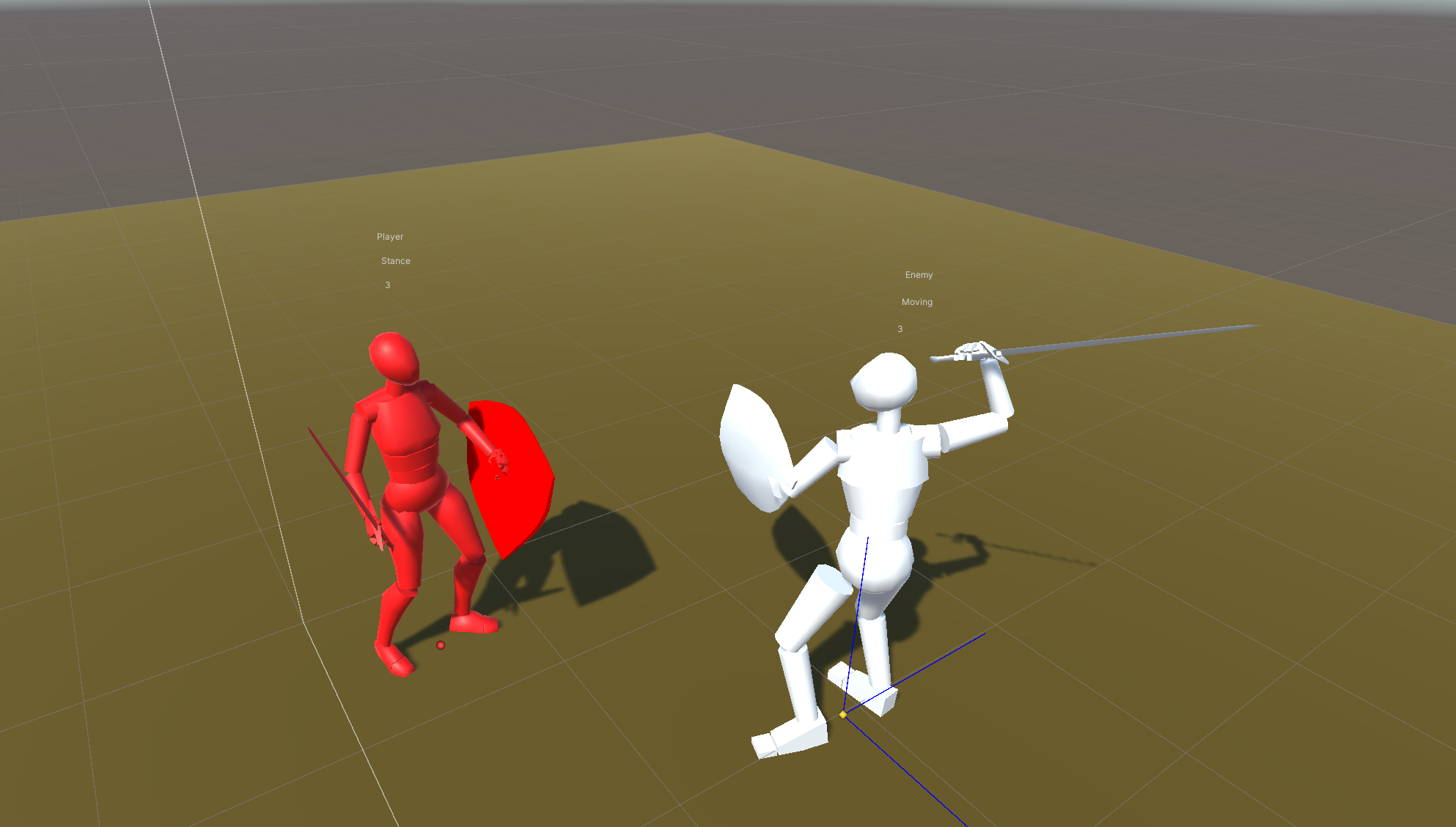
Before we get into the systemic design, however, we need to know how we treat our combat. We need to figure out our combat design philosophy. Is it the type of combat where limbs are cut off and all that happens is that the black knight shrugs and says “just a flesh wound?” Or is it the kind where the enemy you just shot is writhing in pain and crying for several seconds before finally perishing?

In this article, I will look at combat in games from a general high level perspective. In four separate future articles I will go into how to implement systemic versions of them. Exactly when those see the light of day, we’ll just have to wait and see. They’ve turned out to be a lot more complex to write than my other systemic articles.

War and Peace

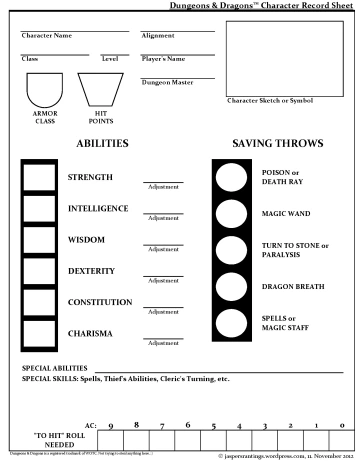
In the tabletop role-playing community, or more specifically the Dungeons & Dragons community, two kinds of combat philosophy are generally acknowledged and/or the strong preference of different groups.

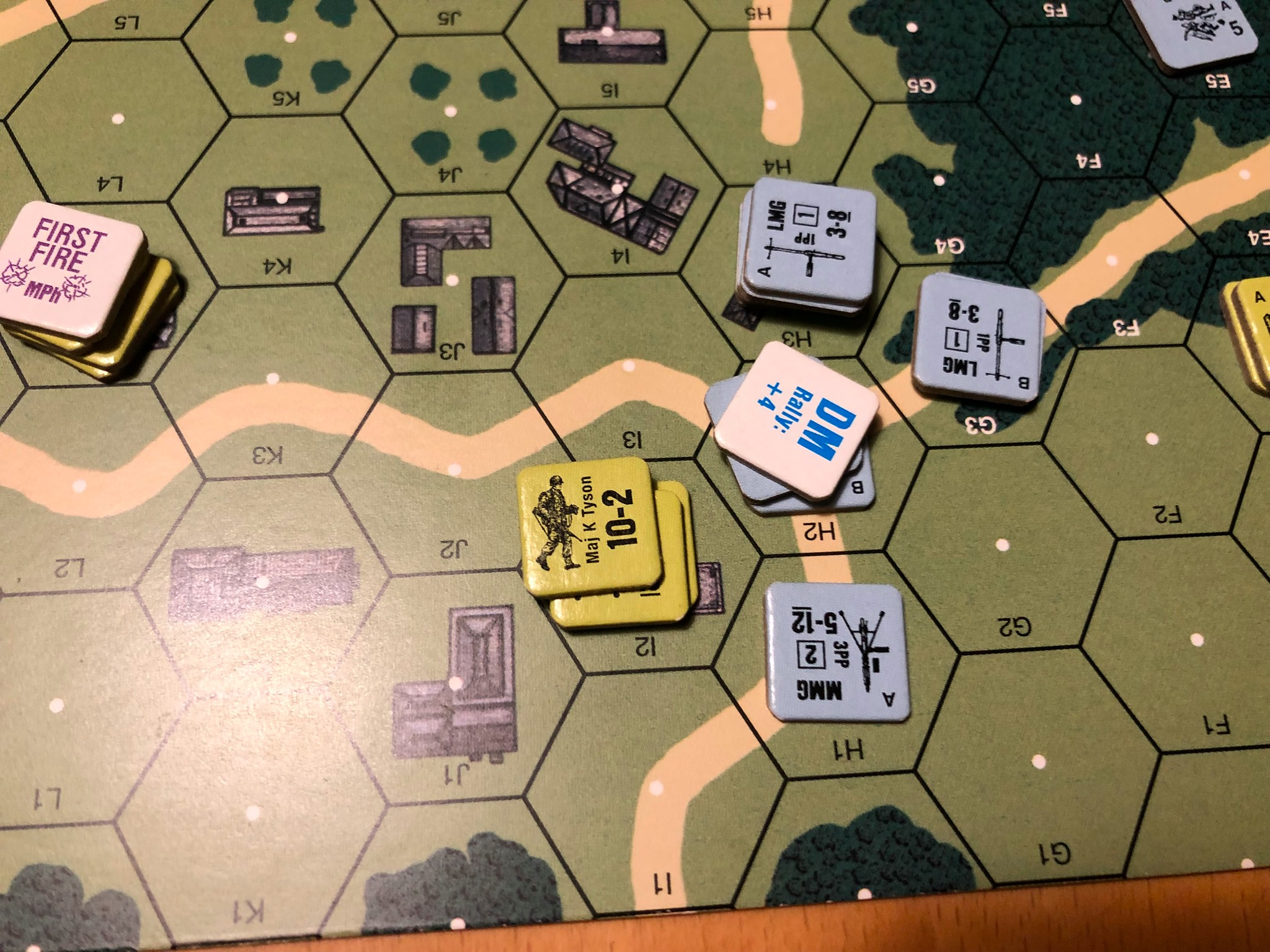
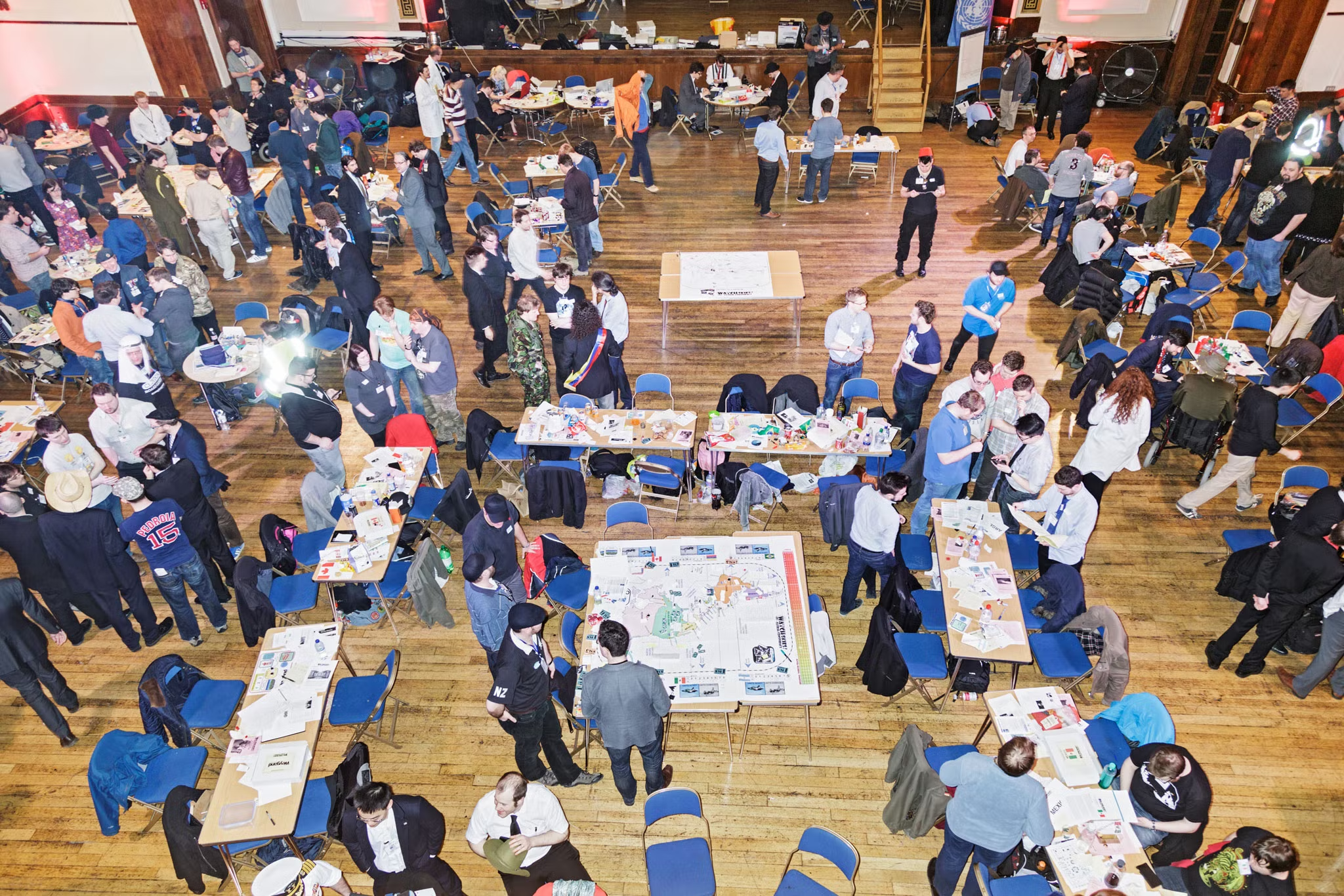
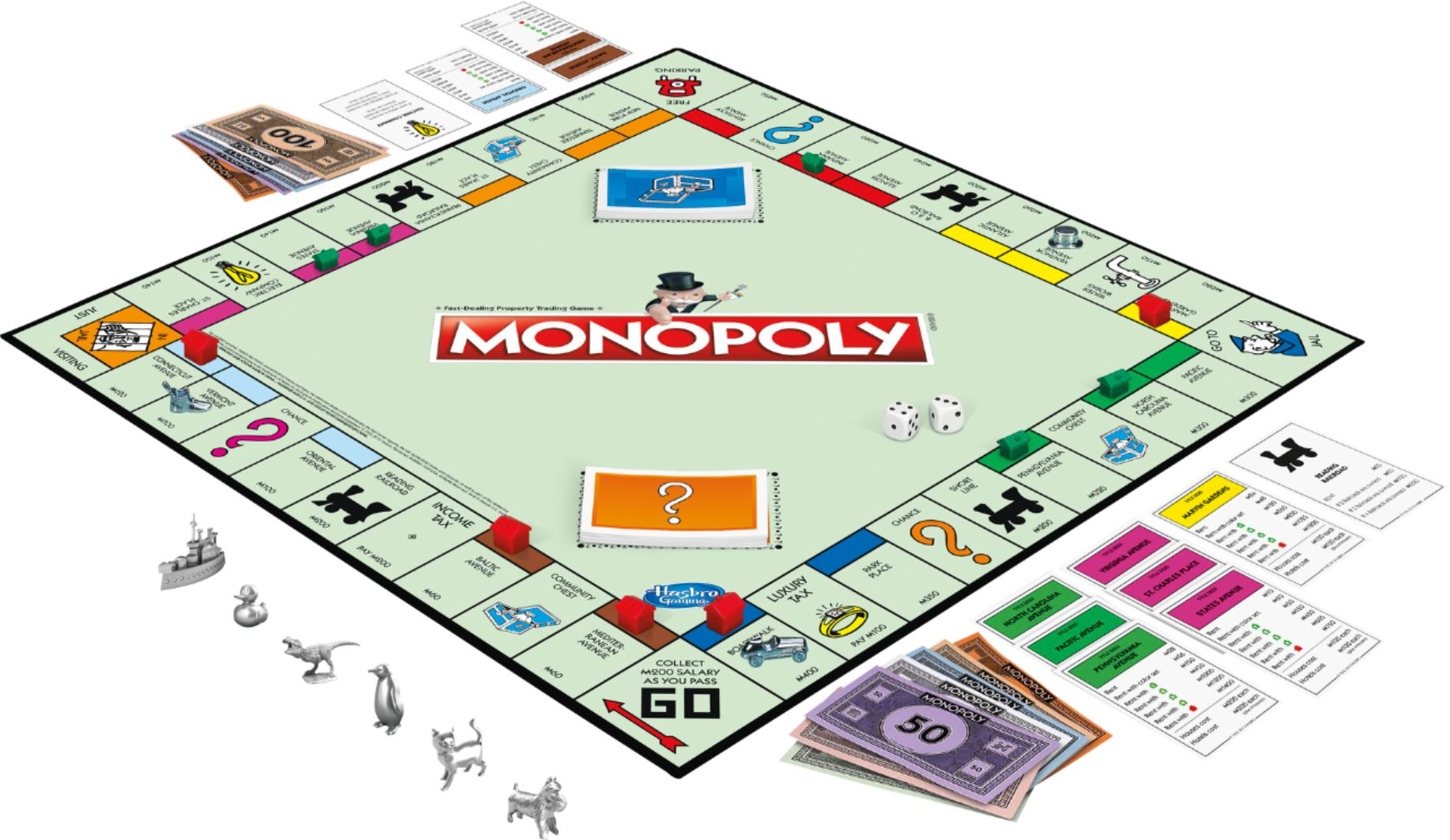
In Combat as Sport, players want to put their efforts against non-player characters or other players. Balancing is crucial, even if asymmetry is often added to create an interesting possibility space. All of the fighting happens in relative safety with clear conditions for who wins and who loses. It’s more about the number crunching, optimisation, and competitive elements than it is about lethality or the fight itself.

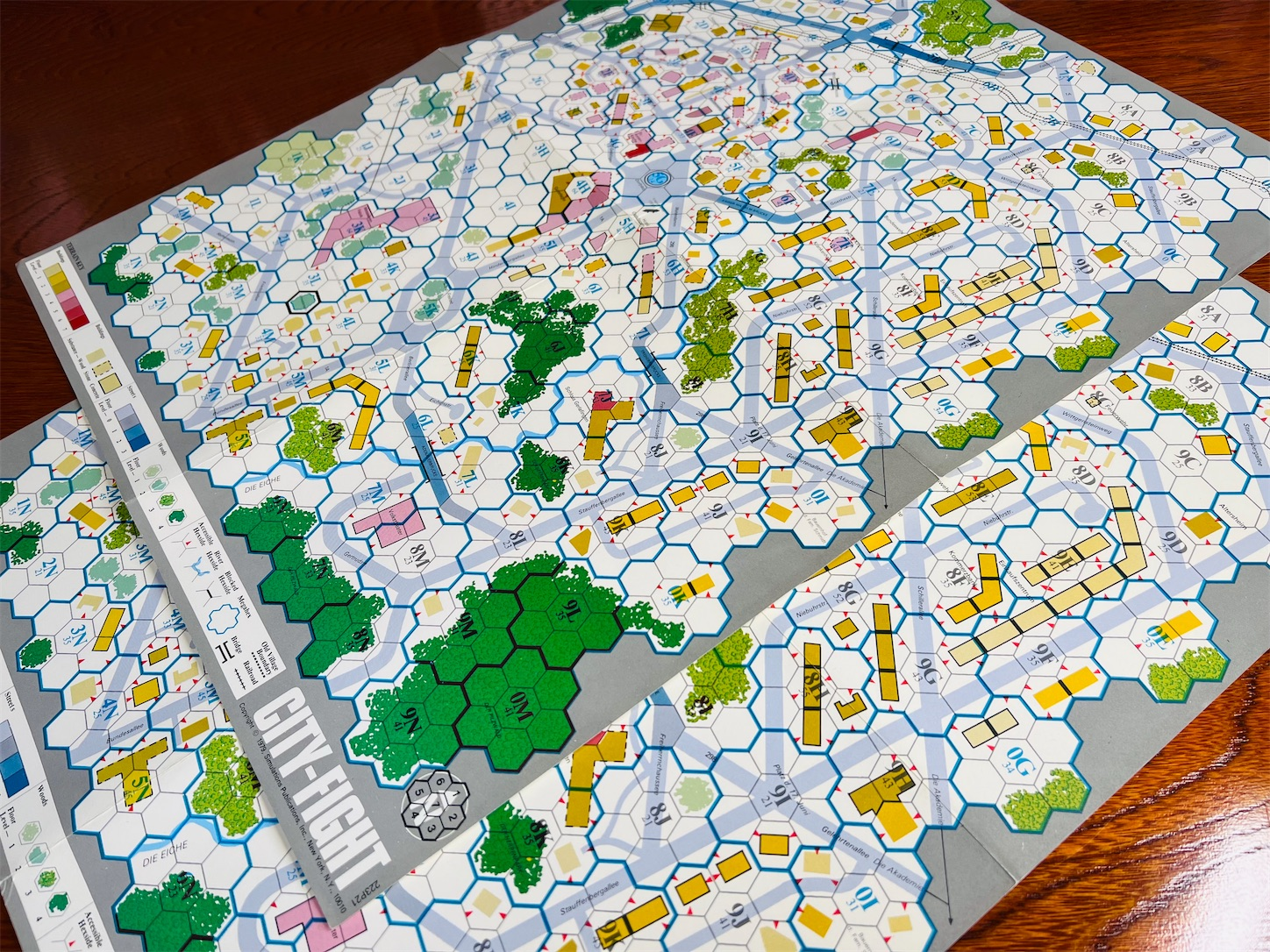
In Combat as War, the ends justify the means and getting the upper hand through strategic decisions and logistics is more important than the act of fighting. It’s implicitly more “realistic,” since it doesn’t care about balancing and is often more dangerous to its participants. It’s less about defeating the enemy in the most effective way possible and more about achieving strategic or tactical objectives at minimal risk and expense.

A third kind of combat is used in games designed for passive observation, and it’s the kind of combat that Hollywood makes frequent use of.

In Combat as Drama, the winning is never as important as the struggle. Knowing who to vie for, knowing what’s at stake and to whom, and understanding how the situation escalates from beat to beat and culminates in a pivotal climax. Stories need endings, and few endings are as definitive as the death, condemnation, or even redemption of an enemy.

To understand what we are trying to achieve with systemic combat, let’s explore these three some more.

Anatomy of a Sport

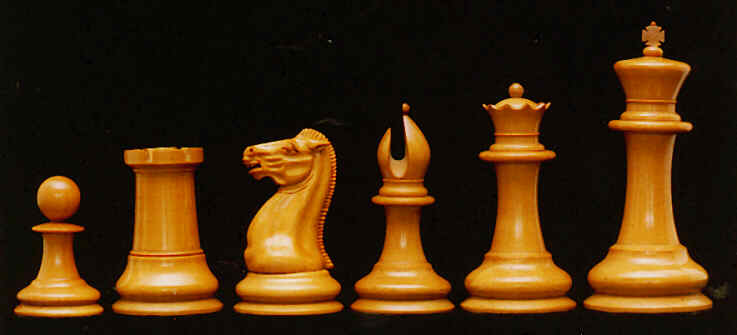
The Ultimate Fighting Championship (UFC) conducts cage matches with approved rules, as a pay-per-view spectator sport.

Sport can be contentious to define, but there are some common features that we can consider. They’re not common to all sports, but common enough to provide us with a framework.

Rules

Sports have rules for many reasons. Some to make the game itself balanced and competitive, others to guarantee competitor safety or even competition legality. Things like the general banning of anabolic steroids and the prohibition of electrical motors from Tour de France bicycles are rules same as any other. Many countries have whole organisations dedicated to the approval and policing of athletic regulations, with the purpose of maintaining the integrity of the sport.

Fouls

With rules in place, there also needs to be ways to detect and punish participants who cheat. A boxer who falls out of the ring gets a 20-second count where spectators and others are not allowed to help the boxer back in. If the count runs its course, the match is ceded to the ring-leaver’s opponent. In other words: breaking the rule to stay in the ring can cost you the match. There’s also a weigh-in prior to the match, and medical examinations like blood tests designed to discover use of prohibited substances.

Competition

Clear rules with clearly defined consequences for breaking them means that you can train for a sport. You can learn the rules and work hard to achieve better results against other participants respecting the same rules.

Working to improve your track record, knockout punch, or cardio, is directly tied to your performance in the sport. Skill is about being better than your competitors. Rules mean you can become the best.

But competition is also about trying, failing, and coming back later to try again. Though the winner usually takes it all, there can be consolation prizes, participation awards, and there are not just gold but also silver and bronze medals awarded to those who place second or third. There is also the next competition, and the next one after that.

Entertainment

Many sports are tailored not just for participants to compete on equal terms, but also to provide entertainment. Large arenas are built to house their fields, courts, and rings. Sports can draw crowds of hundreds of thousands—even millions in the digital and broadcast realms—that will celebrate or suffer alongside their favorite athletes.

This adds more requirements. Not only must the sport have rules for the sake of competition and legality; now it must also have rules that can be clearly understood by spectators. Rules must be consistent. Unlike board and role-playing game communities, where house rules and custom exceptions are fairly common, a sport must remain strictly rules as written (RAW), and the use of referees becomes crucial. Some sports even use multiple referees and average or majority scoring to minimise the risks that unwelcome biases may affect the outcome.

Sportsmanship

Since all competitors are competing on equal terms and may very well compete against the same opposition again in the future, it’s important to exercise good sportsmanship.

Good sportsmanship is about being polite towards your opponents and not exhibiting the characteristics of a sore loser or bad winner. Don’t yell, don’t throw stuff, don’t kick your horse or vehicle. Whether you come in first or last, you should do so in a dignified manner. Even more important for a spectator sport, since everyone needs to be a good role model for both up and coming athletes and for the spectators and are not just representing themselves anymore.

Fairness

Losing without tantrums and winning without gloating. Following the rules and relying on them to treat everyone equally. Doing what the nice referee says. Competing on equal terms. All of it comes down to one thing: fairness. Let’s use that single word to describe the concept of a sport in the game combat context. Fairness.

Anatomy of War

U.S. Marine Theodore James Miller; from WikiPedia’s article on the “thousand-yard stare.”

In a war, if you can leverage a technological advantage against an enemy, you can defeat them without suffering as many casualties. If you can trick them into an ambush or march your army into a position they don’t expect, you can push for a decisive end without a single rifle shot or sword swing. No one except the Hague will try to reinforce any rules.

War is unfair, even deeply so. A war is defined by other things.

Context

“The belief in the possibility of a short decisive war appears to be one of the most ancient and dangerous of human illusions.”

Robert Wilson Lynd

Wars are usually fought for reasons other than murder. Political, religious, cultural, and opportunistic reasons. For example, the idea of a “short victorious war” to improve the spirits of a declining nation has been proposed by multiple leaders throughout history. (It’s never worked.)

Before revolutionary France invented general conscription and patriotism, soldiering tended to be a paid job. Professional soldiers fought in wars, whether as the standing levies of feudal lords, as mercenaries, or something else. They did it because it was their job. Later, they did it for king and country. Or because they were compelled to, through conscription, and on pain of death.

But you can also be holed up trying to defend your home from invasion, or forced to take up arms against your neighbours in a historically charged religious conflict. The common ground is that there is something you fight for that is external to yourself and typically completely outside of your control.

However. It can just as easily be that you want to get into the compound and steal the treasure, and there are guards standing in your way.

Objectives

Unlike how most games portray objectives, wartime objectivs are rarely about killing your opposition. Killing enough of the opposition may cause the enemy to retreat or surrender, and this can definitely be the goal sometimes, but combat engagements in a war are typically a consequence of one side opposing the intended strategic objectives of the other side. Either as part of its own strategy or as a consequence of patrolling the same region or as a counter-strategy.

Sometimes, as with Maskirovka, it’s not even clear what a military force is trying to do because they’re not actually trying anything. Just acting like it with the intention of confusing you or making you look away while something else is underway.

If you look at the physical battlefield, an objective can be some kind of significant asset, like a factory, storage facility, or bridge needed to cross a wide river with heavy equipment. It can also be a person of note, a cache of fuel, the maps and charts used in an invasion plan, etc. Even just a high hill, tall building, or deep ravine that can provide a tactical advantage.

Given any of those, military forces will usually try to hold, to take and then hold, or simply destroy the objectives. Engagements only happen if these attempts encounter an opposing force.

In fact, most fighting forces only spend a tiny fraction of their time fighting. Only about 15% of enlisted personnel is expected to “see combat.” The rest of their time is spent waiting for orders, moving around, or moving and waiting. Some jokingly refer to this as “hurry up and wait.”

Morale

There are multiple layers of morale in a war.

First of all, the morale of the fighting forces. Mounting casualties, negative rumours, bad communications, unreasonable orders from commanding officers, and other factors, all affect morale negatively. Victories and an idea that you are fighting the good fight can affect it positively.

Second, the morale of the staff in charge of the war. If they don’t believe in it anymore, it’ll be hard for them to make the best of their situations. If the monarch is slain, or there are factional disputes among staff, there’s a great risk that this trickles down to the rank and file.

Thirdly, the morale of the nation or alliance that supports the war. The regular people whose tax money or crops are feeding the hungry maws of the fighting forces. If there’s a political revolution back home, a workers’ strike, or massive demonstrations, this is likely to affect the morale of both staff and fighting forces. Particularly in modern democratic countries.

This is the morale that terrorism, including state-sanctioned terror bombing, is targeting.

Terrorism — “the unlawful use of violence and intimidation, especially against civilians, in the pursuit of political aims.”

Oxford Dictionary

Fighting

When it comes to the actual fighting, there’s simply no substitute for victory. You will want to win no matter what. You may invent new weapons, device new surprise tactics, or employ far-reaching propaganda campaigns that coerces your opponent into standing down before anyone has to die.

There’s no reason to risk your life in a fight if you don’t have to, meaning that bombs, artillery, mustard gas, napalm, and all manner of technological marvels have been invented with the intention of destroying an opponent or an opponent’s morale without any risks to your own troops. The same goes in combat as war.

You may flood the dungeon so all the goblins drown, rather than risking your life by confronting them. You may ambush the king in his privy as he’s about to arrive in the capital, rather than fighting the lines upon lines of royal guards escorting him. As the saying goes, all is fair in love and war.

Aftermath

You can win almost every battle and still lose the war because of a disadvantage in numbers, equipment, morale, or some combination of all three. Conversely, you can lose every battle and still win the war because of a decisive final engagement.

For the soldier on the field, the aftermath of war can be disastrous. A white cross on a memorial cemetary, a crippling injury, or psychological trauma that makes it hard to lead a normal life. Unlike a sport, where you can usually just get back in the saddle, there’s no way back from death or losing both arms.

Because of this, you want to win decisively. You want to make sure there’s not even a risk that you may lose.

Strategy and Tactics

If you want to win decisively and minimise your losses in personnel, materiel, and morale, you must outsmart or overwhelm the opposition. You must have a better strategy at the staff level, and better tactics at the grunt level. These are the two words that define combat as war: strategy and tactics.

Anatomy of Drama

Errol Flynn, in Captain Blood.

Drama uses combat for effect. The risk of death is more important than actual death, even if some dramas don’t shy away from boosting the bodycount.

Show, Don’t Tell

Dramatic combat has many unspoken rules. Before you can hurt or even kill anyone, you must first establish that they somehow deserve it and you need to introduce the instrument that does the dark deed. Enemies need to be clearly despicable dog-kicking villains, even if they may be tragic or misunderstood as well. The whole concept of a villain stems from the narrative need to know who not to vouch for.

To make good drama, you need to make people care and you need to establish who they should care about and why. In film and television, the adage is “show, don’t tell.” You want the viewer to understand who’s the hero and who’s the villain without having to explicitly say it. Establishing what’s true, who’s bad, etc. This is where you will see the villain kick a dog, for example. In any media with pictures, it stirs more emotions to see the dog get kicked than it does to hear someone tell you that a dog was kicked.

Stakes

If the dog-kicking villan isn’t stopped, they will kick more dogs, end the world; maybe both. Often highlighted by a sense of urgency. If the hero doesn’t stop them NOW, they will kick a dog and end the world!

Once it’s established who we should vouch for and who’s the villain, we need to make everything as personal as possible. The hero’s child is kidnapped or their dog murdered. The villain isn’t just threatening life as the hero knows it, but something deeply personal to the hero. Something we, as viewers, can gasp at. We now need to know the stakes involved.

This is where all the MacGuffins come from. If we know that something is important and why, we can also know that of course the hero must get to it before the villain does. Or something awful will happen.

Escalation

A character that brandishes a blade or gun is upping the ante. They are showing that there’s now a lethal threat in action. Some escalation is much more subtle than this, with a glance to the wall-mounted rifle or other way to tell us that the escalation is happening.

It can also be to introduce or increase the stakes. If that precious MacGuffin that the villain needs to power their doomsday device is now in the taloned hand of the villain, the end must surely be near!
Showmanship

Unlike sportsmanship, where it’s about being respectful, showmanship is about putting on a good show. “Flynning” is the choreographed fencing style of early adventure movies where the combatants are not even trying to kill each other but actively hitting each others’ swords instead. It’s so iconic that the sound of a movie swordfight has remained the same ever since.

One-liners, theatrical body language, angry tirades, and comments on which things belong in museums are all showmanship used to reinforce the characters involved.

Character Development

If a sport revolves around fairness and war is deeply unfair but demands strategy and tactics, drama is about characters. Drama wants us to care. It wants us to see characters try, fail, then try again and succeed.

Conflict Types

Combat as sport, as war, or as drama. Games often jumble these together in different ways, even if they tend towards a combination of sport and drama. Considering how often war serves as the backdrop for video game combat, it’s very rarely informing how combat works. The simple fact that you can often retry skill-based moments until you get them right puts a game’s combat in the sport camp quite squarely.

Games that allow single-death hardcore modes of different kinds come closer to emulating combat as war, since it will often cause you to play more carefully and use any means necessary to push through.

Player vs Player (PvP)

The closest a game gets to sports is in player versus player environments. Whether you’re talking about The Finals, with a sports context in its narrative, or Rocket League, or even Chess, or anything else, it’s a balanced, skill-based and decidedly fair experience. If it’s not fair, or if the players feel that it’s not fair, you can rest assured that they will tell you. Games like these are never done. There will almost always be some fine-tuning left to do.

Player vs Environment (PvE)

Kratos in the remake of God of War (2018) is definitely portrayed as a badass who cannot lose, with combat as drama for framing. But the gameplay treats combat as a skill that must be learned and dying means replaying parts of the game until you are skilled enough to push through; combat as sport. This mix of sport and drama can probably be considered the default for many single-player and cooperative games, but it’s also the source of most, if not all, ludonarrative dissonance.

Player vs Player vs Environment (PvPvE)

In games like Hunt: Showdown, and other extraction shooters, we get a little bit of combat as war into our games. Once you have felled your bounty in Hunt, other players can come in to deprive you of your kill. If they do, you will lose the potential points. Large part of what makes this more war than other types of games is because it’s often quite unfair. There’s nothing that balances the skill level of the assaulting players with you or makes sure that the playing field is leveled out. Of course, there’s still plenty of balancing and fairness to this experience, so it’s not entirely combat as war, but it’s closer than most.

Another subset of PvPvE is coopetition games, where you are fundamentally cooperating with your team but also in it for your own score in a competition against them. Something like the Firefight game mode in Halo 3 O.D.S.T, for example. This turns the PvPvE into sport once more.

Players vs Designers (PvD)

This isn’t a genre or definition anyone ever uses, but it’s still highly relevant. When you as a designer start restricting a game space because you feel that a player’s interactions “break” that space, you have pitted yourself against your player. As the player stretches the boundaries, you will constrict them further.

In many cases, this is exactly where features come from. By defining exactly what a player can and can’t do with this thing in your game, you are making your own development of the game more stable and you are eliminating unknowns. But what you are also doing is that you are creating a design space where you need to keep up a constant whack-a-mole against player discovery. Unintended uses of your features is now a problem. If the wall-climbing leads to players finding out-of-bounds areas, you will put some invisible walls there or maybe arbitrarily make some walls unclimbable, for example.

Systemic games often disregard this type of balancing. The player is allowed to be more clever than the designers and when they are, the designers celebrate it. Sometimes by merely allowing it, and at other times by turning the discovered behavior into an integral part of the game design.

In a way, systemic design is easier in this case, because as a designer you are simply resigning to the player’s imagination and letting them have the experience they already imagined. The issues come from the combinatorial explosion it can result in.

Next Steps

Combat is a huge topic, it turns out. There will be four followup posts to this one, sporadically released during the rest of 2024 between other monthly blog posts.

They will specifically deal with:

  • Combat Melee: the dynamics and challenges of video game combat and why most games we get follow certain formulas.
  • Combat Gunplay: a continuation of the Building a Systemic Gun article that deals with the full cycle of gunplay, including projectile dynamics, and more.
  • Combat as Sport: scoring, competition, and fairness within sports and how you can go about designing them.
  • Combat as Drama: a short treatise on five things you can consider when presenting your combat.

And as always, if you disagree or you want me to come and inspire your studio to work on more systemic stuff, you can do either (or both) via annander@gmail.com.

The Content Treadmill

Systemic design isn’t really where most of game development traditionally puts its effort. Instead, a word you often hear repeated, rather than “system,” is content. Yelled from the battlements and printed on the plaques.

I’ll quote randomly from comment threads, reviews and interviews to illustrate what I mean. Each of them grabbed from the first few searches I could think of but anonymised because the goal is to make a point.

“This is a good step forward for [game]. Hopefully they keep adding more content and anything that was lacking from initial release.”

“Not worth the price for how little content you receive. It should have been $4.99-$9.99 at most.”

Most polished game of all time. In a league of its own in so many classes including story, voice acting, music, world building, detail and it’s [sic] incredible level of content

“I can’t recommend the game due to the shear [sic] lack of content.”

For the price, the amount of content just isn’t worth it.”

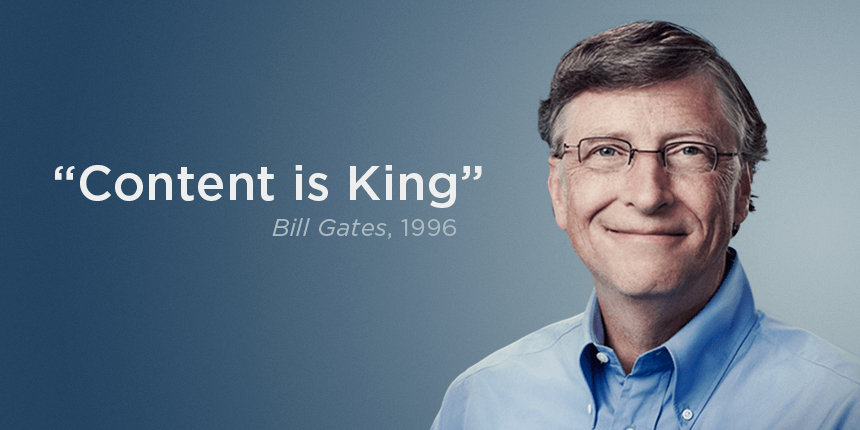
We know what Bill Gates was thinking.

Content. It’s an expression that seems to permeate every kind of modern conversation. Even to the point that many streamers and game developers talk about their interactions with fans as “content.” If you’re not putting out content, you’re not being productive. Content, content, content.

But coming out of 2023, where systemic singleplayer games like Baldur’s Gate III and The Legend of Zelda: Tears of the Kingdom have made a noticeable splash, it’s important to try to objectively measure the difference it makes to build systems and not just more content. To make some effort to see what we’re actually making when we make content. Not to say that the two games mentioned aren’t filled to the brim with content—they definitely are—but to try to get at something else: the real tangible value of the things we decide to make.

Let’s take a look at what content in games actually is, on a practical level, why we get on the content treadmill, and finally an experimental way to measure the concrete value of different kinds of content for people playing our games based on that content’s level of exposure.

Hopefully, it can help illustrate the reason you want to make systems and not just more of everything else.

The Content Treadmill

Michael Sellers, in his excellent book Advanced Game Design A Systems Approach, wrote about the standard mode of game development as the content treadmill. We get on this treadmill because it “makes for a more predictable development process.” Sellers even argues that a “content-driven” game is the production opposite of a systemic game.

Put this content treadmill on repeat for a couple of decades, and you land where we are now, with teams that can involve 2,000 people or more, pushing out massive virtual worlds with hours of cutscenes and intense closely directed set piece environments.

The polar opposite of systemic design.

“Designers can add more gameplay to content-driven games by creating a new level or other object, but the game is fundamentally content-limited because it is so directly authored by the designers. The creation of content itself becomes a bottleneck for the developers, as players can consume new content faster than the developers can create it, and adding new content becomes an increasingly expensive proposition.”

Michael Sellers, Advanced Game Design A Systems Approach

Why are we so bad at seeing the value of a smarter art pipeline, procedural tool, or emergent system? Why have we fetishised content to such a radical degree?

To illustrate why, let’s segue into blood spatter for a moment.

One-Hour Blood Spatter

In the Dark Ages (the year 2014), I was working on a spare-time project for my recently purchased Ipad 3 tablet. After optimising the game for some time I could have 100 simultaneous enemies and do lots of other fun stuff at 60 FPS at full resolution. The idea was some kind of mix between Geometry Wars: Retro Evolved and Moonstone: A Hard Days Knight. It had some promise, particularly after the help of a clever sound designer with really interesting Kabuki-inspired ideas.

Music is used to highlight actions and events in Kabuki theater; this worked surprisingly well as inspiration for a game!

Then, as now, I was completely useless at making graphics. So I went to places like Polycount searching for an artist that would be willing to help me for the sum total of no money. This had predictable results (no one cared), but it did lead to some interesting conversations.

I once showed videos from a tech demo to a prospective artist. Videos I was quite excited to share since much of the work was technically complex and held lots of systemic promise in its (I thought) obvious ingenuity.

The artist’s response was, “I thought you’d have come much farther by now,” or something to that effect. I was a bit stunned at first, since I had overcome some serious hurdles to be able to do what I was doing and had probably secretly expected validation. It admittedly didn’t look like much, but that was why I was searching for artists in the first place.

Technically complex visual garbage.

Spurred on by this response, the next thing I did was start implementing some visual effects. Blood spatter, to be specific. As you killed enemies, it would spawn blood, and blood would stick to the environment. It took less than an hour to add, but since I was on parental leave while working on this project it was a couple of weeks before I showed it to the skeptical artist. The response was, “now it’s starting to look like something!”

This stunned me even more. Plugging standard content into an existing game in an established third-party engine was no big deal at all; it was a trivial undertaking. Getting 100 3D-animated AIs to run at 60 FPS at native resolution had been a huge deal! Systemic complexity seemed to be of very little value for presentation purposes.

The videos recorded in testing are sadly lost to time, since the service used is no longer around.

Measuring Value

This experience has stayed with me ever since. It serves as a reminder that it’s hard to get people excited about technology. No one gets excited by the description of a system, and no plan can provide estimates for emergent effects or lists of player-facing features that are based on emergence rather than forward planning. It’s just not possible to measure such things. It’s even counterproductive to measure them, since listing expected synergies will turn them into features rather than means of discovery. They’re the kinds of things that must come from combinations of systems, and systems take time to build.

In the words of Tom Leonard, from his Thief: The Dark Project postmortem, while describing the methods and philosophies of Looking Glass, “[I]mmersive gameplay emerges from an object-rich world governed by high-quality, self-consistent simulation systems,” which I have explored in detail before. “[This] requires a lot of faith, as such systems take considerable time to develop, do not always arrive on time, and require substantial tuning once in place.”

Many stakeholders will want you to prove the work you do and will require proof they can relate to on their own terms. Systems and tools pipelines are not that kind of proof. Same as 100 AIs on an Ipad wasn’t, but a one-hour blood effect was.

As is also talked about by Leonard, the clash between building the systems and proving them often causes serious problems for developers. When external stakeholders start demanding specific things, rather than seeing the value in the systems as systems.

“[A]ll work had to stop in order to pull together an emergency proof-of-concept demo by the end of December to quell outside concerns that the team lacked a sound vision of the game. […] During this time the only option was to hack features as best we could into the existing AI. While better than losing our funding, constructing these demos was not good for the project.”

In other words, the bean counters of our industry have the same perspective as the artist who felt that the one-hour blood spatter “proved” what the six-month AI optimisation could not. They want you to show them things they can quantify. This forces you to use systems and tools that aren’t ready, or eschew the systemic approach altogether in favor of something more predictable and more readily demonstrable. In other words, content is much easier to demonstrate than systems. Or even more directly: quantity is much easier to demonstrate than systems.

This isn’t reaching the full reason why we get on the treadmill just yet, but the shorter trust cycle matters. It means it’s far easier to make things reminiscent of other things, because we already understand those things. We can keep the comparisons flowing and measure what we get done between deliverables against things we already know.

If our game has more levels, more weapons, or higher resolution textures than some other game, those are measurable points of improvement. A fancy system is not.

The Games We Make

It almost doesn’t matter which big-budget game you play today, you’ll find some kind of abstract progression system with points, node trees, and/or other gamification. It’s usually tied to features, but it can also be cosmetics or rare or exclusive items that you unlock through play. It can be tied to gameplay, like defeating X enemies, or it can be tied to activities, like finishing Y matches. There are season passes to tread through and there are many other ways to unlock, progress, and to revel in on-screen pizzazz.

Spider-man has to unlock all his webby features through extended interaction with the game’s reinforcing loops.

These can all be referred to as variations of reinforcing loops, empowering the player through repeated play, thereby reinforcing the features available. They lead to interactive repetition, often to a silly degree. Perform actions, gain points, unlock improvements, perform better actions, repeat. Usually in forms that are both short- and long-term, and provide reasons to play “just one more,” as you see the reward bar(s) inch forward.

The key thing about this setup is that these systems are externalised from the core gameplay. The gameplay will provide hooks, like the number of killed enemies or finished objectives, but it won’t work directly with the reinforcing loop. Content and system can be kept separated from each other. They can also be built around operant conditioning (colloquially known as “Skinner boxes“), including random rewards.

“In most games, there is an overall predominance of reinforcing loops. This enables player gain and progression, where the player’s in-game avatar or representation becomes more powerful over the course of the game.”

Michael Sellers, Advanced Game Design A Systems Approach

One side effect of this heavy reliance on reinforcement is that it works through content at a rapid rate. When you have defeated Enemy X using Ability Y enough times, the game gives you a new shiny thing and some new enemies to defeat in the interest of keeping things fresh. Then you do that for a while, and the cycle repeats. When players have burned through it all, you must provide more content, or they will have exhausted what you have on offer and leave your game for the next one.

All of this together means that it makes complete sense to step up on the content treadmill. Hire more artists to make more enemy variations, more designers to build encounters, more programmers to implement feature variations, and so on. Even more so if you can keep the content and systems separated by for example having the content in 3D and the systems relegated to modal windows where the designers can play with numbers, such as reward scores and experience thresholds, in relative safety.

Yes, a practical concrete reason for all the upgrade and quest screens.

By separating content and systems, we can increase the size of our teams and crunch forward on all parts of our game with little to no connection between them.

How We Market Games

In his still-relevant 2004 DICE Summit talk, Jason Rubin summarized his main points as “Video games are currently sold like packaged goods; talent is not respected.”

The way you market packaged goods, you have to sell something other than the product. One brand is made different from another by being the same but more so or by packaging identity or other factors into its sales pitch. Pepsi vs Coke or PlayStation vs Xbox are both marketing ploys—not actual statements.

Video games tie into this by getting bigger, better, faster, harder, etc. By having more. More scary, more levels, more weapons, better graphics, tougher challenges, larger maps, and so on. This ties directly into the reinforcing loops and makes us run even faster on the content treadmill. Teams balloon to multiple 1,000s of developers to be able to keep up with the rate that our reinforcing loops push players through the content, and to be able to compete with that other game that has only half as much content as we want to offer. It’s even common that we say players want or even demand this, and that’s why we have to make it.

Play the new DLC. Join the new season. Get the sequel. Burn through it, then move on to the next one. This is how we’ve taught gamers to consume games and content in existing games. The new thing must be a produced thing, it can’t just be a new experience or discovery in an existing game. No matter how many hours some players can put into games like Civilization, where variations in the game experience are much less about content and more about the play experience itself, we still operate on the notion that we must produce more content.

It speaks for itself that the word “content” is a traditional marketing term. Marketing language so effective that the consumers have come to use it.

“Content” is what marketers do! When did it become something we actively ask for?

How We Make Games

Where I stand in this dilemma should be obvious: I think we focus on the wrong things. But the industry’s drive towards more content is just as obvious. Sellers mentioned predictability before, but what predictability actually means may not be entirely obvious.

In an interview with The Game Design Roundtable, Darren Yeomans talked about the value of doing things you know instead of taking unnecessary technical risks.

“Just build a different map,” he said. “Build three maps. Schedule that in. You know how to do that—you know how that works. You’re not going to gain anything spectacular on top of what you are doing otherwise.”

This comes from the pure scheduling benefits of doing things you already know how much they cost and how long they take. Because if the opposite of what you know is what you don’t know there will never be a strong argument for more systemic development. The only way you make that happen is by building whole teams focused on systems. Predictability saves money in the short term. It’s much easier for an external stakeholder to look at a hockey stick curve of added content—perceived value for money—than to try to decipher the tech jargon of an excited programmer building a system.

This is the conclusion that has to be made: we can intuitively understand what saving money in the short term means, but can’t quantify the value of making 100 AIs optimised on a Retina screen when it only looks like a bunch of capsules. If you look at the choice of whether to use six months to build a single system, or to use the same time to add more blood effects, the math will be simple and straightforward: let’s add 960 blood effects!

This, in summary, is why we get on the content treadmill. It’s because of how we’ve taught players to play, how we make our games, how we market them, and plan them. We’ve turned a fundamentally creative industry into an assembly line that is always several steps behind a demand that we have artificially created.

Measuring the Value of Content

We’ve had our reasons for getting on the content treadmill. We’ve marketed ourselves into a corner where we continuously sell “bigger and better” to our audience, to the point where they are using marketing terms to express demand. We brought this on ourselves by preferring predictability and by riding the tailwind of constant fiscal growth.

But no, games are not more expensive to make, and no one requires us to keep churning out this content. There is another way. Systemic design, of course! The same opposite that Michael Sellers presents in his book.

A New Systemic Golden Age?

The Legend of Zelda: Tears of the Kingdom broke records on launch. Baldur’s Gate III demonstrated that players love a good premium singleplayer CRPG more than ever. Starfield reinforced this further, though not achieving the fanfares of BG3. In 2023, we got the remade System Shock, the brilliant Amnesia: The Bunker, Hitman 3, and many more games that were decidedly not content-driven or even primarily multiplayer.

On the other end, many service games died the quiet death of server shutdown. From the recently launched Vampire: The Masquerade – Bloodhunt to the unreleased Hyenas. Bungie’s seemingly endless font of gold, Destiny 2, saw team downsizing as a consequence of shrinking revenues.

Coming out of 2023, it’s clear that content isn’t the only thing players want. Players want more kinds of games. Games that used to belong to small niches, such as turnbased singleplayer CRPGs, can “suddenly” sell tens of millions of copies, to the abject shock of many publishers who haven’t seen the value in such launches in years. Also, the idea that what you make must be free-to-play is demonstrably untrue. But the real question is how to measure and demonstrate the value of what you are making.

For this purpose, I have toyed with a measurement that tries to take many factors into account when we consider the value of the content we produce. I’ll present it here, so you can toy with it too. If you have suggestions for additional metrics, then please send them to annander@gmail.com.

Expense

Games cost money, but are fundamentally less expensive to make than most other media.

The easiest thing to pinpoint is the expense tied to a piece of content. In budget pitching, we often calculate this using months. I’ll call them devmonths (for developer months).

A devmonth is the cost of a single developer working fulltime for a month. It also includes other running costs for said developer. Licensing fees, vacation, office rent, and so on, all rolled into one number. A game budget in its simplest form can be expressed as a multiple of devmonths. Say, 10,000 devmonths, 100 devmonths, or even 12 devmonths if you’re a solo developer for a year. Of course, if you took a month of vacation in those twelve months, it’d still cost 12 devmonths, it’s just that it’d be 11 devmonths that could be planned for.

For the sake of this post we’ll grab the number $10,000 as the cost for a single devmonth. In today’s studio landscape, this is somewhere in the mid-range of what a budget would assume, but it’s a nice number that’s easy to work with. If you pay salaries in some cheaper countries, this can be much lower. If you pay San Fransisco salaries it climbs much higher.

Now, if you want to make a AAA-quality character model, for example, you will most likely need several people:

  • An art director that comes up with the overall direction for all art production.
  • A concept artist, who first conceptualizes the character until the direction is satisfied, and then produces a model sheet or other reference materials that can be used as the foundation for building the 3D asset.
  • A character artist, who sculpts the high-poly mesh, bakes the low-poly mesh, and textures the character with all applicable maps for your renderer. The texturing can sometimes be a separate developer, depending on company size and culture, but we’ll wrap all of that into this one character artist for simplicity.
  • A technical animator, who rigs and skins the character and preps it for animators after the character artist is done.
  • An animator, who keyframes animations or records animation using motion capture equipment and then targets it for the technical animator’s rig.

Five people, each responsible for a separate area of the work. For the sake of our example, we’ll skip the director, and assume that we need each of the other developers roughly this much:

  • Concept artist, two weeks.
  • Character artist, full month.
  • Technical animator, two weeks.
  • Animator, full month.

That’s a total of three devmonths (or $30,000) as the expense required to create this character.

Just for the record: an asset like this can be much more expensive, but it can also be much cheaper through use of stock assets, good generative tools, and other solutions. This is a very rough estimate for the sake of argument and doesn’t reflect the complex subjective realities of game development in general.

Exposure

The Oatmeal is hilarious!

How prominently each piece of content is shown to a player can be thought of as the content’s exposure. By comparing expense to exposure we can calculate a kind of consumer value for our content.

To illustrate how this can be calculated, let’s use a few sample metrics. Each is a value between 0 and 1 so they can be easily combined.

Timeline

Add this variable to content that appears after the game’s marketing or splash screen.

At what point in the game a piece of content will appear. If it’s at the start, there’s a much higher exposure. At the end, fewer players will ever get to see it. After the end, say in an endgame or similar, very few players will engage with it.

The following timeline numbers are based on a cross-section of Steam Achievement statistics for single-player games. Around 10% of the people who buy a game on Steam never start the game or finish the tutorial, and only about 30% of players who start playing a single-player game actually reach the end.

0.9 = the very beginning of the game
0.5 = the midpoint of the game
0.3 = the end of the game

Frequency

Add this variable to content that appears infrequently in your game.

Some content, like a third-person main character or menu theme, will be used every time the game is played. Other content will only be presented once and will therefore score much lower on frequency. Many games will reuse content for this very reason, since it’s fairly obvious that six weeks spent on something that’s only seen for a second isn’t an effective use of time (or money).

1 = multiple times every game session
0.75 = once every game session
0.25 = once every few sessions
0.1 = once, ever

Interactivity

Add this variable to content that isn’t directly interactive.

If you assume that players engage more with feedback, content’s grade of interactivity becomes relevant. Some content—you can call it “pizzazz” or “juice”—is made as direct feedback, while other content is passively observed. Content that the player must actively seek out will score higher in interactivity, but will of course score lower in frequency (see previous metric).

A gun in a first-person shooter provides direct feedback to player interaction, while a cutscene is passively observed.

1 = direct feedback
0.5 = restricted feedback
0.1 = passively observed

Exclusivity

Add this variable to content that is exclusive to consumer subsets or timed events.

In certain cases, like with modern season passes, Christmas specials, paid DLC, and so on, there is a factor of limitation added to the content. Content that’s limited will have lower exposure, since you must pass the bar of entry before you can peruse said content.

Some edge cases are relevant, such as multiplayer skins, since they may be seen by you, but not interacted with, but you’ve technically still been exposed to the content in question even if you didn’t interact with it yourself (why the Interactivity metric above is necessary for differentiation).

1 = available to everyone
0.5 = only available to subset of players
0.25 = strict but temporary limitations (say, Halloween content accessible every Halloween)
0.1 = strict permanent limitations

Targeting

Add this variable to content that is made less for players and more for developers.

Some of the things we do in development only benefit developers. Tools, technical pipeline work, concept art, and so on. Many of the things that go on behind the scenes have a much lower exposure value because it’s not actually intended for exposure.

It’s important to note that developer-facing content is fairly rare. Systems, logic, gameplay, and architecture can all be primarily developer-facing, but that’s not really content. Rather, it’s what makes the production of content possible to begin with.

So before you add the Targeting variable, consider whether this developer-facing thing you want to score is actually content or simply the cost of doing business.

1 = player-facing
0.75 = optional UGC content
0.5 = modding-specific content
0.1 = developer-exclusive

Identification

Add this variable to content that is limited in identification and breadth.

In certain cases, content can be limited because of identification. In games where you can select to play as male or female, the male-identified option will be selected fewer times, since up to a third of male-identifying players will play the female character but only 7% of female-identifying players will opt for the male alternative if they can choose. This goes farther too, with color blindness, arachnophobia, a lack of beards in customisation, and a long list of other identifying traits may decrease exposure because of decreased interest due to limited representation.

At its worst, poor identification means no one buys the game to begin with. The issue with this metric is that specific content can be extremely restricted in identification (say, beards) but still empower a game’s wider representation by adding to a library of representative content. It’s therefore a tricky metric to apply to any one specific piece of content, unless that piece is something that’s very rarely seen in the type of game you are making.

To reflect this, you can inverse the Identification metric to make it about diversity instead of breadth.

1 = everyone can identify with this content (e.g., cartoon faces)
0.5 = stereotypical or restricted identification (e.g., realistic faces with content-derived custom variation)
0.1 = only a specific subgroup of your audience will identify with this content (e.g., realistic and clearly identified faces)

Entertainment

Add this variable to content that is difficult to engage with through secondary channels.

Streaming, let’s plays, video reviews and video essays. Ours is the age of video! Some of the content you make for your game may have little obvious value for the game itself but may have huge value for influencers or people watching streams of the game. Or vice versa.

It can therefore be relevant to consider a potential secondary audience and the entertainment value of the content you make.

1 = high secondary entertainment value
0.5 = difficult to understand without explanation or requires gating (e.g., age restrictions)
0.1 = won’t be seen by a wider audience (e.g., complex UI or other unengaging content)

Generosity

Add this variable to content that the consumer base would expect to get free of charge.

In this day and age of free games, something that has changed from the traditional view of what’s valuable is players’ views on levels and other downloadable content. Today, many players expect this content to be free. This gives some types of content a higher perceived value than other content. A new game level has low perceived value generally, while a new story mission or customization option may have high perceived value. It’s a tricky dynamic, because age groups will have very different opinions as well.

This is what drives many games to hire hundreds of artists and designers to produce more content, since it’s basically impossible to produce content as fast as it’s consumed. But it’s also impossible to keep up with this and risks forcing you to work in unsustainable ways for your employees. I.e., stepping on the content treadmill.

1 = high perceived value: considerable expansion DLC, game characters, features
0.5 = low perceived value: consumables, unlocks
0.1 = things that players expect to be free: game levels, variations, bug fixes, and patches

Loss

Add this variable to content that doesn’t persist throughout the lifetime of your game.

Some types of content are subject to conversion loss. Between starting the work and ending it, you lose some of the developer time to iterations, bugs, or other phenomena. How prone content is to this effect depends largely on which area it’s used in. As a rule of thumb, the more content-driven your game is, the more you will lose along the way, and the more you end up iterating on production content, the more you’ll lose on top of that.

The reason for this is that you will eventually drown the individual pieces of content under the mass of content. When you hit your 50th season, the value of content you made specifically for the first season will have diminished to almost nothing. Not least of all because the team’s skills in producing such content improves over time. Particularly if you end up rebalancing your game with the lessons learned as a live product. Basically, the Loss metric is a kind of lifetime metric.

With the character example from before, the concept art can be considered a loss, since it’s not player-facing at all. But this can be mitigated by using it in promotional material, art books, or the like.

You can scale the Loss metric against a concrete lifetime if you want to. For example, five years. Then consider if this specific piece of content will still be relevant five years into the game’s lifecycle, and just how relevant it will be.

1 = all of the content will be used over time
0.5 = half the content will be used over time
0.1 = only parts of the content will be used over time

Continuity

Add this variable to content that requires updating, patching, or complementing during its lifetime.

In certain cases, you will need to maintain your content and it retains its exposure only for a short while. With live games, this can be the special rewards for finishing a certain season pass, or something like a Halloween or Christmas special. Some of them will be possible to use intermittently–like how Halloween tends to happen once a year–but some will be more restricted.

These types of offerings are usually done for marketing reasons, and marketing of course has its own value. But we’re talking about exposure here, and in such a case these types of restrictions may devalue your content over time even if they serve a marketing purpose.

1 = made once, used as-is forever
0.5 = can be used regularly, for example once per year
0.1 = requires regular updates

Cross-Media Intent

Add this variable to content that could be pulling more of the marketing or sales weight.

For some types of companies, games are merely parts of a larger whole. You want the characters plushable, the messages actionable, and the symbols tattooable. An app for the phone, a TV show, board games, merchandise, and paraphernalia. Preferably all of it at once.

Considering your content’s cross-media potential is tricky. A nice font that you can use on posters has cross-media potential and so does a compelling character design. But much of it can’t really be measured in advance. You can’t plan that a narrative plot beat gets virally memed, for example. Rather, this metric will measure your cross-media intent.

1 = high cross-media potential; easy to share, easy to make actionable, easily recognised, etc.
0.5 = narrow cross-media potential; too specific, too unwieldy (e.g., performance-intensive), etc.
0.1 = no cross-media potential; it’s an asphalt texture; not much you can do with it but asphalt.

Priority

Add this variable to content as a way to factor purely subjective priority into its value.

We know. Sometimes there’s a story moment that’s important for a certain character’s development or a set piece asset that’s desperately required for one reason or another. This variable lets you skew numbers a little bit for creative reasons by adding your own subjective value-based judgment as a single metric.

Don’t overuse this, however. The point of this exercise is to get a rough estimate of how much value you’re getting from the money you’re spending on content.

1 = absolutely essential to the game
0.5 = important, but not strictly required
0.1 = incidental to the game

How To Use Exposure

Multiply all the exposure numbers together to find a final exposure value. We now have a cool average! (Or possibly a terrible one.)

High Exposure (>0,8)

Content with high exposure is seen often and repeatedly by a larger group of consumers and will provide an increased sense of value because of it. But on the dark side of exposure you have content fatigue that kicks in when you’ve seen or heard the same content so many times that it makes you roll your eyes or make memes out of it.

High exposure shows you areas where the players will get more bang for your buck. This means you can spend more bucks on similar content and know that it will almost always be worth it. Record more alts. Build more variants. Investing a larger chunk of your budget where your high exposure takes you is almost always a good idea.

Average Exposure (~0,5)

This is all your bog standard run of the mill common milquetoast content. It may need to be there to flesh out your game, but no one will write home about it and chances are that you could save some money by cutting some of it out, reusing more of it, or moving these investments to higher exposure content.

There may also be something wrong about your variables, of course, and you can tweak them to see how that affects the average. But content that scores near 0,5 exposure is most likely not as important as you may have thought.

Low Exposure (<0,2)

If the content you’re making has marketing value or other player- or consumer-facing significance it may hold some merit even if it has very low exposure. But the argument to be made is that you maybe shouldn’t use too many resources to make low exposure content. A coffee stain texture for a table you run past at breakneck speed is probably not worth your time. But if the same coffee stain is also used elsewhere, maybe 100 times spread across the entire game, it will get a higher exposure.

So rather than blanketly saying “cut it out” because something has a low exposure, consider how you can increase exposure for your low exposure content. If it’s only used once, can it be used more times? If it’s reserved for the late game, can you move it to earlier in the game’s progression as foreshadowing? One good way to use the metrics is to see what happens if you add more of them than you initially thought necessary.

There’s allegedly an expression among airforce bomber crews, “polishing bombs,” that demonstrates something functionally useless. The smileys or spit polish you do on your bomb won’t matter at all to anyone ever, since the bomb will just explode. The explosion is the thing. This is a good way to analyse your low exposure content if you spend considerable time on it—adding this content may actually be the game development equivalent of polishing bombs.

E*E

Now we have two numbers: expense and exposure. Multiply expense by exposure and you’ll see what you get for your money in terms of consumer value. This is the asset’s E*E. The argument made here is that exposure directly affects value and should therefore be considered when you make the expense.

Every game will have different needs and variations on what players perceive as value but thinking of your content’s player exposure in terms of value for your money will help you get closer to the player’s mindset and maybe even waste less money on content that maybe isn’t as important as you originally thought.

In a production environment there should be a more rigorous process for finding these numbers. A process that is more directly related to the game you’re making. But the least the E*E can do is challenge your assumptions and make you consider how you can increase the perceived value of your content.

Gamification, Part 2: Implementation

That’s a lot of history and not a lot of substance. Systemic design requires substance (though we can argue whether it requires gamification). Let’s go through som pseudocode that turns all the nonsense in the previous post into practice.

Note that there are many different styles of best practice around these subjects. It also varies which numbers you may want to tweak and how you want to work with them. As always, there’s no one size that fits all.

Also as always, if you disagree or you want to discuss these subjects with yours truly, do so via annander@gmail.com.

Scope

For any gamification design, you need to consider who the gamification is relevant for. The two standard variations are that the gamification is for the player or for the player’s avatar. It’s not uncommon for games to incorporate both layers of gamification, for example having achievements for the player and experience levels for the player’s currently selected character.

Very few games treat the gamification as a diegetic layer, however. There is no in-world reasoning behind levelling up or gaining achievements. It’s purely in the realm of the “gamey,” even if some games may refer to levelling up semi-diegetically through tutorial dialogue.

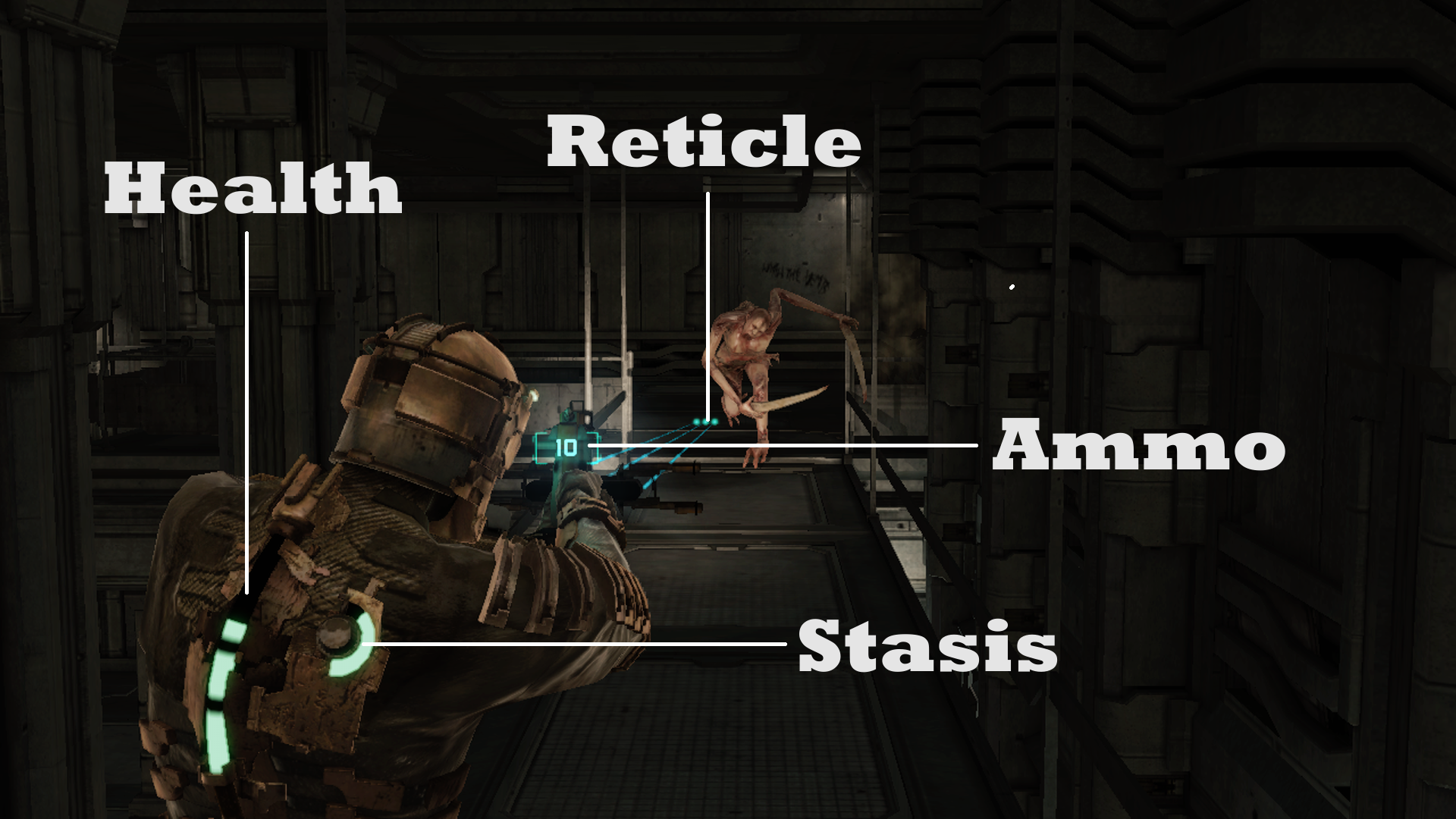
Though most argue that Dead Space’s UI is diegetic, it’s really not: it’s entirely player-facing.

Player

In the first case, gamification is global and tied to the game itself. To do this persistently, you may need some type of backend, even if that backend simply amounts to the Steam API or other platform layer that does most of the work for you.

In a modern roguelike dynamic, this is the space where you unlock things between deaths. In a massively multiplayer setting, it’s the stuff tied to your account. Maybe your shared inventory slots and gold stash.

Many roguelikes, such as Everspace, allow unlocks that are persistent between plays. Player-centered gamification.

Avatar

In the second case, gamification is assigned to a specific avatar. It can be a dragon you breed in Dragonvale, or it can be your own instance of Geralt in your most recent playthrough of The Witcher 3: Wild Hunt. All of the experience point levels and unlocks are tied to this character. It’s still player-facing, but it’s tied to a specific avatar in the game world.

As previously discussed, some of this is about time investment. If you make a specific unlock for one character, that means you need to create a new character to make another specific unlock, pushing you to spend more time with the game.

This doesn’t have to be a character necessarily. You can put this style of gamification on a piece of gear, vehicle, or anything else. All it means is that it’s tied to a specific instance of something and not to a global scope.

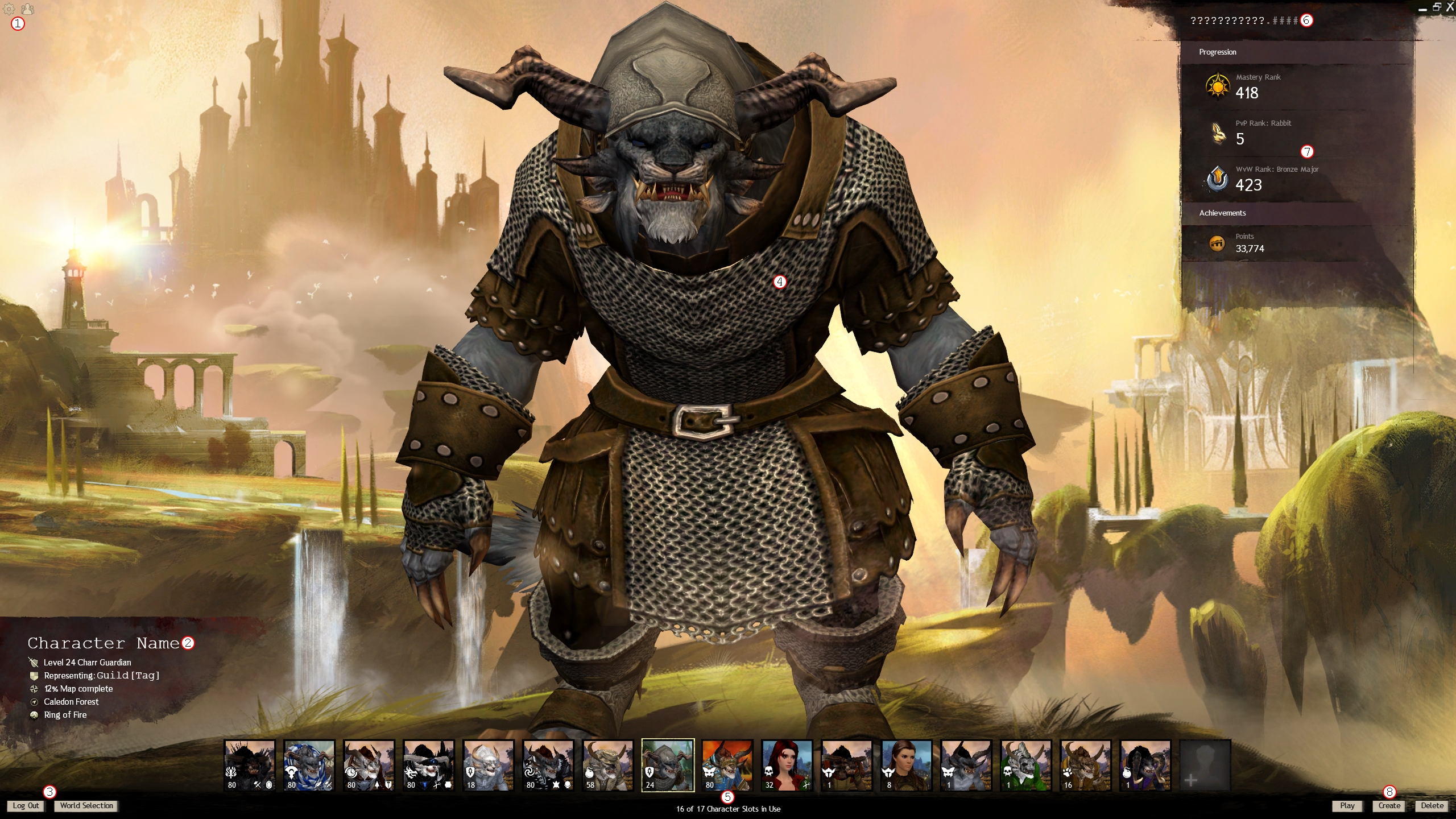
The character screen in Guild Wars 2: pick your primary gamification container for this session!

Gamification Container

It doesn’t matter that much where you put the gamification, structurally. But anything that’s completely player-centered will usually be expected to be persistent and to count across any and all separate avatars, while avatar gamification is accepted to be restricted per avatar. These are not rules but rather established design tropes that many players are likely to expect.

If you want to put a container on each magical weapon, game vendor, and island city, then that’s entirely up to you. There are guaranteed to be many interesting and unique ways to make use of gamification that we haven’t seen yet, and it may start as simple as putting this container where it’s not usually placed.

Imagine a container something like this:

class GamificationContainer : public IPersistentObject
{
  // The experience system itself (see later)
  ExperienceSystem* pExperienceSystem;

  // Any systems that care about experience can be handled as listeners or observers.
  Array<ExperienceListener*> ExperienceListeners;

public:
  // Add or remove listeners.
  void AddListener(ExperienceListener* NewListener);
  void RemoveListener(ExperienceListener* Listener);

  // Persistent object things; saved to your profile backend or local save file as appropriate.
  void Save()
  {
    // Store the state of the experience system (total XP).
    // Store the state of all listeners.
  }

  void Load()
  {
    // Restore whatever you saved in Save().
  }
}

And then the ExperienceListener could be something like this:

class ExperienceListener
{
  ExperienceSystem* ExperienceSystem;

protected:
  // Anything inheriting from ExperienceListener will use this
  virtual void OnLevelUp(const int32 NewLevel) = 0;

public:
  ExperienceListener(const ExperienceSystem* System)
  {
    ExperienceSystem = System;
  }

  void Activate()
  {
    // Subscribe to the ExperienceSystem's OnLevelUp.
  }

  void Deactivate()
  {
    // Unsubscribe from ExperienceSystem's OnLevelUp.
  }
}

This setup is enough to cover most possible use cases tied to experience leveling. None of this needs to be complicated.

Basic Experience System

Next up: the system for accumulating experience and gaining levels. The simplest form of this uses a linear function. We’ll use the function XP = Y * L * (L + 1), where XP is the required amount of experience points needed to reach the next level, Y is a baseline number used to scale the system and its rewards, and L is the current level of the entity accumulating experience. You can use any function you want, your engine’s curve interpolation variable, or something else. This specific formula is borrowed from the third edition of Dungeons & Dragons.

I really like having some variables as assets on disk that can be accessed externally from runtime objects. In Unreal, this would be your UDataAsset; in Unity it would be a ScriptableObject. Particularly baseline values benefit greatly from this approach, since you can access them without having to chase for the specific objects where they are tied into the systems.

Some developers prefer to use comma-separated values (CSVs) and collect them in spreadsheets that can export them handily. But as with everything in development, how you construct your process is up to you.

Imagine that we have an interface that lets us store and tweak variables on disk (CSV origin or not):

struct IntVariable : public ITweakableAsset
{
int32 Value;
};

Then the actual experience system can look something like this:

class ExperienceSystem
{
    // Total XP is used to calculate your current level on return
int32 iTotalXP;

// Current experience level
int32 iCurrentLevel;

// Current experience accumulation, since last level up
// Zeroed when you gain a level
int32 iCurrentXP;

// Temporarily stores xp that you just gained
int32 iXPGain;

void CheckLevelUp()
{
auto bDidLevelUp = false;

if (iXPGain > 0)
{
auto xpcalc = iCurrentXP + xpGain;

if (xpcalc >= TargetXP(iCurrentLevel))
{
while (xpcalc >= TargetXP(iCurrentLevel))
{
iCurrentXP = xpcalc - TargetXP(iCurrentLevel);
++iCurrentLevel;

// Tell any observers that you levelled up
OnLevelUp->Broadcast(iCurrentLevel);
}

bDidLevelUp = true;
}
else
{
iCurrentXP += iXPGain;
}

iTotalXP += iXPGain;
iXPGain = 0;
}

return bDidLevelUp;
};

int32 TargetXP(int32 Level)
{
return XPBaseLine.Value * Level * (Level + 1);
}

void CalcCurrentLevel()
{
auto xpcalc = iTotalXP;
auto CurrentCalc = xpcalc;

while (xpcalc >= TargetXP(currentLevel))
{
CurrentCalc -= TargetXP(currentLevel);
++iCurrentLevel;
}

iCurrentXP = CurrentCalc;
}

public:
FLevelUpSignature* OnLevelUp;

IntVariable XPBaseLine;

// For displaying progression
float GetNormalized()
{
return (float)iCurrentXP / TargetXP(iCurrentLevel);
}

// For any addition of xp
bool AddXP(int32 XP)
{
iXPGain += XP;
return CheckLevelUp();
};
};

Awarding Experience

The neat thing about this system is that the baseline and level already provide a standardised reward structure out of the box. Rather than awarding experience arbitrarily, you can award it as some multiple of the baseline.

Let’s say that we use the Dungeons & Dragons third edition baseline, which is 500. This means that XP = 500 * level * (level + 1). At level 5, you therefore need to have accumulated 15,000 xp to hit level 6. This means you need to gain 5,000 experience points above what you needed to reach level 5 from level 4.

Using this knowledge, we can set up rewards that only use the baseline and nothing else:

  • Easy award is worth a tenth of the baseline: 50 xp. 100 awards required to reach level 6 from level 5.
  • Medium award is worth a quarter of the baseline: 125 xp. 40 required for level 6.
  • Hard award is worth half the baseline: 250 xp. 20 of these required.
  • Milestone award, same as the baseline: 500 xp. 10 of these required.

If we also multiply these award tiers by current level, we get a simple style of scaling:

  • Easy award becomes 250 xp at level 5. You need 20 to go from level 5 to level 6.
  • Medium award becomes 625 xp. You need 8.
  • Hard award is worth half the baseline: 1,250 xp. You need 4.
  • Milestone award: 2,500 xp. You need just 2.

Of course, we can easily do this the other way too—by dividing the award further by current level. This could become relevant if we don’t want players to “farm” low-level enemies for easy xp, for example. Or if we don’t want our game to feel the same at each level. The easiest way to do that is to factor in the level of the opposition. For example, by dividing the lower level by the higher and then using the result as a multiplier on the final award.

For example, if your level 10 murder hobo delivers the deathblow to some lowly level 6 kobold, this would yield just 60% of the award (6/10). If that kobold was then easy to begin with, the resulting math would look like this:

With scaling, (50 * 10 = 500) * 0.6 = 300. Or, if you scale using the opposition’s level instead, which probably makes more sense; (50 * 6 = 300) * 0.6 = 180.

Without scaling, 50 * 0.6 = 30.

Scaling at all is of course a matter of taste. Some players strongly dislike level scaling; other players enjoy the consistency it can provide. Some games apply scaling across everything, while others may scale some encounters but not others. Say, scale encounters in the wild, but keep dungeons or milestones without scaling. You do you. These are just the dials you can choose to turn.

Specific Experience

Another variant is to specify the xp numbers for each level in a table. That way, you can get more satisfying power scaling for the player and you can more carefully gate the features that the player gets access to. Personally, I quite like using a function because it means there’s no practical level cap unless I set one manually.

A table requires that you specify the flow of levels manually. Of course, nothing stops you from using a function to calculate the numbers you’re putting into the table, but it’s not as neat and not as easy to tweak.

One example of the table-based approach is the fifth edition of Dungeons & Dragons, where the experience point requirements start at 300 and multiplies by three for the first couple of levels, before decreasing slightly. For most of the game’s character classes, the player is making a significant choice at third level, making this change noticeable for the player. They can learn the new features of their class gradually and will then be able to put them to good use at their own pace. There are strengths to both approaches.

Experience point requirements per level in the fifth edition of Dungeons & Dragons.

Level-Based Unlocks

We already have the OnLevelUp provider tell us when a level was gained. This means that we can set up observers to easily make things happen on level up. Level-based unlocks is the most straightforward example, but will usually need a data-driven way to figure out boundaries.

In the following example, it’s manually added in the code, which isn’t great if you don’t use some kind of externally parsed scripting language:

class FighterUnlocks : public ExperienceListener
{
  struct Unlock
  {
    int32 Level;
    void* Ability; 

    Unlock(int32 UnlockedAtLevel, void* UnlockedAbility)
    {
       Level = UnlockedAtLevel;
       Ability = UnlockedAbility;
    }

    // Does whatever "unlocking" means in your system.
    void Unlock();
  }

  Array<Unlock> LevelUnlocks
  {
    new Unlock(1, new ClassAbility()),
    new Unlock(3, new SpecialAbility()),
    new Unlock(5, new SuperAbility()),
    new Unlock(10, new GodlikeAbility()),
    new Unlock(15, new AbsurdAbility()),
    new Unlock(30, new GameCrashingAbility()),
    new Unlock(50, new DesignerImaginationRunsOutAbility())
  }

protected:
  virtual void OnLevelUp(const int32 NewLevel) override
  {
    for(const auto Entry : LevelUnlocks)
    {
      if(NewLevel <= Entry.Level)
        Entry.Unlock();
    }
  }
}

Dealing With Numbers

Bret Victor said in a talk I didn’t manage to find again on YouTube, “show the data; show comparisons.” In any UI design with numbers, you need to know what’s going on, and you need to be able to compare the outcome of different choices.

Since gamification is largely mathematical, this is crucial for any game with gamification. It starts with how to represent the math to begin with.

Displaying Numbers

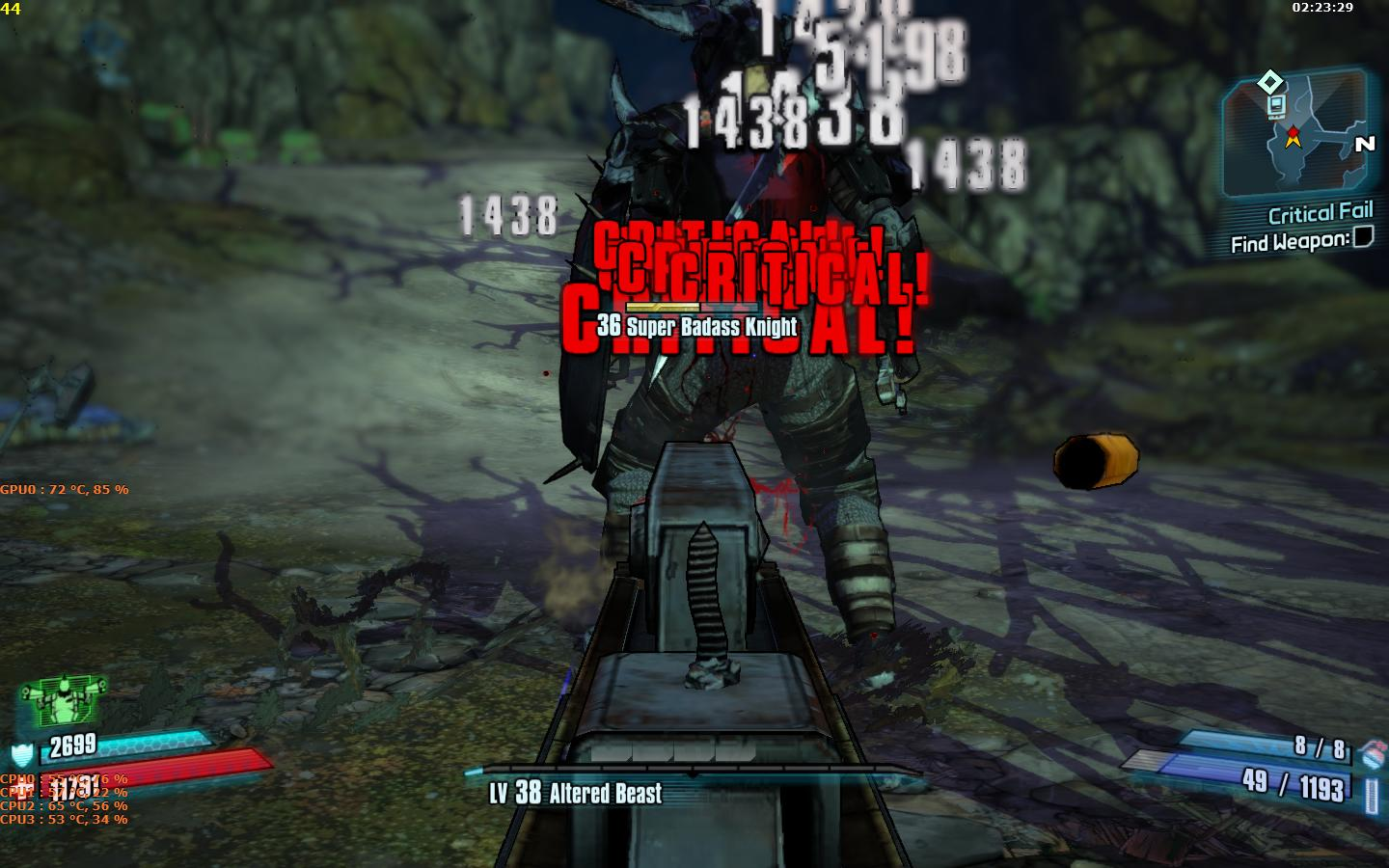
Many games put the numbers on the screen explicitly. When you hit an enemy in the head, a red number jumps out telling you exactly how many points of damage you did to that enemy. This combines style and information and works really well for some types of game. It’s also immediate feedback for any changes you’ve made to your gear or character build. If you see the numbers go up, you probably did something right.

Games often make a visual difference between regular hits, critical hits, various damage types, and other nuances. They may use color, type, font size, and many other tweakable elements to achieve this.

Borderlands 2 puts the results on-screen, but not the math used to get there.

Comparing Numbers

There are essentially three schools of thought when it comes to representing the numbers in a game. Then there are infinite variations between them, of course, but if we look at it as three separate schools it’s easier to talk about.

We can call the first school the simulation school. This is where there’s no player-facing representation at all. You simply have to learn the difference between one material and another, the duration of burning between one wood type and the next, and so on. Some games will have whole wikis filled out with this data in no-time after launch. But keeping the numbers away from the player is a conscious decision in this type of game, often because it’s aiming more for immersion than number crunching.

You don’t the exakt amount of Stamina you have in The Legend of Zelda: Tears of the Kingdom, but you can see the bar grow.

The next school we can call the utility school. It’s where you can see representative comparisons that try to boil down a tradeoff’s relative utility in the given moment. A good example is the Diablo III item comparisons that were introduced later in the game’s life cycle.

By showing you the difference in damage, toughness, healing, or even just green or red arrows based on which is statistically better overall, it means you won’t have to go into every single number in detail or crunch it in your head. You can see roughly what tactical difference the item will make from a glance and make a quick decision.

Of course, to truly master your build customisation you may have to go into the numbers anyway. But mastery isn’t everyone’s jam.

In Diablo III, you can see simplified comparisons that provide a broad overview of the difference something makes.

Thirdly, we have the spreadsheet school, where having perfect information on all the data that goes into and out of the game isn’t just important but absolutely essential to the game experience. Some games will require you to use actual spreadsheets by exporting their data as CSVs that you can import into your spreadsheet tool of choice. Others will provide all that information inside the game. Management games often belong to this school of thought.

Damage assessment from an engagement in EVE Online.

Number Containers

Anything in your game can contain numbers. Having a generic way to handle those numbers is therefore a good thing. Whether you want to use templates or write specific code for each type of number management is of course dependent on the project—there’s no factual best practice here.

Personally, I prefer if a system can be as small as possible and then defined through data more as exceptions. In other words, a data-driven and exception-based design. (More on these things in the future.)

One way to achieve this is to define a type of data that’s common for anything that affects the same object, like a character’s stats:

struct CharacterStats : public ITweakableAsset
{
  int32 Strength;
  int32 Dexterity;
  int32 Constitution;
  int32 Wisdom;
  int32 Intelligence;
  int32 Charisma;

  // Operator overloads so a container can do things with stats
  ICharacterStats operator+(const CharacterStats& Other);
  ICharacterStats operator+=(const CharacterStats& Other);
  ICharacterStats operator-(const CharacterStats& Other);
  ICharacterStats operator-=(const CharacterStats& Other);
  ICharacterStats operator*(const CharacterStats& Other);
  ICharacterStats operator*=(const CharacterStats& Other);
};

This object can be turned into an asset on disk as well, for easier access and tweaking. In games that rely heavily on data management, decoupling assets from their objects is a good core principle.

On the character or other object that will then use these stats, you add a StatContainer that can own all of the data references depending on what they should do.

template<struct T>
class StatContainer
{
  Array<T> AddStats;
  Array<T> SubStats;
  Array<T> MulStats;

public:
  // Bundles all of the added interfaces together and returns total
  T GetTotal()
  {
    T Total = new T();

    // Addition first? Not mathematically accurate, but let's do it.
    for(const auto Add : AddStats)
      Total += Add;

    // Subtraction second? Vicious, but why not?
    for(const auto Sub : SubStats)
      Total -= Sub;

    // Cumulative multiplication? Wow ...
    for(const auto Mul : MulStats)
      Total *= Mul;

    return Total;
  }
}

This approach does have some disadvantages, however. You will probably end up having a lot of objects with zeroes in them. For example, the bracelet that provides a +10 Strength will have zeroes in the other five D&D attributes.

It makes most sense to do complete stat bundles for things like level up bonuses and other effects that do affect everything. For others, you can use the same line of thinking but provide a StatContainer for each individual stat instead of the whole stat-driven object. As you can tell from the above, this doesn’t really matter from the pseudocode’s perspective.

Baseline, Attributes, and Modifiers

Stat-driven games can quickly becomes unwieldy. We’re already talking about baseline, level, stats, modifiers, etc, and we’ve barely scratched the surface! Because of this veritable explosion of numbers, it helps to set up some terminology to work with in your team.

Personally, I really like to separate game system math into four parts.

  • Baseline values can be used for broad rebalancing. Baseline jump height, damage, experience, etc. It’s the type of thing you can change when setting up different difficulties for example, or if you feel that enemies deal too much damage in broad terms.
  • Attributes are per-object variables. Your character’s extra damage, or an individual enemy’s increased jump height. What’s important with attributes is that you try to avoid the phenomenon of the “dump stat,” which is the attribute no one cares about because it doesn’t affect the game enough. It’s equally important to avoid having a single attribute affect too much.
  • Modifiers can be contextual, optional, customisable, or applied some other way. When you equip a new item or move around on the slippery ice, you’re applying modifiers.
  • Lastly, Functions are how you actually make use of all the other numbers. It determines how you weight the value of baseline vs attribute, for example, and at what point you include modifiers in the calculation. It makes a pretty big difference if you add numbers together before multiplying or after, for example.
Illustration of this concept, from my book, The Game Design Toolbox.

By decoupling numbers into these separate categories, you can structure your project and its balancing in a much clearer way. Whether you use external files or spreadsheets for all of these is of course more about taste. Functions are generally easier to put into code, but there may be instances where even they are turned into external objects for easy access.

Global Stats

You will often want to keep track of global statistics that are also tied to an account or avatar. Things like total number of kills, total time played, and so on. This is easily implemented with the same reasoning—just add StatContainer that bundles all the relevant information together and is updated from whichever events you may need.

Such a StatContainer can also have an internal checklist for whenever a stat changes where you can check achievement unlocks and other high level changes. For example, whenever a kill is scored and an event is sent, this global StatContainer could unlock the 100,000 kills achievement if you just hit 100,000.

Player-Facing or Not

We now have the number containers and we’ve separated them for easier development. But one thing still remains, even though we already talked briefly about displaying numbers earlier: which numbers are player-facing?

There are many different schools around this, and though many games will allow you to indirectly change the baseline damage and health numbers through your choice of difficulty, some games expose everything about the underlying numbers.

Personally, I prefer more immersive systemic games, and they rarely put numbers up front. But there’s a decision here that you need to make for all of your own designs.

Path of Exile‘s both loved and hated passive skill tree, that exposes an insane number of modifiers.

Rules

Which numbers you want in your game is a giant undertaking to figure out. But it gets really complex when it gets to the Functions column of the previously used table. I will go through some of the considerations you will have to make setting up rules for your gamification math. But this is merely scratching the surface.

Point Spending

Any system where you want the player to spend points must make a number of important decisions from early on.

  • Points can be player-facing—which is very common—where you get X number of actual points and you spend them on various costs. Maybe the first unlock costs 1, second costs 2, etc. But points can also be abstracted, so that you get one practical unlock and you can pick either one node or the other. This is just another potential dial, if you think you need it.
  • How many points the player will have spent when fully maxed out. This is the high extreme of the system and should represent the peak of what the character can ever become.
  • Whether things are completely locked until activated, or are improved by point spending. If you have zero points in Double-Jump, this may mean that it has a longer cooldown or that you don’t have access to it at all, for example.
  • Which things are unlocked first and how you can use that to teach the player how to play. If you unlock the Super-Murder Smash, you will most likely want to play with it. This will teach it to you before you spend points upon reaching next level to unlock the Triple-Kill Ultra-Suplex. Etc.
  • If you should be able to see all the options before you have access to them. Tree structures are good for this, since you can aim for some specific character build and then start “marching” through the nodes one unlock at a time.
  • Respeccing” needs to be considered. Some games will allow it for free, others may charge for it, and others again will require you to start a new character completely from scratch if you want to make different decisions.
Skill trees from Diablo II.

Combining Multipliers

Multipliers are common. We like to double our critical hits, halve our fire damage, zero things we’re immune to, and so on. Mathematically, multipliers are fairly straightforward. Multiplying 4 by 6 gives you 24; 3 by 15 gives you 45, and so on. But game design tends to make things much more complicated.

In the game All Flesh Must Be Eaten, multipliers are used to create a damage model that tries to give you an approximation of reality. You shoot a zombie by rolling D10 and adding one skill and one attribute. You must then hit a target number. Let’s say you roll high, and you score the system’s equivalent of a critical hit. Your shot was with a .44 magnum.

A .44 magnum deals D6 x 6 damage in the game. You roll the d6 and you score a 4, meaning 24 points of damage. But it doesn’t end there. You must now consider armor. Armor is deducted from the hit at this point, and the result after armor is doubled since this is a bullet wound.

Let’s say the zombie is wearing the Class II vest of the police officer it used to be. This will absorb D6 x 2. A 2 is rolled for the zombie, absorbing 4 points total. Now 20 points remain, which would be doubled to 40 points normally because it’s a bullet wound. But we rolled a critical remember? This means the multiplier is increased from 2 to 3, for a total of 60 points of damage.

This directly illustrates a couple of design considerations with multiplayers.

  • Additive multipliers are stacked together. Like the critical hit effect in the previous example. The difference between turning a X*2 into a X*3 is very different from multiplicative multipliers.
  • Multiplicative multipliers means multiplying several times, like the pseudocode previously. In such a case, each multiplier is applied individually, and the result will climb exponentially. It could be X*2*2.
  • You can combine multiplicative and additive together as well, by separating additive multipliers into “buckets” and then multiplying those buckets with each other. For example, having one multiplier calculated from your character, another from your gear, and the third one from your opponent.
Small sample of the damage chart for firearms in the tabletop role-playing game All Flesh Must Be Eaten.

Combining Percentages

I’m not personally fond of small-scale percentage modifiers. Even if a +5% Sneak may sound interesting, the difference it makes is usually negligible. It easily becomes too trivial a choice to have an interesting impact and it gets hard to understand intuitively. But with games that rely heavily on gamification, this type of modifier is very common.

The one thing you need to consider with percentages is how they are added together. But overall, percentages are easier to work with than multipliers.

A +28% Fire effect mod, in Horizon: Zero Dawn.

Using the Numbers

There are attributes and modifiers all around by now—let’s look into what you can use them for. This is probably the most obvious part of any gamified structure, but it’s easy to get lost in the weeds. It’s also easy to lose track of the balancing if you didn’t start from the highest possible extreme.

Some common ways to use numbers:

  • Unlocks: Probably the most common way to use points in gamification is to unlock things. If you have ten points in Combat you get the triple-strike; if you reach Level 40 you get a mount.
  • Container Values: Another very common restriction based on leveling up. How many things you can carry, how many times you can do a thing, how many units you can have, and so on. This is an area where you can often add considerable friction to a game. Either by restricting it and allowing players to pay for additional uses, or by having a game loop that assumes players circle back to some hub area or similar to “fill up.”
  • Actions: Jump higher, run faster, slide longer, make quicker turns, brake faster; this is usually that +X%-style thing, but it can also represent the existence (or not) of a certain action. For example in a metroidvania dynamic. You have or you don’t have the unlocked super-jump boots.
  • Combat: Deal more damage, absorb more damage, attack faster, etc. If you want to dive into this type of math, you need only look at any service-based first-person shooter. Like Destiny 2. Particularly after a few seasons of additions, the ways you can affect numbers in such a game climbs.
  • Threshold Values: Many games, from Citizen Sleeper to Baldur’s Gate III, have plenty of dialogue that’s conditioned on specific variables. If you have the right dice roll in the first, or the right attribute value in the second, you are allowed to pick certain options. Games will treat this slightly differently. In Cyberpunk 2077, you can save your points and then allocate them at any point in a dialogue to sort of “spot-unlock” the dialogue responses you want to take.
  • Comparisons: Some other numbers that climb, such as ratings values, kill counts, match counts, and the like, are not directly tied to gameplay but provide a good way to compare your own game performance to that of other players.
  • Build Optimisation: If you mount gun X on your mech, it changes its performance from mounting gun Y. Learning the differences in such cases is very important. Optimising your build for things like endgame engagement can be a whole artform.
In Citizen Sleeper, you roll a pool of dice and can use them to activate actions.

Beyond

There is a near infinite number of things you can do with numbers and the systems around numbers that are used in games today. These two pieces only scratch the surface. You can read Part 3: Loot if you want, but these still just scratch the surface.

But I wanted to touch on gamification from a simple implementation standpoint to demonstrate that it’s not very complex to implement and it can usually be kept decoupled from a game’s core logic using events and containers.

The question of whether you should use gamification is a much trickier one, and one I won’t engage with at all. As always in game development, you do you.

Gamification, Part 1: Origin

Systems generating emergent outcomes or interesting synergies; it’s what most of my blogging is about and my one true passion in game development. Gamification, on the other hand, is usually taken to mean using game elements in a non-game context. Often to keep you engaged by using points awards, competitions, and reward mechanisms of various kinds.

Gamification is huge. We see it in educational platforms and apps like Duolingo and the Khan Academy. We have gamified apps interacting with our smartphone step counters, geolocation software, banking, and much more.

The techniques used for this in “non-game context” also dominate mainstream game design. To better understand (and have stronger opinions about) how gamification works in game design, let’s look at how it’s evolved into what we have today. The second part (next month) will then summarise it all with a brief overview of how you can implement it.

I’ll leave whether you should use gamification to your own judgment. (And to comments and/or e-mails to annander@gmail.com!)

Dungeons & Dragons

The first Dungeons & Dragons, sometimes referred to as Old or Original D&D (or simply OD&D), came out in 1974. Ever since, there’s been a wide range of other so-called tabletop role-playing games (or TTRPGs), but except for a brief dethroning by Pathfinder during the 4th edition of D&D, D&D has remained the biggest by far. In the U.S., D&D is synonymous to the entire hobby of tabletop role-playing. You’re not playing RPGs (or TTRPGs), you’re playing D&D. Note that no one called it TTRPG until much more recently, to distinguish it from its digital derivatives.

Experience points that gain you levels comes from here. Maybe the design landscape would’ve been very different if the modern (and in my opinion ridiculous) practice of patenting game design ideas had been applied by the makers of D&D. Then every service game with an experience mechanism would have to pay a fee to the estates of Arneson and Gygax, and maybe wouldn’t be slapped on every single game arbitrarily.

You gain experience from two things in OD&D: killing monsters and finding treasure. The amount of experience depends on your character’s abilities and the relative challenge you had to overcome. For monsters, it’s the level of the monster compared to your character level. For treasure, it’s based on the level of the dungeon you are currently exploring. If you kill a level three monster or find treasure on the third level of the dungeon, you will get the unmodified monster experience reward or treasure gold piece value as experience. Find 1,000 gold pieces, gain 1,000 experience. Kill a five hit-dice (level 5) White Dragon while at level five, and you gain 500. You can never gain more than this, but you will gain less if you are tougher than the opposition or if you were unlucky when you rolled up your character.

If you have a high score in your character’s Prime Ability (Strength for a Fighter, for example) you gain a 20% bonus to experience points awarded. A low score can give you up to a 20% penalty instead.

We can refer to this as a kind of challenge economy: depending on how dangerous the opposition you dare push yourself towards, whether venturing deeper into the unknown or facing tougher opposition, your rewards will also be higher. But there is no reward for pushing too far.

The second prominent economy from OD&D is a kind of resource economy. Spell slots, torches, spendable coins, food rations, and so on. Things that makes it feel like an expedition, with all of the logistics involved, but also balances how much you can do and generates stress when you’re starting to reach the bottom of your backpack.

One aspect that doesn’t always survive in the various translations is the value of time and time as a resource. Gary Gygax is often quoted for his “detailed time records must be kept” comment, and you can clearly see where this comes from in the original rules. In the rules for exploring dungeons and the wilderness in OD&D, you play out turns which are each 10 minutes long. You need to spend some turns resting, and you can only cover a certain amount of ground in a single turn. Torches only burn for a set number of turns before you need new torches. Each turn that passes also has a risk to cause an encounter with a wandering monster that you need to sneak past, trick, or fight.

Can you venture into the next room of the dungeon, or should you make the trek back to the surface first to spend some coin and stock up? Quite obviously, games like Darkest Dungeon goes deep into this dynamic.

Levels, experience points, abilities; the entire language around gamification was invented for Dungeons & Dragons.

Diablo

We’ll go past the D&D-based dungeon crawlers, since I’ve mentioned them many times before. Since I don’t know them well enough, I will also skip over Japanese ARPGs; but the influence of games like Secret of Mana is actually quite important. Just left for someone with better insights to explore.

Instead, we skip forward directly to Diablo. This game started out as a game styled around the original Rogue (what we’d insist on calling a “roguelike” today), where player turns tick an internal clock but the game stands still when you do nothing.

At some point during development, after having already decreased the time of each turn many times over, the Diablo team decided to decrease it even further, all the way down to fractions of a second. The clock also ticked constantly instead of waiting for the player to do something. They had effectively made Diablo a realtime game. The first western-style Action Role-Playing Game or ARPG (to the lament of computer mice worldwide).

But what gamers will remember isn’t the new mode of play—they never do—it’s the game’s reward structure, further refined in the sequels. A chase for loot, the use of procedurally generated dungeons, and the use of keywords in combination for both enemies and items. Diablo will also be renown for the grind required to get the best stuff.

None of this is entirely new at the time, but Blizzard had a knack for taking the tried and tested and making it more appealing.

The idea of a loot economy is hardly new in Diablo. Players had been hoarding treasure for decades already. But the aspect that was pushed forward was the probabilistic side of it. The grind side, with enemies as loot piñatas dispensing just enough to keep you going and only sometimes giving you what you really want. This ties into the same psychology as a slot machine or other gambling device, which will eat your money 95% of the time. But that 5% is what you live for. At least in the original Diablo‘s time, you didn’t spend any real money in this slot machine; only time.

Procedural generation is another big deal, but something I’ll talk about more in-depth in a future article. Diablo made clever use of keyword generators, constructing items based on loot tables with adjectives and nouns, creating a dispensing of well-foiled loot that pushed people not only to play more and click faster, but also to find ways to “dupe” (duplicate) loot and cheat the system with trainers and hacks. Foiling in this instance doesn’t refer to characters, of course, but to the contrast between finding lots of crap items before finding that one really cool magical one that stands out next to the crap.

Future Diablo games will push this even further, not to mention the loot economies of MMORPGs. Virtual item economies are here to stay.

[Adjective] [Item Noun] of the [Description Noun].

Stats

There’s a good chance that no one remembers this game. Maybe I cheated back when I played, or my memory is off, but my strongest memory is that you could upgrade all your values in an unhinged way as you levelled up. After a few levels, you could jump up on top of buildings!

This is another feature that has been around for some time by this point, particularly for Massively Multiplayer Online Role-Playing Games (MMORPGs) where the concept of the three main roles was established: Tank, Healer, Damager. To optimise your role, you’d have to get and equip the right gear, unlock the right abilities, then combine with other characters in just the right way.

Of course, the idea of a progression economy comes from OD&D, with your numbers improving over time. But digital games in all their forms will explore it even further. With additional features, like perks, feats, and various forms of things worth unlocking at higher levels, this creates multiple layers of customisation and character optimisation. Kind of like deck building in Magic: The Gathering, where you are trying to optimise your deck by combining cards with powerful synergies.

Not to mention the item sets, gear customisation, gem slots, and myriad other statistical variations that come about through the further refinement of these concepts. Enter concepts like min/maxing and character builds, driven by a desire to make the best possible characters tailored either for making a game easier or for doing the best possible job in a multiplayer group.

I have such incredible memories of Amulets & Armor, but I’m not sure it would live up to them today.

Achievements

Something happened with the launch of the original Xbox Live service in 2002 that would change the psyche of gamers possibly forever. It introduced Achievements and the concept of Gamerscore. Since then, dedicated websites for the tracking of achievements have become many. Steam added achievements styled after it in 2007.

There are many different schools for achievements, and most games combine all of them.

First of all, you have progression achievements, which unlock as you play the game. They can be hidden or public information, depending on whether they could include spoilers or not. Many times, they’re least-effort achievements, and you can sometimes unlock one merely by starting the game for the first time or completing a short but mandatory tutorial.

A progression achievement; in this case, from Mount & Blade II: Bannerlords.

Another way to do achievements is to reward them for highly specific results that are hard to achieve; I call them replayability achievements. Paradox’ grand strategy games tend to do this really well, as an example. They play with the historical context they take place in, both indulging alternate history fans’ “what if”-cravings and providing the hardcore completionist with greatly increased replay value.

A replayability achievement, from Hearts of Iron IV.

The next type of achievement is arguably where the concept got its name in the first place. Performance achievements; a reward for managing to do something that’s hard to do.

I got all achievements except this one, when playing Batman: Arkham Asylum.

Another type of achievement is the opportunity achievement, which can only be unlocked under certain circumstances that the player may not have full control over. It can be to do a certain counterintuitive thing while playing a mission, for example, or maybe to kill someone from your own Friends list in a multiplayer match.

An example of an opportunity achievement, from Halo: The Master Chief Collection.

A variant of the opportunity achievement is the restriction achievement, which can be to either complete a specific mission without using some features, or even to finish a whole game without said feature. It’s a somewhat more tangible type of achievement, because it applies hard requirements to how you play the game and isn’t entirely abstract.

A quite traditional stealth game achievement; in this case, from Metal Gear Solid 2: Sons of Liberty.

The final type of achievement I’ll simply call the chore achievement, and it’s the one that has you do something some arbitrary number of times. Usually a multiple of 10, for some reason. Kill X enemies, collect Y thingamajings, discover Z new locations; you know what this is about.

The Gears of War series, in this case the fifth game, has always had a massive kill chore achievement as a kind of joke.

Of course, achievements as we have become used to them are external rewards without any form of diegetic connection. Our game world avatar—the character we play—has no connection to the achievement because the achievement doesn’t exist in any meaningful way in the game world. This doesn’t have to be the case, however. In Looking Glass’ often overlooked tactical shooter, TerraNova: Strike Force Centauri, you could be awarded medals for certain actions in the field. A diegetic form of achievements that had real connection to your interactions within the game.

If this was done today, each medal could be an achievement also, to provide an extra meta reward for the player.

TerraNova: Strike Force Centauri awards medals for certain actions. A more diegetic form of achievements.

World of Warcraft

Other games developed the subscription-based and scheduling-heavy models that World of Warcraft (WoW) was based on, but this game is where it really takes off into the mainstream. The designs of WoW are predominantly there to keep you playing for hours upon hours. The most obvious reason is that they want you to keep paying your subscription. Subscriptions can be considered the first steps gaming took into monetisation.

This introduces an entirely new economy: time. Your time; the player’s time. Many of the dynamics in WoW are built to waste your time. Queues to get into a server, timed cooldowns for abilities, scheduling mechanics where you need to wait for certain in-world events, dailies, weeklies, monthlies. Not to mention the restriction that you couldn’t originally get an animal to ride (a “mount” in the game’s parlance) until you reached level 40. A considerable time investment.

All of this goes into a time economy. But there is a crucial social aspect to this as well, which is what pulled most people in. You’re playing with friends, or finding new friends, and the game became a reason to hang out and meet new people from across the globe. Social activity is one of those things that we rarely see as “wasted” time, since it rarely is. But in the meantime, you kept paying WoW‘s monthly subscription. Whether you did that to get a new mount, finish the game’s raids with your guild, play with friends, or meet new friends, is of course entirely up to you.

Something else that shows its head around WoW and other MMORPGs is the meta economy. Buying and selling characters. Paying someone else to “farm” gold or experience points so you can buy it for real money. A market that’s rarely condoned by the companies offering the service, since it risks changing the in-game dynamic. Also, Blizzard doesn’t get a cut.

Of course, wanting to get a cut is what will lead to Blizzard exploring the controversial real money auction house in Diablo III.

Diablo III launched with a real-money auction house that was removed from the game in March 2014, two years after launch.

Call of Duty 4: Modern Warfare

We’re used to gamification by the time Call of Duty (CoD) abandons the world wars for ghillie suits and irradiated Ferris wheels. But CoD changed everything once more. It brought D&D‘s systems back, kicking and screaming, into the parts of the mainstream that wasn’t already playing World of Warcraft.

The fast pace and highly accessible and rewarding nature of CoD 4′s perk system, for one thing, made it immediately understandable and rewarding. It was fun to get a few last shots in with your pistol after being killed. It was fun to get kill streak rewards and to keep building your available feature set while playing the game.

With a constantly increasing number of players playing online, but not necessarily playing with friends, CoD 4 comes out when “alone together” is becoming a thing and all its gamified systems fit so well with this that many of them have stayed with us since.

I would even go so far as to say that the launch and popularity of CoD 4 is something of a defining moment for video game “gamification” practices, particularly for competitive multiplayer games. It’s not alone in this development, but it’s pivotal.

Perks, abilities, traits, qualites; Call of Duty 4: Modern Warfare defined many of the things competitive games use to this day.

Free to Play

There are some big proponents of free to play design whose talks you should listen to. The three most prominent ones are Teut Weidemann, Nicholas Lovell, and Amy Jo Kim. Outside of the game field, you should also read and listen to people within the behavioural sciences field. For example scientists like Dan Ariely, who wrote the brilliant book Predictably Irrational, and whose effect on our in-app shopping can’t be overstated.

But in the gamer sphere, you won’t hear those voices. You’ll hear more negative voices and encounter some deeply entrenched groups who fight against concepts like pay-to-win and content gating. People who will say that free-to-play games aren’t real games, or even that free-to-play game design is inherently evil. Let’s ignore this specific side of the conversation for now, and instead look at how gamification changes with free-to-play dynamics.

World of Warcraft and other subscription-based games already started on this journey years ago, but free to play design turns monetisation into a practical goal. It explores how to turn players into spenders by making the gamified system not just a gamified system but a machine that turns people into superfans willing to spend real money on what has at that point become a hobby and not “just” a game.

The most natural part of this transition is to put a monetary value on time. Something that the meta markets around WoW already did, like we mentioned before, when people could start charging you for in-game gold or experience grind. The concept of selling a ready-grinded Level 60 character in WoW may have been frowned upon by Blizzard; with free-to-play it becomes a product on ssale. (It’s a product on sale in WoW too now, directly from Blizzard.)

When a game is free to play, this lowers the barrier of entry considerably. But you will then have to consider concepts like conversion rates, meaning how many players go from free players to paying players. If this number is too small, your free game won’t be sustainable. Particularly since many such games require server infrastructure and continuous live support.

So even though the idea is that “non-paying players keep paying players playing (and paying),” there’s a caveat buried in creating a sustainable business with a low barrier of entry. If you don’t attract enough players, you won’t convert enough players into paying players, and you won’t build superfans.

To simplify thinking about free to play, just picture all the different kinds of in-game economy we’ve covered, and then put a cash price on it. Usually in the form of a virtual currency of some kind. Gold in World of Tanks, for example.

The cynical side of free to play design is that it often ends up gating the parts of games that traditional gamers engage with the most, for example using friction dynamics like requiring you to spend in-game resources to retry a failed level or to wait for 30 minutes before something completes. Unless you pay. It’s also not unusual to offer things for sale that provide balancing advantages to paying players, called “pay to win.”

Free to play, as a simplified definition, puts a real money price tag on the grind and various economies that gamers have engaged with for decades.

Starbucks Test:” a session of your game needs to be playable in a shorter timeframe than you’d stand in line to get your coffee.

Games as a Service (GaaS)

Many free to play games are also service games, but not all service games are free to play. Games as a Service (GaaS) is a different sort of beast, where the game is pushed more as a continuous live service provided by the developers. The most obvious example is probably the Fortnite battle pass and the various season and battle passes it has spawned since. Even if the battle pass was originally a DOTA 2 innovation, where part of the cost was put into a prize pool.

The disadvantage of the Fortnite-style battle pass is that it requires a steady stream of content. Near-constant, in fact. Players will chew through this content much faster than it can be produced, forcing developers to crunch to keep up. The service being provided by GaaS needs to be kept fresh.

Games like Minecraft and Star Stable instead opt for weekly releases of new things for their communities, arguably approaching the service aspect of GaaS in a different way.

But it all ties into the same “superfan” line of thinking as free to play games in general. You want to keep the players engaged, and you do so by pushing ever more content into your game.

The parts that are unique to GaaS are mostly exclusivity incentives, where you can only get specific rewards by participating right now, and then they’ll fall out of rotation from the current battle pass. This gives rise to a kind of timing economy tailored to trigger people’s FOMO. Weaponised community building.

The Fortnite battle pass. Screenshot from “How the Battle Pass Destroyed Gaming.”

Crafting Systems

I’ve now named many different kinds of economies that games use to “gamify” their experiences. One of the key elements to any virtual economy is the principle of diminishing returns. To make sure that there are more avenues to get Money Out than there are ways to get Money In (as a player). One way many games approach this is using crafting or upgrading systems where you may need three of the first thing to create one of the next thing, and then you’d need three of that next thing to create one of the thing after that. And so on.

This motivates you to pick everything up that isn’t bolted down and keep combining things into other things. It may even motivate you to care about the “crap” loot the game dispenses on a routine basis.

This is part of where game economies can become quite cynical, since you must remember that all of these virtual economies are designed for exactly the effects they have. Granted that some systems aren’t balanced enough on launch or miss their mark unintentionally, but all of the restrictions and diminishing returns you have probably become used to by now were put there for a reason: to act as systemic sinks for your virtual cash.

In modern CRPGs, like Starfield, everyone is incentivised to become a packrat.

Last Words on Gamification

Gamification ties into many different tools of many different trades. Gamers often take sides for or against some of these practices, usually illustrated through the lens of one particular game that they feel strongly about.

Many people I know refuse to acknowledge that World of Warcraft used and still uses many of the most vicious gamification practices, for example, simply because they wasted half their teenage years on that game and accepting that it was a service game throughout its life cycle puts many other things into question. Better to not rock the boat.

I don’t really have a strong opinion about any of these practices. People engage with these games for myriad reasons and there are great games in all categories. Times also change, whether you want them to or not, making it meaningless to rage against it. How today’s gamers perceive value has changed drastically from when I was buying big box PC games, after all.

But I do have one big gripe with many of the popular reinforcement loop dynamics we see today in both free-to-play and premium games: they remove player agency. They promote a play style hinged on following directions and checking off boxes.

Player agency is a tricky thing to talk about. If we imagine a free-to-play reinforcement loop with level up systems, virtual currencies, scheduling mechanics, and so on, you will usually have lots of things to do and you can usually pick which one to do at any given moment. They may not feel like they lack player agency as you play. But there is something at play here that turns the player into a consumer rather than a participant—and I want to dig into it before wrapping this up.

Curiosity

This is really the heart of why I think gamification harms player agency: gamification kills curiosity. If you don’t get any points, items, or achievements for the thing, the thing doesn’t matter. When the whole game is built around extrinsic rewards, you lose the player’s intrinsic motivation along the way. There’s simply no room for explorative curiosity in such loops. It becomes a “content treadmill” for both players and the developers. (More about the content treadmill in a future post.)

In mission-based games, this often takes the form of working off a checklist of activities in a menu rather than exploring the game world or any emergent features. It’s also common for service games to rely heavily on repetition, and the fifth or even fiftieth time you hear the same narrative beats repeated you are no longer listening.

The iconic Diablo “Fresh Meat!” line scared me half to death… The first time. Then it quickly lost its appeal.

Narratives vs Player Stories

This is the classic difference between what happened to my character and the consequences of what I did. Games like The Last of Us will always display the same story beats and never invite the player’s choices, while Baldur’s Gate III touts the many hours of alternative cutscenes that result from the combinatorial explosion of its branching choices.

Games motivated by a narrative will hinge entirely on the quality of the narrative, while games built on player choices and their consequences can become almost anything.

There’s no real room here for service games, however. Whenever you build a game that relies heavily on a virtual economy and repetition, the narrative becomes less important (except for players playing “alone together”), and the player story becomes more about the endgame and completing the battle pass than about what’s happening in the game’s simulation.

Anecdotal, but I have friends who played countless hours of World of Warcraft, and would always tout it as such a social experience. But one time, when I was visiting a friend as they were wrapping up a WoW session, all I could actually hear were conversations about in-game optimisations like DPS, cooldowns, and so on. The social interaction was mostly about the game’s meta, and not really “social” the way I’d use the word.

Doesn’t mean they weren’t having fun, of course. But it’s something else than an emergent player story.

To Gamify or not to Gamify

Some of my favorite games have elements of gamification in them. Every D&D-derived video game of course completes the circle of inspiration by using experience points and levels. Most of the eminent immersive sims also have such elements, even if they may attempt to tie them more directly to in-game systems.

I personally think the drive to make more content and fewer systems is an unfortunate but fairly clear effect of gamification. But unlocking things, gaining points, and accumulating virtual wealth, are still entertaining features worth your while, regardless of whether you intend to “monetise” it or not.

The original Deus Ex has plenty of “gamification” going on; but it affects the in-game systems in compelling ways.

What’s Next

This is the first part in a series on gamification. Continue reading Part 2: Implementation if you want, or jump straight to Part 3: Loot.

Custom Tools and Work Debt

Many systemic games require the construction of custom tools. They can be for setting up objects in the simulation, as I’ve covered before, or they can be suited to speeding up tedious processes like asset imports or custom settings of one kind or another. But there is a dark side to custom tools. I call it work debt.

Work debt accumulates between departments when an element of the work needs to be done in custom tools and no one has been scheduled to do this work since the tool in question didn’t exist a week ago, or maybe still doesn’t exist in stable form. The custom tool may even be purely theoretical for a large part of the project’s life cycle—something we know we need to make at some point, but haven’t had the time to prioritise.

We’ll tackle the topic of why we make custom tools before discussing work debt, and if you disagree, as always, comment the post or e-mail me at annander@gmail.com.

Data

Computers operate on data. At the hardware level, bits flipped between zero and one. At a more useful level for gameplay purposes, a variable of some kind. Bool, int, float, etc. The health number in the game designer’s spreadsheet is data. The glossiness setting on a material is data. The signing information for your IOS builds are data. Everything is data.

But this is only ever relevant at the level where your computer is operating on the game you have made, or when you are tweaking numbers to make the game feel nice to play. Most of the time, we don’t express information as “just” data; we express it as content.

Single-precision floating point number, expressed the way your computer sees it.

Content

So data is great, but it also needs to be given meaning. This is what we use content for. Content is bundles of data that we have provided with contextual meaning. Data formatted following certain criteria. Since this is Game Development 101 and not really systemic design, I’ll just provide a few examples so you understand what point I’m trying to make.

Texture

Fundamentally, a texture is a two-dimensional map of colored pixels. We color these pixels by combining three floating point values together, usually representing the Red, Green, and Blue color values respectively. These are the different color channels of the texture. We can also use a fourth channel that we’ll refer to as an Alpha Channel, which determines the opacity of each pixel’s color.

Together, we can refer to these four channels as RGBA. Functionally they’re just four floating point numbers per pixel that we stack together and call a texture.

Weird pictorial depiction of an RGBA texture.

Mesh

A 3D mesh is described as an array of points in 3D space, called vertices, and how those points are connected into triangles. For each vertex, separate normal and tangent vectors are also stored, as well as vertex color, bone influence weighting per bone in the mesh’s skeleton, and UV-mapping coordinates expressed as a two-dimensional vector.

Much of this data can be used in clever ways, like using the vertex colors to store an object’s heat values when viewed by infrared goggles, or storing more than one UV in the UVs. But it’s still the same mesh.

Vertices connected into triangles in a dolphin mesh.

Animation

A mesh with bone influence weights can be provided with animation data. This data has to be compatible, so that a bipedal humanoid doesn’t attempt to swim like a dolphin, or a higher resolution animation attempts to play on a lower resolution skeleton.

Each key frame will contain information about which bones it affects and whether it affects location, rotation, and/or scale. The animation content itself is usually a timeline range of such key frames, where each frame blends into the next one.

Same as hand-drawn animation, 3D animation uses key frames that are blended together.

Sound and Music

Sound is stored, in compressed or uncompressed form, using some type of audio coding format. This is a representation of the byte stream generated by the sound. You can think of sound and music somewhat similarly to animation, except that the timeline keeps track of changes in pitch, depth, and volume instead of location, rotation, and scale. This is of course a gross simplification, but the output of sound in a game engine can be thought of in this way.

Satanic symbols hidden by Mick Gordon in the DOOM (2016) soundtrack. Here shown in a spectrogram.

Levels

So far, content has been fairly generic. Models, animations, and sounds, are not specific to games: they’re used in a wide range of industries. But the next type of content is more specific: levels.

Levels usually contain both geometry and logic and often serve as the point where you put your game together. It can be as simple as storing the relative positions of a long list of 3D model instances or 2D texture tiles, or as complex as your tools department allows.

Levels tend to be one of four things (very broadly speaking):

  • Symbols in a text file, like letters and numbers, that can be interpreted by an in-game parser and turned into a level at load- or runtime.
  • Combinations of brushes or tiles placed entirely in a level editor. A brush is a primitive shape that’s either added to or subtracted from a theoretical infinite space. A tile is usually a texture that forms a small part of a larger grid pattern.
  • Combinations of modular 3D meshes, built externally, then combined in an editor. Maybe wall segments turned into hallways, parts of buildings combined into buildings, or something else. The meshes are built externally and then put together in a level design tool.
  • Complete 3D environments, built externally, then lit and scripted in a level editor. This is a fairly uncommon practice, but a central element of some game studio pipelines. Maybe most famously that of Bungie’s Halo games.
Modules used in the construction of Skyrim environments.

Established Tools

What you should see by now is that content is bundles of data. To be able to produce this content, there’s a wide range of tools that have matured into a whole ecosystem of game development software.

Modeling Tools (Maya, Modo, Blender)

Manipulating, generating, and optimising vertices, edges, and faces. Managing the UV-maps and bone weights. Baking normal maps, ambient occlusion, and lighting. There are many tasks that a modeling tool completes for you and most of them can also be customised and extended using scripting.

It’s not uncommon for larger studios to focus on one modeling tool or suite of tools and program custom exporters and importers for them to tie them more cleanly into their game engines. Making the pipeline funnelling new content between tool and playable game as smooth as possible can be the responsibility of an entire department of developers.

Random googled image from Modo.

Sculpting Tools (ZBrush, Mudbox, Blender)

For higher polygon counts, which you’ll rarely see in-game but may bake down into texture maps, there are specialised sculpting tools that are often used on higher fidelity games. These tools share many similarities to modeling tools but with an added resolution that makes it possible to “sculpt” details as if you were sculpting with clay and not merely manipulating points in 3D space.

Not all game content pipelines involve sculpting, but pretty much all high resolution 3D games do.

Image from ZBrush.

Animation Tools (Motion Builder, Blender)

Add a timeline to a modeling tool, make it possible to construct skeletons and “rigs” for animating the skeletons in a realistic or artistic manner, and you have an animation tool. The timeline will have scrubbers, options for adding and removing key frames, automatic playback, looping, slow-motion, and a wide range of other features to make life easier for an animator and/or technical artist working with rigging and skinning (“skinning” is a term used for setting the bone weights of an animated mesh).

Some game engines will use animations exactly as they are, while others may have additional logic added at runtime. For example, using Inverse Kinematics to make sure that the feet are placed correctly on the ground—this is not animated, it’s compensated for in realtime.

Blender, here being used for animation.

Sound Tools (Audition, Audacity)

As with animation tools, a sound tool is based on a timeline and shows the pitch and volume of the sound or music you are working on. It has the same scrubbers and framing tools as you’d expect from animation, but will have additional tools for crossfades, reverb effects, and other things that are specific to sound.

Audio has (like graphics) never been my thing, so I freely admit that this shot of Audacity may be wholly inaccurate.

Procedural Tools (Houdini, Substance Painter/Designer)

For visual effects in movies and also for games, procedural tools are gradually playing a larger role. A procedural tool still usually generates the same types of content as you’d expect from any of the previously mentioned tool suites, but it does so systemically and will often allow customisation on the result end.

Imagine that you make a cable, for example. You could model the cable to fit in its environment, using detailed specification, or you can make a procedural cable asset using Houdini. With such an asset, you can provide it with an input spline, a texture, cable width, and the procedural asset will then generate a cable along the specified path. This can be at runtime, at loadtime, or offline, depending on how you choose to integrate the asset with your game.

Procedural tools are amazing, and personally I both think and hope we’ll see much more of them in the coming years.

The non-destructive procedural tools in Houdini are fantastic and I wish I had taken the time to learn them.

Custom Tools

So far so good. But the dynamic suddenly changes once your game starts using content that doesn’t conform to what you can produce with established tools. This is where you will either have to combine existing tools in painstaking ways, or build custom tools.

Examples of Tools

The following are some examples of custom tools, what content they were used for, and screenshots from the tool itself. I’ve only used examples I have personal experience with and that could be shown. For that reason, most of them are in Unity.

Riddick: The Merc Files Scripting Tools

Riddick: The Merc Files was a mobile game that took inspiration from Vin Diesel’s Riddick character. It was a stealth game for mobile devices and released in 2013. Some people liked it, others mocked it.

I worked on the design, AI, tools, and gameplay for this game. It was built in roughly ten weeks, from nothing, and because of the very constrained timeline we had to make things extremely fast and make as much use as possible from each piece of content we created.

We used custom per-level scripting tools to allow our level designers to make different spawning setups, patrols, and so on in a rapid manner. Each enemy spawn point defined the behavior of the AI that was spawned at that point, and could also be set to only be used with certain objectives:

Spawn points defined idle types (Roam, Patrol, or Guard) and could tie different spawns to different objectives.

At the higher level, these spawn points were then added to Spawn Sets, where a level would only ever spawn one such set, allowing level designers to make multiple alternate spawn setups per game mode for added level replayability. It was also possible to use a forced spawn set, always defaulting to the same set, in order to make testing easier. This was only available in the editor.

Each level had exactly one Spawning System that handled all of the game modes.

Tools were responsible for setting up mission objectives and enemy spawns. Data that was completely specific to the game and had to be iterated extremely fast given the constrained timeline.

“Douchebag Dave” Concept Editor

At one place we had occasional Hack Fridays where everyone was encouraged to work on prototypes and game concepts that we had some interest in. One such day, I decided to work on a dialogue prototype using a bunch of Asset Store assets I already had lying around. To have something to say, the concept was conceived as “Douchebag Dave,” where you played the titular character, recently thrown out of the tavern, and now looking for a drink.

It handles scriptable behavior events responding to changes like detection, proximity, and commentary, and the player’s only interaction was to insult the other characters in the level.

Each event in the concept editor can trigger MoveData, AnimData, SpeakData, or the fantastically named DataData. MoveData tells a character where and how fast to move, AnimData tells it when and how to animate, SpeakData tells it to say something, and DataData can transmit data to other entities or to the entity itself. An example of DataData would be the knowledge that “yes, I have commented the Cart.” It was used to generate back-and-forth dialogue and to make it possible to make complex tree-like dialogue without any actual tree structure.

For example, if Dave had commented the cart to its owner, a nearby character could use that data to say something about it if Dave spoke to them later. Or if they spoke to someone else.

The Concept Editor controlled all objects (“Tokens”) in the world and allowed connections to be made between them and various events.

Killshell Crater Tool

Killshell is my own little pet project that will hopefully see the light of day at some point in the not too distant future (can we say, “release before 2044?”). It relies heavily on a standard heightmap (an array of floats) to represent procedurally generated planets.

Since my artistic talents are limited, and I still wanted a high variety of effects to be able to alter this heightmap through gameplay, I came up with the “crater tool.”

This uses a mix of techniques, such as easing functions and Voronoi diagrams, to generate arrays of floats that can then be applied to the heightmap as masks or “stamps.” It’s possible to apply multiple layers of falloff, noise, and so on to make each type of “crater” more unique. Though it began as a tool specifically for craters, it’s now used to generate building footprints and other types of stamps too. This demonstrates a tendency of custom tools to grow bigger than their intentions.

Functionally, it’s extremely simple, since the content it generates is just an array of floats. But it’s made it really fast to create content specific to the project.

The crater tool makes it possible to generate craters and other masks and then store them as float arrays.

Ogier Editor

For almost six years, I worked with the Ogier editor at Starbreeze. This tool was used to put levels and logic together, and has what can be called a “target-based” idea behind it. You manually place objects in the world, and you then use a spline and/or timeline to make them do things by sending impulses to other pieces of content.

In the below example (from the much older Enclave Ogier editor documentation), an elevator is scripted using this timeline. On 0, it does nothing. This is because it’s waiting to have the impulse sent to it. It will trigger after it receives an impulse from the button in the image (you see that the button has a green arrow pointing to the elevator).

Once it gets that impulse, it will play sounds on 0.1, 9.5, and 9.9 seconds in its timeline. It will then wait for another impulse at 10, and if it receives that impulse (still from the same button) it will play the sounds in reverse as it goes down. You can see the yellow line that represents the path for the elevator.

This scripted logic could potentially have been made in an animation tool, or some other adjacent tool with a timeline, but having it in the editor where the level is made means that the concept of a level in a game using this engine required scripters or gameplay designers (like yours truly).

The target-based nature of the scripting is the way objects impulse each other and react to impulses. Every scripted interaction has a target, and you therefore only need to script exactly the things that are going to be interactive and you can maintain this scripting in world space inside the editor.

From the Ogier manual, showing a list of Timed Messages triggering elevator sounds and an elevator pause; a timeline.

Building Custom Tools

You need to know what the content you are going to make looks like. What data it contains and how that data is used in your game. But there is a lot more to it!

“First, you need to write the tool for the user of the tool,” said John Romero. “So, if a level designer is going to be using your tool, that’s the person that you need to make the tool for. Make it as easy as possible, with as much power as they are asking for. It’s also important to take the time to really use the tool yourself, so you can experience what’s annoying about it.”

Established third-party tools will have all the conveniences you’ve come to expect. Everything from proper undo/redo to box selection of nodes in a graph tool. Even things you may think of as trivial and meaningless, such as CTRL+S for saving your files or ESC to abort a modal action. If you make your own custom tool, you will have to figure all of these things out. You will have to waste expensive development time on implementing your own versions of these established functions.

If there is no undo/redo, or undo/redo behaves unpredictably, it will wreak havoc with the workflow of the tool users. Which keys are used to perform standardised actions like moving a camera or selecting an object will also often lead to time-consuming errors made in the custom tool. We’ve come to expect certain conveniences from our digital interactions.

John Romero again.

“[A] lot of times, when designers ask for some power, […] tools programmers don’t go far enough asking the questions about ‘Why do you want that? What is it that you’re actually trying to do?’ Because we can wrap up a lot of functionality for you to make it easy when you want to put these things in the world… versus ‘here are all these components… have fun, level designers!’ and then the programmers run away.”

Unreal Engine’s Blueprint visual scripting, having people insist that you “don’t need to know programming.”

Work Debt

In that second quote, Romero is explaining one of the most common pitfalls in tools development: making tools that wrap the underlying logic with graphical interfaces and then assume that the users of the tools will simply “get it.” Make the system, build the tool, then hand it over to someone else. The more complex the content you need to create with the tool, the worse this can get.

First, it can be because the tool was made by people who have never used similar tools themselves and didn’t have enough time or didn’t bother to make proper research or ask someone. Sometimes because there was no “someone” to ask, because the tool has no established standard. The tools used as examples before would require that you understand the games they were developed for. The concept of a “spawn set” has no meaning to anyone outside of the small team that worked on that Riddick mobile game.

Secondly, it can be because the people who work with the tools have no relationship to the underlying systems that the tool generates content for. One place where I worked, we often had the problem that animators didn’t correctly set the origin point on export. Something they couldn’t see in their animation tool that was immediately obvious in the game engine and often meant they had to export everything twice. When the deadline starts looming, stress will make this happen repeatedly.

Thirdly is when the tool we have made does things that established tools do, but worse. One of my pet projects for years has been to make a pose-based procedural animation system. For several months, I worked on in-engine tools where I wanted to be able to pin certain bones and use IK to generate the poses. One day, I decided to try a Blender plugin instead, and after two hours of experimentation it was already a better setup. Why? Because Blender already had all of the other functionality that was needed. A very important lesson for me, since I always believed “custom tools” was the universal way to go. (This lesson is also why I wrote this post…)

Pinned bones in Blender (left), and the matching pose in Unreal.

Fourth, and the worst offender when it comes to work debt, is that you make tools with no plan for who should be using them. The fairly recent emergence of Gameplay Designers and Technical Designers has often been a means to fill oddly studio-specific gaps. Employees whose entire job is to work with custom tools and object pipelines. Sometimes as liaisons between content production in established tools and content production inside the engine; at other times, locked into the studio’s own pipeline, making their competence fairly narrow. For example, by scripting the events in cutscenes, or the effects in our combat, or populating worlds with enemies and interactive objects.

It’s when you combine all these problems that you risk accumulating work debt. Something that seems to have plagued many technically complex games. When all you say is that “someone” will have to do the work at some point and there’s no actual someone around, it’ll mean overtime. Lots of it. It’s the form it takes when you pay off your work debt.

When to Make Custom Tools

There are really only two answers to the risk of work debt. The first is to plan who makes things in the custom tools, and the other is not to make custom tools at all.

Jim Shepard argues for the latter, in the book Procedural Generation in Game Design.

“Stopping your development flow to build a new editor by hand is the surest way to get lost in the weeds,” he writes. “Text files are easy to manipulate, and you can do so in Notepad […]. If your game requires more complexity, first double-check that it actually does, and if so, look into one of the many already existing tools for data manipulation that are quick, clean, and well tested. Don’t pour time and energy into a complicated system that will cause more frustration than it is worth.”

We know how to plan art asset creation, programming, even design iteration. But if we create a custom tool, there’s rarely a clear method for how to fit it into the schedule or even who should be using the tool. It’s also highly likely that we will keep working on the tool throughout development, making it an unstable production platform.

To sum this up, before you make any custom tool, consider four things:

  • What is the content you need to produce or tweak?
  • What is the simplest way to represent said content?
  • Is there already an established tool that can be used to generate this representation?
  • If not, and you decide to make a custom tool, who is going to use it?

Answer all four before you start making a new tool, and don’t accumulate work debt.

State-Space Prototyping

First thing’s first: prototyping is a ton of fun, but having fun won’t pay the bills. It’s not uncommon for prototyping to become a stuttering back and forth that wastes tons of time and money. We scrap and start over, because we imagine that a fresh start is all we need. Some refactoring, a new fancy algorithm, then things will be amazing.

I want to get to the bottom of prototyping, since it’s absolutely essential for any systemic development and contains a whole bunch of tough considerations. It’s also something I personally love doing and often lose time in.

This article sums up some takeaways I’ve made from analysing a career’s worth of prototyping and thinking about why and how more critically. I will be using some real life examples from a mix of hobby development and studio work, and from the work of people who are much better than I am.

What’s the Point?

Before you spend any time prototyping, you need to consider why you are making your prototype to begin with. We’ll get to the reasons why in a moment.

But first, there are two cases where prototypes are rarely the answer at all:

Making a prototype because you enjoy making it. The “what if?” style of prototype. Accept that this type of prototype is hobby development and that it’s unlikely to see the light of day without serious scope considerations. This is perfectly fine! It’s probably 90% of the prototyping I’ve done personally and I enjoy it for what it is. Some prototypes have turned into commercial ideas years later, but as prototypes on their own they were rarely viable.

The best part of building “what if?” prototypes is that you get better at the crafts involved. You get good at finishing prototypes, which in itself is an important skill. You will also expand your toolbox with every solution you come up with. But you have to separate prototyping you do because you like it from prototyping you do to pay the bills: the latter needs to be better structured (and motivated), so that your time isn’t wasted.

Making a prototype because a potential partner tells you to make one. Some of you have been there. You speak to a potential stakeholder—maybe a publisher or investor—and they say, “this sounds cool, but can you show us a prototype?”

“Of course!” you say and then immediately jump to your computer. “We’ll get back to you in a month!” Maybe you ramp up your team, or you work long hours to make this newly introduced prototype a reality. It can sometimes include vague demands from the potential stakeholder, sometimes not. It’s much too easy to turn this into a pleaser rather than something that benefits your project. Something you do more as a reaction to the stakeholder’s demands than as a solution to real-world problems.

The thing is: many stakeholders will never say no. They will instead ask you to fulfil some new criteria with every criteria you fulfil. Once you deliver the prototype they asked for, they’ll ask for an added feature, an additional level, higher quality art, or something else. This can push you into an evil cycle (that you pay for!) where you are working from an implied promise that will never materialise. This gets particularly bad if you are only working one lead and against the clock. This stakeholder has then put you on a leash of promises with very limited substance, and there is a very real risk that your prototyping is simply lots of wasted effort that you only cling to because of the sunk cost.

Of course, it’s impossible to know when you are being strung along and when there is genuine interest behind a request. Some humility is required. But since this prototyping is on your dime, it’s generally smart to assume that you’re being strung along and at the very least seek additional stakeholders in the meantime.

You may also ask for financing to deliver the prototype. Just don’t hold your breath.

In Irrational Games’ interviews with Guillermo del Toro, he said “it takes Hollywood two fucking years to say no.”
It’s sometimes the same when you pitch games.

Exploring Ideas

In an ideal world, the work of a game designer can be divided into six stages. After the Commitment stage, you should be done prototyping and get busy implementing and polishing. But before then, prototyping is amazing.

In the Ideation stage, you use prototypes as a means to try out what you’re talking about. It’s much easier to talk about something playable than it is to discuss game design theory. Mostly because subjectivity means everyone will be right and no one will be wrong—a prototype gives us something concrete to talk about. We can start liking or disliking something on its own merits and not just play game reference tennis against each other. I.e., keep referring to other games until someone doesn’t know the reference, and lose because they “dropped the ball.”

In the Exploration stage, you take it one step further, and you figure out which of your ideas are valid and which can be scrapped. You will also often come up with new material for ideation. This Exploration-stage prototyping is what we usually refer to when we talk about prototyping—that “what if?” thing. But there’s a world of difference between the “what if?” you ask while pitching or enjoying some fun dev time, and the “what if?” you ask after beginning paid development. You’re exploring ideas in concrete form and should stick firmly to the ideas that yield real results.

Finally, in the Commitment stage, you prototype to figure out what stays and what goes, and to illustrate to your coworkers what game you are actually making. It’s a prototype of the product, often known as a “proof of concept,” and no longer just happy developer funtime.

Internally developed proof of concept; used with permission. (Prototype from 2019).

Finding Your Sweet Spot

Derek Yu, the maker of Spelunky, wrote a classic blog post about finishing your games. This article is amazing and should be read in its entirety. But the point I will steal from it is the idea of finding your sweet spot. The convergence between games you want to make, games you want to have made, and games you’re good at making.

Prototyping can help you find this sweet spot. This can be rough, since figuring out what you are good at will require you to first try things you suck at. But prototyping so you more easily can identify what you should be doing with your time is definitely worth some time and effort.

Personally, I’ve often bounced off 3D modeling and level design, because they are crafts I’m simply not very good at. I sometimes dabble in it anyway because I have to, but generally, any concepts relying heavily on art and level design fall outside of my “games I’m good at making” bubble. This is something I’ve found out through prototyping.

Derek Yu’s classic Venn diagram.

Making Your Pitch Sexy

In the words of Chris Hecker, “You have to hold a gun to people’s heads to get them to review or read a design doc. Prototypes sell themselves.” (Emphasis mine.)

Basically, when you pitch something—whether to your team internally or to someone external—a prototype will give you something to present that’s not just Powerpoint slides with fancy transition animations. Today, prototypes have become a requirement when you pitch things. If you can’t demo your game using a prototype in some state, it’s a lot harder to get stakeholder attention and you’re likely to be requested to make a prototype anyway (see “Making a prototype because a potential partner tells you to make one,” earlier).

So even if you still do this because it makes your pitch sexier, that sexiness has become a requirement since Hecker made his GDC presentation (in 2006). You rarely have a choice anymore.

The comparison made in Chris Hecker’s Advanced Prototyping talk.

Proving Feasibility

Prototyping to demonstrate that something is possible at all is often a throwaway type of prototyping, but it’s still important. Whether you are demonstrating to your team that your engine of choice has certain capabilities or that you can make your game run on a new target platform with different specs, or even just trying some compelling new procedural algorithm, it allows you to move forward with less speculation.

This type of focus, where you are prototyping individual pieces of technology or pipeline rather than games, can easily create a form of tunnel vision. You don’t see the game for the systems, more or less. It also requires a high degree of technical literacy from everyone involved, including external stakeholders. The reason is simple: if you are working primarily on tech, and you need to constantly explain the things you work on, this repeated explanation will eat into the development time that tech needs. I suspect this is one of the reasons that many large teams tend towards safer and less technical game designs: they don’t have the resources to keep explaining things to product owners who don’t understand the technologies involved.

The biggest danger with this type of prototyping is that many programmers, myself included, enjoy the process of building systems and technology more than actually wrapping things up or turning them into product. Whether something fits with the bigger picture is sometimes lost along the way.

A flowfield and animated character stress test, for an abandoned project. (Prototype from 2013.)

Finding Viability

Eric Reis’ excellent book The Lean Startup brings a more product-oriented perspective on prototyping called a Minimum Viable Product or MVP. The important distinction between an MVP and any old prototype is in the word product (the second time it’s bold-faced in this article).

“Unlike a prototype or concept test,” writes Eric Reis, “an MVP is designed not just to answer product design or technical questions. Its goal is to test fundamental business hypotheses.”

The process involved can be summarized as Build-Measure-Learn. You build the smallest possible functional product that potential consumers could interact with, even purchase, then you measure concrete metrics in its behavior. Finally, you take what you learned and you circle back to Build.

Many game developers I know claim that they build MVPs, then make technical prototypes or games with half-baked or non-existent parts. A “true” MVP would mean cutting those parts out entirely and building something that represents the smallest possible representation of the finished game. Or a part of the finished game that you need to test, for example the game’s retention loop.

In essence, a MVP is more like the initial launch you might do in Early Access than it is a traditional game development prototype.

Eric Reis’ Build-Measure-Learn process, motivating the construction of an MVP.

Prototyping Methods

So there are many good reasons to make prototypes. There are also many different ways to go about actually building them. Here are some methods you can consider with your prototyping—as long as you don’t lose sight of the “why.”

Getting Shit Done

It might just be that none of the reasons to build prototypes sound convincing enough to you. Why would you ever waste time throwing away stuff you spent resources building? If it gets built, it should get used.

This seems to have been the ruling mentality of early-day id Software, as exemplified by John Romero in an interview with The Tim Ferriss Show:

“We would build this functionality, because that was the original design, and if we found out that that functionality actually is a detriment to the game itself or the soul of the game, then we’ll remove it. But it wasn’t like we’re prototyping, no, we’re making that piece of technology in the game. It was going to be part of the game.”

John Romero

In this method, you’re not prototyping at all, you’re simply working off the task list or design specification that describes your game. Only in rare cases will you cut something out. This requires that you have good communication in your team, that you know what you are doing, and that you can scope things accurately.

This method means you don’t prototype at all. You set out to finish your game as planned.

One of the many games that id Software released before striking first-person gold in the early 90s.

Béchamel Method

One of the things my kids enjoy is lasagna. When made properly, you use a béchamel sauce. You can easily burn this sauce, make it too thin or too thick. It takes some patience and practice to get it right. What you can do to make the potential béchamel problem more predictable is that you make it in advance. You begin by tackling the biggest challenge first.

This same strategy works wonders in prototyping. By going straight to building the toughest, least known, or most challenging feature of your game, and demonstrating that it works, you’re making your game’s béchamel in advance.

Imagine making a first-person shooter. The shooting, movement, level design fundamentals etc, can all be considered self-evident features, at least if you have made first-person shooters before. You know how they’ll work and you have a rough picture of how to make them. But that procedural spell-combination system you want to add on top of it is something you haven’t seen before, and it therefore presents a long list of unknowns.

With this method, you prototype this specific thing first, with the goal of finding good solutions to how to make it work before you move forward with the rest of your game.

Gesture recognizer used for spells, with spell casting as that project’s “béchamel sauce.” (Prototype from 2014.)

Foundation-First Method

The complete opposite of the béchamel method is to start with the foundation for your game. In the example used previously, you’d focus on prototyping the shooting and movement for your first-person shooter. Once that’s all in place you’d potentially move on to the spell combination stuff. But in case your time or money has already run out, you’ll still have something foundational to deliver.

If you know that a major draw of your game will be its content rather than the functionality you are offering, this is a great method. For games that are highly narrative or cinematic, or where you hope to have many different levels, enemy variations, etc., constructing this foundation gives you something to lean back on if your more experimental prototyping doesn’t work out.

For extremely short projects and projects that are delivered as work for hire, this is probably the most common method of all. It’s designing by reference or design by committee as method.

Building your game on top of a game engine’s templates is a popular shortcut to foundation-first development.

Core Method

So you can start with the most risky thing to build or the most fundamental. Another variant is to start with the most iconic part of your game and build this as your prototype. It will probably cut across multiple systems and may require some more resources to finish, but it’s an excellent way to demonstrate that your newfangled feature can hold its own.

This was referred to as a “Core X Playable” at Electronic Arts for some time—maybe still is. In those days, Dead Space‘s dismemberment-based combat was an example of a Core X feature and had been demonstrated in prototype form.

The best part of doing this is that it forces you to figure out what makes your game different from other similar games in the first place. This can be particularly relevant for games attempting to present new Intellectual Property (IP) or that are built on specific gimmicks.

What’s more, you can often effectively separate the core prototype from your main game development. Maybe (like in the Assassin’s Creed example below) you even deploy a different engine from the one the game will be made in.

From a prototype that tested the ship battles in Assassin’s Creed. Arguably that game’s “Core X.”

Pipeline Method

Without good tools and processes, we can’t make games. Simple as that. In Tor Frick’s amazing talk, Building the World of The Ascent, he goes through some of the many clever techniques that allowed a small team to punch high above its weight. These types of tools and processes can define a project just as much as its gameplay or art direction.

Starting from developer workflow demonstrations and tools is another angle into prototyping. If you know that you want to build a large open world, many varied levels, or interesting combat encounters, your prototyping can serve to define the pipelines used to produce this content rather than the playable game. It’s a way both to make your game stand out and to address scoping and scaling issues that potential partners may have with your project.

This can be a risky thing to do, since you need to really blow people’s minds to have them care too much about a pipeline or tool. It also requires that the people you show it to understand the value of what you are doing. Because of this, the pipeline method is hard to use on its own. It will often need to be complemented by another method (like the foundation-first method) if you want to demonstrate your game to potential partners.

For some demonstrations, you will be asked to build a “beauty corner,” which is a set-dressed stage representing the visual quality you are aiming for in your final game. This can be a light version of a pipeline demonstration that remains isolated from the playable parts of your game.

Screenshot from The Ascent, built on a pipeline constructed by alarmingly clever technical artists.

Proofing Method

This process has been mentioned before and is something that was developed specifically for making systemic games. It assumes that prototyping isn’t just a thing you get over with, but something incorporated into the entire first half of your development process.

It once more requires that everyone involved has a base level of technical literacy, or it will bog down into explanations or documentation. Therefore it only works for certain types of teams.

Quickly summarized, the process looks like this:

  1. Throwaway Prototyping. You illustrate with minimal-scope prototypes. Hours per prototype; a day at most. More as a kind of “designing by doing” than development.
  2. Proofing and Tooling. You demonstrate that a system is valid and you block out tools for that system. Each system is proofed as its bare-minimum version.
  3. Facts, One-Pagers, and Improvement Planning. You schedule how to finish the things you just proved, noting all the things you know can be improved. This is where technical literacy is important, since lower literacy will mean that people expect things to be more finalized.
  4. Merge Checkpoints. You put all the systems together to remind yourself of the product you’re making, and you expand on the improvement lists once more. Then you repeat all the steps as many times as you need to.
  5. Creative Direction. You invite director-types to do director-type things.
  6. Content Production. You use the tools to produce content and you start working through the improvement plans. This may represent as much as half of your development time, and 70-80% of your budget.
Another gesture-based prototype; this one demonstrating a “proof” of trace-based stealth. (Prototype from 2013.)

Vertical Slice Method

In most cases, prototyping becomes the realm of gameplay or technology. But that’s not the only things that need to be demonstrated. Art style, animation pipeline, menu flow, meta loops; there are so many parts that may go into the construction of a game that it’s sometimes hard to demonstrate a game’s feasibility by only demonstrating its gameplay.

This is where the vertical slice comes from. A type of prototype that strives to show a snapshot from what would be the finished game rather than just individual parts where you then have to imagine the whole.

Naturally, this means that a vertical slice is much more expensive and involves most of the roles in a development team. It’s rare for developers themselves to make this type of prototype, because there’s an unfortunately big chance that much of what gets pushed into a vertical slice has to be thrown away after completion. It comes more often from an external stakeholder’s demands.

If you stack every element of your game on top of each other, then cut through them vertically, you end up with a vertical slice.

The State-Space Method

So there are many reasons to prototype and many ways to do it. Here’s another way of doing it, that I’ve become quite fond of.

To preface this, one of the most obvious traps in prototyping is that you build only what you feel like building. Either what’s fun to build, or what’s feasible in a short time. You may build “the combat system” or “the dash feature,” for example. It ends up proving a small part of your game, but not the concept of your game as a whole or even how this part is supposed to fit with the other parts. You are then forced to move on before you have demonstrated the whole, because your allotted time for prototyping has run out.

With systemic games, which are object-rich by design, these isolated prototypes can never prove the synergies or emergent behaviors of your game.

To this end, let’s introduce the idea of the “state-space” method of prototyping, which I’m going to try and describe in more detail here using pseudocode examples.

To illustrate where this is coming from, look at the following excellent video from an old Bayonetta prototype:

Look at the single frames of animation that demonstrate individual states in this Bayonetta prototype.

The way this prototype plays is clearly reminiscent of the finished game, but it eschews expensive content for representative frames and particle effects. Often representing individual gameplay events as singular frames or “poses.” State-space prototyping means applying this same principle to your entire state-space.

State-Space?

A state-space in computer science is “a discrete space representing the set of all possible configurations of a ‘system’,” meaning all possible states.

If you have the concept of health in your game, you probably have states like Healthy, Wounded, and Dead in your state-space, for example. You will also have various objects that interact with each other using their states, in order to change the states of other objects, like I’ve covered in previous articles.

The state-space method of prototyping means that you build representations of all of your game’s various states, provide hooks for transitioning between them, and then consider this your prototype. How you represent each state varies from game to game, but the simplest form means having just a line of text that says which state a thing is currently in. “Wounded.”

A simplified state-space, illustrating a hypothetical player entity’s states and how they are connected.

State

So what exactly is a state? At the lowest level, it’s simply a condition. A flag can be true or false; its current condition (say, true) is its current state. Health that turns from >0 to <0 may change a state from Alive to Dead.

To make gameplay logic happen, there are a few variants of state that will come in handy.

First of all, it makes sense to represent your basic state as an interface:

// A state is almost exactly the same as a command in the command pattern.
class IState
{
public:
    virtual void OnEnter() = 0; 
    virtual EStateReturn OnUpdate() = 0;
    virtual void OnExit() = 0;
}

You’re highly likely to need to be able to reset information, set up links to targets, leaders, or other entities, and so on. Therefore, OnEnter gives you a nice place to do just that, and OnExit provides an exit point where you can do any necessary cleanup.

OnUpdate will return either Running or Completed. These are really the only considerations the state machine will have. Unlike behavior trees and other tree evaluations, the granularity of failure, cancellation, etc., is simply not relevant for this use case. Since I do provide some other return variants in my own code, this is an enum. But if Running and Completed are the only two conditions, you can easily just make it a bool and return true when a state completes.

Data States

The simplest form of state is the data state. This is something that contains crisp state; data. Many systems will want to know data directly, or at least evaluate predicates based on the data. A Goal-Oriented Action Planner, for example, operates on world state to formulate plans.

What I’d urge against is the impulse to represent all data as state. Stick to the data you actually need and make them as abstract as possible. Expose more as you go. For example, entities may care whether an entity is Dead or Alive, but not if it has Health 23.5 vs 23.2. In such a case, you only need to represent the state and not the data.

// You may want to have a template data state.
template <typename T>
class DataState : public IState
{
public:
    T Value;
}

// Or use a union to store data.
class DataState : public IState
{
public:
    union Value
    {
        float fValue;
        int32 iValue;
        bool bValue;
    };
}

// Or as a bitmask, if you want more complex states.
class DataState : public IState
{
public:
    int64 iBitmask;
}

Content States

Probably best exemplified by that YouTube clip from Bayonetta, the concept of a content state is to represent one specific piece of game content. It can be an animation, a particle effect, the condition of a light in the scene, a material, or something else. You turn it on in OnEnter and switch it off OnExit.

The key to this is to not go too deep. You’re representing your state-space: you’re not building the final game. A single color switch for a material, a single animation frame, a single particle effect spawn: keep it simpler than you think it even can be!

class AnimationState : public IState
{
private:
    SkeletalMeshAnimator* pAnimator;
    Animation* pAnimation;

public:
    AnimationState(SkeletalMeshAnimator* Animator, Animation* Animation)
    {
        pAnimator = Animator;
        pAnimation = Animation;
    };

    virtual void OnEnter() override 
    {
        pAnimator->Play(pAnimation);
    };

    virtual EStateReturn OnUpdate() override 
    {
        if(pAnimator->Playing())
            return EStateReturn::Running;

        return EStateReturn::Completed;
    };

    virtual void OnExit() override
    {
        pAnimator->Stop(pAnimation);
    };
}

Entity States

An entity is any interactive object in the state-space. An entity’s current state can be either an activity, meaning something the entity is actively engaged in, or a condition, which is a passive state. For example, an entity might be Patrolling as its activity, and also Falling as its condition, because it was pushed off a ledge.

Sometimes you don’t care about this level of granularity and you make no difference between activity and condition; at other times you may want both activity and condition or multiple instances of both. In those cases, you’ll either make use of a recursive state machine (see later), use more than one state machine, or employ a hierarchical state machine.

The key here is to keep it simple. If possible, separate objects into multiple conceptual entities that can have different states if you need them. For example, the Locomotion part of an entity may govern movement animation, while the Weapon part governs the current state of any equipped weapon.

class PatrolState : public IState
{
    Entity* pSelf;
    PatrolPath* pPath;

public:
    PatrolState(Entity* Self, PatrolPath* Path)
    {
        pSelf = Self;
        pPath = Path;
    };
    
    virtual EStateReturn OnUpdate() override 
    {
        auto Distance = Distance(pSelf->Location(), pPath->CurrentNode());

        if(Distance > pSelf->GetRadius())
        {
            return EStateReturn::Running;
        }
        else if(!pPath->HasReachedEndOfPath())
        {
            pPath->NextNode();
            return EStateReturn::Running;
        }

        return EStateReturn::Completed;
    };
}

Spatial States

One type of state that’s usually a data state of sorts is spatial information. Basically, where an entity is. This can be relevant in many different cases, from objective completion systems (“reach the basement”) through to enemy pathfinding and entity communication (“broadcast to all neighbors: enemy spotted”).

What this requires you to do has less to do with states and more to do with partitioning. If you want to describe the world in concrete ways, like separating the Road from the Bridge from the Alley, it helps to use volumes or triggers to identify these areas and then communicate them as data state.

How complex or primitive you make your partitioning is up to you. One of my personal favorites is to describe “rooms” as separate volumes or triggers and connect them using edges so you can apply A* searches on them. It becomes a kind of logical search space that’s easy to understand. E.g., to get to the Alley you need to go from the Road to the Bridge, and then you’re in the Alley.

This also demonstrates one of the neat things with clearly communicable state: you can understand more intuitively what the simulation is actually up to if the state is simply “GoTo:Alley.”

Illustration from this excellent article on spatial partitioning.

Gateway States

In many cases, you will want to use states as a kind of locking mechanism or gateway. There are many different use cases for this, including player objectives and puzzle solutions, where the condition of another state determines completion. You may have the Victory state that plays a fancy fanfare and displays colorful on-screen pizzazz, but before that state triggers you need to complete all its preconditions,

What I personally find handy with this type of setup is that you can easily generate objectives (or solutions) as long as you store the data somewhere readily available, like a lookup table.

A templated approach means that this objective can handle anything from location comparisons to specific values (health, etc). If you want more granularity, you can easily extend this with different objective types.

template <typename T>
class Objective : public IState
{
    DataState<T>* pTargetState;
    T* pRequiredValue;

public:
    Objective(DataState<T>* Target, T Value)
    {
        pTargetState = Target;
        pRequiredValue = Value;
    };

    virtual EStateReturn OnUpdate() override
    {
        if(pTargetState->Value == &pRequiredValue)
            return EStateReturn::Completed;
        
        return EStateReturn::Running;
    };
};

State Machine

The engine that drives state is called a state machine. My personal go-to is what’s called a stack-based state machine. I call it a “stack machine.” Variants can also be referred to as pushdown automata.

class StackMachine
{
    // Your engine's precious last in first out structure.
    Stack<IState*> Stack;
	
public:
    // Peeks at the topmost state and executes it. 
    // Pops any state that returns EStateReturn::Completed.
    void Update();

    // Empties the stack, removing all currently referenced states.
    void Empty();

    // Pushes a state to the top of the stack.
    // If OnEnter is set to true, it calls OnEnter on pushed state.
    void Push(IState* State, bool OnEnter = true);

    // Pops the top state of the stack and runs its OnExit method.
    void Pop();

    bool IsState(IState* State)
    {
        if(Stack.Num() < 1) 
            return false;

        return Stack.Peek() == State;
    };

    bool IsEmpty()
    {
        return Stack.Num() == 0;
    }
};

What I love about the stack machine is that it will only execute the topmost state and it pops states as they complete. Because of this, states only need to keep references to the state machine if they want to push additional states on the stack. This allows you to write very lightweight states that still do most of the logical heavy lifting.

Imagine a standard shootery enemy AI, which is a use case I’ve had many times. It has some kind of Idle behavior, like Patrol or Guard. You push this on the stack first, and the AI will start acting on it.

If the AI then detects an enemy, you’ll push Attack on the stack. You may have an intermediary state here that evaluates the AI’s situation: an Assess state that gets pushed. This may then push TakeCover on the stack. Once in cover, the AI may push AttackFromCover on the stack, that executes the leaning out and discharging of their firearm that constitutes actual combat.

We’d end up with a stack that looks something like this (starting from the bottom):

  1. Patrol
  2. Assess
  3. TakeCover
  4. AttackFromCover

If you pop AttackFromCover, you’re back in cover. If you pop that too, you’re back in Assess. Maybe, if the Assess no longer has a valid target because the player ran away, you’ll pop that too and land back on Patrol.

Hopefully, you can see how neatly this encapsulates an AI’s most high level behaviors. Any details you want it to care about, you’ll add to the relevant state. Probably through heavy use of common utility functions so you don’t have to write standard code more than once.

The best part of the stack machine is that each state can own its own substates. You never need to know whether an executing state is a branch or a leaf.

In the bottom left corner, you can see an entity (enemy AI) in its AttackFromCover state. (Prototype from 2017.)

Recursion and Sub-States

If you care about the execution of states below the top of the stack, the stack machine isn’t the right tool anymore. You will then need to go through the whole stack and check which states should update rather than only updating the top of the stack.

You can do this in a couple of different ways.

First, you can add an OnSubUpdate method to the interface and always go through the stack and call this method on any states that are below the top of the stack.

Second, you can use a flag in the interface to identify which states should update even if they’re not at the top and then call their basic OnUpdate method if that flag is set. It still requires that you go through the whole stack, however.

Personally, I don’t like this approach, since it ruins the neat encapsulation and means that states will have to contend with each other. For example, what happens if Patrol needs to run some things, and Assess wants to do other things with the same information? You risk having to let states talk to each other, which breaks encapsulation.

Typical cases where recursive sub-states are needed can be if you listen for input, handle parenting, or run static state-specific logic. For example, you may have a start menu that launches an Options sub-menu. The Start Menu would be at the bottom of your stack, but its buttons are probably still worth listening to if the player opens the Options sub-menu but ends up clicking something in the still visible Start Menu.

If you need this, I suggest subclassing a RecursiveStackMachine to leave the basic stack machine as clean as possible. Or consider if you should split things into multiple stack machines instead.

First In First Out

Stacks are beautiful and the stack machine is often all you really need for state-space prototyping. But sometimes, you may want your states to behave differently, or you want to process multiple states in predictable succession.

You can use the same state code without altering it, but what you could use instead of a stack machine is a queue-based state machine (or queue machine).

It’s really the same thing as the stack machine, except it incorporates first in first out reasoning instead. So rather than push and pop, you have enqueue and dequeue. This will put something at the end of the queue (enqueue) and pop it from the front of the queue (dequeue). For behaviors where you want more than one state to execute, this is perfect.

Picture an adventure game where the main character has to walk up to something, align to it, and then interact with it—that’s three states that would often be grouped together and could be enqueued one at a time to generate compound behavior.

Melee attacks can be demonstrated using this, as well. For example:

Another primitive prototype, built to demonstrate the main states in an Arkham Asylum-style combat system (around 2018/’19).

At the bottom of these characters’ stacks, you have Dead, followed by Hit (a simple knockback state), and finally Idle. Above Idle, you find the states that are tied to agency; Blocking, Parrying, Dodging, and Stance.

From Stance, an attack can be performed. This attack will then execute as a queue of specified states:

  1. Chargeup. The pre-attack state, usually referred to as a telegraphing state. Not sure why “chargeup” was used in this prototype. (You can’t ask me to remember the reasoning I had five years ago.)
  2. Moving. Going from where the character is to wherever it has to be to hit with its attack. This is the stage where it closes the distance, just like how Batman in Arkham Asylum will close in and then strike, meaning that the player doesn’t have to judge distances.
  3. Attack. The final stage of the actual swing that presumably connects with the enemy. This is guaranteed to hit, the way this setup works. But if the enemy avoids the attack (block, dodge, etc), it will yield a different outcome than if they stay Idle or in Stance.
  4. Winddown. A sort of pickup state that can be used differently if the attack connects or is blocked/dodged, and will then get popped along with the whole queue, returning to Stance or Idle as appropriate.

As you can tell, this queue is actually executed inside of a state. The entity isn’t running a queue machine but a stack machine that’s executing a queue as a single state. This leads us to the last point on state machines.

States Within States

If states contain finite state machines of their own, you transform your finite state machine into an hierarchical finite state machine. There’s not much to this, really.

Just let this piece of pseudocode illustrate the concept:

// A hierarchical state simply updates its own state machine internally.
class HierarchicalState : public IState
{
    StackMachine* pLocalStackMachine;
    IState* pIdleState;

public:
    HierarchicalState(IState* IdleState)
    {
        pLocalStackMachine = new StackMachine();
        pIdleState = IdleState;
    };

    virtual void OnEnter() override
    {
        pLocalStackMachine->Push(pIdleState);
    };

    // If the local stack machine is empty, this state has completed.
    virtual EStateReturn OnUpdate() override
    {
        pLocalStackMachine->Update();

        if(pLocalStackMachine->IsEmpty())
            return EStateReturn::Completed;

        return EStateReturn::Running;
    };
}

This does add some complexity, but since states are always treated the same, the stack or queue machine that drives it doesn’t have to care whether the current state has its own complexities to consider. All it cares about is what’s returned when it calls OnUpdate.

One of the best uses of hierarchical states is for content state, like the previous melee combat example where you want to play specific animations at different points in a specific chain of events. Particularly if that chain doesn’t need to be interrupted.

Transitions

States are great and all, but your state-space is determined more by how you transition between states than by the states themselves. This may require external structures and partitioning to facilitate communication between entities, but the key is once more to try and keep it as simple as possible.

State Injection

The most direct way to manipulate state is to simply change it from an external source. To “inject” an entity’s new state. This is what you do when you deal damage to something, or speak to it, or push a button. One entity is directly manipulating another entity’s state.

In stack machine lingo, this can mean completely overriding what a stack machine is already doing, or pushing a new state on the stack from an external source. Usually with some kind of wrapper. Like a door:

class Door
{
    /// FSM, for Finite State Machine.
    StackMachine* pFSM;

    SkeletalMeshAnimator* pDoorAnimator;
    Animation* pDoorClosedAnimation;
    Animation* pDoorOpenAnimation;

    IState* pClosedState;
    IState* pOpenState;

public:
    Door()
    {
        pClosedState = new AnimationState(pDoorAnimator, pDoorClosedAnimation);

        pOpenState = new AnimationState(pDoorAnimator, pDoorOpenAnimation);

        pFSM = new StackMachine();
        pFSM->Push(ClosedState);
    };

    // Entities that interact with the door will "inject" state based on the door's current state.
    void Interact()
    {
        if(pFSM->IsState(pClosedState))
        {
            pFSM->Push(pOpenState);
        }
        else
        {
            pFSM->Pop();
        }
    }
};

Time

For pretty much every interaction and gameplay state you need you are likely to want to tweak its timing. How long it takes to jump, how quickly you accelerate from standing still to full speed, etc. All of these require time, and a state that runs a timer can easily reset it in its OnEnter method, then return EStateReturn::Completed when the timer has run its course.

This is of course the place for easing functions and other tweening methods, and the place where much of your “juiciness” will happen in prototyping. It’s therefore one of the most important things you need to support in your states.

class TimedState : public IState
{
    float fDuration;
    float fTime;

public:
    TimedState(float Duration)
    {
        fDuration = Duration;
    };

    virtual void OnEnter() override
    {
        fTime = 0.f;
    };

    virtual EStateReturn OnUpdate() override
    {
        fTime += fDeltaTime;
        auto T = fTime / fDuration;

        // Make use of T for whatever interpolation you have in mind.

        if(T >= 1.f)
        {
            return EStateReturn::Completed;
        };

        return EStateReturn::Running;
    };
}

State Change

Some state will change because other state changes. If the sneaking thief goes from Hidden to Visible, the patrolling AI may go from Ignorant to Suspicious as well. Because of our thus far fanatical encapsulation of states, this requires that any entity that cares about other entities has an efficient way of knowing when this occurs.

This can make use of spatial partitioning, as already mentioned, or it can be a message dispatcher that sends callbacks based on state changes in the simulation. For most use cases, it’s good enough to refer to entities directly and evaluate state changes within specific evaluation states (like the Assess state mentioned before).

You may also want the concept of knowledge, using a blackboard or similar, where an entity keeps note of all the references it may care about and state can then refer back to the entity’s knowledge at any moment using nothing more than a reference to the entity itself.

Conclusions

Hopefully, this piece shed some light onto why you should prototype your games, how you can do it, and also on the more specific state-space method of prototyping. This article was written to try and define these concepts in more detail, since many of them have been accidental discoveries and not as clever or thought through as this writing may imply.

The best takeaway you can probably make is that you shouldn’t prototype “willy-nilly”—you should figure out what you are doing and why. If not, the costs are likely to outweigh the gains.

And as always, if you disagree, please do so in comments, or to annander@gmail.com.

Platforms in Game Design

Bethesda’s Todd Howard said, “if install base really mattered, we’d all make board games, because there are a lot of tables.”

There sure are a lot of tables, and more board games are being made than ever before. But there’s something even more compelling about this line of thinking.

When we talk about install base in game development it’s often used to mean the number of potential customers our software can reach based on the hardware that can run it. A game that is platform exclusive has a smaller install base, for example, since fewer machines are capable of installing your game.

Another term we often use is platform. The platform a game runs on can sometimes be used synonymously to install base–e.g., the Xbox platform–while, at other times, platform is viewed in broader terms. Steam, PSN, and the Epic Games Store, then also become “platforms.”

But, in game design, it helps to instead look at platform as synonymous to the interface you are designing the player’s experience for and completely ignoring the install base side of things. In other words, PlayStation and Xbox are both controller platforms, since their modern incarnations both use wireless dual-stick controllers. In this context, Todd Howard is completely on point–install base isn’t what you are designing for.

So which platforms are there, and what consequences do they have for your game designs? What are the strengths and potential weaknesses of each type of game design platform?

I’m glad you asked! Here comes my unnecessarily long answer.

People

Before talking about gameplay interfaces as physical things, let’s talk about the least common denominator: human beings.

Social interactions can often feel like games in their own right, whether settling business deals or just grocery shopping. With a complex range of dynamics going from subtlety through to deception, persuasion, and even seduction, conversations and negotiations are an important and always relevant gameplay interface.

Even when we interact with computers, we may still read it as human interaction. From event games like Watch the Skies! to boardgaming around a physical table, and then online multiplayer, human interaction remains a source of emotional variation that’s almost impossible to match.

It’s the interface you must judge all other interfaces by.

300 players playing the same game of Watch the Skies!

Dice

Probably the oldest and historically most prevalent form of gameplay interface. Shake them, throw them, gamble your fortunes away, or see if you can score a Full House in Yatzy (or King of Tokyo). You may even throw dice with the Mesopotamians if you feel like it.

Dice have one job and one job only: as they land, their alignment will change their outcome. Six dots up, you rolled a six. The Marshland symbol up, you can take one step through the marshland. The arrows on the top of the dice point to your friend and not to you, then they need to do the embarassing thing and you don’t. This simple randomization is so powerful that we have invented whole game genres around it. From the aforementioned Yatzy, to looter shooters.

In fact, a single six-sided die can change your life.

The many weird dice used by the Dungeon Crawl Classic role-playing game.

Cards

Between occultists dabbling in fortune telling and soldiers gambling their cigarettes away in the trenches, decks of cards are another historical gameplay interface. They cater to our secretive nature by allowing us to keep information away from other players. Bluffing. They also handle the Gambler’s Fallacy that gets to most dice rollers, since each card normally only exists once per deck: you will know that the next card you draw after a four of clubs won’t be another four of clubs. If you do, something is wrong, or someone is cheating.

Cards can also be used to parcel out information in an exception-based game design. Like how rules exceptions in the game Terraforming Mars can be described directly on each card. Their highly tactile nature also translate nearly perfectly between physical and digital forms–as evidenced in the shuffling, drawing, and discarding we do in everything from Hearthstone to Inscryption.

Cards are great in every way. They’re to game designers what post-it notes are to producers.

In Hanabi, you hold the cards so the other players can see what you have, but you can’t.

Pawns and Tokens

Beyond randomization we find representation. In the oldest games, stones and beads were probably used. The farther we move into the present day, this gameplay interface becomes a whole other thing, steeped in aesthetic decadence.

Though the word “pawn” is used to describe this interface, representation can take almost any form you can imagine. You may gamble with clay chips, stack real coins on top of each other, fumble cardboard tokens around with tweezers, or delve into collecting and painting detailed plastic miniatures.

As gameplay interfaces, pawns provide context and visual representation of the depicted action. A kind of what-you-see-is-what-you-get (WYSIWYG) layer over the dice and cards. Can my little soldier see your little soldier and make the shot? Can it fly with those wings? How much gold have I collected? How many soldiers are guarding the gates?

Some games, like Blood Red Skies, provide more information. In that game, by using the tilt of the miniature airplanes to show whether they are ascending or descending. Other games may display strengths, weapons, or other information directly on the pawn itself. But pawns can also be mere decoration, with the game’s mechanical functions controlled through other means.

The full range of Chess pieces: used to play medieval Warhammer.

Boards

If one of the core aspects of game design is to communicate information, and the amount of information increases steadily through time, it stands to reason that it eventually won’t be enough to have just cards, dice, and pawns. This is where game boards come to the rescue!

Be they maps, cloth, cardboard, paper, or even a tic tac toe grid drawn in beach sand, game boards provide a spatial representation of game activities and a modicum of narrative context in what’s usually an abstract activity. You’re no longer merely rolling higher or drawing a Royal Straight Flush; you’re now invading cities, buying streets, and saving the world from Cthulhu.

Whether the territorial savagery of Risk, or the diegetic criticism against capitalism in Monopoly, some boards have become so iconic in their own right that they’ve become cultural phenomena.

Of course, in the digital space we insist on calling them levels or worlds, but they’re still just game boards by another name.

Does anyone actually enjoy Monopoly?

Charts and Tables

Once academia got its hands on game design, it was only a matter of time before we got charts and tables. They’re an interesting information platform, because they coexist quite effectively with dice and cards and they help provide depth, variety, and context, among other things.

Some game types are synonymous with charts and tables still to this day, including wargaming. Many have joked about Advanced Squad Leader‘s Kindling Table, and the incredible complexity its mere existence hints at. But given how these games are played, a special table for specific things helps communicate the game’s rules. Particularly for games that came out long before anyone had a multi-core computer in their pocket.

By checking the right column and row you can make sure that only information that is relevant in the moment is being referenced in play. All other information is still there, but reserved for when it’s needed.

We should stop making fun of charts and tables and instead realize how fantastic they are. And while we’re at it, we might as well admit that they’re still everywhere in games. From loot tables to difficulty charts to color grading lookup tables (LUTs). It’s just that we’ve relegated their use to the computer hardware.

Wargaming as we know it started in the 1800s. From the 1870 version of Kriegsspiel.

Sheets

If charts and tables come from academia, then maybe form-fillable sheets are a staple from government agencies. No one really knows. But they are incredibly handy interfaces.

First of all, they tell you what you need to do by providing clear spaces where you must do it. They also remind you of the same thing if you’ve been away from the game for some time, and they serve to inspire you by having your creative synapses fire from very limited information. Many times, all we need to get started creatively is that the page we’re supposed to write on isn’t blank. The blank page scares us. A form-fillable sheet guides the way.

Strength is just a word, and 18 is just a number. But Strength 18 means something. It’s the highest roll you can get on 3d6. Strength 18!? Who is your character, that has such physical fortitude? A muscled barbarian, or a stout dwarf? Maybe a scrawny-looking farmer with thews capable of strangling a bear?

Sheets of wargame army lists, role-playing game characters, and strange play testing questionnaires, are with us forever. A structured way to make choices is also still with us, in everything from inventory screens to settings menus.

An early Dungeons & Dragons character sheet.

Mind’s Eye

Some argue that we’ve lost the spark of tabletop role-playing imagination to consumerism. That the increased drive to sell books made us turn to official canon rather than let our imaginations run wild from the minimalistic rules the hobby came from.

I personally agree with this notion, but it’s not terribly important. The mind’s eye–the power to imagine anything–is still very much open, and as a gameplay interface it’s always there. It may take on other forms, like connecting dots between unrelated events in the MMORPG you play, or taking the offenses of a digital NPC personally. But it’s definitely there. We haven’t lost our imagination. Far from it.

In fact, as game designers, we must conjure the vision from our mind’s eye all the time, by imagining that we’re playing our finished game in a polished form sometimes years before the game is actually playable.

“Smiling People Sitting in Circle” stock photo. Pretend that they’re playing role-playing games and enjoying it!

Binders

We’ve moved on from mere gameplay interfaces by now and into the territory of meta gaming, where games become the focal points for whole communities. The binder will represent this space, with Magic: The Gathering and its tens of thousands of printed cards collected on gamer shelves across the world. But the meta gaming platform is much much bigger than just Magic.

Being able to bring out your collection and sift through it, thinking both about the things you have collected and the things you haven’t, triggers something primal in our minds. The hunter-gatherer instinct. The Pokémon instinct. The Diablo instinct. The one-armed bandit instinct, even.

As an interface, with its empty slots beckoning you to collect the remaining cards, the binder is incredible. Gamification in its purest form. And when you think of it, you realize that almost every digital game today has some variation of a binder in its design.

A binder of Magic: The Gathering cards that are probably worth more than my house.
(Look up “Power 9” if you are unfamiliar with these things.)

Live Action

Live Action Role-Playing, or LARP, is a whole range of hobbies rolled into one. Arts and crafts, costume design, historical reenactment, amateur theater, improvised acting, creative writing; and more. It’s a form of in-depth make believe that empowers its players in ways that can be hard to understand without experiencing it yourself.

As an interface, few things beat the real world. Experiencing the life of a World War 1 soldier by literally living the life of one. Minus the risk of dying, of course. Maybe feigning that you are chased by otherworldly monsters, or pretending to be a Middle-earth orc.

It’s maybe the most experiential form of play there is but also requires that every participant is willing to aid the experience for everyone else. If there is as much as a single “griefer,” to use the parlance of multiplayer games, the experience can be ruined for everyone. This way, it goes back to the first interface–people. But it also demonstrates that players are often willing to help each other enjoy play.

From the Terra Incognita Lovecraft-inspired LARP, in Sweden.

Keyboard

When computers enter the stage, the keyboard interface is soon to follow. Glorified typewriters gradually become mechanical monstrosities with glaring LEDs. (For some reason, there are few computer parts without LEDs, these days.)

Beyond writing free text in many early games–from text adventures to multi-user dungeons (MUDs)–keyboards also allow more complex play experiences. Anything that can be reasonably mapped to keys can be believably emulated using a keyboard. A modern keyboard has just over 100 keys, and though game schemes tend to gravitate towards the WASD keys, there is nothing stopping you from mapping inputs to every single key.

Keys are great, and though their input may be binary (pressed or not pressed), the variety is almost limitless. Particularly when you add hold time, multi-presses, and key combinations to the mix. E.g., SHIFT+W, CTRL+ALT+DEL, and so on. Not to mention that the keyboard remains the superior writing instrument, even if we write way too much using touch interfaces these days.

The modern equivalent to a C64 keyboard overlay.

Joysticks

Arcade cabinets bring digital play in style. But it’s not long (late 70s) until we have home consoles too–Pong machines, I bet. I’m not old enough to know.

Joysticks translate physical movement to movement on-screen. It’s a very direct and engaging interface and one that’s been with us ever since. Before gaming, they were prominently used in airplanes and other more expensive pieces of equipment.

As a gameplay interface, a joystick is more than just input. It also represents a fiction. You’re pretending to be a pilot, acting out the role of a MechWarrior, or diving deep into the postapocalyptic seas in your submarine.

The Magnavox Odyssey–the very first commercial home console.

Mouse

As a Swede, do I take some pride in the mouse having been invented by a Swede? No. I think nationalism is nonsense; and also, Håkan Lans didn’t invent the mouse at all.

But as a game designer, I have huge respect for the mouse. The mouse almost single-handedly defines 80s and 90s gaming. Whole genres exist because of computer mice. Action role-playing games (ARGPs), like Diablo, where incessant violent clicking probably killed many a computer mouse in the name of hoarding better loot. Point-and-click adventure games, like Day of the Tentacle and Ron Gilbert’s and Tim Schafer’s other ventures.

One genre that comes out of this is also the so-called Hidden Object genre of games, that’s bigger today than it’s ever been. Games like the classic Myst, or one of many other puzzle, investigation or mystery games.

The cool thing a mouse does is that it provides a direct connection between a player’s intent and what happens on-screen. This allows the mouse to show you hover hints and other contextual information exactly when and where you need it. The way it maps naturally to the screen also allows fairly high precision, which has given rise to terms like “pixel-hunting,” as has the rapid pace of wrist-flicking motions given us expressions like “twitch gaming.”

Such a lovely and completely uncontroversial thing, the computer mouse.

Point, click, and watch low-resolution video, in Phantasmagoria.

Mouse AND Keyboard

Sorry, did I say uncontroversial? On the contrary, the mouse–when combined with a keyboard–turns people into Gamers, capital G. It seems to do something to our brains.

Games of course combined mouse and keyboard from fairly early on, but there will be whole game genres that grow out of this combination when it starts gaining real momentum. We’re now up to about the mid to late 90s.

As a gameplay interface, the combination of mouse and keyboard provides both the myriad keys of the keyboard and the increased precision of the mouse. A combination that fits incredibly well with the growing genre of first-person shooters that owe their existence to Doom, Quake, Half-Life, and their kin.

This interface is what also gives us competitive gaming. Not just first-person shooters, but also real-time strategy games, and eventually multiplayer online battle arenas (MOBAs).

It’s one of those things that can be considered greater than the sum of its parts, depending on which side of the PC Master Race fence you’re standing.

Quake is almost 30 years old. The same number of years that PC gamers have said mouse and keyboard is the only way to play.

Controllers

Late 70s/early 80s, the dedicated gaming controller makes its home entrance in a big way. At first, they’re very simple, with clear directional pads (d-pads) using arrows in cardinal directions only, and just a few other buttons. But as time moves on, their buttons multiply and sizes fluctuate.

With gaming as a hobby thriving on innovation in hardware, there are many experiments made along the way. From having your memory card integrated with a mini-screen on the DreamCast to making the whole controller a screen in its own right with the WiiU; and more.

As a gameplay interface, controllers have mostly normalized to a dual-stick dual-trigger standard with 10-12 buttons. They’re excellent for all couch-potato gaming in front of a TV, and surprisingly often, gamers will say they work best for third-person games. Exactly why this is boggles my mind. Functionally, third-person is just first-person but with the viewpoint gun replaced with a character’s back.

But there’s no arguing with gamers!

Our hands have clutched many an input device through the decades.

Handhelds

The Nintendo DS sits at #2 on the list of best-selling consoles of all time. Playing games on the train, standing in line, or locked in your room while the TV was occupied with broadcasting awful 90s game shows into the brains of your family. This is a compelling offering.

Portable devices invite everything from social gaming (as with Pokémon Go) to gaming in contexts where gaming isn’t standard. The Nintendo DS has many features for handshaking with other console owners, sending gifts, and engaging beyond the games themselves. In today’s landscape, smartphones bring this even further, almost into ubiquity. Probably part of why traditional handhelds don’t sell as well anymore–everyone usually already has one.

It’s hard to overstate how important portability is. Or even integration into everyday social activities. As a gameplay interface, the handheld form factor makes a big difference. Not to mention other factors of the off-and-on format, such as the ability to suspend play and instantly resume it again when you have an opportunity to do so. No more long loading times, just suspend and unsuspend.

This last portability feature is how the Switch and Steam Deck have become my personal favorite gaming devices–it lets me get some gaming in at a moment’s notice, where a console or PC wouldn’t even have time to boot up and finish updating.

Valve’s Steam Deck–a modern handheld gaming device.

Analogue Sticks

It’s somewhat hard to think of consoles without analogue thumb sticks. But for the most part, they haven’t had them. Since they harken back to the joysticks of old, they’re of course nothing new. But the form factor makes all the difference.

Now, dual analogue sticks are not nearly as intuitive as you may think. What actually happens with these controls is that they alienate many potential gamers. The simplicity of the controllers of the past is suddenly gone and you introduce a much higher threshold to climb over–one that gamers have long-since forgotten.

“But it’s so simple!” will be your gut reaction. But having seen kids and better halves attempt to get into dual-stick games, I can tell you that it’s not. It’s a learned skill, much like using a computer mouse.

But for console gamers, these sticks are what they live for.

The N64 analogue stick chafed your thumb after extended play. I still sometimes get phantom pains thinking about Mario Tennis 64.

Touch

If you’re a non-luddite parent, you’ve seen the incredible effect of touch interfaces on children. The direct connection between the thing on your screen and the use of your fingers is so simple to understand that you don’t have to demonstrate anything. Kids just go right ahead. Even the ubiquitous computer mouse isn’t this intuitive, due to the indirect connection between the device and the on-screen cursor.

Touch has of course visited “hardcore” gamer concepts like first-person shooters, trying to map gamers’ games to gestures. But much of touch input gaming actually thrives on having your fingers and hand stay away from the screen. Just picture how you flick your angry bird off into the distance to do violence on impact–and then you watch the violence happen as a passive observer.

When you use input on a touch device, your fingers and/or hand will also obscure the screen, making the passive observation mode a perfect fit. This is the humble genius of Angry Birds.

Drag, drop, and watch Angry Birds break all the bad piggie things.

Hardware

If you are unfamiliar with the economics of toys, plastic is really cheap and you can add almost any markup you want if you have the right brand or nische. The downside is that there’s a fairly big chunk of money that must be sunk into it before it can make those big bucks for you, and the logistics chain that comes with the territory means that you need volume, warehousing, and distribution, before you can make money.

The minute details of this logic eludes me–and is way above my paygrade to begin with–but whatever you do at scale will always have a much bigger potential to make money. What it also means is that there has been countless attempts to monetize plastic peripherals at scale; some more successful than others.

From Guitar Hero to Skylanders, each success has been contrasted by at least one massive failure, and there are many smaller-scale attempts as well.

If you want to do the next longsword peripheral, or bluetooth-pen assisted miniatures game; don’t let anyone stop you. But be aware that the money won’t come until you’re massively successful. Though you may be able to provide an experience that no one has had before, you’re also going into territory that’s very expensive and highly competitive.

In the words of someone (not myself) who was sitting on a warehouse full of suddenly deprecated product; “that’s a good way to lose a few million dollars.”

Quite possibly, Steel Battalion‘s massive controller setup is the coolest thing ever made.

Virtual Reality

Speaking of physical goods made of plastic, virtual reality headsets have been part of the gaming landscape for quite some time by now without truly taking off. There are some game developers who cling to VR in the hopes that it will pay off some day, but the truth is that many of them make their money by selling the same games through digital stores without the VR. Games like Demeo.

But VR does have tremendous appeal and is a unique kind of game experience. The tactile and experiential nature of playing something like Resident Evil 4 in VR, combined with the physical presence, promises experiences that will be something more than what games can be while played on a flat screen.

As a game designer, you need to always allow players to move their head, and you can’t take away control or arbitrarily move the camera unless you want your player to vomit. This makes the cinematic experiences we’ve gotten used to in AAA gaming much harder to do and forces games into a more player-centric design space. One that I personally want us to explore in game design overall–not just in VR. So this reinforcement of systemics is excellent, from my perspective.

When VR gaming shines, it’s some of the most immersive gaming you can experience. But there have been way too few steps in this direction, so far.

In the future of Half-Life ALYX, everyone’s hands are free-floating.

Community

It felt good to end this rambling monologue full circle. Multiplayer is what happens when we tap into the potential of people in our games. Whether gathered a whole day for a vicious session of Diplomacy, planning to raid Queen Azshara with your guild, or engaging in the deep lore of our favorite RPG by writing fan fiction and speculating on character motivations, community adds an extra dimension on top of a game. An interface that’s hard to plan for, but worth much more than can even be measured.

The sense of community built in a digital world is very special. Players can gather to watch the servers close down in their favorite game, or do all the hard work to keep a game going even after the developer goes bankrupt or moves on. They can invent narrative explanations that the developers never intended, or fix bugs that the developers never had the time to fix.

Community can also mean other things. The in-game level building tools in Halo, or the many game modes that were invented entirely through social contract and verbal agreement before a match started in Halo 2. Modding, and its nearly infinite permutations from having sex with Keanu Reeves to remaking entire games inside other games. Playing the same game together for decades to find easter eggs–in that case, a single-player game with a dedicated online community.

Some players in the modern gaming landscape won’t even play your game. They will watch it streamed by the popular streamers of their day and they will share stories about the game. A part of the gaming community that didn’t exist mere decades ago.

People matter most, and if we let them engage with our games at this level, there’s infinite potential.

Players in Destiny 2 paying tribute to Commander Zavala, after the news of actor Lance Reddick’s passing.

What Systems Do

Some time back, I plunged headfirst into the rabbit hole that is systemic game design. It’s turned out to be what I’ve been looking for my whole career and I feel like an idiot for not having discovered it as clearly much earlier.

Under this banner, I’ve already covered the FirstPerson 3Cs, how to make guns, and the conceptual relationships we can construct between objects. I’ve also talked about what a system is.

But what can a system do?

There’s of course no simple or consistent way to define what systems can do, so instead of trying to define it, I’ll give you a bunch of practical examples.

When water meets lava in Minecraft, you can get obsidian.

Manipulation

The first thing I’ll mention is the types of object relationships covered in the last article. Imagine an effect of any kind: damage, fire, dialogue speech, explisions; anything. We can call them properties, just to have something to refer to. An object is then something that has properties.

A property in this model describes how an interaction is allowed to happen. Each property is a kind of interface defining how the object can be manipulated but leaving the implementation of this manipulation to the object itself. For example, a steel door with the Flammable property may heat up and turn red, while a wooden door with the Flammable property catches fire. The same interface (“Flammable”) is responsible for this, but the respective doors have their own functional implementations.

What happens in the simulation is mostly about the relationships between objects as defined by their properties. In other words, how and when these interfaces are triggered. We’ll refer to this as manipulation of properties.

Add

The activity of adding properties to objects. Say, adding the Flammable property to an object because you doused it in gasoline, or maybe adding Shatterable because you froze it solid. Adding properties may fundamentally alter an object’s behavior and appearance.

Remove

Of course, dousing a flammable object in water may remove Flammable from it, and heating it may melt the ice and remove Shatterable. Removing is the opposite of adding, naturally, and will affect behavior and appearance accordingly.

Verify

You will often want to know if an object has a certain property. Sometimes to qualify addition or removal, for example checking if an object can ever be flammable before making it so. At other times, this can tie into AI behaviours or other functions that can trigger reactions. For example, if you see something flammable you may want to set it on fire. Verification can be as simple as line of sight or as complicated as a deep dynamic dialogue tree or utility system.

Obfuscate

The opposite of verifying something is to obfuscate it. This is less obvious, but if something needs line of sight to verify then obfuscation is what will make sure said line of sight never happens. The desirable state of not allowing things to be verified. Codename 47 donning a chef’s hat, or a Prey mimic pretending to be a chair are examples of obfuscation of properties.

Creation

Manipulating properties is the heart of this whole thing, but things must be created before they can be manipulated, so we’ll go on a quick sidequest into the land of object creation.

In games we tend to speak of spawning things and then despawning them once they’re dead or have done their thing. This applies to both objects and properties, but when we speak of spawning it’s usually objects we’re talking about.

One thing that’s conceptually important is that you shouldn’t put objects directly into your level–you should use some kind of abstraction for them, and let runtime systems spawn them for you as needed. In other words, you should separate the concept of a spawner from its spawn points. The first is usually in the realm of programming and the second in the realm of level design.

Spawners

This is the system side of your game’s object creation. It needs to keep track of currently spawned objects, spawn new ones as needed, respect the rules of spawning set up by the game’s designers, and may also communicate information to spawned objects. For example, where the player is located, or which specific spawn points are currently unavailable because of player proximity.

For the first-person games I’ve worked on, it’s rarely been very complicated. Spawn points are placed as objects in a level and the spawning is triggered from a script, usually a trigger box or door. The spawner’s only “job” will then be to allocate and deallocate memory the spawned enemy needs and to keep track of shared resources like the pathfinder in use or the level’s navmesh.

It will also manage global restrictions like the maximum number of enemies that are allowed to spawn at any given moment.

Wave Spawners

A popular way to spawn things in action games is to do so in waves. Think of the Gears of War horde mode, or Halo 3: O.D.S.T.‘s Firefight. A wave can be given a budget that is spent per wave, and then each wave gets a larger budget. Or it can be predefined exactly which enemies are combined into which wave.

To illustrate what I mean with a budget, picture that a wave gets 100 points to “spend” on spawns. Spawning one shootery enemy with a handgun may cost 5 points from that budget, while a rocket launcher enemy might cost 15 points. You would then randomise spawns until the 100 points has been spent or the lowest cost is too high for the remaining budget–then you have your wave defined and you send it to the spawner. Budget-based spawning can also provide room for rewards, for example by having them add more points to the budget. So if you spawn a rocket launcher the players can pick up, this may add another +10 points to the spawning budget.

Do note that budget-based spawning is just an example. As you can imagine, there are countless ways to generate a list of obects to spawn.

Regardless of where the list is coming from, spawning system will make use of the spawn points available, usually by spawning new waves completely at random or as far away from the players as possible, and once a predetermined number of waves has been survived the level ends and you get some score. Or it just keeps going until you die, Geometry Wars-style.

Directors

A director is an entity that keeps track of global game state, like the number of enemies spawned, total health of players, and whatever other data it may need. It also has access to all the spawners in your system and can make use of them as it sees fit.

You can liken a director to a game AI. But unlike enemy AI, it’s not geared for animating, moving and playing sounds, but to create objects and maintain a certain level of pacing. This means you can absolutely have state machines, behavior trees, planners, or utility systems that determine how and when something should spawn. You can go as far down this rabbit hole as time permits.

A primitive way to implement a director is to use the same type of budget mentioned before, but combine this with a curve or function that caps the budget dynamically. You can then affect this curve when players take damage or die, or when players defeat a boss, and you scale the spawning budget accordingly to create ups and downs in the game’s pacing.

Another interesting way is to use a metronome and pace the beat based on how you want the game to feel at certain points. A line of thinking that ties the pace of a game to music the same way some film makers like to think of dialogue.

It’s not just Crypt of the Necrodancer that benefits from a steady rhythm.

Spawn Points

A spawn point is a typically hand-placed location in the game’s world space. It’ll usually have some qualifiers, like which game modes it’ll be active in or which missions it’s used for, but it’s really just a way to specify a location in world space.

Also remember that the spawn point itself is an object. In an ECS architecture, it’d be an Entity, and a SpawningSystem would be handling the spawning. In Unreal it’d usually be derived from AActor, and in Unity it’d be a GameObject with a MonoBehaviour doing spawny things.

Typical information you will have in a spawn point and allow designers to tweak:

  • Transform. Location, rotation, scale. (It’s usually enough with location and facing direction, or location only, you rarely need a full transformation matrix.)
  • Spawn Type. A class or object reference, potentially an array of references, that determines what should spawn at this spawn point.
  • Some flags you can set, based on the behavior you want. If the spawner should destroy itself after activating, whether it should activate immediately as the game starts, etc. Your specific game will of course determine what kinds of flags you have.
  • Radius. A radius within the spawn point inside of which the spawn will occur, usually at a randomly generated spot.
  • Spawn Count. How many spawns can occur from this spawn point.
  • Delay. How long you must wait after each spawn to have it trigger a new spawn.
class SpawnPoint : public Spawner<Entity*>
{
public:
    Array<Entity*> EntityTemplates;

    float Radius;
    
    ESpawnFlags Flags = AutomaticSpawn | SpawnOnce;

    void Spawn() override
    {
        FVector2D RandVector = Random.UnitCircle * Radius;
        RandomPosition = SpawnerTransform.Position + FVector3D(RandVector .X, RandVector.Y, SpawnerTransform.Z);
        SpawnEntity(RandomPosition );
    };

    void PostSpawn(Entity* SpawnedEntity) override
    {
        SpawnedEntity->SetForwardVector(SpawnerTransform.ForwardVector);
    };
}

Spawn Shapes

When you want to spawn multiple entities in a shape or volume, it’s handy to use a spawn shape of some kind. It’s really the same thing as a spawn point but it uses a more defined shape and not just a radius. Squares, cubes, even mesh shapes can be used for when you need very specific spawns to occur.

A common variant is the concept of a room. Say, a square spawner on the floor of the kitchen, or inside the elevator, and you can then refer to this as “kitchen” or “elevator” when you spawn enemies in your scripts instead of referring to the spawnpoints spawnpoint_321, spawnpoint_45, spawnpoint_932, and spawnpoint_322 (because, let’s face it, objects with automatic incrementation in naming are never grouped together).

Monster Closets

Spawning enemies into games where enemies have a short survival timer is extremely tricky. Some games simply don’t bother at all and have enemies spawn from the ground or out of thin air with a magical visual effect. Others use elaborate animations, like enemies rappelling down from the rooftops getting dropped off by dropships.

A “monster closet” is another alternative. A kind of one-way door that the player can’t enter at all, but that enemies can exit from. Not much more to it.

Any inaccessible one-way enemy dispenser is a monster closet. This one from Destiny 2.

Spawn Trees

There are many algorithmic ways to generate branching structures, such as Lindenmayer systems, but here we’ll just provide a very primitive one that demonstrates the line of thinking.

Let’s say that you have a room, and inside this room you have furniture, and on the furniture there are props. These follow the same structure as a tree, with the room as the trunk, the furniture the branches, and the props as the leaves. The trunk has branch children, each branch can have leaf children, and leaves have no children at all. You may want to extend this so that branches can have their own branches and some leaf nodes may have multiple leaves. But all of the many permutations we’ll simply leave to your imagination.

Let’s just spec the three types lazily:

enum ETreeNodeType 
{ 
    Trunk, 
    Branch, 
    Leaf 
};

This enum is the only thing we’d need to identify something as a trunk, branch, or leaf (or room, furniture, and prop; or something else). We can make these assets on disk and then plug them in as candidates into the spawner itself. A spawner that is simply another version of the standard spawner we also used before.

We don’t necessarily need more than one room. That could just be a tile in a generator. But having a chair, table, treasure chest, and some other pieces of furniture to place could be nice. Then some leaves. Plates, candles, whatever you may want. A chair could also be a kind of leaf, that could only be added to a table for example. There are many different ways to approach these simple definitions.

struct Furniture : public TreeNode 
{ 
    ETreeNodeType NodeType = Branch;
};

Finally, all the spawner really needs to do is call the Spawn method one layer at a time to populate first branches and then leaf nodes.

class TreeSpawner : public Spawner<TreeNode>
{
public:
    Array<TreeNode*> NodeTemplates;

    void Spawn() override
    {
        // Spawn the trunk instance
        auto TrunkCandidate = GetRoomByType(TreeNodeType.Trunk);
        Spawn(SpawnerTransform.Position);
    }

    void PostSpawn(TreeNode* Instance) override
    {
        // Collect all branches. Branches will do the same for leafs.
        auto BranchNodes = GetChildren<TreeNode>();

        for(auto Node : BranchNodes)
        {
            if (instance.NodeType == Node.NodeType)
            {
                continue;
            }
            else
            {
                auto NewInstance = GetRoomByType(Node.NodeType);
                Spawn(Node.Position);
            }
        }
    }

    private TreeNode GetRoomByType(ETreeNodeType Type)
    {
        auto Candidates = Array<TreeNode*>();

        for(auto Room : NodeTemplates)
        {
            if (Room.NodeType == Type)
                Candidates.Add(Room);
        }

        if (Candidates.Num() > 0)
        {
            auto Index = Random::Range(0, Candidates.Num() - 1);
            return Candidates[Index];
        }

        return nullptr;            
    }
}

Spawn Groups

A spawn group is a predefined group of spawns that are always spawned together. It can be a squad with their leader, a boss with its entourage, or the bandits and the caravan they are currently raiding. A spawn group will often contain more logic than just who should spawn, such as sounds to play or animations to start from, but this isn’t necessary.

In a budget-based situation, a group of rocket launcher soldiers with a named leader could simply cost a set amount of points and then be handled as a unique spawn that can only happen once.

A spawn group can also be the specific set of enemeis allowed to spawn in a certain game mode. Maybe the patrolling stealth group, or the assaulting super-soldier group.

Off-Screen Spawners

Rather than using any manual spawn points or other work-intensive spawning models, you can simply find any location outside the viewport bounds or screen edges and spawn your enemies there.

For 3D games with simulated worlds, this may feel cheap if it’s not done carefully, but for most 2D games it’s tried and true.

Games like Vampire Survivors make constant use of off-screen spawning.

Activation

We have objects in our scene now! But before we can manipulate them, we need ways to affect them at a higher level. Rotating what needs rotation, opening what needs opening; spawning what needs spawning.

The first way we do this is by listening to events at various stages of the game engine’s resource management. Object was created. Game level finished loading. Loading of new level was triggered. This ties directly into standard software engineering practices and the style of lifetime management we need to do for memory reasons anyway.

The second way is that we listen for changes in game state at runtime. When something is spotted by an AI, after a cutscene ends, an object is damaged by the combat system, or when an object in a physics simulation collides with another. These types of events can be varied. A collision can cause an effect as simple as pushing another object, or it can serve to propagate its properties to the colliding object.

Thirdly, we can use messages. Either as general broadcasts to everyone everywhere that are only processed by those that care. Or using a more carefully designed subscription model, where a dispatcher sends messages to registered observers, and observers are themselves required to register interest.

Fourth, and now we get into the work-intensive bespoke side of activation, we can send direct scripted impulses to objects we want to activate. This may be what we do in the other stages too, structurally, but the difference now is that we are starting to make connections by hand. When a player does X, I want this specific script to impulse this other specific object. Level designers will typically do this, and it’s usually what we talk about when we talk about “scripted” gameplay. Hard-coded logical gates, often using triggers activating when the player enters them.

Screengrab from the Enclave scripting documentation. From an Ogier Editor Engine_Script or Engine_Path, you would send impulses to trigger other scripts or objects. This was my life for almost six years.

Fifth, we can use timers to send impulses. Picture how a NASA shuttle would go through its many detailed course changes, rocket stage separations, and so on, with no direct input from the crew. All of it carefully timed based on the launch. Maybe one entry could be T+0.13: begin flap unfolding (no idea if there is such as a thing as a flap or whether it unfolds at any point; just an example). This way of triggering object interaction works much the same as digital animation, using a timeline or timed list. Your logic will step through the timeline and activate things as it reaches them. In its most primitive form, this is what you do when you add a Delay node to an Unreal Blueprint script.

Sixth and final, using systems for starting and stopping things, including other systems, is similar to what an industrial processor does. A “programmable logic controller,” or PLC, employs a style of programming that’s been designed specifically for non-programmers. It’s called Ladder Logic and defines its behavior from inputs and outputs. Of course, this differs from Blueprint and other instances of visual scripting since the ladder logic of a PLC is directly tied to physical inputs, but it’s conceptually quite similar. As it also turns out, this is an amazing metaphor for what a system is doing.

Look at this grossly simplified ladder logic:

—[Player Steps into Trigger]—[Door is Closed]—(Activate Door Opener)

If both of the first gates are passed (both “rungs” are climbed), then the trigger will happen and the door opener activates.

Fusion

Fusion is how things combine. There are two ways fusion is typically handled. One is that the sum of the parts defines behavior, non-destructively, and the other that a match of properties generates a new property or properties and removes the triggering properties.

If you look at something like the vehicle construction in Tears of the Kingdom, all objects have properties that will behave slightly differently in combination with other objects’ properties. This is the first type. Depending on your system, you may want to specify the fused behavior in some detail so that the player’s intent is considered. Sometimes the most chaotic freeform effects are unwanted.

Most cooking and crafting systems are of the second type, where combining two ingredients generates some kind of effect. This is safer, since the new object or property will simply replace the ones that triggered the fusion, so you don’t really need to make any exceptions after the fact.

The Tears of the Kingdom hoverbike–a fusion of four parts.

Propagation

How properties spread between objects is known as propagation. You can do this in many different ways programmatically. An axis-aligned grid is used by FarCry 2 for propagating fires and is neatly affected by the direction of the wind.

FarCry 2 handles fire propagation using an abstract grid.

This requires a whole separate abstract system, however. Sometimes it’s enough to just spawn additional objects with the same properties as the ones propagating.

A patch of moss from a moss arrow in Thief: Deadly Shadows will propagate into more moss if you shoot a water arrow at it.

Another way to communicate properties is through immersion or submersion. When you throw a wooden crate in the water, maybe it floats. This can be done as the water handling the buoyancy of any immersed object because of a set Float property. If the object is then fully submersed by the use of force, the counterforce created by this buoyancy may make it bounce back above the surface. Or maybe it fills with water and loses the Float property after full submersion.

Besides, what if it’s lava and not water?

Diffusion

Diffusion is the tendency of (mostly fluids) to dissolve and equalize. For properties, it’s an interesting concept in certain cases. Picture a space station, for example, where you need life support to maintain good air mixtures and pressure. If you could manipulate the gasses, you could do things like poisoning the air, removing the oxygen, or even drowning space station dwellers by mixing in water. The ratios of different gases would have a direct effect on the game space based on their diffusion.

Deconstruction

How things behave when they are destroyed can be a very interesting opportunity for systemic interaction. Deconstruction may simply remove properties, or it can cause other effects to trigger. It can also spawn new objects or introduce entirely new properties to nearby objects.

Think of breaking a container to spawn the objects inside it, breaking a door to gain access, or smashing an oil barrel to spill oil on the floor. Killing an enemy to steal its weapon and loot its pockets.

The last example is interesting, since it changes the properties of many objects. The weapon this enemy was holding is no longer held, but a weapon like any other in the game world. The enemy is often turned into a ragdoll.

Baldur’s Gate III allows you to destroy oil barrels to spawn oil patches that you can then set on fire!

That It?

This is not an exhaustive list of what systems can do. But thinking of objects, properties, and the manpulation of properties is a helpful way to get farther down the path to systemic design and development.

Consider how the same things can be applied to a social simulation, for example. A combat system. A survival game. The more you try to decouple your game development from explicit definitions and open them up to systemic manipulation of properties and traits, the more room will you also make for player experimentation.

If you think of something that is a glaring omission, don’t hesitate to tell me in a comment or at annander@gmail.com.

An Object-Rich World

“[A]n object-rich world governed by high-quality, self-consistent simulation systems.”

Tom Leonard, Thief: The Dark Project postmortem

I don’t always use an epigraph, but when I do, I quote Tom Leonard describing the Looking Glass game design philosophy!

There’s not a single word in the quote that doesn’t warrant some further exploration. So let’s dissect it, nice and proper, with my own unsolicited elaborations.

Hammerite hammers do indeed have a damaging effect against monsters, in Thief: The Dark Project.

Object-Rich

A world is object-rich if it leaves many things for a player to interact with. An immersive sim staple is being able to stack boxes on top of each other. Pick some fruit. Unlock doors. Open drawers and cupboards. Read people’s private journals, as well as the angry notes they’ve left for their neighbours. Open and close doors. Place tripmines. Drop heavy objects on guards to knock them out. Stack boxes, place tripmines that tip the boxes over, and then the boxes knock guards out. You get the idea. Object-rich = lots and lots of things to interact with and that interact with each other.

World

Whether we’re in a large open world, a carefully designed level location, or something in-between, this is a world we’re in. Not a gamified space but a living space that works as you’d expect it to. Not a place that has been set up for your gaming pleasure, but a living breathing environment. It does this most effectively by providing a narrative shortcut. You’re a thief, an assassin, a secret cyborg agent, or a survivor on a dinosaur island. It’s the piece of information that informs what you should expect. The fictional world as a framework for everything else, but also the game board that clarifies where the boundaries are. World = informative and contained, yet living and breathing.

High-Quality

Quality can be about graphical fidelity, sound quality, or it can be about contextual predictability and game feel. The point is to make the game feel smooth and nice to play. Atmospheric and interesting. Polished. This is the part that will take most time to achieve, and the part that scares everyone who will have to pay for it. Because systems won’t achieve this fast. In fact, many times our systems will be terrible for a very long time, until they’re not, and there’s no way of knowing how long this will take. But high-quality is crucial, or your incredible systems may end up feeling like bugs. High-quality = visually, aurally, atmospherically, and technically polished.

Self-Consistent

If one piece of wood burns, another also burns; even when it’s a door. If you can attach one thing to your horse shackles, then you should also be able to attach a Korok. Any rule that makes sense also needs to work. Things need to be more consistent and more predictable than they would be in real life, because this isn’t intended to be realistic but interesting to interact with. This is also why you so often find the example of fire and wood, because it’s such a simple and intuitive piece of logic. But Thief had its “rope arrows attach to wooden surfaces” rule; the same consistency applies. Self-Consistent = simple rules that apply predictably.

Simulation

Hidemaro Fujibayashi, when talking about the “chemistry engine” of The Legend of Zelda: Breath of the Wild, talked about the importance of “natural phenomena or basic science facts.” Something moving gains momentum. Something heavy will push something lighter. A rope can be cut off. Fire can spread. Logs float on water. Actions cause equal and opposite reactions. All of the Newton stuff. Often with the kinds of intuitive rules that kids understand, but adults complain about. Like how a kg of feathers is obviously much lighter than a kg of lead. This is what you are simulating. Not necessarily realism, even if realism is what it starts from. Of course the log burns, it’s made of wood–who cares that you just pulled it out of the river. Simulation = basic science facts are reliably true.

System

A system can be thought of as a node with inputs, outputs, and feedback callbacks. This has been mentioned before. As you will soon see, where in your game you put the systems can vary widely between solutions. But the key difference between a feature and a system is that the system doesn’t care who else is listening. If you have a melee attack, for example, and you decide that it does X damage to enemies and that’s all it does, then it’s a melee attack feature. If you instead say that it outputs damage, and then other objects can accept damage as input and define their own behaviors as responses to said damage output, you’re working with a melee attack system. System = a piece of logic that turns data into other data, generates changes to state, and provides feedback.

Hello (Object-Rich) World

This article gets slightly more technical than the previous ones, but for a good reason. Systemic games are technical by definition. Your choice of how to make your object-rich world self-consistent will affect how your game feels to play on a fundamental level. But it will also affect how your game gets made and what requirements you will have to put on your development pipeline.

If you ask me, when people in the wild are baffled by how the Switch manages to push all the cool systems of The Legend of Zelda: Tears of the Kingdom, this is because they aren’t thinking technically enough.

A game is “just” data in the end. A realisation that may take some time to make. When programming for games, the sooner you connect that a floating point number is just a floating point number–no matter where it’s located–is the same moment that you’ll realise how powerful a game engine can really be.

You can store information in the UV channels of a mesh that gives your physics system material information. Encode how much damage a weapon does by using a single-pixel texture’s alpha channel. Save the pose of a character by storing the angle of its joints as just a single byte each, since the rig’s constraints are already doing most of the work for you.

Once your mind “clicks” with the notion that everything is just data, and you stop thinking too much like a user, it will allow you to do whatever you want.

Objects

What an object actually is requires some thought. Here we’ll focus on objects that exist in world space. In Unreal Engine, this would be an Actor. In Unity, it would be a GameObject. What’s important is simply that these objects exist. Whether they’re characters, burning barrels, or something abstract, like the flame in the burning barrel, doesn’t really matter. They’re all objects in our object-rich world.

Burning barrels and fire that spreads!

Direct Authoring

Probably the biggest difference between methods to handle objects is how they and their interactions are defined. Many systemic games are work-intensive, requiring level designers and technical designers who can carefully construct and map out the data used by the game.

It could be a prop artist that builds a metal barrel and an fx artist that creates the particle effects for fire and smoke. Then a technical designer needs to put the things together, usually in a custom tool, so that the barrel burns when it should and listens to the right types of state changes in the game world. In a systemic game, it’s never as simple as adding flames to a barrel to make a burning barrel–all of the systems must be hooked up properly for that “self-consistent simulation” to be possible.

Once the burning barrel object exists and has been set up correctly, a level designer places the finished result where it needs to be. Usually with some kind of restrictions, so that the whole level isn’t burning before you know it and that your hardware doesn’t choke on the fire and smoke.

With a direct authoring approach, you need to build every prop, every weapon, every piece of furniture, hook it up by hand, and place it manually in a level.

Direct authoring. Also known as game development.

Modular Authoring

Building things in a modular fashion and making the authoring about putting modules together is of course just a variation of direct authoring, but one that does make a difference. One cool illustration of modular methods is the making of Bad Piggies. Of course, in that game, the modularity itself is also the gameplay. This isn’t always the case. But the strengths of building self-contained pieces of logic that can be combined in different ways are many.

Picture modular authoring as having buckets of premade behaviors that you combine into finished objects. Where this authoring is relevant can be limited, for example to only define projectiles or weapons using modules (like in the Building a Systemic Gun article), or it can be more generic.

Concepts like behavior trees and other graph-based tools all tie into the idea of modular authoring, where an AI’s different actions are described as tasks and a designer or other author is then responsible for defining when and for how long those tasks should be executed.

Modular authoring’s biggest strength is how scalable it is. Whether you have one module or a thousand, the system can stay the same.

Procedural Generation

Lastly, you should consider procedural generation. This is usually a layer that replaces authoring at one stage or another, where you allow code to piece the modules together instead of authoring it manually.

Just know one thing: this doesn’t make it easier. On the contrary, procedural generation will require more effort and is often quite expensive to do, since you need programming resources and will likely have to iterate quite a lot before you get your money’s worth. It may be trivial to use a quilting-style or roaming generator to get quick results, but you will almost always run into exceptions that you don’t want, or complications based on your choice of algorithms. It’s also not uncommon that procedurally generated objects never quite reach the standards of their authored equivalents, and you end up using more time tweaking and tuning the generators than it would’ve taken to just make the stuff manually instead.

I personally love procedural generation, but you need to start from the result you want and design the system from that. If not, you will always risk building something because you enjoy building it, and not because it solves an actual problem.

Deciding to generate things procedurally only means that code is doing what a developer would otherwise have to do.

Scripted Behavior

Some object behavior will be defined outside of the game simulation. This will be true for any tiles you have in your fancy Wave Function Collapse level generator, for example, or for lootable items meticulously placed into external drop tables. But also for enemy placement, predefined events, and everything constructed through a level editor.

In many systemic games, defining this behavior through level editors and other tools is a painstaking process that takes even more time than developing the systems in the first place. This makes good tools and therefore tools programming at least as important as the making of the systems themselves.

Having a foundational layer of scripted behavior defined by designers can be considered the default setup for most systemic games.

Loadtime Behavior

Loadtime behavior will typically decide which objects can or can’t spawn. Which dialogues can or can’t be considered. The simplest filter for this type of behavior will traditionally be which level you load, since this level will be filled with objects specified by a level or gameplay designer.

Some games pull from various pools of predefined assets to generate behavior. The most typical variant of this is procedural generation (PCG; i.e., using code to generate content), but it can just as easily be user-generated content (UGC) constructed from predefined pieces, mods of various kinds, or generation of enemy behavior.

The key thing with loadtime behavior is that it’s specified as a game session loads.

Runtime Behavior

This is what we’ll focus on the most. How objects affect each other while the simulation is running. This is where the key parts of our object-rich world happens.

Stim/Response or Act/React

Since this article begins with a quote from Tom Leonard it only makes sense to start with an interpretation of the Dark Engine approach: the Stim/Response or Act/React setup. You will find both terms used, and they seem to be based on who you ask. People who worked with the tools refer to the concept as Stim/Response or Stim/Receptron, for reasons you’ll see in a bit. But in the code it’s called Act/React. So I guess this might be a way to spot the programmers?

I have never worked with this engine myself, only glanced at it with curiosity, so do note that I probably get things wrong.

Imagine four types of “stims.” Triggers that may happen conditionally in the game world:

  • Contact: sends itself to things it hits.
  • Radius: broadcasts itself to things within a set radius.
  • Flow: propagates to objects that enter the flow; flow of water or lava, for example.
  • Script: further defined manually, by a content designer, in a specific level.

Pair this to scriptable responses. A response can be anything tied to object behavior. A simple example is how a banner in Thief will disappear if you cut it with your sword. That’s a SlashStim on the sword sending itself on Contact to the banner, and the banner’s SlashResponse is to destroy itself.

The beauty of this setup is that you can create complex behavior from combinations of much smaller pieces. It also allows you to ask “what if?” as you add strange receptrons to your objects, and the existence of the Script stim means that you can tailor-make behavior to specific circumstances. What happens if you apply a FireResponse to the banner? A WaterResponse? An AngryYellResponse? Or even, what happens if you apply that response to a specific banner on a specific level? The sky is the limit.

The only potential downside to the setup is that everything needs to be expressly coupled. Hand-crafted. It pushes responsibility for clever use of the systems onto the level designers and level scripters (simply “designers” in LG vernacular, it seems), making it a fairly content-intensive approach. But it also laid the groundwork for a style of immersive sim that has survived in the Dishonored games and Prey. If you haven’t played those, play them! If you have played them already, play them again!

class FireStim : public ContactStim
{
private:
    float fFireAmount;

    // Happens when contact happens:
    void OnContact(Object ContactObject)
    {
        if(ContactObject.bHasFireResponse)
            ContactObject.Response(fFireAmount);
    };
}
class FireResponse : public StimResponse
{
public:
    void Response(float fFireAmount)
    {
        // Oh no! I absorbed fFireAmount of fire!
    };
}

Descriptive Trait-Matching (A+A)

The maybe simplest way to generate behavior is to make events the result of combining descriptive properties. Projectiles fired from your gun have DealDamage, for example, while their targets have TakeDamage (or both just have Damage). Or maybe combinations of cooking ingredients in your cooking system, with AddsSalt and WantsSalt.

The descriptive side of it means you can describe objects by listing their traits. An object that has DealDamage can be anything from a burning open flame to the bullet fired from a gun, but you know that it deals damage. This is isolated to the interactions between objects, however. These traits don’t necessarily describe the behavior of the object, unlike components in an ECS architecture (see Component Pattern, later), they only describe the interaction between objects.

There can either be identical traits represented by the same class, or you can have a setup providing negative and positive trait variants that need to be combined. That is to say, you can have a Damage trait that represents both sending and receiving damage, or you can have the DealDamage and TakeDamage traits described separately. If the two are combined, damage happens.

It’s really the same kind of thing as the Act/React approach, only simplified. You can now describe object interaction by listing positive and negative traits on the objects but there’s nothing in the trait that defines when this happens–that part would be up to another system.

This method is potentially less content-intensive than the Act/React method, since you don’t need to script anything explicitly once you have the logic, but is also dependent on some kind of triggering system to communicate traits and match them at runtime. It’s a good match for games where your interactive objects are fairly contained. Like the aforementioned guns and cooking ingredients, for example. It quickly becomes cumbersome if you want to describe lots and lots of object interaction types.

class DealDamage : public ActiveTrait
{
private:
    float fDamageAmount;

public:
    void Check(Array<Object> PotentialTargets)
    {
        for(int i = 0; i < PotentialTargets.Num(); i++
        {
            if(PotentialTargets[i].HasTrait<TakeDamage>())
            {
                PotentialTargets[i].Trigger<TakeDamage>(fDamageAmount);
            }
        }
    }
}
class TakeDamage : public ReactiveTrait
{
private:
    float fHealth;

public:
    void Trigger(float fDamageAmount)
    {
        fHealth -= fDamageAmount;

        if(fHealth <= 0)
        {
            // R.I.P
        }
    }
}

Subtraction (AB – B = A)

Imagine putting all the traits we want in a list and manipulating that list at runtime instead of just matching traits individually. Maybe it has three instances of Damage, one of Punchthrough, and one of Frag. The full list would then read Damage, Damage, Damage, Punchthrough, Frag.

Then we send this attack to the defender, as a message. But the defender has a list of its own, and any traits that also exist in the defender’s list are removed from the attack (subtracted, see?). Maybe the defender has pretty decent armor, with three Damage traits all its own. The defense list would then be Damage, Damage, Damage.

But that Punchthrough of the attack though, it will remove its CounterTrait–Damage–from the defender before the defender gets to do its defending.

A neat thing here is that subtraction can trigger feedback without any regard to how it gets triggered, making it possible to have different sounds, particle effects, or other responses for different hits for example.

This table illustrates how the subtraction could work:

ATTACKER
(Super-Duper Tank)
DEFENDER
(Unsuspecting Armored Wall)
OUTCOME
PunchthroughDamageDamage
DamageDamageFrag
DamageDamage
Damage
Frag

It could of course use arithmetic and not only match traits against each other. I.e., Damage 15 would be reduced to Damage 3 by a Damage 12 defender, but that would lose some elegance and clarity. My personal preference is to avoid player-facing numbers to the extent possible and push for interesting behavior instead. Though it’s obvious that games like Baldur’s Gate 3 doesn’t shy away from player-facing numbers!

For cases where you want bulk operations on traits, for example because your game has lots of upgrading going on, this is a pretty decent setup since it removes most of the authoring, except for potential modular pieces, and instead relies heavily on the combinatorial effects of different traits at runtime.

class Punchthrough : public Trait
{
public:
    Trait CounterTrait = Damage;
}
class Damage : public Trait
{
protected:
    float fDamage;

public:
    Trait CounterTrait = NULL;

    void Trigger(Receiver Target)
    {
        Target.Health -= fDamage;
    };
}
class Attack : public Message
{
private:
    Array<Trait> AttackTraits;

public:
    void SendMessage(Receiver Target)
    {
        Target.Receive(AttackTraits);
    };
}
class Defense : public Receiver
{
private:
    Array<Trait> DefenseTraits;

public:
    void Receive(Array<Trait> AttackTraits)
    {
        auto TraitsResult = AttackTraits.Copy();
        auto FinalDefense = DefenseTraits.Copy();

        for(int i = 0; i = AttackTraits.Num(); i++)
        {
            auto AttackTrait = AttackTraits[i];

            if(FinalDefense.Contains(AttackTrait.CounterTrait))
            {
                FinalDefense.Remove(AttackTrait);
            }

            if(FinalDefense.Contains(AttackTrait))
                TraitsResult.Remove(AttackTraits[i]);
        }

        if(TraitsResult.Num() > 0)
        {
            for(int i = 0; i < TraitsResult.Num(); i++
            {
                TraitsResult[i].Trigger(this);
            }
        }
        else
        {
            // Whole attack was blocked, JUST LIKE THAT!
        }
    };
}

Abstraction (A -> B <- C)

So far, we’ve only interacted with objects directly. This has the risk of becoming quite inelegant over time, particularly if we need to be explicit with every object. The number of traits, stims, or responses, easily snowballs, and we may end up with duplicate solutions across multiple objects.

Another approach is to add an abstraction layer between different objects. Look at the things as senders, messages, and receivers. A torch sends a fire message; the fire broadcasts its firey fireness to anyone who cares; then receivers may pick up on the broadcast and read the message. The receiver doesn’t need to know about the torch, and the torch doesn’t need to know who could catch fire, or even that such a thing as fire exists.

This abstracted version is also the perfect place to inject rules, much like the chemistry engine of the modern Zeldas, or a physics engine that operates independently on rigidbodies.

A torch, as a simple example, would just own the fact that it causes a fire:

class Torch : public Source
{
public:
    void Light()
    {
        Fire.Start();
    };

    void Douse()
    {
        Fire.End();        
    };

    IntermediaryHandle Fire;
};

The intermediary (or whatever you want to call it) represents the actual fire. Its job is to tell the world that it exists and to trigger fire-related things. It can also be part of a wider system or simulation (for example using a Component pattern) that handles propagation, lifetime, and game rules related to the intermediary in question.

This is really the same thing as a physics system and how it takes care of its colliders in a physics step. You can look at the intermediary layer as its own self-contained system, just like a physics system.

class Fire : public IntermediaryHandle
{
protected:
    float fRadius;
    FVisualFX SmokeAndFire;

public:
    void Start()
    {
        SmokeAndFire = new FVisualFX();
    };

    void End()
    {
        delete SmokeAndFire;
    };

    void Update()
    {
        auto NearbyListeners = FindNearbyListeners<Flammable>();

        for(int i = 0; i < NearbyListeners.Num(); i++)
        {
            NearbyListeners.Broadcast(this);
        };
    };
};

Over there in the intermediary layer, the fire is doing its firey things. Anything you want to care about this fire, you simply make it a listener.

class Flammable : public IntermediaryListener
{
public:
    void Broadcast(Fire)
    {
        // Receive the fire or communicate it to subobjects.
    };
};

Fuzzy Pattern-matching (A -Q> <R- B)

All games rely on the concept of state in one way or another. Current health. Current velocity. Current location in the 3D world. Any and all realtime data can be considered state. Maybe you have some kind of generic state representation in your game that can be used for relevant comparisons:

struct GameState
{
    int iIdentifier;

    union Value
    {
        bool bValue;
        float fValue;
        int32 iValue;
    };
}

But another way you can look at state is in a given moment. Then you can call it context instead. Context can be local, for example “I’m hurt,” because your health is below 50%. It can also be relative, for example “I’m behind my target,” or, “I’m above the objective;” context that describes the relationship between different objects.

bool Predicates::IsBehind(FTransform CurrentTarget)
{
    auto Dot = Vector::Dot(Self.ForwardVector, CurrentTarget.ForwardVector);

    auto NormalizedLocation = Self.InverseTransformPoint(CurrentTarget.Location);

    if(Dot >= 0.75f && NormalizedLocation.X < (0 - CurrentTarget.Radius))
    {
        return true;
    }

    return false;
};

Assuming you have a system for taking a snapshot of all current context, you could now get a good picture of the game state at any given moment. Even extremely complex state spaces can be described this way.

Maybe the list of context in a sample snapshot reads something like this:

  • IsOutdoors:true
  • IsMoving:false
  • IsHurt:false
  • IsBehind(Target):true
  • IsOnLevel(MurkySwamp):true
  • HasWeapon(Dagger):true
  • IsFacing(Target):true

As you can see, each of these contexts will return either a true or a false: they are predicate functions. Imagine that this snapshot of context is collected at certain trigger points in your game. Which triggers a specific entity cares about may vary. Maybe they generate a snapshot when they spot a new enemy, or when they open a door, or when the sun rises, or some other gameplay-relevant thing occurs.

void TriggerEvents::OnSpot(Target SpottedTarget)
{
    auto Context = WorldContext::CollectContext(SpottedTarget);
    auto Query = Query(Context);
    
    // If the context did return something that should happen
    if(Query)
    {
        // Perform the action/response. Take the shot. Speak the dialogue.
        Query.Action->Execute();
    }
}

For more on this excellent approach, in the context of dialogue, you should check out the book Procedural Storytelling in Game Design, where you can find Elan Ruskin’s description of the same thing he talks about in this GDC talk.

Component Pattern

One thing that all of the systems proposed here have in common is that you can describe objects using their modular components. That word–component–is the key factor in this last way of systemifying your game architecture.

An Entity Component System (or just ECS from now on) is based on completely data-driven approaches and attempts to decouple logic from data entirely. This can be done for performance reasons, as is the case in the ECS frameworks of Unreal Engine and Unity, but there are gameplay and systemic design reasons for you to explore ECS as well.

The heart of the concept is the relationship between its three core ideas.

An Entity is nothing but an identifier. It can be any unique identifier. It doesn’t contain any logic whatsoever, but in some variations the Entity is also used to store pointers to its components for easy reference. Unless you use an Archetype or Node (see below), this can be a helpful way to work with ECS more intuitively.

struct Entity
{
    int iUniqueIdentifier;
};

A Component only contains data. It can be a Position component, a Velocity component, a Mesh component, or something else. It has no idea of who owns it, who cares about it, or even what happens to its data.

struct PositionComponent : public IComponent
{
    FVector Value;
};

An Archetype (or Node) is a collection of components, decoupled from their Entity, that can be used as an accessible container for any System operating on exactly those components. Rather than fetching components using an Entity’s identifier, the System can store these Archetypes and make use of them without ever having to know anything about either the components or their owning entities. Just pointers to related components.

The Archetype is for convenience, and not strictly part of the pattern. But I’ve found that they make the code much easier to write, and that they make more sense to work with. You rarely only want a Position component–you want Position, Heading, Velocity, and maybe Radius–and that has now given you a Steering Archetype.

Archetypes can also collect all components of a certain kind, meaning you have a single Archetype for each concept a system operates on rather than having one Archetype per entity.

struct MovementArchetype : public IArchetype
{
    PositionComponent Position;
    VelocityComponent Velocity;
};

A System is what actually contains the logic. A MovementSystem will operate on all Position components using their related Velocity components by adding the second to the first every frame. But the trick here is that this is all the MovementSystem does, and the only thing you need to do to give an Entity this movement behavior is to give it the required components (or archetypes), and the MovementSystem will update it along with everything else that moves.

One cool thing with this line of thinking is that you can bundle a lot of traditional entity-level logic into a system. A state machine can now switch between systems, for example, rather than having hundreds of instances of the same state. The lifetime of a system can also regulate specialized behavior. If you introduce an ExplosionSystem, for example, you could use a QuadTree or similar to make sure it only adds its velocity forces to Position components that are caught up inside its radius, and then gracefully destroys itself. (This pairs really well with object pooling, conceptually.)

class MovementSystem : public ISystem
{
protected:
    Array<MovementArchetype> MovementArchetypes;

public:
    void Update(float DeltaTime)
    {
        for(int i = 0; i < MovementArchetypes.Num(); i++
        {
            MovementArchetypes[i].Position += 
            MovementArchetypes[i].Velocity * DeltaTime;
        };
    };

    void AddArchetype(MovementArchetype NewArchetype)
    {
        MovementArchetypes.Add(NewArchetype);
    };

    void RemoveArchetype(MovementArchetype Archetype)
    {
        MovementArchetypes.Remove(Archetype);
    };
};

Finally, you need a Manager of one type or another. Some variations of the pattern will have one manager per subtype of Entity; others have a single manager that manages everything. You do you. Managers create instances, stores them, communicates between them, and updates systems who needs to know about them.

The greatest strength of the Component pattern is that you can maintain complex simulations without any truly complex code. It’s modular to an almost ridiculous extent.

Conclusions

This is really what it’s about. The system at the core of your systems. The oil in your machinery. The object-rich world emerges from this. But whether you choose to build your whole architecture around it, as with the Component pattern, or you empower your designers with the tools to do it manually, is up to you. There’s no silver bullet.

Personally, I like to hand power over to the systems. The less that has to be hand-authored the better. Not as a principle, though. Your game will most likely benefit from hand-authored content of one kind or another, no matter what kind of game you are making.

Oh, and as always, if you would like to know more, voice a strong opinion, or maybe book a systemic design lecture for your team, throw an e-mail at annander@gmail.com.

First-Person 3Cs: Character

I’m talking about systemic implementations of the 3Cs in first-person game design, and this is the part about characters. We’ve already talked about the value of empathy and touched on things like showing the player avatar’s body. But there’s a lot you can do with who you play in first-person games.

There won’t be any pseudocode in this part of the discussion, since it doesn’t quite fit. How you make your player’s alter ego readable in a first-person game is complex and games have represented characters in many different ways through the years, but it’s not really an implementation problem. It’s an aesthetic choice. In some cases, it’s merely the choice of how to write dialogue.

We’ll look at who you are and how that is represented, but also what you do and how this is rewarded.

Make Believe

One of the great sadnesses in game design and game consumer expectations, in my opinion, is that we’ve conflated the term role-playing with gamification. Experience points, skill unlocks, even narrative “quests” have become the essential building blocks of a “role-playing game” and many fans will complain if these are not present in some form.

Traditionally, once D&D went from “wargame where you play just one character” to what it has been ever since, these components were just a mechanical layer on top of something else. Something I will call immersive role-playing. Role-play focused on pretending to be someone else. Role-play in the sense that kids do it, or some subsets of tabletop role-players do it.

This style of role-play means that your own imagination is an important part of the experience. Pretending to be the character you are playing, or at the very least imagining what the character is going through, whether a character someone else wrote or a character you imagined yourself. You’re not just there for the content, but for what this make believe makes you feel and experience. The content isn’t something to consume, but fills distinct functions. You then roll dice and you use various numbers to generate an output that aids your imagination.

Every time someone complained that V in Cyberpunk 2077 didn’t have a “character arc,” I wanted to scream that it’s because in a first-person immersive role-playing game all that narrative development is your development. It happens in your head. It’s your own personal growth within the game, your own personal understanding of the world and the characters you interact with. It’s not some character or plot arc created through screenwriting, and it shouldn’t be.

Take this consideration with you before you think about who the player’s avatar is: decide if you are making a game where content tells the player what happens, or a game where the player’s imagination is also a part of the game’s canon. It will greatly affect how you treat your game.

Who You Are

It matters who the player plays, even when games have little story context to speak of. DOOM may not aspire to Shakespearean heights of Olde English tongue-wrangling, but the player is certainly playing “Doomguy.”

Here are descriptions of some of the whos that first-person players have played through the years.

Party

With modern first-person games arguably taking their first stumbling steps deep underground, in the dungeon crawlers of the 70s and 80s, the concept of playing a whole party of adventurers and not a single character is inherited. Of course, it can be argued that it’s not really “first-person” (singular) if your experience is that of a group and not an individual, but ignore that for a bit and instead consider the strengths of this format.

Each character becomes a specialised member of your group with abilities and equipment all their own, and the death of one party member will affect how you continue playing. If the healer dies, you know your healing is now severely restricted and you may have to rethink how you level up the party in the future to regain access to those abilities.

It’s a clear and concise way to communicate complex things. Particularly to those gamers who know exactly what you’re talking about when you say Thief or Elf. It also makes things personal in a nice way, and leads to some incredible designs. Such as Wizardry, where the death of your whole party meant you had to create a new party to go get your stuff back.

In many early first-person games, like Dungeon Master, you played a whole party of adventurers.

Face Model

Some of the dungeon-crawlers in the early 90s, like Eye of the Beholder, used character portraits to show you your party in a more graphical way. In a similar style, the first-person shooter had entered the stage, and in Wolfenstein 3D we got an animated face model for our alter ego that would get more bloodied with lost health and grimace menacingly in response to certain in-game events.

Though iconic, this realtime face model is more charming than useful, particularly at modern screen resolutions where you would have to flick your gaze away from the action to see what your character is up to, or put a giant-sized bust on the screen. But if you are inspired by oldschool so-called “boomer shooters” the face model can still be a nice nostalgic touch.

DOOM has its iconic status bar face; maybe also a relic from the dungeon crawlers.

View Model

With anything placed in the viewport being constantly visible, your character’s arms is the best canvas you have as an artist or storyteller. Gun drills, flavorful sword flurries, and variations on finishing moves and “glory kills” have been done using visible view models and/or animation synchronisation. Not to mention disgusting insect infestations on your arms and hands, syringe injections, self-surgery, and countless others.

Anything visible on your arms and hands, from tattoos to jewellery to scars to weapon addons, will get prominent screen coverage. It’s smart to consider how you use it. Even for storytelling, it can be powerful to see a bandage where you were injured at some earlier point in the story, for example.

Many games use a specially constructed view model that is only arms, while other games use a full-body animated mesh more like a third-person character. Games that let you choose between first- and third-person will use different sets of models and animations for both. This is because what looks good in first-person rarely looks good in third, and vice versa.

Decked-out drawview hands in the upcoming Spire.

Cinematic Point of View

Digital games in first-person sometimes mimic the establishing shot methodology of movies by zooming in into the head of the game protagonist before switching to a first-person view. This can be preceded by a cutscene where the protagonist is talking or interacting in other ways.

It can also be done so that the game switches to a third-person view with an animated protagonist for specific occasions. In the game The Chronicles of Riddick: Escape from Butcher Bay, the main character is shown climbing, interacting with healing stations, and speaking dialogue in third-person while the main gameplay interaction is first-person. These “action cutscenes” are sometimes partly interactive, and serve to show the hero of the story as a reinforcement of who you are playing.

Metroid Prime‘s intro cinematic starts in third person and then zooms into the back of Samus’ head.

Body Model

Something that made Halo more immersive for me was that, when I looked down, I could see those well-armored green legs of John-117’s (a.k.a, Master Chief). In Thief: Deadly Shadows, I remember pushing a bottle over a ledge with my foot. The bottle fell and alerted an already suspicious Pagan. In both cases, it felt like I was a character in a world and not just a floating camera.

But body awareness is a tricky thing in first-person games. Partly because the player is still usually behaving as an axis-aligned bounding box, and partly because the authoritative camera makes characters move in jittery ways. Turning on a dime, spinning in place, walking backwards and sideways and in other unnatural ways that make perfect sense for gameplay but no sense at all for a living person with actual bones under their skin and a desire not to break them. Not to mention foot-sliding: when the feet don’t actually touch the ground at the Roadrunner-rate they should but seem to slide over the ground.

Depending on your approach to body awareness, the camera may follow part of an animated skeletal mesh (such as the head or at least a point between the shoulders), or the skeletal mesh may follow the camera and blend its animations with respect for the camera’s authority.

In Halo 2, your legs were just a pair of animated legs and nothing more–but it was more than enough for the illusion to work.

Legs! They’re what define us as bipedal. From Halo 2.

Cockpit

First-person fits other genres than murder simulators and party-based dungeon crawling. Space ships, fighter jets, battlemechs/meka, and many other types of machines have been ours to pilot, turning our screen into an instrument-choked cockpit view.

Whether it’s a hardcore simulation (like Steel Battalion) or built for arcade action (like TIE Fighter), representing your place in the fiction using a cockpit model is quite effective. Sometimes, this will also include hands and arms interacting with the instruments, or respond to where in the cockpit you are looking (like in Elite: Dangerous).

There’s simply a lot you can do with a cockpit, and the role of pilot is often a compelling one. Not to mention games that mix it up, like Shogo: Mobile Armor Division, where you mix playing on-foot and piloting a mech.

In Hawken, you pilot a mech, with the instruments and boundaries of the cockpit following your screen with a slight delay.

Visor

An alternative to the full-fledged cockpit is a visor. Some curvature to any in-game UI to make it look like a helmet-projected head-up display, and it immediately adds +75% scifi feel. Many games make clever use of this, from windshield wipers that remove water to the brief flash of Samus Aran’s face reflection in Metroid Prime.

It can also be a restrictive feature. For example, when you wear a full knight’s helmet in Kingdom Come: Deliverance, your vision is narrowed by the helmet’s eye slit shape used as a camera overlay.

When bug blood, condensation, and other things stick to your visor, Star Wars: Republic Commando sweeps it away.

Camera

With film often serving as our visual reference it’s not uncommon for first-person shooters to reinforce the sense that our screen is a camera. This makes very little fictional sense, unless our character is a robot watching the world through artificial lenses for example, and is something that I’ve mentioned before as an odd artifact from our Hollywood obsession.

From my perspective, there are no benefits to this whatsoever. The most likely reason you are doing it is that everyone else is doing it, while the camera’s job should be to communicate the game’s information. Not to pretend to be a physical camera.

Prominent lens flare and bokeh, just like some camera lenses would react.

Interface

Whether a TV-operated missile that you guide in first-person, or a sniper bullet, or the simulated FLIR of the AC-130 Gunship cannon operator in Call of Duty, sometimes you’re not really in the thick of it directly but you’re steering a gun or projectile. Usually through some kind of interface.

This can serve as an effective reminder of indirection, portray the absurd nature of a real world operator’s job, or simply strive for an added layer of realism in a simulator.

The infamous Call of Duty 4: Modern Warfare AC-130 Gunship segment.

First-Person Voice

In many first-person games, the character you play will also talk. It may be commentary on the game story, or what’s happening in the gameplay, or to convey what the player needs to do. Maybe jokes or taunts. But it can also be used to provide more story context, like John Blade’s interactions with his operator (JC), in SiN. It can really be anything.

This is an effective way to remind you that you are playing a specific character and not just a camera and to build dynamic or provide information through dialogue. This is extra powerful in a first-person game, since it means you can have dialogue that plays without having to pause the player’s direct interaction with the game.

Some games rely on the first-person voice to narrate events, like in What Remains of Edith Finch or Gone Home. Others are only in it for the one-liners.

The many iconic one-liners in Duke Nukem 3D mimicked the over the top style of 80s action cinema.

Second-Person Voice

Half-Life is famous for having a silent protagonist. (Whether the writers are happy with that in hindsight is a different discussion.) What’s funny is that the game still has a well-known protagonist in Gordon Freeman. We never see Gordon Freeman in the game–only on the box cover. Instead, people we meet in the game reinforce our identity as Gordon by talking to us as Gordon. Do this, Mr Freeman. Do that, Mr Freeman. No don’t do that, Mr Freeman! Please God no, Mr Freeman! Why, Mr Freeman?!

We get to know we are Gordon because people tell us we are Gordon. A second-person invitation into the narrative. Also, it means that when people blame Gordon, we don’t have to take it personally, because it’s just Gordon. But when they credit Gordon, we can take full credit, because it was us. Just like bad managers!

The most common argument for second-person voice rather than first-person voice is that it allows you (the player) to occupy the protagonist’s shoes without forcing you to play a specific character (even if that’s obviously untrue with Gordon Freeman).

A different version of Breaking Bad.

What You Do

Who you are and how that’s represented is a good starting point. But character is maybe more about what you do, and in video games this is mostly a game design matter. At a high level, it comes down to what the game allows you to do and what it rewards you for.

Moving

Video games are somewhat obsessed with traversal. It’s probably the one thing they do most. Walking, running, jumping, sliding, flying, gliding, climbing, swimming, etc. But why not, when it’s so much fun, and much less work to be athletic in the digital space than in real life.

Many movement-based games have artificial restrictions, which lean into what they allow. It’s not unusual to have invisible walls, for example, or weird obstacles placed to restrict your access to a seemingly more open space. It’s therefore important to be very clear what your game’s movement modes allow and where you can’t go as a means to reinforce where you can go.

A sense of momentum can often be its own reward, meaning that boosts in speed and the overcoming of obstacles is often good enough to keep players playing. There is a subset of these games–the walking simulators–that have their whole genre defined by their movement style and limited interaction.

Movement is at the heart of the whole “speedrunner” genre, with games like Neon White.

Navigating

Traversing is one thing–finding your way is another. Some games don’t bother too much with navigation, leaning more into a kind of rollercoaster ride where you are clued in on where to go next by having enemies or obstacles appear (some call it “breadcrumbing”). Other games provide you with a larger space and expect you to find your way, maybe go off the beaten path on occasion to take in the sights, find juicy loot, or explore alternative solutions.

We often use words like “linear” to describe when a game has only one available path, while a place we come back to repeatedly can be a “hub,” and a larger more open space can be either an open world or a cohesive open space like the style of world you find in a metroidvania. The area of design that’s most prominently involved with navigation is of course level design. A whole field separate in its own right.

As with moving, navigating can be its own reward. Reaching a place that’s hard to reach, or completing an encounter so the door opens and you can continue, or maybe even bypassing an encounter entirely through the overhead vents.

Do you remember which line to follow at the beginning of Half-Life?

Shooting

In a genre prominently called first-person shooter it makes perfect sense that there’s a ton of pow-pow and pew-pew. But shooting can take many different forms and have countless flavors.

One of the classic disputes is whether a game uses hitscan or simulated projectiles to determine hits. Which one you prefer is mostly an aesthetic choice, but it can affect how a game feels to play. Simulating a projectile, with gravity, wind effects, and so many other things, is fairly rare outside warsims, but having a visible projectile allows you to see where a shot is coming from and may sometimes let you dodge it by stepping away or using a specific mechanic for the purpose.

Another question is whether you fire shots from the center of the screen, based on the camera’s location in world space, or from the barrel of a 3D gun inside the viewport. The biggest difference this makes is that the latter is again more simulation-like. It means that the gun’s physical placement, sometimes affected by inverse kinematics and other additive effects, also affects the fired projectile. Say, a blocking wall or even cover. Or if you have an interposed ragdoll and take a hit you may end up firing your shot at a weird angle because your character flinched.

When it comes to rewards for shooting, this is much more about feedback than simply making the shooting itself satisfying. Enemies die like gut-filled piñatas and hallway plaster crumbles to reveal the rebar underneath. There’s smoke trails, flashes of light, particles, heat hazes, and so much else. When it comes to making it satisfying to shoot (and hit), games may actually have tried more kinds of feedback than for anything else.

Star Citizen makes a thing of spawning its bullets from the barrel of the gun and not the center of the screen.

Fighting

One of the hardest problems to solve in first person is arguably the lack of depth perception. In real-life, everyone except those of us with certain vision impairments can judge the distance to something by glancing at them. This is how we can intuitively reach out and grab something, for example, or don’t accidentally bump into walls all the time.

But since a first-person game is rendered to a flat screen, unless it’s in VR, this is simply not possible. We can’t accurately judge distance in a first-person game.

So when it comes to punching or stabbing people, which is another popular pastime for video game characters, there’s no easy way to make it feel as intuitive as shooting. But that hasn’t prevented many games from trying.

The most common way to do melee attacks in first person today is probably the nearly ubiquitous quick melee attack. It’s used in Halo, it’s used in Call of Duty, and Duke Nukem 3D had its classic kick button that behaves the same way. This can be a way to quickly kill an already wounded enemy, to push enemies away from your immediate camera vicinity so you can shoot them instead, or to trigger special animations like DOOM (2016)’s glory kills.

It’s common for this to tap into the same instantaneous (direct action) approach as other first-person actions, by having the animated attack start from the point of impact and then let the animation play back to the neutral stance from there. This may look a bit “janky” if you watch over the shoulder of someone playing the game, but feels right while playing. What can look even jankier still is if enemies get too close to the camera.

Rewards are mostly the same as when defeating enemies with shooting.

In the game Chivalry, a set of runtime traces are used together with a blend of controls and animation to generate attacks.

Skulking

That you can hide in shadows is a gameplay staple, much like red barrels exploding when you shoot them. On a moonless night or in the countryside, maybe there’s some merit to this, but in most cases it simply means that the game is always dark or sharply contrasted. It’s one of those gameplay choices that easily enforces an aesthetic as well.

One consequence of skulking around in hiding is that you will sometimes be able to observe the world in relative safety. This provides excellent space for atmospheric storytelling, as you eavesdrop on the secrets of plotting nobles or competing skulkers, and is arguably one of the reasons many immersive games use stealth as a key feature–to provide in-game room for world building.

Rewards for skulking can be alternative navigation, even allowing you to bypassing whole level areas or combat encounters. But there can also be other rewards, like patiently skulking around and killing the officers in Wolfenstein: The New Order in order to prevent enemy reinforcements from spawning.

Leaning around corners is disproportionately important in first-person games, like Dishonored 2.

Dying

Something we’ve been doing in first-person games since before the agonized scream of Doomguy was imprinted into our brains is to die. Gruesomely and often. (At least if you’re as bad at games as I am.)

We’ve been killed by our friends in multiplayer games and forced to spectate until a new round begins, in Counter-Strike. We’ve been killed in BioShock only to respawn in a confused state and run straight back to face the same Big Daddy once more.

One popular adage in single-player design is sometimes called “learning by dying,” where you must repeat the same activity until you complete it successfully, and whenever you die it simply restarts. Something that’s used to great effect in Hotline Miami, but becomes more tedious in many single-player campaigns where you must continue until you figure out the “right” way forward.

Not sure Operation Flashpoint‘s moralizing made me question my choice of games, but it did make me think.

Obeying

Guns are synonymous to war as war is synonymous to the Nuremberg defense. There’s something primal about being told what to do. At least when it doesn’t include your taxes or the dishes.

Sadly, obeying orders may be the most common of all the things you do in first-person shooters, next to shooting and moving. Even to the point where BioShock was praised for making its iconic plot twist centered on having no choice but to obey. A sort of fourth-wall plot twist that only serves to highlight that the only choice you had along the way was to quit the game.

Do what the commander says. Follow the GUI navigation markers. Stay in the circle while the progression bar climbs. Wait for the timer to run its course. Go here, go there, go back again. Kill X enemies, find Y things, craft Z resources, and so on and so forth. The reward is usually in the form of content, or score. Just indulge the voice in your head and you’ll be fine!

There have been some controversial orders handed out in video games, but it’s not like you can decide to speak Russian in Call of Duty: Modern Warfare 2 anyway.

Fiddling

I had no better way to describe this activity than “fiddling.” Imagine a classic movie dialogue scene, where the characters are doing various things while talking. Maybe smoking a cigarette, having a beer, loading a pistol, searching through some drawers, or whatever fits the theme. The activity is secondary to the narrative message, except in the way it anchors the player in said narrative.

Turn the valve. Press the button. Pull the lever. Move the crate with your gravity gun. [Insert busywork.] Done right, this stuff will immerse you like few other things, even if you’re mostly just keeping your idle hands busy while the grown-ups are talking.

One of my absolute favorite scenes like this is Lewis’ Story in What Remains of Edith Finch, where you are performing his repetitive chores at the cannery while his imagination conjures up castles and knights. If you haven’t played that game, just go and do it now! It’s an absolute master class in interactive storytelling.

Horror games and walking simulators love their fiddly features. This screenshot from the incredible SOMA.

Managing

I wanted to be cheeky and call this “Excel:ing,” but resource management is relevant in many games and being cheeky is the lowest form of comedy.

Management often makes use of fullscreen modal windows with lots of numbers and text and stacking options and so on. Grids, equipment slots, ammo types, vendors, stashes, containers. Funny thing is that I know you know what all of those are.

Humans are hunter-gatherers. Collecting and optimizing stuff like this triggers primal instincts. It’s also a perfect space for what game designer Nicole Lazzarro would call “easy fun.” A great way to relax between bouts of “hard fun.” For many types of players, collecting and managing stuff is its own reward.

There is a menu for your every need in E.Y.E.: Divine Cybermancy.

Talking

Dialogue in games is almost exactly the same today as it was 30 years ago, or even 40 years ago. The visual quality has increased, but the prewritten quips and branching dialogue trees are almost exactly the same.

Since first-person shooters tend to be direct-action and rely less on states, they haven’t done player dialogue to the same extent as some other genres. But it definitely exists, and usually in the form made familiar by games from Bethesda: modal states with branching dialogue. You find this in everything from The Darkness to Deus Ex.

My favorite example is still Kingpin: Life of Crime and its mapped yes and no direct actions that provided contextually accurate responses without requiring a separate state. But if anything, this is an activity I’d love to see more experimentation with!

Unrecord (currently unreleased) seems to demonstrate some interesting real-time dialogue options in first-person.

Working

With the popularity of survival games, many of Robinson Crusoe’s desperate measures have been turned into first-person activities. Chopping wood. Crafting tools. Collecting twigs. Making camp. Hunting wildlife. Cooking. Expressing colonial values.

Basically, work. But these games–from Rust to Subnautica–often do a great job with story context or player competition to give real meaning to the work. If you don’t feed yourself, you die. If you don’t light up your dark hallways, the Creepers spawn and explode it to death.

Maybe this direct connection to dire consequences, paired with the near-intuitive clarity of the value of the work is what makes it so rewarding.

Axes are the tool for cutting down trees, in Rust.

Collecting

One of the many conflicts between fans of first-person shooters is whether games should require interaction to collect things like health, ammo, or weapon replacements, or if such things should be collected by walking over them.

It doesn’t have to be items and healthpacks either. When you go around scanning things in the environment in Metroid Prime, reading books in The Elder Scrolls V: Skyrim, or listening to audio logs in your favorite BioShock, it’s the same type of activity.

One thing this can sometimes do is that you start looking at the 3D environment, searching the world space for things to collect, and you stop searching for UI navpoints.

Wolfenstein: The New Order requires you to pick things up manually.

Interacting

A final activity that’s worth mentioning is general interaction. Opening and closing doors, flushing toilets, using medical packs, pulling levers, triggering faucets. The difference between this and fiddling is that, where fiddling is mostly cosmetic, interacting has a direct effect on the world.

In Duke Nukem 3D, you can use the interaction to do many different things, but this probably shines the most in the style of game sometimes dubbed “immersive sims,” where many interactions are the consequences of systemic interaction. Heat + fish = cooked fish. Fire + wood = burning wood.

The reward can really be anything from generating a sense of simulated immersion to causing the game to progress.

Yum! If more games served beverages like Breakdown did, so close to the camera, maybe we could make some money from product placement? (Kidding!)

Actions as Identity

That covers who you are and what you do. Let’s combine those two and see what happens. I’ll use the excellent game Horizon: Zero Dawn (HZD) as an example, and use control schemes to illustrate what I’m even talking about.

Ostensibly, HZD is a game about exploration. “The game features an open world environment for Aloy to explore, while undertaking side and main story quests,” says WikiPedia. Emphasis mine.

The below slideshow has five images of Horizon: Zero Dawn‘s control scheme, to check how this converts to reality.

  • The first slide is just the controls.
  • The second slide underlines platform requirements for the PlayStation 4.
  • The third slide underlines combat actions.
  • The fourth slide underlines movement actions.
  • Only the fifth slide underlines actions that could be considered exploration specifically.

As you can tell, the exploration slide has only two things: Interact, and Toggle Focus Mode. One is a context-sensitive button you use to activate things in the game world, and the other is an overlay/scanner thing that directs you towards points of interest and provides extra information.

This is not to say that the game is bad or doesn’t feature exploration, by the way. It’s a great game. This is only to say that the control scheme doesn’t seem very focused on exploration. Aloy’s identity, as the player’s activities would have it, is much more combat focused. This ratio of high combat vs low exploration definitely seems fitting when I think about my own personal playthroughs of the game.

This is where the Character, as a compound of Who You Are and What You Do, starts to really matter. Aloy moves, navigates, and fights against robot dinosaurs. These are the things that feedback and narrative need to reinforce, and what the player should be rewarded for doing.

Conclusions

Who You Are and What You Do. Combined with the genre-defining Camera, and the many intricacies of Controls, this covers most of what makes up the 3Cs of your first-person game.

As always, there are so many nuances, thematic differences, and preferences mixed into this that it’s impossible to provide one conclusion. But these three articles were written as companion pieces for first-person game design. At least in the form of uninviting lists of really hard choices you need to make.

If you think anything is missing, have strong opinions about this, or would want to hear more or dig deeper into something, don’t hesitate to comment on these posts or e-mail me at annander@gmail.com.

You’re welcome!