There is a lot to say about prototyping. Chris Hecker talked about advanced prototyping at GDC 2006, and provided a hierarchy of priorities that goes like this:
- Step 1: Don’t: Steal it, fake it, or rehash stuff you have already made before you start a new prototype.
- Step 2: Just Do It: If it takes less than two days, just do it. As the saying goes, it’s easier to ask for forgiveness than for permission.
- Step 3: Fail Early: When something feels like a dud even at an early stage, you can assume that it is in fact a dud. There’s nothing wrong about abandoning a prototype. In fact, learning to kill things early is a skill.
- Step 4: Gather References: Prototypes can only really help with small problems. Big problems, you must break apart and figure out. Collect references. White papers, mockup screenshots, music, asset store packs, and so on. Anything that helps you understand the problem space.
Analogue prototyping comes in right away at Step 1: Don’t. By not launching straight into your game engine, you can save giant heaps of time between hypothesis and implementation. You can also figure out what kinds of references will be relevant before you reach Step 4: Gather References.
There’s another side to analogue prototyping as well. In the book Challenges for Game Designers, Brenda Romero says:
“A painter gets better by making lots of paintings; sculptors hone their craft by making sculptures; and game designers improve their skills by designing lots of games. […] Unfortunately, designing a complete video game (and implementing it, and then seeing all the things you did right and wrong) can take years, and we’d all like to improve at a faster rate than that.”
Brenda Romero
Using cards, dice, and paper leads to some of the fastest prototyping possible. It can be just ten minutes between idea and test, fitting really well into those two days of Step 2: Just Do It. Of course, it can also take weeks and require countless iterations, but that’s part of the game designer’s job after all.
This post focuses on what to gain from analogue prototypes of digital games, and the practical process involved. It’s also unusually full of real work, since this is something I’ve done quite a bit for my personal projects and is therefore not under NDA.
If you’re curious about something or need to tell me I’m wrong, don’t hesitate to comment or e-mail me at annander@gmail.com.
Why Bother?
Why you should care about analogue prototyping when all you want to do is the next amazing digital game may seem like a mystery. A detour that leads to having your fingers glued together and a bunch of leftover paper clippings you can’t use for anything.
- The same psychology applies. Rewards, risk-taking, information overload. Many of our intrinsic and extrinsic motivators are triggered the same by boardgames as by digital games. The distance is not nearly as far as we may tell ourselves.
- Players can represent complex systems. A player has all the complexity of a living breathing human, making odd decisions and concocting strange plans. This lets you use players as representations of systems, from enemy behaviors to narrative.
- Analogue games are “pure” systems. If you can’t make sense of your mechanic in its naked form, you can probably not expect your players to make sense of it either.
- Similar affordances. Generating random numbers with dice, shuffling cards, moving things around a limited space; analogue gaming is always extremely close to digital gaming, even to the point that we use similar verbs and parlance.
- Holism. Probably the best part of the analogue format is that you can actually represent everything in your game in one way or another. It doesn’t have to be a big complex system, as long as you provide something to act as that system’s output.
Cheating
In Chris Hecker’s talk, the first suggestion is that you should cheat before you put too much time into anything else. Since you will be cutting and gluing and sleeving, and some of that work takes time, this counts double with analogue prototypes.
The easiest way to cheat is to use proxies.
Proxy Components
If you have a collection of boardgames, this is easy. You can also go out and buy some used games cheap or ask friends if they have some lying around that they don’t use. Perhaps that worn copy of Monopoly that almost caused a family breakup can finally get some table time again, in a different form.
Toys and Miniatures
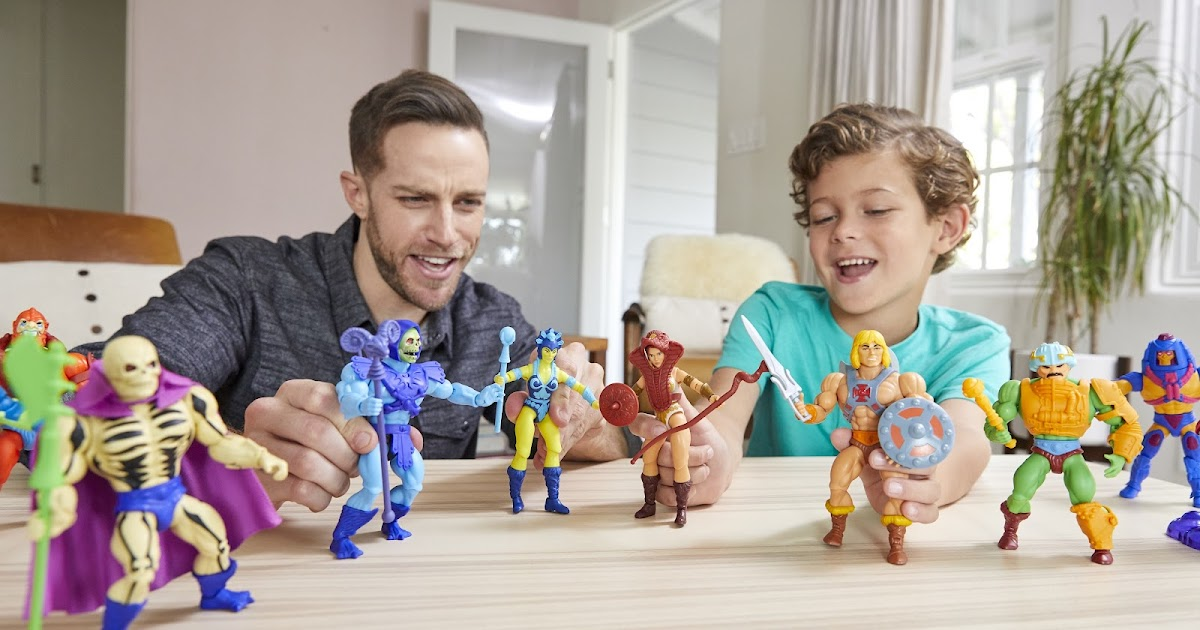
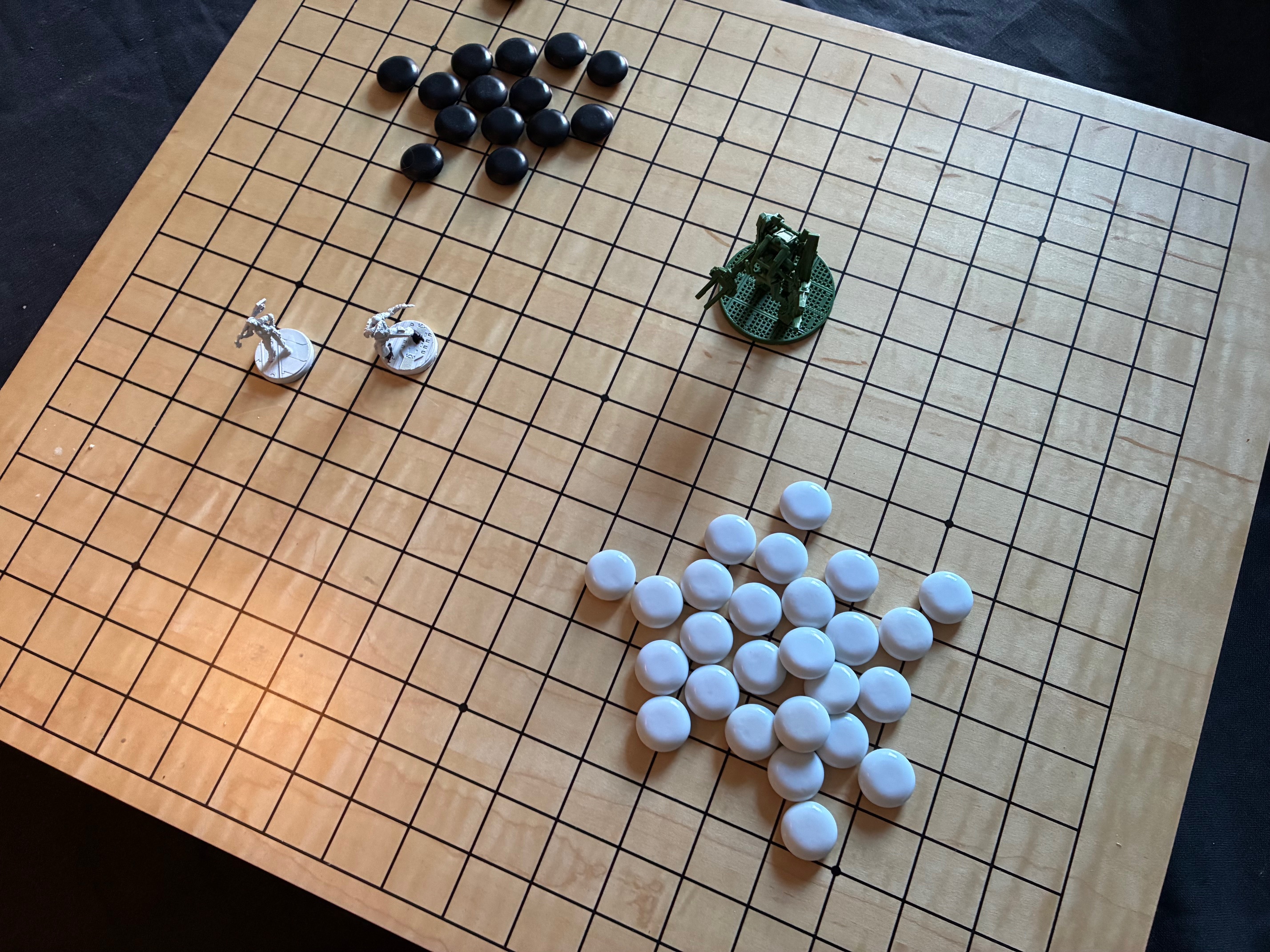
Aesthetics matter. If you want to take shortcuts with how a game feels to play, getting something that looks the part can be a shortcut. Go to your local Dollar Store or second hand shop and pick up some plastic toys or a game with miniatures that are similar to what you are after. They can merely be there to act as center pieces for your prototype.
Boards
The easiest and most efficient reference board that exists is a standard chessboard. Square grid with a manageable size. You can also use a Go board, with the extra benefit that the Go beads also make for excellent proxy components.
Beyond those two, you can really use any other board game board too. Just make sure to remember where you got it from if you want to play those games in the future. Or you can even pick up games with missing parts at yard sales, usually super cheap, and scavenge proxy parts from those.
Maps
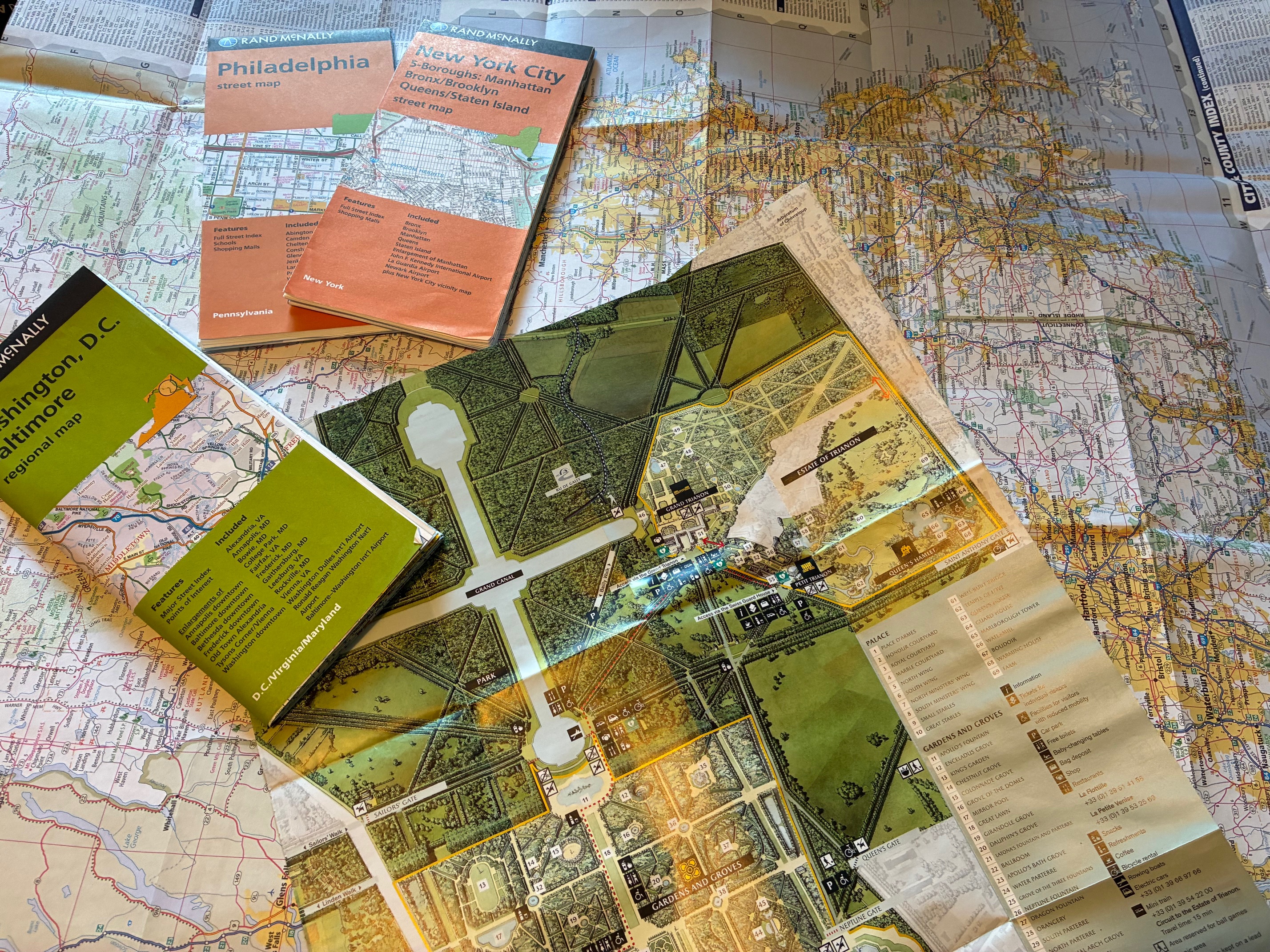
For some types of games, finding a good real-world map, perhaps even a tourist map or subway map, can be an excellent shortcut. Not just for wargames, but for anything with a spatial component. The guide map from a theme park or museum works, too.
Playing Cards
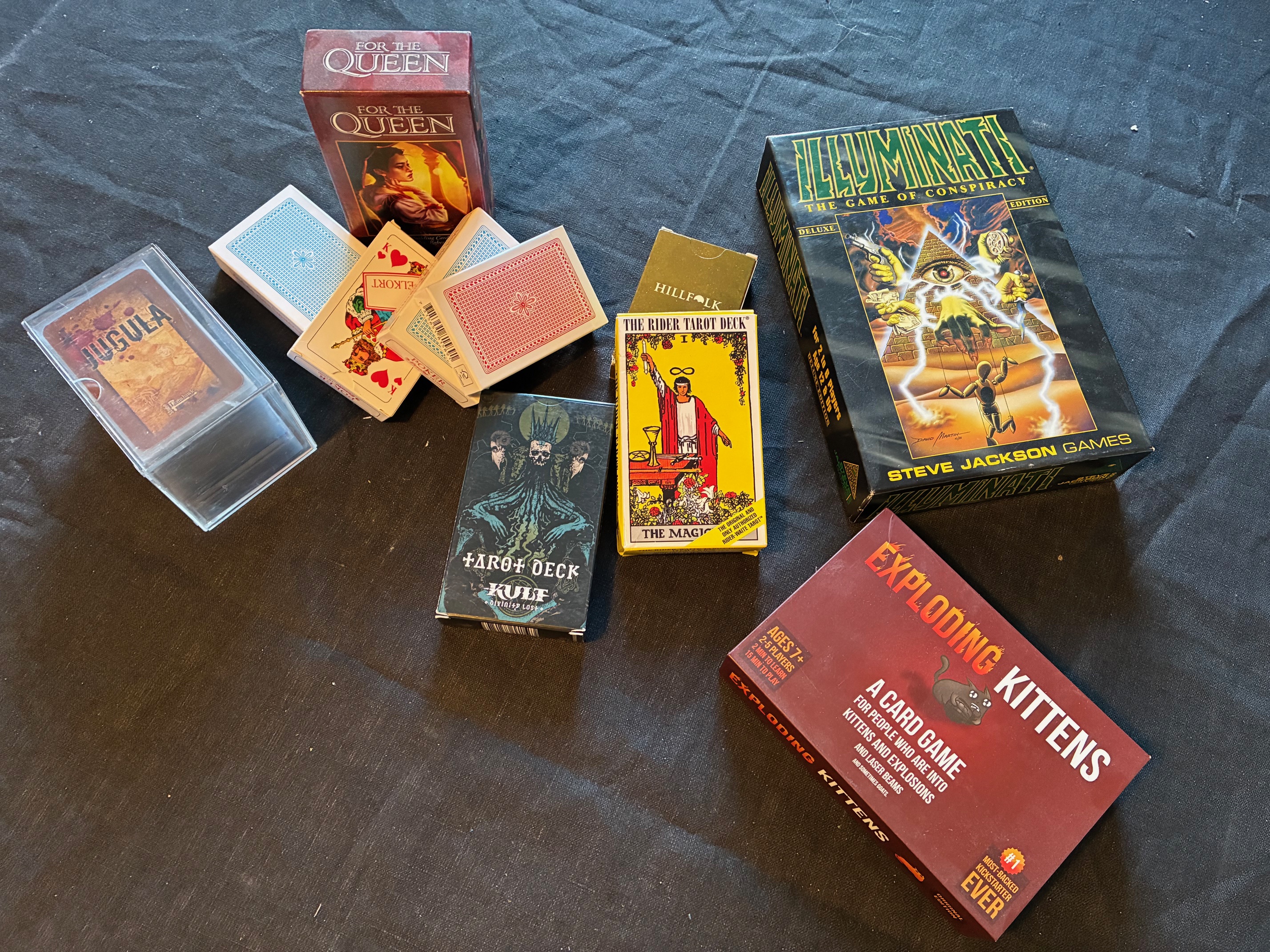
Packs of 52 standard playing cards are fantastic proxies. You can use suits, ladders, make face cards have a different meaning, and much more. Countless prototypes have used these excellent decks to handle anything from combat resolution to hidden information. It’s also possible to go even further, and make your own game use regular playing gards and the known poker combos as a feature. Balatro comes to mind.
Standard Dice
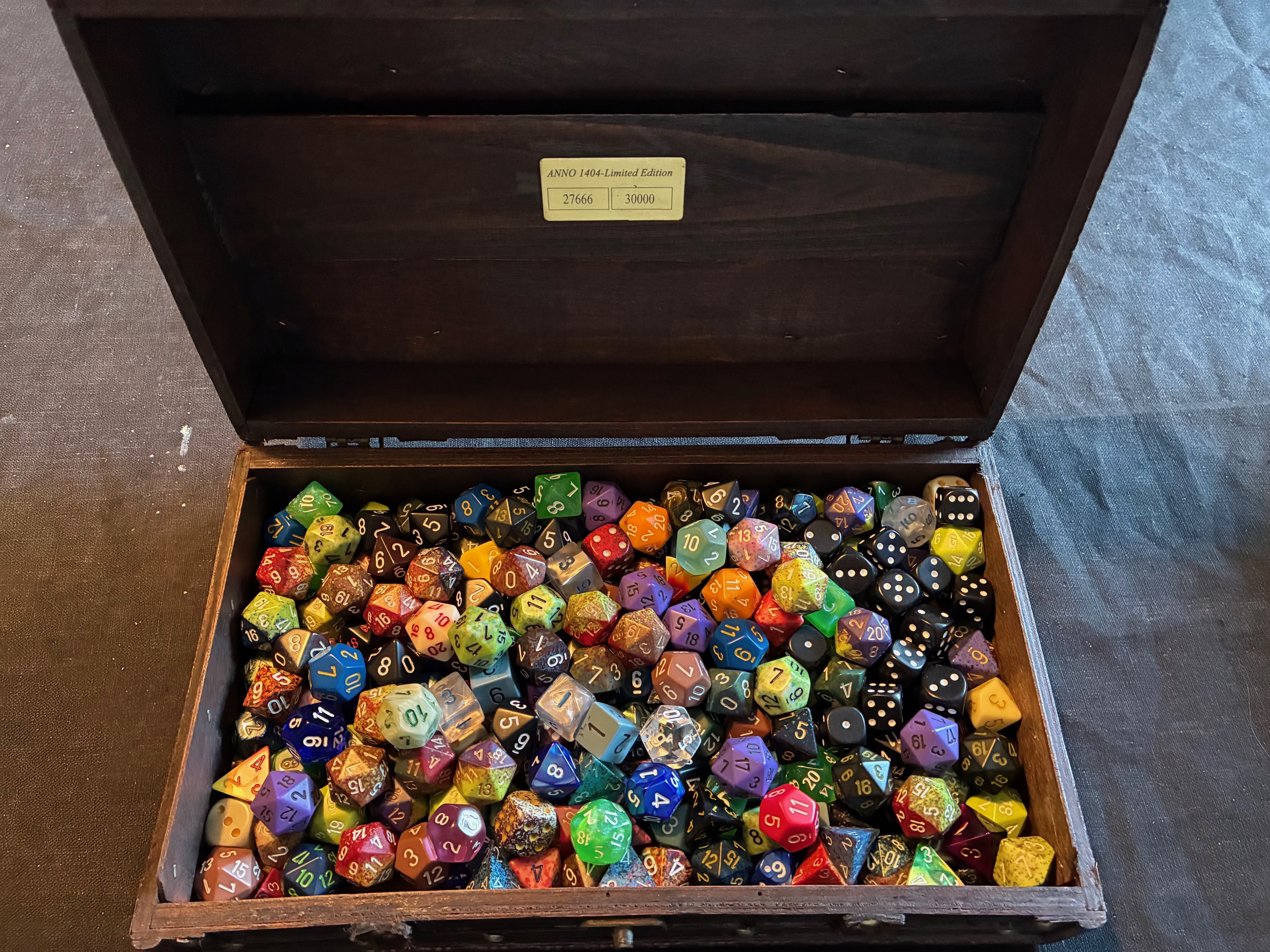
Many families have a Yatzy set lying around, providing you with a small handful of six-sided standard dice. You can do a lot with just this simple straightforward randomisation element. But don’t limit yourself to just six-sided dice, if you don’t have to. Get yourself a set of Dungeons & Dragons polyhedrals and you’ll have four-, eight-, ten-, twelve- and twenty-sided dice rounding out your randomisation armory.
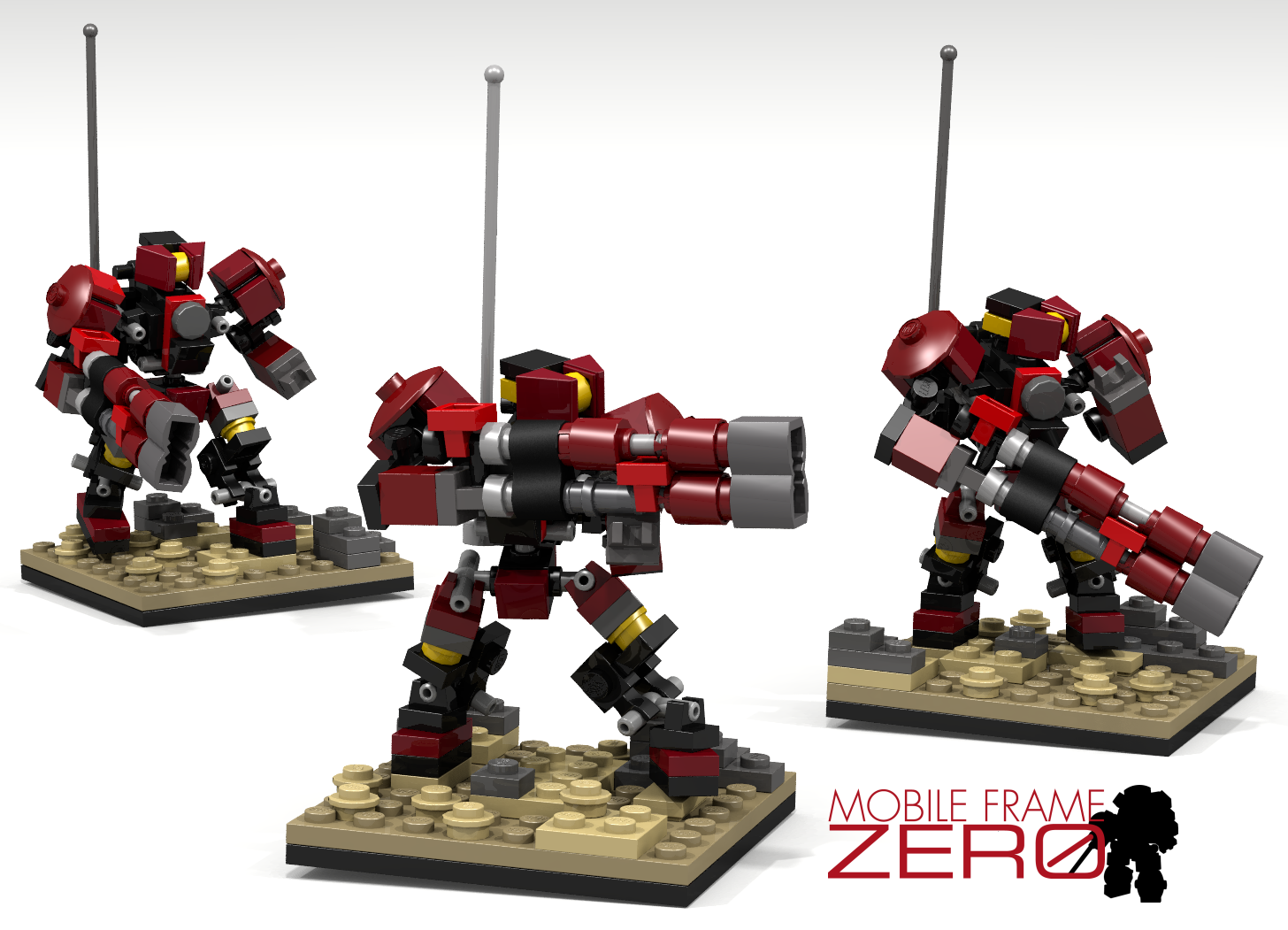
Lego and HeroScape
Just want to make an honorable mention of this fantasy wargame, because of its diversity. You can build all manner of strange scenery from just a core HeroScape set and use it effectively to represent almost anything. The same goes for Lego.
The main issue with these kinds of proxies is that they can take a lot of space. Particularly HeroScape, since it has a predefined scale. With Lego, you just need to figure out a scale and stick to it.
Proxy Mechanics
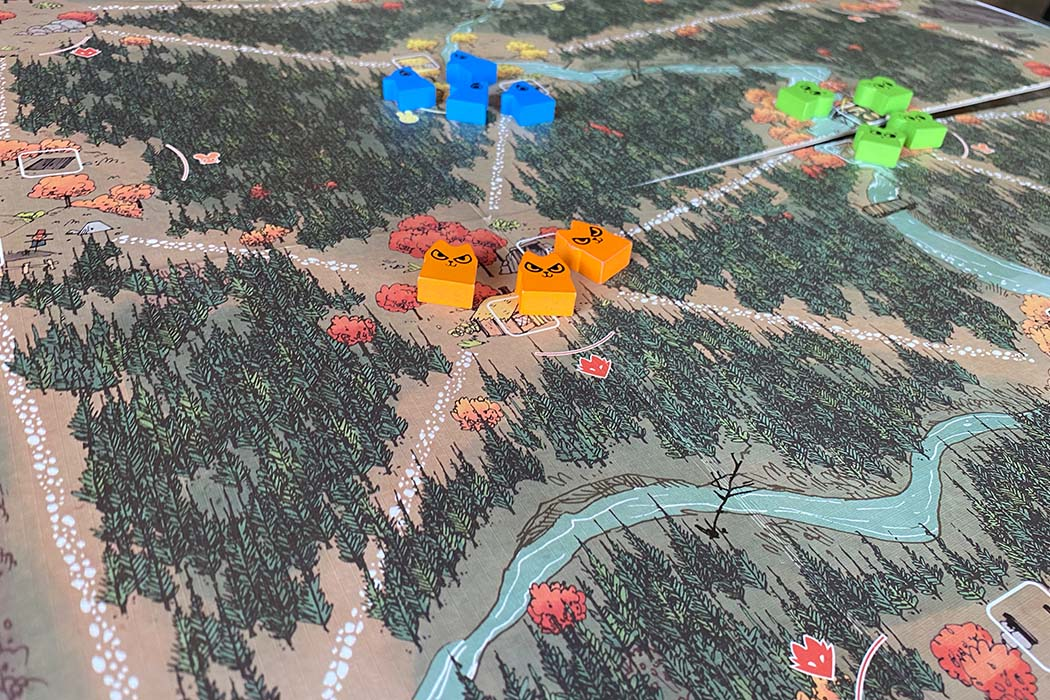
If there’s a game the people you will play with are especially familiar with, you can skip over having to design one of your systems by substituting a mechanic from a game you already know. Say, if you know that you will want to have statistics in your game, you can copy the traditional lineup of six abilities from Dungeons & Dragons, as well as their scale, to get started. Even if you know that you will want a different lineup later, this means you can test elements that are more unique to your game faster.
Miniature Printing
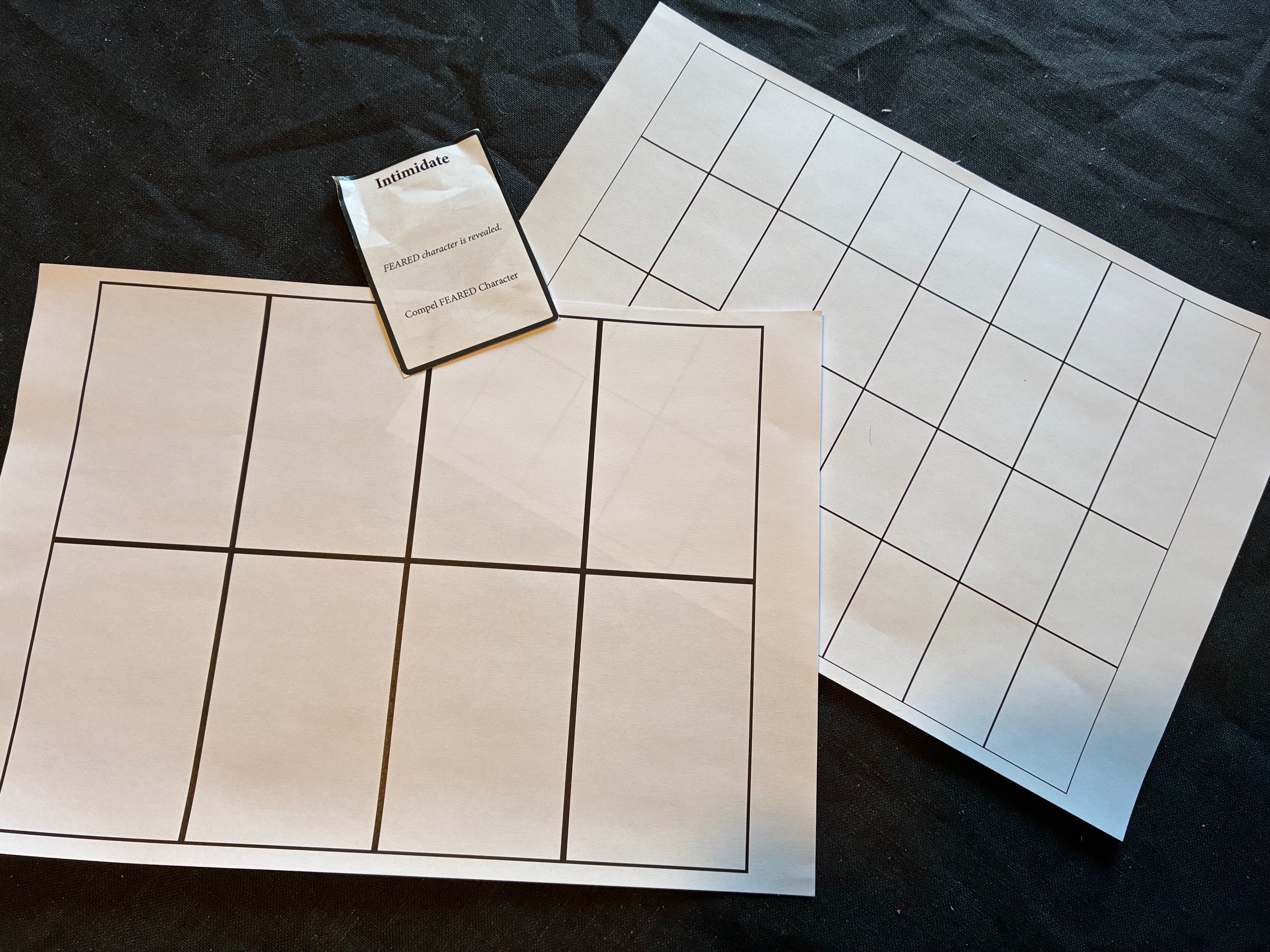
An effective way to minimise cut-and-paste time is to print your cards very small. Preferably so all of them fit on a single piece of paper. They will be a bit trickier to shuffle this way, but that’s rarely an issue in testing. This way, you need less paper and you can cut everything faster. Going from eight cards to a sheet to 32 is a pretty big difference. Just avoid miniaturizing to the point that you need a magnifying glass.
Materials
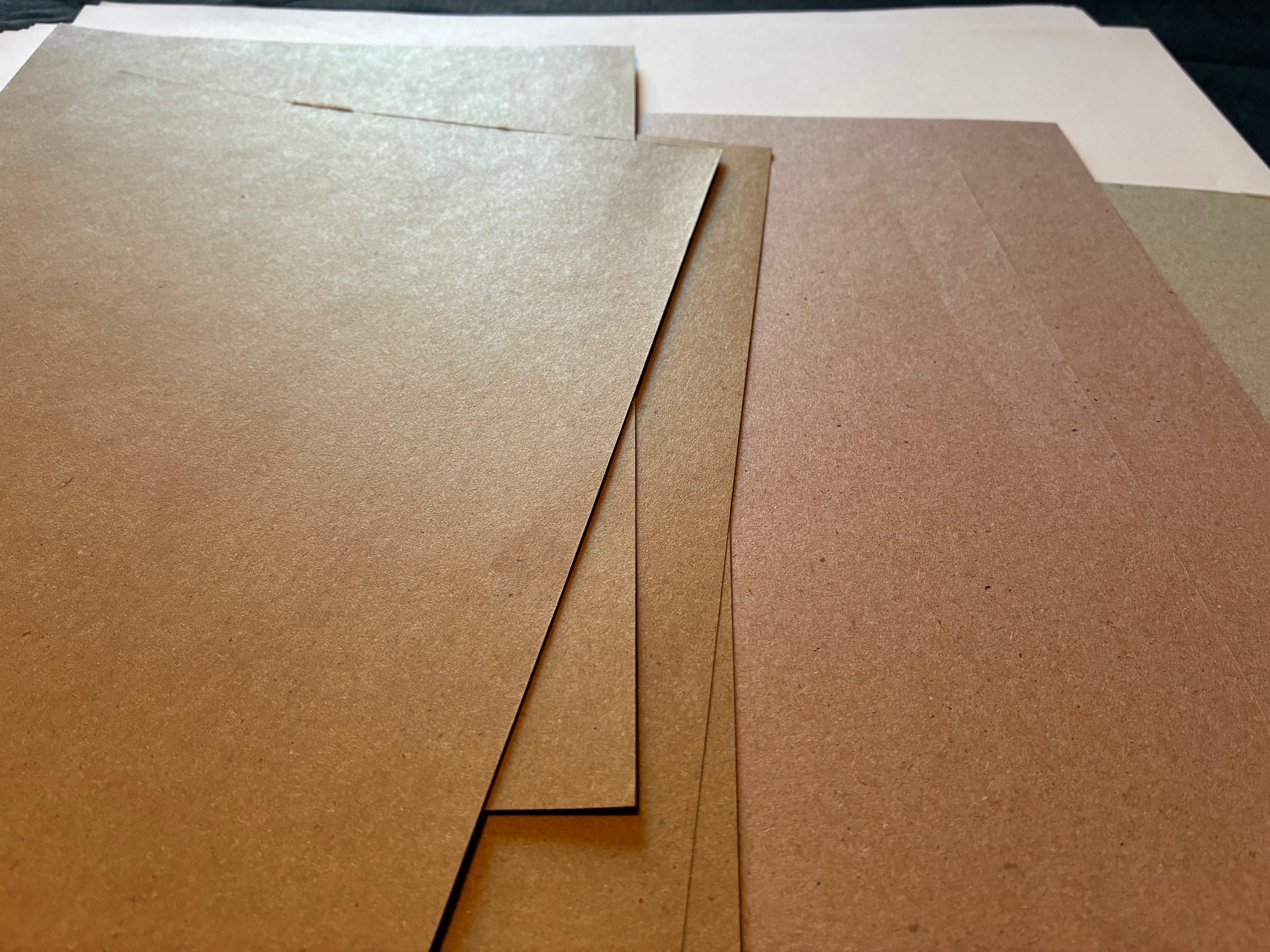
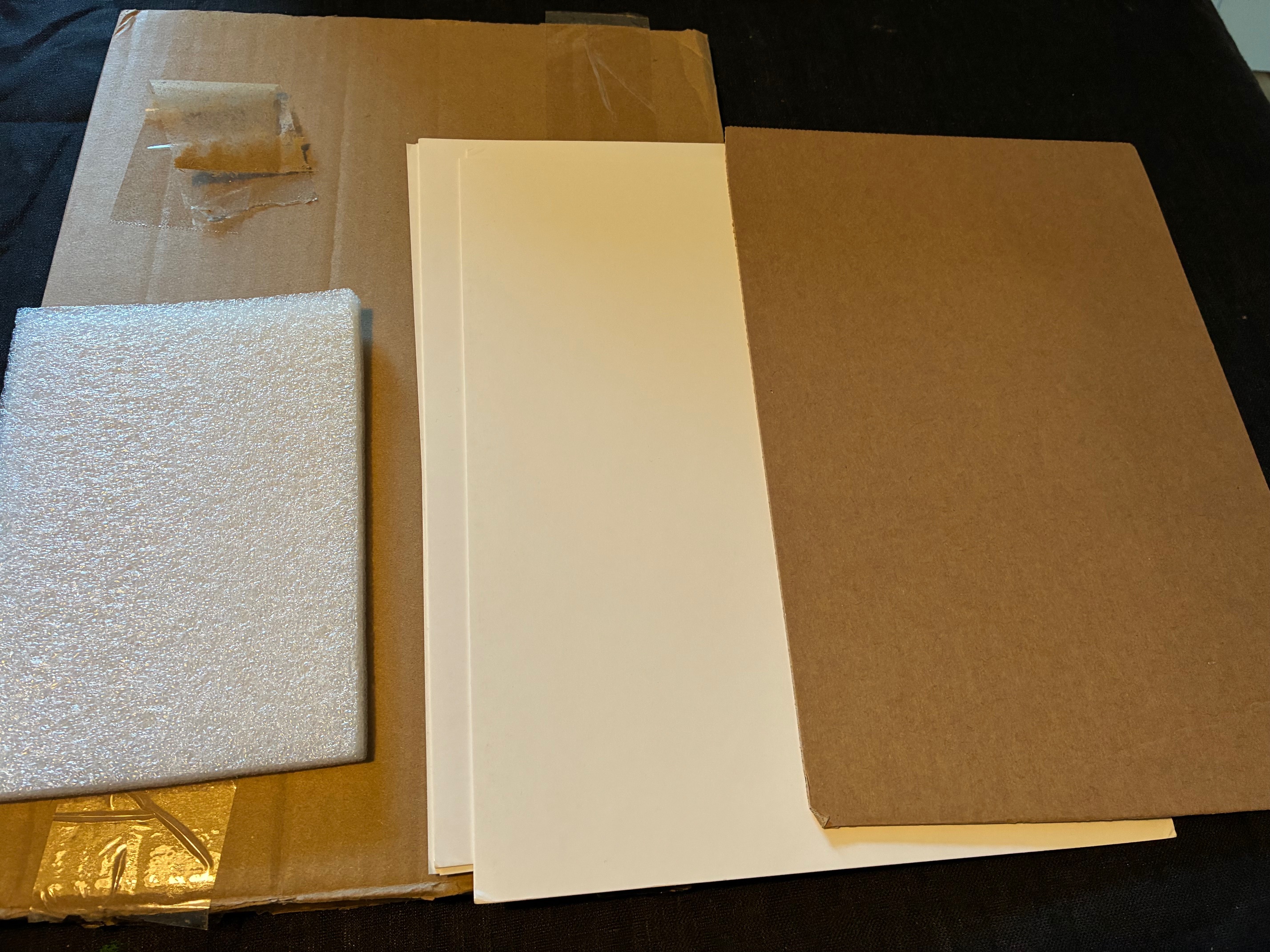
There’s no need to get fancy with real cardstock. Here are some things you can use. I usually just keep any interesting sheets from deliveries I receive. Say, the sturdy sheet of paper used in a plastic sleeve to make sure a comic book doesn’t bend in the mail. Perfect for gluing counters.
Paper
There are three things you need to consider for paper: size, weight, and texture. For size, since I’m in Europe, I use the standardized A-sizes. A0 is a giant piece of paper, A1 is half as big, A2 half as big again, and so on. The standard office paper format is A4, roughly equivalent to U.S. Letter. This can easily be folded into A5 pamphlets. I also keep A3 papers around (twice the size of A4), but those I use to draw on. Not for printing. I don’t have a big enough home to fit a floor printer.
The next thing is paper weight, measured in grams per square meter (GSM). Most home printers can’t handle heavier paper than 120-200 GSM. I always keep standard paper (80 GSM) around, and some heavier papers too. If I print counters or cards I sometimes use the sturdier stock. For reference, Magic cards are printed on 300 GSM black core paper stock. The black core is so you can’t see through the card and is taken directly from the gambling circuit.
Lastly, the paper’s texture. If you want to work a little on the presentation, it can be nice to find paper canvas, or other sturdier variants. I’ve found that glossy photo paper is almost entirely useless in my own printer, however, always smearing or distorting the print. So when I buy any higher-GSM paper I try to find paper with coarser texture.
Cardboard
There are many different kinds of cardboard, and you should try to keep as many around as possible. Some can be good for gluing boards or counters onto, while others can help make your prototype sturdier. This isn’t as important as paper, but gets used frequently enough that it felt worth mentioning.
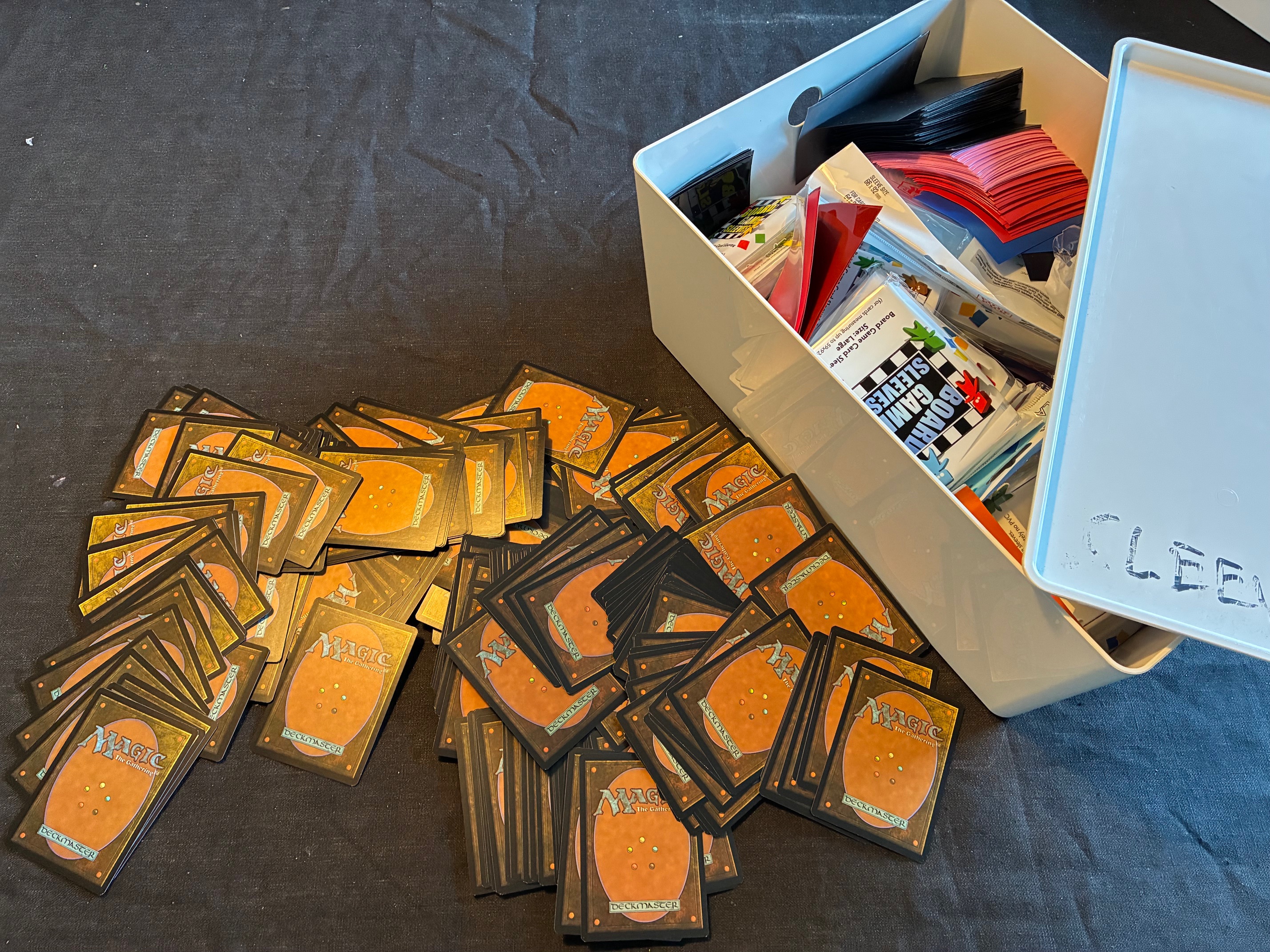
Cards and Card Sleeves
There will be a lot of rambling about cards later, and how to use them. For now, I only refer to loose cards you can use to prop up your thin paper printouts. These are not strictly necessary, but make shuffling easier.
I don’t play much Magic: The Gathering anymore, but I still have lots and lots of leftover Magic cards, so those are the ones that get used as backing in most of my prototypes.
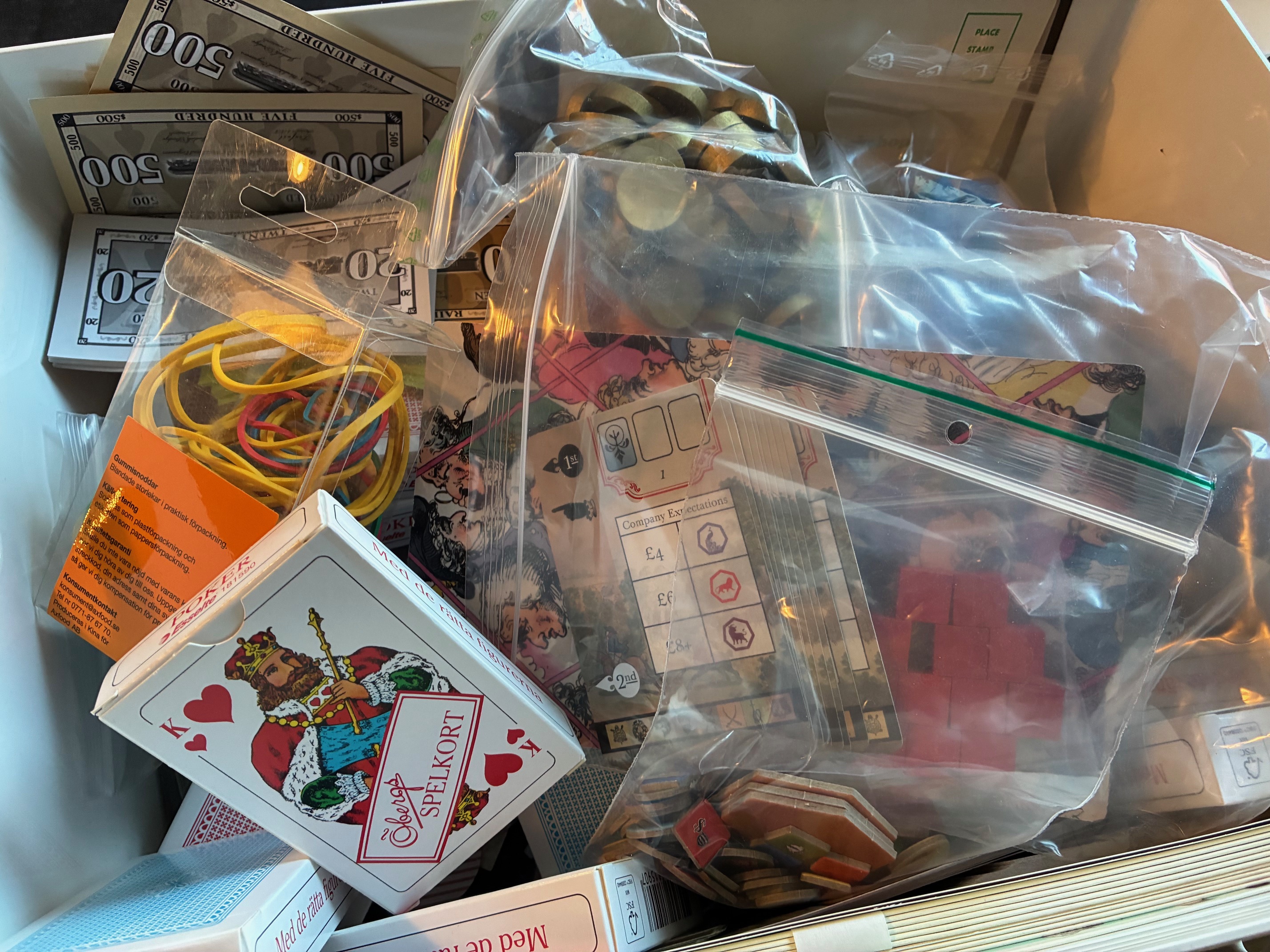
Components
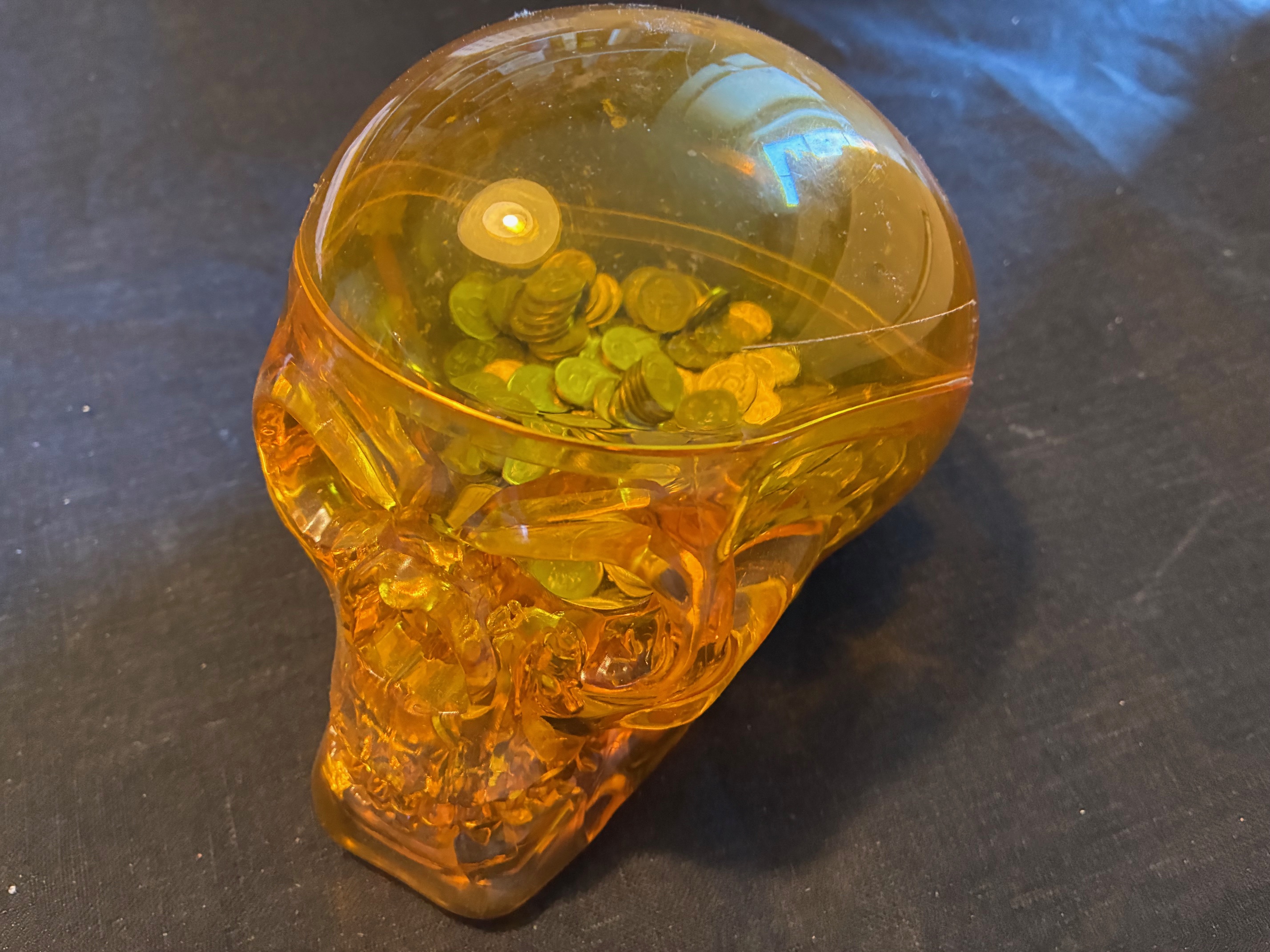
You can cheaply buy colored wooden cubes as well as glass and plastic beads in bulk. It’s not always obvious what you may need, so keeping some different types around can be helpful. More specific pieces, like coins or pawns, can also be useful but unless these components provide unique affordances the kinds of components you have access to is rarely important. It’s usually enough to be able to move them around and separate them into groups.
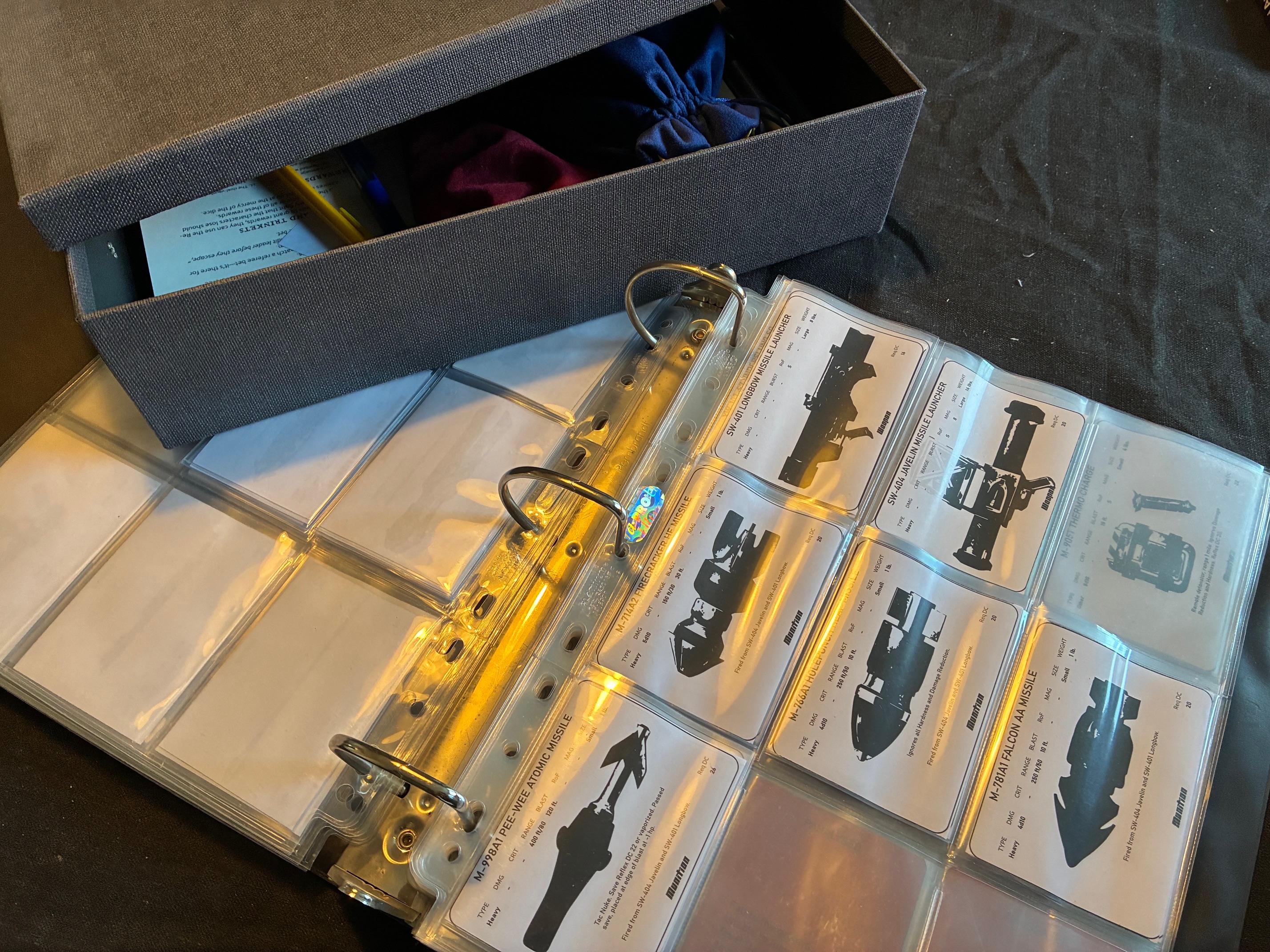
Binders and Boxes
Storage is another thing that needs solving. If you mostly print paper and iterate on rules, a binder can be quite helpful. Especially paired with plastic sleeves so you can group iterations of your rules together and store them easily. If you also need to transport your prototypes, the kinds of storage boxes you find in office supply stores will have you sorted.
Tools
You can push your analogue prototyping really far and build a whole workshop. A 3D printer for making scenery and miniatures, a laser cutter for custom MDF components, and a big floor-sized professional printer that takes over a whole room. If you have the space and the resources for that, you do you, but let’s focus on the smallest possible toolbox for making analogue prototypes.
Printer
If you want to buy a printer, you just need to be aware that all of them have the same problems of losing connections and failing to print still to this day. Those same problems that have plagued printers since forever.
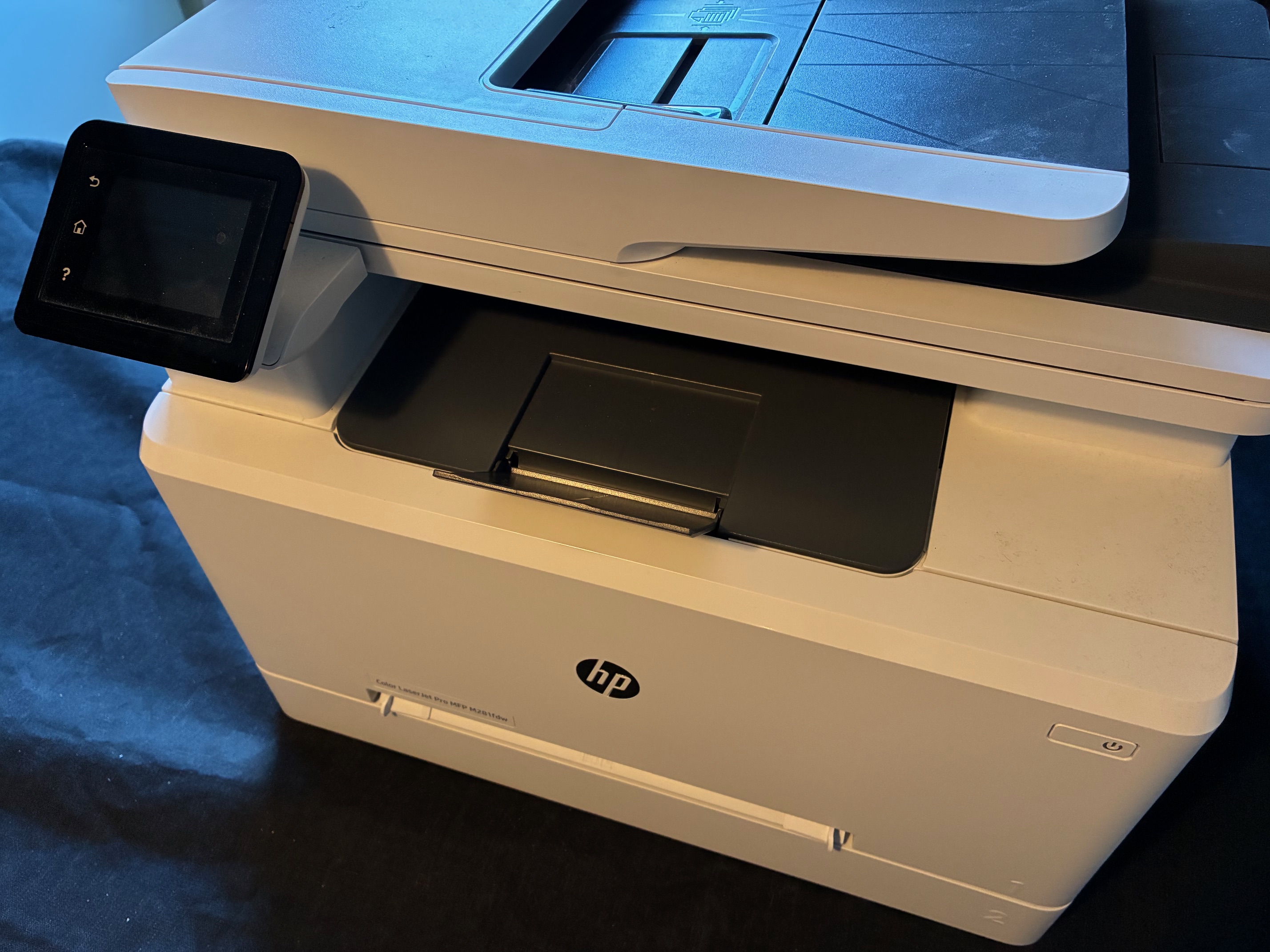
I use a laser color printer with duplex (double-sided) printing support and the ability to print slightly heavier paper, up to 220 GSM. This has been more than enough for my needs. Specifically the duplex feature helps a lot if you want to print rulebooks.
Pens and Pencils
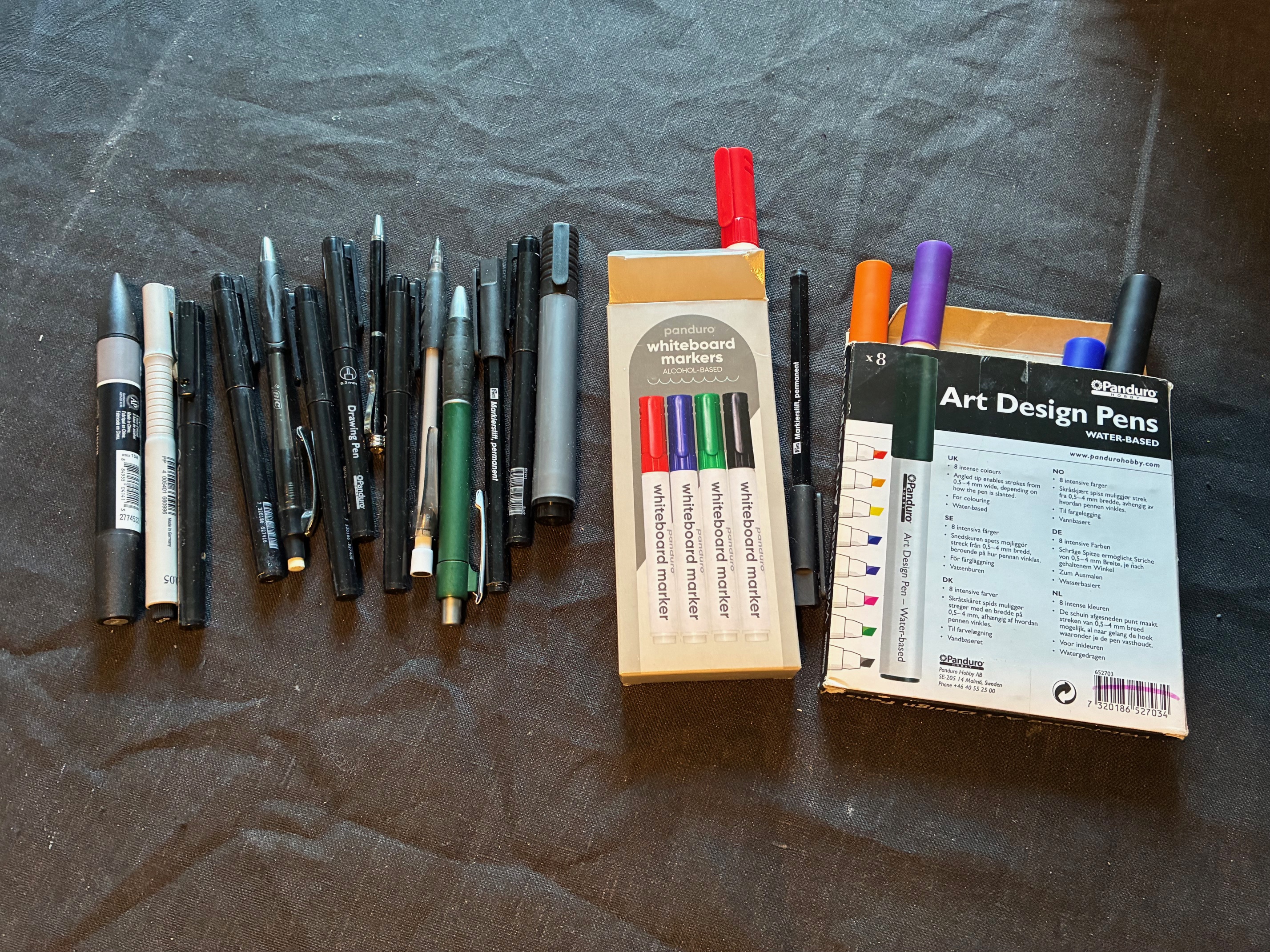
Having a good store of pencils and pens, including alcohol- and water-based markers, is more than enough. You can go deeper into the pen rabbit hole by looking at Niklas Wistedt’s spectacular tutorial on how to draw dungeon maps: it’ll have you covered in the pen and pencil department.
Clips, Clamps, and Rubber Bands
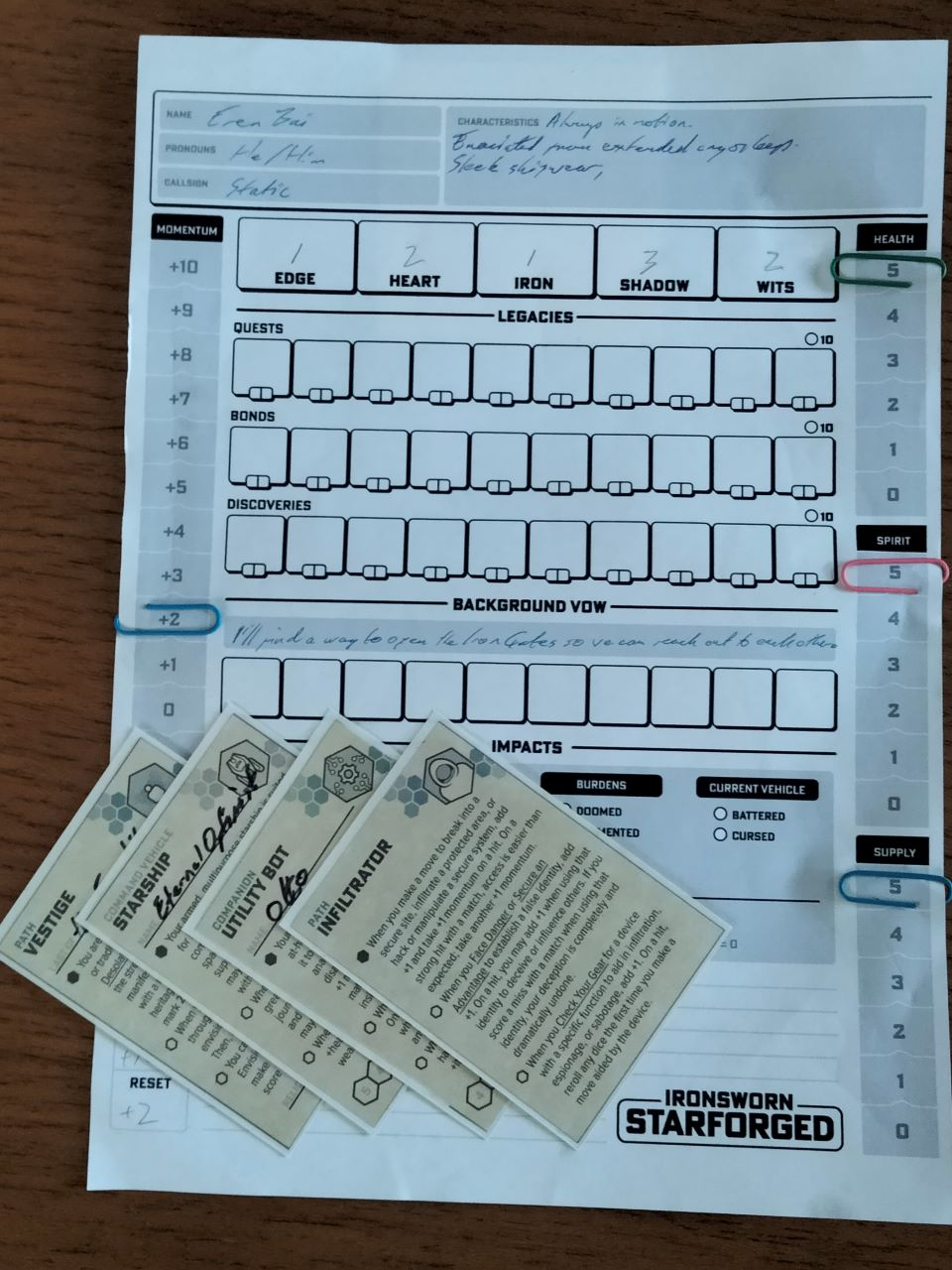
Some tools you keep around to hold piles of paper or cards together. Paper clips are extra handy, because they can also be used as improvised sliders pointing at health numbers or other variables. Rubber bands are handy for keeping decks of cards together inside a box and for transportation.
Scissors
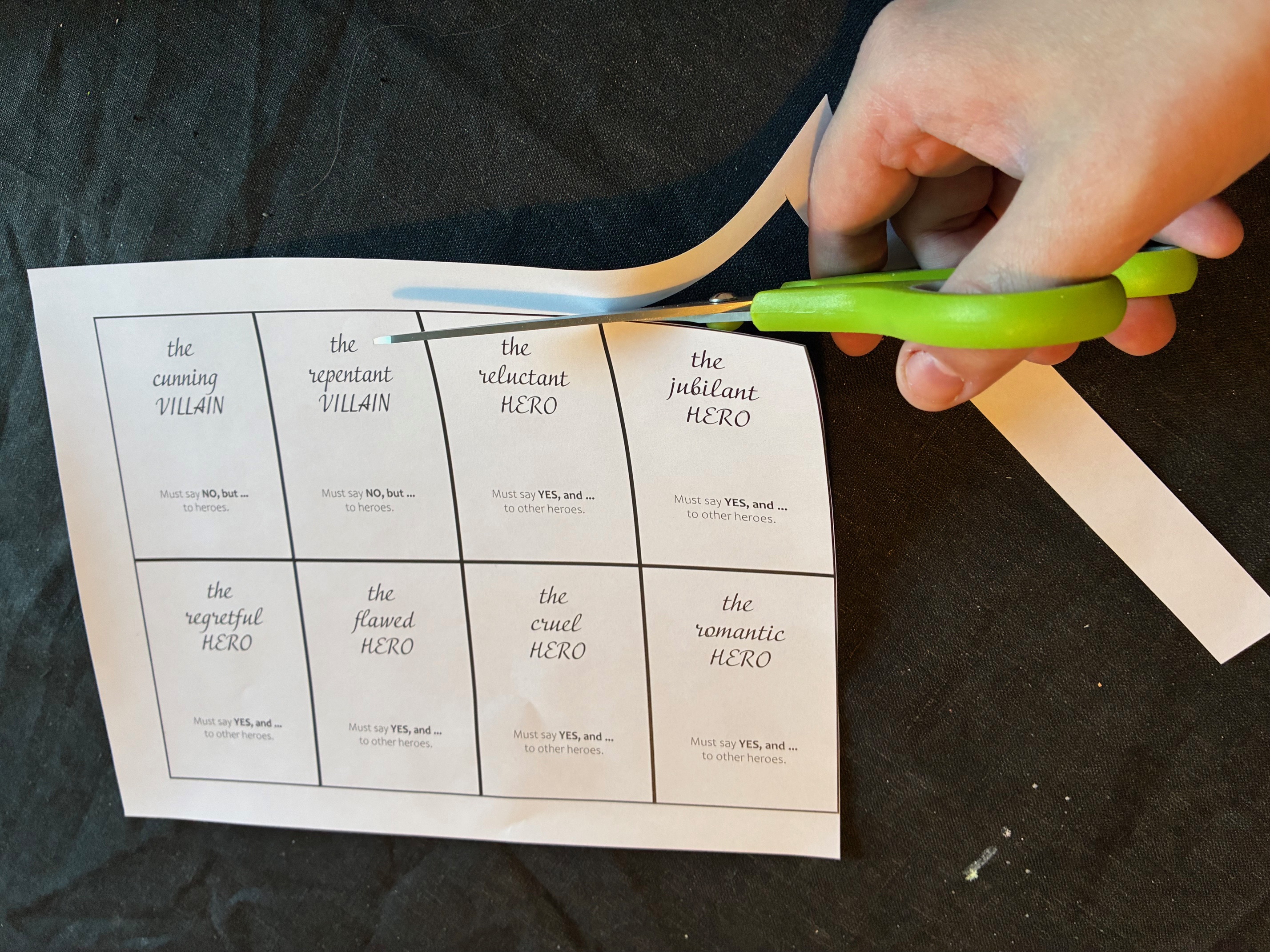
Almost every paper-based activity without decent scissors on hand will be a futile effort. Just beware that cutting things out by hand takes more time than you think. If you have a game with many cards, you may have to put on a couple of episodes of your favorite show as you cut them out.
Cutting Tools
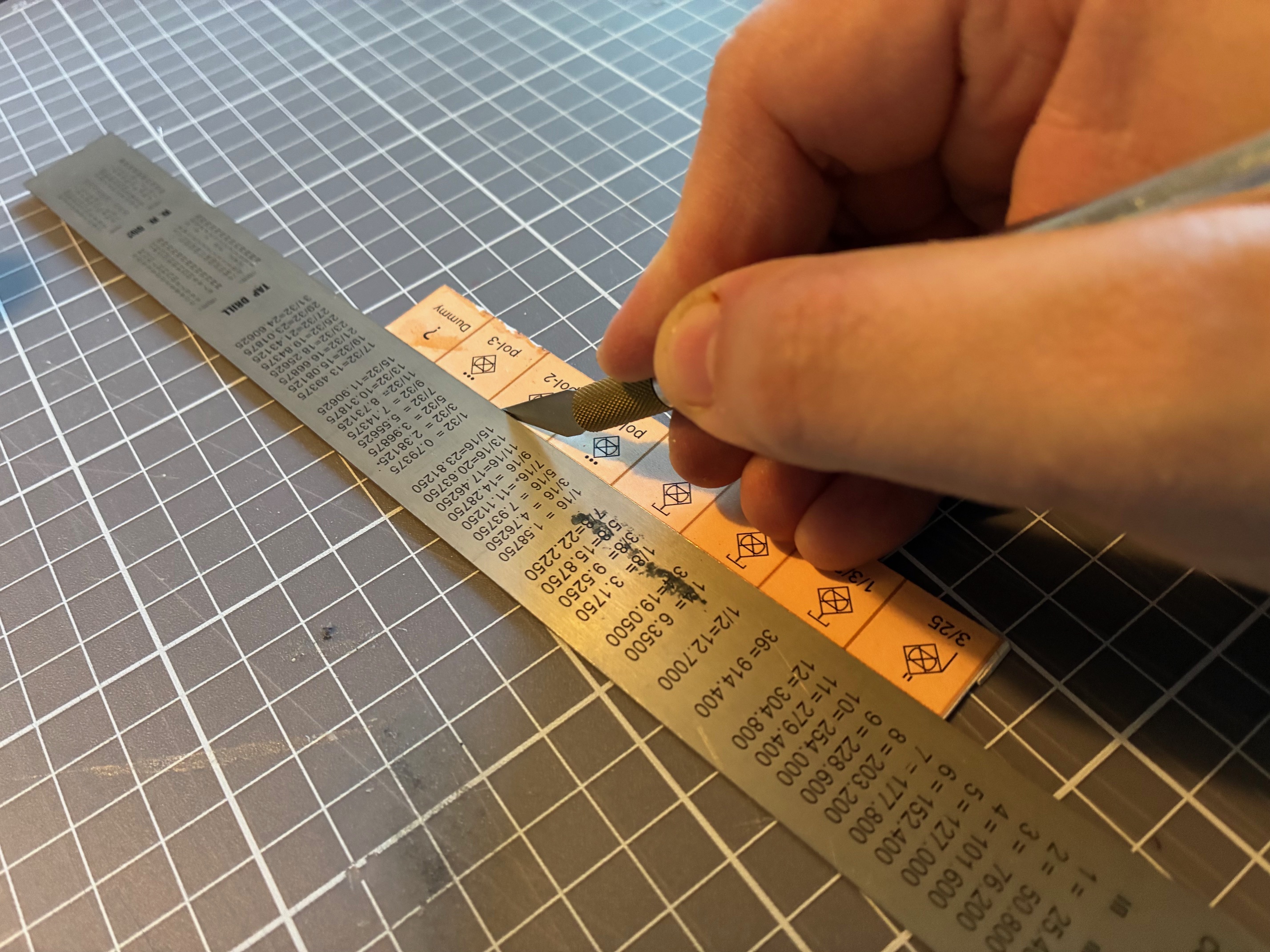
If you need more precision than scissors can provide, the next rung on the cutting lader is to get a proper cutting mat, a steel ruler, and a set of good sharp knives. These can be craft scalpels, metal handles with interchangeable blades (Americans insist on calling these “x-acto knives”), or carpet knives.
Staplers
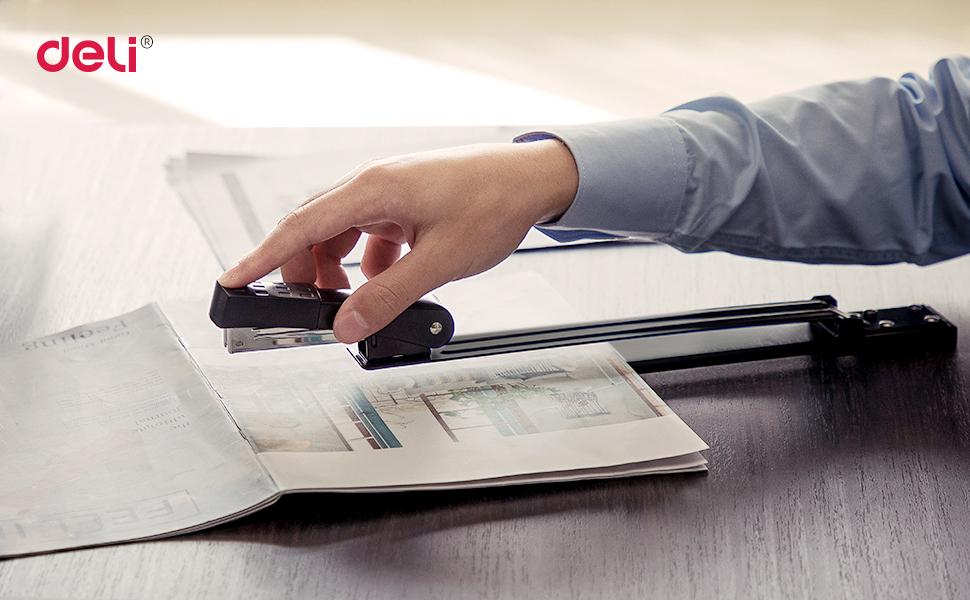
Once you have rules and test documents printed, you’ll quickly disappear under a veritable ocean of paper. Though smaller sheafs can be pinned together with a paper clip, staplers are even better. A standard small office stapler is enough. But if you want to staple booklets and not just sheafs, it can be worth it to get a long-reach stapler capable of punching 20 sheets or more.
Adhesives
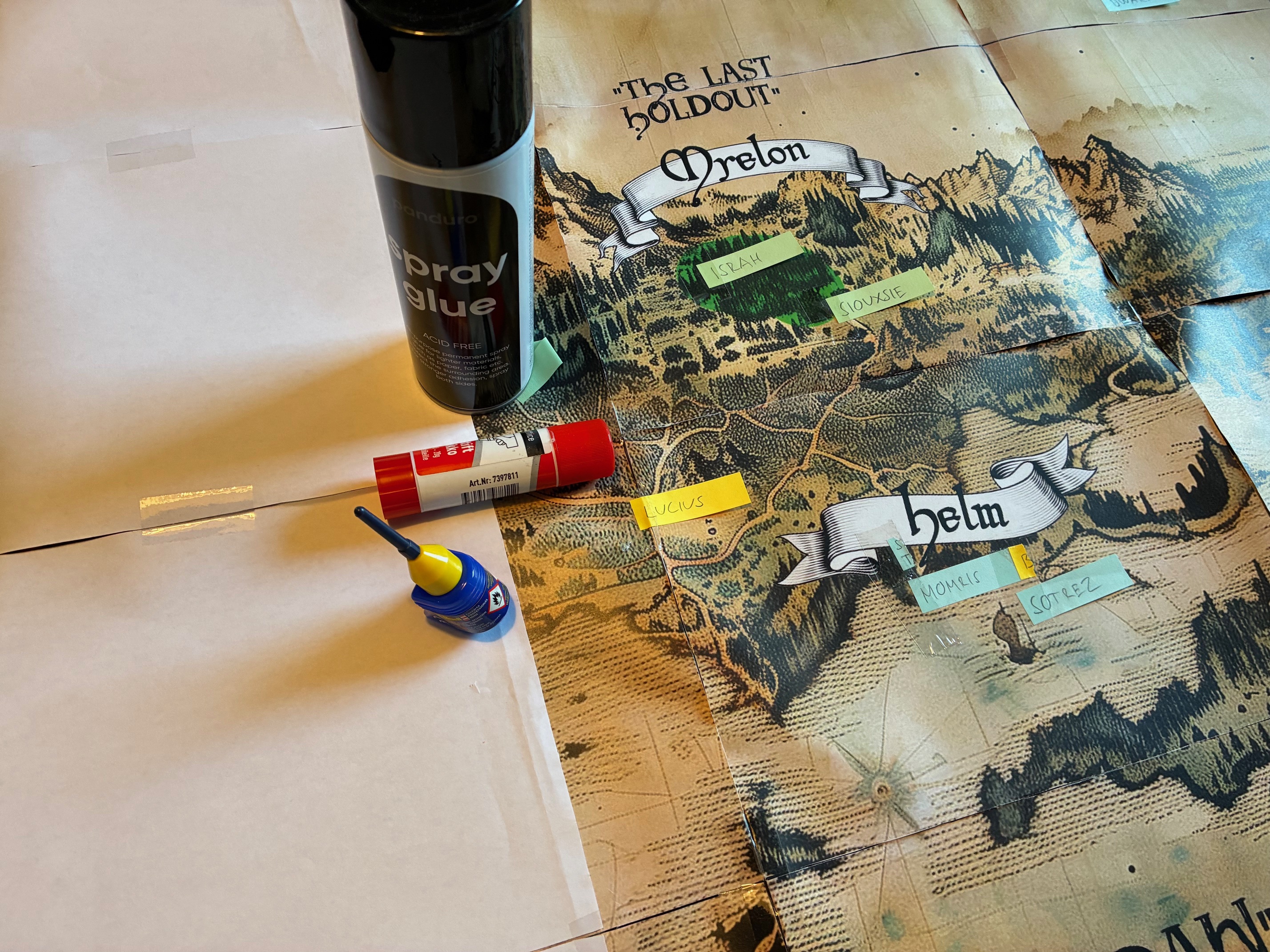
Attaching paper to other paper can be done in more ways than with clips or staples. Sometimes you want to use glue or adhesive tape. Keeping a standard gluestick and a can of spray glue around is perfect. Regular tape and double-sided tape is also great for many things, even if the main use for tape can just be to make larger scale maps out of individual pieces of paper.
Paper Guilloutine
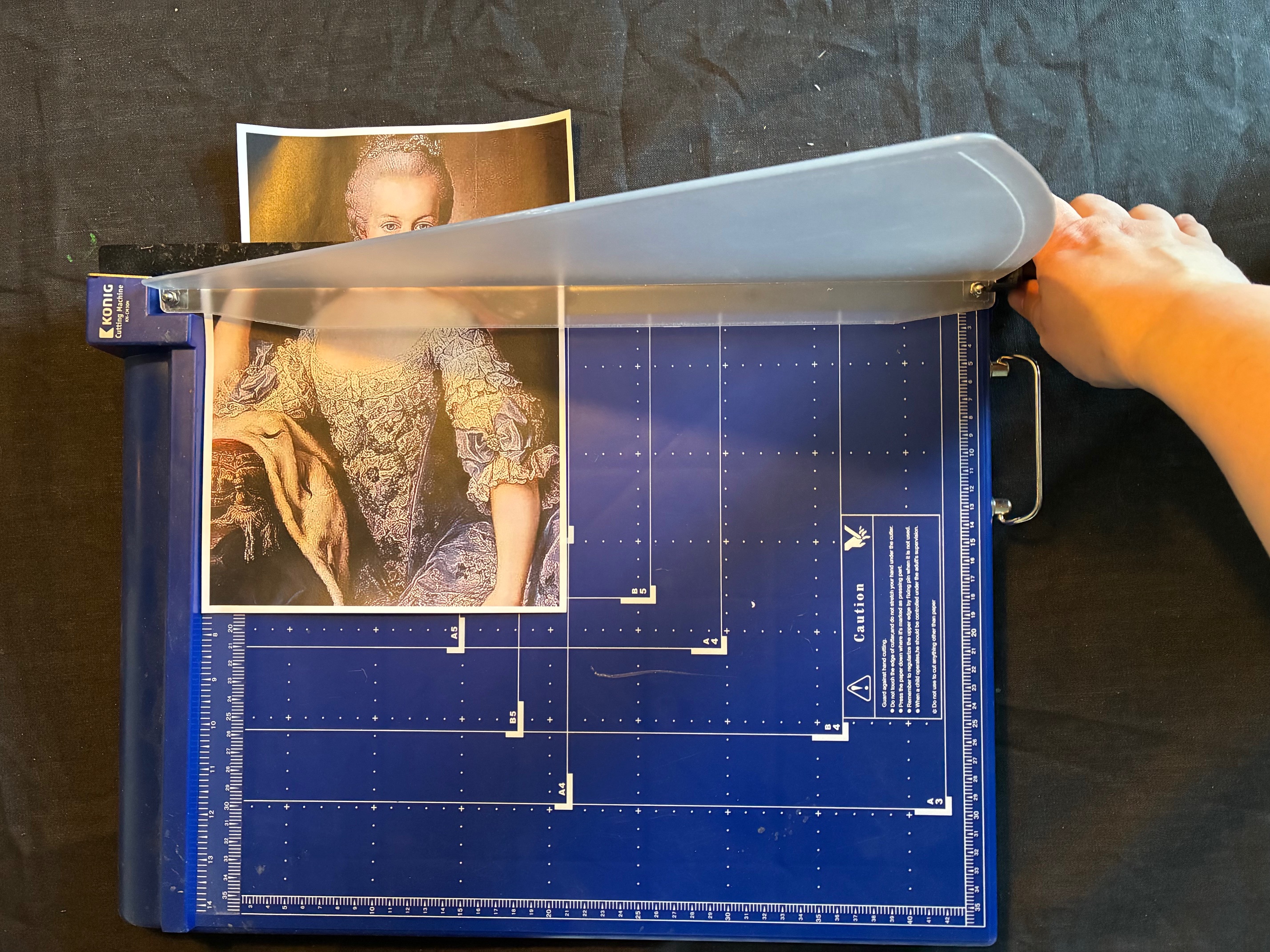
As mentioned previously, it can take some time to cut out all the cards you want to print. You can cut this time down to a fraction, metaphorically and physically, by getting a paper guilloutine. These can usually take a few sheets at a time and will give you clean cuts along identified lines. Yelling “vive la France” when you drop the blade is optional.
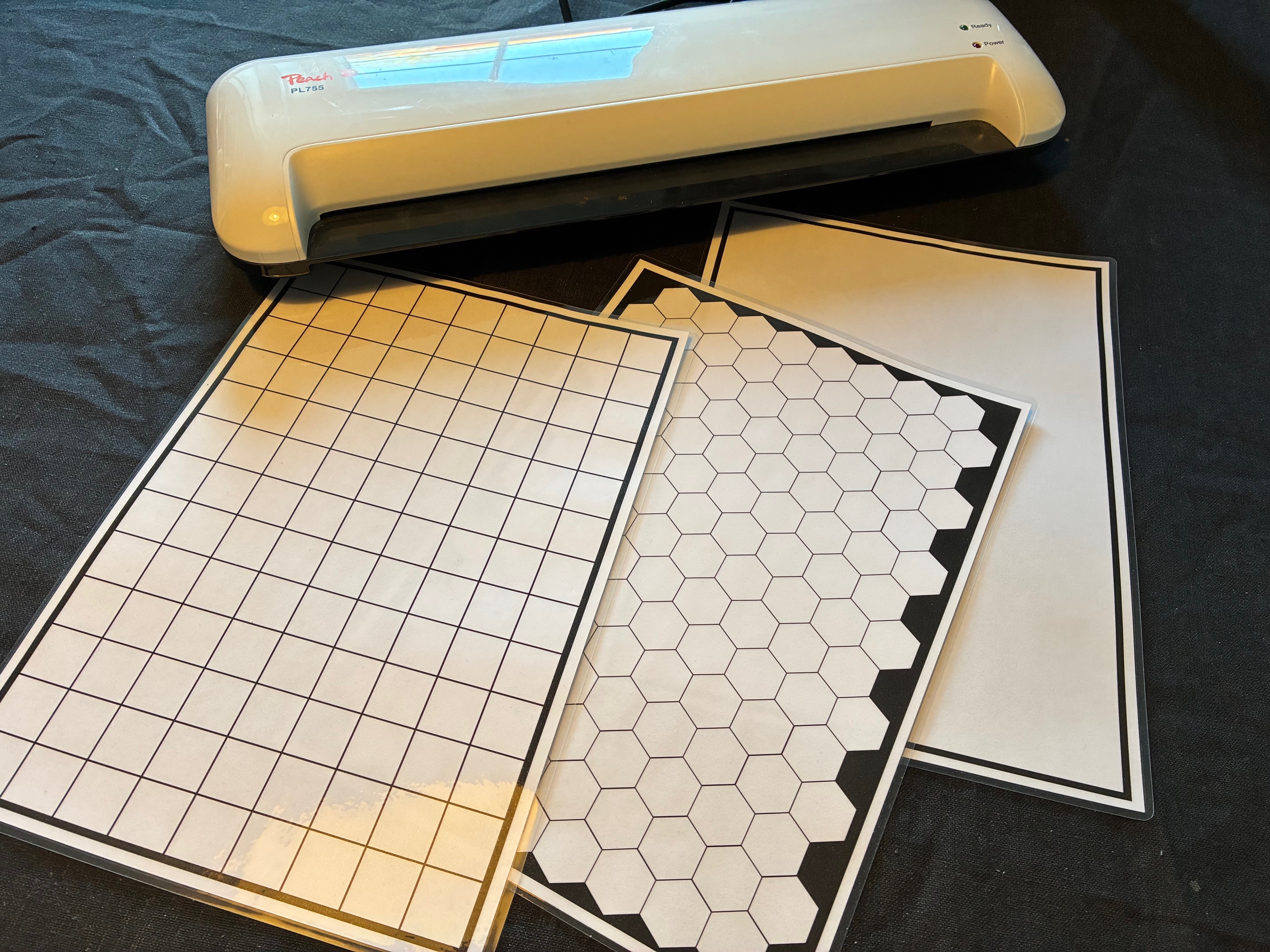
Laminator
Lastly, a more decadent piece of machinery that isn’t strictly needed is a paper laminator. These will heat up a plastic pocket and melt the edges together to provide the paper with a plastic surface. It makes the paper much sturdier and has the added benefit of allowing you to use dry erase markers to make notes and adjustments right on the sheet itself.
Software
There is a lot of software out there that can be used to make cards, boards, illustrations, and whatever else you may need. The following is merely a list of what I personally use.
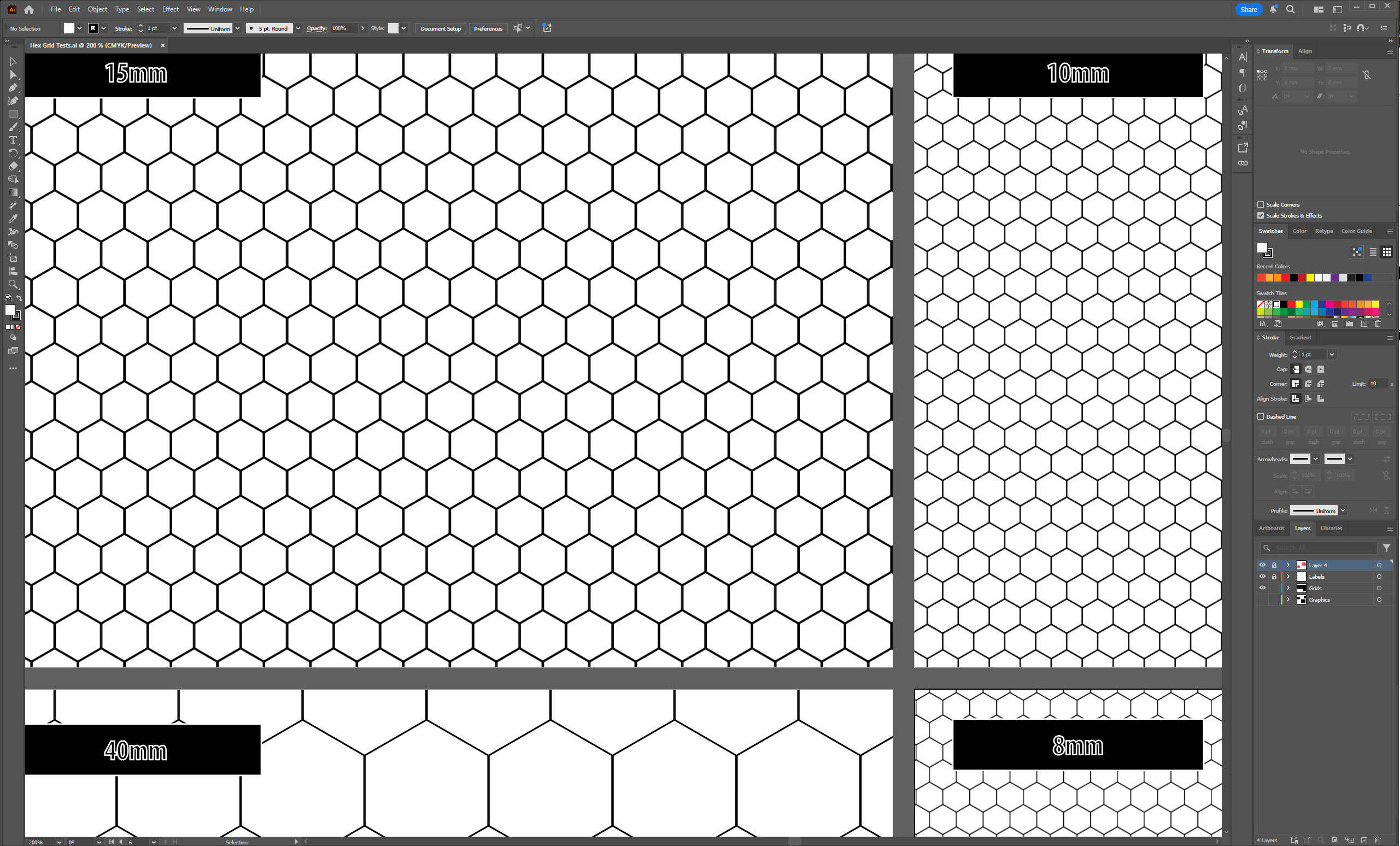
Illustrator
Since you will often want to test things at different sizes, vector graphics are generally more useful for board game prototyping than pixel graphics. This is by no means a hard rule, but resolution of pixel images tends to limit how large you can scale them, while vector graphics have no such limitations. My go-to for vector graphics is Illustrator, but there are free alternatives like Affinity available as well.
Indesign
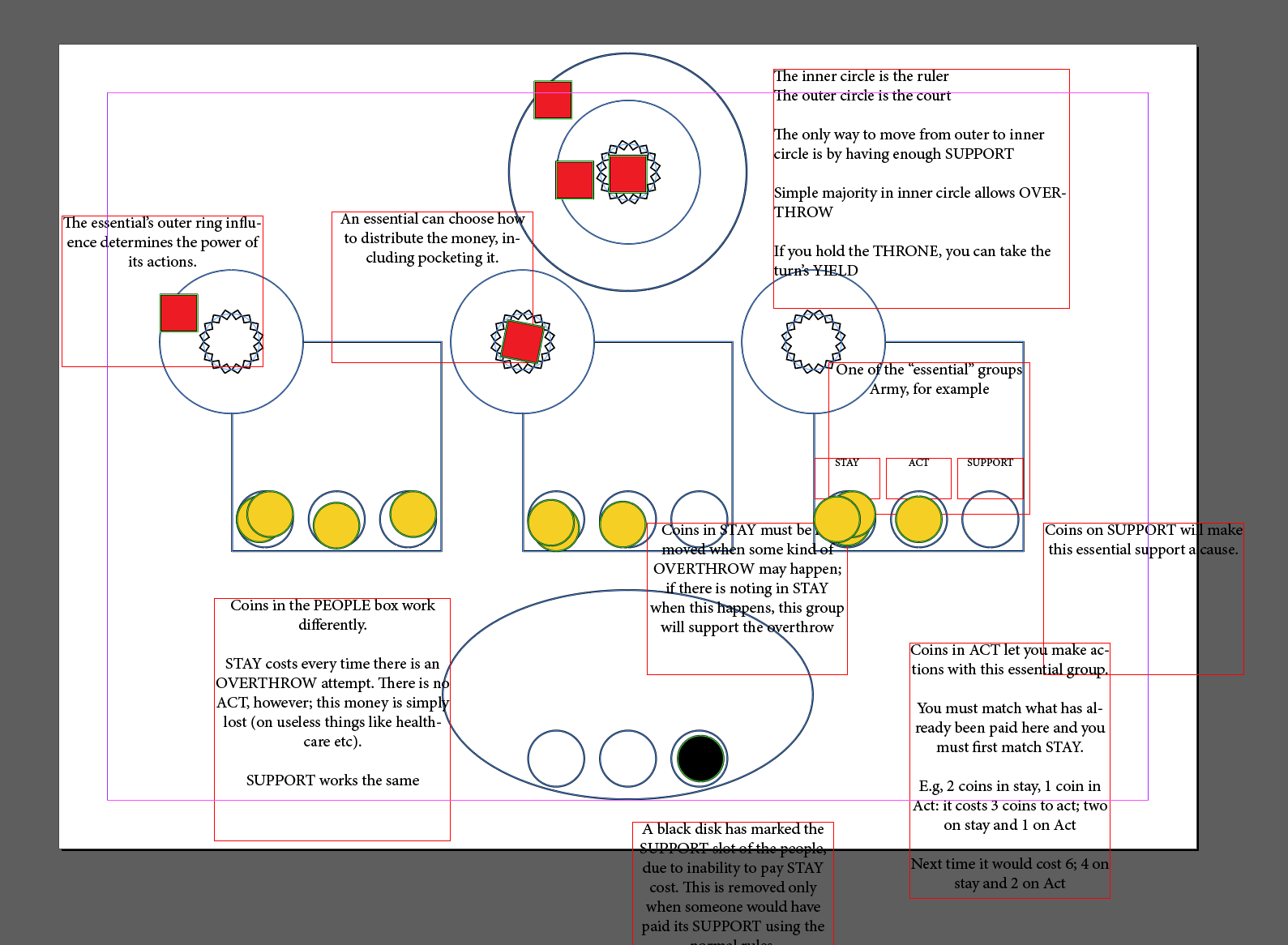
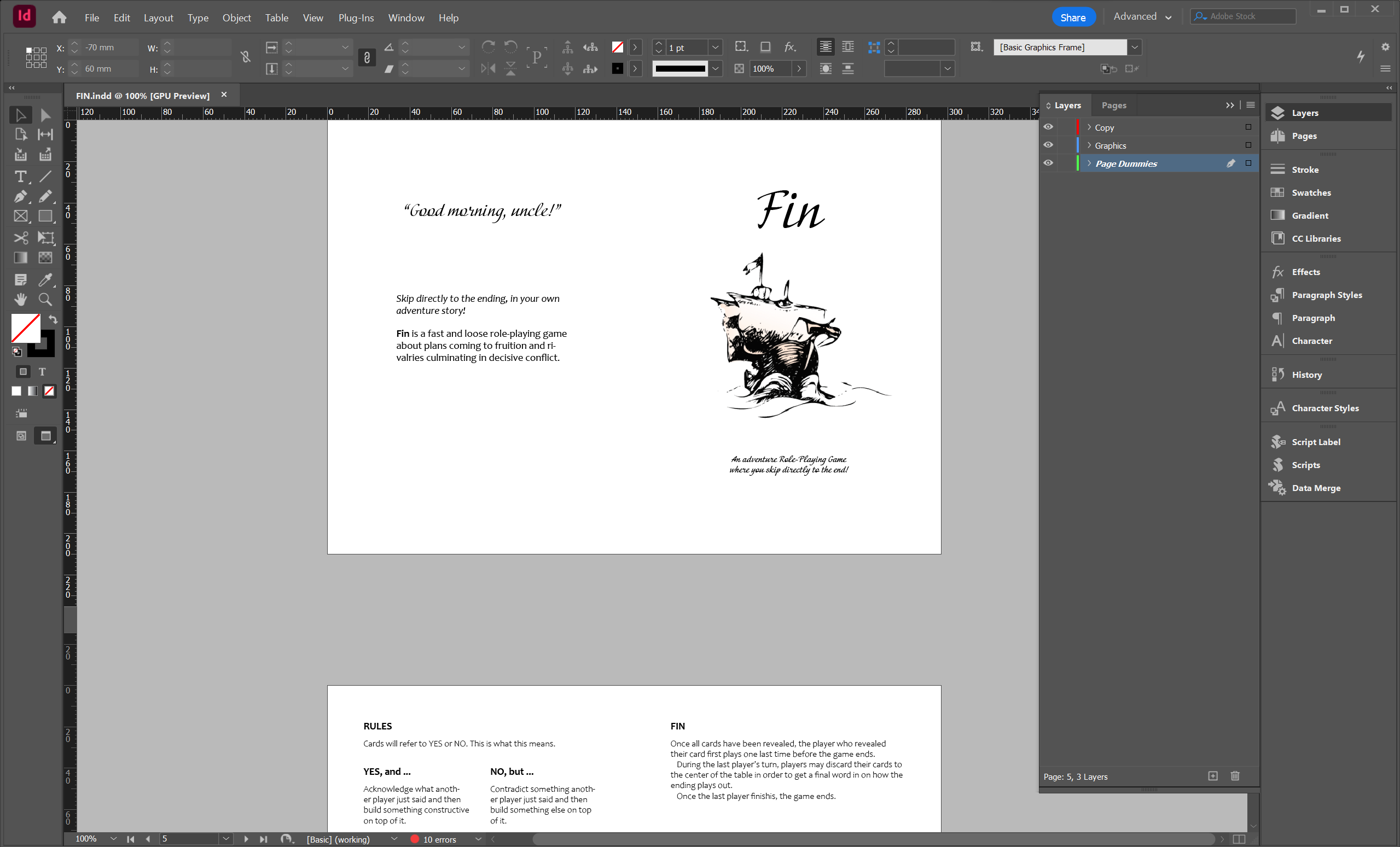
My other go-to piece of software for analogue shenanigans is InDesign, another Adobe program that can also be replaced by Affinity. I’m just personally too stuck in the Adobe ecosystem, after decades of regular use, that it’s too late for me to switch. You can’t teach an old dogs new tricks, as the saying goes. Indesign is great for multiple reasons. Not least of all its ability to use comma-separated value (CSV) files to populate unique pages or cards with data. A feature called DataMerge.
Spreadsheets
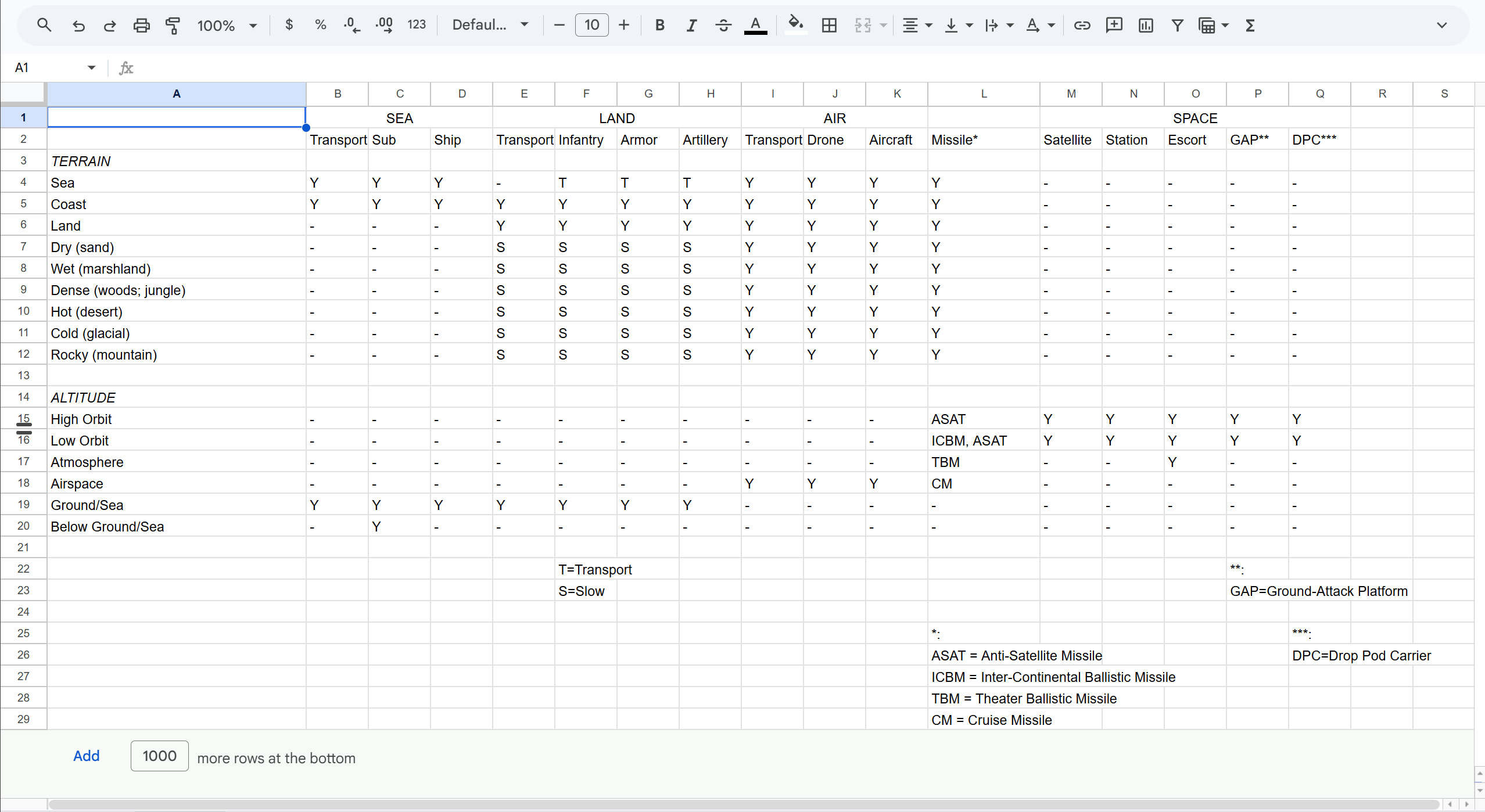
Speaking of spreadsheets, all system designers have a lovely relationship to their tool of choice. This can be Microsoft Excel, OpenOffice Calc, or Google Spreadsheets, but the many convenient features of spreadsheets are a huge part of our bread and butter. I don’t even want to know how many sheets I create in an average year.
Very broadly speaking, when making an analogue prototype, I will make use of spreadsheets for these reasons:
- Listing all the actions, components, elements, etc., that are relevant. Just getting things into a list can show you if something is realistic or not.
- Cross-matrices for fleshing out a game’s state-space. If I know the features I want, and the terrains that exist, a cross-matrix can explore what those mean: a feature-terrain matrix.
- Notes on playtests. How many players played, what happened, who won and why, etc.
- Calculators of various kinds, incorporating more spreadsheet scripting. Can be used to check probabilities, damage variation, feature dominance, etc.
- Session logging. If I want to be more detailed, I can log each action from a whole session and see if there are things that can be added or removed.
Tabletop Simulator
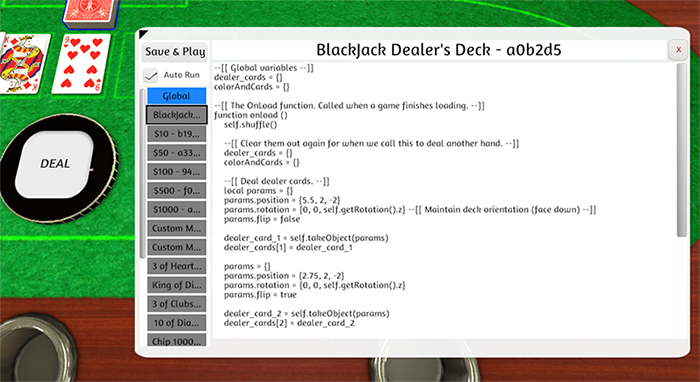
The fantastic Tabletop Simulator is not just a great place to play tabletop games, it’s also a great place to test your own games. Renown board game designer Cole Wehrle has recorded some workshops for people interested in this specific adventure, and let’s just say that once you have this up and running it will make it a lot easier to test your game. Especially if the members of your team doesn’t all live in the same city.
Its biggest strength is how quickly you can update new versions for anyone with a module already installed. If you share your module through Steam Workshop, it’s even easier. For most analogue prototypes, this isn’t doable, simply because of NDAs and rights issues.
Making the Prototype
So much stuff! Let’s put it all together. The way I’ve talked about this, there are really six steps to the process of making an analogue prototype:
- Set a Goal
- Identify Facts
- Systemify the Facts
- Consider the roles of Players
- Tie it together with Components
- Iterate!
Goal
This is more important than you may think. An analogue prototype can easily become a design detour. Because of this, your goal needs to formulate why you are making this analogue prototype. “Test if it’s fun with infinitely respawning enemies” could be a goal. “See what works best: party or individual character” could be another one. But it can also be a lot narrower, for example designed to test the gold economy in your game. Perhaps even to balance it.
The point is that you need a goal, and you need to stick to it and cut everything out that doesn’t serve that goal. If you need to test how travelling works on the map, you probably don’t need a full-fledged combat system, for example.
Facts
Facts are the smallest units of decision in your game’s design. Stuff that every decision maker on your team has agreed on and that can therefore safely inform your analogue prototype. This can be super broad, like “the player plays a hamster,” or it can be more specific, like “the player character always has exactly one weapon.”
You need these facts to keep your prototype grounded, but you don’t necessarily need to refer to them all at once. Pick the ones that are most important to your goal.
Systemify
With a goal and some facts, you need to figure out what systems you will use. Try to narrow it down more than you may think. Don’t make a “combat system,” but rather one “attack system” and another “defense system.” The reason for this is that what you are after is the resource exchanges that come from this, and the dynamics of the interactions. The attack system may take player choices as input and dish out damage as output, while the defense system may accept armor and damage input and send health loss as output. You can refer to the examples of building blocks in this post for inspiration.
Players
This is where we come to the biggest strength of analogue prototyping: real humans provide a lot more nuance and depth than any prototype can do on its own. Analogue or digital.
Refereeing
One player can take on the role of referee or game master, similar to how it would work in a tabletop role-playing game. In many wargames of the past, this was called an umpire. Someone who would know all the rules and act as a channel between the players and the systems. If you have built a particularly complicated analogue prototype, a good way to test it can be to act as a referee and then simply ask players what they want to do instead of teaching them the details of the rules.
Opposition
Players can play each other’s opponents, representing different factions, interest groups, or feature sets via their analogue mechanics. If you built an analogue prototype of StarCraft, you’d probably do it this way, with three players taking on one faction each.
Decision-making
One player can play the enemies, while another plays the economy system, or the spawning system. The goal here is to put one player in charge of the decisions made within the related system. If someone wants to trade their stock for a new space ship, and this isn’t covered by the rules, the economy system player can decide on the exchange rate and the spawning system player can say that this spawns a patrol of rival ships. Just take ample notes, so you don’t forget the nuances that come out of this process.
Components
There are many different ways to use the components you collected previously. Some of them may not be intuitive at all.
Dice
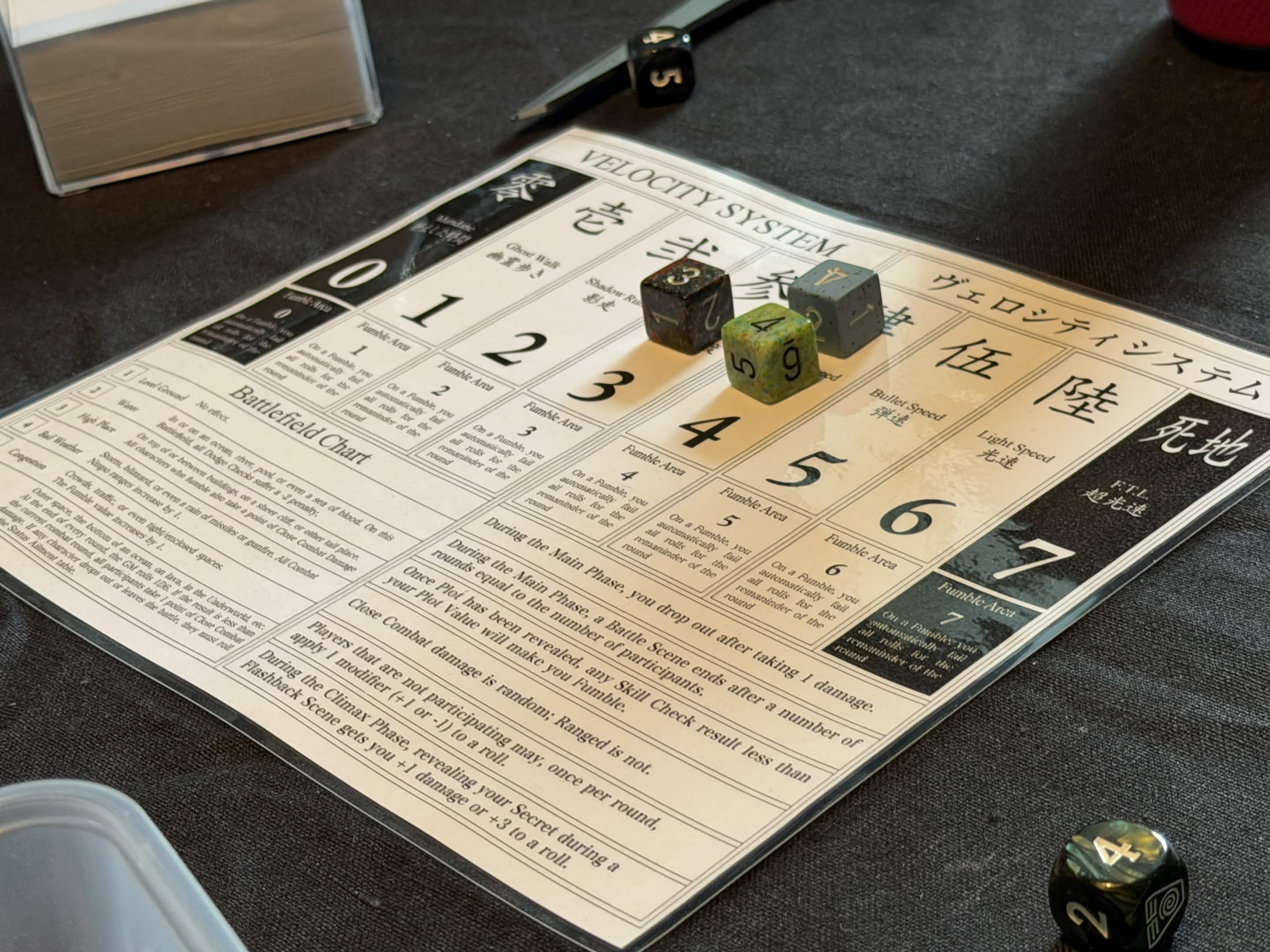
The humble die: perhaps the most useful component in your toolbox. Just look at the following list and be amazed:
- Types of dice: you can use any number of sides, and make use of the corresponding probabilities. Dividing a result by the number of sides gives you the probability of that result. So, 1/6 = 0.1666 means there’s a ~17% chance to roll any single side on a six-sided die. Use the dice that best represents the percentage chances you have in mind.
- Singles: rolling a single die and reading the result. Pretty straightforward.
- Sums: rolling two or more dice and adding the result together.
- Pools: rolling a handful of dice and checking for specific individual results or adding them together.
- Buckets: rolling a lot of dice and checking for specific results. The only reason buckets of dice are separated from dice pools here is because they have a different “feel” to them; they are functionally identical.
- Add/Subtract: add or subtract one die from the result of another, or use mathematical modifiers to add or subtract from another result.
- X- or X+: require specific results per die. In these cases X- would mean “X or lower,” and X+ would mean “X or higher.”
- Patterns: like Yatzy, or what the first The Witcher called “Dice Poker:” you want doubles, triples, full houses, etc.
- Reroll: allowing rerolls of some or all of the dice you just rolled. Makes the rolling take longer but also provides increased chances of reaching the right result. Some games allow rerolling in realtime and then use other time elements to restrict play. So you can frantically keep trying to get that 6, but if an hourglass runs out first you lose.
- Spin: spinning the die to the specific side you want.
- Trigger: if you roll a specific result, something special happens. It could be the natural 20 that causes a critical hit in Dungeons & Dragons, or it can be that a roll of 10 means you roll another ten-sided die and add it to your result.
- Hide: you roll or you set your result under a cupped hand or physical cup, hiding the result until everyone reveals at the same time or the game rules require it.
- Statistics: common sense may say that you can’t possibly roll a fifth one after the first four, but in reality you can. Dice are truly random.
Cards
People have been using playing cards for leisure activities since at least medieval times. Just as for dice, you’ll see why right here, and perhaps these things will fit your needs better than dice:
- Shuffle: shuffling cards is a great way to randomise outcomes. This can be done in many different ways, as well, where you shuffle a “bomb” into half of the pile and then shuffle the other half to place on top, for example. There are many ways to mix up how to shuffle a deck of cards.
- Uniqueness: each card can only be drawn once, which means that you can make each card in a deck unique and you can affect the mathematics of probability by adding multiple copies of the same card. Just like the board game Maria uses standard playing cards but in different numbers.
- Front and back: the face and back of the cards can have different print on them, or the back can just inform you what kind of card it is so you can shuffle them together in setup. Of course, the fact that you can hide the faces for other players is also what makes bluffing in poker interesting.
- Turn, sideways: what Magic calls “tapping” and other games may call exhausting or something else. Some cards can be turned sideways (in landscape mode instead of portrait mode) by default.
- Turn, over: flipping a card to its other side can serve to show you new information or to hide its face from everyone around the table. It can represent a card being exhausted, or injured, or other state changes like a person transforming into a werewolf.
- Over/under: cards can be placed physically over or under other cards, to show various kinds of relationships. An item equipped by a character, or a condition suffered by an army, for example.
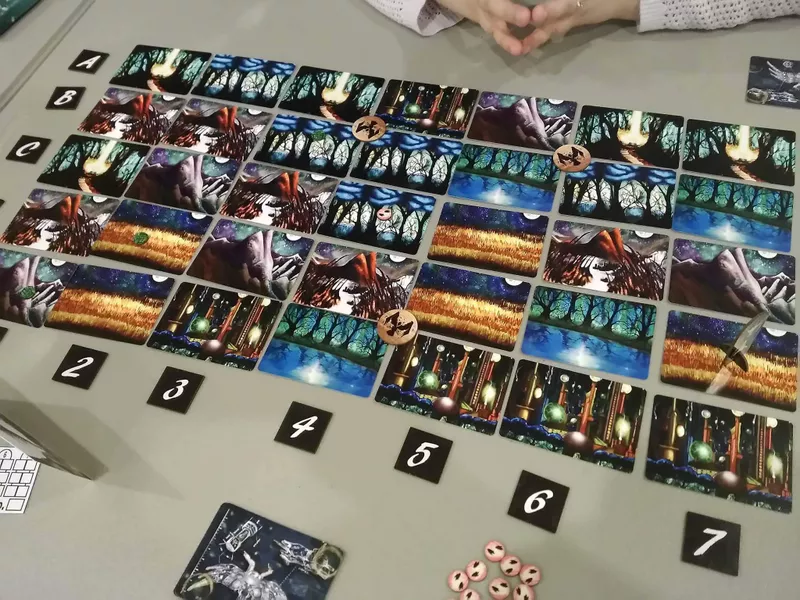
- Card grids: cards can be placed in a grid to generate a board, or to act as a sheet selection for a character. One card could be your character class, another could be a choice of quest, etc. It’s a neat way to test combinations.
- Hide cards: if you want to get really physical, you can hide cards on your person, under boards, and so on. This was one way you could play Killer, by hiding notes your opponents would find.
- Card text: if you print your own cards, you can have any text you want on them. Reminders, rules exceptions, etc.
- Deck composition: how you put decks together will affect how the game plays, and predesigning decks for different tests can be very effective. Perhaps you remove all the goblins in one playtest and have only goblins in another.
- Deck building: decks can also be constructed through play, similarly to how Slay the Spire works. A style of mechanic where you can start small and then grow in complexity throughout a session.
- Stats: cards can be in different states. On the table, in your hand, available from an open tableau, shuffled into a deck, discarded to a discard pile, and even removed from the game due to in-game effects.
- Semantics: something that Magic: The Gathering‘s designer, Richard Garfield, was particularly good at was to figure out interesting names for the things you were doing. You don’t just play a card, you’re casting a spell. It’s not a discard pile, it’s your graveyard. These kinds of semantics can be strong nods back to the digital game you are making, or they can serve a more thematic purpose.
- Statistics: with every card you draw, the deck shrinks, increasing the chances of drawing the specific card you may want. You are guaranteed to draw every card if you go through a whole deck, which is one of the biggest strengths of decks of cards.
Boards
Humans are spatial beeings that think in three dimensions. Even such a simple thing as a square grid where you put miniatures will create relationships of behind, in front of, far away from, close to, etc. All analogue prototypes don’t need this, but if you do need it, here are some alternatives to explore:
- Node or point maps: picture a corkboard with pins and red thread, or just simple circular nodes with lines between them. You can draw this easily on a large sheet of paper and just write simple names next to each circle to provide context.
- Sector maps: one step above the node or point map is the sector map, where regions share proximity. Grand strategy games have maps like this, where provinces share borders. Another example are more abstract role-playing games, where a house’s interior is maybe divided into two sectors and the whole exterior area around it is another sector. It’s excellent for broad-stroke maps.
- Square grids: if you want a grid, the square grid is probably the most intuitive. But it also has some mathematical problems: diagonals reach twice as far as cardinals. This means you need to either not allow diagonals or allow them and account for the problems that will emerge.
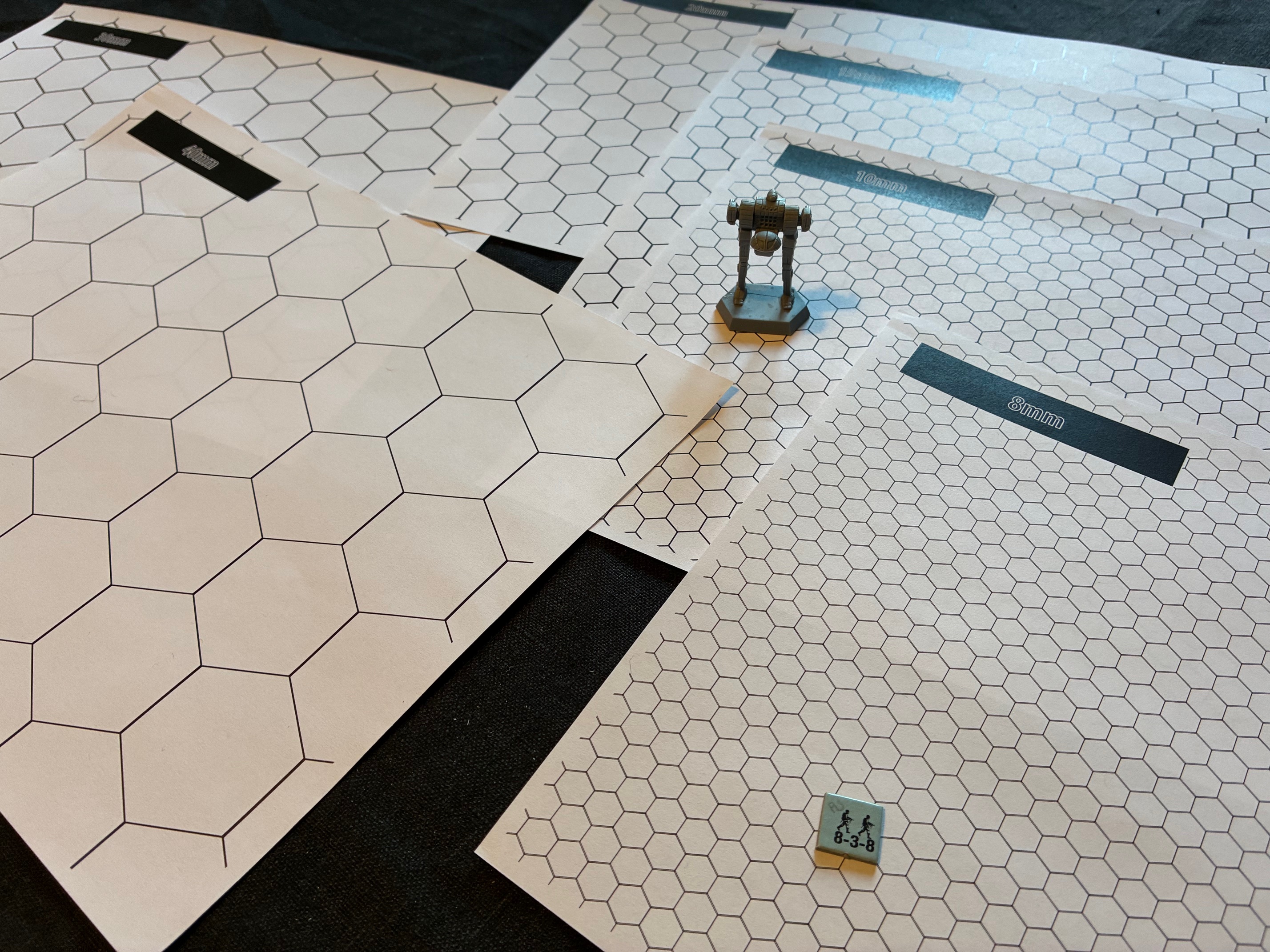
- Hexagon grids: these are more accurate and classic wargame fare, but they will also often force you to adapt your art to the grid in ways that are not as intuitive as with a square grid.
- Freeform: finally, you can just take any satellite image or nice drawn map, perhaps an overhead screenshot from a level you’ve made, and use it as a map in a freeform capacity. This may force you to use a tape measure or other way to measure distances, but if the distances are not important that matters a lot less. For example if your game shares sensibilities with Marvel’s Midnight Suns.
Iterate
With the fast iterations of analogue prototypes, you can usually just change a word or an image somewhere and print a new page. This means you may have many copies of the same page after a while. To prepare for this situation, make sure to have a system for versioning. It doesn’t have to be too involved, especially if you’re the only designer working on this prototype, but you need to do something.
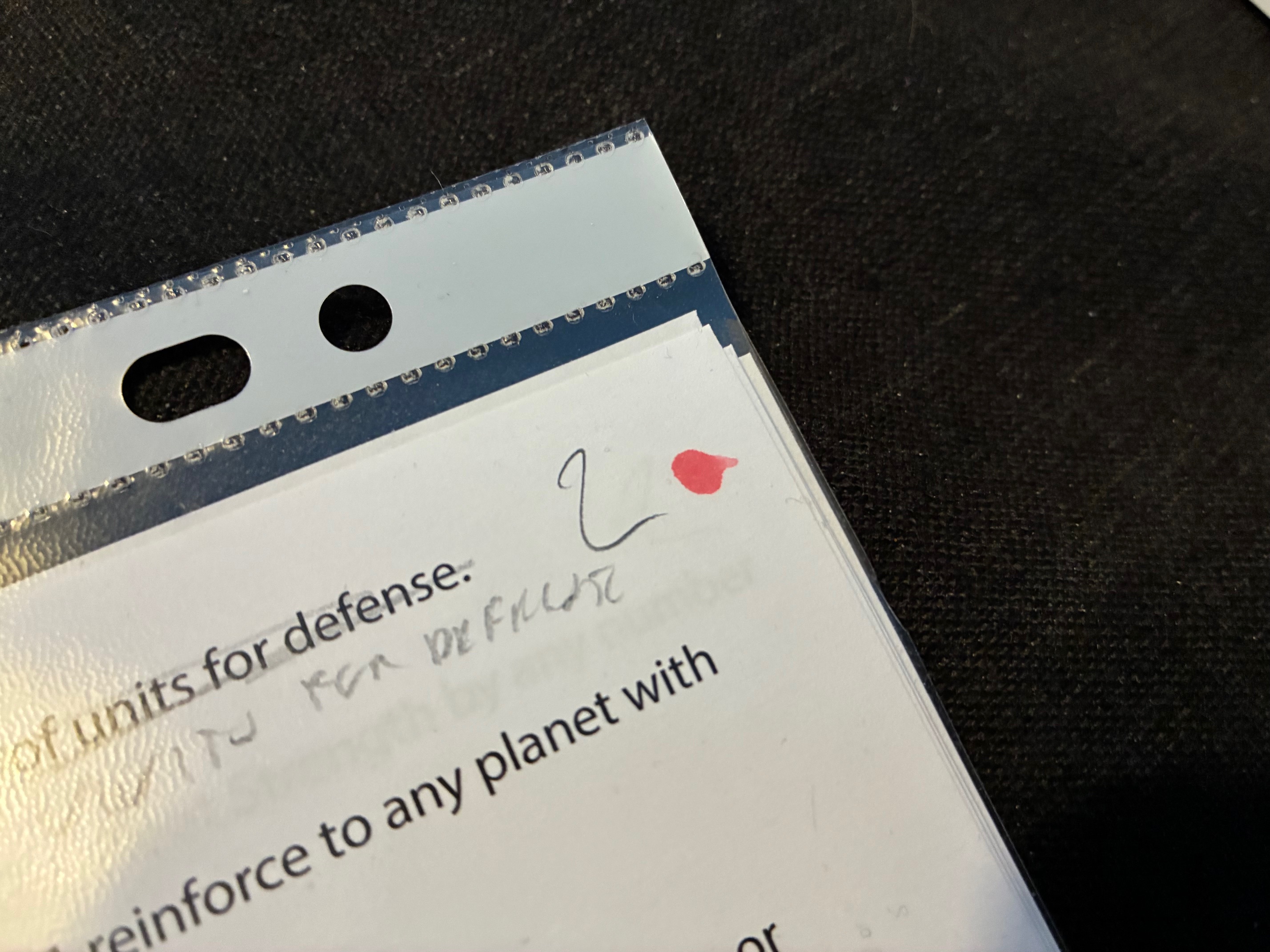
I usually just iterate a number in the corner of each page. The 3 becomes a 4. I may also write the date, if that seems necessary. I may also add a colored dot (usually red) to pages that have been deprecated, since just the number itself won’t say much and you may end up referring to the wrong pages if you don’t have an indicator like this.
 Playtank